


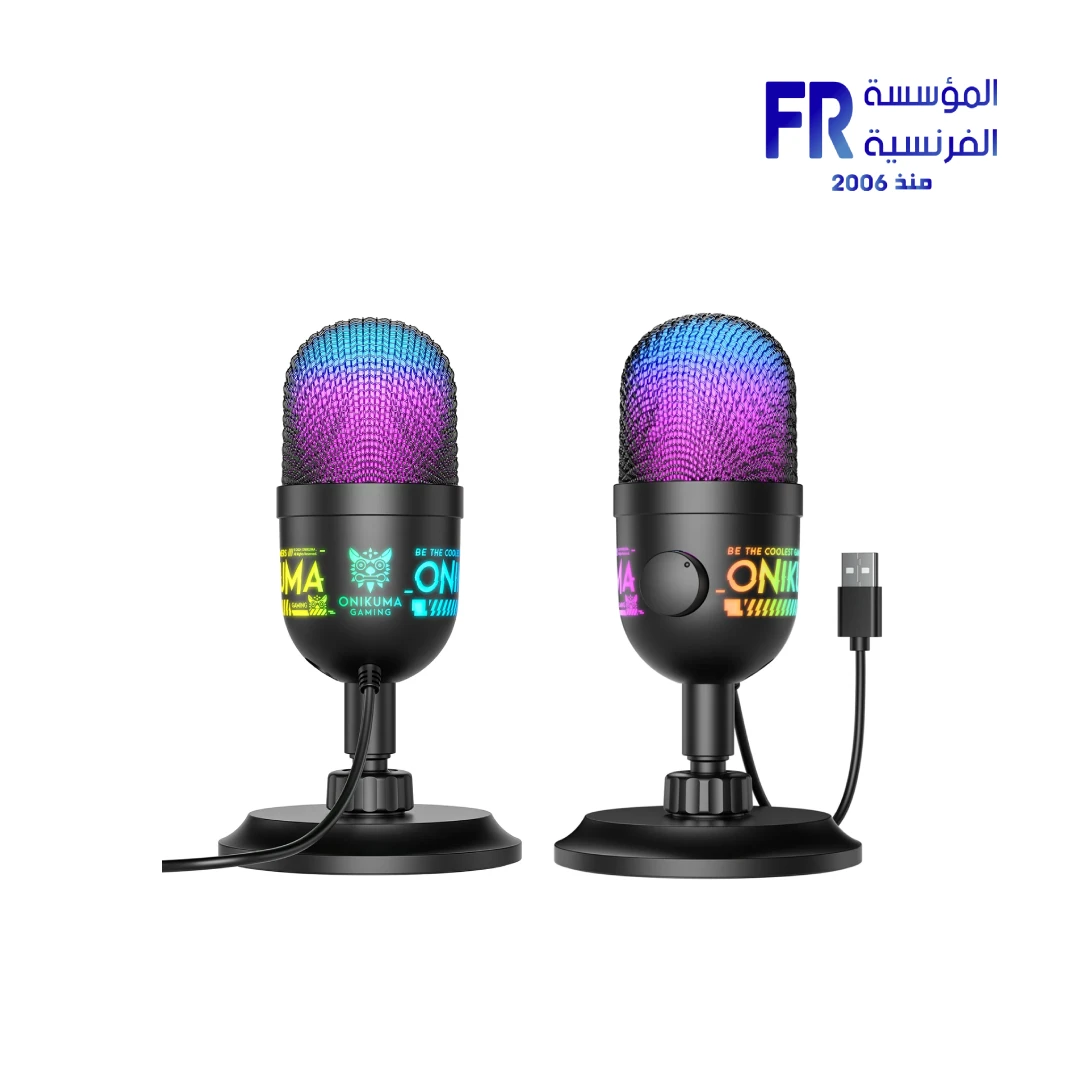


Onikuma M930 Studio RGB USB Microphone
1008 EGP
- Part Number: ACC-02-03
- Audio Performance: 48kHz Sampling Rate | Cardioid Pickup Pattern | Built-in HIFI Sound Card | Intelligent Noise Reduction
- Monitoring & Control: Real-time 3.5mm Monitoring | Knob Gain Adjustment | One-touch Mute Function
- Connectivity & Design: USB Plug-and-Play | Dynamic RGB Lighting (3 Modes) | Desktop Stand
- Warranty: 1 Year
In stock
Price Match Guarantee
Onikuma M930 Studio RGB USB Microphone
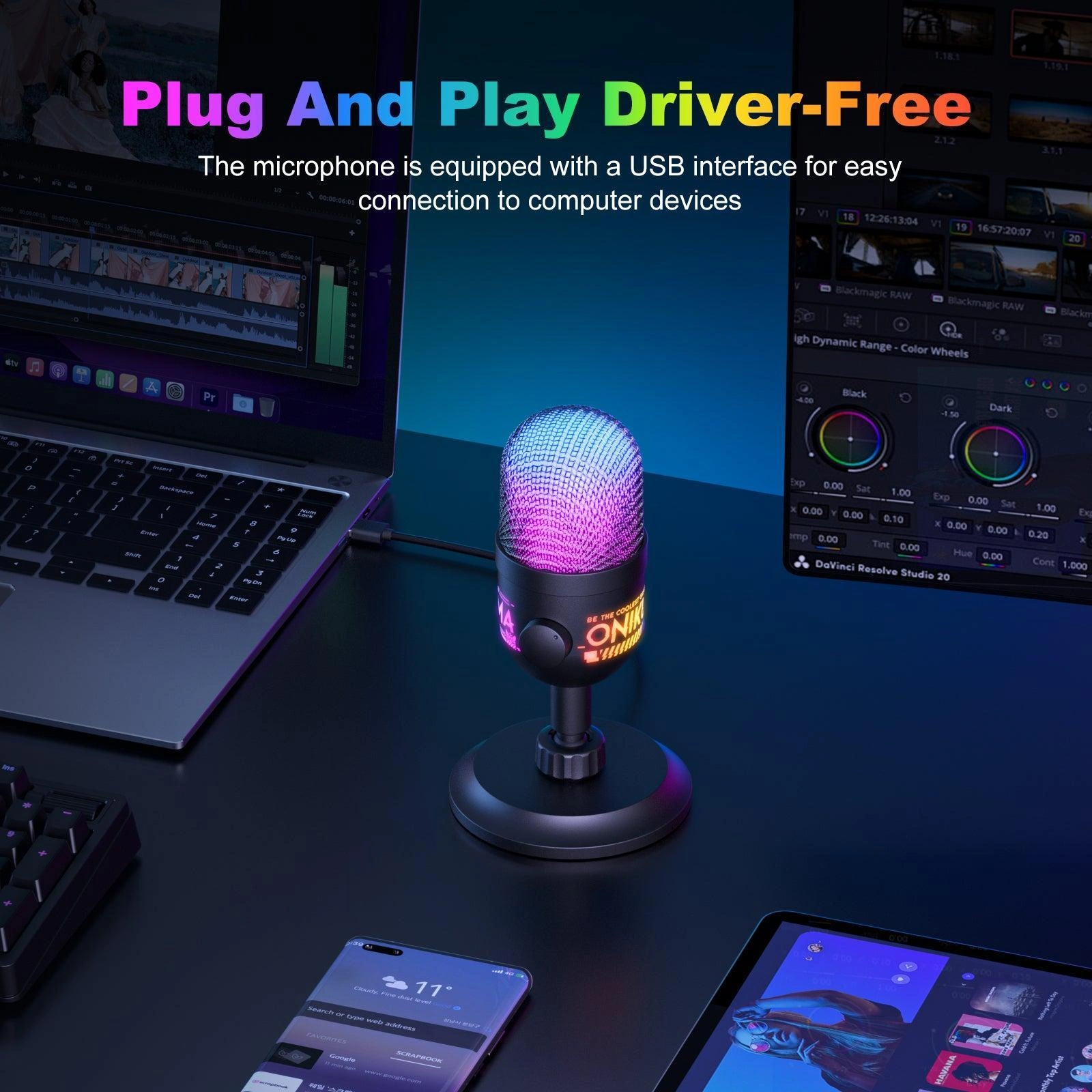
The Onikuma M930 Studio RGB USB Microphone delivers professional-grade audio for streamers, podcasters, and content creators. Featuring a high-fidelity cardioid pickup pattern, 48KHz sampling rate, built-in HIFI sound card, intelligent noise reduction, real-time monitoring via 3.5mm headphone jack, one-touch mute, and customizable RGB lighting — it’s the ultimate tool for crystal-clear vocal reproduction.
📊 48KHz Sampling
🎧 Real-Time Monitoring
💡 RGB Lighting
🔇 One-Touch Mute
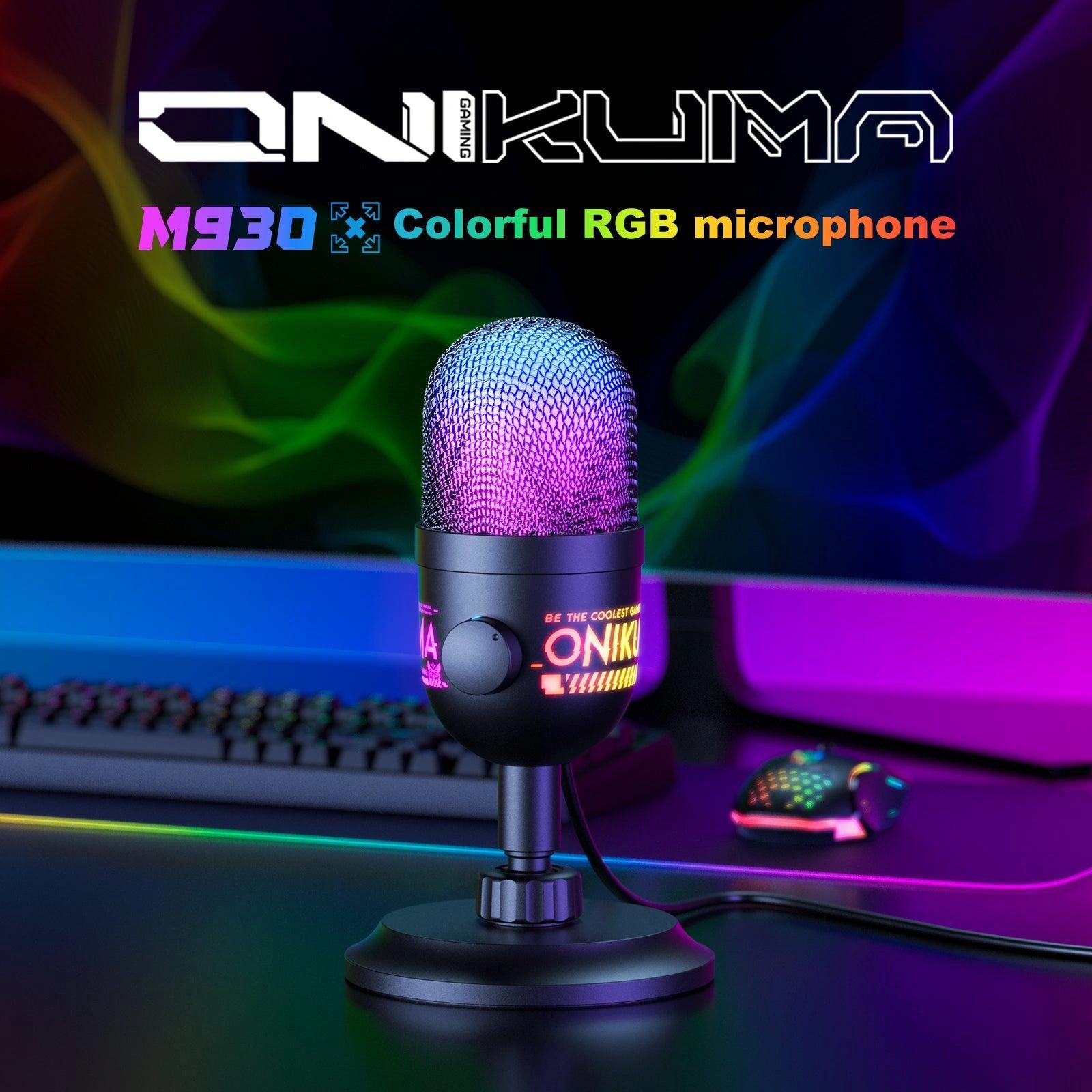
Product Gallery
Technical Specifications
Is the Onikuma M930 Right For You?
✓ Best For
- ✔ Streamers and content creators needing studio-quality audio
- ✔ Podcasters looking for professional vocal reproduction
- ✔ Gamers who want clear communication with RGB aesthetics
- ✔ Voice-over artists and singers requiring precision
- ✔ Conference hosts and remote workers
✗ Not Ideal For
- ✗ Professional studio recording requiring XLR connectivity
- ✗ Users needing multi-pattern pickup options
- ✗ Those who prefer non-RGB minimalist designs
- ✗ Users requiring advanced software control
Key Features
🎙️ Studio-Grade Capture
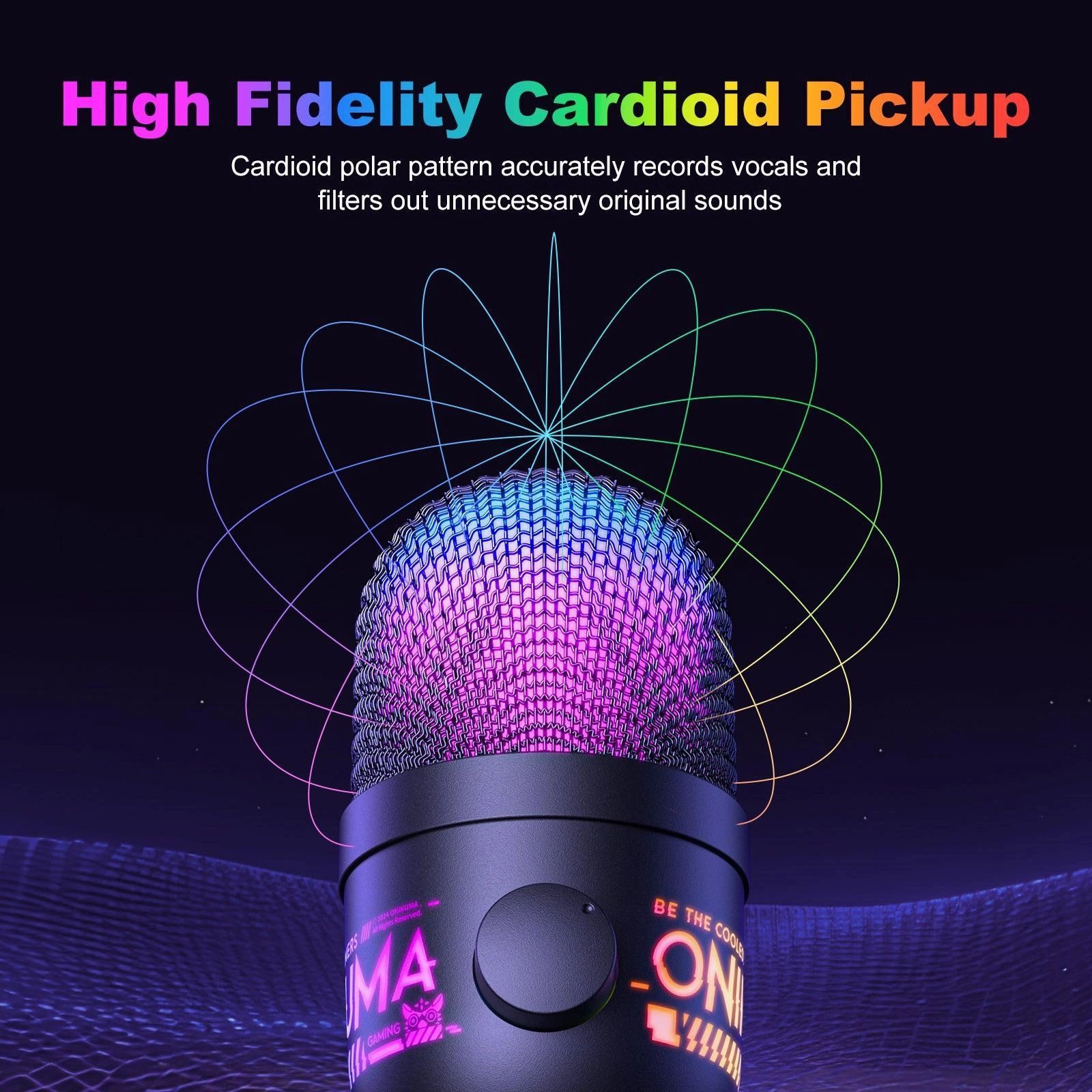
High-fidelity cardioid pickup pattern with built-in HIFI sound card. Intelligent noise reduction technology and 48KHz sampling rate ensure professional-grade audio precision.
🎧 Smart Monitoring System
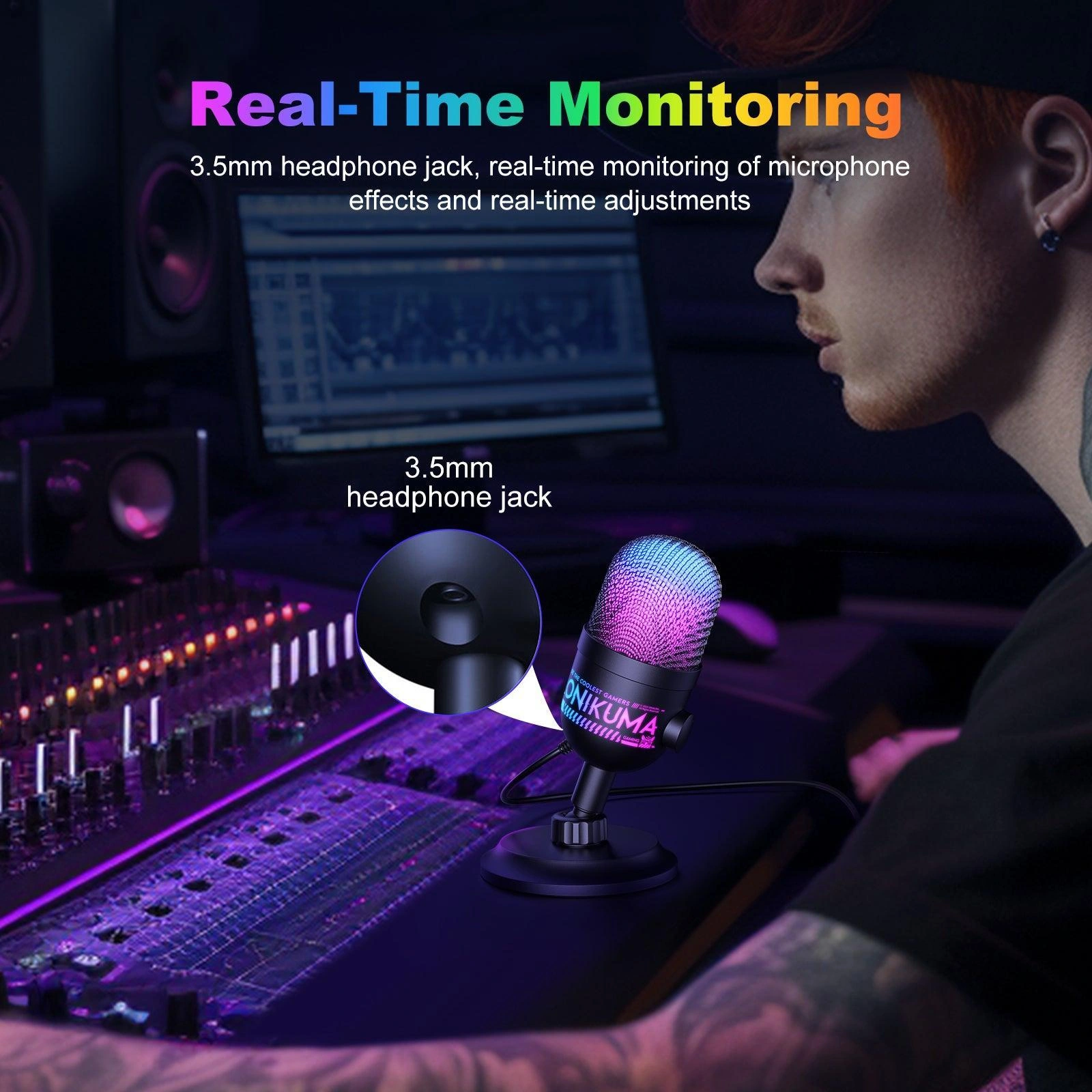
Real-time audio monitoring via 3.5mm headphone jack with knob-type gain adjustment for optimal volume control. One-touch mute function for instant privacy protection.
💡 Dynamic RGB Lighting
Customizable colorful lighting effects with 3 modes (steady/gradient/off). Creates an immersive streaming atmosphere for content creators.
📡 Universal Connectivity
USB plug-and-play design requires no drivers. Instant compatibility with PC, laptop, and streaming setups for immediate use.
🎤 Multi-Scenario Professional Tool
Engineered for live streaming, gaming, podcasting, and vocal recording. Ideal for streamers, singers, conference hosts, and voice-over artists.
Compatibility Matrix
| Platform | Supported | Connection |
|---|---|---|
| Windows PC | ✔ Full | USB Plug-and-Play |
| Mac OS | ✔ Full | USB |
| Streaming Software | ✔ Full | USB (OBS, Discord, etc.) |
| Gaming Consoles | ✔ Limited | USB (Check compatibility) |
| Audio Interfaces | ✔ Limited | USB Only (No XLR) |
Pro Tips & Tricks
🎙️ Optimal Mic Placement
Position the M930 6-12 inches from your mouth at a slight angle. The cardioid pickup pattern captures your voice clearly while minimizing background noise for studio-quality recordings.
🎧 Master Real-Time Monitoring
Use the 3.5mm headphone jack to monitor your audio in real-time. Adjust gain with the knob for optimal volume levels during streaming or recording sessions.
💡 RGB Customization
Cycle through 3 RGB modes (steady/gradient/off) to match your streaming aesthetic. The lighting adds professional atmosphere to your content creation setup.
🔇 Quick Mute Technique
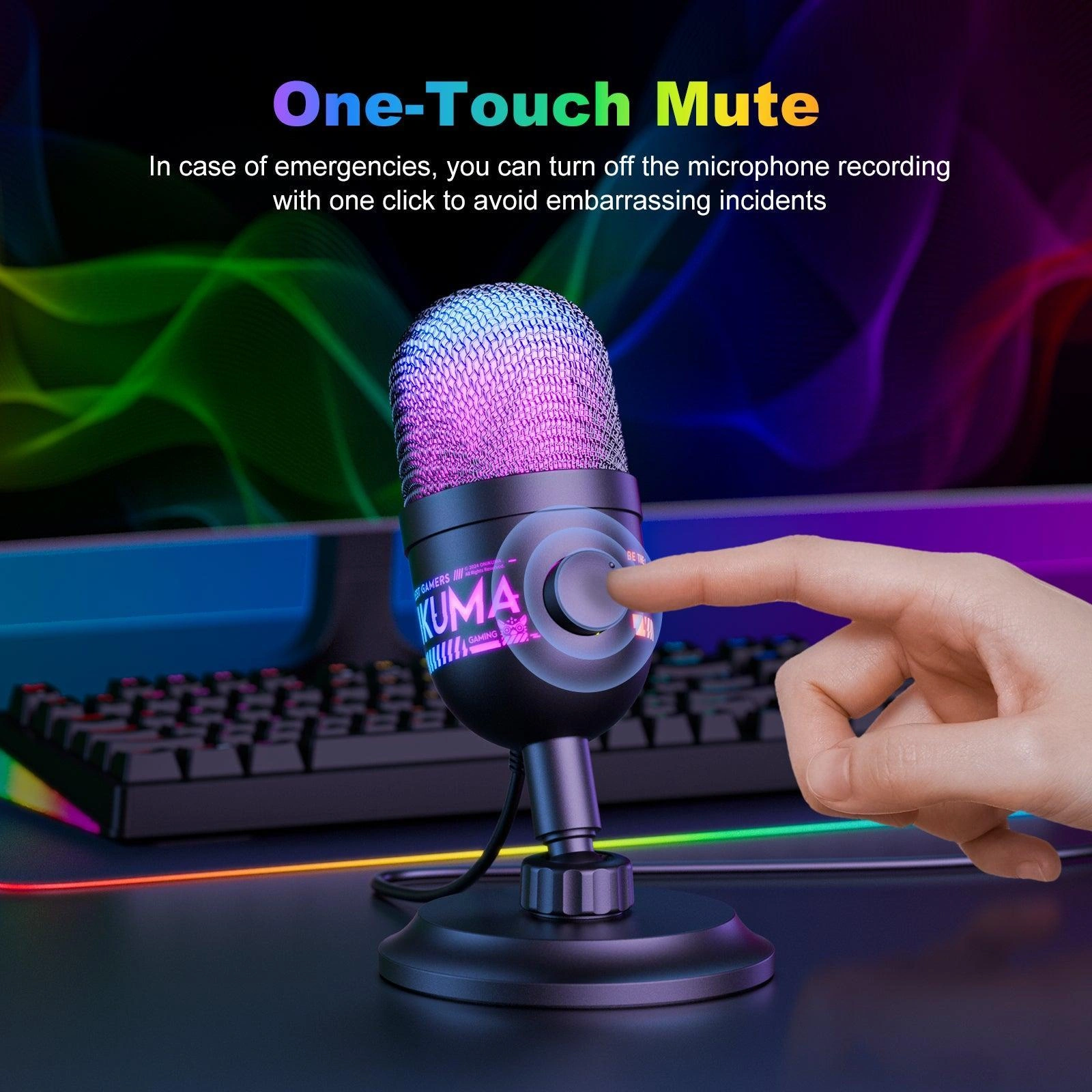
Use the one-touch mute button during live streams or calls for instant privacy. Perfect for coughing, side conversations, or when you need to step away briefly.
Common Questions About the Onikuma M930
What is the sampling rate of the Onikuma M930?
48KHz professional sampling. The Onikuma M930 features a professional 48KHz sampling rate that ensures studio-grade audio precision for crystal-clear vocal reproduction.
Does the M930 have real-time audio monitoring?
Yes, with 3.5mm jack. The M930 features a 3.5mm headphone jack for real-time audio monitoring with knob-type gain adjustment for optimal volume control.
What pickup pattern does the M930 use?
Cardioid pattern. The M930 features a high-fidelity cardioid pickup pattern with a built-in HIFI sound card, focusing on capturing sound from the front while reducing background noise.
How do I mute the microphone?
One-touch mute. The M930 features a one-touch mute function for instant privacy protection, making it easy to mute during calls, streams, or recordings.
| MODEL | |
|---|---|
| FREQUENCY RESPONSE | |
| Sensitivity | |
| Polar pattern | |
| Power Source | |
| Software | |
| Color | |
| Part Number | |
| Warranty |
| Connection | |
|---|---|
| Connection Interface | USB |
Only logged in customers who have purchased this product may leave a review.
Reviews
There are no reviews yet.