


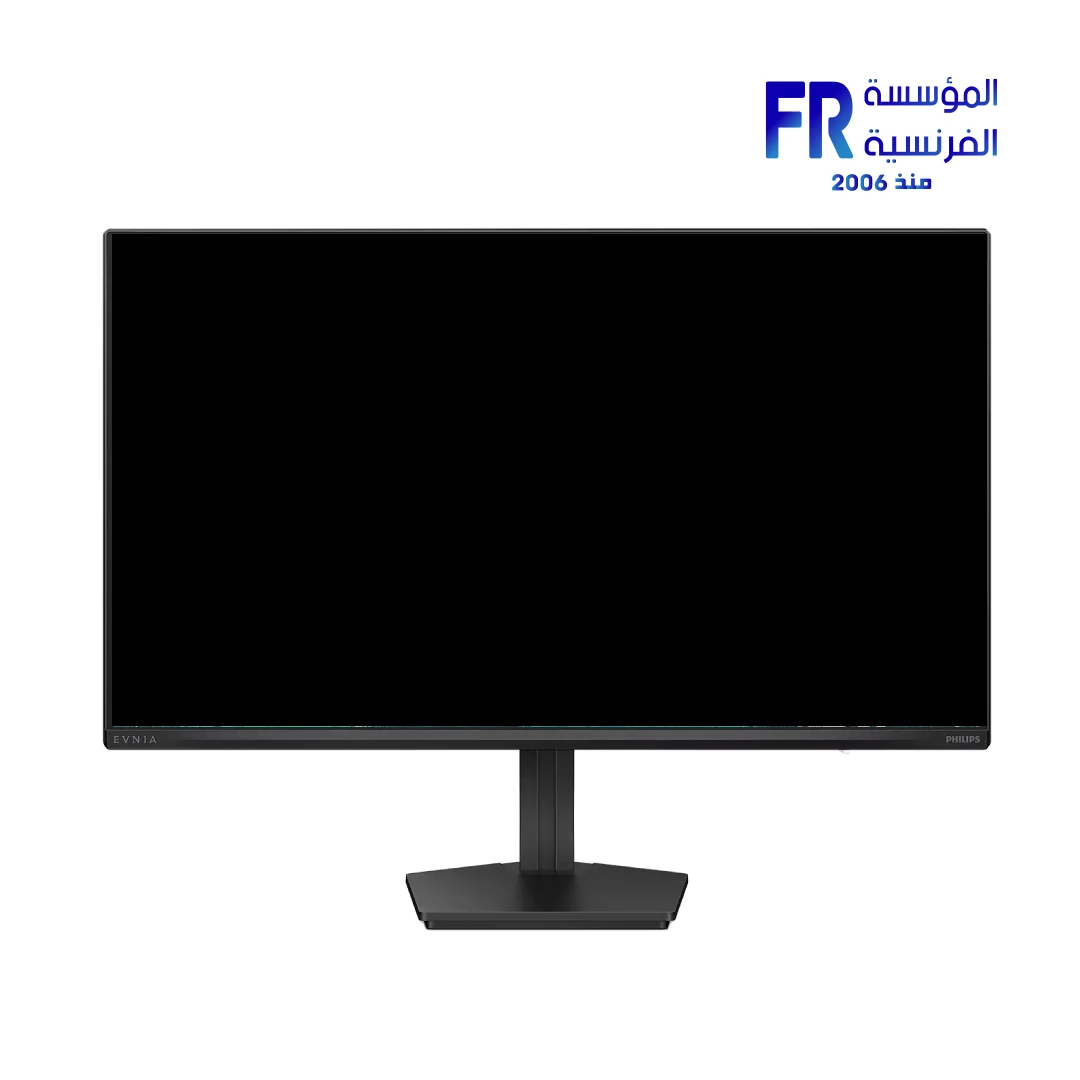


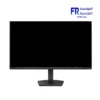
Philips Evnia 27M2N3200PF 27 Inch 260Hz 1ms FHD Fast IPS HDR10 Adaptive Sync Charcoal Gaming Monitor
6999 EGP
- Part Number: 27M2N3200PF/69
- Display: 27″ Fast IPS | FHD 1920×1080 @ 260Hz (OC) | 1ms GtG / 0.3ms Smart MBR | 1000:1 | 300 nits | HDR10
- Color & Sync: 16.7M Colors | sRGB 116% / DCI-P3 92% / Adobe RGB 87% | Adaptive Sync | Flicker-Free & LowBlue
- Connectivity: 1x HDMI 2.0 | 1x DisplayPort 1.4 | Headphone Out | VESA 100x100mm
- Warranty: 3 Years
Want to be notified when this product is back in stock?
{“@context”:”https://schema.org/”,”@type”:”Product”,”name”:”Philips Evnia 27M2N3200PF 27 Inch 260Hz 1ms FHD Fast IPS HDR10 Adaptive Sync Charcoal Gaming Monitor”,”image”:”https://alfrensia.com/wp-content/uploads/2026/10/Philips-Evnia-27M2N3200PF-27-Inch-260Hz-1ms-FHD-Fast-IPS-HDR10-Adaptive-Sync-Charcoal-Gaming-Monitor.webp”,”description”:”Philips Evnia 27M2N3200PF is a 27-inch Fast IPS gaming monitor with 1920 x 1080 Full HD resolution, 260Hz overclockable refresh rate, 1ms GtG response time, 0.3ms Smart MBR, HDR10 support, and Adaptive Sync. It features HDMI 2.0 and DisplayPort 1.4 connectivity in a Charcoal textured finish.”,”brand”:{“@type”:”Brand”,”name”:”Philips”},”sku”:”27M2N3200PF/69″,”mpn”:”27M2N3200PF/69″,”gtin”:”8721038006193″,”color”:”Charcoal”,”category”:”Monitors”,”offers”:{“@type”:”Offer”,”url”:”https://alfrensia.com/en/product/philips-evnia-27m2n3200pf-27-inch-260hz-1ms-fhd-fast-ips-hdr10-adaptive-sync-charcoal-gaming-monitor/”,”priceCurrency”:”EGP”,”price”:”6999.00″,”availability”:”https://schema.org/InStock”,”itemCondition”:”https://schema.org/NewCondition”,”seller”:{“@type”:”Organization”,”name”:”Alfrensia”}},”additionalProperty”:[{“@type”:”PropertyValue”,”name”:”Panel Size”,”value”:”27 inch / 68.5 cm”},{“@type”:”PropertyValue”,”name”:”Panel Type”,”value”:”Fast IPS”},{“@type”:”PropertyValue”,”name”:”Resolution”,”value”:”1920 x 1080 (Full HD)”},{“@type”:”PropertyValue”,”name”:”Refresh Rate”,”value”:”260Hz (Overclock)”},{“@type”:”PropertyValue”,”name”:”Response Time”,”value”:”1ms GtG / 0.3ms Smart MBR”},{“@type”:”PropertyValue”,”name”:”Contrast Ratio”,”value”:”1000:1″},{“@type”:”PropertyValue”,”name”:”Brightness”,”value”:”300 cd/m²”},{“@type”:”PropertyValue”,”name”:”HDR”,”value”:”HDR10″},{“@type”:”PropertyValue”,”name”:”Color Gamut”,”value”:”sRGB 116%, DCI-P3 92%, Adobe RGB 87%”},{“@type”:”PropertyValue”,”name”:”Connectivity”,”value”:”HDMI 2.0 x1, DisplayPort 1.4 x1″},{“@type”:”PropertyValue”,”name”:”VESA Mount”,”value”:”100 x 100 mm”}]}
{“@context”:”https://schema.org/”,”@type”:”BreadcrumbList”,”itemListElement”:[{“@type”:”ListItem”,”position”:1,”name”:”Home”,”item”:”https://alfrensia.com/en/”},{“@type”:”ListItem”,”position”:2,”name”:”Monitors”,”item”:”https://alfrensia.com/en/product-category/monitors/”},{“@type”:”ListItem”,”position”:3,”name”:”Philips Evnia 27M2N3200PF 27 Inch 260Hz 1ms FHD Fast IPS HDR10 Adaptive Sync Charcoal Gaming Monitor”}]}
✅ Authorized Philips Partner in Egypt | Official Warranty Coverage | Expert PC Building Consultation Available
Philips Evnia 27M2N3200PF 27 Inch 260Hz 1ms FHD Fast IPS HDR10 Adaptive Sync Charcoal Gaming Monitor
Philips Evnia 27M2N3200PF is a 27-inch Fast IPS gaming monitor with 1920 x 1080 Full HD resolution, a 260Hz overclockable refresh rate, 1ms GtG response time, and 0.3ms Smart MBR. It supports HDR10 and Adaptive Sync, with HDMI 2.0 and DisplayPort 1.4 inputs in a Charcoal textured finish. Available at Alfrensia for 6,999 EGP.
⚡ Engineering Highlights at a Glance:
- 260Hz Overclockable Refresh Rate: Supports up to 260Hz at 1920 x 1080 via DisplayPort; HDMI supports up to 240Hz.
- Fast IPS Panel: 1ms GtG typical response time with 0.3ms Smart MBR for reduced motion blur and smearing.
- HDR10 Support: Expands contrast and color depth for compatible games and video content.
- Adaptive Sync: Reduces screen tearing and stutter by syncing the monitor’s refresh rate with the GPU’s frame output.
- Wide Color Coverage: sRGB 116%, DCI-P3 92%, and Adobe RGB 87% for accurate color in games and creative work.
- Gaming Features: Shadow Boost, Smart Crosshair, Low Input Lag, and Smart MBR Sync for competitive play.
- Evnia Precision Center: Software for customizing monitor settings and gaming profiles.
Fast IPS Performance at Full HD
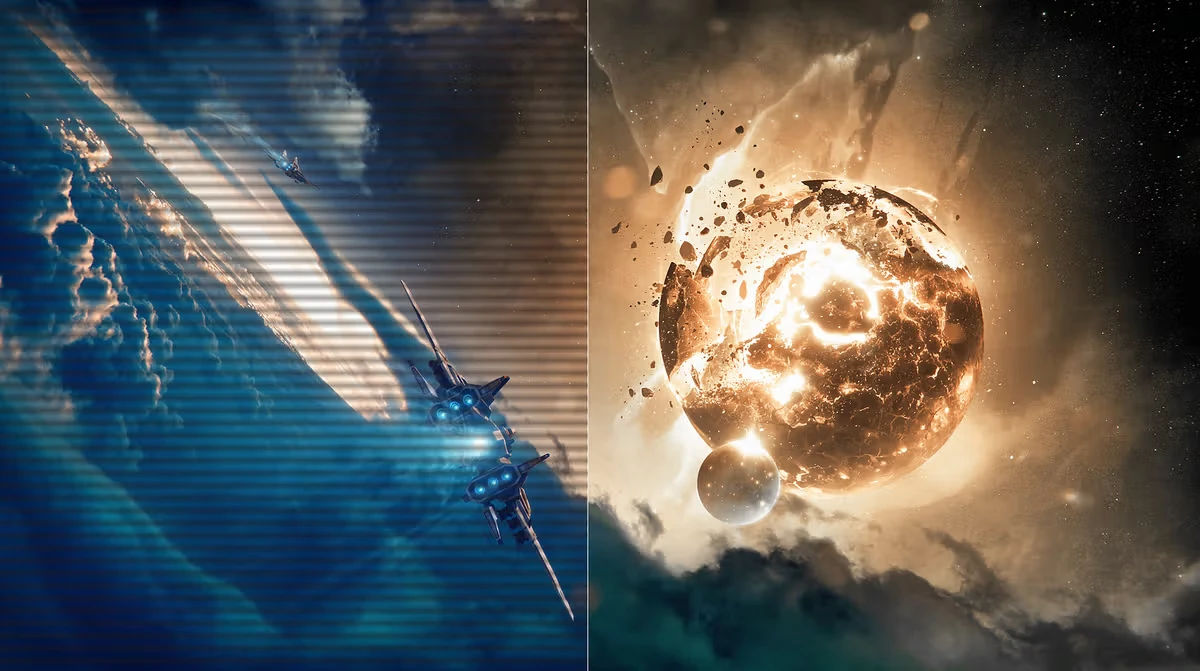
At 1920 x 1080 on a 27-inch panel, pixel density is 82 PPI, which keeps text and UI elements large and readable. The Fast IPS panel combines wide viewing angles (178° horizontal and vertical) with a 1ms GtG response time, making it suitable for both fast-paced gaming and everyday desktop use. Smart MBR further reduces motion blur to 0.3ms by strobing the backlight in sync with the refresh rate, though this mode cannot be used simultaneously with Adaptive Sync or brightness adjustment.
HDR10 and Wide Color Coverage
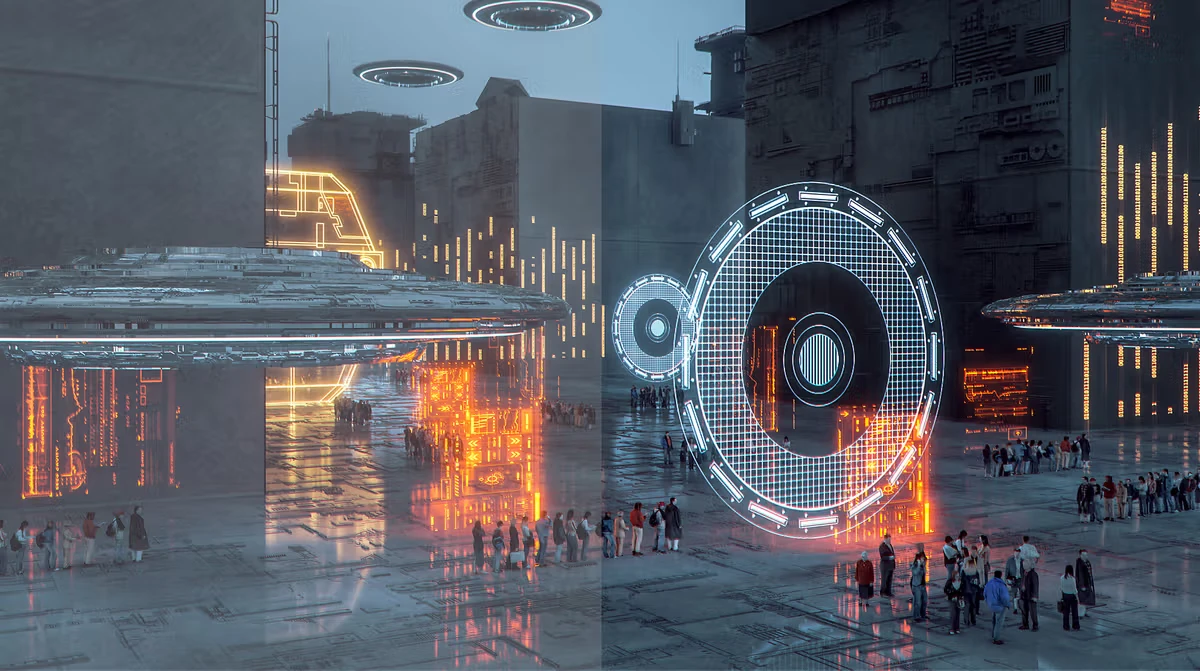
The monitor supports HDR10, which expands the contrast range for compatible content compared to standard dynamic range. The panel covers 116% sRGB, 92% DCI-P3, and 87% Adobe RGB (typical), which means colors extend beyond the standard sRGB gamut for more saturated reds and greens in games and video. This also makes the monitor suitable for color-aware work where wide-gamut coverage is useful, though professional color grading would require calibration.
Adaptive Sync and Gaming Features
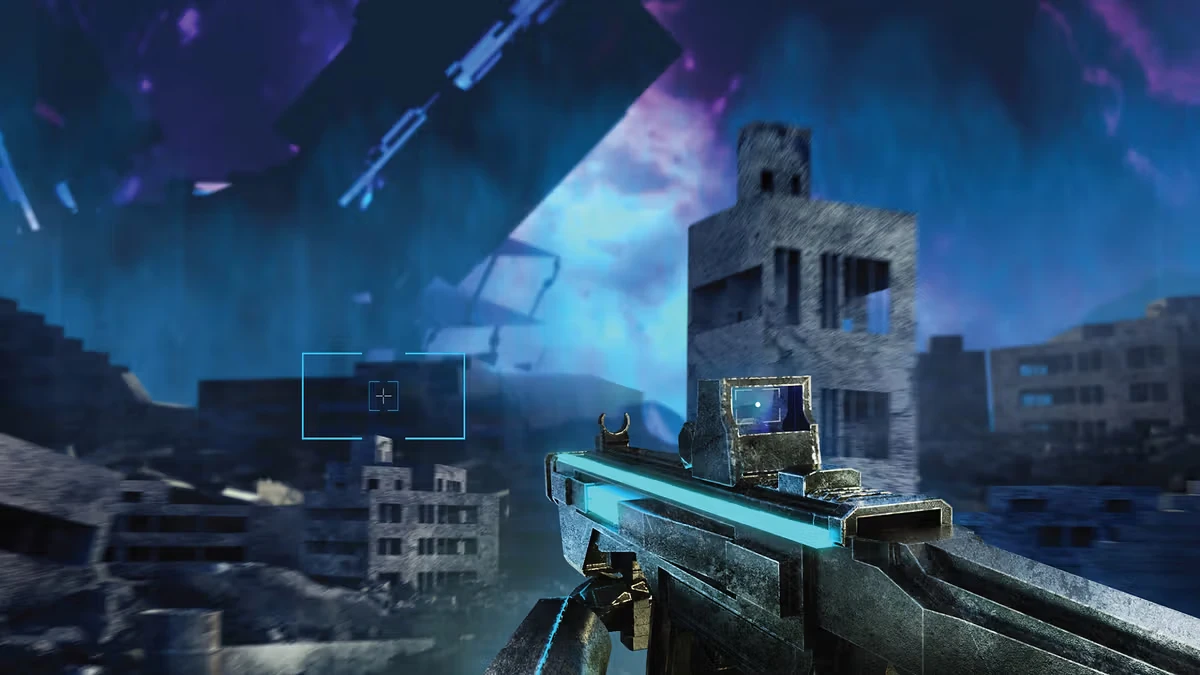
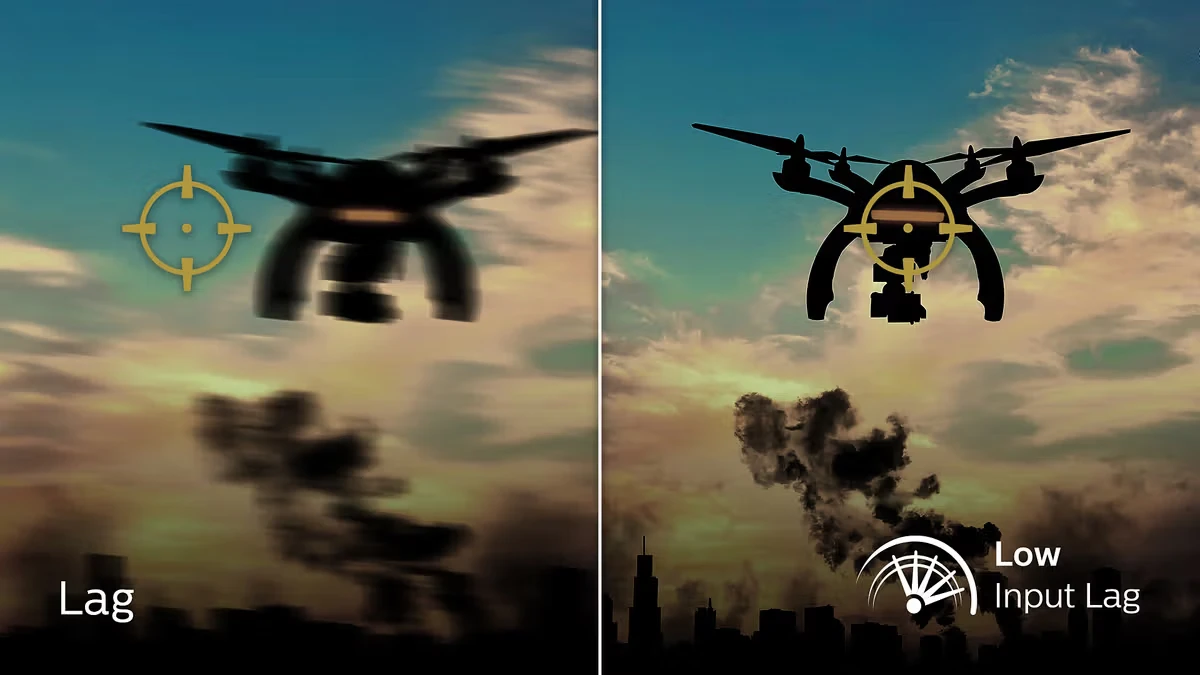
Adaptive Sync dynamically matches the monitor’s refresh rate to the GPU’s frame rate, reducing tearing and stutter when frame rates fluctuate. The monitor includes several gaming aids: Shadow Boost brightens dark areas without overexposing highlights, Smart Crosshair overlays a crosshair that adjusts color for visibility, and Low Input Lag reduces the delay between input and on-screen response. Smart MBR Sync allows strobing to work alongside variable refresh for a balance of motion clarity and tear-free gameplay.
Connectivity and Design
The monitor provides one HDMI 2.0 port and one DisplayPort 1.4 port, both supporting HDCP 1.4 and 2.2 for protected content. A headphone out jack allows audio pass-through from the HDMI or DisplayPort signal. The stand offers tilt adjustment from -5° to 20°, and the monitor supports VESA 100 x 100mm mounting for arm or wall installation. The Charcoal textured finish has an anti-glare coating with 25% haze and 3H hardness to reduce reflections and resist scratches.
Who is the Evnia 27M2N3200PF For?
Expert Advice & Build Considerations
Smart MBR and Adaptive Sync Are Mutually Exclusive
Smart MBR (Motion Blur Reduction) uses backlight strobing to reduce motion blur, but it cannot be enabled at the same time as Adaptive Sync. Additionally, brightness adjustment is disabled when Smart MBR is on, and the strobing may cause noticeable flicker. For competitive play where motion clarity is the priority, use Smart MBR; for tear-free gameplay with variable frame rates, use Adaptive Sync instead.
Overclocking the Refresh Rate
The 260Hz refresh rate requires enabling the Overclock setting in the monitor’s OSD menu. If the screen displays abnormally after enabling overclock, disable it in the OSD. The native refresh rate is 240Hz; overclocking to 260Hz depends on the panel’s capability and may vary. Ensure your GPU and cable support the required bandwidth over HDMI 2.0 or DisplayPort 1.4.
📐 Stand and VESA Mounting
The included stand offers tilt only (-5° to 20°). For height adjustment, pivot, or swivel, you will need a VESA 100 x 100mm monitor arm or wall mount. The monitor weighs 3.30 kg without the stand and 3.85 kg with it, so most standard VESA arms will support it comfortably.
Technical Specifications
| Model | Philips Evnia 27M2N3200PF/69 |
| Brand | Philips |
| SKU / MPN | 27M2N3200PF/69 |
| EAN | 8721038006193 |
| Panel Size | 27 inch / 68.5 cm |
| Panel Type | Fast IPS |
| Resolution | 1920 x 1080 (Full HD) |
| Refresh Rate | 240Hz Native / 260Hz (Overclock) |
| Response Time | 1ms (GtG) / 0.3ms Smart MBR |
| Contrast Ratio | 1000:1 (Typical) |
| Brightness | 300 cd/m² |
| HDR | HDR10 |
| Color Depth | 16.7M (8-bit) |
| Color Gamut | sRGB 116%, DCI-P3 92%, Adobe RGB 87%, NTSC 107% |
| Viewing Angle | 178° (H) / 178° (V) |
| Pixel Density | 82 PPI |
| Connectivity | HDMI 2.0 x1, DisplayPort 1.4 x1, Headphone Out |
| Adaptive Sync | Yes |
| Gaming Features | Shadow Boost, Smart Crosshair, Low Input Lag, Smart MBR, Smart MBR Sync |
| Eye Care | LowBlue Mode, Flicker-Free |
| Stand Adjustment | Tilt -5° / 20° |
| VESA Mount | 100 x 100 mm |
| Power Consumption | 23.7W (On Mode, Typical) |
| Product Dimensions | 614 x 463 x 216 mm (With Stand) |
| Weight | 3.85 kg (With Stand) |
| Color | Charcoal (Textured) |
Expert Recommendation: Getting the Most from Your Evnia 27M2N3200PF
Enable the Overclock setting in the OSD to reach 260Hz, but revert to 240Hz if you notice any display abnormalities. For competitive FPS gaming, choose between Adaptive Sync (tear-free) and Smart MBR (motion blur reduction) based on your preference; they cannot be used together. Set Shadow Boost to level 2 or 3 for better visibility in dark game scenes without washing out highlights. Use the LowBlue Mode for extended work sessions to reduce eye strain. Download Evnia Precision Center to save game-specific profiles and switch settings quickly. If you need height or pivot adjustment, mount the monitor on a VESA 100 x 100mm arm, since the included stand only offers tilt. Confirm that your GPU supports the frame rates you expect at 1080p, and use a DisplayPort 1.4 cable for the best refresh rate compatibility.
Frequently Asked Questions
Does the Evnia 27M2N3200PF support 260Hz out of the box?
The native refresh rate is 240Hz. To reach 260Hz, you must enable the Overclock setting in the monitor’s OSD menu. If you see any display abnormalities after enabling overclock, switch it off in the OSD.
Can I use Adaptive Sync and Smart MBR at the same time?
No. Smart MBR uses backlight strobing, which cannot operate simultaneously with Adaptive Sync. Additionally, brightness adjustment is disabled when Smart MBR is on. Smart MBR Sync is available as an alternative that combines strobing with variable refresh at a reduced effect.
What is the response time of this monitor?
The rated response time is 1ms (Gray-to-Gray) typical, and 0.3ms when Smart MBR is enabled. Note that Smart MBR cannot be used together with Adaptive Sync.
What connections does the monitor have?
It has one HDMI 2.0 port, one DisplayPort 1.4 port, and a headphone output. Both HDMI and DP support HDCP 1.4 and 2.2 for protected content.
Does the stand support height adjustment?
No. The included stand only offers tilt adjustment from -5° to 20°. For height, pivot, or swivel adjustment, you will need a VESA 100 x 100mm monitor arm or wall mount.
| MODEL | |
|---|---|
| Monitor Type | |
| SCREEN SIZE | |
| Panel Type | |
| RESOLUTION | |
| RESPONSE TIME | |
| REFRESH RATE | |
| ADAPTIVE SYNC | |
| Backlight Technology | |
| Brightness | |
| sRGB | |
| Flicker Free | |
| I/O Ports | |
| Included Speaker | |
| Color | |
| Part Number | |
| Warranty |
Only logged in customers who have purchased this product may leave a review.

Reviews
There are no reviews yet.