


ALFRENSIA GPU BUYING GUIDE · 7 MIN READ
The RTX 5060 and RTX 5060 Ti target different budgets and performance needs. Compare the exact card version, memory capacity, local price, power requirements and the games you play; the more expensive model is not automatically the better value for every build.
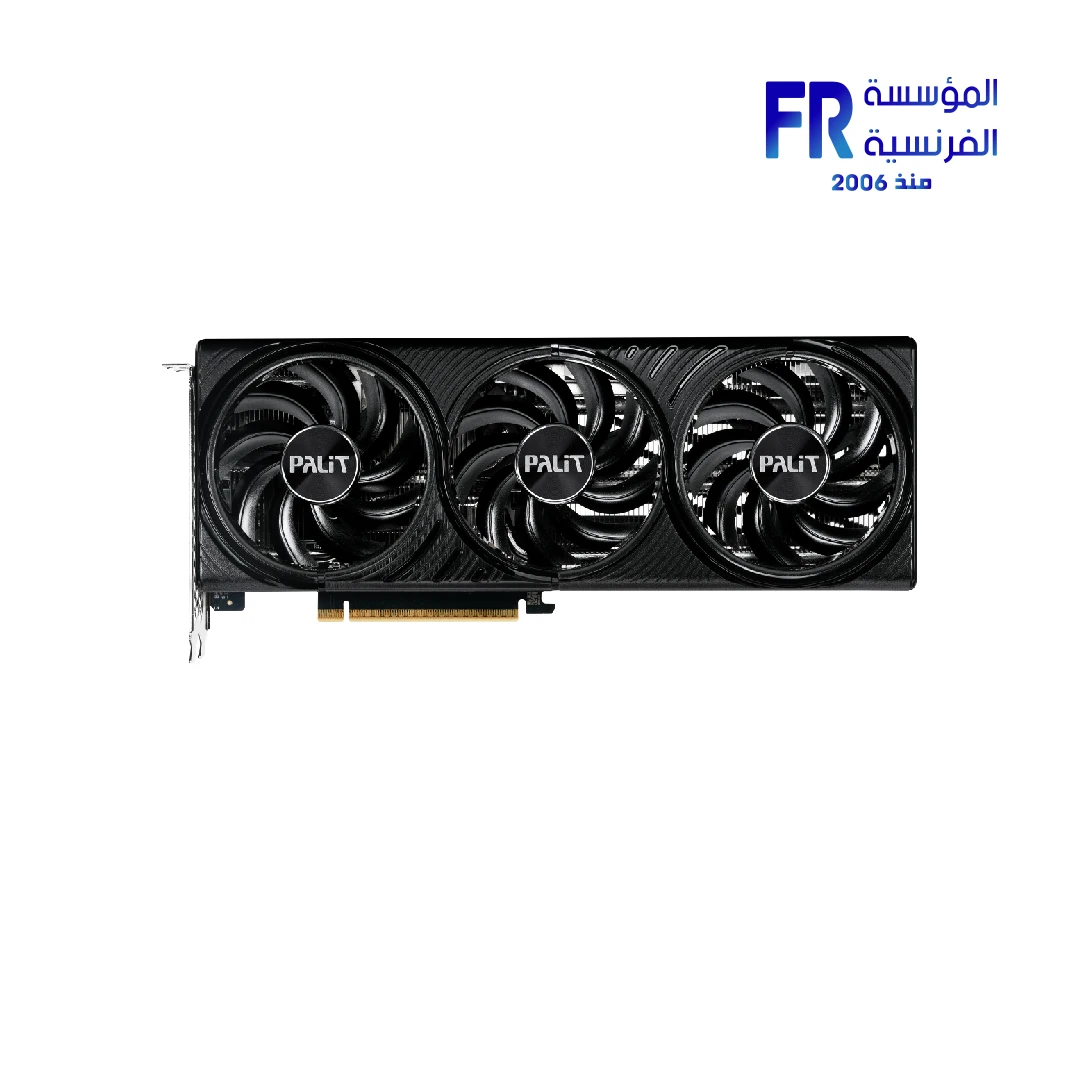
This guide compares the reference specifications and explains how to choose without relying on a single FPS number or assuming that more VRAM always means more performance.
RTX 5060 vs RTX 5060 Ti at a glance
| Specification | GeForce RTX 5060 | GeForce RTX 5060 Ti |
|---|---|---|
| Architecture | NVIDIA Blackwell | NVIDIA Blackwell |
| CUDA cores | 3,840 | 4,608 |
| Memory options | 8GB GDDR7 | 8GB or 16GB GDDR7 |
| Memory interface | 128-bit | 128-bit |
| Total graphics power (reference specification) | 145W | 180W |
| Suggested system power (NVIDIA reference guidance) | 550W | 600W |
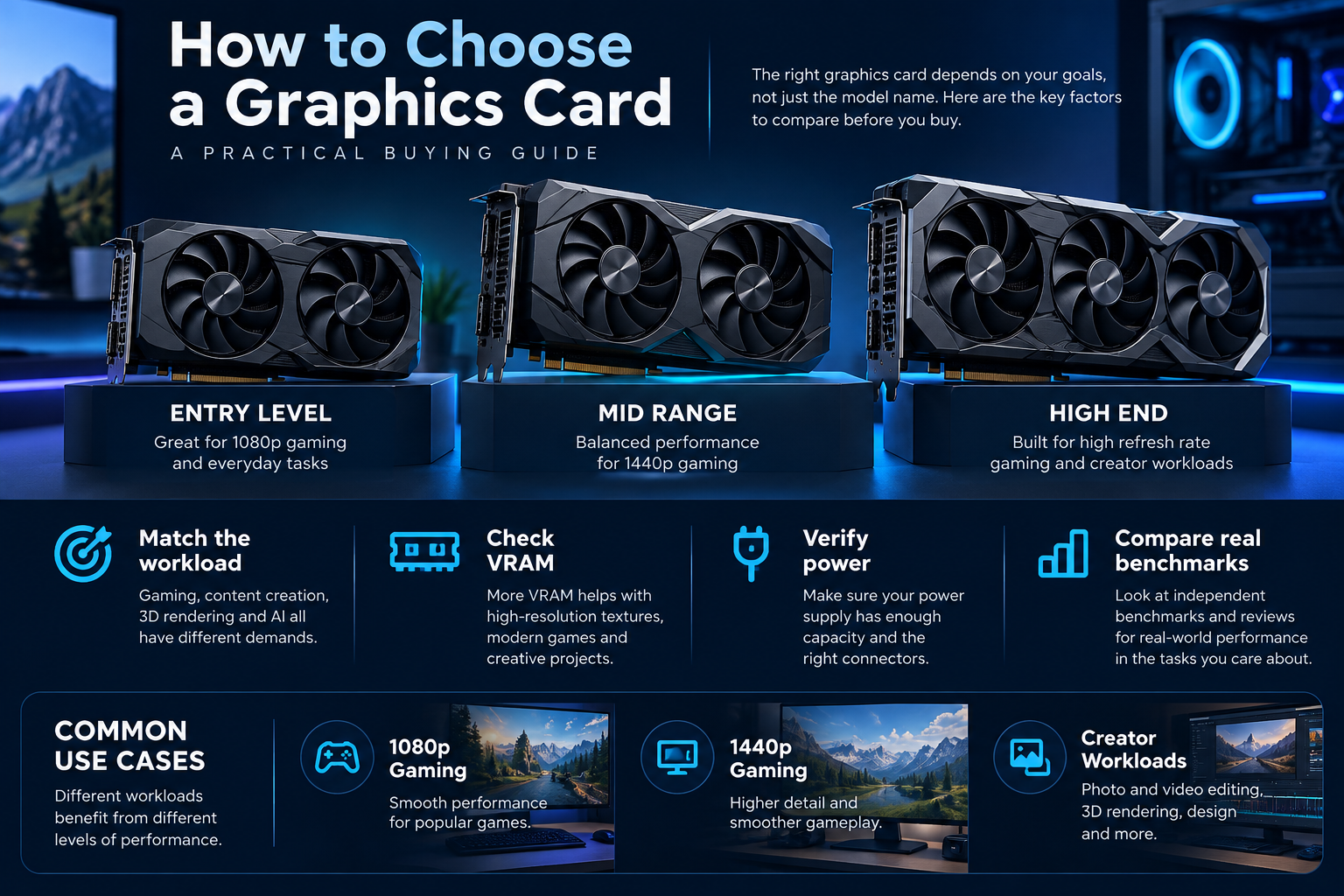
These are NVIDIA’s reference specifications, not a guarantee for every retail card. Board-partner models can differ in cooler size, dimensions, factory clocks, connectors, and power limits. Always check the exact manufacturer’s model before buying.
Official reference: NVIDIA GeForce RTX 5060 family specifications.
What does the RTX 5060 Ti add?
The RTX 5060 Ti has more CUDA cores than the RTX 5060, and NVIDIA lists higher AI-processing figures for it. That extra hardware can translate into better performance, but the size of the difference depends on the game or application, settings, resolution, driver, and whether the workload is GPU-limited. Do not treat core counts or AI TOPS as a direct FPS prediction.
Memory configuration is a separate decision. The RTX 5060 has 8GB of GDDR7, while the RTX 5060 Ti is available with 8GB or 16GB. A 16GB model can be useful when a workload genuinely needs more graphics memory—for example, some high-resolution textures, creative projects, or GPU compute tasks. More VRAM does not automatically make every game faster, and it does not turn the Ti into a different performance tier in every situation.
Which one makes sense for 1080p?
For a 1080p gaming system, start with the games you play and the frame rate you want. Competitive titles at lower visual settings may place more pressure on the CPU, while demanding single-player games with high settings and ray tracing can lean much more heavily on the GPU.
- Consider the RTX 5060 when the total build budget is tight and it meets your target performance in the games you actually play.
- Consider the RTX 5060 Ti when independent benchmarks for your target games show a meaningful uplift that justifies the price difference.
- Compare the 8GB and 16GB Ti versions separately if memory-heavy games or creative software are part of your workload.
What about 1440p?
At 1440p, the GPU generally has more work to do than at 1080p, especially with high-quality textures, ray tracing, and demanding effects. That makes the Ti’s additional processing resources and the 16GB option more relevant—but you should still check game-specific benchmarks at the settings you plan to use.
Upscaling and frame-generation features can change the experience, but they are not a substitute for evaluating native rendering performance, image quality, latency, and support in the games you play. Compare like-for-like tests rather than mixing results from different presets.
Don’t forget the rest of the build
Before selecting either card, check these items:
- Power supply: confirm the exact card’s power connector and manufacturer recommendation. NVIDIA’s reference guidance lists 550W system power for the RTX 5060 and 600W for the RTX 5060 Ti, but the complete system and specific board model can change the requirement.
- Case clearance: measure GPU length, thickness, and available airflow. Partner cards are not all the same size.
- CPU and platform: make sure the processor can deliver the performance you want in your games. An expensive GPU is not a guaranteed cure for CPU-limited frame rates.
- Monitor: match the card to your resolution and refresh-rate target. Spending more on a GPU may not help if your actual workload is limited elsewhere.
- Total price: compare the full build cost, not only the graphics card price. A cheaper GPU may leave room for more RAM, a better monitor, or a stronger power supply where needed.
For a real product example, review the Palit GeForce RTX 5060 Ti Infinity 3 OC 16GB and compare its exact specifications and current price with the alternatives you are considering.
Which should you buy?
Choose the RTX 5060 if it meets your target and the savings meaningfully improve the overall build. Choose the RTX 5060 Ti if measured performance gains justify the premium, or if the 16GB configuration addresses a real memory requirement in your games or creative work. If the price gap is unusually small—or unusually large—re-evaluate the value rather than following a fixed rule.
Listings and prices can change, so confirm the exact model, stock status, and specifications on its product page before ordering.
Frequently asked questions
Does the RTX 5060 Ti always deliver a large FPS increase?
No. The difference varies by game, settings, resolution, and system. Use independent benchmarks that match your workload.
Is 16GB VRAM always better than 8GB?
More capacity helps when a workload exceeds the smaller card’s usable memory, but it does not guarantee higher frame rates in every application. GPU processing power matters too.
Can I use my existing power supply?
Possibly, but verify the PSU’s quality, available connectors, capacity, age, and the exact graphics card’s requirements before reusing it.
Should I buy based on the GPU name alone?
No. Compare actual model, price, cooling, dimensions, power requirements, warranty, and performance in your intended workload.
Sources
- NVIDIA — GeForce RTX 5060 family specifications
- Tom’s Hardware — independent RTX 5060 Ti 16GB review
Compare current graphics-card options
Check the exact model, current availability, warranty and price before ordering.
Compare RTX 5060 graphics cards · View Palit RTX 5060 Ti 16GB
alfrensia.com — Alfrensia, French Establishment for Computers
مقارنة سريعة بين RTX 5060 وRTX 5060 Ti
RTX 5060 خيار للفئة الأقل تكلفة، بينما RTX 5060 Ti بتقدم موارد معالجة إضافية ومتوفر منها إصدار بذاكرة 16GB. الاختيار الأفضل بيتحدد حسب الألعاب والبرامج والسعر الفعلي.
| المواصفة المرجعية | RTX 5060 | RTX 5060 Ti |
|---|---|---|
| CUDA Cores | 3,840 | 4,608 |
| الذاكرة | 8GB GDDR7 | 8GB أو 16GB GDDR7 |
| Memory interface | 128-bit | 128-bit |
| Total graphics power | 145W | 180W |
دي مواصفات مرجعية من NVIDIA، وموديلات الشركات المختلفة ممكن تختلف في التبريد والأبعاد والطاقة. راجع المصدر الرسمي.
أنهي اختيار يناسبك؟
- اختار RTX 5060 لو بتحقق الأداء اللي محتاجه وفرق السعر هيفيد باقي التجميعة.
- فكّر في RTX 5060 Ti لو الاختبارات المستقلة لنفس ألعابك بتبرر فرق السعر.
- قارن نسختي Ti 8GB و16GB بشكل منفصل لو البرامج أو الألعاب عندك محتاجة VRAM أكبر.
راجع باقي التجميعة
راجع قدرة مزود الطاقة والتوصيلات ومساحة الكيسة وتوافق المعالج والشاشة. توصية الطاقة المرجعية من NVIDIA هي 550W لـRTX 5060 و600W لـRTX 5060 Ti، لكن اتبع متطلبات موديل الكارت الفعلي.
الأسئلة الشائعة
هل RTX 5060 Ti أسرع دائماً بفارق كبير؟
لأ، الفرق بيختلف حسب اللعبة والدقة والإعدادات وباقي الجهاز.
هل 16GB أفضل دائماً من 8GB؟
لأ. السعة الأكبر بتفيد لما الحمل يحتاجها، لكنها مش ضمان FPS أعلى في كل الألعاب.
هل أختار بناءً على اسم GPU فقط؟
لأ؛ قارن الموديل الدقيق والسعر والتبريد والطاقة والضمان والاختبارات المستقلة.
قارن قبل ما تشتري
راجع التوافر والسعر والضمان الحالي قبل الطلب.
قارن كروت RTX 5060 · شوف Palit RTX 5060 Ti 16GB
راجع موقع المؤسسة الفرنسية للكمبيوتر، أو تواصل مع المبيعات على واتساب للاستفسار عن التوفر والسعر الحالي والتوافق.