

ALFRENSIA TECHNOLOGY NEWSROOM · 10 NOVEMBER 2026
RTX PRO 6000 12V-2×6 Cable Report: What Happened—and What It Does Not Prove
A workstation owner reported damaged cable sleeving on two RTX PRO 6000 Blackwell systems. The case deserves attention, but it remains one user report—not proof of a widespread defect or a confirmed recall.
A 9 November report from Tom’s Hardware describes a workstation owner who noticed deteriorating braided sleeving on both 12V-2×6 cables used with two NVIDIA RTX PRO 6000 Blackwell Workstation GPUs. The owner said the cable covering had become stiff and cracked in places. The post did not show visible melting or discolouration at the GPU or PSU connector housings, and the GPUs themselves were reported safe.

What did the owner report?
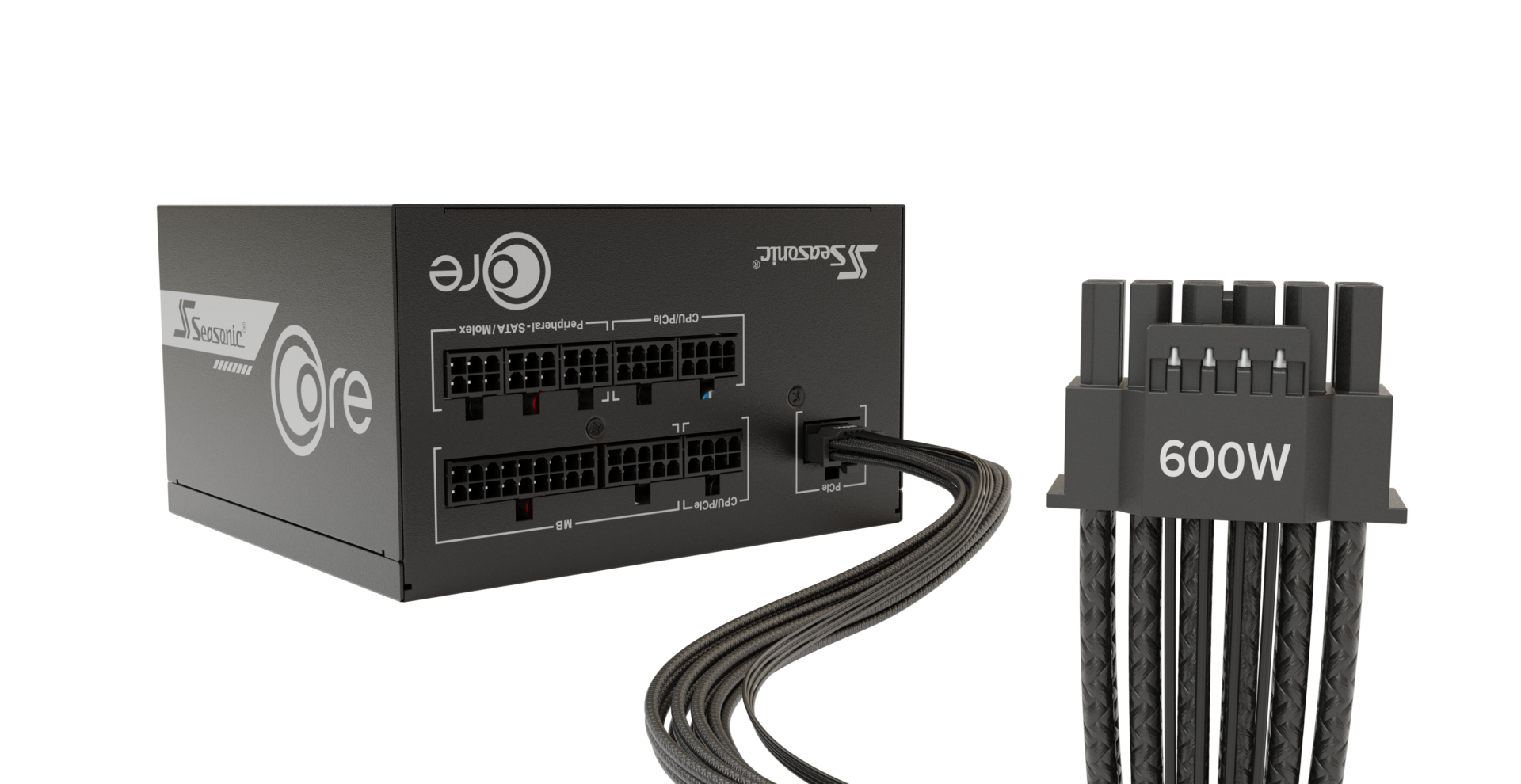
The original post describes two RTX PRO 6000 Blackwell Workstation Edition cards connected to a Seasonic PRIME TX-1600 Noctua Edition power supply. The owner noticed that the braided sleeving on some wires near the 12V-2×6 connectors was fraying, peeling and feeling stiff or cracked. The owner said the underlying wire insulation appeared intact and the connector housings showed no visible melting or discolouration.
The owner also said both GPUs were limited to 500W each. That detail is part of the user’s account; it does not establish the cause of the cable condition or prove that a particular power limit prevents connector problems.
What is known—and what is still unknown?
Reported by the owner
Two cables showed similar sleeve deterioration. The owner said the GPUs and connector housings had no visible melting or discolouration, and that the cards remained safe.
Not established
There has been no published forensic diagnosis identifying the cause. The report does not prove a manufacturing defect, a specific PSU fault, or a widespread issue affecting all 12V-2×6 cables.
Tom’s Hardware discussed possible heat and current-distribution factors, but the original post is not a laboratory analysis. The owner raised several possible explanations, including ordinary sleeving wear, a manufacturing issue or overheating. Without inspection and testing, it would be wrong to state one cause as fact.
Why does the report matter to high-end PC builders?
Modern high-power graphics cards depend on a compatible power-delivery path between the graphics card and the power supply. The connector type alone is not the whole compatibility check: the exact PSU model, its approved cable, the GPU’s requirements and the manufacturer’s instructions all matter.
A cable’s external sleeve is not the same thing as the conductor insulation or connector contact, but visible deterioration should not be dismissed. Nor should a user try to diagnose a high-current power connection by copying modifications shown in online discussions.
What should owners do if they notice cable damage?
- Stop using a system if a power cable or connector shows signs of damage, unusual discolouration or deformation, and arrange an inspection by a qualified technician or the relevant manufacturer service channel.
- Use only the cable approved for the exact power-supply model and graphics card combination. Modular PSU cables are not universally interchangeable between brands or models.
- Do not open a power supply, attempt a cable repair, or copy improvised wiring modifications from social posts.
- Keep the PSU model, GPU model and cable details together when asking the manufacturer or local service provider for support.
These are general precautions, not a diagnosis of the reported workstation. A qualified service provider should assess any individual system that shows signs of cable or connector damage.
What does this mean for workstation buyers in Egypt?
For a high-end build, the PSU decision should not be based on wattage alone. Confirm that the exact model provides the manufacturer-approved native cable for the selected GPU, and check the local warranty and service path before purchase. A high power rating does not make every cable combination interchangeable.
For broader system-maintenance context, see our guide to checking CPU and GPU temperatures. That guide covers thermal monitoring; it is not a substitute for professional inspection of a power connector.
Alfrensia takeaway
The report is a useful reminder to take visible power-cable deterioration seriously, even when a GPU is still working. But one owner’s experience cannot establish a widespread defect. For Egyptian buyers, the practical lesson is to match the PSU, cable and GPU exactly, retain warranty documentation, and use qualified service if a cable or connector looks damaged.
Sources and further reading
- Original owner report on r/PcBuild — photos and description of the cable sleeving, November 2026
- Tom’s Hardware — coverage of the RTX PRO 6000 cable report, 9 November 2026
Editorial note: the reported condition and power limit are attributed to the owner. No cause, defect rate or manufacturer recall is asserted.