

Compare USB and XLR microphones by setup complexity, audio interface needs, monitoring, upgrade flexibility and budget.
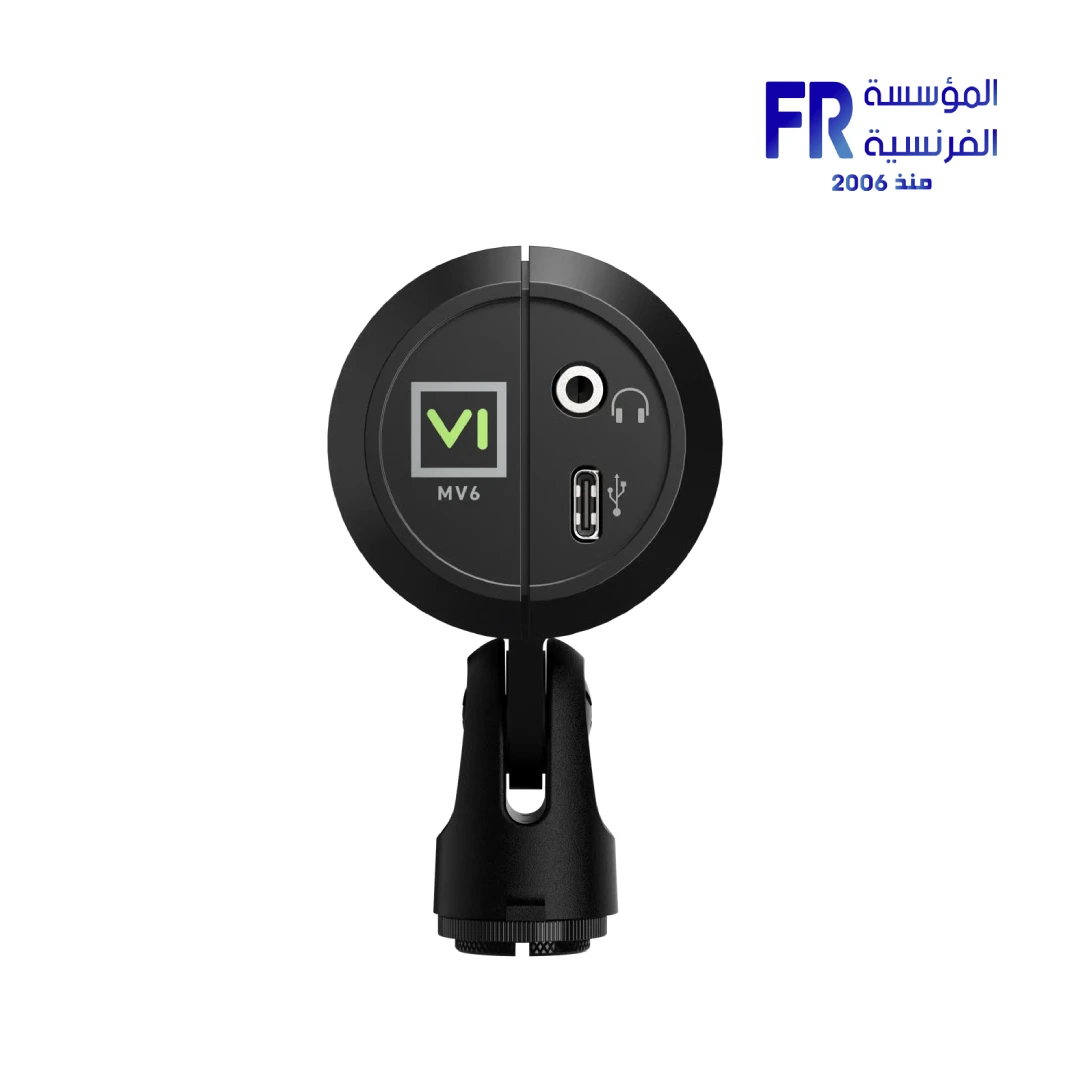
USB and XLR describe different ways to connect a microphone, not a guaranteed level of sound quality. A well-positioned USB microphone can work very well for streaming, while an XLR setup can offer flexibility when paired with suitable audio equipment. Your room, microphone technique and gain settings also have a major effect on the result.
USB microphones: simple setup
A USB microphone usually connects directly to the computer and may include headphone monitoring, gain controls or software features. Check the operating-system support, USB connection, monitoring options and whether the microphone can be positioned correctly on your desk or boom arm.
XLR microphones: modular setup
An XLR microphone normally needs a compatible audio interface or mixer to convert the signal for the computer. Depending on the microphone, you may also need suitable gain and phantom power. This adds equipment and setup steps but can make it easier to change components individually later.
Room sound and technique still matter
Even an expensive microphone can capture keyboard noise, room echo or fans if it is placed poorly. Position the microphone close enough for clear speech, reduce reflections where practical and set gain so the voice is clear without clipping. Test the actual recording in the software you plan to use.
Compare the complete setup
| Consideration | USB | XLR |
|---|---|---|
| Connection | Usually direct to computer | Needs interface or mixer |
| Setup | Typically simpler | More components to configure |
| Upgrade path | Depends on the microphone | Can swap mic, interface and processing separately |
| Total cost | May be lower for a single mic | Include interface, cables and accessories |
Frequently asked questions
Does XLR automatically sound better?
No. Microphone design, room acoustics, placement and gain staging all matter.
Can I use a USB microphone with streaming software?
Most class-compliant USB microphones can be selected as an audio input, but verify operating-system and software compatibility.
Sources
Next step: Decide whether simplicity or a modular audio chain matters more, then compare the full equipment list and test your room.
Explore accessories reviews.
Compare options before you buy
Check the exact model, compatibility, current availability and warranty terms.
alfrensia.com — Alfrensia, French Establishment for Computers
قارن USB وXLR من حيث سهولة الإعداد والحاجة إلى Audio Interface والمراقبة الصوتية وقابلية الترقية والميزانية.
USB وXLR طريقتان لتوصيل الميكروفون، مش ضماناً لمستوى معين من جودة الصوت. ميكروفون USB مضبوط وموجود في مكان مناسب ممكن يقدم نتيجة ممتازة للبث، بينما XLR بيدي مرونة أكبر عند استخدام معدات صوت متوافقة. الغرفة وطريقة استخدام الميكروفون وإعدادات الـGain بتأثر بشكل كبير.
ميكروفونات USB: إعداد أبسط
ميكروفون USB غالباً بيتوصل مباشرة بالكمبيوتر، وممكن يتضمن مراقبة بسماعة الرأس أو تحكم في الـGain أو خصائص برمجية. راجع دعم نظام التشغيل ونوع USB وخيارات المراقبة وإمكانية وضع الميكروفون بشكل مناسب على المكتب أو الذراع.
ميكروفونات XLR: نظام قابل للتعديل
ميكروفون XLR عادةً يحتاج Audio Interface أو Mixer متوافق لتحويل الإشارة للكمبيوتر. حسب الميكروفون، قد تحتاج Gain مناسباً أو Phantom Power. ده بيضيف أجهزة وخطوات إعداد، لكنه بيسهل تغيير كل مكون بشكل مستقل لاحقاً.
الغرفة وطريقة الاستخدام مهمين
حتى الميكروفون الغالي ممكن يلتقط صوت الكيبورد أو صدى الغرفة أو المراوح لو مكانه مش مناسب. قرّبه بالقدر المناسب للصوت الواضح، وقلل الانعكاسات قدر الإمكان، واضبط الـGain لتجنب تشويه الصوت. اختبر التسجيل داخل البرنامج اللي هتستخدمه فعلياً.
قارن التجميعة كاملة
- التوصيل: USB غالباً مباشر؛ XLR يحتاج Interface أو Mixer.
- الإعداد: USB أبسط عادةً؛ XLR فيه مكونات أكثر للضبط.
- الترقية: XLR يسمح غالباً بتغيير الميكروفون والواجهة والمعالجة بشكل منفصل.
- التكلفة: احسب الواجهة والكابلات والإكسسوارات مع XLR.
الأسئلة الشائعة
هل XLR صوته أفضل تلقائياً؟
لأ. تصميم الميكروفون وأكوستيك الغرفة ومكانه وضبط الـGain كلها عوامل مؤثرة.
هل أقدر أستخدم USB Mic مع برنامج بث؟
معظم الميكروفونات المتوافقة مع USB بتظهر كمدخل صوت، لكن تحقق من توافق نظام التشغيل والبرنامج.
المصادر والخطوة التالية
راجع شرح Shure للفرق بين USB وXLR، ثم احسب تكلفة كل الأجهزة اللي تحتاجها واختبر صوت الغرفة.
راجع مراجعات الإكسسوارات على موقع المؤسسة الفرنسية للكمبيوتر، أو تواصل مع المبيعات على واتساب للاستفسار عن خيارات الميكروفونات والتوصيلات المتاحة.