

ALFRENSIA NEWSROOM · NOVEMBER 10, 2026
غرفة أخبار المؤسسة الفرنسية للكمبيوتر · ١٠ نوفمبر ٢٠٢٦
AMD Radeon Driver Bug: What to Know About the SSD Write Issueخلل في تعريفات AMD Radeon يثير تقارير عن نشاط كتابة مستمر على SSD
AMD has acknowledged reports of continuous writes associated with atieclxx.exe. A driver correction is expected, but the effect on SSD lifespan has not been established.
أقرت AMD بوجود تقارير عن نشاط كتابة مستمر مرتبط بخدمة External Events Utility. نستعرض المؤكد وما لا يزال غير مثبت.
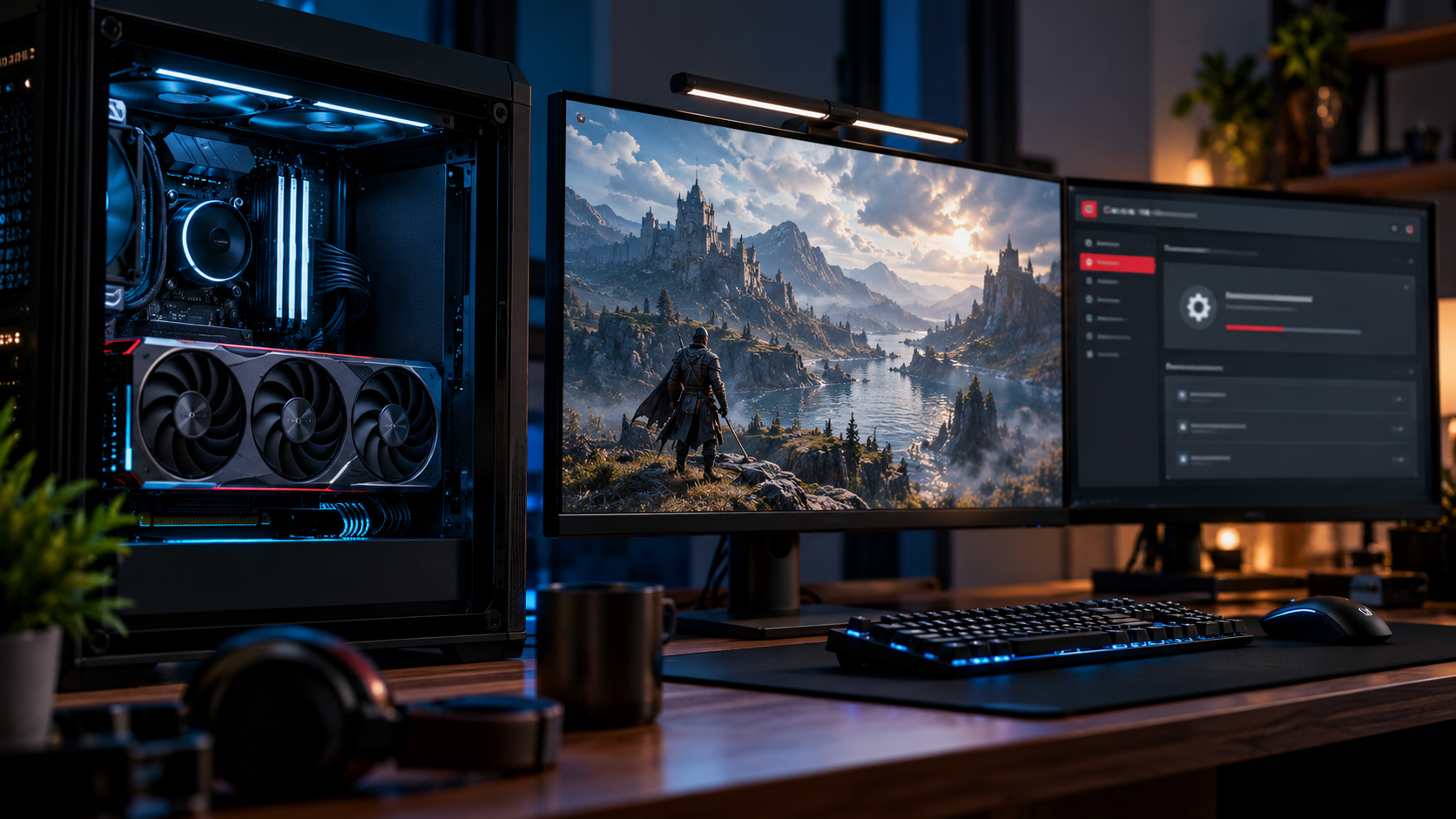
Radeon users have reported sustained background disk writes on some Windows systems. The reports point to AMD External Events Utility and its atieclxx.exe process. AMD representatives have acknowledged the issue, and coverage published on November 9 says a fix is expected in Adrenalin 26.11.1. This is not evidence that every Radeon PC is affected, nor proof that SSD endurance has been measurably reduced.
رصد بعض مستخدمي Radeon نشاط كتابة مستمر على وحدة التخزين أثناء خمول الكمبيوتر. التقارير بتشير إلى AMD External Events Utility والعملية atieclxx.exe. ممثلو AMD أقروا بالمشكلة، والتقارير المنشورة يوم ٩ نوفمبر بتقول إن الإصلاح متوقع في تعريف Adrenalin 26.11.1. لكن ده مش معناه إن كل أجهزة Radeon متأثرة، ولا إنه إثبات إن عمر الـ SSD اتأثر فعلياً.
What has been reported?
Reports describe continuous write activity from atieclxx.exe, the AMD External Events Client Module associated with External Events Utility. The component supports display-related functions, including monitor detection and Radeon software hotkeys. User reports cited by technology outlets range from roughly 0.3 MB/s to 1.5 MB/s, with one report reaching a higher short-term rate.
Those figures are reported observations, not a measurement that applies to every system. Some Radeon owners have not reproduced the behaviour on the same driver family.
What AMD has said
AMD representatives have acknowledged investigation of the reports. VideoCardz and other outlets say an AMD representative indicated the issue should be addressed in Adrenalin 26.11.1. As of this article’s research cutoff on November 10, no exact public release date was confirmed.
How to check your own PC
Windows Resource Monitor can show which processes are generating disk activity. Open Resource Monitor, select the Disk view and observe whether atieclxx.exe is repeatedly writing while the computer is otherwise idle. Check over a reasonable observation period rather than relying on a single moment.
Should you change settings immediately?
Reports mention workarounds involving the External Events service or Resizable BAR, but these can affect display functions, hotkeys or performance. We do not recommend changing firmware or disabling components without confirming the symptom and understanding the trade-off. The cleaner long-term outcome is a verified driver fix.
What this means for PC owners in Egypt
For a gaming or creator PC, the practical takeaway is to monitor actual system behaviour, keep driver versions documented and avoid assuming that a storage-health warning is caused by this particular report.
إيه اللي اتبلغ عنه؟
التقارير بتتكلم عن نشاط كتابة مستمر من عملية atieclxx.exe، وهي AMD External Events Client Module المرتبطة بخدمة External Events Utility. الخدمة ليها وظائف مرتبطة بالشاشة، منها اكتشاف توصيل الشاشات واختصارات برنامج Radeon. الأرقام اللي نقلتها مواقع تقنية من تقارير المستخدمين بتتراوح تقريباً بين 0.3 و1.5 ميجابايت/ثانية.
AMD قالت إيه؟
ممثلو AMD أكدوا إن الشركة بتراجع التقارير. مواقع زي VideoCardz نقلت إن ممثل للشركة أشار إلى إن الإصلاح المفروض يعالج المشكلة في Adrenalin 26.11.1. حتى تاريخ إعداد المقال يوم ١٠ نوفمبر، مفيش موعد إصدار دقيق مؤكد بشكل علني.
إزاي تتأكد من جهازك؟
تقدر تستخدم Resource Monitor في ويندوز لمتابعة العمليات اللي بتكتب على وحدة التخزين. افتح Resource Monitor، واختار Disk، وراقب هل atieclxx.exe بيكتب باستمرار والكمبيوتر في وضع خمول. الأفضل تتابع لمدة مناسبة بدل ما تعتمد على قراءة واحدة.
هل تغيّر إعداداتك فوراً؟
بعض التقارير ذكرت حلول مؤقتة مرتبطة بخدمة External Events أو Resizable BAR، لكن التغييرات دي ممكن تأثر على وظائف الشاشة والاختصارات أو الأداء. الأفضل ما تغيّرش إعدادات BIOS أو توقف مكونات النظام من غير ما تتأكد إن المشكلة موجودة وتفهم أثر التغيير.
ده معناه إيه لمستخدمي الكمبيوتر في مصر؟
الخلاصة لمستخدمي أجهزة Gaming وWorkstation هي متابعة سلوك الجهاز الفعلي، وتسجيل إصدارات التعريفات، وعدم افتراض إن أي تحذير لصحة وحدة التخزين سببه التقرير ده.
Planning an SSD upgrade? Browse our SSD buying guides for help comparing capacity, NVMe and SATA interfaces, performance and endurance.
بتفكر تطوّر وحدة التخزين؟ شوف أدلة اختيار وحدات SSD لمقارنة السعة وNVMe وSATA والأداء والتحمّل.
Sourcesالمصادر
المؤسسة الفرنسية للكمبيوتر · alfrensia.com · [email protected]