


How Much RAM Do You Need in 2026? A Practical DDR4 and DDR5 Upgrade Guideمحتاج RAM قد إيه في 2026؟ دليل عملي للـDDR4 والـDDR5
The right RAM capacity depends on what you actually run. Gaming, everyday browsing, heavy multitasking, editing and 3D projects place different demands on system memory. This guide helps you choose a balanced upgrade and check compatibility before buying.
سعة الرام المناسبة بتعتمد على استخدامك الفعلي. الألعاب والتصفح والشغل بأكتر من برنامج والمونتاج والـ3D كل واحد ليه احتياجات مختلفة. الدليل ده هيساعدك تختار ترقية متوازنة وتتأكد من التوافق قبل الشراء.
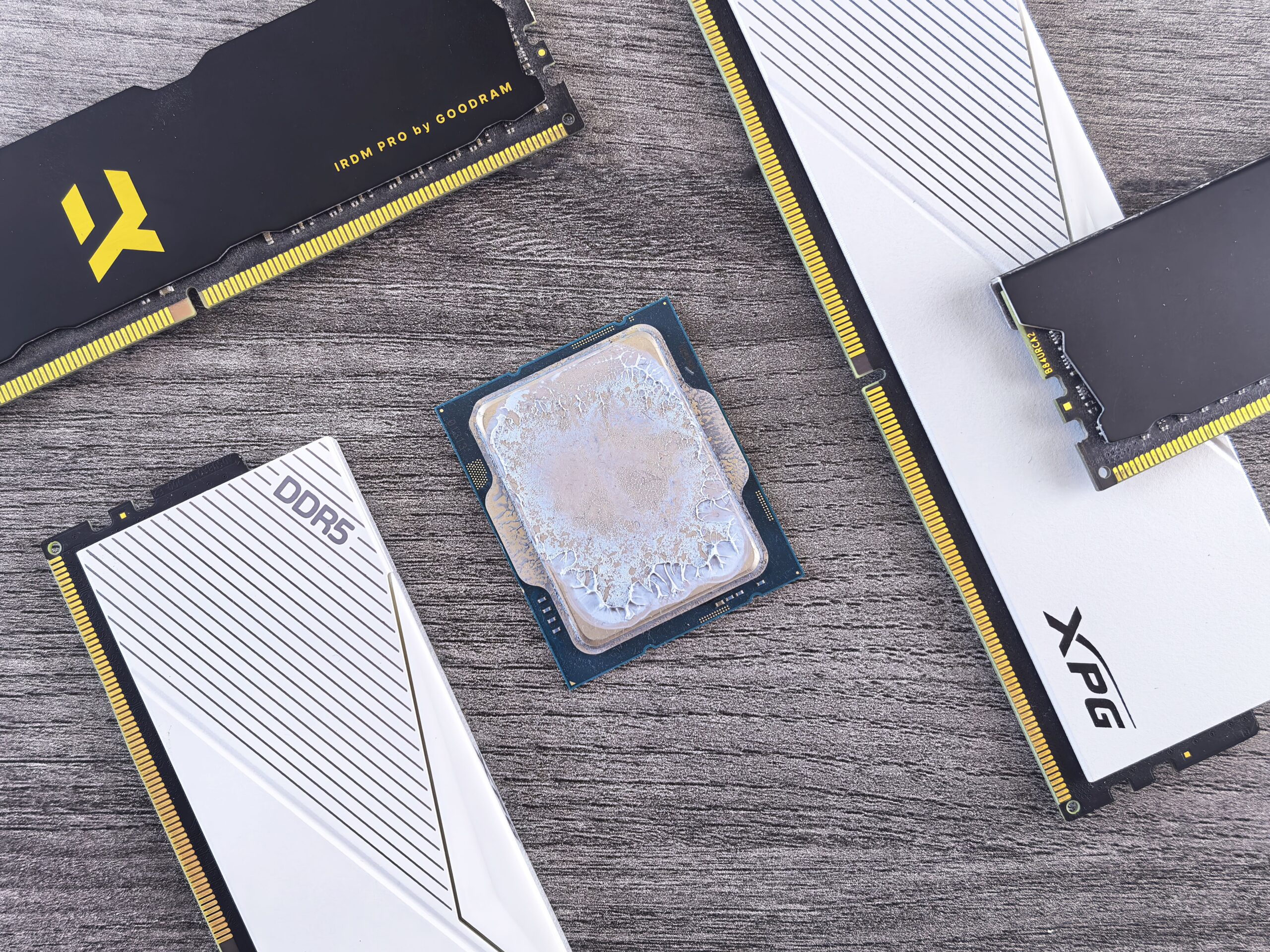
RAM capacity: start with your workload
سعة الرام: ابدأ من طبيعة استخدامك
Everyday use and study
استخدام يومي ودراسة
For browsing, office work, streaming and light multitasking, 16GB can be a reasonable starting point on many current desktop systems. The exact experience depends on applications and how many are open together.
للتصفح وبرامج المكتب والمشاهدة وتعدد مهام بسيط، 16GB ممكن تكون نقطة بداية مناسبة على أجهزة كتير حديثة. التجربة بتختلف حسب البرامج وعددها المفتوح في نفس الوقت.
Gaming and multitasking
الألعاب وتعدد المهام
A 32GB kit gives more headroom for current games alongside launchers, voice chat, browsers and background tools. Check the requirements of the games and applications you use.
كيت 32GB بيدي مساحة أكبر لتشغيل ألعاب حديثة مع برامج المحادثة والمتصفح وبرامج الخلفية. راجع متطلبات الألعاب والبرامج اللي بتستخدمها.
Creation and heavy projects
صناعة المحتوى والمشروعات الثقيلة
Video editing, large photo projects, 3D scenes and large datasets can benefit from 32GB or more, depending on the software, project size and timeline complexity.
المونتاج ومشروعات الصور الكبيرة ومشاهد 3D وقواعد البيانات الكبيرة ممكن تستفيد من 32GB أو أكتر حسب البرنامج وحجم المشروع وتعقيده.
Professional workloads
استخدامات احترافية
Some production, simulation and workstation workloads need 64GB or higher. Use the application’s recommended requirements and actual memory consumption to plan capacity.
بعض أعمال الإنتاج والمحاكاة ومحطات العمل ممكن تحتاج 64GB أو أكتر. اعتمد على متطلبات البرنامج واستهلاك الذاكرة الفعلي لتحديد السعة.
These are planning ranges, not universal guarantees. Operating system, software versions, background apps, game settings and project sizes all change memory usage.
دي نطاقات للتخطيط مش قواعد ثابتة. نظام التشغيل وإصدارات البرامج وبرامج الخلفية وإعدادات الألعاب وحجم المشاريع كلهم بيغيروا استهلاك الرام.
DDR4 vs DDR5: compatibility comes first
DDR4 ولا DDR5؟ التوافق أول حاجة
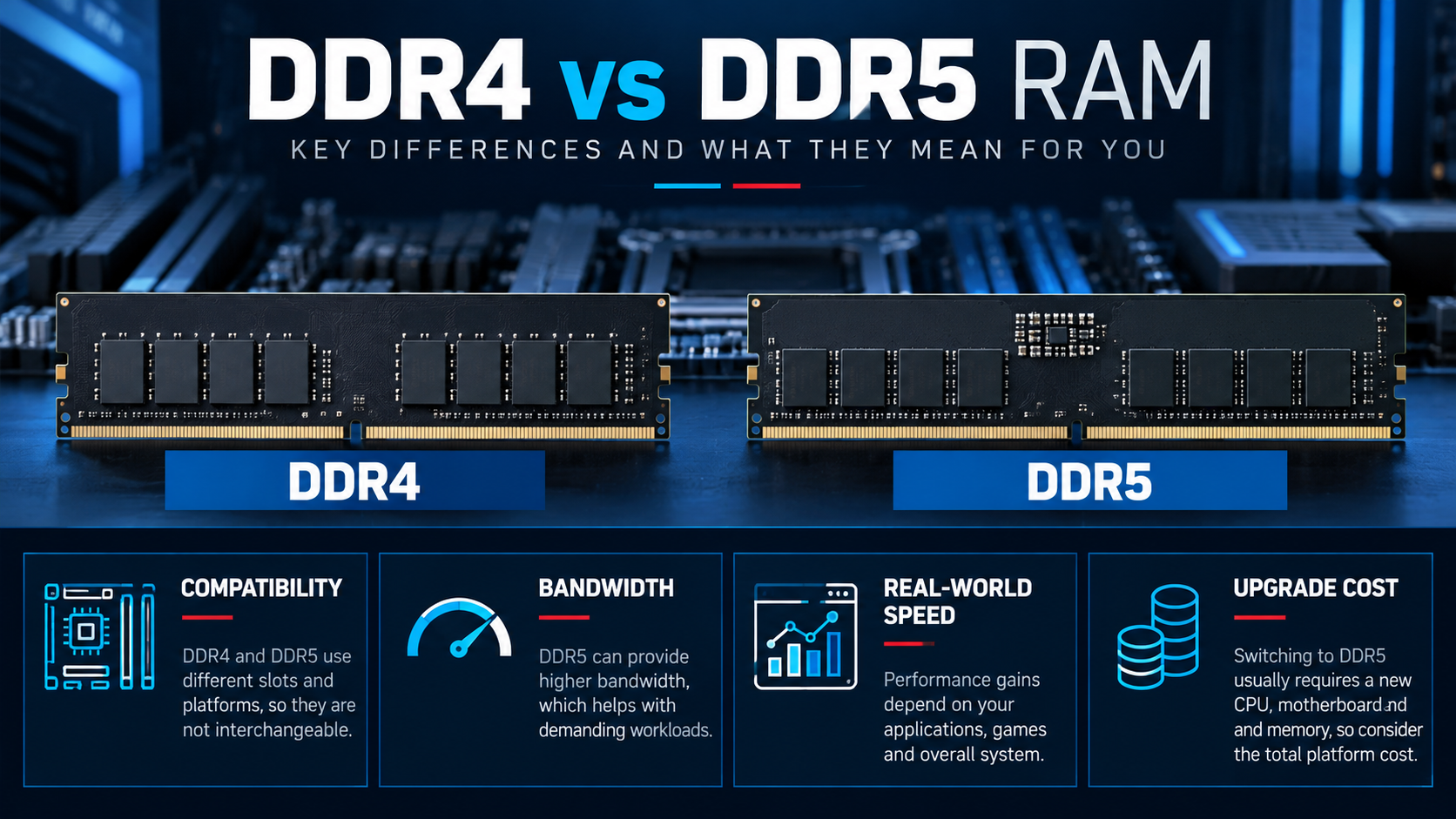
DDR4 and DDR5 use different physical keying and electrical specifications. A motherboard is designed for a particular memory generation; a DDR5 module does not fit a DDR4 slot and vice versa. The CPU platform and motherboard model determine which memory type is supported.
DDR4 وDDR5 مختلفين في التصميم والمواصفات الكهربائية. الماذربورد بتكون مصممة لجيل محدد؛ رامة DDR5 مش بتركب في شق DDR4 والعكس. نوع المعالج والمنصة والماذربورد هما اللي بيحددوا جيل الذاكرة المدعوم.
Do not buy RAM because the generation number is higher. Confirm the exact motherboard model, CPU compatibility list and supported memory profiles. For a platform overview, visit the PC components categories and the RAM section.
متشتريش الرام لمجرد إن رقم الجيل أكبر. راجع موديل الماذربورد وقائمة توافق المعالج وبروفايلات الذاكرة المدعومة. تقدر تبدأ من تصنيفات مكونات الكمبيوتر وقسم الرامات.
One module or a matched kit?
قطعة واحدة ولا كيت متوافق؟
A matched kit—such as 2 × 8GB or 2 × 16GB—is often a straightforward way to populate a two-channel desktop memory configuration. It can help the system use memory channels as intended, but the exact benefit depends on the platform and workload.
الكيت المتوافق زي 2×8GB أو 2×16GB بيكون طريقة مباشرة لملء قنوات الذاكرة في أجهزة مكتبية كتير. ده بيساعد النظام يستخدم القنوات بالشكل المصمم ليه، لكن مقدار الفايدة بيعتمد على المنصة ونوع الشغل.
Mixing different kits may work, but the system can run at a lower common speed or require manual troubleshooting. Check your motherboard’s QVL where practical, install modules in the recommended slots, and enable XMP or EXPO only when the system is stable and the platform supports it.
خلط كيتات مختلفة ممكن يشتغل، لكن النظام ممكن ينزل لسرعة مشتركة أقل أو يحتاج ضبط وتجربة. راجع قائمة QVL لو متاحة، وركب الرامات في الشقوق الموصى بيها، وفعل XMP أو EXPO بعد التأكد من استقرار الجهاز ودعم المنصة.
Before you buy: compatibility checklist
قبل الشراء: قائمة التوافق
- Read the exact motherboard model and memory generation.
- Check the maximum supported capacity and number of slots.
- Confirm whether the modules are desktop DIMMs or laptop SO-DIMMs.
- Compare rated speed, latency and supported memory profiles.
- Plan the upgrade around actual workload rather than an arbitrary large number.
- Check product page stock, price and warranty at the time of purchase.
- راجع موديل الماذربورد وجيل الرام المدعوم.
- اتأكد من أقصى سعة وعدد الشقوق.
- حدد هل محتاج DIMM للكمبيوتر المكتبي ولا SO-DIMM للابتوب.
- قارن السرعة والـLatency والبروفايلات المدعومة.
- حدد الترقية حسب شغلك الفعلي مش رقم كبير وخلاص.
- راجع التوافر والسعر والضمان على صفحة المنتج وقت الشراء.
Browse RAM products, compare compatible motherboards and use the custom PC builder if you’re planning a wider platform upgrade.
تصفح منتجات الرام، وقارن الماذربورد المتوافقة، واستخدم أداة تجميع الكمبيوتر لو بتخطط لتغيير المنصة بالكامل.
The smart upgrade is the one your system can use
الترقية الصح هي اللي جهازك يقدر يستفيد منها
More RAM is not automatically more performance. The best upgrade is one that removes a real memory bottleneck while remaining compatible with the CPU, motherboard and software. When you’re unsure, record your PC model and workload before choosing a kit.
زيادة الرام مش معناها تلقائيًا أداء أعلى. الترقية الأفضل هي اللي بتحل مشكلة فعلية في استهلاك الذاكرة وتكون متوافقة مع المعالج والماذربورد والبرامج. لو مش متأكد، جهز موديل جهازك وطبيعة استخدامك قبل اختيار الكيت.