


SSD vs NVMe in 2026: How to Choose the Right Storage for Your PCSSD ولا NVMe في 2026؟ تختار التخزين المناسب لجهازك إزاي
An SSD upgrade can make a PC feel more responsive, but SATA, M.2 and NVMe describe different things. This guide explains the interfaces, physical formats and checks that matter before you buy a new drive.
ترقية الـSSD ممكن تخلي الجهاز أسرع في الاستجابة، لكن SATA وM.2 وNVMe مش نفس المعنى. الدليل ده بيوضح أنواع التوصيل والأحجام والفحوصات المهمة قبل شراء وحدة تخزين جديدة.
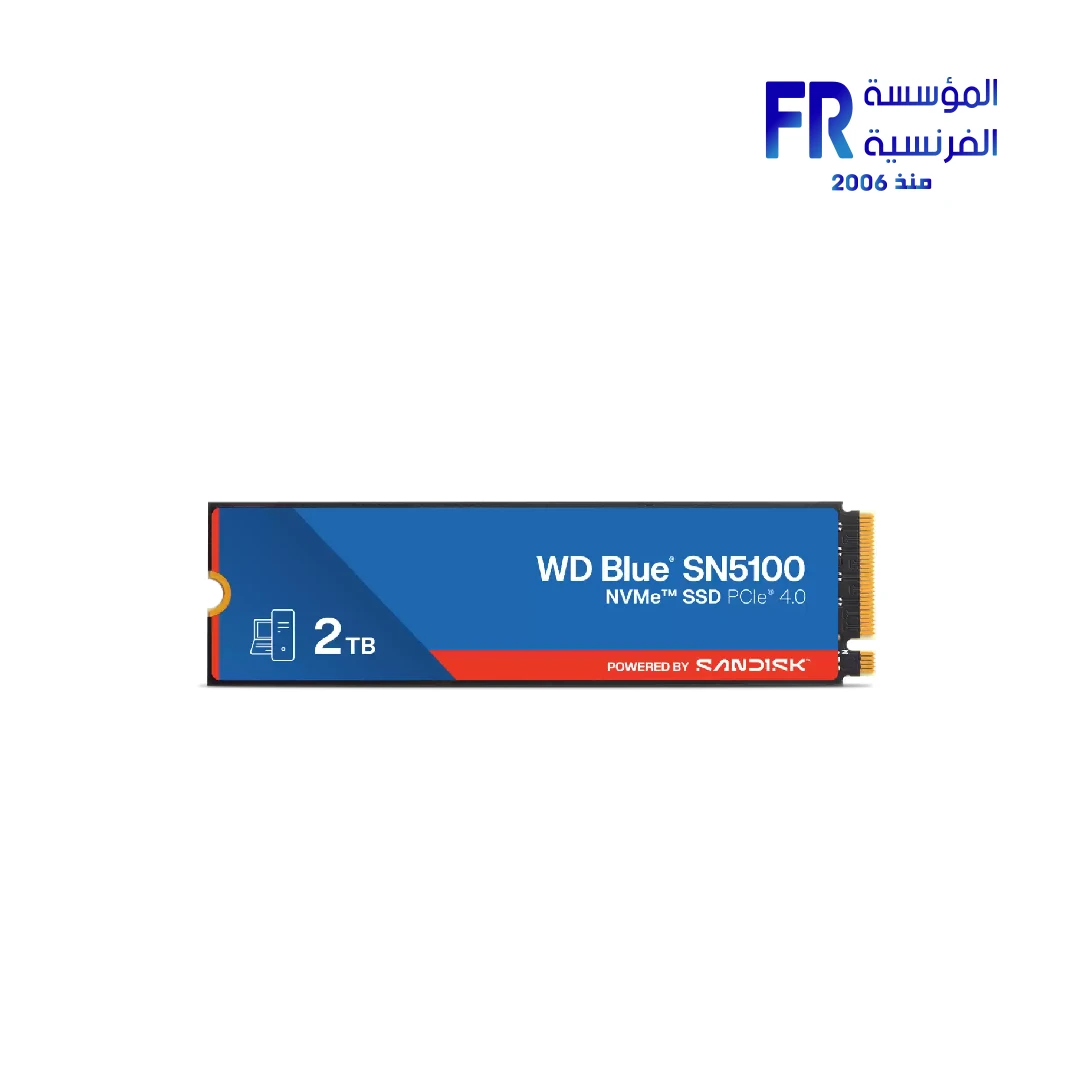
First, separate the terms
أولًا: نفرّق بين المصطلحات
SATA SSD
A 2.5-inch SATA SSD connects through the SATA interface and is a common option for older desktops and laptops that have a drive bay and cable.
وحدة 2.5 بوصة SATA بتتصل من خلال واجهة SATA، وبتكون اختيار شائع لأجهزة قديمة فيها مكان وكابل للوحدة.
M.2
M.2 is a physical form factor. An M.2 drive may use SATA or PCIe/NVMe, depending on the device and drive.
M.2 هو شكل مادي للوحدة. ممكن يكون M.2 SATA أو M.2 PCIe/NVMe حسب الجهاز والوحدة.
NVMe
NVMe is a storage protocol used over PCIe. Performance depends on PCIe generation, lane count, controller, NAND, cooling and workload.
NVMe بروتوكول تخزين بيشتغل عبر PCIe. الأداء بيعتمد على جيل PCIe وعدد المسارات والمتحكم والذاكرة والتبريد وطبيعة الشغل.
Capacity
Choose capacity based on installed software, game libraries, project files and whether you keep large media locally.
اختار السعة حسب البرامج ومكتبة الألعاب وملفات المشاريع وهل بتحتفظ بملفات ميديا كبيرة محليًا.
What matters more than the headline read speed?
إيه الأهم من رقم سرعة القراءة في الإعلان؟
Sequential read and write numbers can help compare similar drives, but everyday responsiveness also depends on random access, controller behaviour, cache design, thermals and the workload. A fast peak benchmark does not guarantee the same improvement in every game or application.
أرقام القراءة والكتابة المتتابعة بتساعد في مقارنة وحدات متشابهة، لكن سرعة الاستجابة اليومية بتعتمد كمان على الوصول العشوائي والمتحكم والكاش والحرارة وطبيعة الشغل. رقم Benchmark عالي مش معناه نفس التحسن في كل لعبة أو برنامج.
For game loading and Windows startup, moving from a hard drive to a suitable SSD can make a noticeable difference. Moving from a decent PCIe Gen4 NVMe to a higher sequential-speed Gen5 model may be less visible in many everyday tasks. Consider capacity and reliability alongside peak speed.
الانتقال من HDD إلى SSD مناسب ممكن يفرق بشكل واضح في فتح ويندوز وتحميل الألعاب. لكن الانتقال من NVMe Gen4 كويس إلى Gen5 أسرع في الأرقام مش شرط يبان بنفس الدرجة في كل استخدام يومي. اهتم بالسعة والاعتمادية جنب السرعة القصوى.
Check your system before choosing M.2
راجع جهازك قبل اختيار M.2
- Confirm whether the M.2 slot supports SATA, PCIe NVMe or both.
- Check the supported length, commonly written as 2230, 2242, 2260 or 2280.
- Check PCIe generation and lane support in the motherboard or laptop manual.
- Confirm whether the slot shares lanes or ports with other devices.
- Check clearance and heatsink requirements, especially for high-performance drives.
- Plan how you will clone or reinstall the operating system and back up important files.
- اتأكد إن شق M.2 بيدعم SATA ولا PCIe NVMe ولا الاتنين.
- راجع الطول المدعوم زي 2230 أو 2242 أو 2260 أو 2280.
- راجع جيل PCIe وعدد المسارات في دليل الماذربورد أو اللابتوب.
- اتأكد إذا كان الشق بيشارك خطوط أو منافذ مع أجهزة تانية.
- راجع المساحة والتبريد المطلوب خصوصًا لو وحدة سريعة.
- خطط لنقل النظام أو تثبيته من جديد وخد نسخة احتياطية من ملفاتك المهمة.
Choosing capacity for gaming and creation
اختيار السعة للألعاب وصناعة المحتوى
A 1TB drive can be a practical baseline for a mixed operating-system and application setup, while larger game libraries, 4K video projects and large working files may benefit from 2TB or more. The correct capacity depends on what you store locally and how often you archive or move files.
وحدة 1TB ممكن تكون بداية عملية لنظام التشغيل والبرامج، لكن مكتبة ألعاب كبيرة أو مشروعات فيديو 4K وملفات شغل ضخمة ممكن تستفيد من 2TB أو أكتر. السعة الصح بتعتمد على حجم الملفات اللي بتحتفظ بيها محليًا ومدى نقلها أو أرشفتها.
Check the current SSD listings and the broader storage category. Listings display different capacities, interfaces and performance classes; confirm the exact drive specifications on its product page.
راجع منتجات SSD وكمان قسم التخزين بالكامل. المنتجات بتختلف في السعة وواجهة التوصيل وفئة الأداء؛ راجع مواصفات الموديل نفسه في صفحة المنتج.
Before checkout
قبل إتمام الطلب
The best storage drive is compatible with your slot, offers enough capacity for the way you work, and fits the budget without paying for speed you cannot use. Confirm the exact interface and dimensions, current price, stock status and warranty before ordering.
أفضل وحدة تخزين هي اللي متوافقة مع الشق عندك، وسعتها مناسبة لطبيعة شغلك، وداخلة في الميزانية من غير ما تدفع في سرعة مش هتستفيد منها. راجع الواجهة والأبعاد والسعر والتوافر والضمان قبل الطلب.