

Compare webcam resolution, frame rate, autofocus, field of view, lighting and privacy features for your actual setup.
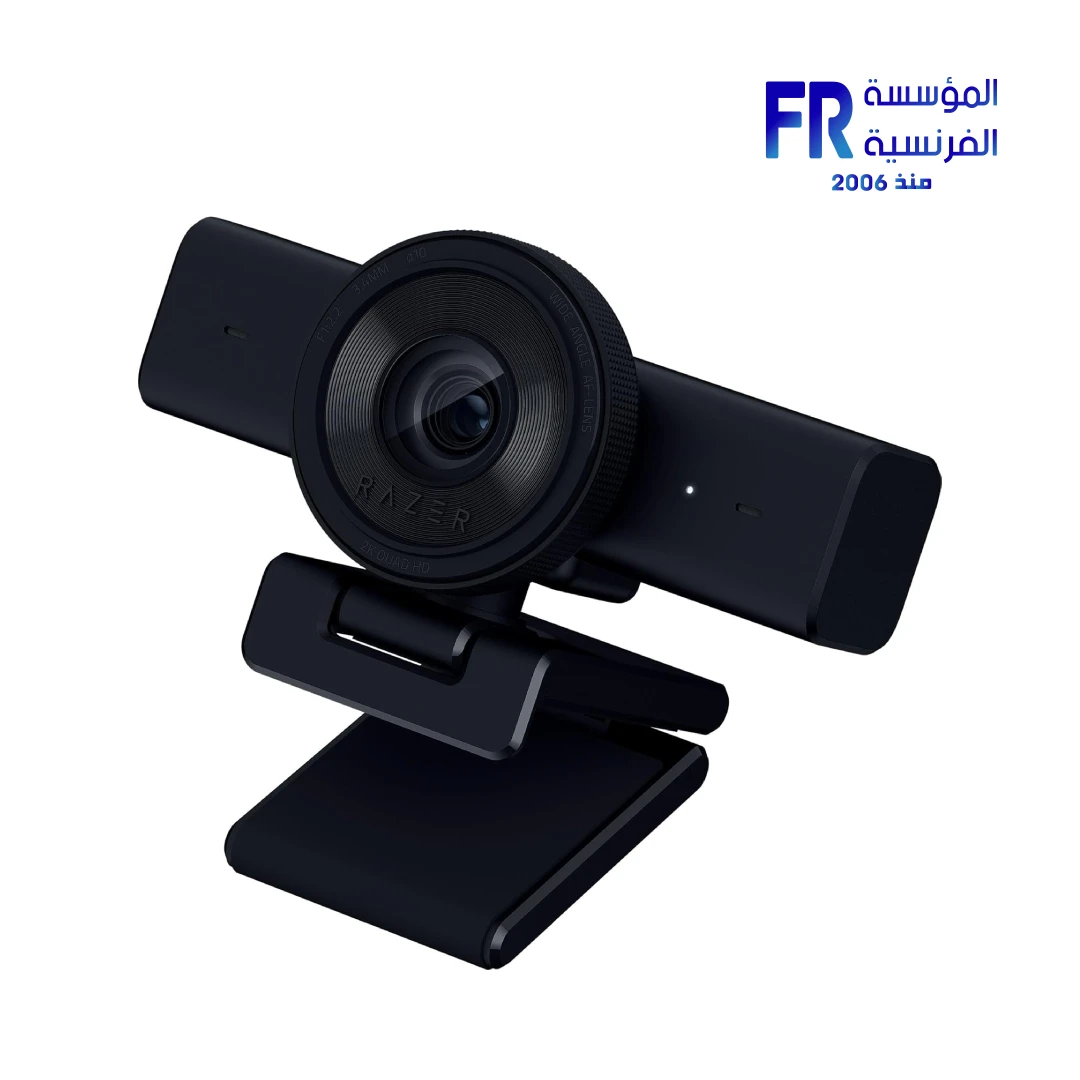
A webcam’s resolution is only one part of image quality. Lighting, autofocus, frame rate, field of view, colour handling, mounting position and microphone quality all affect the result. Choose around how you will use it rather than automatically buying the highest resolution.
Resolution and frame rate
1080p can be sufficient for many calls and streams; higher resolutions may preserve more detail or allow cropping, but the result depends on the sensor, lens, processing, lighting and software. Check the supported frame rate at each resolution rather than assuming the maximum FPS applies to every mode.
Autofocus, exposure and lighting
Reliable focus and exposure can matter more than a headline pixel count. A small, well-lit scene often looks better than a higher-resolution image in poor light. Position a light in front of you where possible and avoid a bright window directly behind you.
Field of view, mounting and privacy
A wider field of view includes more of the room but may also show clutter; a narrower view focuses on the presenter. Confirm whether the webcam fits your monitor or tripod, how its cable connects and whether it includes a physical privacy shutter. A separate microphone may provide more consistent audio than the webcam’s built-in mic.
Webcam buying checklist
| Feature | What to verify |
|---|---|
| Resolution and FPS | Supported combinations at the mode you will use |
| Focus | Autofocus behaviour and minimum focus distance |
| Field of view | Framing for desk, room or presenter |
| Connection | USB type, cable length and operating-system support |
| Privacy and mounting | Shutter, monitor clip and tripod compatibility |
Frequently asked questions
Is 4K always better than 1080p?
Not necessarily. Lighting, lens quality, exposure and your streaming or meeting platform can matter more for the final result.
Do I need a webcam with a built-in microphone?
No. A separate microphone can be a better choice if clear voice audio is a priority.
Sources
Next step: Decide your framing, lighting and target streaming settings before comparing webcam models.
Explore accessories reviews.
Compare options before you buy
Check the exact model, compatibility, current availability and warranty terms.
alfrensia.com — Alfrensia, French Establishment for Computers
قارن دقة الـWebcam ومعدل الإطارات والتركيز التلقائي وزاوية الرؤية والإضاءة والخصوصية حسب استخدامك.
دقة الكاميرا مش العامل الوحيد في جودة الصورة. الإضاءة والتركيز التلقائي ومعدل الإطارات وزاوية الرؤية والألوان ومكان التركيب وجودة الميكروفون كلها بتأثر. اختار حسب استخدامك بدل ما تشتري أعلى دقة تلقائياً.
الدقة ومعدل الإطارات
دقة 1080p ممكن تكون كافية لكثير من المكالمات والبث؛ الدقة الأعلى ممكن تحتفظ بتفاصيل أكثر أو تسمح بالقص، لكن النتيجة بتعتمد على المستشعر والعدسة والمعالجة والإضاءة والبرنامج. راجع معدل الإطارات المتاح لكل دقة بدل افتراض إن أعلى FPS شغال في كل الأوضاع.
Autofocus والإضاءة
التركيز والتعريض المستقران ممكن يكونوا أهم من عدد البكسلات المكتوب. مشهد صغير بإضاءة جيدة ممكن يظهر أفضل من صورة بدقة أعلى في إضاءة ضعيفة. حاول تخلي مصدر الضوء أمامك وتجنب وجود شباك شديد الإضاءة خلفك مباشرة.
زاوية الرؤية والتثبيت والخصوصية
زاوية الرؤية الواسعة بتظهر جزءاً أكبر من الغرفة، لكنها ممكن تظهر أشياء مش محتاجها؛ الزاوية الأضيق بتركز على الشخص. تأكد من توافق الكاميرا مع الشاشة أو الحامل الثلاثي وطول الكابل ودعم النظام ووجود غطاء خصوصية فعلي. ميكروفون منفصل ممكن يقدم صوتاً أوضح من الميكروفون المدمج.
قائمة فحص قبل شراء Webcam
- الدقة وFPS: الأوضاع المدعومة فعلياً.
- التركيز: سلوك autofocus وأقل مسافة تركيز.
- زاوية الرؤية: مناسبة للمكتب أو الغرفة أو تصوير الشخص.
- الاتصال: نوع USB وطول الكابل ودعم نظام التشغيل.
- الخصوصية والتثبيت: غطاء عدسة ومشبك شاشة وتوافق tripod.
الأسئلة الشائعة
هل 4K أفضل دائماً من 1080p؟
مش بالضرورة؛ الإضاءة وجودة العدسة والتعريض ومنصة البث أو الاجتماع ممكن يكونوا أهم في النتيجة النهائية.
هل أحتاج كاميرا بميكروفون مدمج؟
لأ. لو وضوح الصوت مهم، ميكروفون منفصل ممكن يكون اختياراً أفضل.
المصادر والخطوة التالية
حدد الكادر والإضاءة وإعدادات البث المطلوبة قبل مقارنة الموديلات. راجع دليل OBS Studio السريع.
راجع مراجعات الإكسسوارات على موقع المؤسسة الفرنسية للكمبيوتر، أو تواصل مع المبيعات على واتساب للاستفسار عن الكاميرات المتاحة ومتطلبات الاستخدام.