-
×
 AMD Ryzen 5 7600 Mpk Tray with Fan Processor
1 × 8150 EGP
AMD Ryzen 5 7600 Mpk Tray with Fan Processor
1 × 8150 EGP -
×
 Gigabyte GeForce RTX 5060 Ti Windforce OC 16GB GDDR7 Graphic Card
1 × 25700 EGP
Gigabyte GeForce RTX 5060 Ti Windforce OC 16GB GDDR7 Graphic Card
1 × 25700 EGP -
×
MSI MAG 274QF X24 27 Inch 240Hz 0.5ms WQHD Rapid IPS Flat AMD FreeSync Premium HDR Ready Monitor
2 × 13500 EGP
-
×
Thermal Grizzly Duronaut 2g Thermal Paste
4 × 501 EGP
-
×
MSI PRO MP251 E2 24.5 Inch 120Hz 1ms FHD IPS Flat Adaptive Sync HDR Ready With Speakers Black Monitor
1 × 5100 EGP
-
×
Intel Core I5 14600K Processor
1 × 11250 EGP
-
×
MSI MPG 321URX 31.5 Inch 240Hz 0.03ms UHD QD-OLED Flat G-Sync Compatible DisplayHDR True Black 400 90W PD Black Monitor
1 × 48999 EGP
-
×
Polartherm X10 5g Thermal Paste
2 × 301 EGP
-
×
Antec AX61 Elite ARGB + Atom B750 750W 80 Plus Bronze Mid Tower Case
1 × 4149 EGP
-
×
AMD Ryzen 5 7500X3D Processor
1 × 14300 EGP
-
×
Gigabyte GeForce RTX 5060 Aero OC 8GB GDDR7 Graphic Card
1 × 19000 EGP
-
×
Thermaltake MAGFloe 420mm Ultra ARGB Sync Snow AIO Liquid CPU Cooler
1 × 10500 EGP
-
×
Thermal Grizzly Aeronaut 1g Thermal Paste
2 × 251 EGP
-
×
Thermal Grizzly Aeronaut 3.9g 1.5ml Thermal Paste
2 × 375 EGP
-
×
Asus VA VA34VCPSR 34 Inch 100Hz 4ms UWQHD VA Curve 1500R Adaptive Sync HDR10 With Speakers Monitor
1 × 21500 EGP
-
×
Thermal Grizzly PhaseSheet PTM 50x40 Thermal Pad
1 × 450 EGP
-
×
Xigmatek Pano II Air Type C 8 Fan ARGB Pwm Curved TG EATX Super Tower Case
1 × 5299 EGP
-
×
WD Blue SN5000 2Tb M2 Nvme Internal Solid State Drive SSD
1 × 10493 EGP
-
×
Polartherm X10 10g Thermal Paste
1 × 551 EGP
-
×
Lenovo LOQ 15IAX9 – Core i5 – 12450HX – 8GB – 512GB SSD – RTX 3050 6 GB – 15.6 FHD 144Hz – Gaming Laptop
1 × 42000 EGP
-
×
MSI MAG 32C6X 31.5 Inch 250Hz OC 1ms MPRT FHD VA Curve 1500R Adaptive-Sync HDR Ready Black Monitor
1 × 10999 EGP
-
×
Polartherm X10 2g Thermal Paste
1 × 201 EGP
-
×
Gigabyte Aorus C601 Glass Mid Tower Case with 4x 140mm ARGB PWM Fans USB 3.1 Gen 2 Type-C Black
1 × 13999 EGP
-
×
Thermal Grizzly Kryonaut Extreme 2g Thermal Paste
1 × 776 EGP
-
×
WD Blue SN5000 4Tb M2 Nvme Internal Solid State Drive SSD
1 × 22779 EGP
-
×
WD Purple 2TB WD23PURZ Internal Desktop Hard Drive
1 × 3650 EGP
-
×
Western Digital Black SN8100 2TB M2 2280 PCIe Gen 5 Nvme Without Heatsink Internal Solid State Drive SSD
1 × 23510 EGP
-
×
Sandisk Extreme Portable 1TB USB 3.2 Gen 2 For Playstation 5 Console and PC External Solid State Drive SSD
1 × 9882 EGP
-
×
Xigmatek Connect Pro 360 Argb 7 Inch Magnetic LCD Aio Liquid Cpu Cooler
1 × 6499 EGP
-
×
Samsung Odyssey Ark G97NC S55CG970NU 55 Inch 165Hz 1ms UHD VA Curve 1000R Quantum Matrix FreeSync Premium Pro Cockpit Mode Titan Black Monitor
1 × 82700 EGP
-
×
Tplink UB500 Bluetooth 5.3 Nano Usb Adapter
1 × 400 EGP
-
×
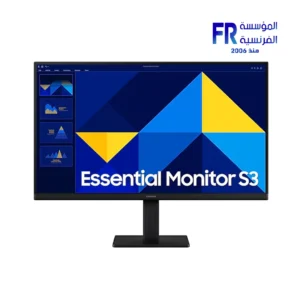
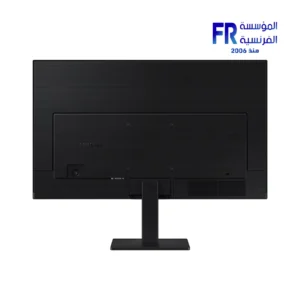
Samsung Essential S3 S32GF S24F320GAU 24 Inch 120Hz 5ms FHD IPS Flat Eye Saver Mode Black Monitor
1 × 4800 EGP
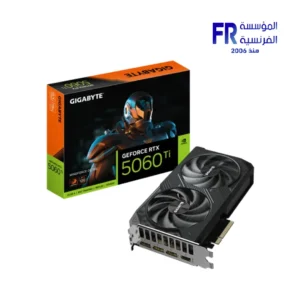 Gigabyte GeForce RTX 5060 Ti Windforce OC 16GB GDDR7 Graphic Card
 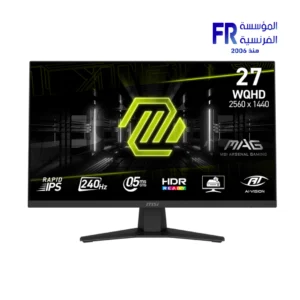 MSI MAG 274QF X24 27 Inch 240Hz 0.5ms WQHD Rapid IPS Flat AMD FreeSync Premium HDR Ready Monitor
  Thermal Grizzly Duronaut 2g Thermal Paste
 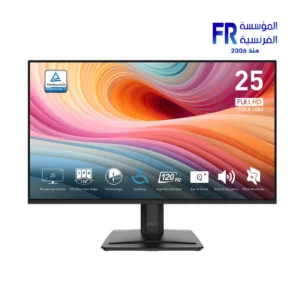 MSI PRO MP251 E2 24.5 Inch 120Hz 1ms FHD IPS Flat Adaptive Sync HDR Ready With Speakers Black Monitor
 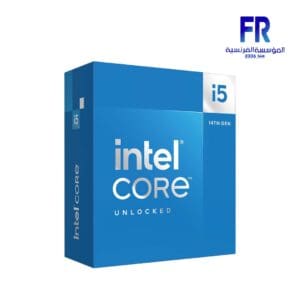 Intel Core I5 14600K Processor
 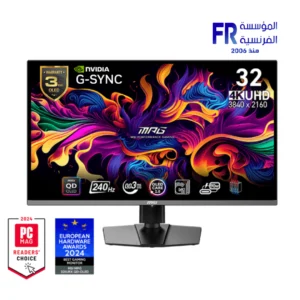 MSI MPG 321URX 31.5 Inch 240Hz 0.03ms UHD QD-OLED Flat G-Sync Compatible DisplayHDR True Black 400 90W PD Black Monitor
  Polartherm X10 5g Thermal Paste
 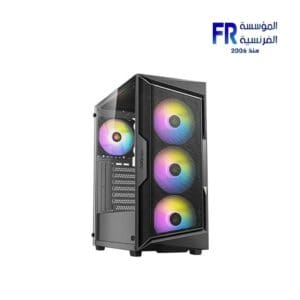 Antec AX61 Elite ARGB + Atom B750 750W 80 Plus Bronze Mid Tower Case
 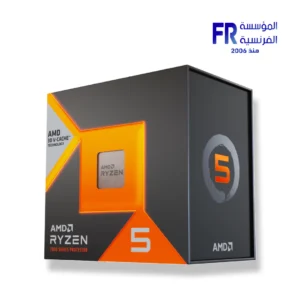 AMD Ryzen 5 7500X3D Processor
 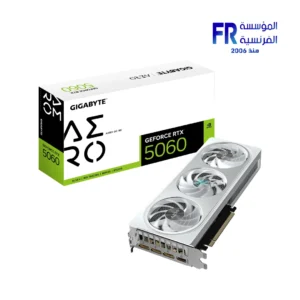 Gigabyte GeForce RTX 5060 Aero OC 8GB GDDR7 Graphic Card
 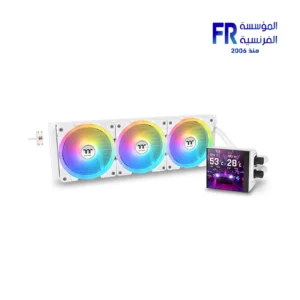 Thermaltake MAGFloe 420mm Ultra ARGB Sync Snow AIO Liquid CPU Cooler
  Thermal Grizzly Aeronaut 1g Thermal Paste
  Thermal Grizzly Aeronaut 3.9g 1.5ml Thermal Paste
 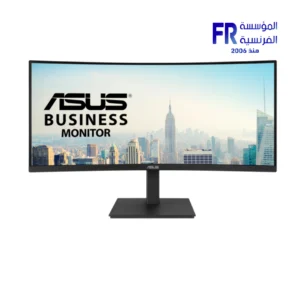 Asus VA VA34VCPSR 34 Inch 100Hz 4ms UWQHD VA Curve 1500R Adaptive Sync HDR10 With Speakers Monitor
  Thermal Grizzly PhaseSheet PTM 50x40 Thermal Pad
 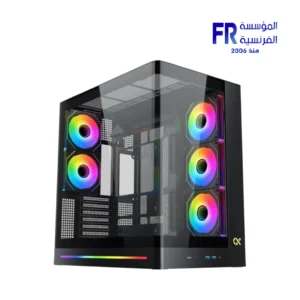 Xigmatek Pano II Air Type C 8 Fan ARGB Pwm Curved TG EATX Super Tower Case
  WD Blue SN5000 2Tb M2 Nvme Internal Solid State Drive SSD
  Polartherm X10 10g Thermal Paste
 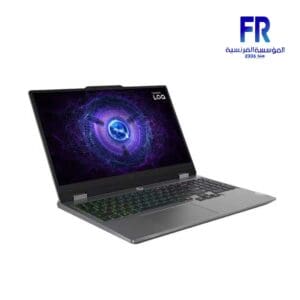 Lenovo LOQ 15IAX9 – Core i5 – 12450HX – 8GB – 512GB SSD – RTX 3050 6 GB – 15.6 FHD 144Hz – Gaming Laptop
 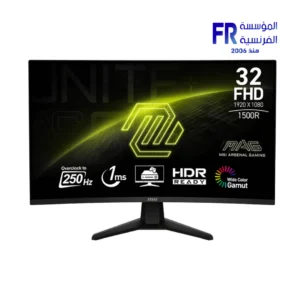 MSI MAG 32C6X 31.5 Inch 250Hz OC 1ms MPRT FHD VA Curve 1500R Adaptive-Sync HDR Ready Black Monitor
  Polartherm X10 2g Thermal Paste
  Gigabyte Aorus C601 Glass Mid Tower Case with 4x 140mm ARGB PWM Fans USB 3.1 Gen 2 Type-C Black
  Thermal Grizzly Kryonaut Extreme 2g Thermal Paste
  WD Blue SN5000 4Tb M2 Nvme Internal Solid State Drive SSD
 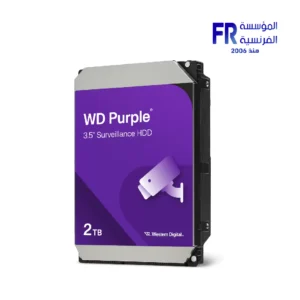 WD Purple 2TB WD23PURZ Internal Desktop Hard Drive
 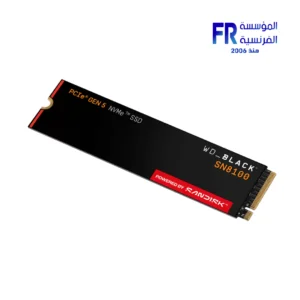 Western Digital Black SN8100 2TB M2 2280 PCIe Gen 5 Nvme Without Heatsink Internal Solid State Drive SSD
 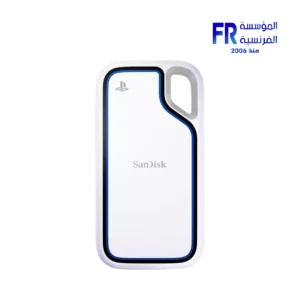 Sandisk Extreme Portable 1TB USB 3.2 Gen 2 For Playstation 5 Console and PC External Solid State Drive SSD
 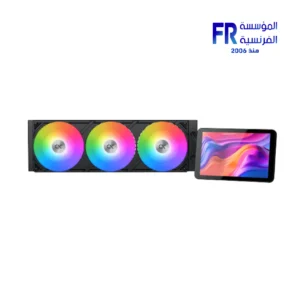 Xigmatek Connect Pro 360 Argb 7 Inch Magnetic LCD Aio Liquid Cpu Cooler
  Tplink UB500 Bluetooth 5.3 Nano Usb Adapter
 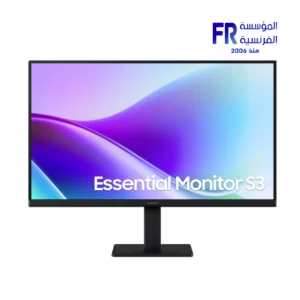 Samsung Essential S3 S32GF S24F320GAU 24 Inch 120Hz 5ms FHD IPS Flat Eye Saver Mode Black Monitor
Computer monitors are essential for any computer system. They provide the visual output for all of your applications and games. When choosing a computer monitor, there are a few key factors to consider, such as screen size, resolution, refresh rate, and panel type.
Screen Size
Screen size is measured diagonally from one corner of the monitor to the other. Common screen sizes for computer monitors range from 21 inches to 34 inches or more. The best screen size for you will depend on your personal preference and the type of work you do. If you need a lot of screen real estate for multitasking or working with multiple applications, you may want to consider a larger monitor. If you’re short on space or only use your computer for basic tasks, a smaller monitor may be sufficient.
21inch monitor
Resolution
Resolution refers to the number of pixels on a monitor. The higher the resolution, the sharper and more detailed the image will be. Common resolutions for computer monitors range from 1920×1080 (Full HD) to 3840×2160 (4K). If you’re planning on using your monitor for gaming or watching high-definition videos, you’ll want to choose a monitor with a high resolution.
1920×1080 monitor
Refresh Rate
Refresh rate is the number of times per second that the monitor updates the image on the screen. A higher refresh rate will result in a smoother and more fluid image. Common refresh rates for computer monitors range from 60Hz to 240Hz or more. If you’re a gamer or use your computer for other graphics-intensive tasks, you’ll want to choose a monitor with a high refresh rate.
240Hz monitor
Panel Type
There are two main types of monitor panels: TN and IPS. TN panels are less expensive and offer faster response times, but they have narrower viewing angles and less accurate colors. IPS panels are more expensive, but they offer wider viewing angles and more accurate colors.
IPS panel monitor
Other factors to consider when choosing a computer monitor include:
Brightness: Brightness is measured in nits. A higher brightness rating means that the monitor can display a brighter image. This is important if you plan on using your monitor in a brightly lit environment.
Contrast Ratio: Contrast ratio is the difference between the brightest and darkest colors that a monitor can display. A higher contrast ratio means that the monitor can produce more vibrant and realistic images.
Response Time: Response time is the amount of time it takes for a pixel to change from one color to another. A lower response time means that the monitor can produce sharper and more fluid images, especially in fast-paced games.
Viewing Angle: Viewing angle is the angle at which you can view the monitor without the image becoming distorted or washed out. A wider viewing angle means that you can view the monitor from a wider range of angles without sacrificing image quality.
Connectivity: Most computer monitors have an HDMI or DisplayPort connector. Some monitors also have additional connectors, such as DVI or VGA. Make sure that the monitor you choose has the connectors that you need.
Once you’ve considered all of these factors, you can start shopping for a computer monitor. Be sure to read reviews and compare prices before you buy.


-17%
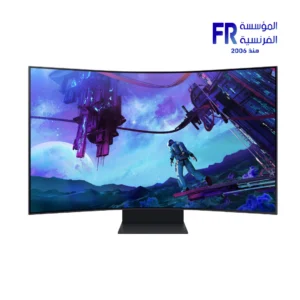

Original price was: 99999 EGP.82700 EGPCurrent price is: 82700 EGP.

-8%


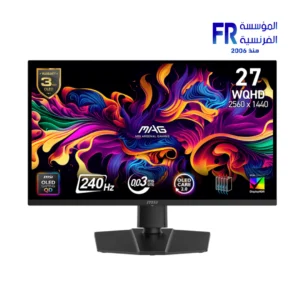
Original price was: 129999 EGP.119999 EGPCurrent price is: 119999 EGP.
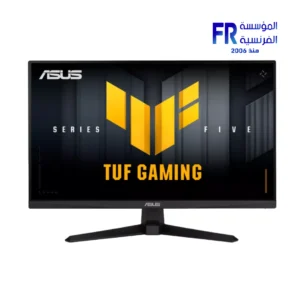
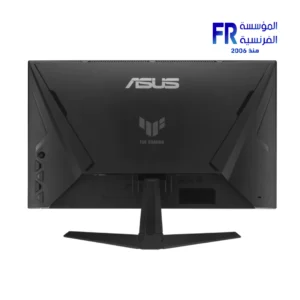
HOT
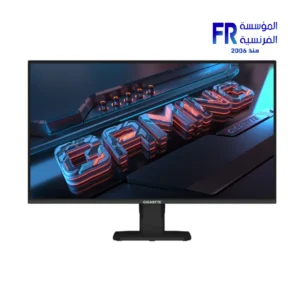
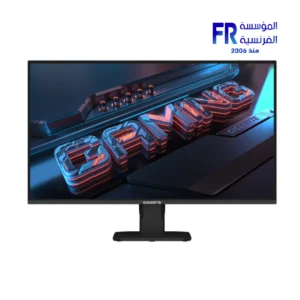
Out of stock
Out of stock
-5%
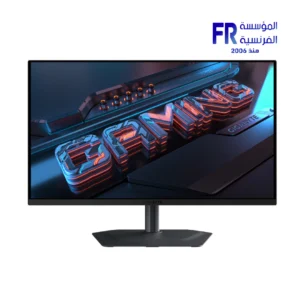
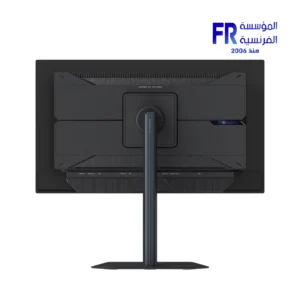
Original price was: 28500 EGP.26999 EGPCurrent price is: 26999 EGP.
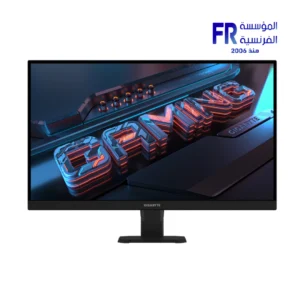
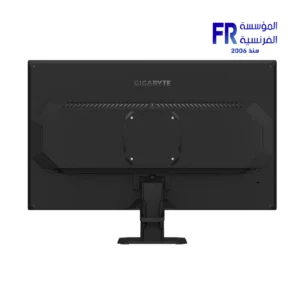
-5%
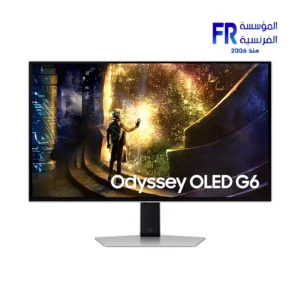
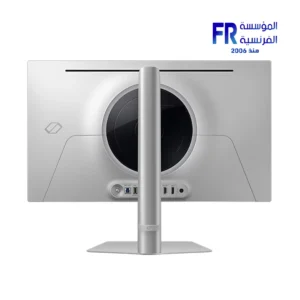
Original price was: 31500 EGP.29900 EGPCurrent price is: 29900 EGP.
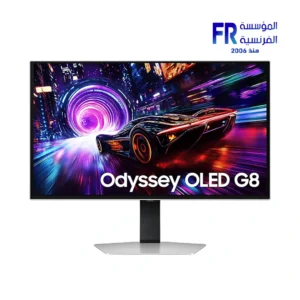
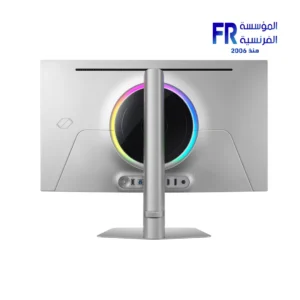
-5%
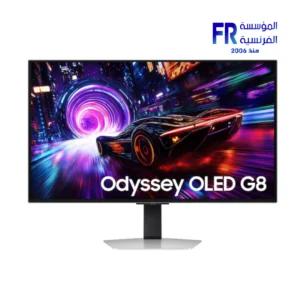
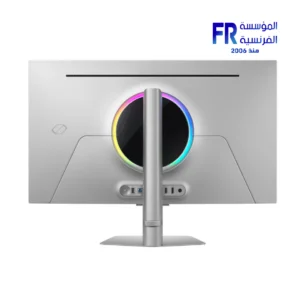
Original price was: 48999 EGP.46666 EGPCurrent price is: 46666 EGP.
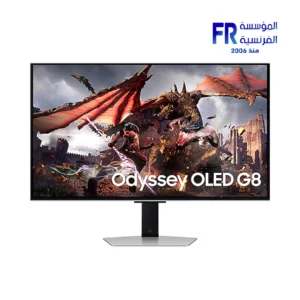
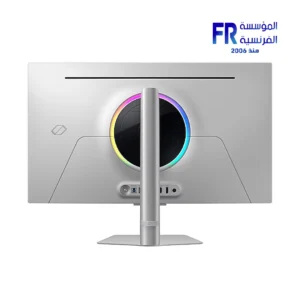
-10%
Original price was: 66666 EGP.59999 EGPCurrent price is: 59999 EGP.