


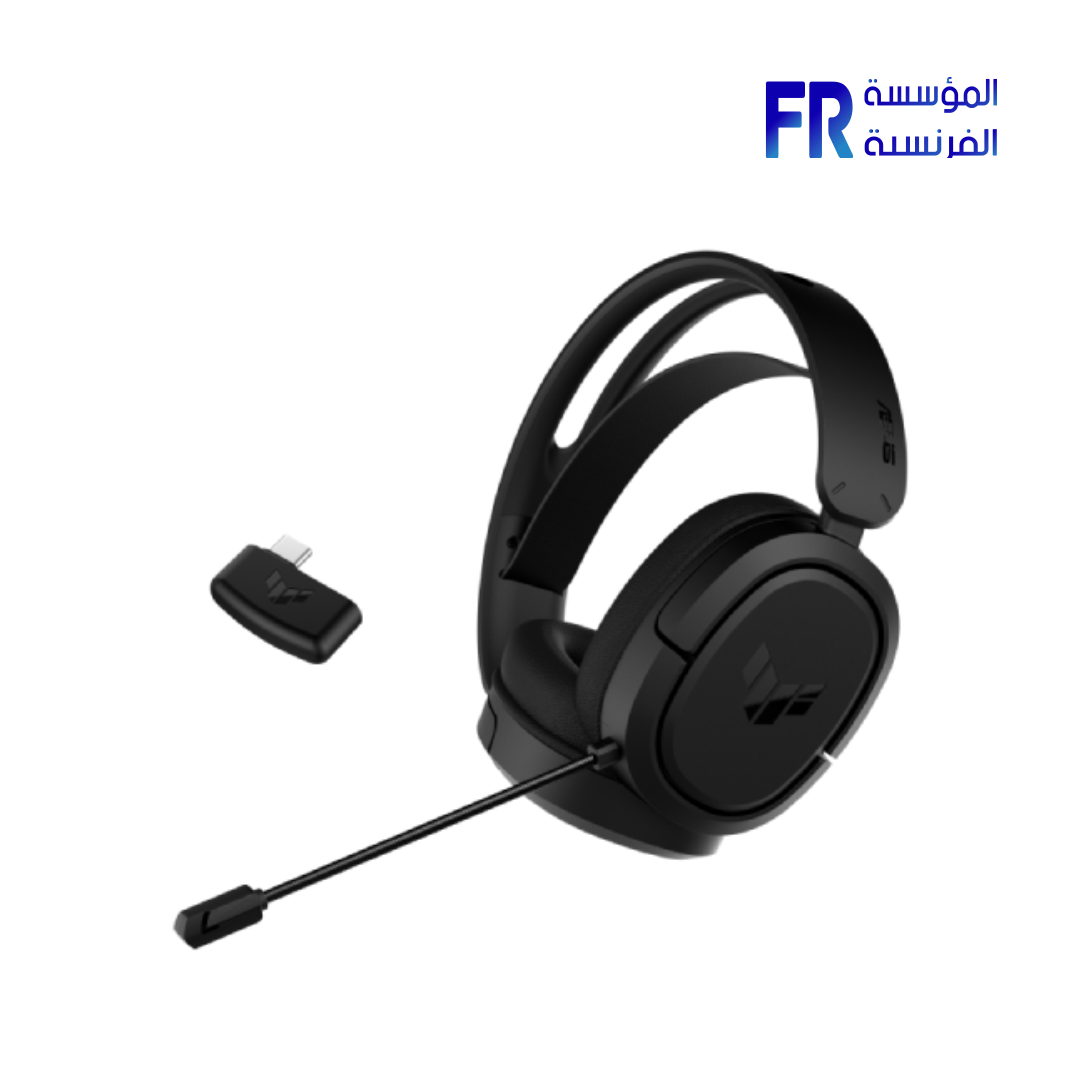
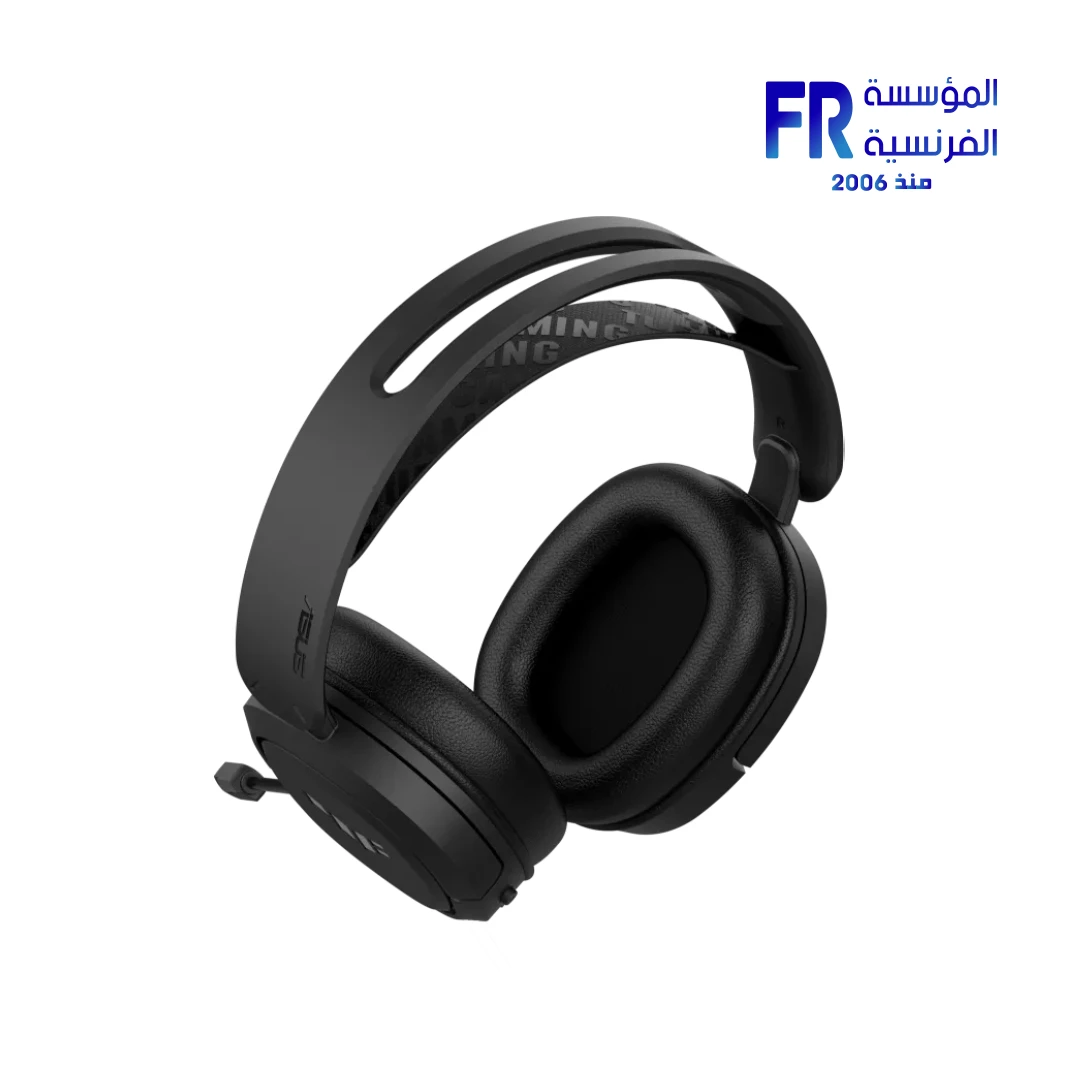
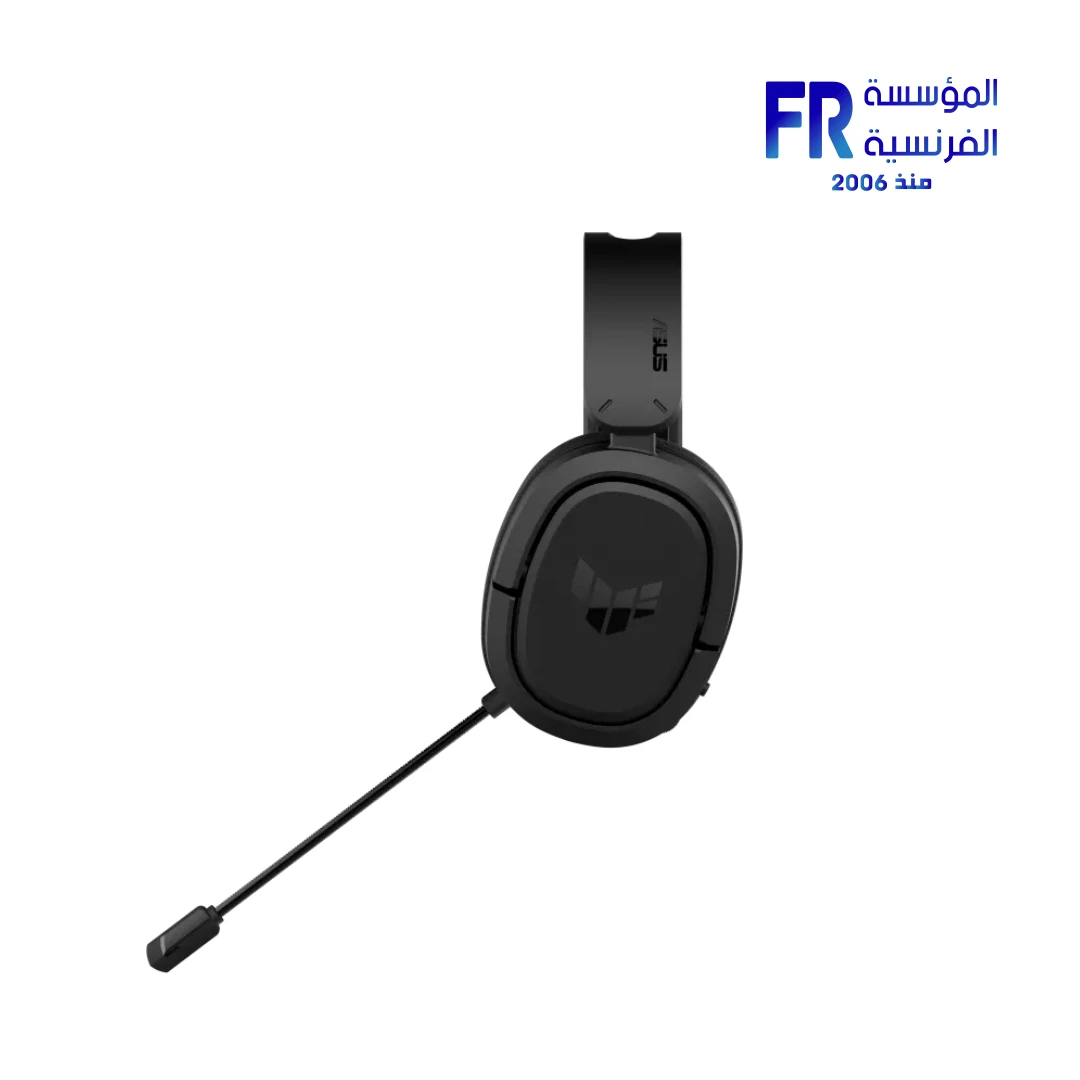
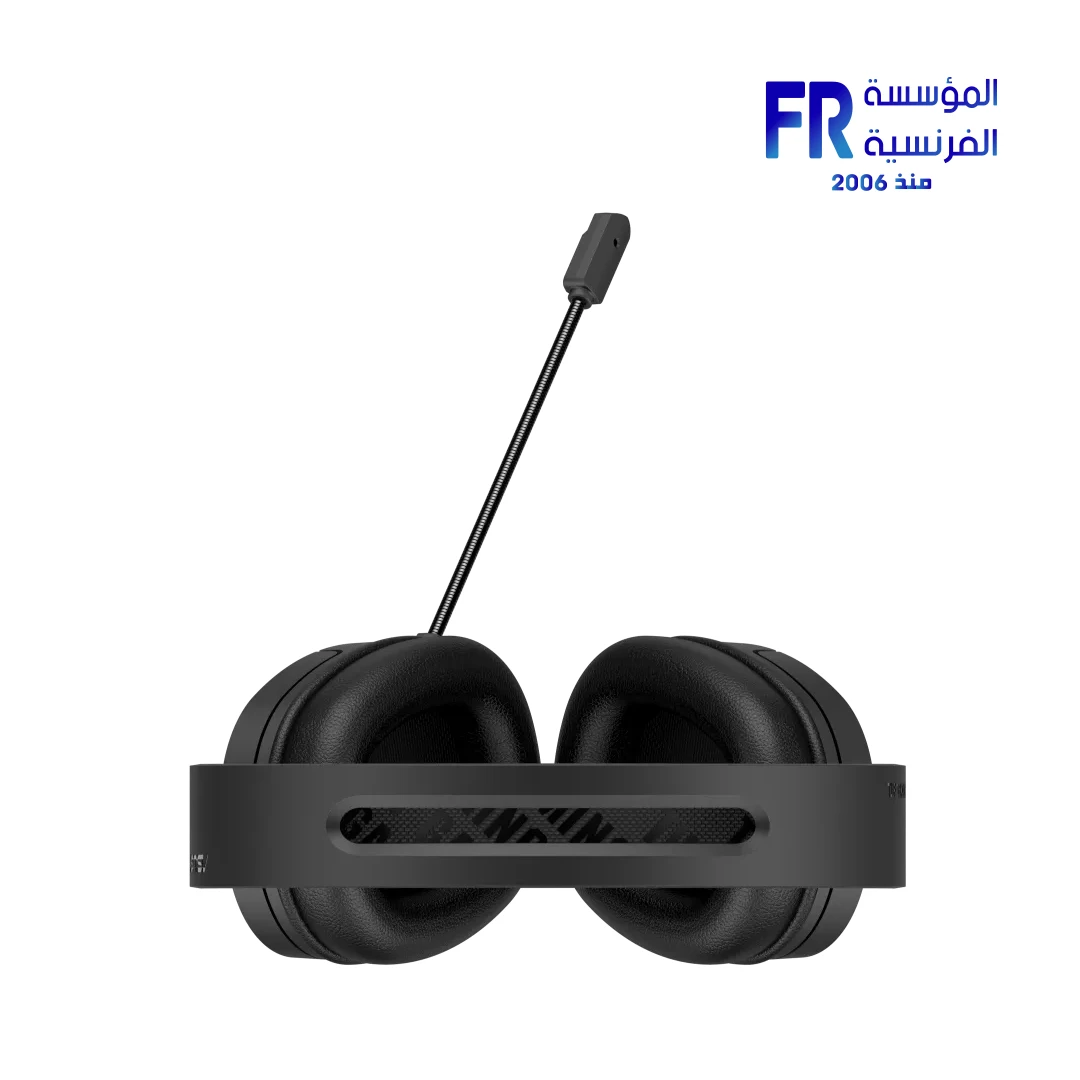

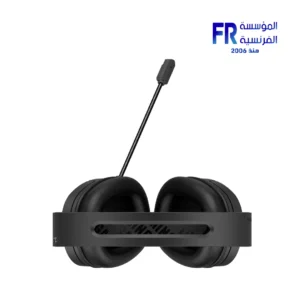


Asus TUF Gaming H1 wireless Gaming Headset
4160 EGP
- Wireless: 2.4GHz RF (<50ms latency)
- Drivers: 50mm ASUS custom drivers
- Frequency Response: 20Hz-20kHz
- Battery Life: Up to 30 hours
- Microphone: Discord-certified boom mic
- Charging: USB-C (15min = 3hrs)
In stock
Price Match Guarantee✅ Authorized ASUS Partner in Egypt | Official 1-Year Warranty | Expert PC Building Consultation Available
ASUS TUF Gaming H1 Wireless Gaming Headset
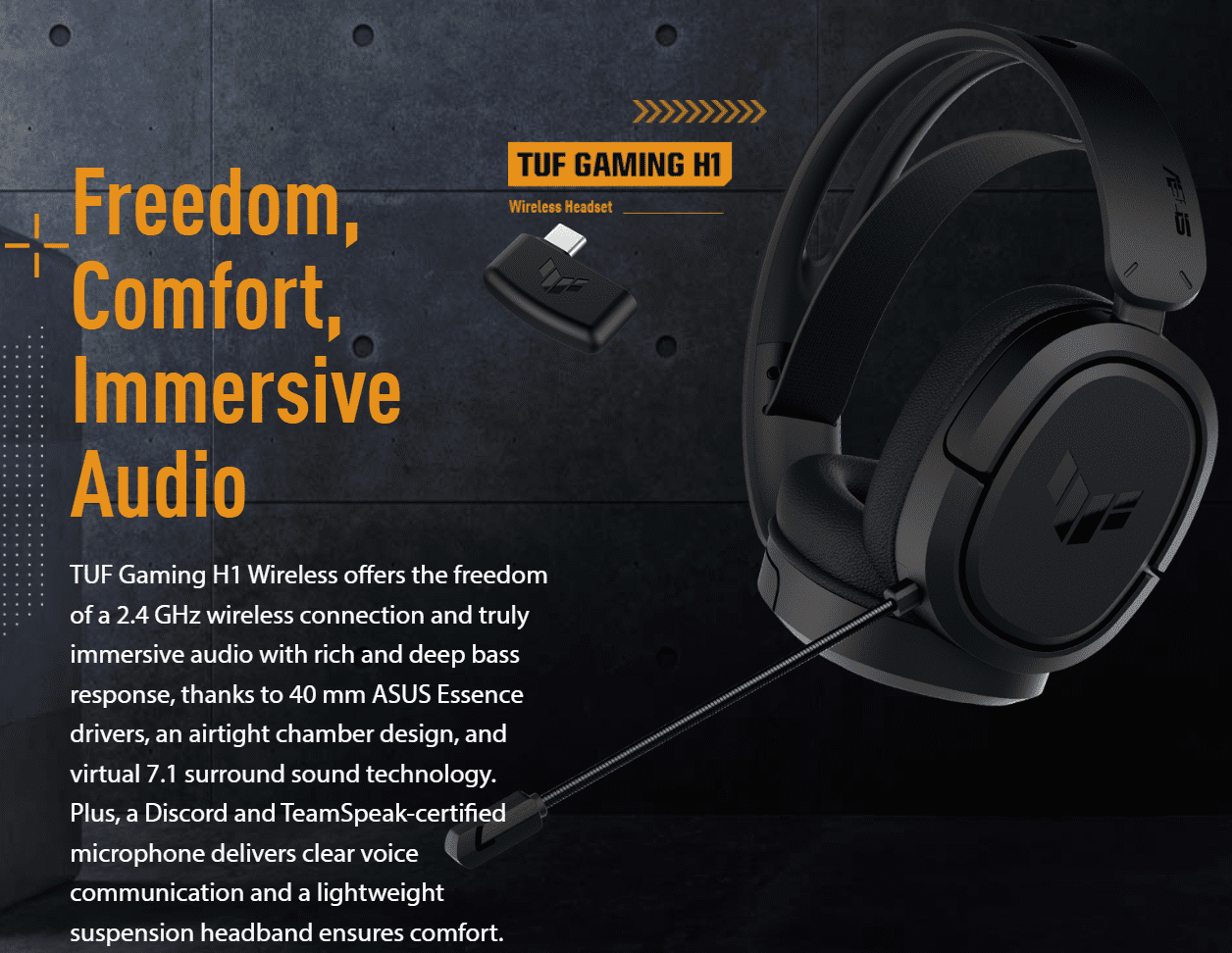
ASUS TUF Gaming H1 Wireless is a 2.4GHz wireless gaming headset featuring 40mm neodymium drivers, an AI Noise Cancelling unidirectional microphone, and 15 hours of battery life. It connects through USB-C directly or through the included USB-C to USB-A adapter, and it works with PC, Mac, PlayStation 4, PlayStation 5, and Nintendo Switch. Available at Alfrensia for 3,999 EGP.
⚡ Engineering Highlights at a Glance:
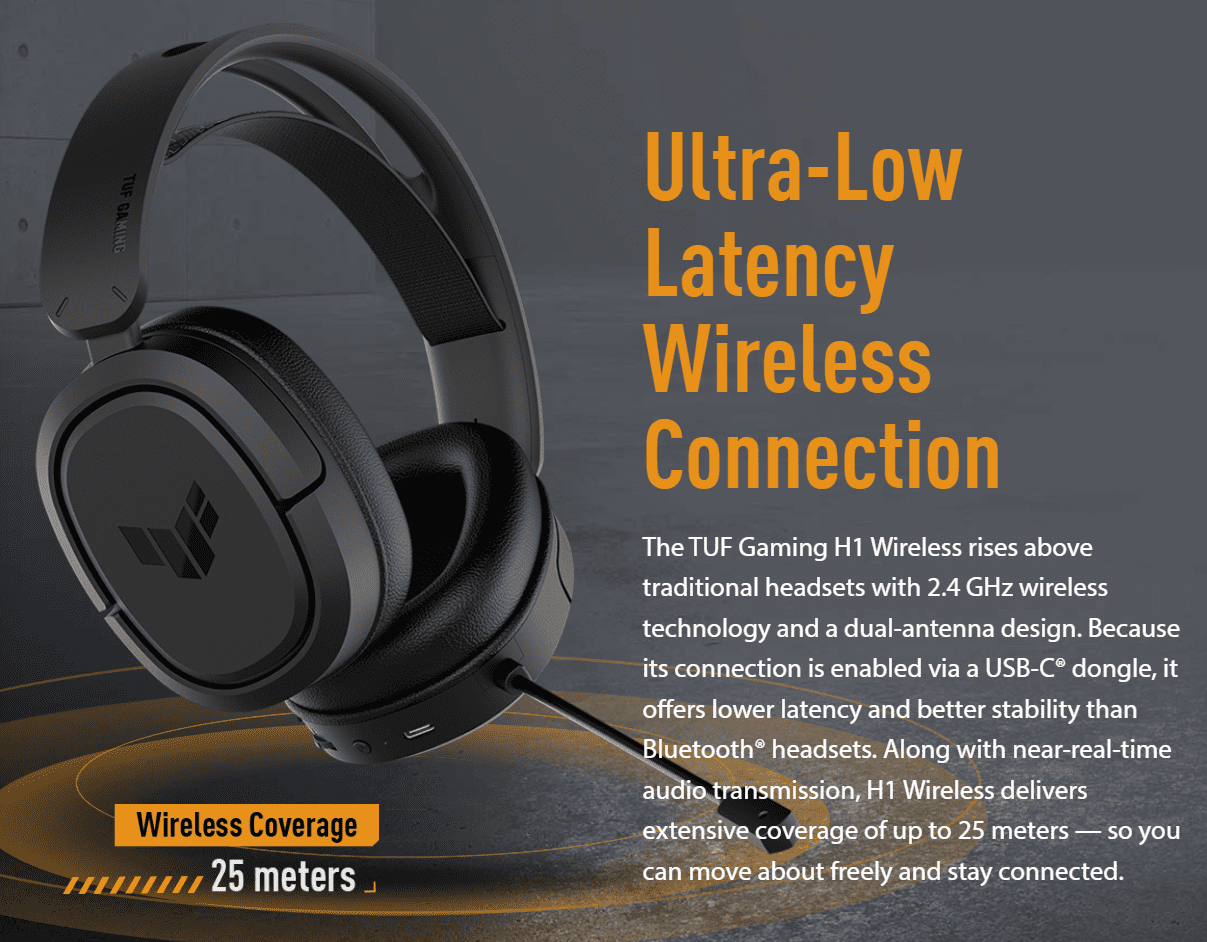
- 2.4GHz Wireless Connection: Uses a USB-C dongle or the included USB-C to USB-A adapter for a low-latency link on PC, Mac, PS4, PS5, and Switch.
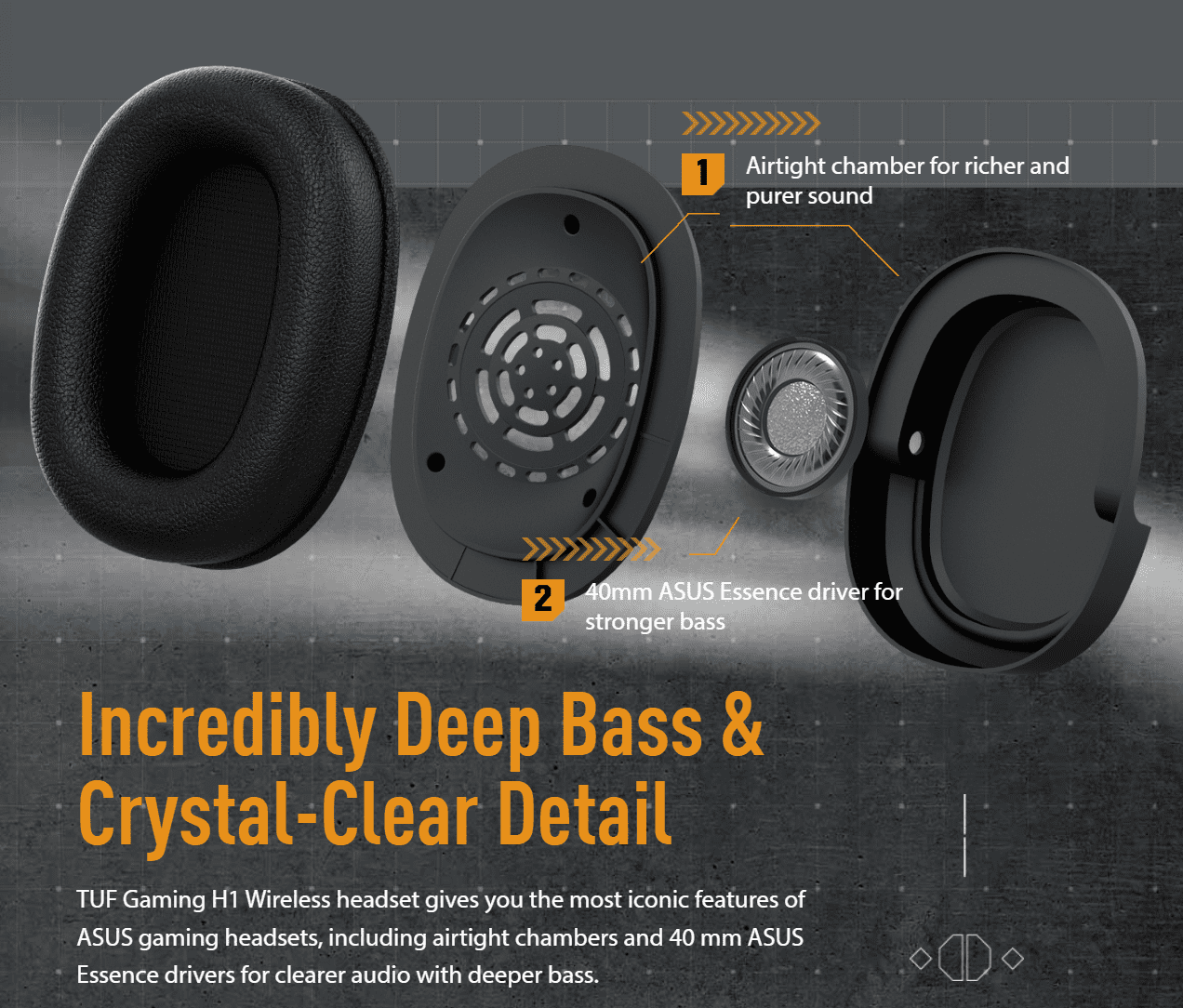
- 40mm Neodymium Drivers: 60 Ohm impedance and 20 Hz ~ 20 kHz frequency response for full-range game audio.
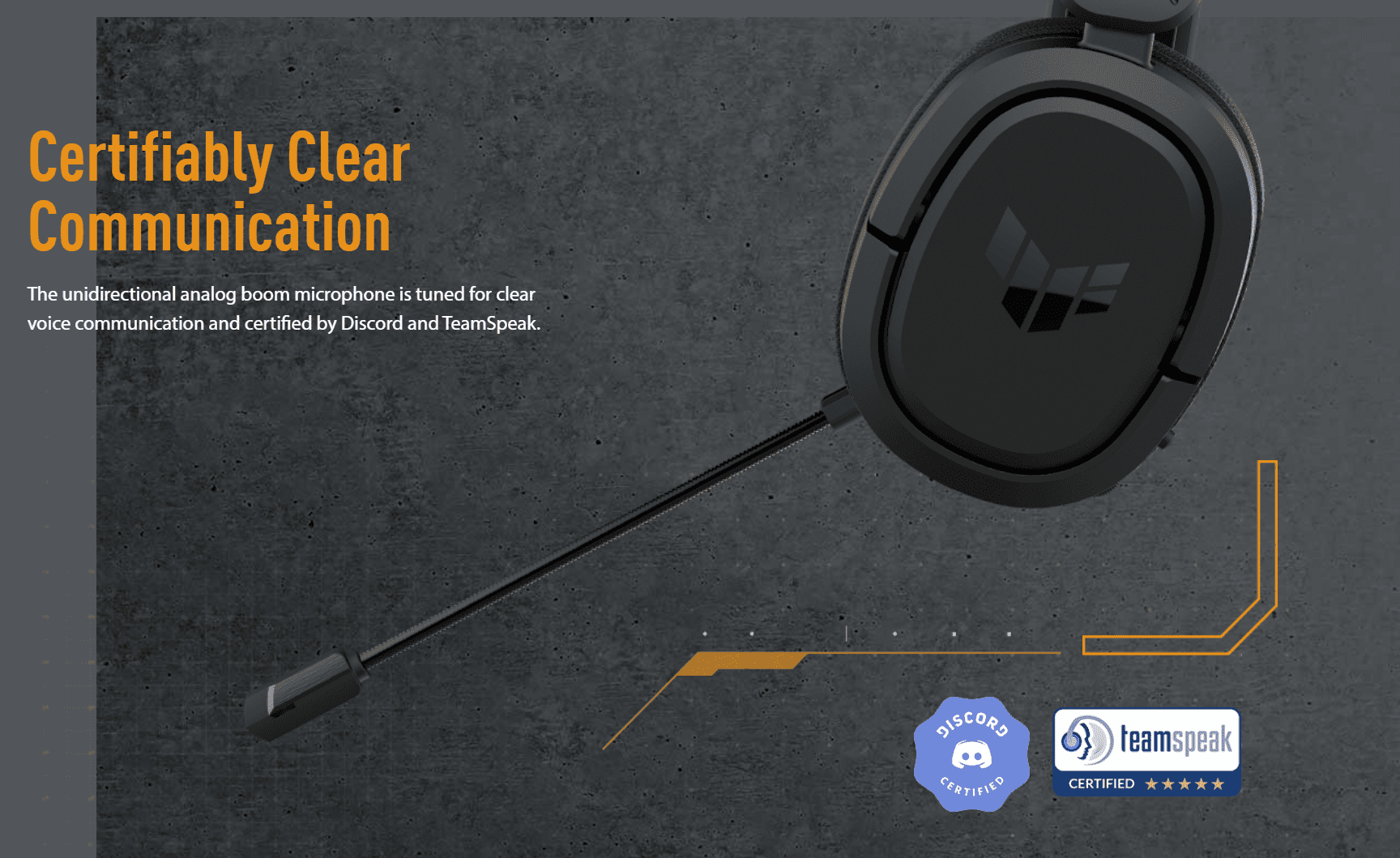
- AI Noise Cancelling Microphone: Unidirectional boom mic with -45 dB sensitivity and a 100 Hz ~ 10 kHz range tuned for clear voice pickup.
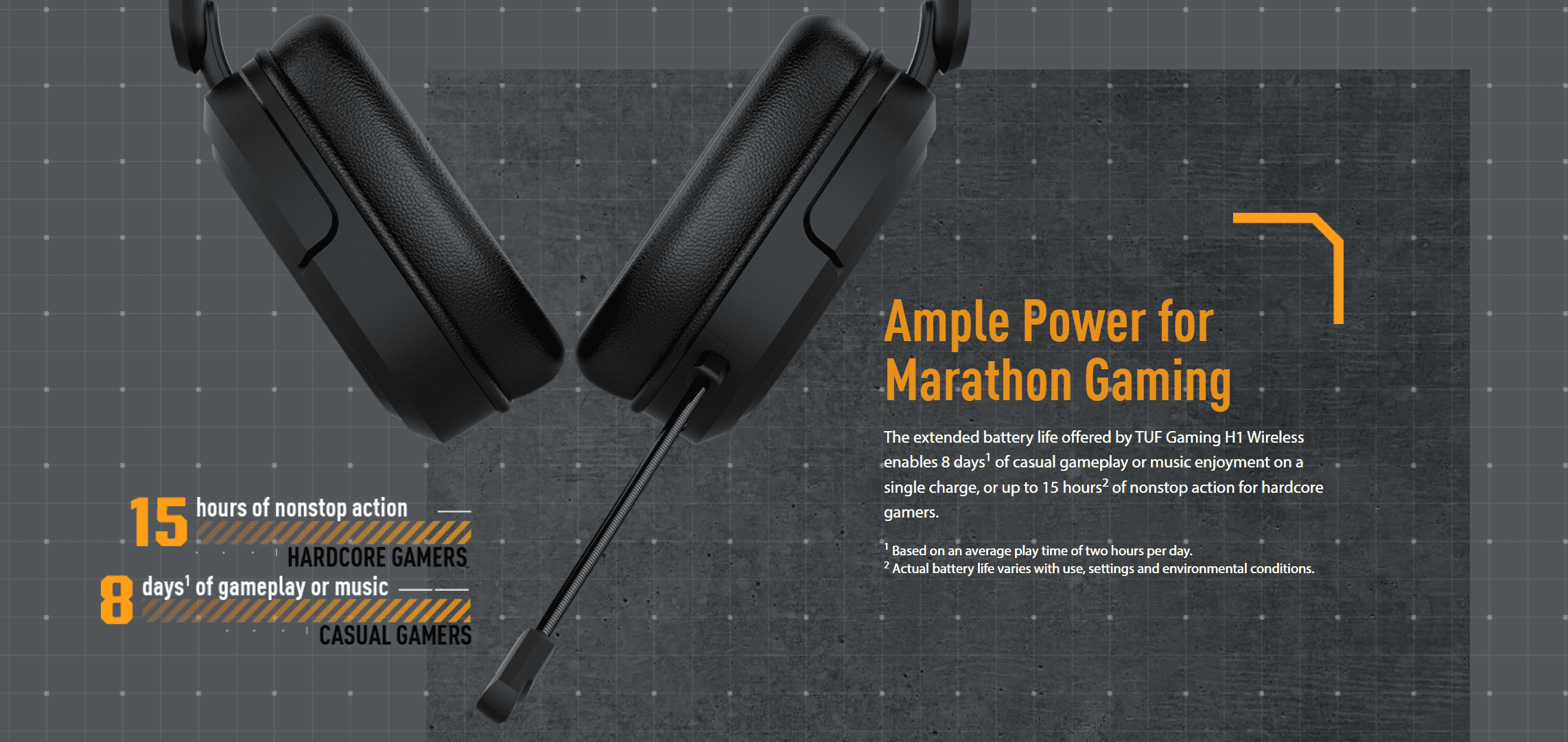
- 15-Hour Battery: Enough for multiple gaming sessions between charges via the included 1m USB-C cable.
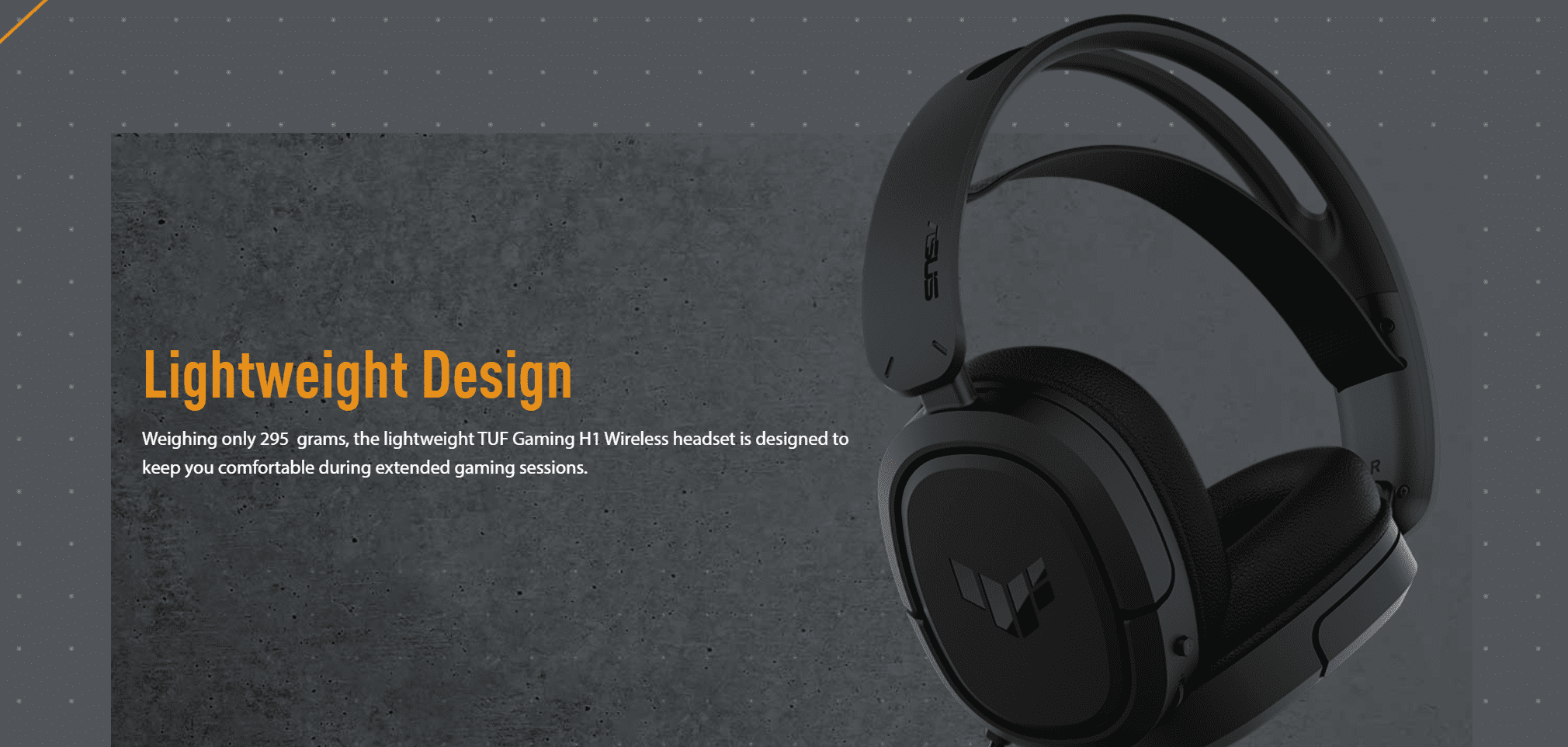
- 295g Lightweight Build: Reduces head and neck strain during long sessions.
- Armoury Crate Software: Adjust audio profiles, mic settings, and battery status from a single dashboard.
- Cross-Platform Support: Works with PC, Mac, PlayStation 5, PlayStation 4, and Nintendo Switch.
Who is the TUF Gaming H1 Wireless For?
Expert Advice & Setup Considerations
Connecting to PC, PlayStation, and Switch
The headset ships with a USB-C 2.4GHz dongle, a USB-C to USB-A adapter, and a 1m USB-C charging cable. On a desktop PC, plug the dongle into a USB-A port through the adapter; on a laptop, Switch, or PS5, plug it directly into a USB-C port. On PS4, use the included USB-C to USB-A adapter because the console uses USB-A ports. Note that mobile phone support varies by model; check the ASUS support list to confirm compatibility with your specific phone before you rely on it.
Battery and Charging
The headset provides up to 15 hours of battery life on a single charge. Charge it with the included 1m USB-C cable by connecting the headset to a USB port on your PC, a wall charger, or a power bank. The adapter draws between 1W and 2.5W during charging, so most standard USB ports provide enough power. Because the headset is not foldable, plan for a flat storage space; the included carry bag protects it during transport.
Microphone and Armoury Crate
The unidirectional boom microphone has -45 dB sensitivity, a 100 Hz ~ 10 kHz range, and AI Noise Cancelling that filters background noise without a separate app. Install Armoury Crate to access audio profiles, mic gain, and battery status on Windows. The headset does not have active noise cancellation (ANC) on the ear cups; it isolates passively through the closed-back design. Position the boom mic close to the corner of your mouth for the best pickup, and adjust mic gain in Armoury Crate if teammates report low volume.
Technical Specifications
| Model Name | TUF Gaming H1 Wireless |
| Brand | ASUS |
| SKU / MPN | 90YH0391-B3UA00 |
| EAN / UPC | 195553173964 |
| Product Type | Wireless gaming headset |
| Interface | 2.4GHz wireless |
| Connector | USB-C / USB-A (via included adapter) / 2.4GHz dongle |
| Driver Size | 40 mm |
| Driver Material | Neodymium magnet |
| Impedance | 60 Ohm |
| Frequency Response | 20 Hz ~ 20 kHz |
| Channel | Stereo |
| Microphone Pick-up Pattern | Unidirectional |
| Microphone Sensitivity | -45 dB |
| Microphone Frequency Response | 100 Hz ~ 10 kHz |
| AI Noise Cancelling Microphone | Yes |
| Active Noise Cancellation | No |
| Aura Sync | No |
| Battery Life | 15 hours |
| Charging | USB-C, 1m charging cable included, 1W-2.5W adapter range |
| Weight | 295 g |
| Foldability | No |
| Color | Black |
| Platform Support | PC | Mac | PlayStation 5 | PlayStation 4 | Nintendo Switch |
| Software | Armoury Crate |
| Included Accessories | USB-C charging cable (1m) | USB-C to USB 2.0 (Type-A) adapter | Carry bag | Quick start guide |
| Warranty | 1 Year Local Alfrensia Warranty |
Expert Recommendation: Getting the Most from the TUF Gaming H1 Wireless
Charge the headset fully before your first session. Plug the USB-C charging cable into the headset and a PC USB port; the 1W-2.5W adapter range is enough for a full charge overnight. Because the headset is not foldable, store it flat in the included carry bag when you travel.
On a desktop PC, plug the 2.4GHz dongle into a USB-A port through the included adapter. On a laptop, PS5, or Switch, plug the dongle directly into a USB-C port. On PS4, use the adapter. Then install Armoury Crate on Windows to adjust audio profiles, mic gain, and battery status.
Position the boom mic close to the corner of your mouth for the best pickup. The AI Noise Cancelling filters background noise without a separate app, but it works best when you speak at a normal volume. If teammates report low volume, raise the mic gain in Armoury Crate.
Because the headset has no active noise cancellation, its closed-back design blocks sound passively. For noisy rooms, keep the volume moderate to reduce fatigue. Also, check the ASUS support list to confirm mobile phone compatibility, because phone support varies by model. And because Bluetooth is not listed as a feature, do not plan to pair the headset with phones or tablets that lack a USB-C port.
Frequently Asked Questions
Which platforms does the TUF Gaming H1 Wireless support?
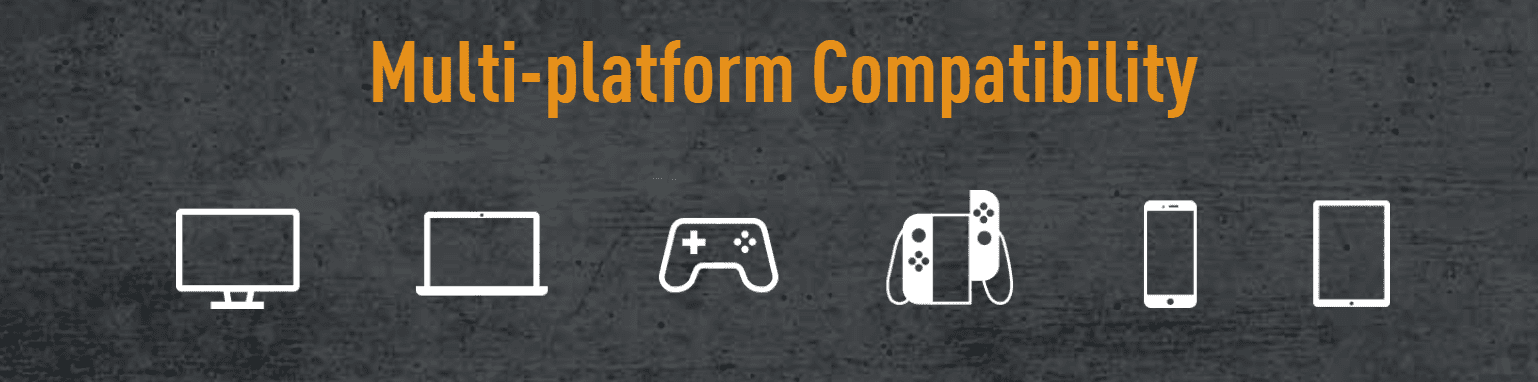
The headset supports PC, Mac, PlayStation 5, PlayStation 4, and Nintendo Switch. It connects through a 2.4GHz dongle with a USB-C connector, and the included USB-C to USB-A adapter adds compatibility with devices that only have USB-A ports, such as the PS4. Mobile phone support varies by model, so check the ASUS support list to confirm compatibility with your phone.
Does the headset support Bluetooth?
No. The TUF Gaming H1 Wireless uses a 2.4GHz wireless dongle and USB-C or USB-A connectors for connectivity. It does not support Bluetooth pairing. Therefore, it cannot connect to phones or tablets that lack a USB-C port for the dongle.
How long does the battery last, and how do I charge it?
The headset provides up to 15 hours of battery life on a single charge. Charge it with the included 1m USB-C cable by connecting the headset to a USB port on your PC, a wall charger, or a power bank. The headset’s adapter draws between 1W and 2.5W during charging, which most USB ports provide.
Does the headset have active noise cancellation?
No. The headset does not have active noise cancellation (ANC) on the ear cups. Instead, its closed-back design blocks sound passively. The microphone does include AI Noise Cancelling to filter background noise during voice chat, but this works on the mic input only, not on what you hear.
What is included in the box?
The retail package includes the TUF Gaming H1 Wireless headset, a 2.4GHz USB-C dongle, a USB-C to USB 2.0 (Type-A) adapter, a 1m USB-C charging cable, a carry bag, and a quick start guide. No extra ear cushions are included, and the headset does not fold.
| MODEL | |
|---|---|
| Connection | |
| Headphone Drivers | |
| Headphone Frequency Response | |
| headphone Sensitivity | |
| Microphone Frequency Response | |
| Microphone Sensitivity | |
| Cable Length | |
| Wireless Range | |
| Lighting | |
| Polar pattern | |
| BATTERY | |
| Color | |
| Part Number | |
| Warranty |
Only logged in customers who have purchased this product may leave a review.

Reviews
There are no reviews yet.