


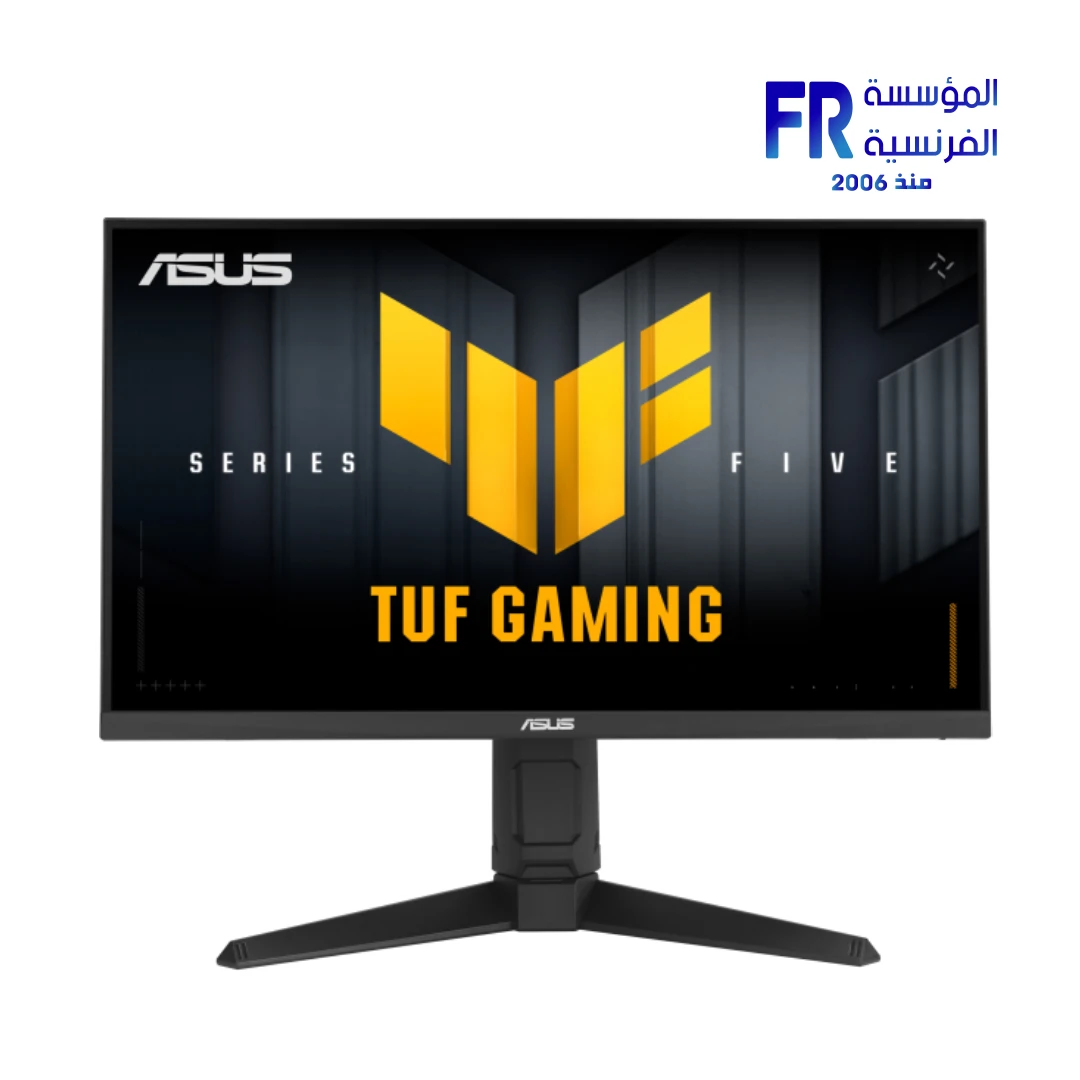
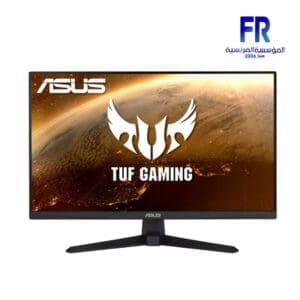
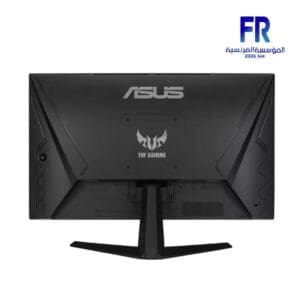
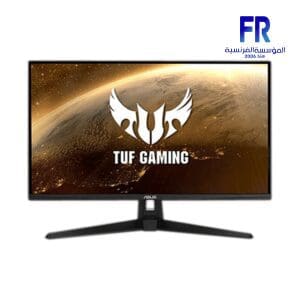
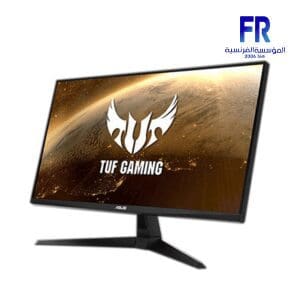
Asus Tuf Gaming VG259QMRL5A 24.5 Inch FHD 310HZ 0.3ms GTG Fast IPS G-SYNC FreeSync Premium HDR400 Gaming Monitor
9400 EGP
- Part Number 90LM0BQ0-B01O71
- Panel Technology / Size Fast IPS / 24.5 Inch
- Resolution & Speed FHD (1920 x 1080) @ 310Hz (OC)
- Response Time 0.3ms (min. GTG) / 1ms (GTG)
- Sync Technology ELMB Sync / G-SYNC Compatible / FreeSync Premium
- Color & HDR 99% sRGB / VESA DisplayHDR 400
- Connectivity 1x DisplayPort 1.4, 2x HDMI 2.0
- Warranty 3 Years
In stock
Price Match GuaranteeAsus Tuf Gaming VG259QMRL5A 24.5 Inch FHD 310HZ 0.3ms GTG Fast IPS G-SYNC FreeSync Premium HDR400 Gaming Monitor
The TUF Gaming VG259QMRL5A represents the apex of the Series Five “Epic TUF Upgrades,” designed specifically for professional gamers who demand unstoppable performance. By pairing a blistering 310Hz overclocked refresh rate with ASUS Fast IPS technology, it eliminates the compromise between color accuracy and response speed, ensuring your hardware is never the bottleneck in high-stakes competitive play.
Series Five: Smarter Play, Greater Wins
Upgraded Gaming AI
Integrates A.I. Assistant Technology including Dynamic Crosshair, Dynamic Shadow Boost, and AI Visual to enhance clarity and targeting precision automatically.
ELMB™ SYNC Technology
Enables Extreme Low Motion Blur together with Variable Refresh Rate (VRR), eliminating ghosting and tearing for sharp gaming visuals even at 310Hz.
DisplayWidget Center
Effortlessly manage, optimize, and personalize your monitor settings directly with your mouse, moving away from cumbersome OSD physical buttons.
Comprehensive Technical Specifications
| Feature | Detailed Specification |
|---|---|
| Model Name | Asus Tuf Gaming VG259QMRL5A |
| Panel Size (inch) | 24.5 |
| Aspect Ratio | 16:9 |
| Display Surface | Anti-Glare |
| Panel Type | Fast IPS |
| Resolution | 1920×1080 |
| Color Space (sRGB) | 99% |
| Brightness (Typ.) | 400cd/㎡ |
| Contrast Ratio (Typ.) | 1000:1 |
| Response Time | 1ms(GTG), 0.3ms(min.) |
| Refresh Rate (Max) | 310Hz |
| HDR Support | HDR10 / VESA DisplayHDR 400 |
| VRR Technology | G-SYNC Compatible / FreeSync Premium |
| A.I. Assistant | AI Visual, Dynamic Crosshair, Dynamic Shadow Boost |
| Audio | Speaker (2Wx2) |
| I/O Ports | DisplayPort 1.4 x1, HDMI(v2.0) x2, Earphone Jack |
| Warranty | 3 Year Limited Local Warranty |
What is Included in the Box?
Expert FAQ & Insights
What is the difference between the 0.3ms (min) and 1ms (GTG) rating?
Is this monitor compatible with both NVIDIA and AMD graphics cards?
💡 Technical Note: Unlocking 310Hz
To achieve the maximum 310Hz overclocked refresh rate, you must use the included DisplayPort 1.4 cable. Note that HDMI 2.0 connectivity is limited to 240Hz. We recommend enabling ‘Overclocking’ in the OSD menu and ensuring your Windows Display Settings reflect the higher frequency to fully utilize the panel’s upgraded speed.
Help us improve our product data accuracy. If you notice any error in this draft, please report it via our official feedback form:
Website Feedback & Report Form.
Copyright © 2026 Alfrensia.com. All rights reserved.
| MODEL | |
|---|---|
| Monitor Type | |
| SCREEN SIZE | |
| Panel Type | |
| RESOLUTION | |
| RESPONSE TIME | |
| REFRESH RATE | |
| ADAPTIVE SYNC | |
| Backlight Technology | |
| Brightness | |
| Flicker Free | |
| sRGB | |
| I/O Ports | |
| Included Speaker | |
| Color | |
| Part Number | |
| Warranty |
Only logged in customers who have purchased this product may leave a review.
Related products




Reviews
There are no reviews yet.