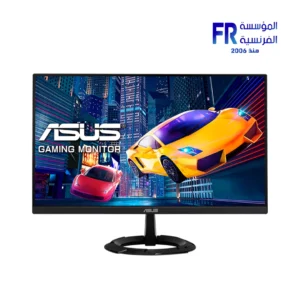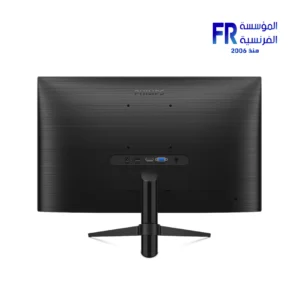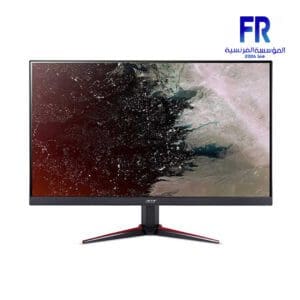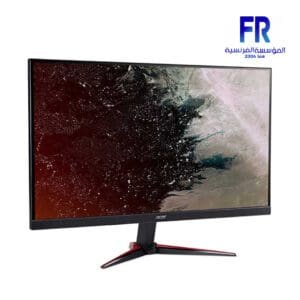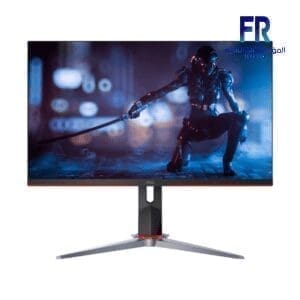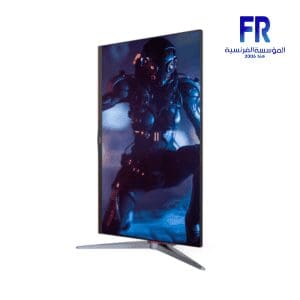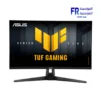
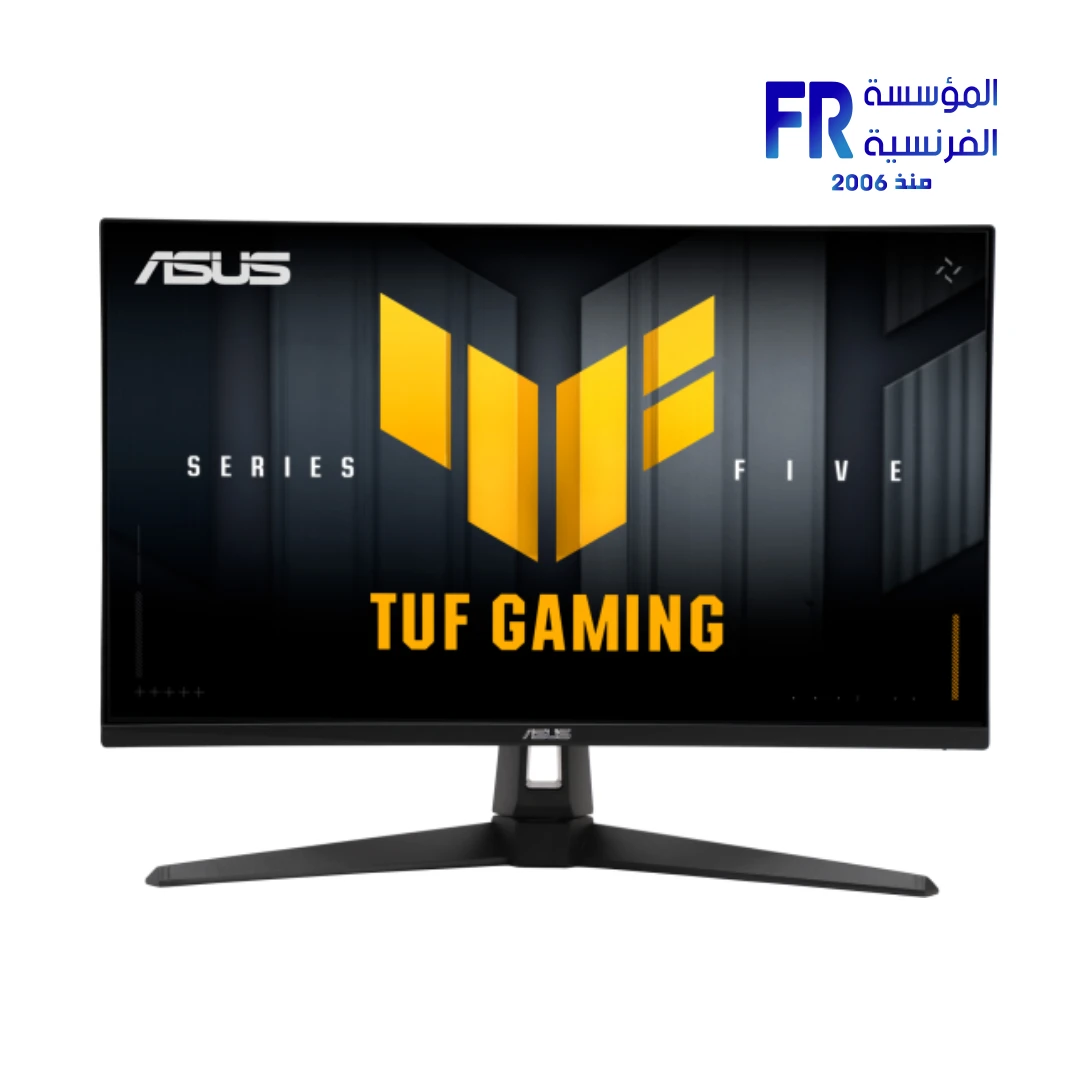
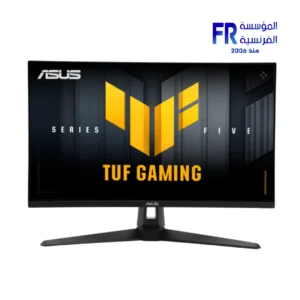
ASUS TUF Gaming VG27AQM5A 27 Inch 2K QHD 2560×1440 300Hz 1ms GTG Fast IPS G-Sync Compatible FreeSync Premium Black Gaming Monitor
The ASUS TUF Gaming VG27AQM5A 27 Inch 2K QHD 2560×1440 300Hz 1ms GTG Fast IPS G-Sync Compatible FreeSync Premium Black Gaming Monitor facilitates a competitive edge through its “Series Five” upgrades. Specifically engineered for professional gamers who demand 300Hz fluidity combined with 0.3ms (min) response times and advanced Gaming AI, it bridges the gap between high-speed esports performance and cinematic visual depth. Official Product Page
Upgraded Speed & Intelligent Gaming AI
Extreme Low Motion Blur Sync
ASUS ELMB Sync technology allows ELMB and variable-refresh-rate technologies to work simultaneously. This eliminates ghosting and tearing during high-frame-rate gaming, ensuring sharp gaming visuals that remain buttery-smooth even in the heat of battle.
Smarter Play with Gaming AI
Equipped with Dynamic Crosshair and Dynamic Shadow Boost, the VG27AQM5A automatically adjusts crosshair contrast and enhances dark areas of the map. These AI-driven enhancements make it easier to spot enemies in dim areas without over-exposing bright scenes.
Comprehensive Technical Specifications
| Feature | Detailed Specification |
|---|---|
| Model Name | ASUS TUF Gaming VG27AQM5A |
| Panel Size | 27-inch Fast IPS |
| Resolution | 2560 x 1440 (QHD) |
| Refresh Rate | 300Hz |
| Response Time | 1ms (GTG), 0.3ms (Min) |
| Color Gamut | 95% DCI-P3 |
| HDR Support | HDR10 |
| Adaptive-Sync | G-Sync Compatible & FreeSync Premium |
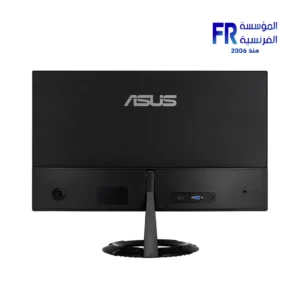
| I/O Ports | 1x DP 1.4 (HBR3), 2x HDMI 2.1 (FRL) |
| Audio | 2W x 2 Stereo Speakers |
| Warranty | 3 Year Limited Warranty |
What’s Included in the Box
FAQ
What is the advantage of Fast IPS technology?
ASUS Fast IPS technology allows the display’s liquid crystal elements to switch up to 4x faster than conventional IPS panels. This results in a lightning-fast 0.3ms minimum GTG response time, virtually eliminating motion blur and providing a competitive advantage in fast-paced titles.
How does DisplayWidget Center improve the user experience?
DisplayWidget Center is a utility that allows you to adjust monitor settings via a mouse rather than using the physical OSD buttons. It provides an intuitive interface to tweak AI Visual settings, color temperatures, and GamePlus features instantly.
Is the monitor compatible with both NVIDIA and AMD GPUs?
Yes. The VG27AQM5A supports both NVIDIA G-Sync Compatible and AMD FreeSync Premium technologies. This ensures a tear-free, low-latency gaming experience regardless of which graphics card architecture you choose for your rig.
Help us improve our product data accuracy. If you notice any error in this draft, please report it via our official feedback form: Alfrensia.com – Website Feedback & Report Form.
Copyright © 2026 Alfrensia.com. All rights reserved.


Reviews
There are no reviews yet.