


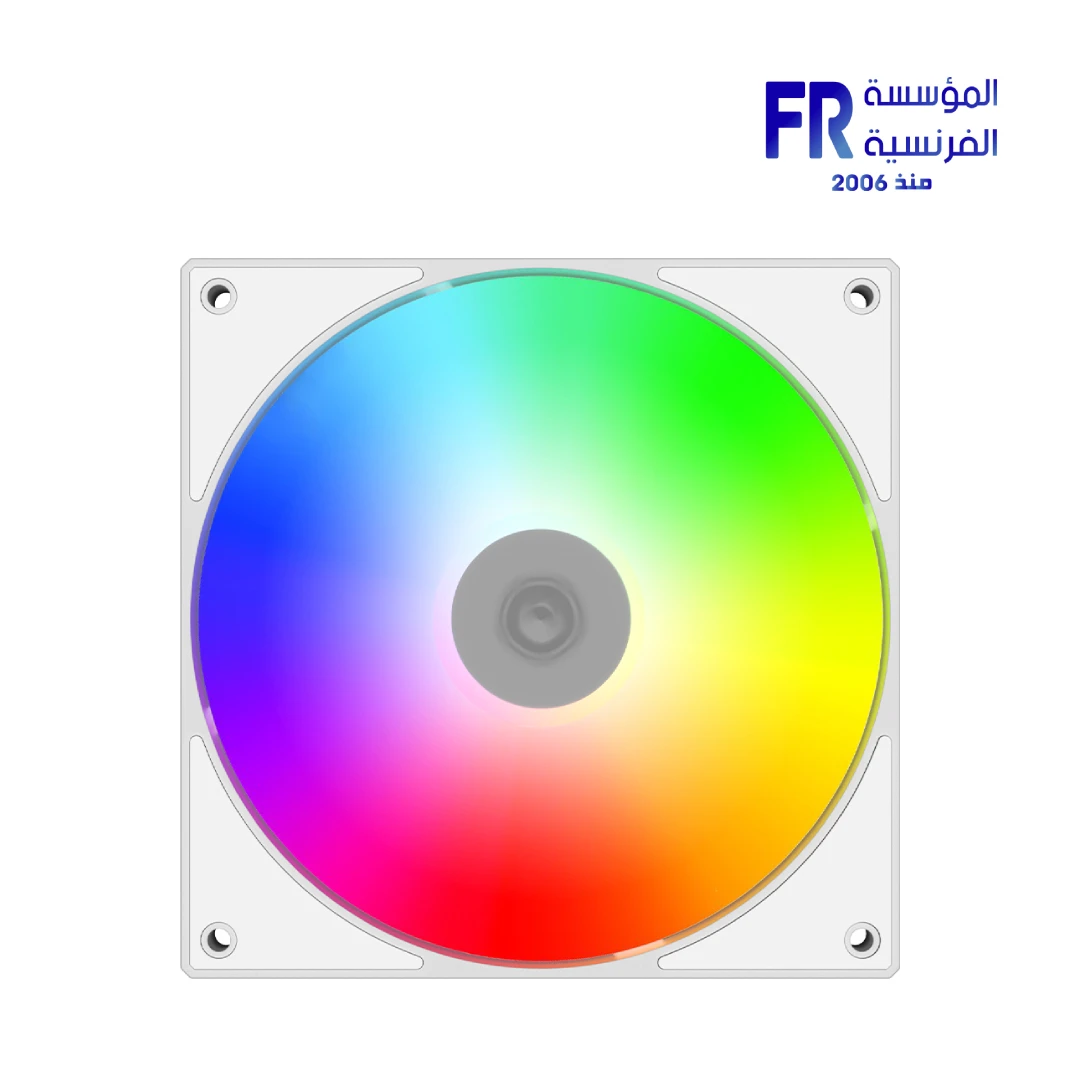
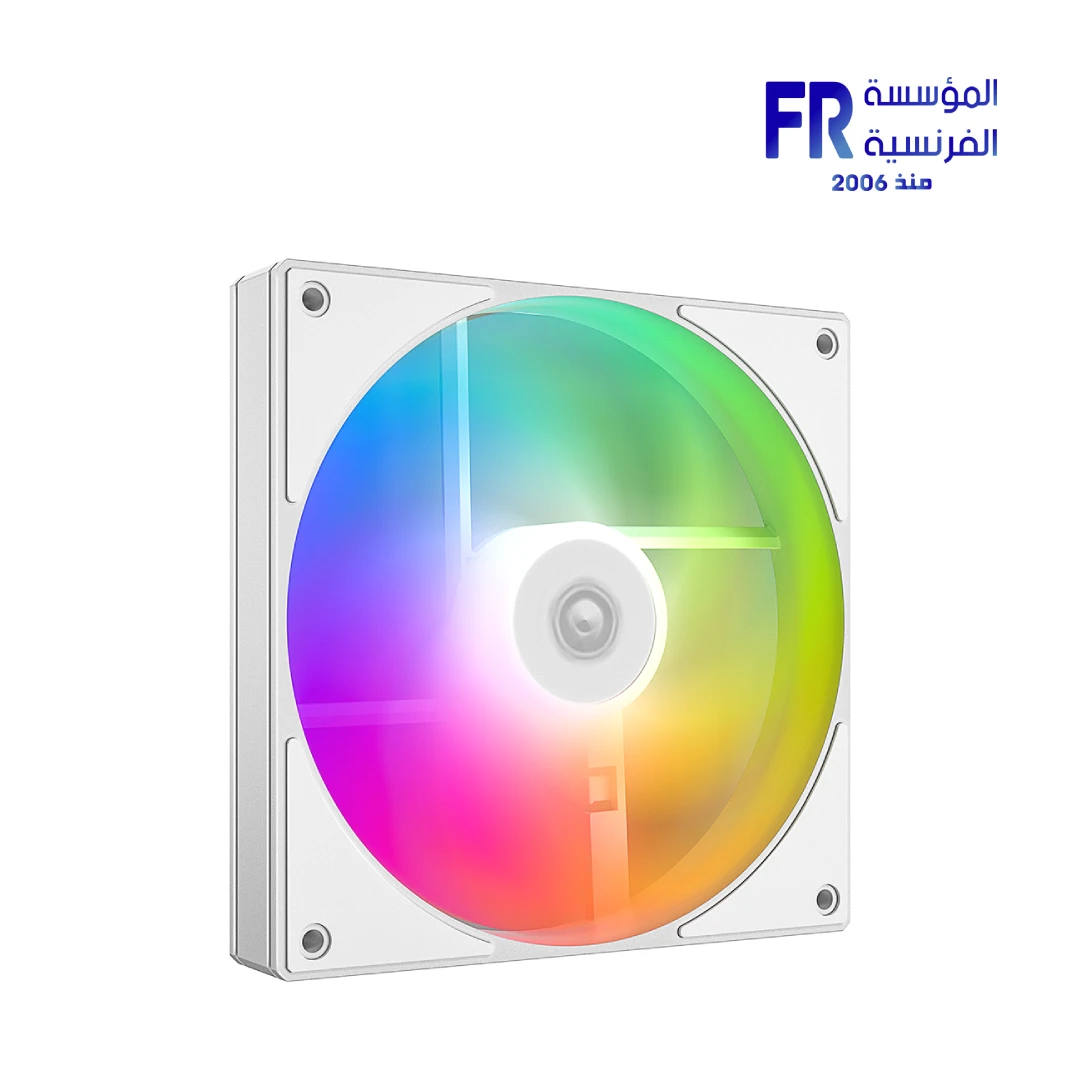
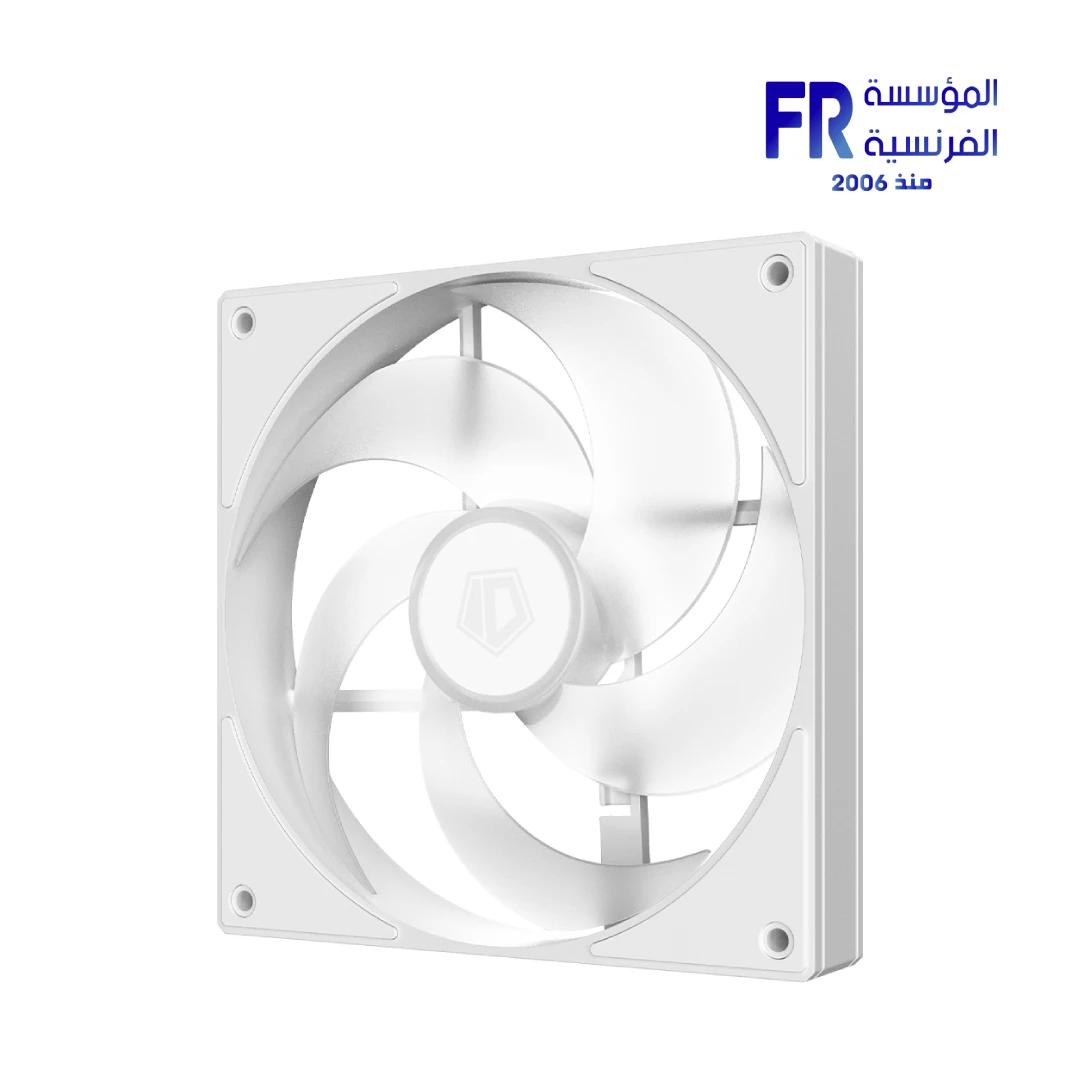
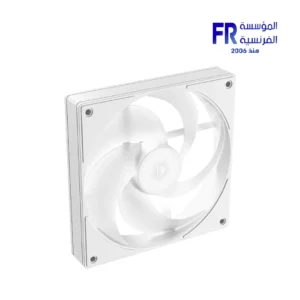
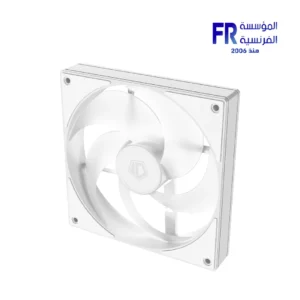
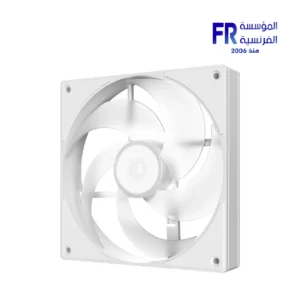


ID-COOLING AS-140-ARGB-W 140mm 1800 RPM 72.2 CFM 4 Pin PWM ARGB White Case Fan
493 EGP
- Part Number: AS-140-ARGB-W
- Fan Specs: 140x140x25mm | White | 300–1800 RPM | 72.2 CFM | 1.65mmH2O | 24.9dB(A) Max | Hydraulic Bearing
- Connectivity: 4-Pin PWM | 3-Pin 5V ARGB | 12VDC | 1.44W
- Pack Contents: 1x Fan
- Warranty: 1 Year
In stock
Price Match Guarantee✅ Authorized ID-COOLING Partner in Egypt | Official Warranty Coverage | Expert PC Building Consultation Available
ID-COOLING AS-140-ARGB-W 140mm 1800 RPM 72.2 CFM 4 Pin PWM ARGB White Case Fan
ID-COOLING AS-140-ARGB-W is a 140mm white ARGB PWM case fan with a hydraulic bearing. It delivers up to 72.2 CFM airflow and 1.65 mmH2O static pressure, with a speed range of 300-1800 RPM and a maximum noise level of 24.9 dB(A). Because it uses dual 4-pin PWM / 3-pin 5V ARGB connectors, it works with modern motherboards for both speed and lighting control. Available at Alfrensia for 475 EGP.
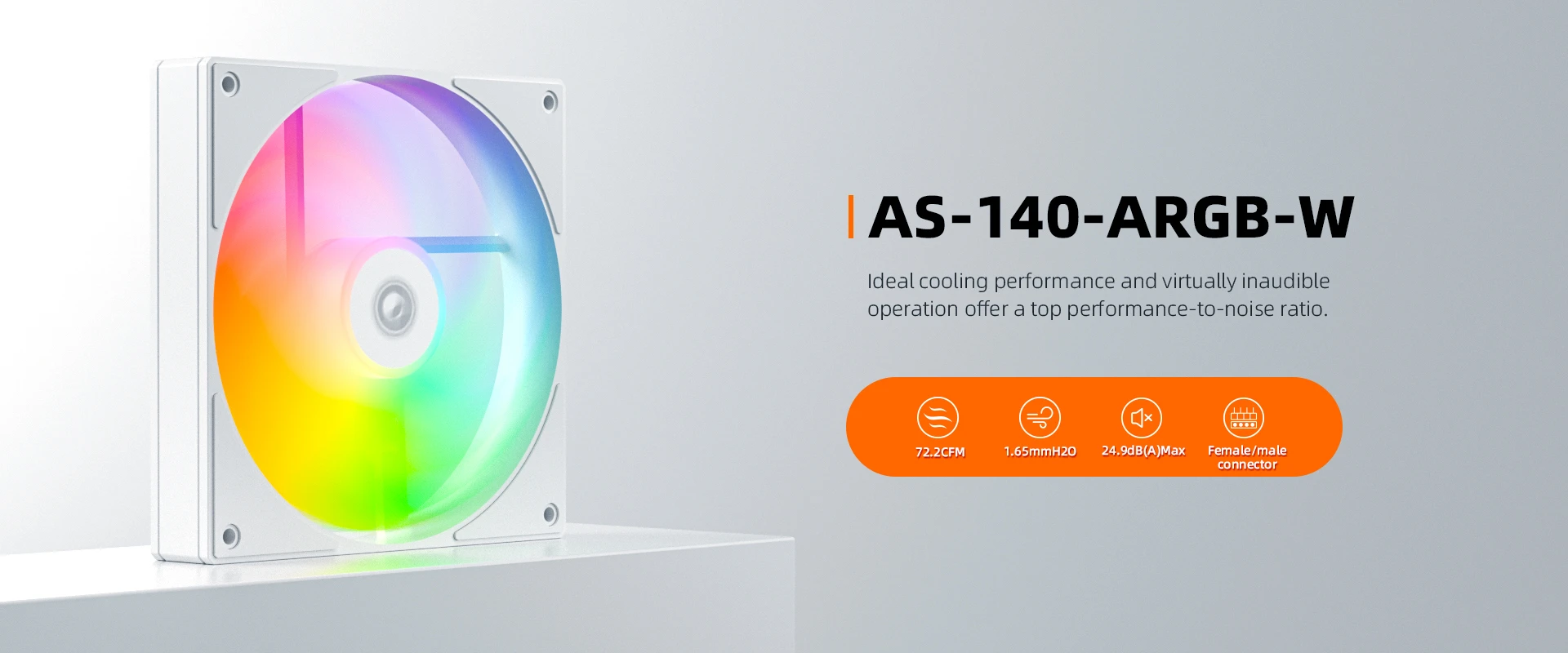
⚡ Engineering Highlights at a Glance:
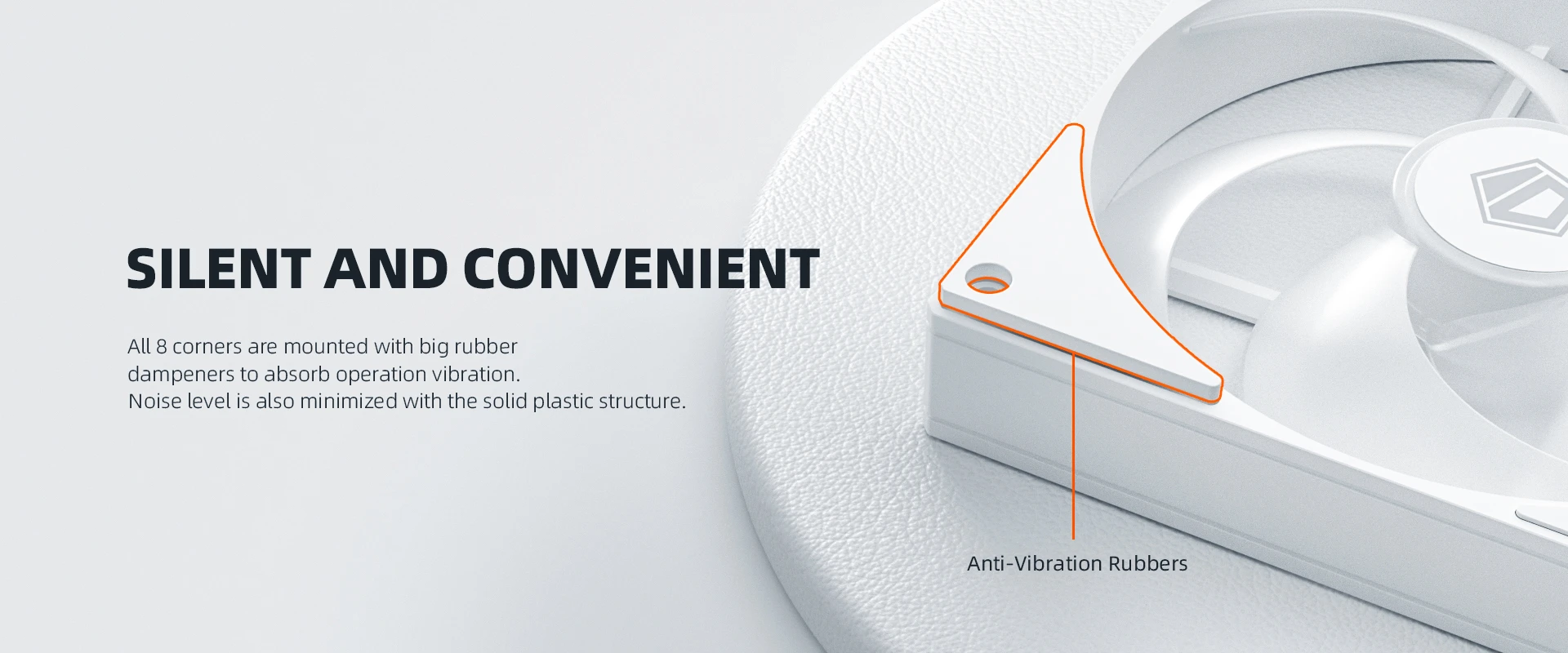
- 140mm Size for Higher Airflow: Larger blades move more air at lower RPM than 120mm fans, so you get strong cooling with less noise.
- 72.2 CFM Airflow: Suitable for case intake and exhaust in mid-tower and full-tower builds.
- 1.65 mmH2O Static Pressure: Adequate for mesh front panels and standard-thickness radiators.
- Hydraulic Bearing: The sealed bearing circulates lubricant around the shaft, which reduces friction noise and extends fan lifespan.
- 300-1800 RPM Range: PWM control lets the motherboard lower fan speed at idle, so the fan runs quietly and ramps up only when needed.
- 24.9 dB(A) Maximum Noise: One of the quieter 140mm fans in its class at full speed.
- White Colorway: The white frame, blades, and cable match white cases and white-themed builds.
Why Choose a 140mm Fan Over a 120mm Fan?
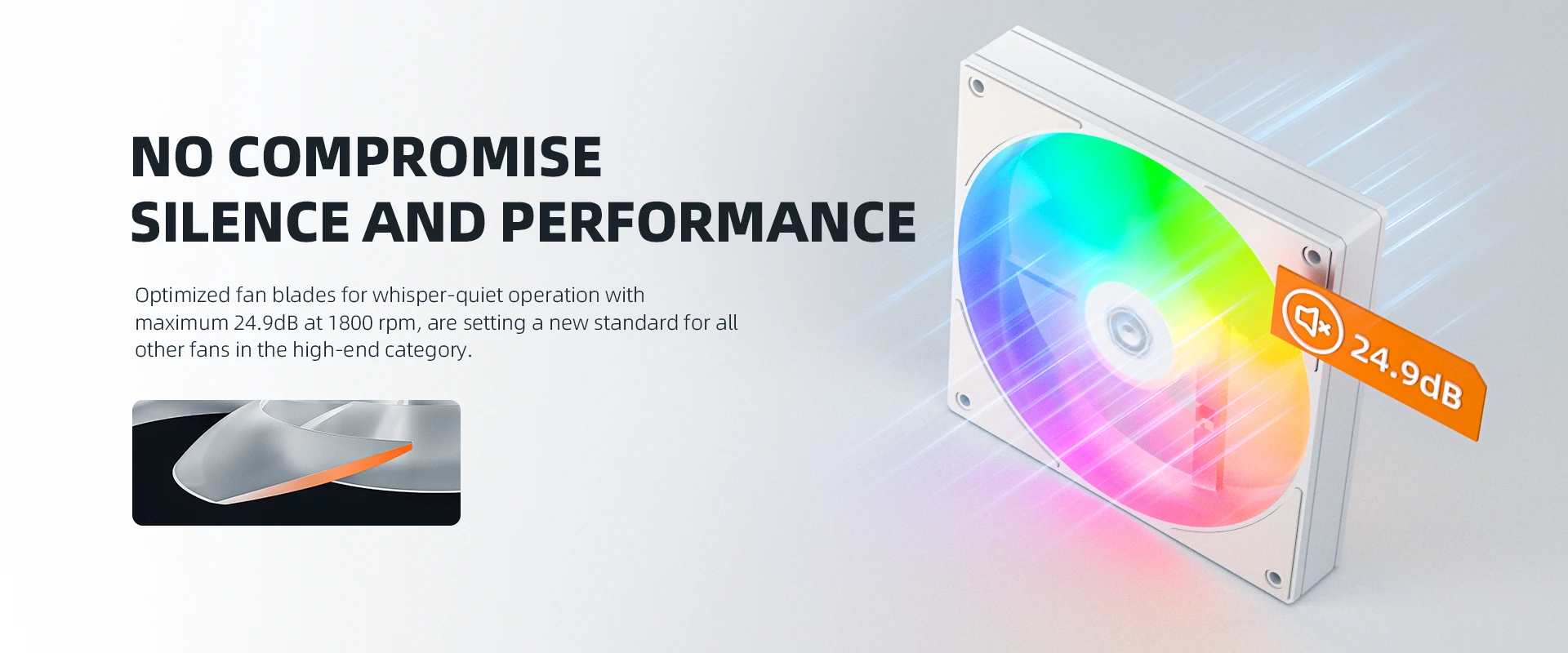
Because 140mm fans have larger blades, they move more air per rotation than 120mm fans. This means a 140mm fan can achieve the same airflow at a lower RPM, which reduces noise. The AS-140-ARGB-W delivers 72.2 CFM at up to 1800 RPM, while a comparable 120mm fan would need to spin faster to move the same volume of air. As a result, you get effective cooling with a quieter fan. This makes 140mm fans ideal for case intake and exhaust positions where space allows.
Hydraulic Bearing for Quiet, Long-Term Operation
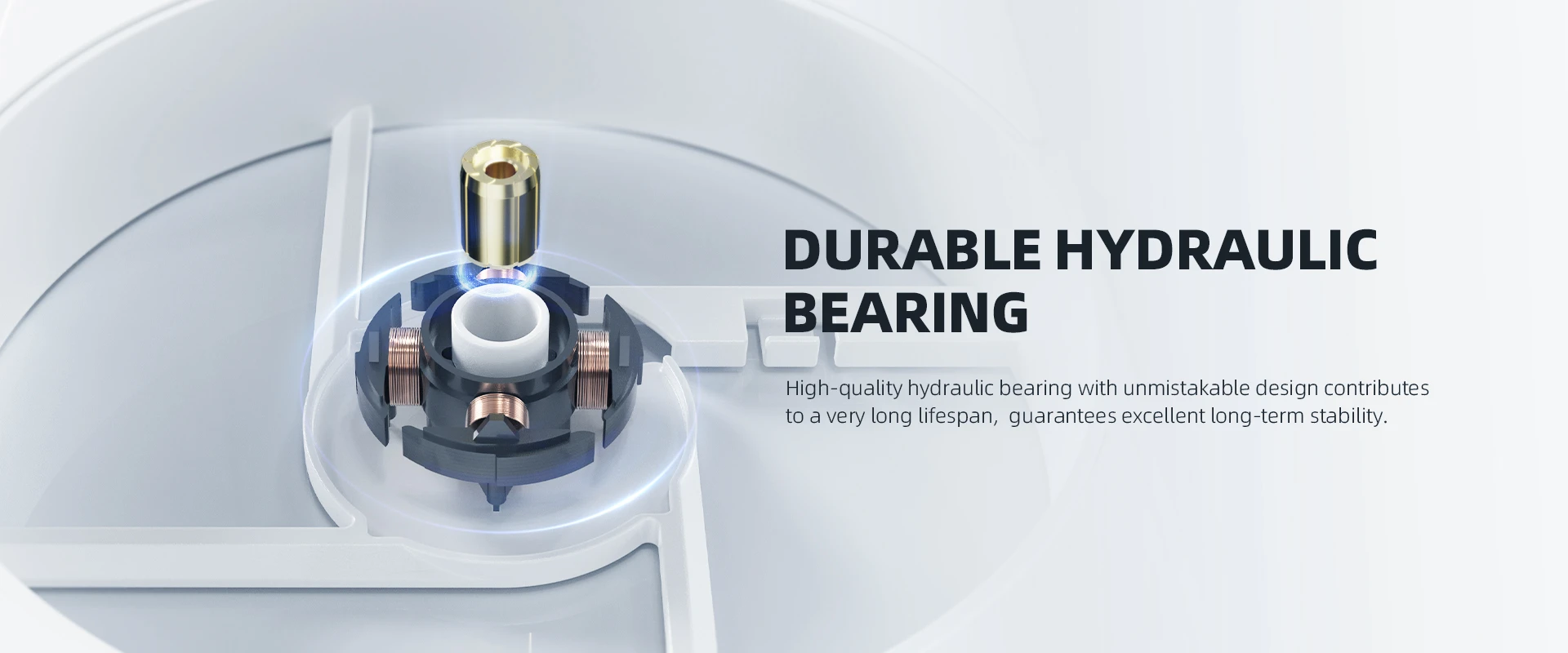
The fan uses a hydraulic bearing, which keeps the shaft lubricated with a sealed reservoir of oil. Because the oil reduces metal-to-metal contact, the bearing produces less friction noise than a sleeve bearing and lasts longer than a standard ball bearing in most conditions. In addition, the sealed design keeps dust out of the bearing chamber, which is useful in dusty environments. The rated maximum noise is 24.9 dB(A), which is low enough for quiet office use and living room builds.
PWM Speed Control and ARGB Lighting
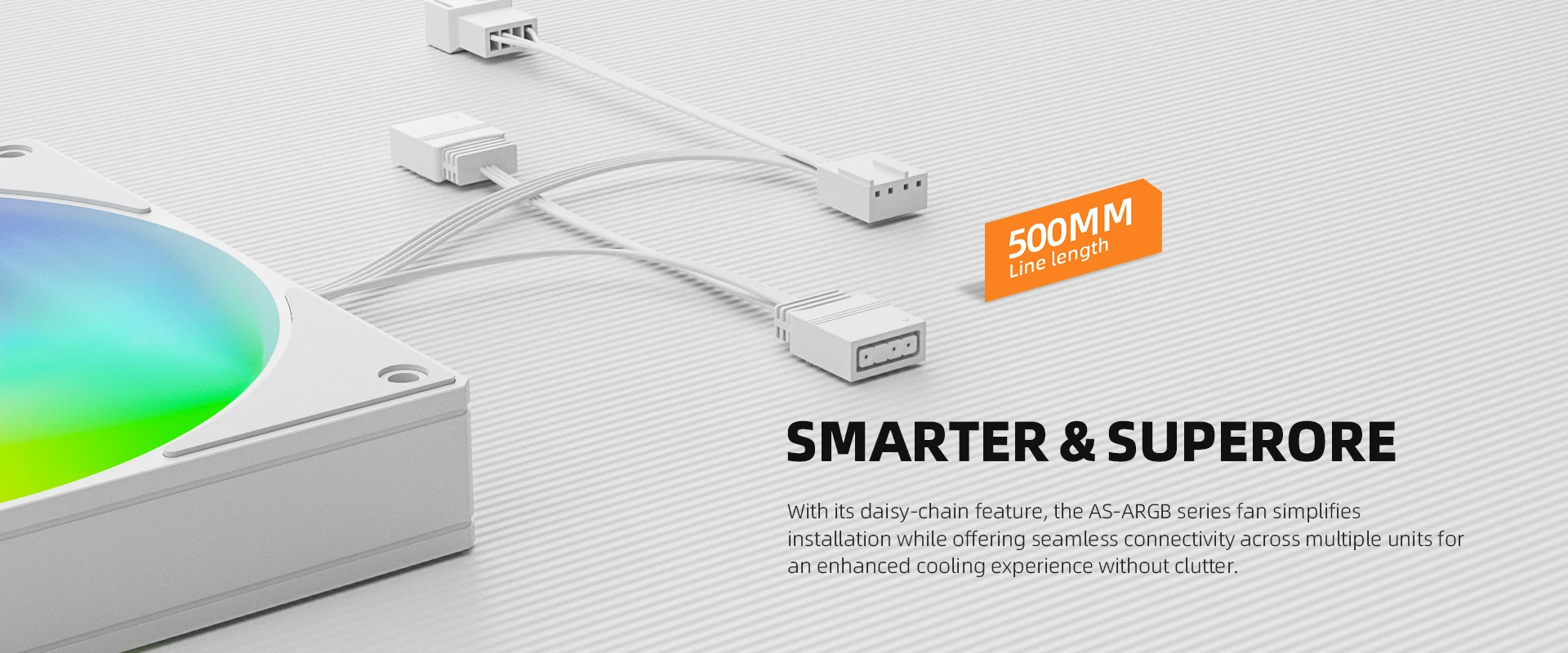
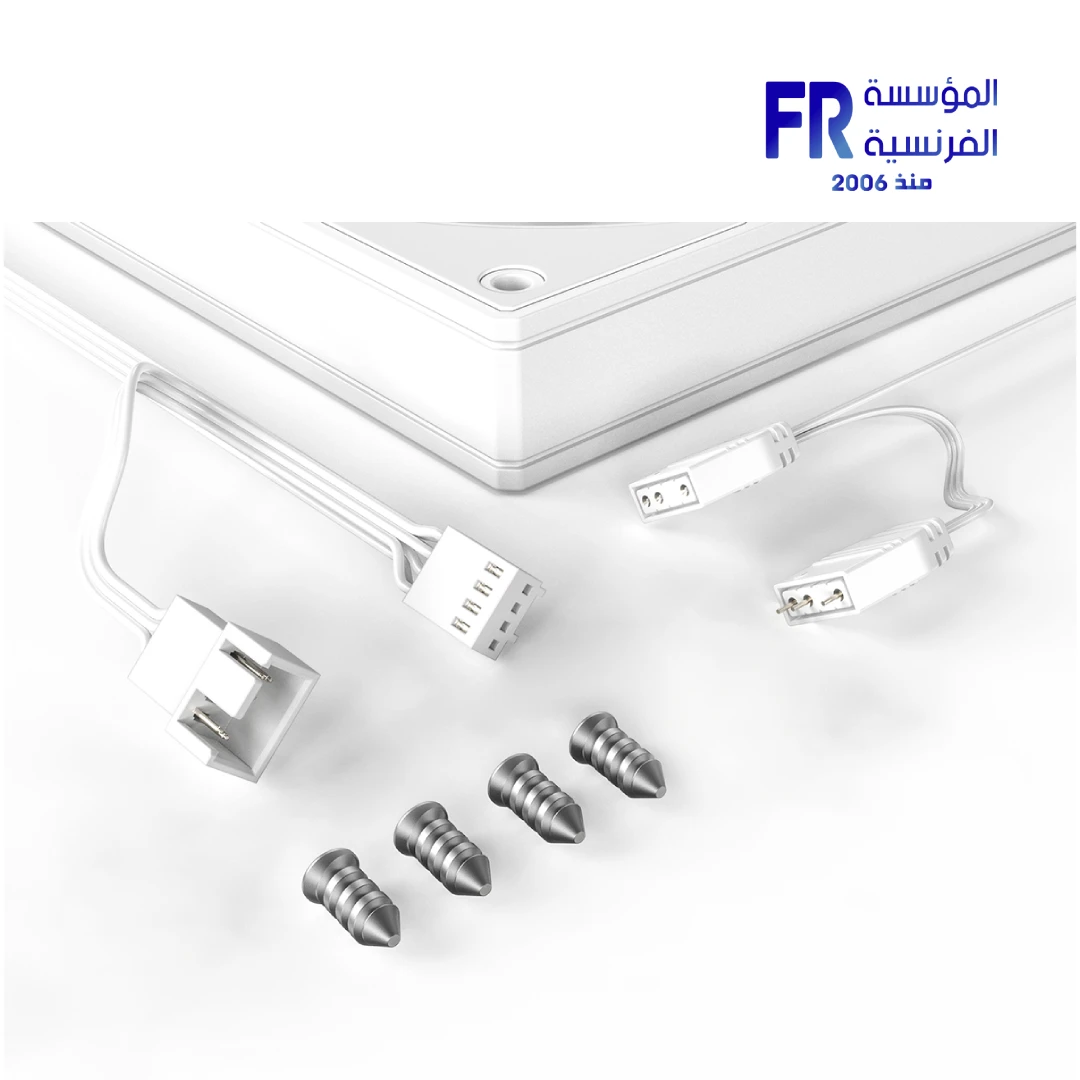
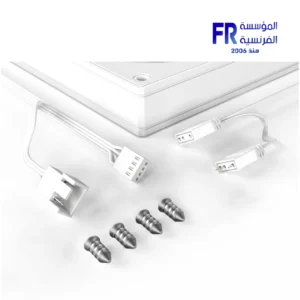
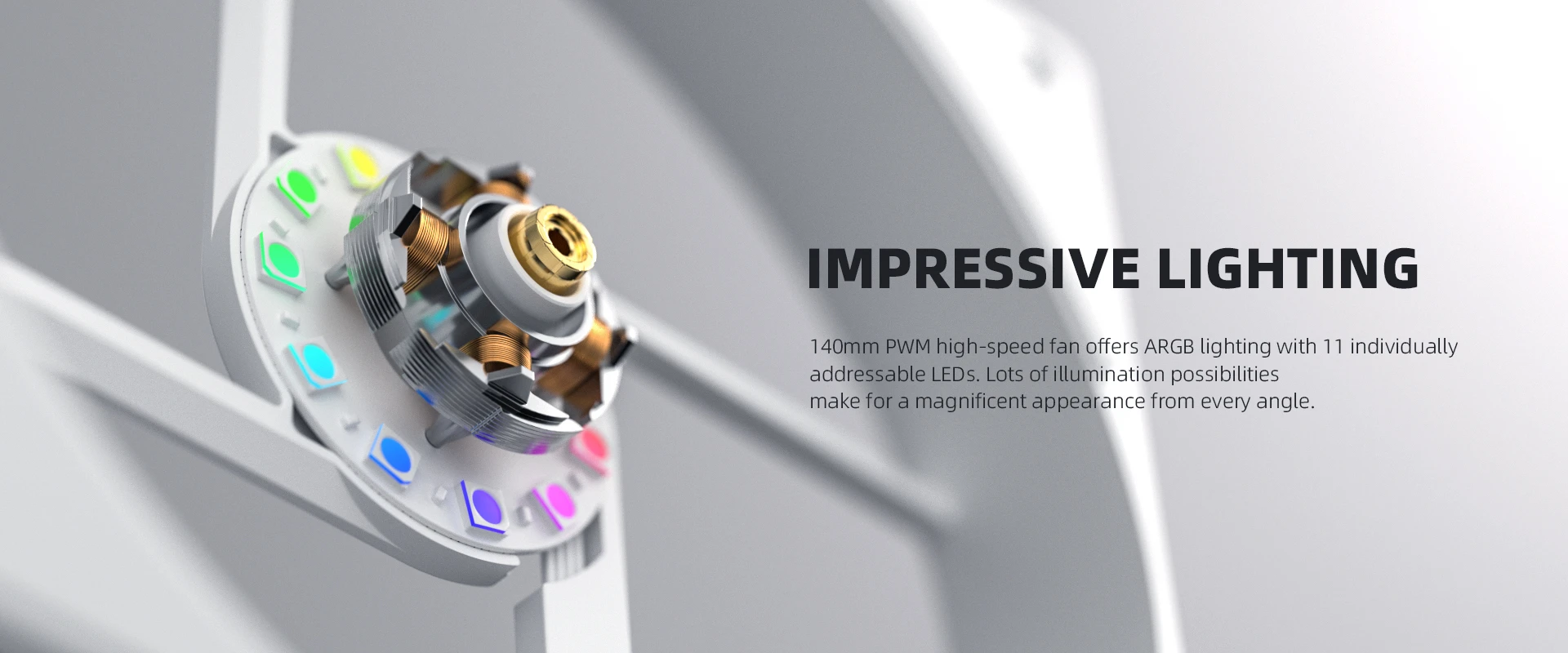
The fan uses two separate connectors. The 4-pin PWM connector powers the fan motor and lets the motherboard control speed based on a temperature curve. The 3-pin 5V ARGB connector controls the addressable RGB lighting. Because the two connectors are independent, you can adjust fan speed and lighting effects separately. If your motherboard has a 5V 3-pin ARGB header, you can sync the fan lighting with the rest of your system using software like ASUS Aura Sync, MSI Mystic Light, Gigabyte RGB Fusion, or ASRock Polychrome. If your motherboard lacks an ARGB header, the fan will still spin and function, but the lighting will not be customizable.
White Colorway for Themed Builds
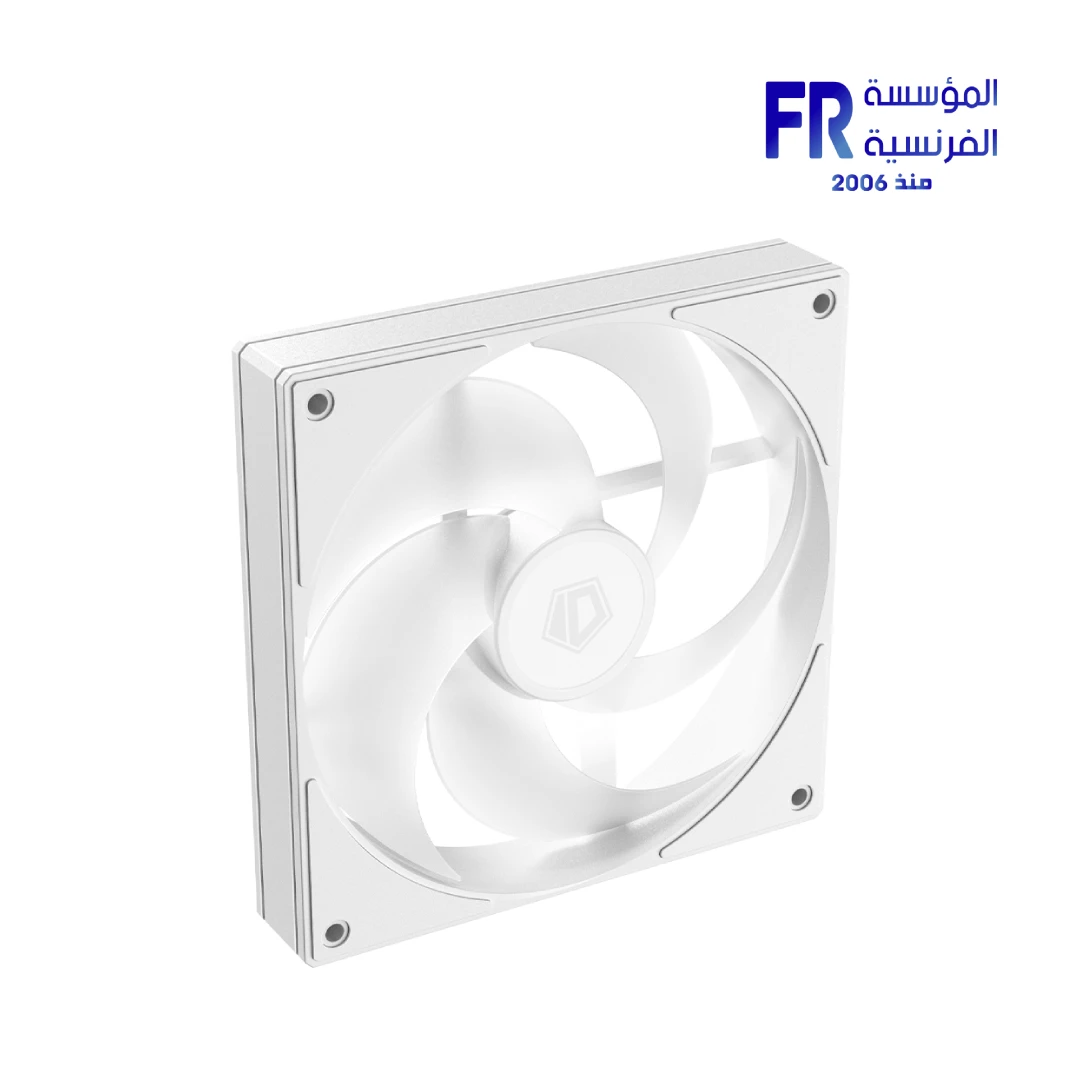
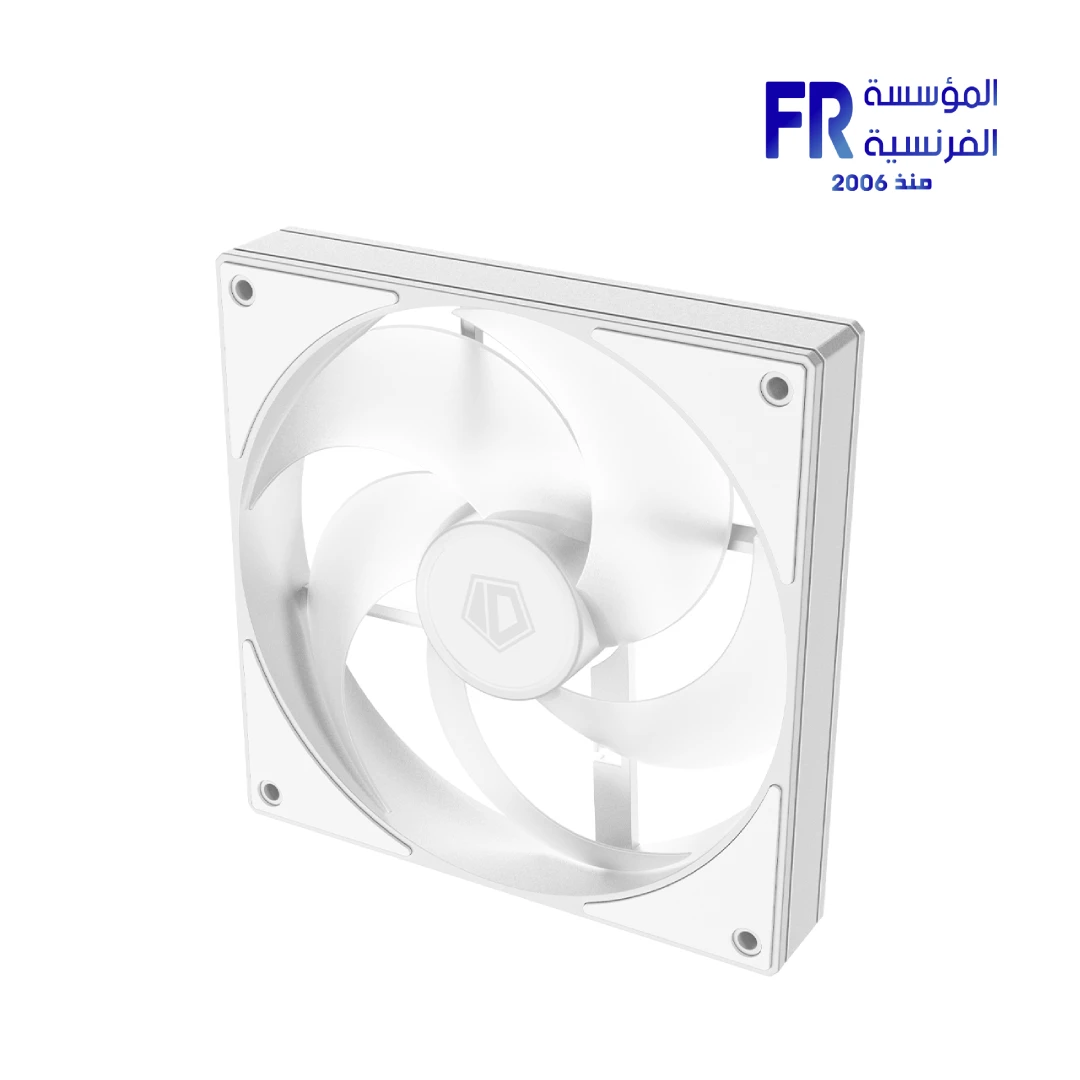
The AS-140-ARGB-W uses a white frame, white blades, and a white cable. Because the color is uniform, it matches white cases, white motherboards, and white coolers. For builders who want a cohesive look, this fan fits into white-themed builds without mismatched components. The white colorway also helps the fan reflect light from internal ARGB components, which softens the interior appearance.
Product Gallery
Who is the AS-140-ARGB-W For?
Expert Advice & Build Considerations
Verify Case Support for 140mm Fans
Because the AS-140-ARGB-W is 140mm, it requires a case mount that supports 140mm fans. Many cases support 140mm in the front, top, and rear positions, but some compact cases only accept 120mm fans. Check your case specifications before ordering to confirm 140mm mounting points are available.
ARGB vs. RGB Compatibility
The AS-140-ARGB-W uses 5V 3-pin addressable RGB, not 12V 4-pin RGB. Because the two standards are not compatible, connecting the ARGB cable to a 12V RGB header can damage the LEDs. Verify the header type on your motherboard before connecting.
📐 Radiator and Mesh Panel Use
At 1.65 mmH2O static pressure and 72.2 CFM, the fan works well as a case intake or exhaust fan through mesh panels. For radiator use, expect adequate performance on standard-thickness radiators, but fans with higher static pressure ratings are preferable for thick or high-FPI radiators. When mounting on a radiator, orient the fan so the airflow direction matches the radiator’s intended airflow path.
Technical Specifications
| Model | AS-140-ARGB-W |
| Brand | ID-COOLING |
| SKU / MPN | AS-140-ARGB-W |
| EAN | 6931393307022 |
| Color | White |
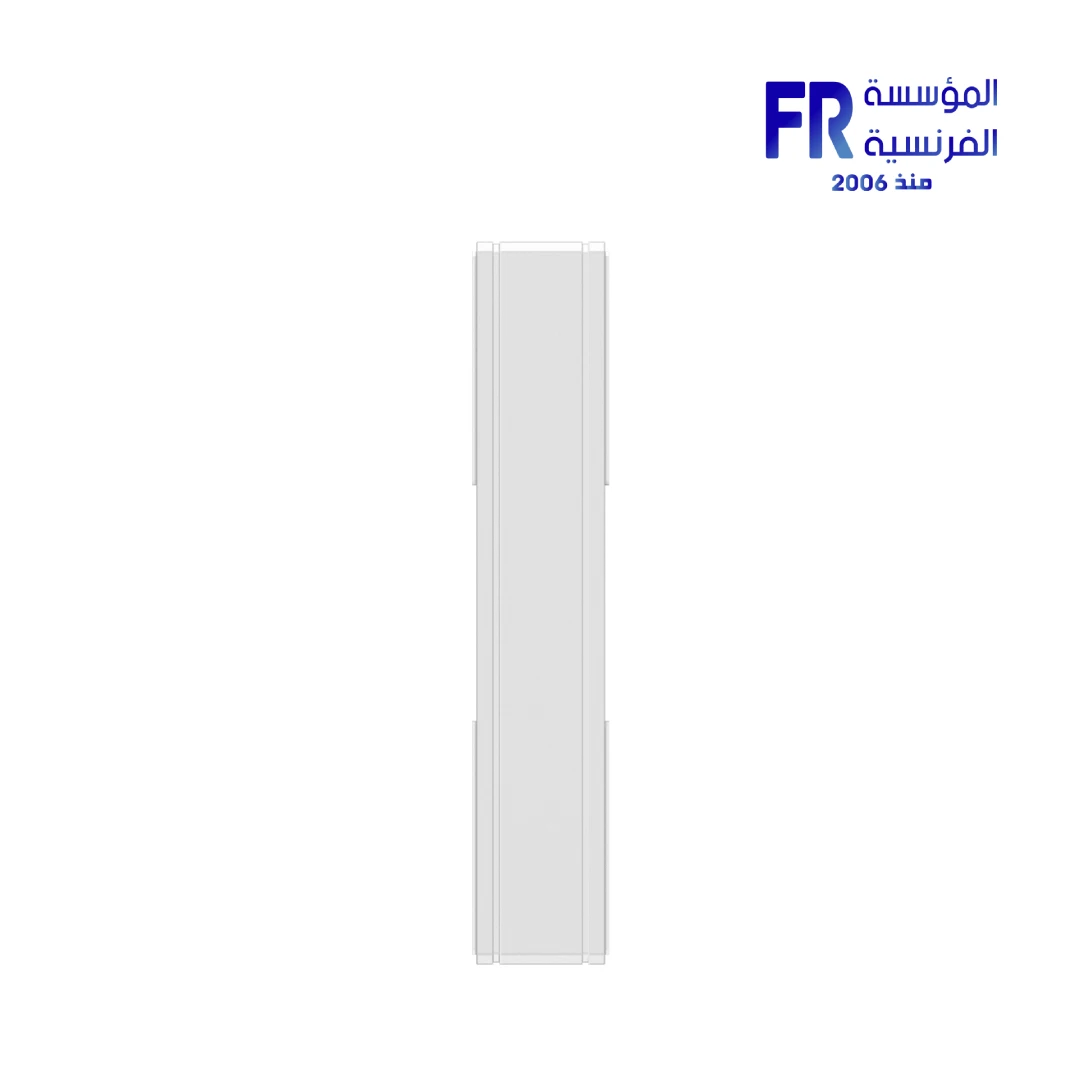
| Fan Dimensions | 140 x 140 x 25 mm |
| Fan Speed | 300-1800 RPM ±10% |
| Max Airflow | 72.2 CFM |
| Max Static Pressure | 1.65 mmH2O |
| Noise Level | 24.9 dB(A) Max |
| Bearing Type | Hydraulic Bearing |
| Connector | 4-Pin PWM / 3-Pin 5V ARGB |
| Rated Voltage | 12 VDC |
| Operating Voltage | 10.8-13.2 VDC |
| Starting Voltage | 7 VDC |
| Rated Current | 0.12 A |
| Power Input | 1.44 W |
| Weight | 200 g |
Expert Recommendation: Getting the Most from Your AS-140-ARGB-W
Before installing, confirm your case has a 140mm fan mount and that the airflow direction arrow points the way you want the air to flow. For case intake, position the fan where the intake path is restricted by a dust filter or mesh panel; the high airflow will still move enough air. For exhaust, mount it at the top or rear of the case. Because the fan uses a 4-pin PWM connector, set the motherboard header to PWM mode in the BIOS. Choose a fan curve that keeps the fan under 1000 RPM at idle and ramps up under load for a good balance of noise and cooling. If you install multiple fans, use a fan splitter or hub to connect them to a single header, and an ARGB splitter or hub for the lighting cables. Clean the fan blades and bearing area periodically with compressed air to prevent dust buildup. Verify your motherboard’s ARGB header type before connecting: 5V 3-pin ARGB, not 12V 4-pin RGB.
Frequently Asked Questions
Why would I choose a 140mm fan over a 120mm fan?
Because 140mm fans have larger blades, they move more air at a lower RPM than 120mm fans. This means you get similar airflow with less noise. The AS-140-ARGB-W delivers 72.2 CFM at up to 1800 RPM, which a 120mm fan would need to spin faster to match.
Is this fan compatible with my motherboard’s ARGB header?
The fan uses a 5V 3-pin ARGB connector, which is the standard for addressable RGB. It works with motherboards that have a 5V 3-pin ARGB header. It is not compatible with 12V 4-pin RGB headers, and connecting it to a 12V header can damage the LEDs.
What is the noise level of this fan?
The rated maximum noise level is 24.9 dB(A) at 1800 RPM. At lower PWM duty cycles, the fan runs below 1000 RPM and produces even less noise. With a proper fan curve, idle noise is usually inaudible in a typical room.
Can I install this fan on a radiator?
Yes. The 1.65 mmH2O static pressure and 72.2 CFM airflow are adequate for standard-thickness radiators. For thicker radiators or high-FPI designs, fans with higher static pressure are preferable.
Does this fan use a PWM or voltage-controlled connector?
The fan uses a 4-pin PWM connector, so the motherboard can control fan speed directly across the 300-1800 RPM range using a temperature-based fan curve. The lighting is controlled separately through a 3-pin 5V ARGB connector.
| MODEL | |
|---|---|
| Fan Size (mm) | |
| Fan Quantity | |
| Fan Speed | |
| Fan Profiles | |
| Fan Noise Level | |
| Fan Airflow | |
| Fan Voltage | |
| Bearing Type | |
| Color | |
| Part Number | |
| Warranty |
Only logged in customers who have purchased this product may leave a review.

Reviews
There are no reviews yet.