


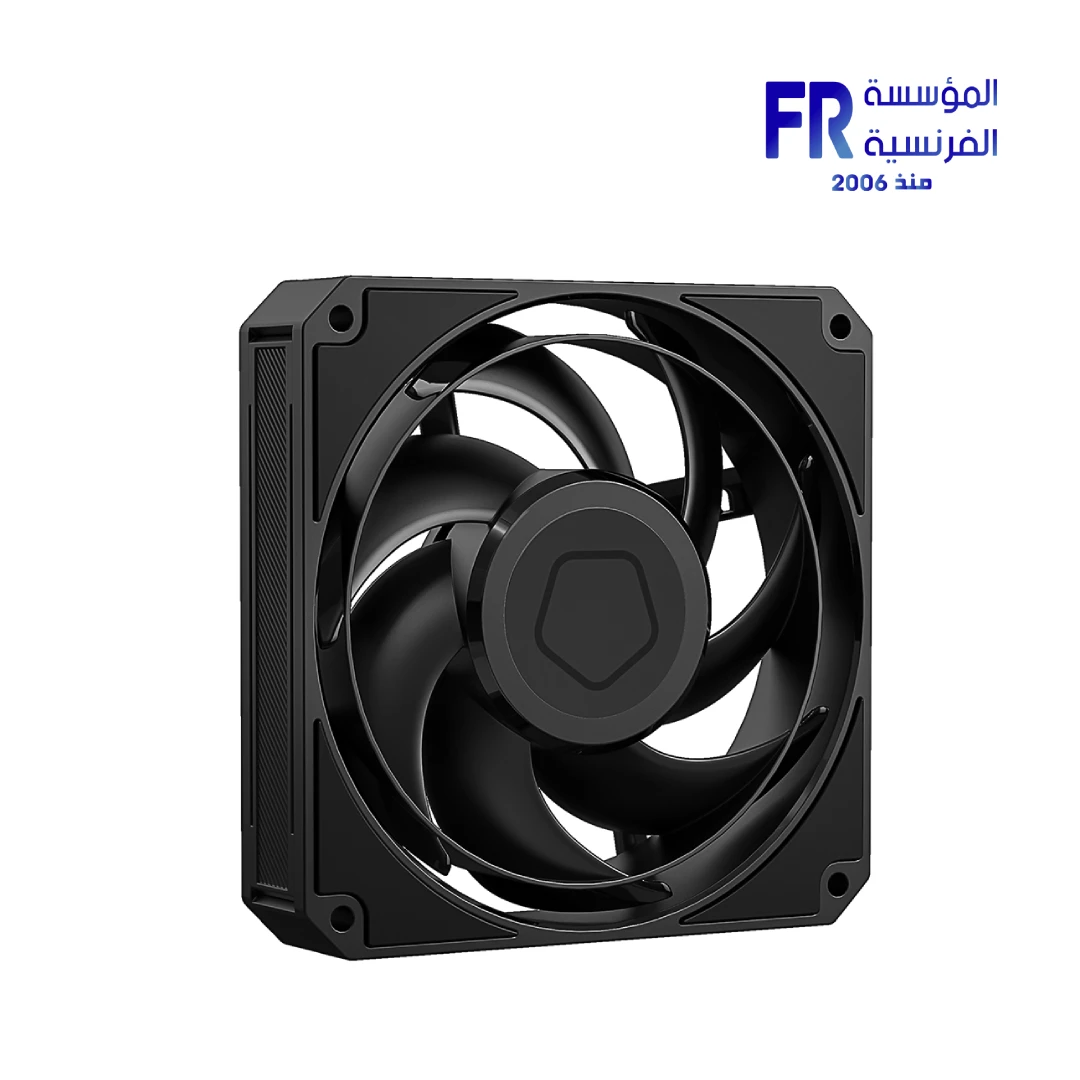
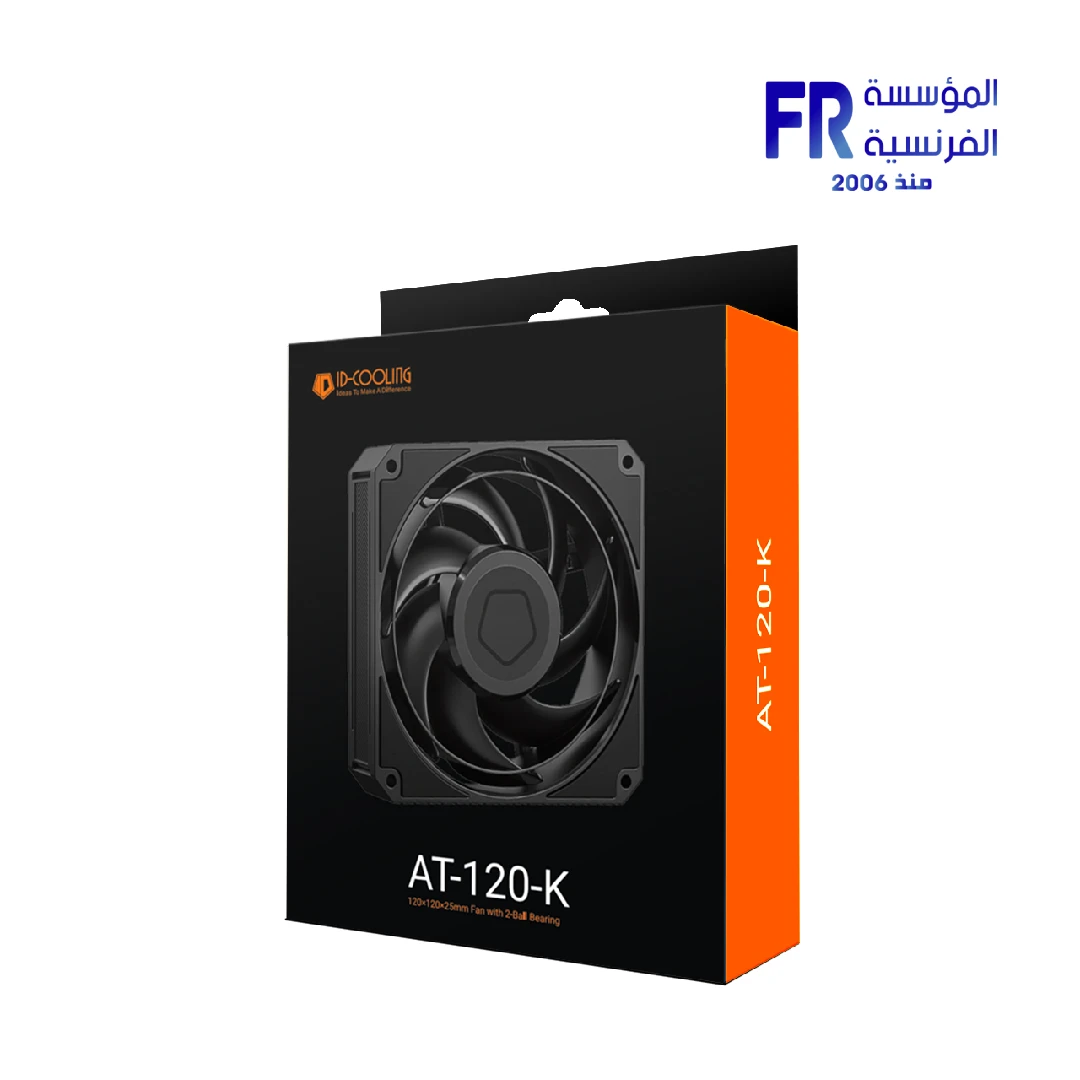
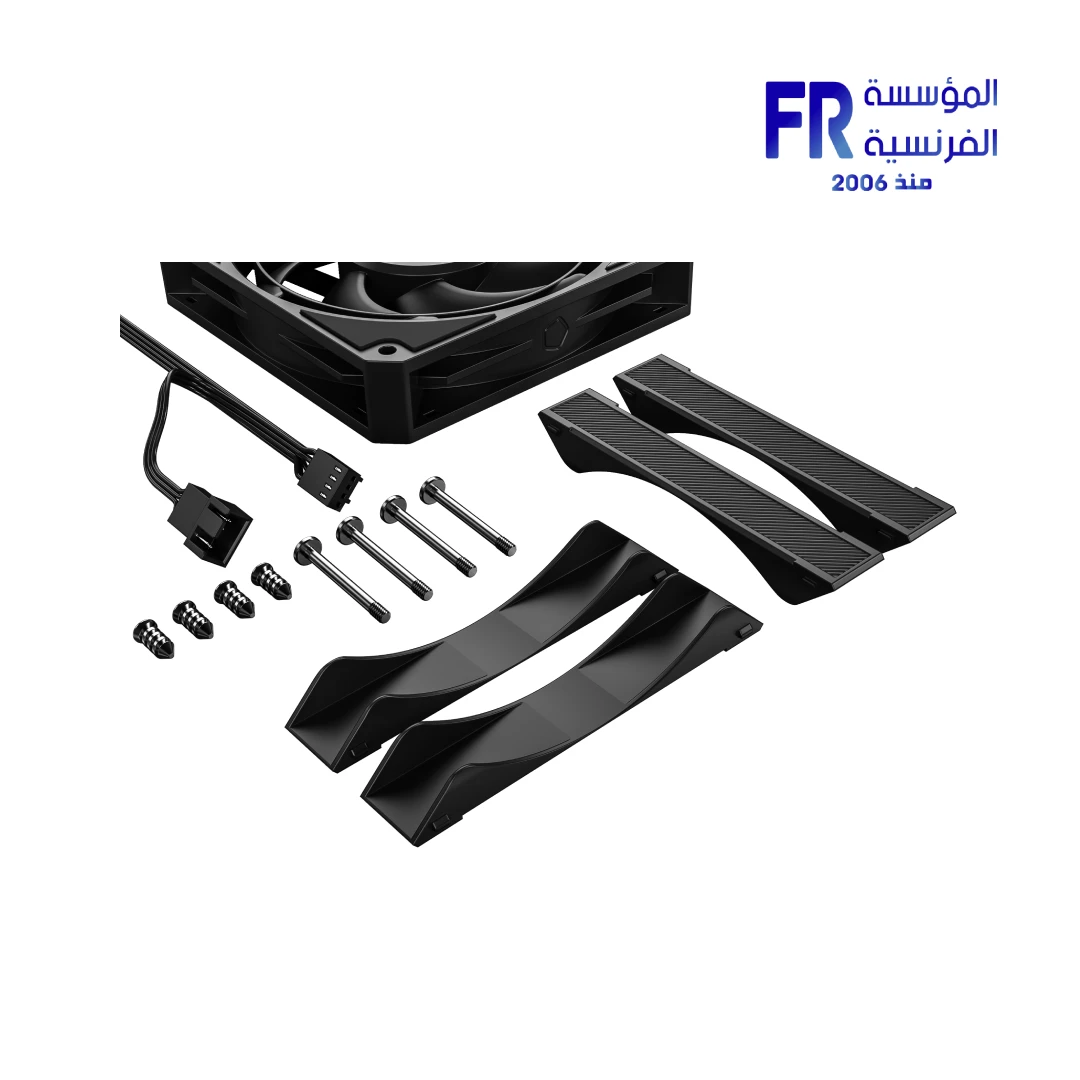
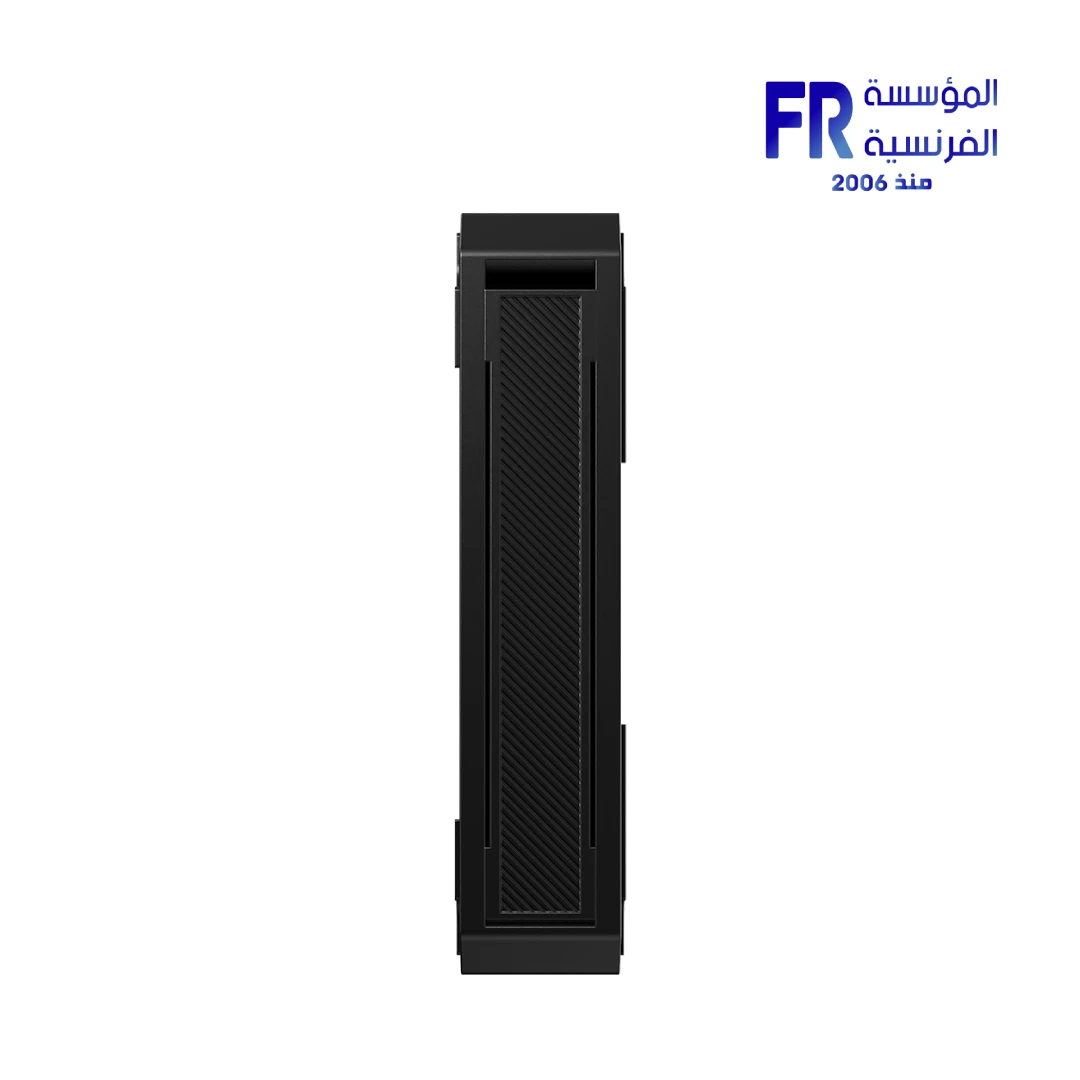
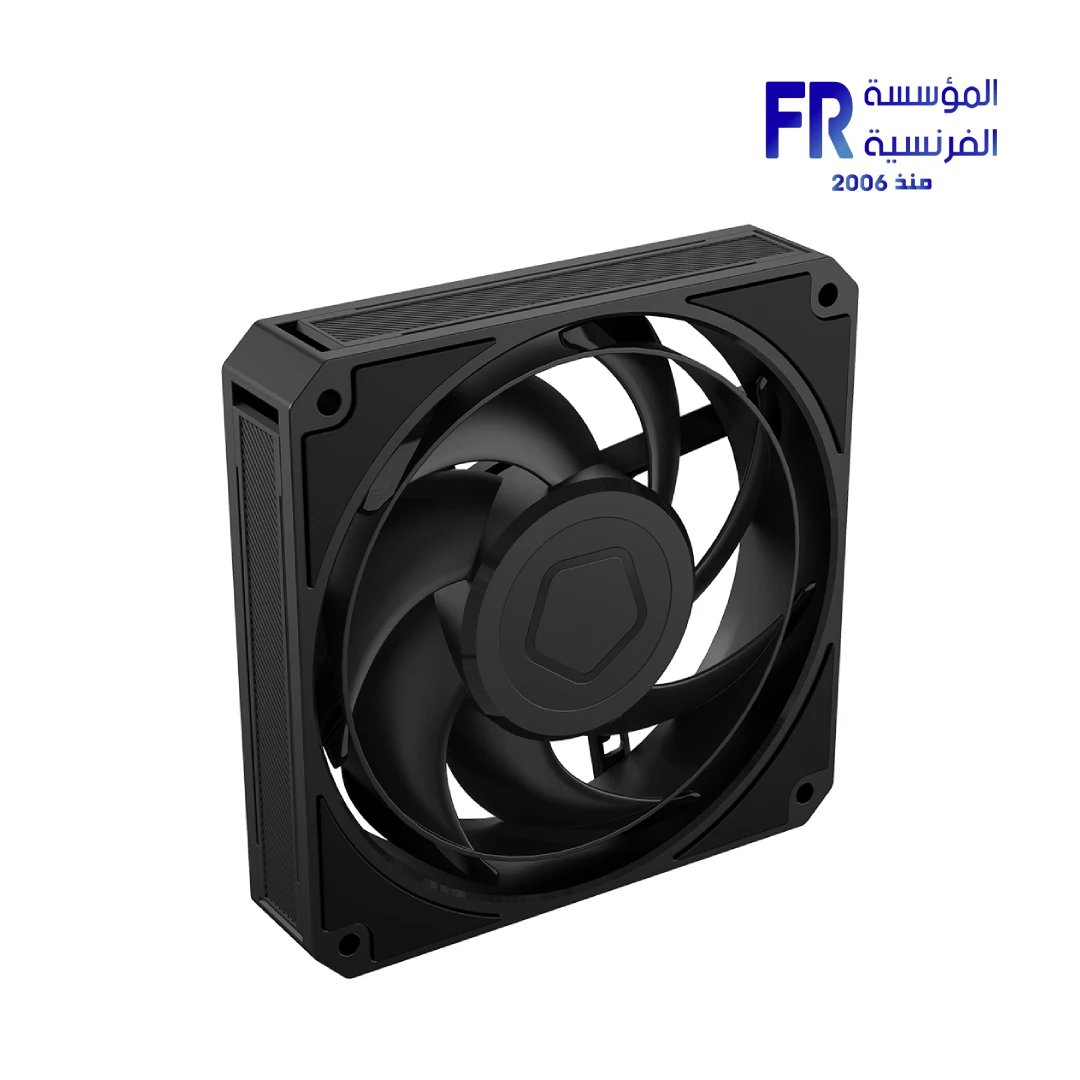
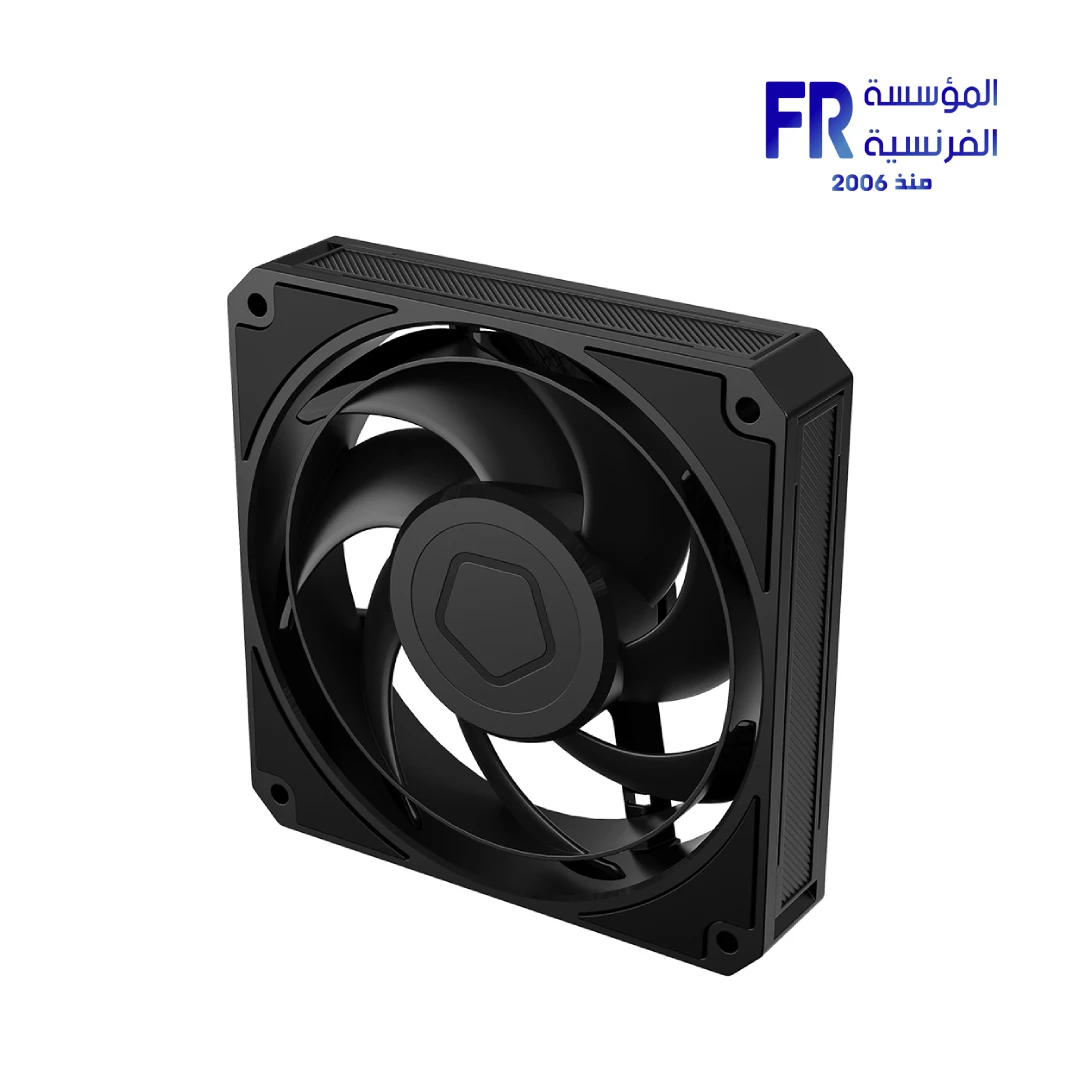
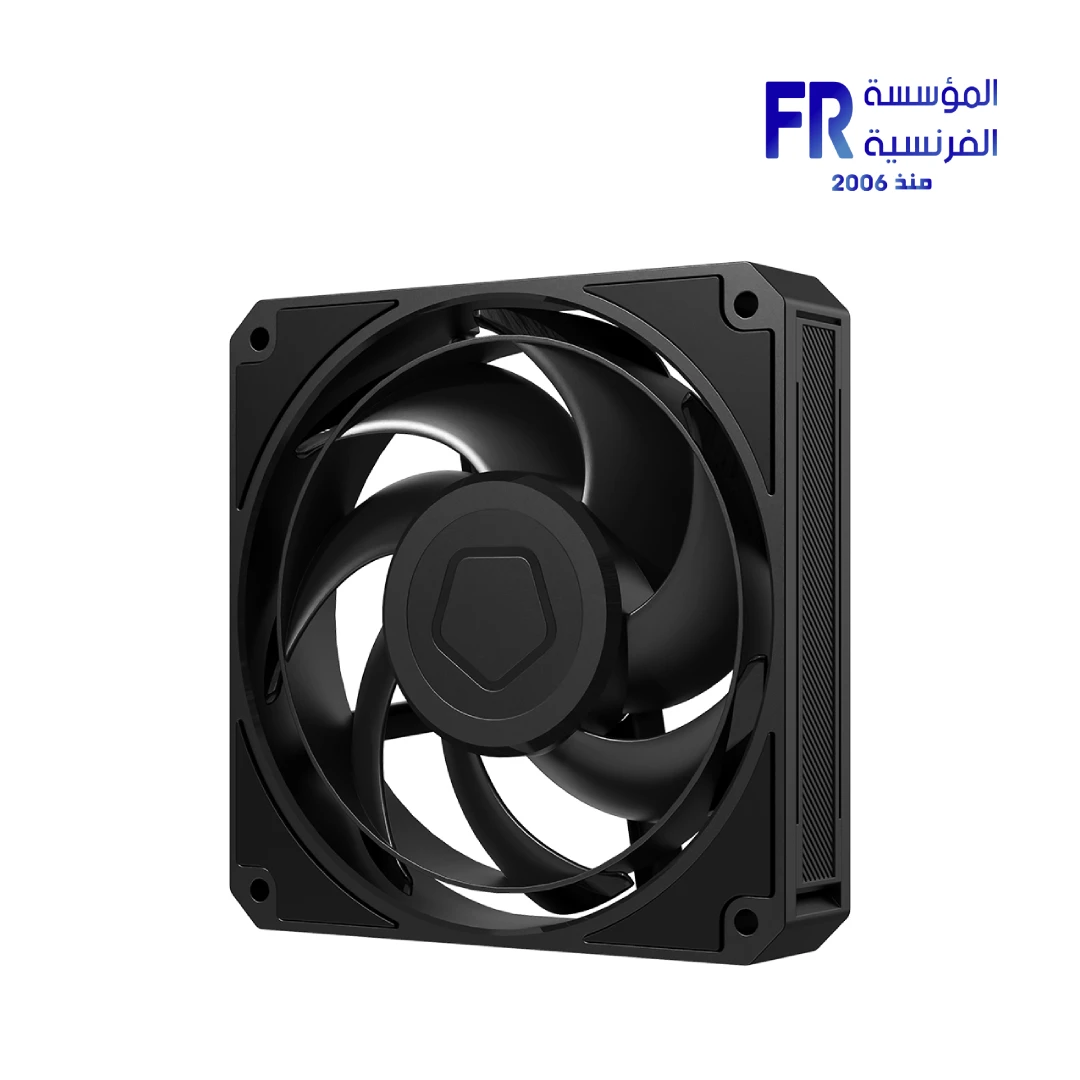
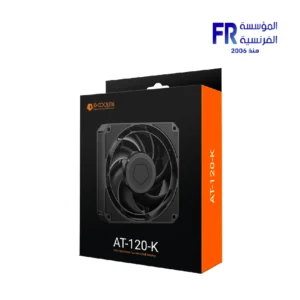
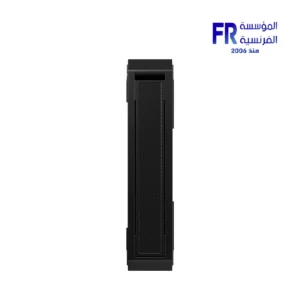
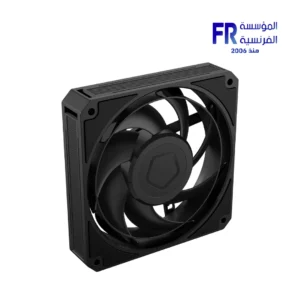
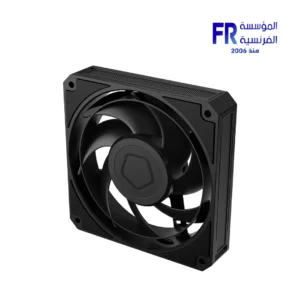
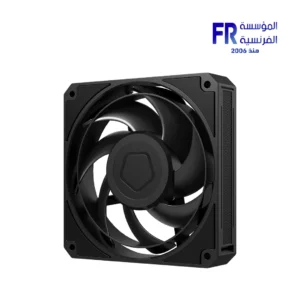


ID-COOLING AT-120-K 120mm 3000 RPM 83 CFM 4 Pin PWM Case Fan
493 EGP
- Part Number: AT-120-K
- Fan Specs: 120x120x25mm | 0–3000 RPM | 83 CFM | 5.04mmH2O | 36.5dB(A) Max | 2 Ball Bearing
- Connectivity: 4-Pin PWM | 12VDC | 4.2W Max
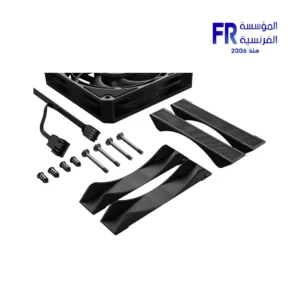
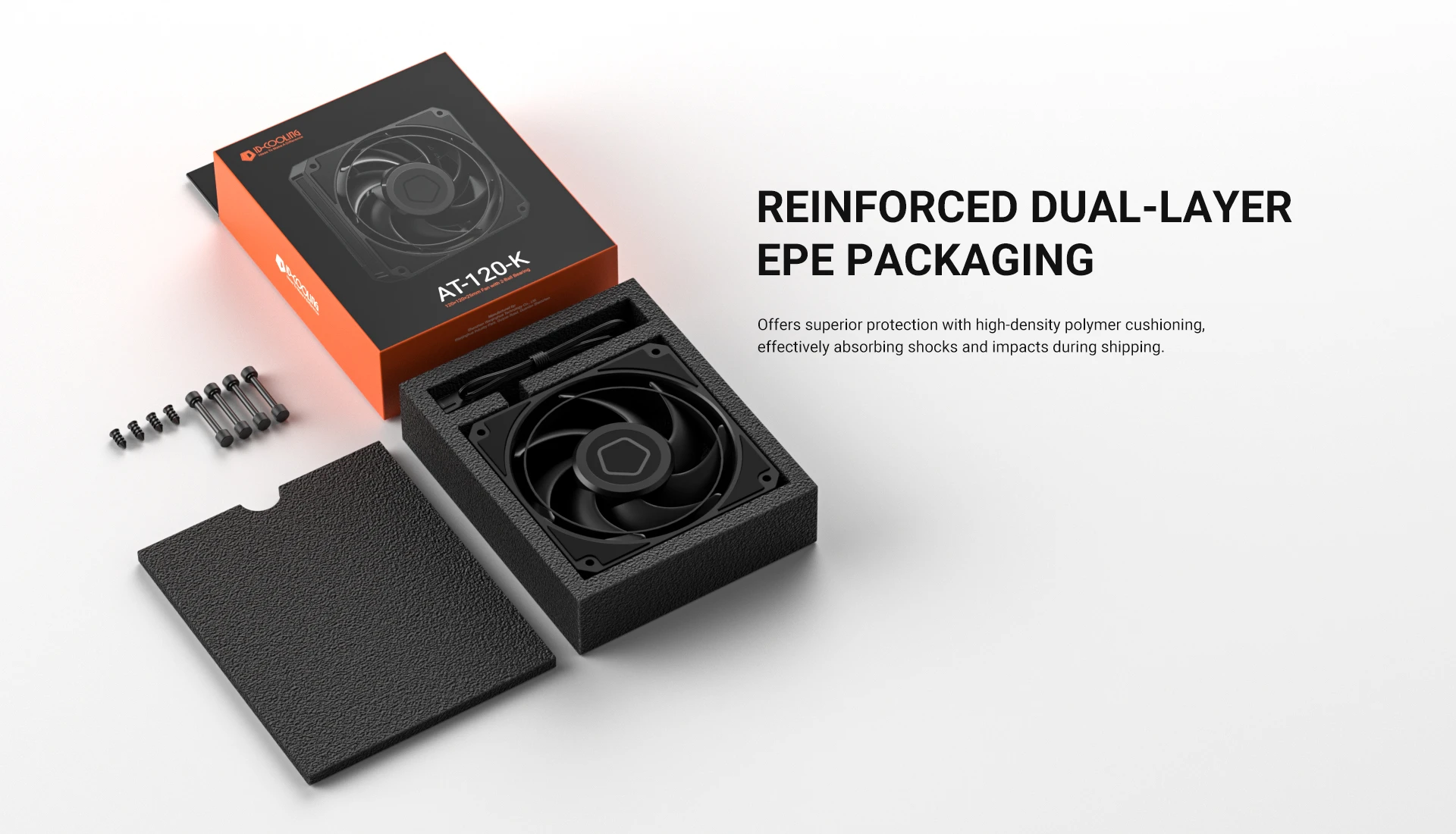
- Pack Contents: 1x Fan
- Warranty: 1 Year
In stock
Price Match Guarantee✅ Authorized ID-COOLING Partner in Egypt | Official Warranty Coverage | Expert PC Building Consultation Available
ID-COOLING AT-120-K 120mm 3000 RPM 83 CFM 4 Pin PWM Case Fan
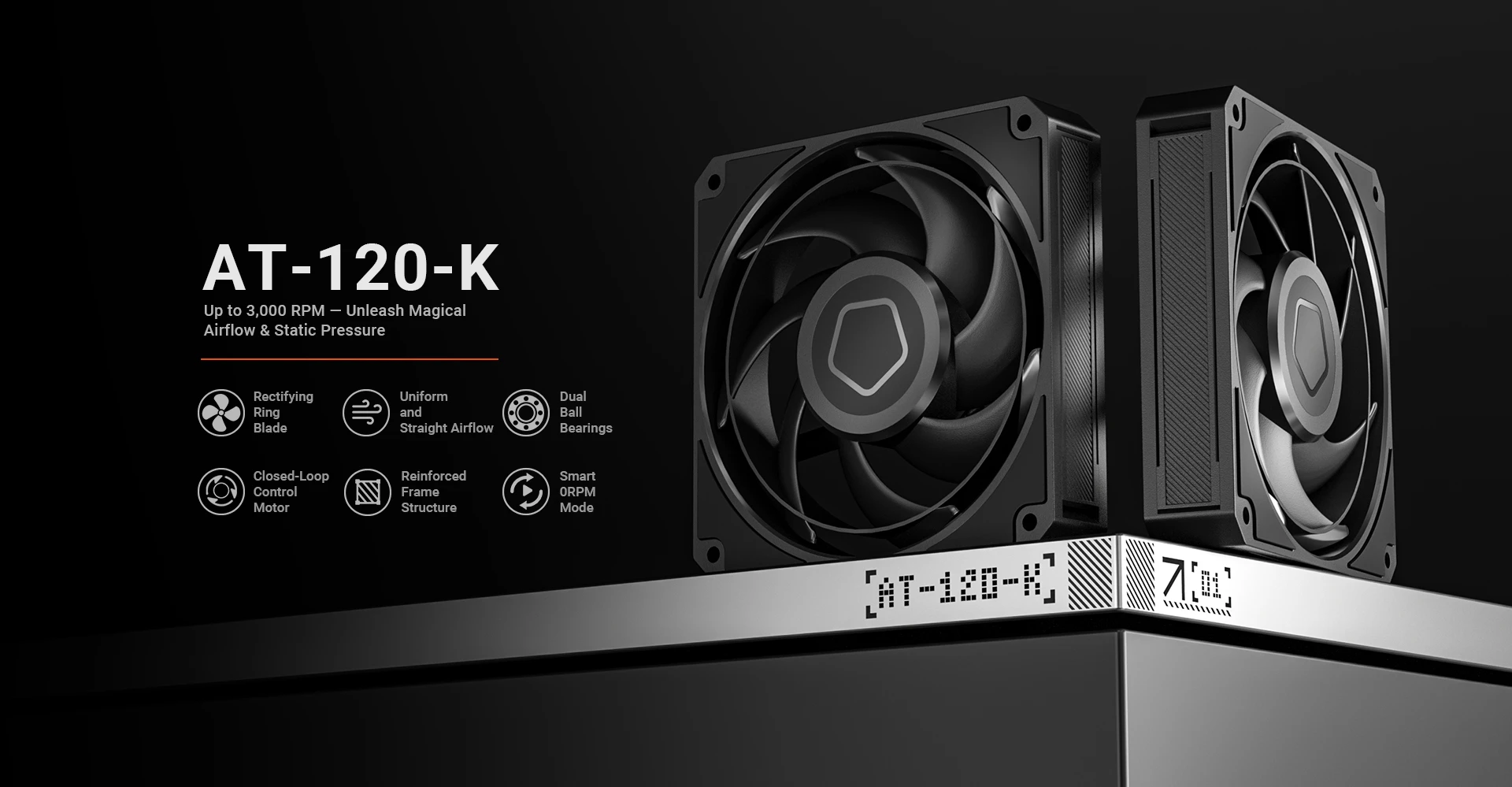
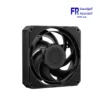
ID-COOLING AT-120-K is a 120mm high-static-pressure PWM case fan with 2 ball bearing construction. It delivers up to 83 CFM airflow and 5.04 mmH2O static pressure, with a speed range of 0-3000 RPM and a maximum noise level of 36.5 dB(A). Because it uses a 4-pin PWM connector, the motherboard can control fan speed automatically based on temperature. Available at Alfrensia for 475 EGP.
⚡ Engineering Highlights at a Glance:
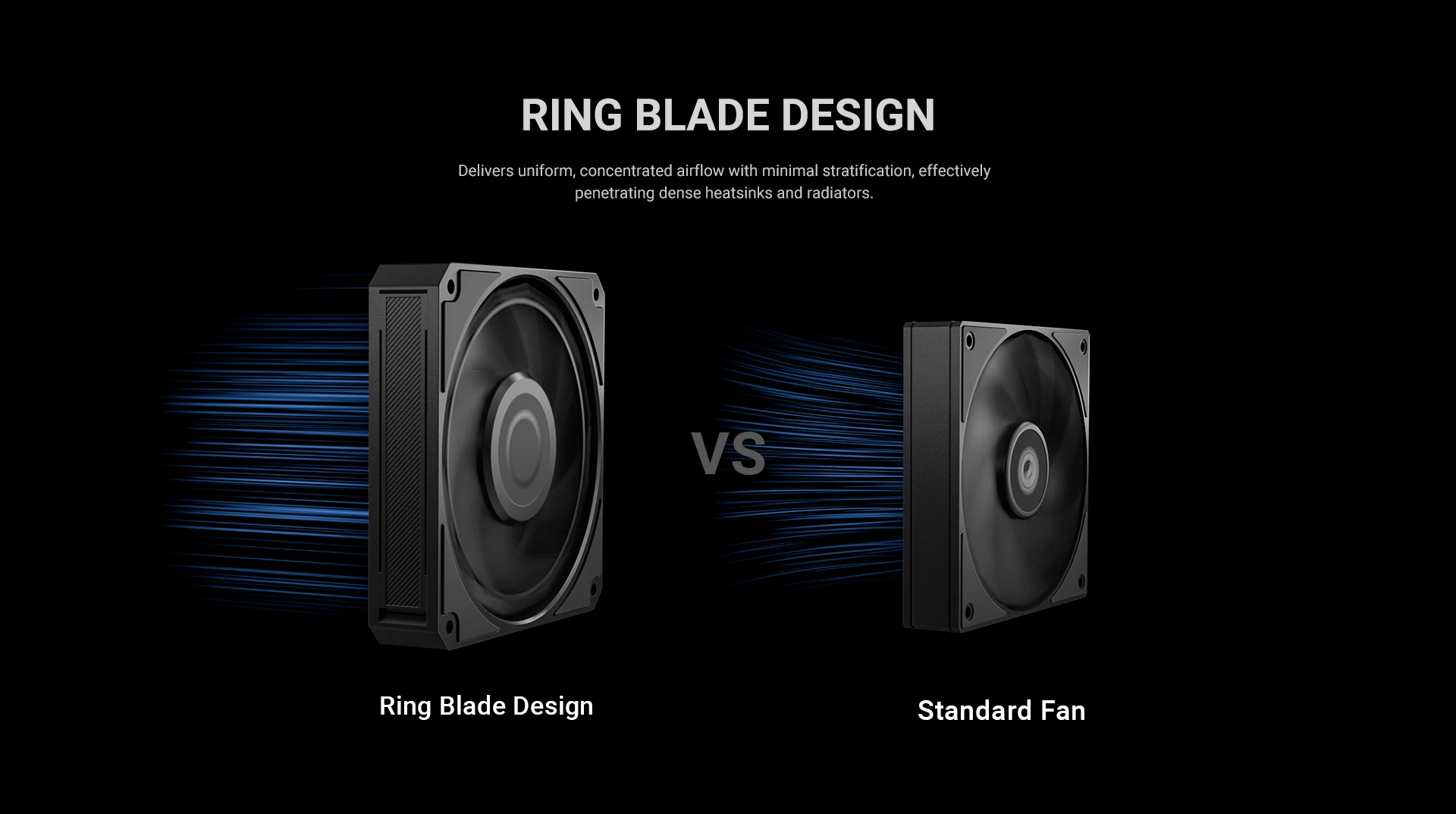
- High Static Pressure (5.04 mmH2O): Designed to push air through dense radiators, mesh filters, and heatsink fins where standard case fans struggle.
- 83 CFM Airflow: High airflow for case intake and exhaust in high-performance builds.
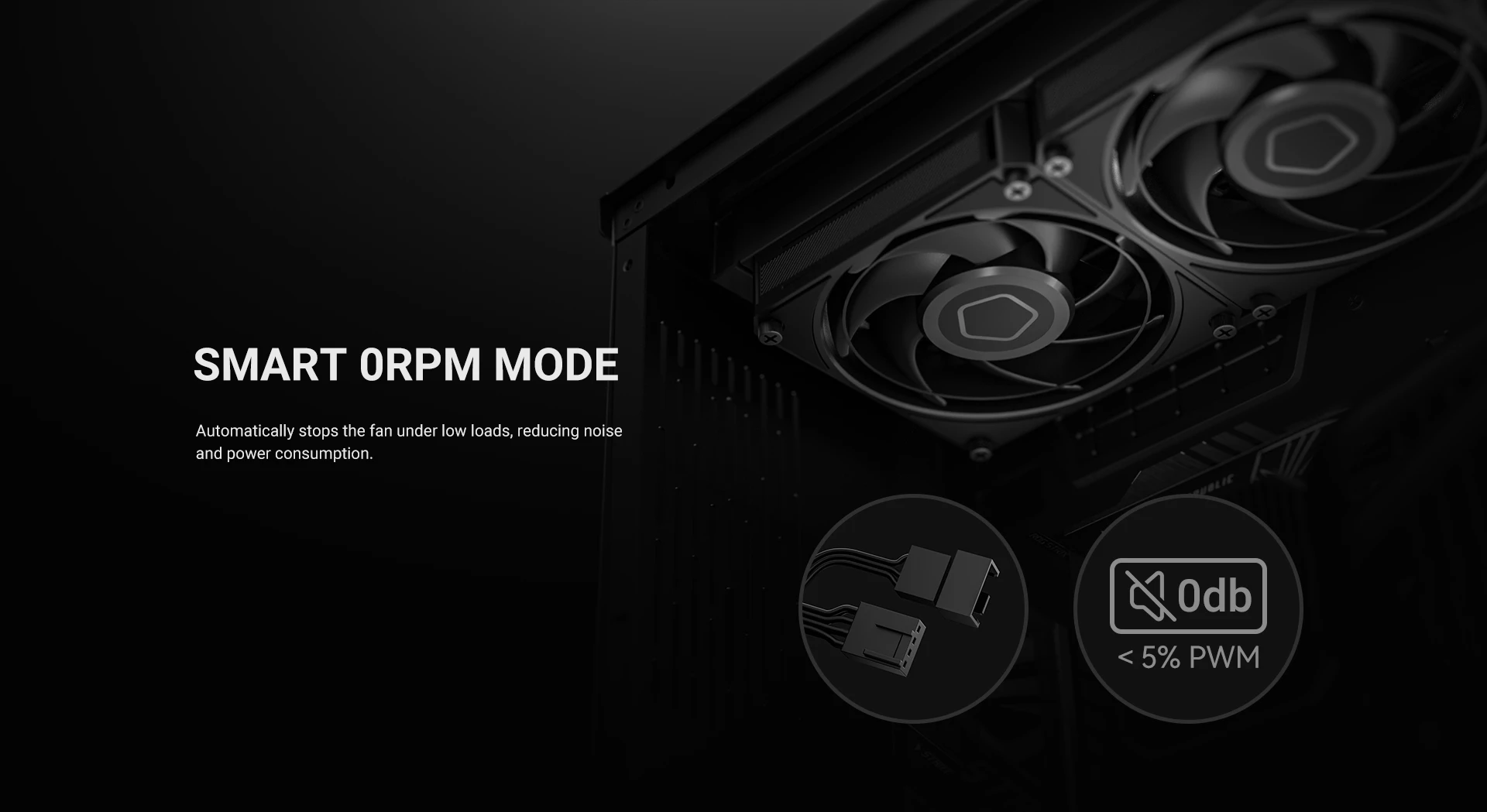
- 0-3000 RPM Speed Range: The fan can stop completely at low temperatures and ramp up to 3000 RPM under load.
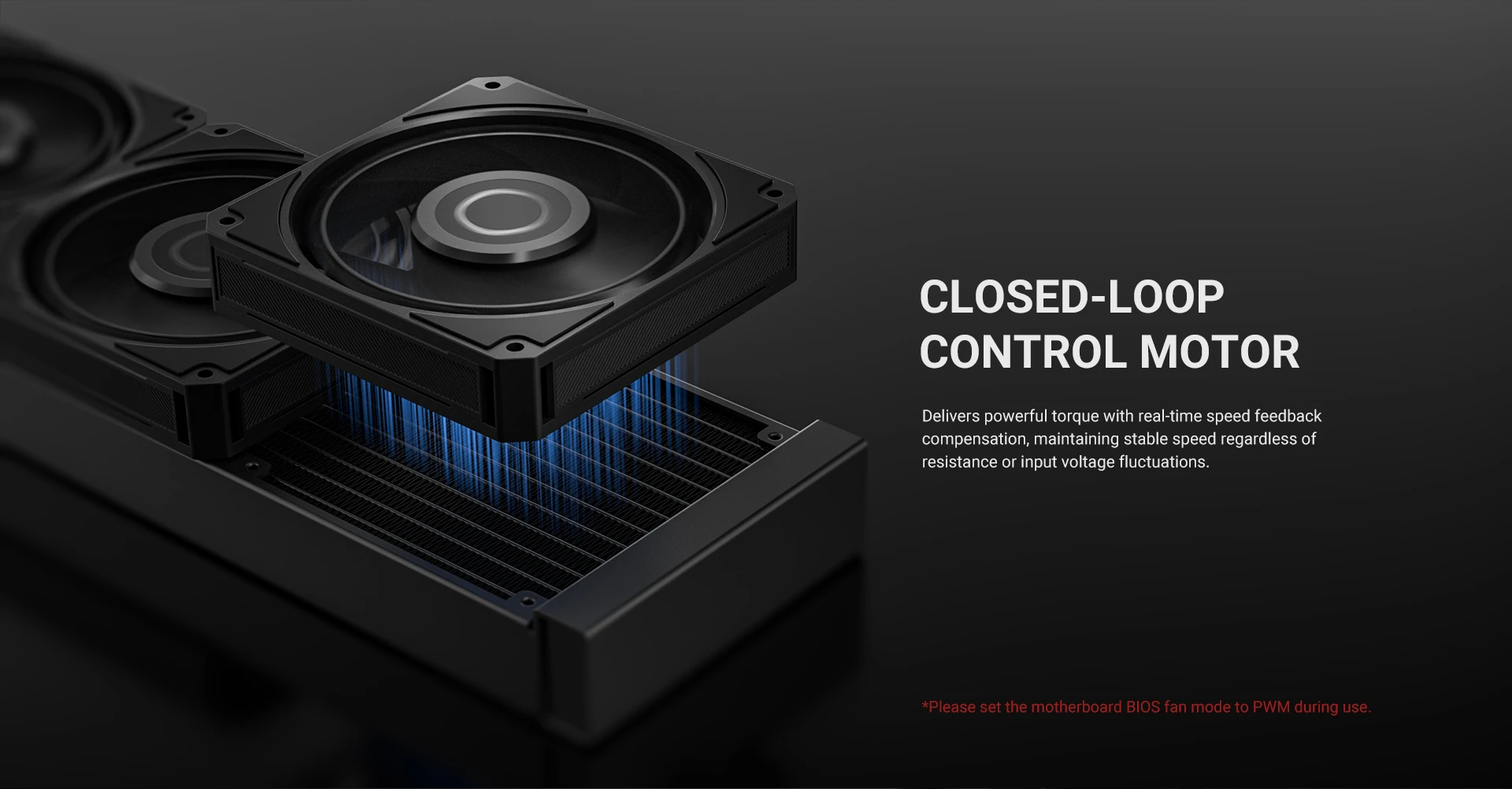
- 4-Pin PWM Connector: The motherboard controls fan speed automatically based on a temperature curve, which balances noise and cooling.
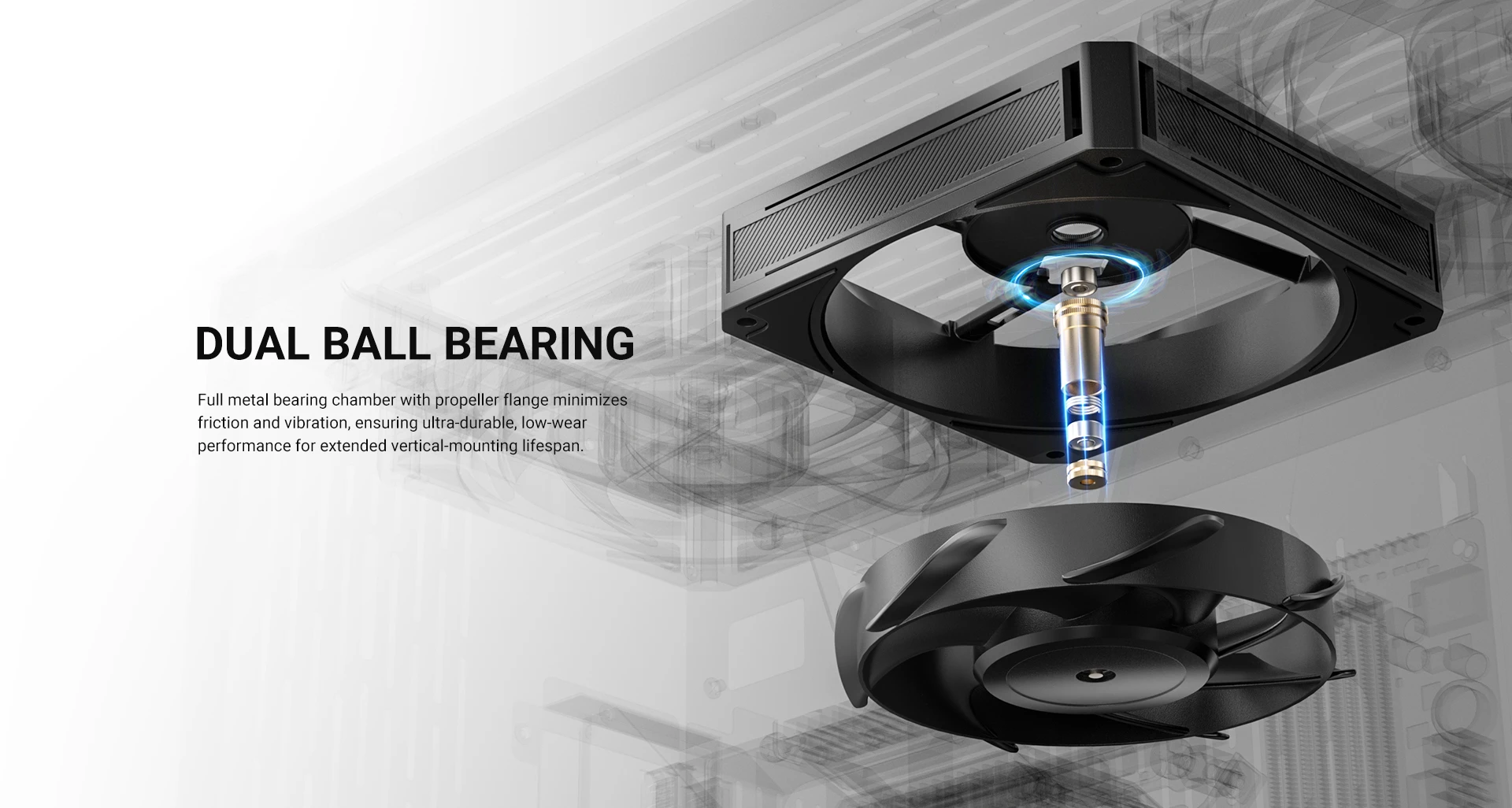
- 2 Ball Bearing: Ball bearings handle higher temperatures and longer continuous operation than sleeve bearings, which suits radiator and industrial use.
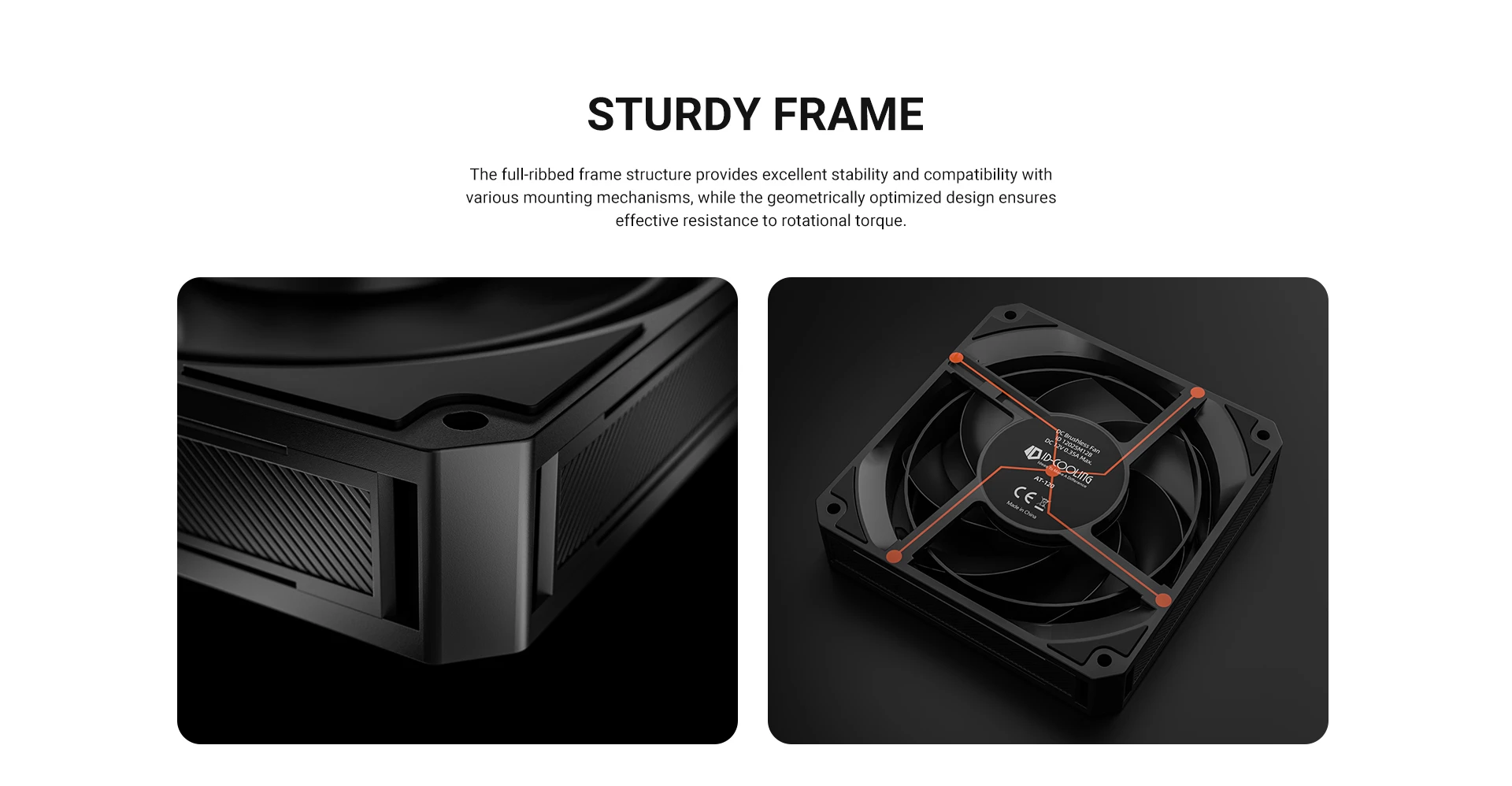
- Durable Construction: The 210g frame and reinforced blade design support sustained high-speed operation.
- Black Colorway: Neutral black finish fits most builds without drawing attention away from lighting.
High Static Pressure for Radiators and Filters
The AT-120-K delivers 5.04 mmH2O of static pressure, which is significantly higher than standard case fans. Because of this, it is designed to push air through dense obstacles such as radiator fins, mesh front panels, and heatsink stacks. When a fan cannot overcome the resistance of these obstacles, airflow drops and cooling performance suffers. The AT-120-K avoids this by using a blade design and motor capable of maintaining pressure. In practice, this makes it a good choice for water cooling radiators and for cases where intake air must pass through a dust filter.
83 CFM Airflow and 3000 RPM Speed
The fan reaches up to 83 CFM airflow at its maximum 3000 RPM speed. Because the PWM controller supports a full 0-3000 RPM range, the fan can slow down or stop entirely when the system is idle. This means the fan stays quiet under light loads and ramps up only when temperatures rise. In a typical build, the fan would spin slowly at idle and reach full speed during gaming or heavy workloads. The 83 CFM airflow is sufficient for most mid-tower and full-tower cases, especially when paired with intake and exhaust configurations.
2 Ball Bearing for Long-Term Reliability
The AT-120-K uses a dual ball bearing design. Because ball bearings use steel balls instead of a lubricated sleeve, they handle higher operating temperatures and longer continuous operation than sleeve bearings. This makes the AT-120-K suitable for systems that run 24/7 or for industrial environments where reliability matters. Ball bearings are slightly noisier than hydraulic bearings at low speeds, but the trade-off is longer lifespan and tolerance for higher temperatures. The rated maximum noise is 36.5 dB(A) at 3000 RPM, which is typical for a high-speed fan.
4-Pin PWM Connector
The fan uses a standard 4-pin PWM connector, so the motherboard can control its speed directly. Unlike 3-pin fans that rely on voltage regulation, PWM fans receive a constant 12V and use a control signal to adjust speed. This allows for smoother, more precise speed control across the entire 0-3000 RPM range. In the BIOS, you can set a fan curve that keeps the fan slow during idle and ramps up under load. Because the fan can also stop entirely at low temperatures, it can run passively in systems that generate little heat at idle.
Product Gallery
Who is the ID-COOLING AT-120-K For?
Expert Advice & Build Considerations
PWM Fan Speed Control
The 4-pin PWM connector lets the motherboard control fan speed automatically. In the BIOS, set the fan header to PWM mode, then choose a fan curve that balances noise and cooling. Because the fan can reach 3000 RPM at full speed, keep the curve low at idle and ramp up under load. The 0 RPM minimum speed means the fan can stop completely when the system is cool, which reduces noise.
Noise Level at High Speed
The rated maximum noise is 36.5 dB(A) at 3000 RPM. At lower PWM duty cycles, the fan runs much quieter. If noise is a priority, choose a fan curve that keeps the fan below 1800 RPM under normal loads. For high-noise-sensitive builds, this fan is best used in configurations where it ramps up only during heavy loads.
📐 Radiator and Mesh Panel Use
Because the fan has high static pressure, it works well on radiators and mesh panels where air must be pushed through a barrier. For best results on a radiator, mount the fan so it pushes air through the fins (push configuration) rather than pulling air through (pull configuration), since pushing provides better pressure performance. If you use multiple fans on a radiator, use a fan splitter or hub to connect them to a single motherboard header.
Technical Specifications
| Model | AT-120-K |
| Brand | ID-COOLING |
| SKU / MPN | AT-120-K |
| EAN | 6931393308630 |
| Fan Dimensions | 120 x 120 x 25 mm |
| Fan Speed | 0-3000 RPM ±10% |
| Max Airflow | 83 CFM |
| Max Static Pressure | 5.04 mmH2O |
| Noise Level | 36.5 dB(A) Max |
| Bearing Type | 2 Ball Bearing |
| Connector | 4-Pin PWM |
| Rated Voltage | 12 VDC |
| Operating Voltage | 10.8-13.2 VDC |
| Starting Voltage | 7 VDC |
| Rated Current | 0.28 A (0.35 A Max) |
| Power Input | 4.2 W Max |
| Weight | 210 g |
Expert Recommendation: Getting the Most from Your AT-120-K
Before installing, confirm the fan direction arrow points the way you want the air to flow. For radiator use, mount the fan so it pushes air through the fins. For case intake, position it where the intake path is restricted by a dust filter or mesh panel, since the high static pressure will overcome the resistance. Because the fan uses a 4-pin PWM connector, set the motherboard header to PWM mode in the BIOS. Choose a fan curve that keeps the fan under 1800 RPM at idle and ramps up under load for a good balance of noise and cooling. If you install multiple AT-120-K fans, use a fan splitter or hub to connect them to a single header. Because the fan uses a 2 ball bearing design, it may be slightly louder at low RPM than a hydraulic bearing fan, but it will also last longer under continuous operation and higher temperatures. Clean the fan blades and bearing area periodically with compressed air to prevent dust buildup.
Frequently Asked Questions
What is static pressure, and why does it matter?
Static pressure measures how well a fan pushes air against resistance. High static pressure is important when a fan must push air through dense obstacles such as radiator fins, mesh panels, or dust filters. The AT-120-K delivers 5.04 mmH2O, which is designed for these applications.
Is this fan PWM or voltage controlled?
The AT-120-K uses a 4-pin PWM connector, so it is PWM-controlled. The motherboard can adjust fan speed across the full 0-3000 RPM range using a temperature-based fan curve.
Can I install this fan on a radiator?
Yes. The 5.04 mmH2O static pressure and 83 CFM airflow are designed for radiator use. For best results, mount the fan in push configuration so it pushes air through the radiator fins.
How loud is the fan at full speed?
The rated maximum noise level is 36.5 dB(A) at 3000 RPM. At lower PWM duty cycles, the fan runs quieter. With a proper fan curve, you can keep the fan below 1800 RPM under normal loads for a quieter experience.
What is the difference between ball bearing and hydraulic bearing?
Ball bearings use steel balls and handle higher temperatures and longer continuous operation than hydraulic (sleeve) bearings. Hydraulic bearings are quieter at low speeds but do not last as long in high-temperature or 24/7 environments. The AT-120-K uses 2 ball bearings for durability.
Only logged in customers who have purchased this product may leave a review.

Reviews
There are no reviews yet.