




Mercusys MA32H AC1300 Wi-Fi 5 Dual Band USB 3.0 High-Gain Wireless Adapter
699 EGP
- Part Number: MA32H
- Wireless Specs: Wi-Fi 5 (802.11ac) Dual-Band | Up to 867 Mbps (5GHz) + 400 Mbps (2.4GHz)
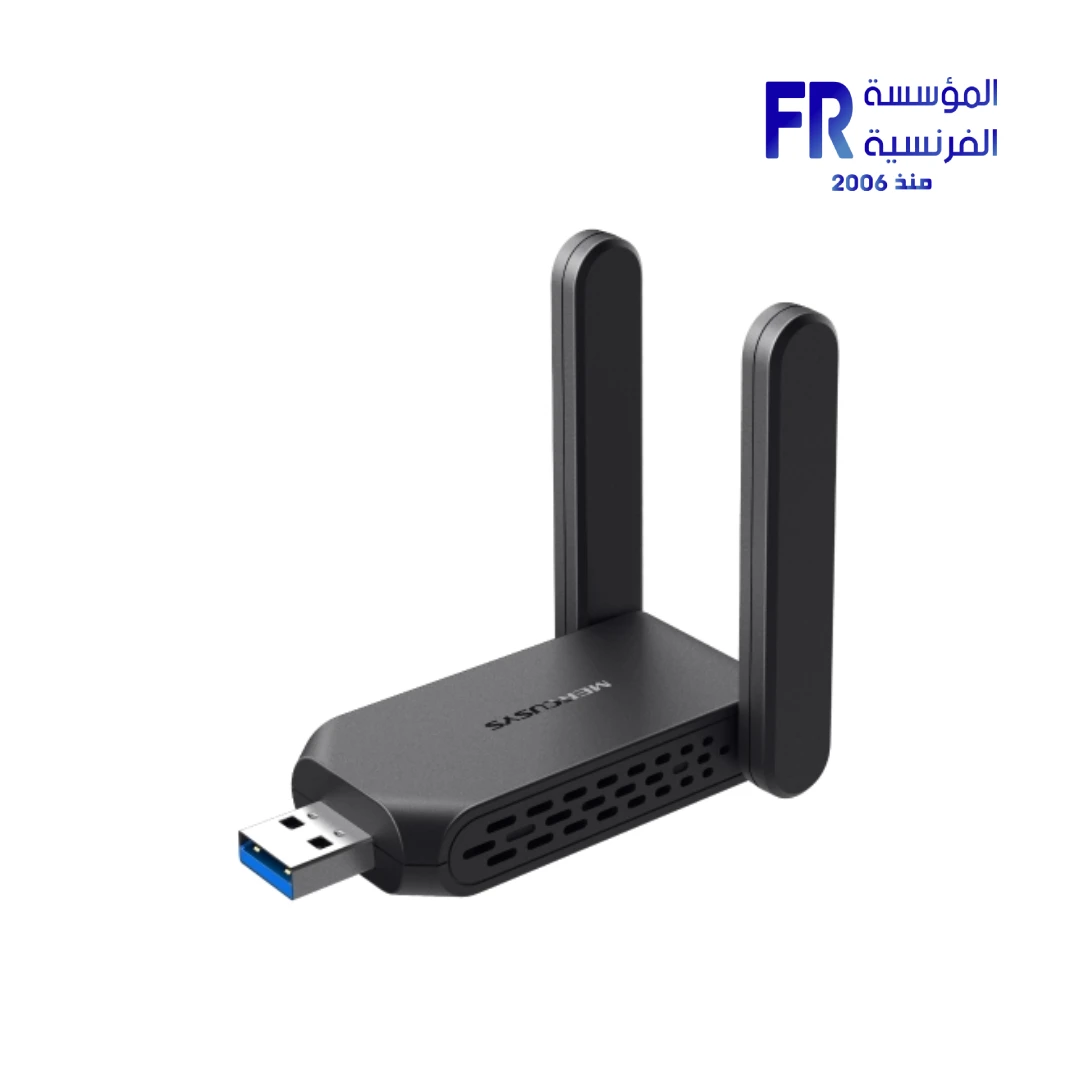
- Interface & Design: USB 3.0 Interface | 2 External High-Gain Antennas
- Compatibility: Windows 11/10 (32/64-bit) | WPA3 Security Support
- Warranty: 2 Years
In stock
Price Match Guarantee
Mercusys MA32H AC1300 Wi-Fi 5 USB 3.0 High-Gain Adapter
The Mercusys MA32H is a high-performance Wi-Fi 5 USB adapter delivering combined speeds up to 1300 Mbps (867 Mbps on 5 GHz, 400 Mbps on 2.4 GHz). With USB 3.0 connectivity, dual high-gain antennas, and WPA3 security, it’s the perfect upgrade for gaming, streaming, and intensive networking on Windows PCs.
⚡ 1300 Mbps
🔌 USB 3.0
📡 High-Gain Antennas
🔒 WPA3
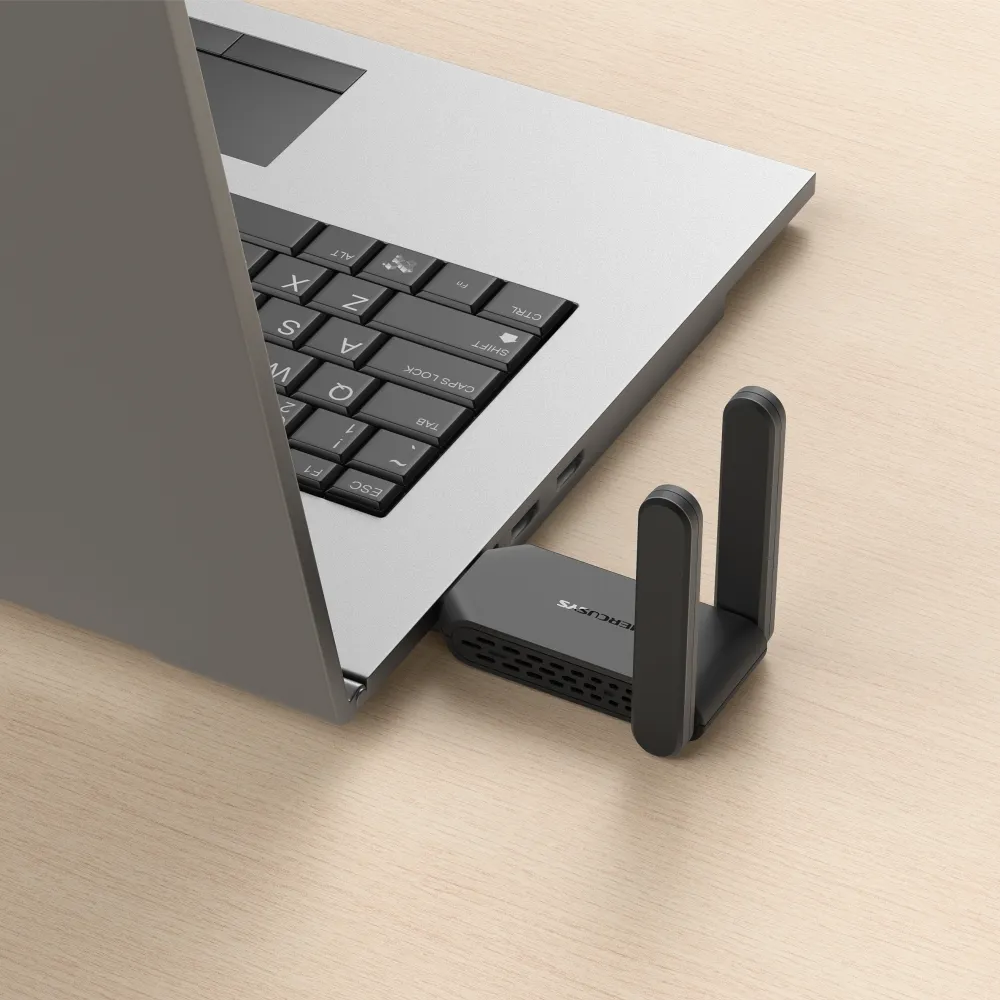
Key Features & Product Showcase
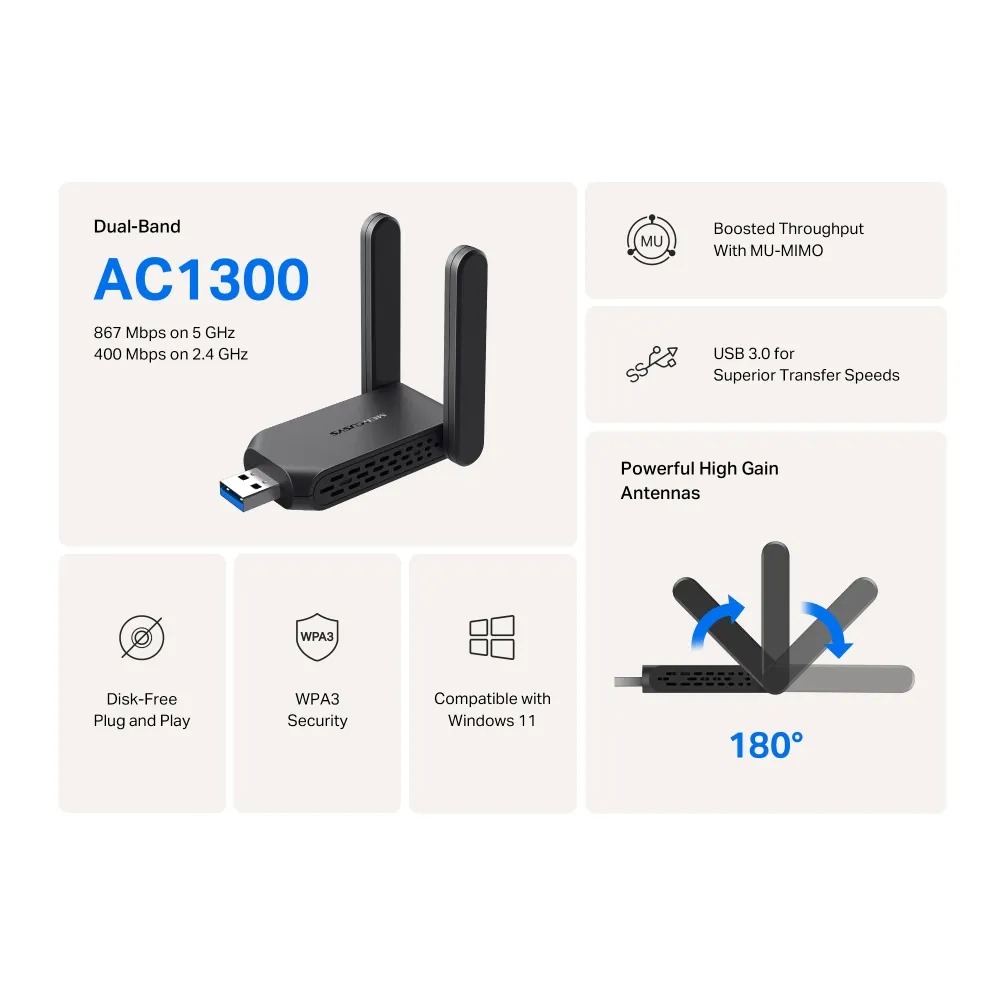
⚡ AC1300 Dual-Band Speeds
Experience combined speeds up to 1300 Mbps — 867 Mbps on 5 GHz and 400 Mbps on 2.4 GHz. Ideal for 4K streaming, online gaming, and large file transfers.
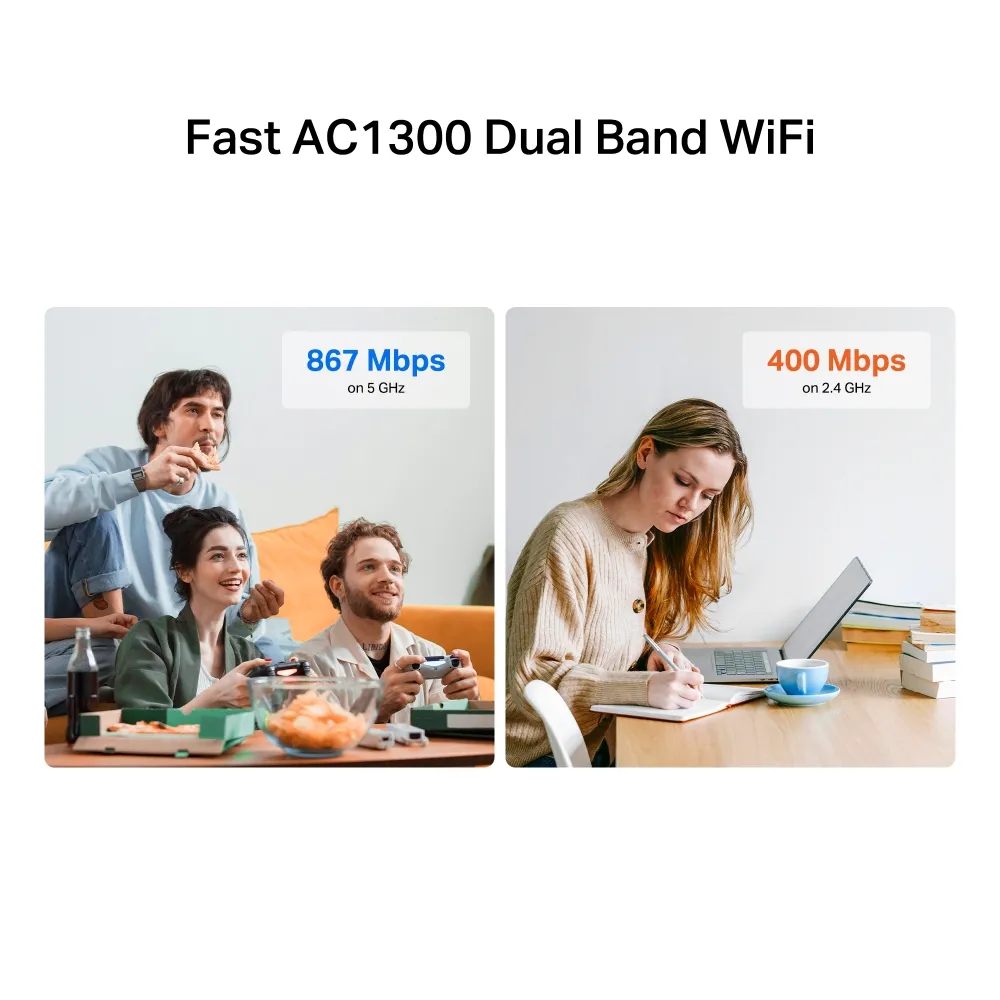
📡 Dual High-Gain Antennas
Two external high-gain antennas provide extended wireless coverage and stable connections, ensuring you stay connected even at a distance from your router.
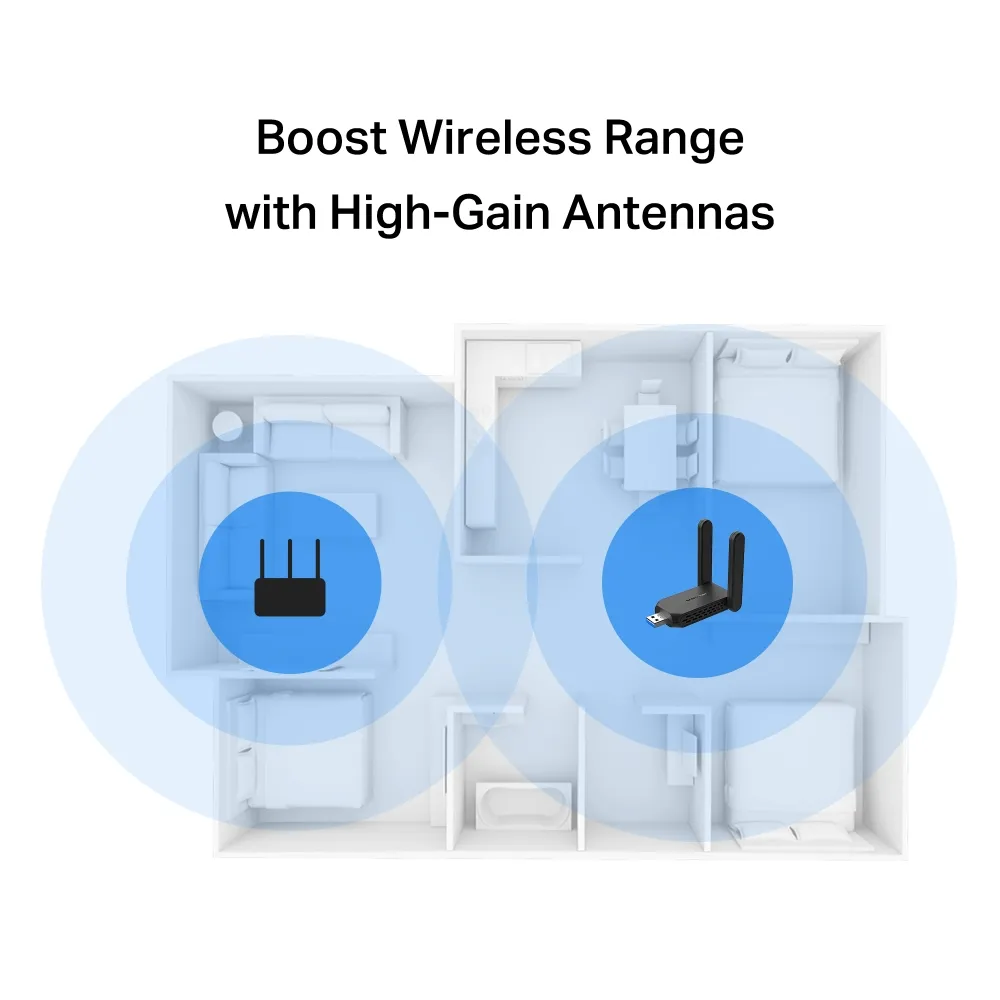
🔌 USB 3.0 Connectivity
USB 3.0 interface ensures high-speed data transfer, eliminating bottlenecks and delivering the full potential of your Wi-Fi 5 connection for lag-free performance.
🔒 WPA3 Security
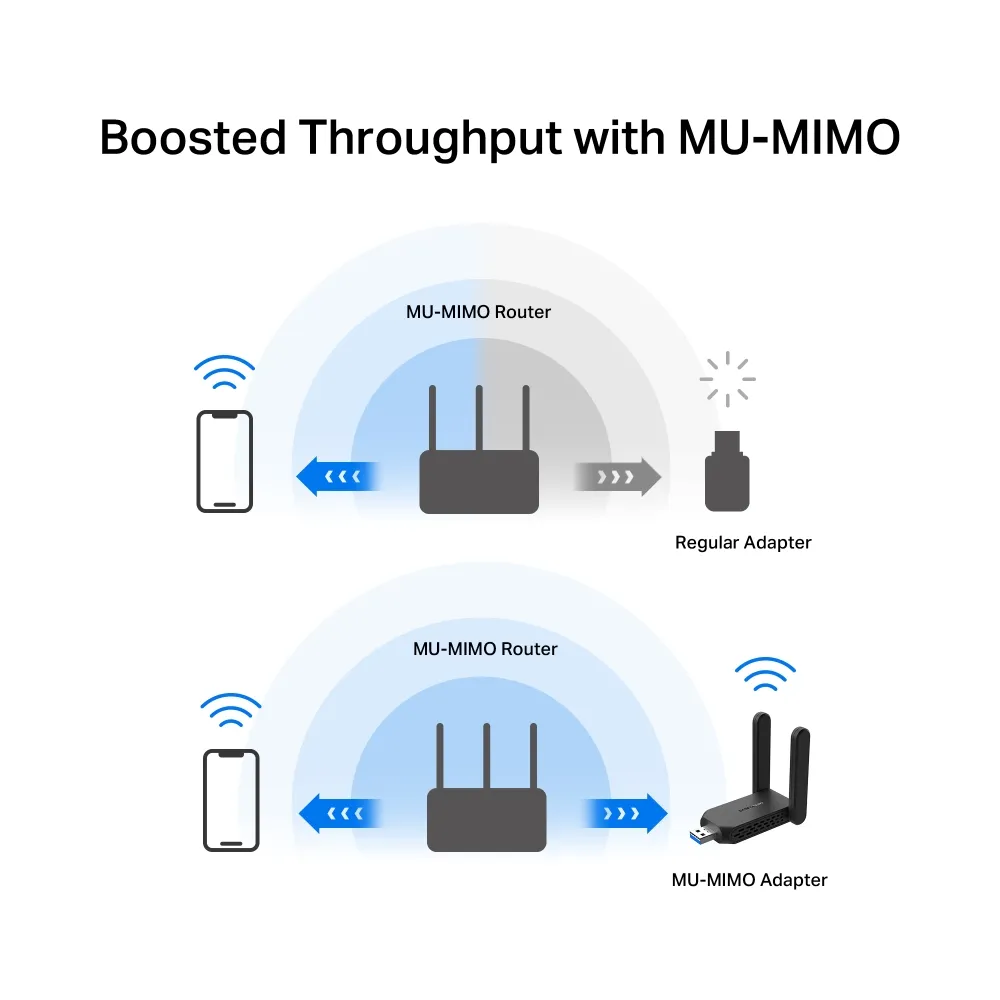
Supports WPA/WPA2/WPA3-SAE encryption for the latest wireless security standards, protecting your network from unauthorized access and ensuring safe browsing.
💻 Windows 11/10 Compatible
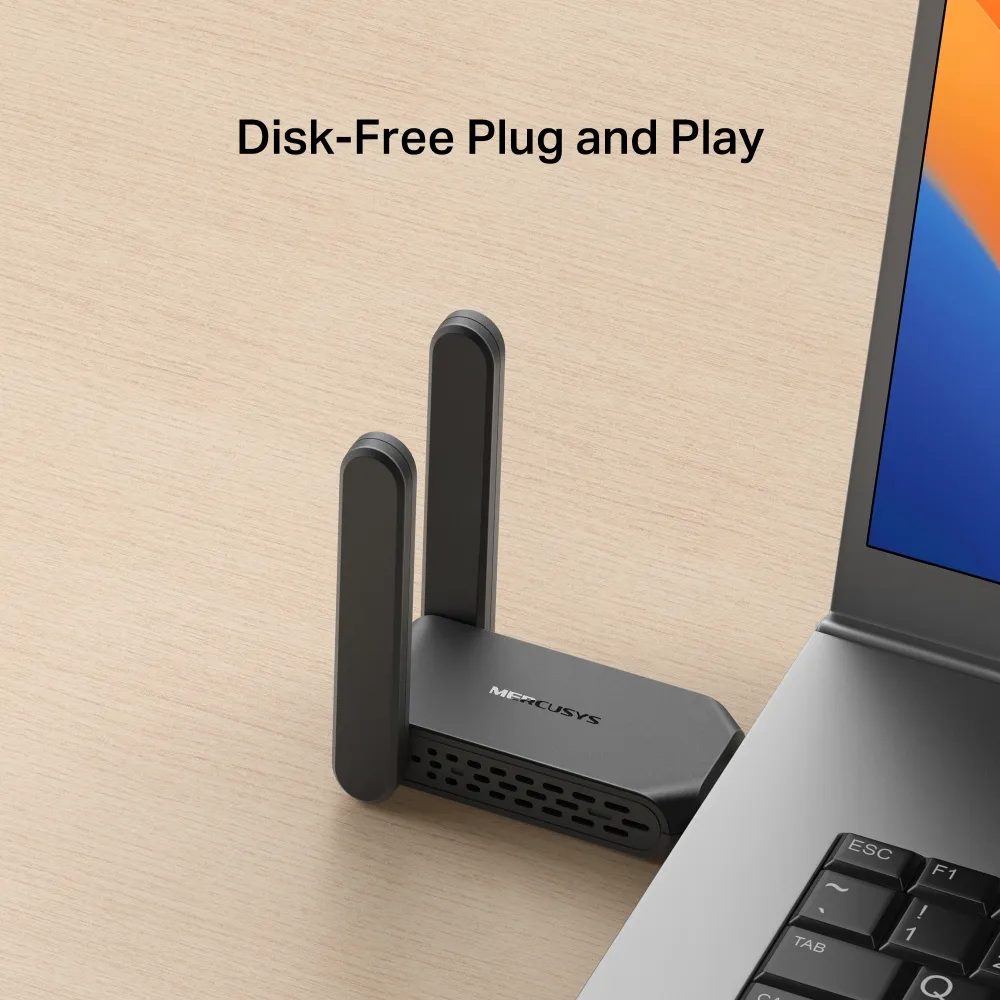
Supports Windows 11/10 (32/64-bit) with easy plug-and-play installation. Compact design at 77 × 45.2 × 12.4 mm fits easily into any USB port.

📦 Complete Solution
Includes the AC1300 wireless adapter and quick installation guide. Backed by Mercusys’ reliable quality and support for a hassle-free networking upgrade.
Technical Specifications
Is the Mercusys MA32H Right For You?
✓ Best For
- ✔ Gamers seeking reliable Wi-Fi 5 performance
- ✔ Users upgrading older PCs to AC Wi-Fi
- ✔ Streamers needing 4K streaming bandwidth
- ✔ Professionals transferring large files wirelessly
- ✔ Anyone wanting WPA3 security protection
✗ Not Ideal For
- ✗ Users without USB 3.0 ports (USB 2.0 limits speeds)
- ✗ macOS or Linux users (Windows only)
- ✗ Those needing portable mobile connectivity
- ✗ Users with older routers (Wi-Fi 4 or below)
Compatibility Matrix
| Platform | Supported | Notes |
|---|---|---|
| Windows 11 | ✔ Full | Plug and Play (32/64-bit) |
| Windows 10 | ✔ Full | Plug and Play (32/64-bit) |
| USB 3.0 Port | ✔ Full | Recommended for maximum speed |
| USB 2.0 Port | ✔ Limited | Reduced performance (480 Mbps max) |
| macOS / Linux | ✗ Not Supported | Windows only |
Pro Tips & Tricks
📡 Position for Best Signal
Place the adapter in a USB port that allows the antennas to face your router. Adjust the high-gain antennas for optimal signal strength and reduced interference.
🔌 Use USB 3.0 Ports
Always connect the MA32H to a USB 3.0 port (blue) for maximum throughput. USB 2.0 ports cap speeds at 480 Mbps, limiting your Wi-Fi 5 performance.
🔒 Enable WPA3 Security
If your router supports WPA3, enable it for enhanced security. The MA32H fully supports WPA3-SAE encryption for next-generation wireless protection.
💻 Update Drivers
Visit Mercusys support page to ensure you have the latest drivers for optimal compatibility and performance with Windows 11/10 updates.
Common Questions About the Mercusys MA32H
What Wi-Fi speeds does the Mercusys MA32H support?
AC1300. The MA32H delivers combined speeds up to 1300 Mbps — 867 Mbps on 5 GHz and 400 Mbps on 2.4 GHz for fast and reliable wireless connectivity.
What interface does the MA32H use?
USB 3.0. The MA32H features a USB 3.0 interface for high-speed data transfer, ensuring you get the full potential of your Wi-Fi 5 connection.
Does the MA32H have high-gain antennas?
Yes. The MA32H features two external high-gain antennas that provide extended wireless coverage and stable connections at longer distances.
Is the MA32H compatible with Windows 11?
Yes. The MA32H supports Windows 11 and Windows 10 (32/64-bit) with plug-and-play installation.
| MODEL | |
|---|---|
| Part Number | |
| Warranty | |
| NETWORK | |
| Wi-Fi Standard | Wi-Fi 5 (802.11ac/a/b/g/n) |
| Wi-Fi Speed | AC1300: 867 Mbps (5GHz) + 400 Mbps (2.4GHz) |
| Frequency Band | 2.4GHz / 5GHz |
| Connection | |
| Antennas | 2 external high-gain antennas |
| Security | WPA3 |
| Platform |
Only logged in customers who have purchased this product may leave a review.
Reviews
There are no reviews yet.