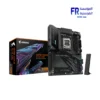
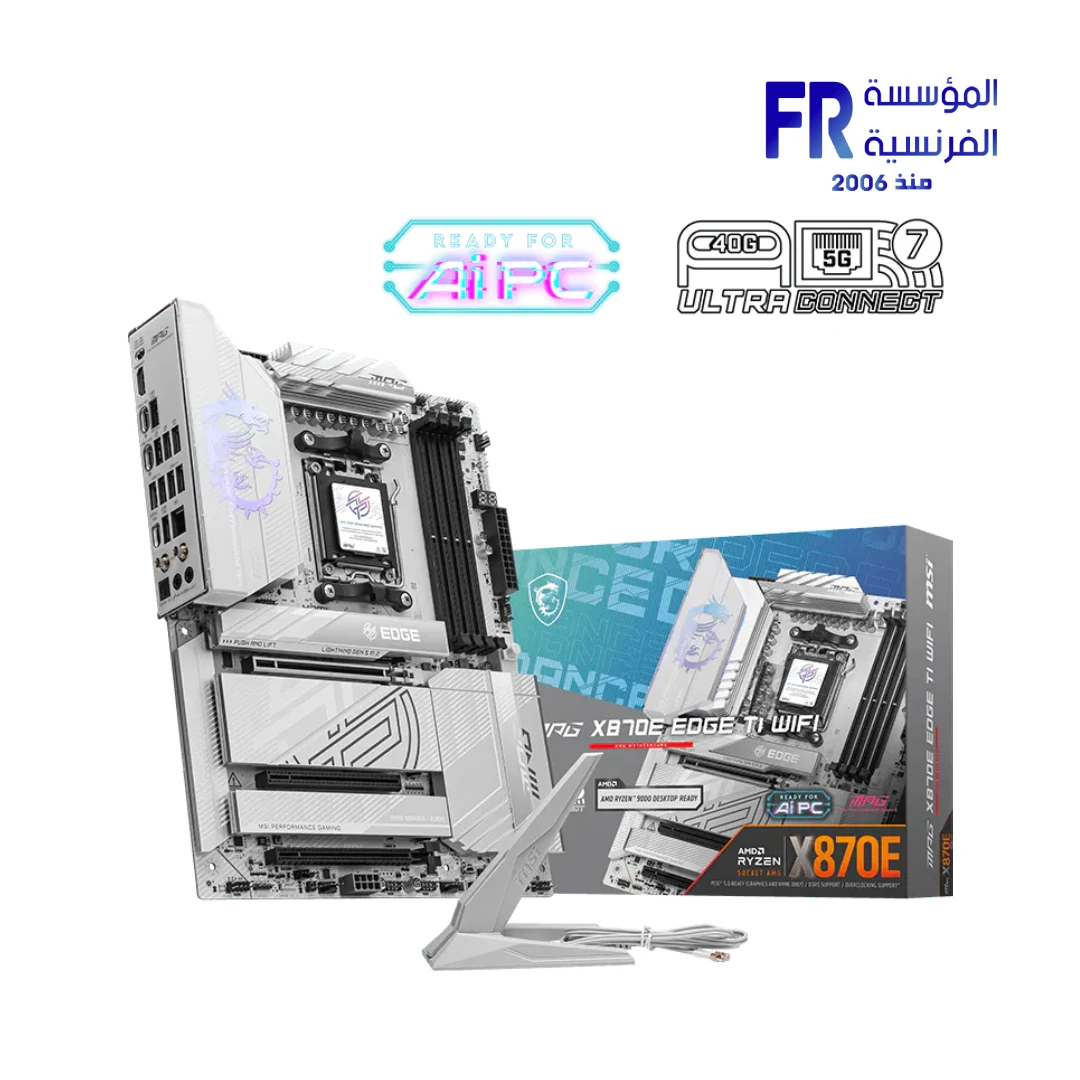
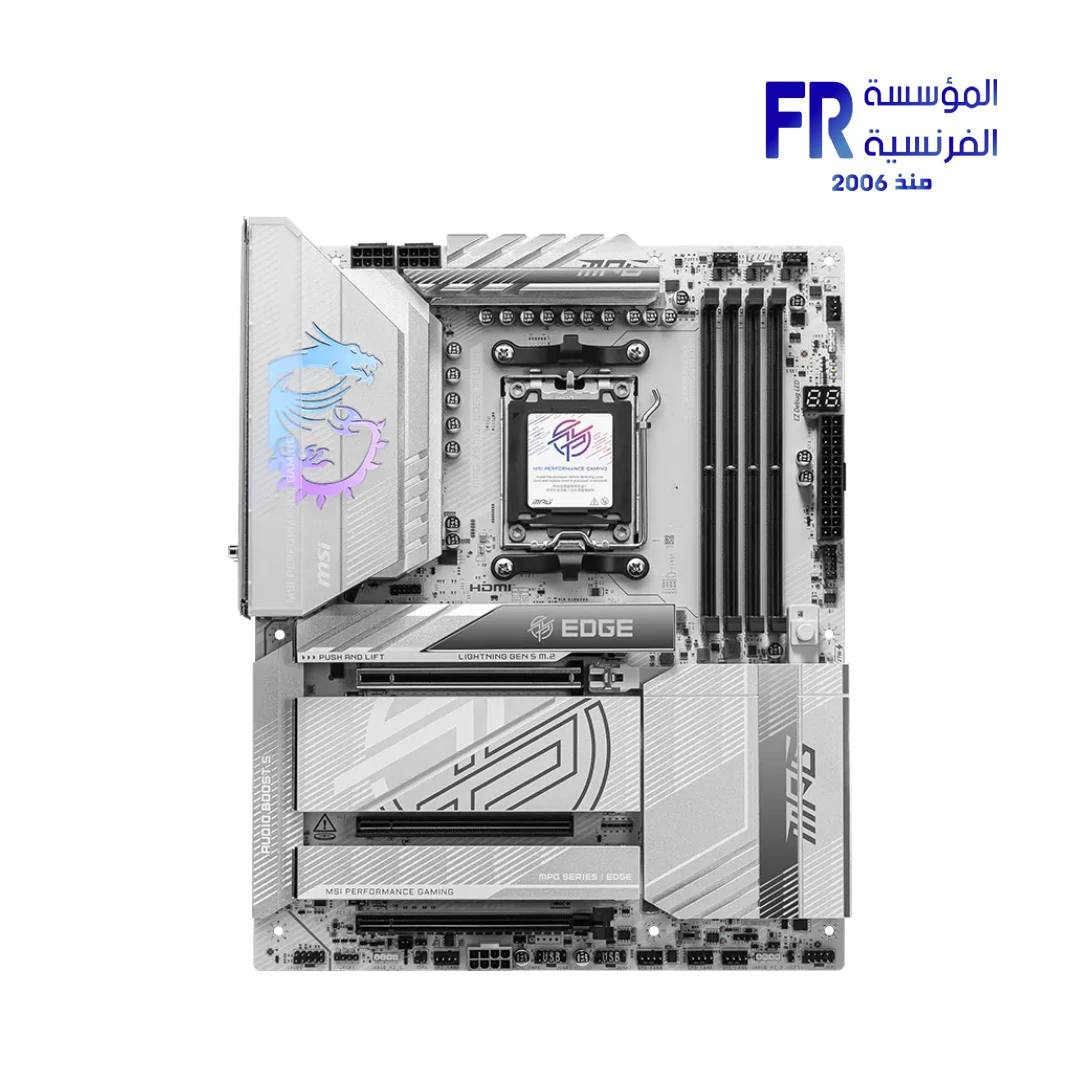
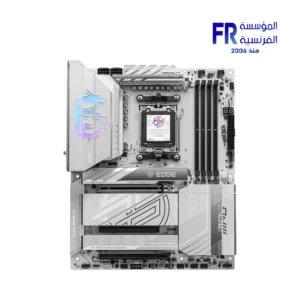
Msi MPG X870E Edge TI WIFI Motherboard
The MSI MPG X870E Edge TI WIFI Motherboard facilitates extreme high-bandwidth data excursions through its integrated USB4 40Gbps and PCIe 5.0 architecture. Specifically engineered for professionals who demand Wi-Fi 7 connectivity and 8400+ MT/s memory synchronization, it bridges the gap between complexity and reliable performance.
Official Product Page
Why the MPG X870E Edge TI is the Elite Choice for Professionals
Ultra-High Bandwidth Excursions
Specifically, the X870E chipset architecture facilitates dual USB4 40Gbps ports and two PCIe 5.0 M.2 slots for near-instantaneous data transfers. Furthermore, the support for DDR5 8400+ MT/s (OC) technically ensures that high-bandwidth workstation tasks are executed without latency. Consequently, your workstation maintains an elite level of efficiency during high-transient computational cycles.
Next-Generation Digital Connectivity
The architecture features integrated Wi-Fi 7 with MU-MIMO synchronization, technically reaching wireless speeds of 5.8Gbps. Moreover, the 5G LAN interface provides a stable wired fallback for massive data excursions and professional software rendering. This ensure your professional gear remains synchronized and stable across modern networking infrastructures.
Comprehensive Technical Specifications
| Feature | Detailed Specification |
|---|---|
| Model Name | MSI MPG X870E EDGE TI WIFI (911-7E59-001) |
| Socket / Chipset | AMD AM5 / X870E High-Bandwidth Chipset |
| Memory Support | 4x DDR5 UDIMM, Maximum 256GB (OC up to 8400+ MT/s) |
| Expansion Slots | 1x PCIe 5.0 x16 (CPU), 1x PCIe 4.0 x4, 1x PCIe 3.0 x1 |
| Storage Interface | 2x M.2 Gen 5 x4, 2x M.2 Gen 4 x4, 4x SATA 6G |
| USB Ports | 2x USB4 40Gbps Type-C, 1x USB 20Gbps Front, 6x USB 10Gbps |
| Networking | Realtek 5G LAN + Wi-Fi 7 + Bluetooth 5.4 |
| Audio Logic | Realtek ALC4080 Codec 7.1-Channel High Performance |
| EAN / GTIN | 824142395363 |
| Warranty | 3 Year Limited Warranty |
💡 Technical Note: PCIe 5.0 Bandwidth Sharing
Specifically, the 40Gbps USB4 Type-C ports on the back panel share technical PCIe 5.0 x4 bandwidth with the M.2_2 slot. If a device is installed in the M.2_2 slot, both will run at PCIe 5.0 x2 excursions. Furthermore, if you switch M.2_2 to PCIe 5.0 x4 in the BIOS, the rear USB4 ports will be technically disabled. Plan your storage and peripheral synchronization accordingly before beginning the hardware excursion.
FAQ
Does this motherboard technically support the new Ryzen 9000 series?
What are the benefits of Wi-Fi 7 for workstation tasks?
How many Gen 5 M.2 SSDs can be installed simultaneously?
Help us improve our product data accuracy. If you notice any error in this draft, please report it via our official feedback form:
Alfrensia.com – Website Feedback & Report Form.
Copyright © Alfrensia.com. All rights reserved.


Reviews
There are no reviews yet.