


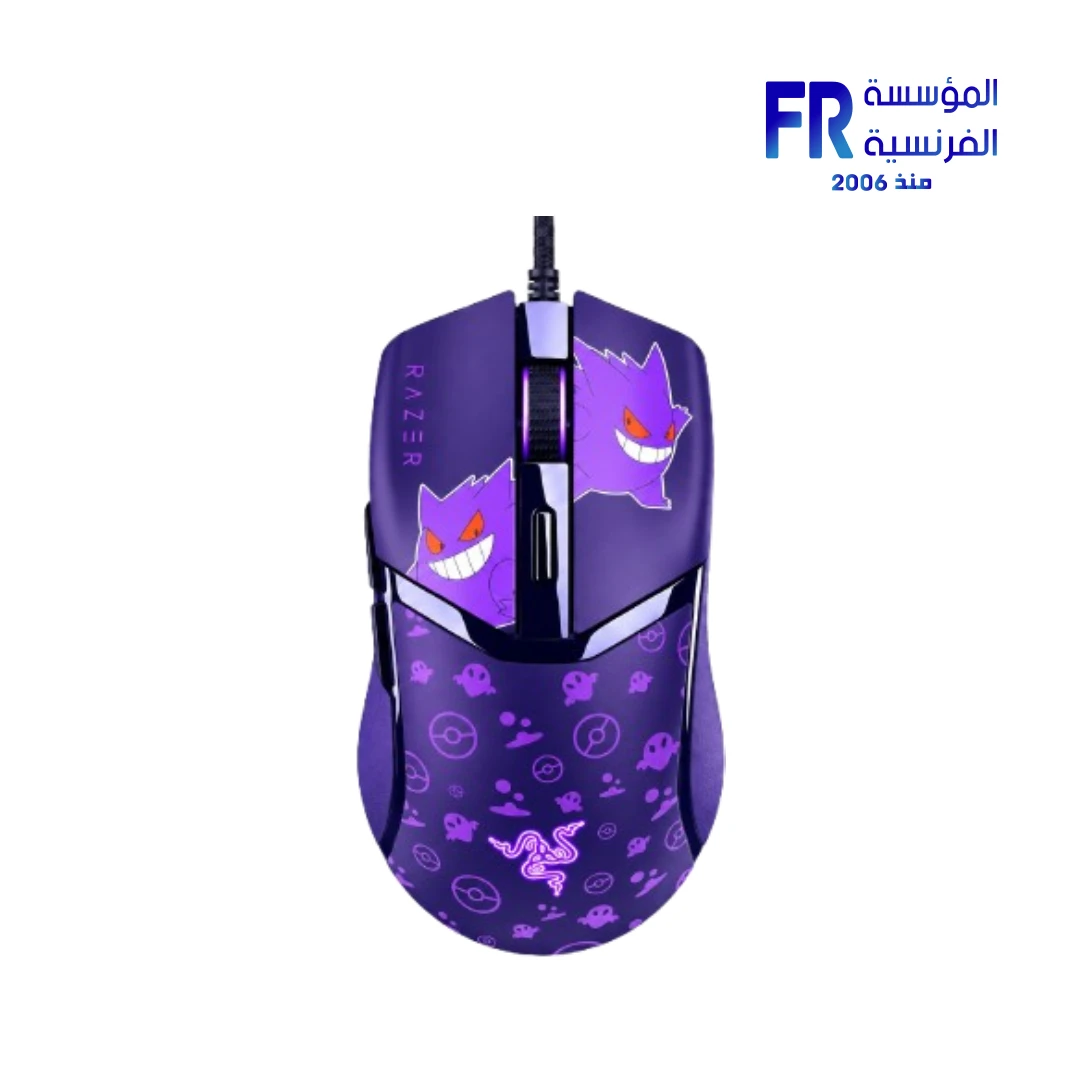
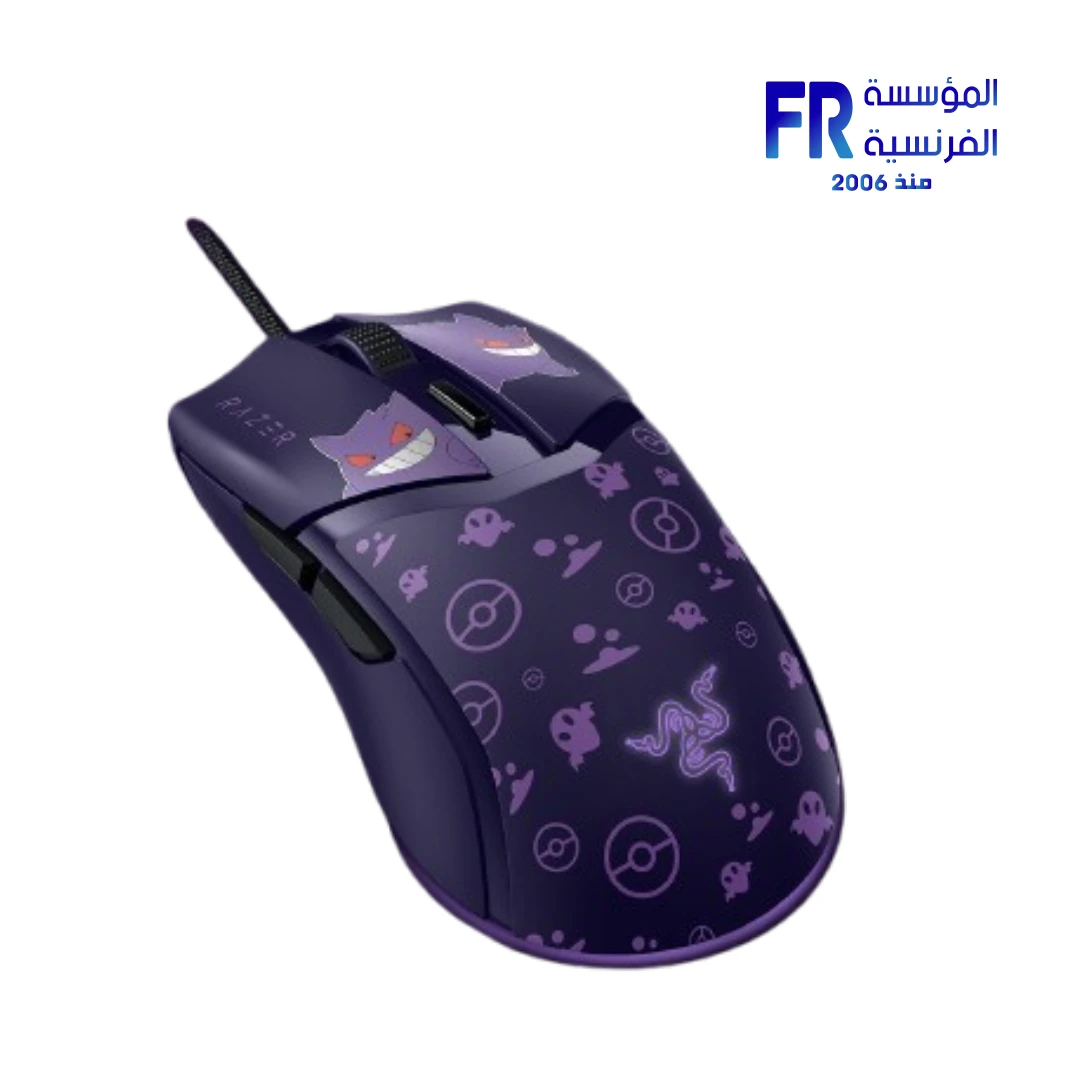
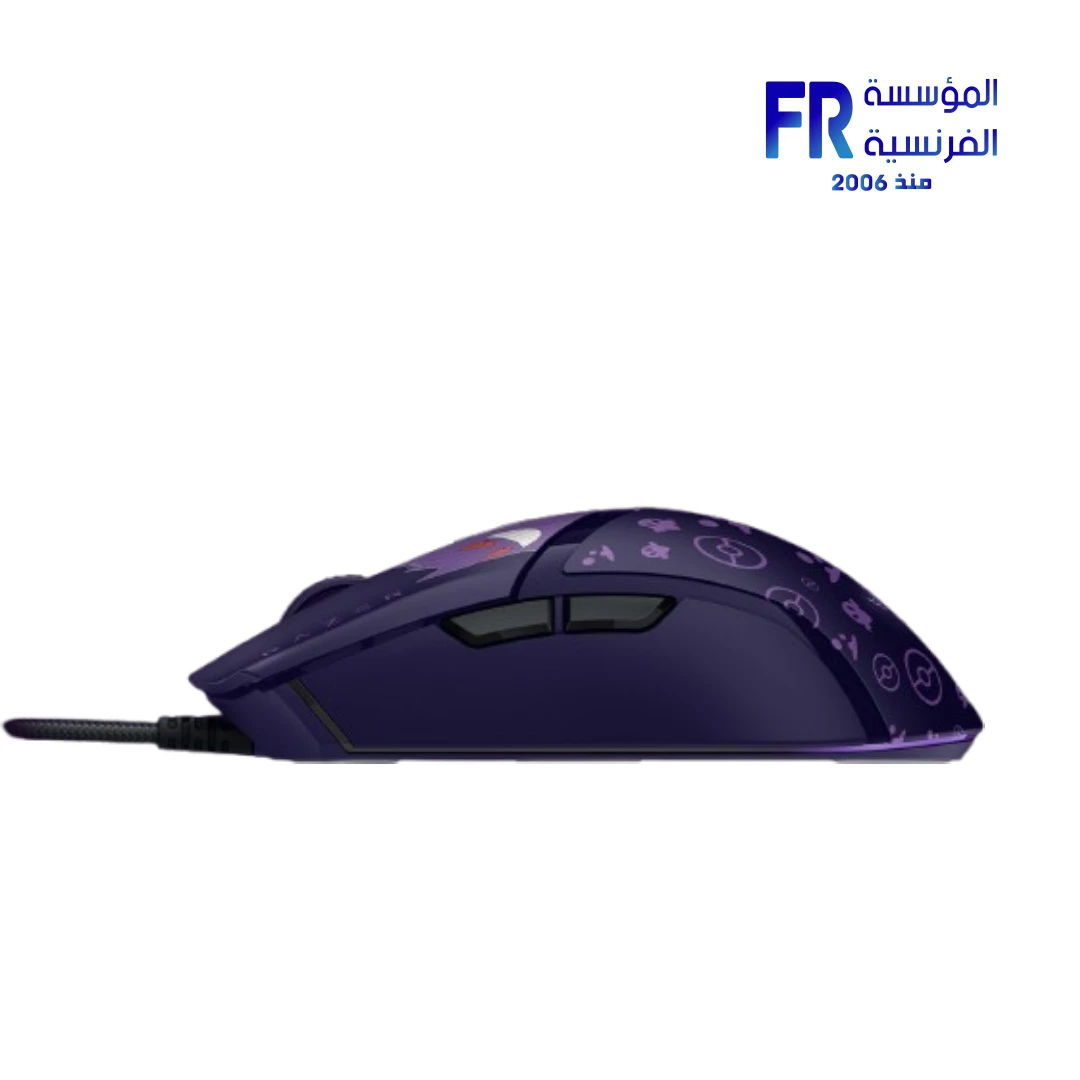
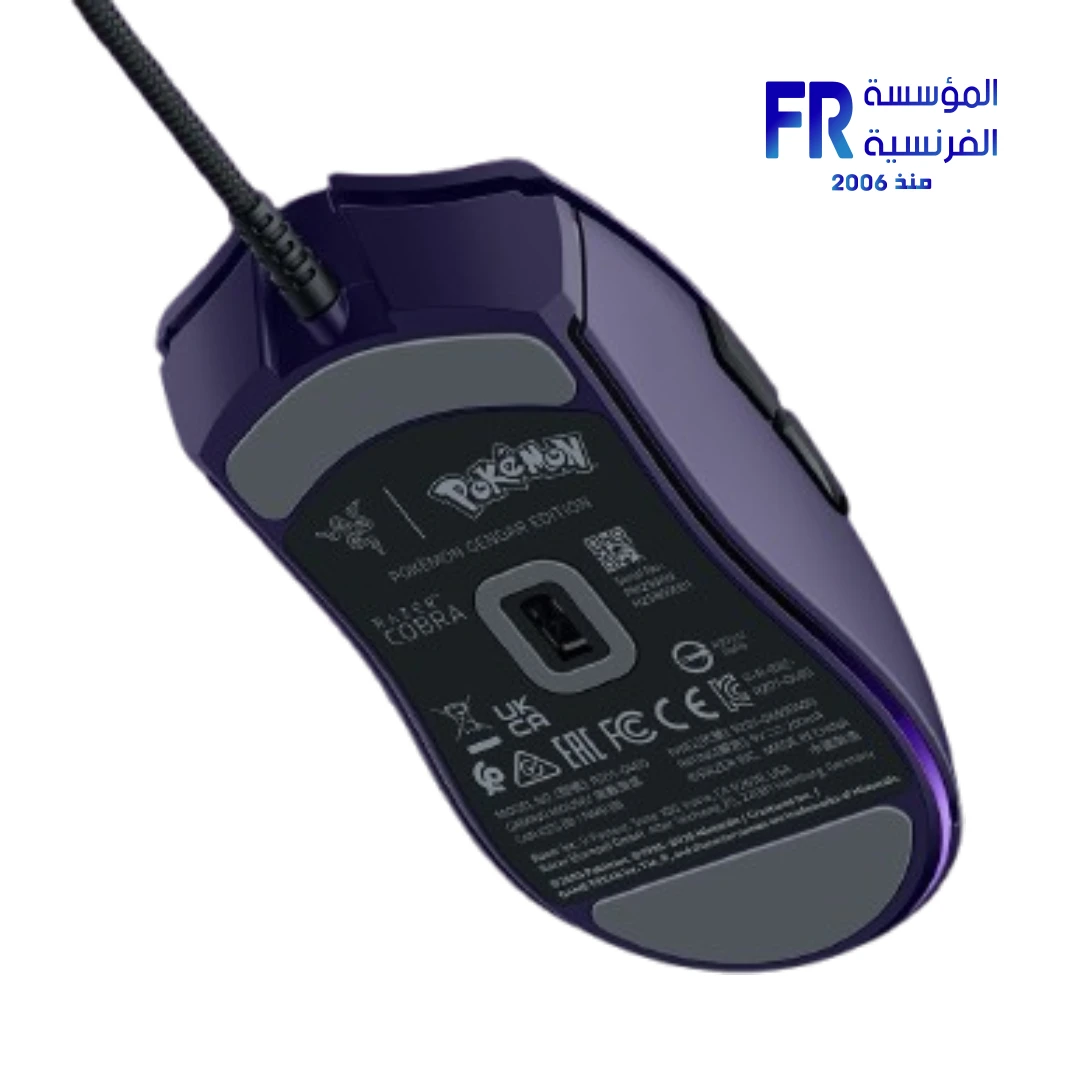
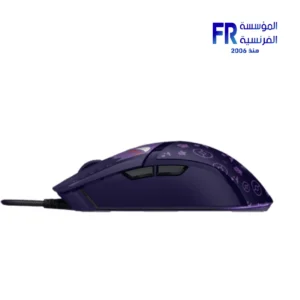
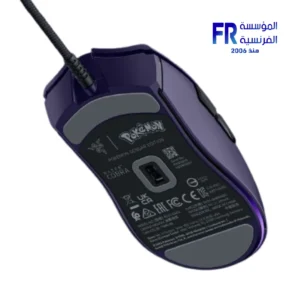

Razer Cobra Wired 8500Dpi Pokemon Gengar Edition Gaming Mouse (Open Box)
2500 EGP
- Model: Razer Cobra – Pokémon Gengar Edition | SKU:
RZ01-04650700-R3M1 - Condition: Open Box (Verify return policy/warranty status with seller)
- Sensor & Performance: 8500 DPI Optical Sensor (PixArt PAW3395) | 300 IPS Max Speed | 1000Hz Polling Rate
- Switches: Razer Optical Mouse Switches Gen-3 (70-million click lifecycle)
- Design: 58g Ultra-Lightweight Wired Design | 6 Programmable Buttons | Custom Gengar-themed Aesthetics with Chroma RGB Underglow
- Connectivity: Wired USB (Speedflex Cable)
- Software: Razer Synapse 3 Compatible
- Warranty: 2 years Standard Razer Warranty may be limited or voided for Open Box items (verify with retailer).
Only 1 left in stock
Price Match Guarantee✅ Authorized Razer Partner in Egypt | Official 1-Year Warranty | Open Box Unit | Expert PC Building Consultation Available
Razer Cobra Wired 8500Dpi Pokemon Gengar Edition Gaming Mouse (Open Box)
Razer Cobra Gengar Edition is a lightweight wired gaming mouse with a 58g body, an 8500 DPI optical sensor, and Razer Gen-3 optical mouse switches. It features Razer Chroma RGB with gradient underglow and a Pokémon Gengar themed design. This listing is an Open Box unit at Alfrensia for 2,500 EGP.
Open Box Notice
This is an Open Box product. The mouse has been opened and inspected, but it remains in its original condition and comes with its standard accessories. Because it is not factory sealed, the price is lower than a new unit. The listing carries the standard Alfrensia warranty. Check the condition notes on the product page before ordering if you require a factory-sealed unit.
⚡ Highlights at a Glance:
- 58g Lightweight Body: Low weight for fast flicks and reduced fatigue during long sessions.
- 8500 DPI Optical Sensor: Adjustable DPI for precision aiming across FPS and MOBA titles.
- Gen-3 Optical Switches: Razer optical switches with faster actuation and no physical contact bounce.
- Chroma RGB Underglow: Gradient underglow lighting with customization through Razer Synapse.
- Gengar Edition Design: Pokémon-themed shell for collectors and fans of the Gengar design.
- Wired Connectivity: No battery or charging needed; consistent latency during play.
- Open Box Unit: Reduced price compared to a factory-sealed unit; original condition.
Who is the Razer Cobra Gengar Edition For?
Expert Advice & Setup Considerations
Open Box Condition
Because this is an Open Box unit, inspect the mouse on arrival for surface wear, click feel, and cable condition. Check that both left and right clicks register cleanly and that the scroll wheel moves without skipping. Photograph any pre-existing marks if you need to document the condition. The listing carries the standard Alfrensia warranty, but cosmetic wear from the previous opening is not covered.
Sensor and DPI Configuration
The 8500 DPI optical sensor supports adjustable DPI. Install Razer Synapse to set DPI stages, polling rate, and button remapping. For competitive shooters, most players use 400-1600 DPI with in-game sensitivity to match. The 58g weight and low-friction PTFE feet on the underside reduce drag on cloth and hard pads; pair the mouse with a large pad for long swipes.
Lighting and Switches
Chroma RGB underglow is customized through Razer Synapse, where you can set static colors, gradients, or reactive effects, and sync with other Chroma-enabled devices. The Gen-3 optical switches use an infrared beam to register clicks, so they avoid the double-click issues that mechanical switches can develop over time. The switches are rated for high click counts, but like any mouse, avoid dropping it on hard surfaces or pulling the cable sharply.
Technical Specifications
| Model Name | Razer Cobra – Gengar Edition |
| Brand | Razer |
| SKU / MPN | RZ01-04650700-R3M1 |
| Product Type | Wired gaming mouse |
| Condition | Open Box |
| Sensor | Optical, 8500 DPI |
| Switches | Razer Optical Mouse Switches Gen-3 |
| Weight | 58 g |
| Connectivity | Wired USB |
| Lighting | Razer Chroma RGB with gradient underglow |
| Edition | Pokémon Gengar |
| Software | Razer Synapse (DPI, polling rate, button remapping, Chroma RGB) |
| Warranty | 1 Year Local Alfrensia Warranty |
Expert Recommendation: Getting the Most from the Cobra Gengar Edition
Install Razer Synapse on first use to set DPI stages, polling rate, and button remapping. For competitive shooters, start at 800 DPI and adjust in-game sensitivity to match. Because the mouse has no on-board memory for profile storage beyond what Synapse manages, keep the software installed for full customization.
Pair the mouse with a large cloth pad for long swipes. The 58g weight and PTFE feet reduce drag, so a cloth pad gives consistent control. Clean the feet with a microfiber cloth if you notice skipping or drag after a few weeks.
Inspect the Open Box unit on arrival for click feel, scroll wheel movement, and cable condition. Test each click several times in a row to catch any double-click issues before the return window closes. Photograph any marks if you need to document the condition.
Customize Chroma RGB underglow in Synapse to match your setup, and sync with other Chroma devices if you use them. Keep the mouse away from liquids and avoid pulling the cable sharply at the connector, as the cable is the part most likely to wear out first.
Frequently Asked Questions
What does “Open Box” mean for this mouse?
Open Box means the product has been opened and inspected, but it remains in its original condition and comes with its standard accessories. Because it is not factory sealed, the price is lower than a new unit. The listing carries the standard Alfrensia warranty. Check the condition notes on the product page if you require a factory-sealed unit.
What is the maximum DPI of the Razer Cobra Gengar Edition?
The mouse uses an 8500 DPI optical sensor. You can adjust DPI stages in Razer Synapse, and most competitive players use 400-1600 DPI with in-game sensitivity to match. Higher DPI settings are available if you prefer faster cursor movement on high-resolution displays.
Does the mouse need Razer Synapse to work?
The mouse works out of the box as a basic USB pointing device without Synapse. Install Razer Synapse to access DPI stages, polling rate, button remapping, and Chroma RGB customization. Without Synapse, the mouse runs at its default settings, and the Gengar underglow lighting will follow the default profile.
What are Razer Optical Mouse Switches Gen-3?
Gen-3 optical mouse switches use an infrared beam to register clicks instead of physical metal contacts. This design eliminates contact bounce, which is the root cause of double-click issues in mechanical switches. The switches deliver fast actuation and are rated for high click counts, making them suitable for competitive gaming.
Is the Gengar Edition compatible with Razer Chroma?
Yes. The Gengar Edition features Razer Chroma RGB with gradient underglow. Use Razer Synapse to set static colors, gradients, or reactive effects, and sync the lighting with other Chroma-enabled Razer devices in your setup.
| MODEL | |
|---|---|
| Connection | |
| SENSOR TYPE | |
| DPI | |
| lifecycle | |
| Cable Length | |
| BATTERY LIFE | |
| Wireless Range | |
| Acceleration | |
| Buttons | |
| Color | |
| Part Number | |
| Warranty |
Only logged in customers who have purchased this product may leave a review.

Reviews
There are no reviews yet.