


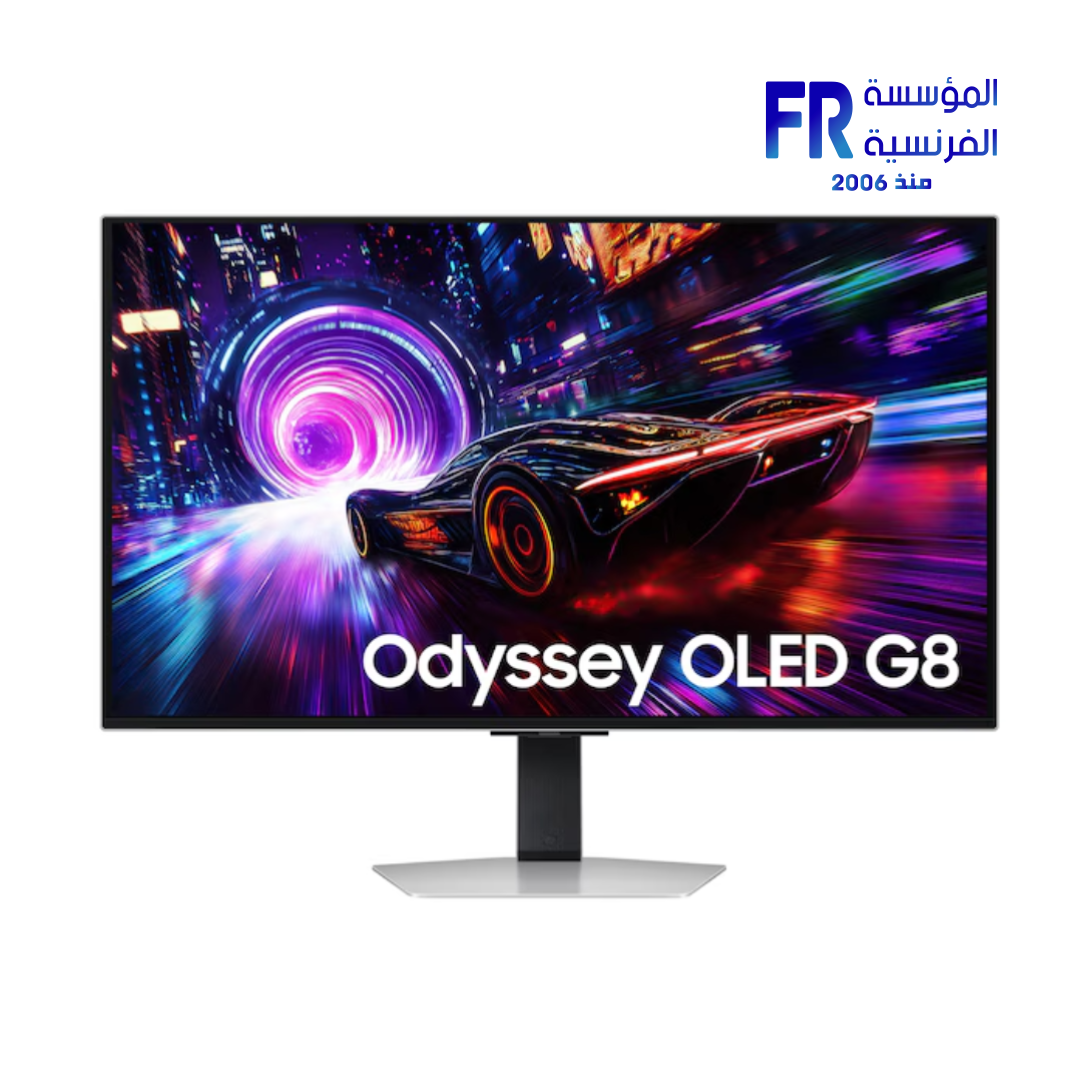
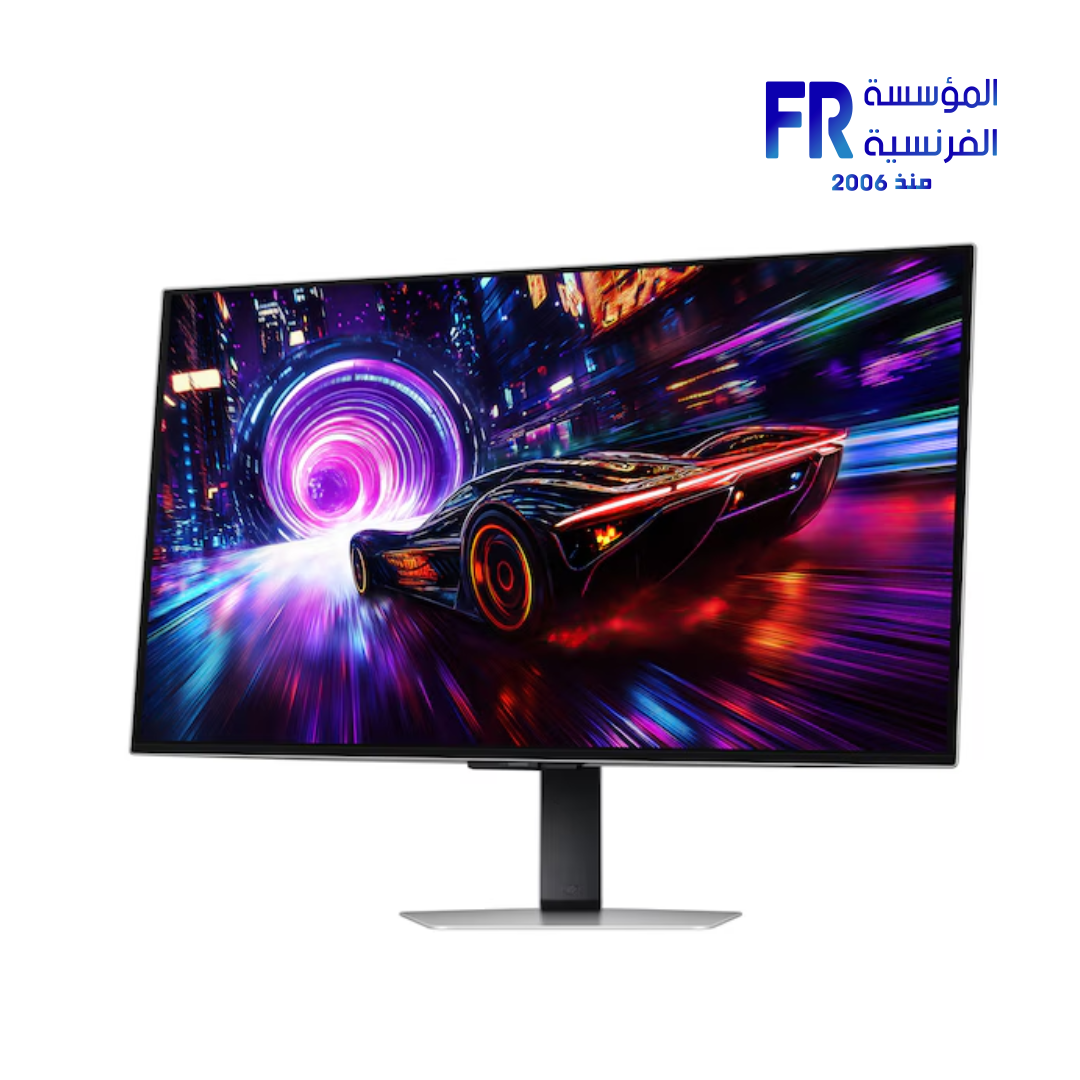
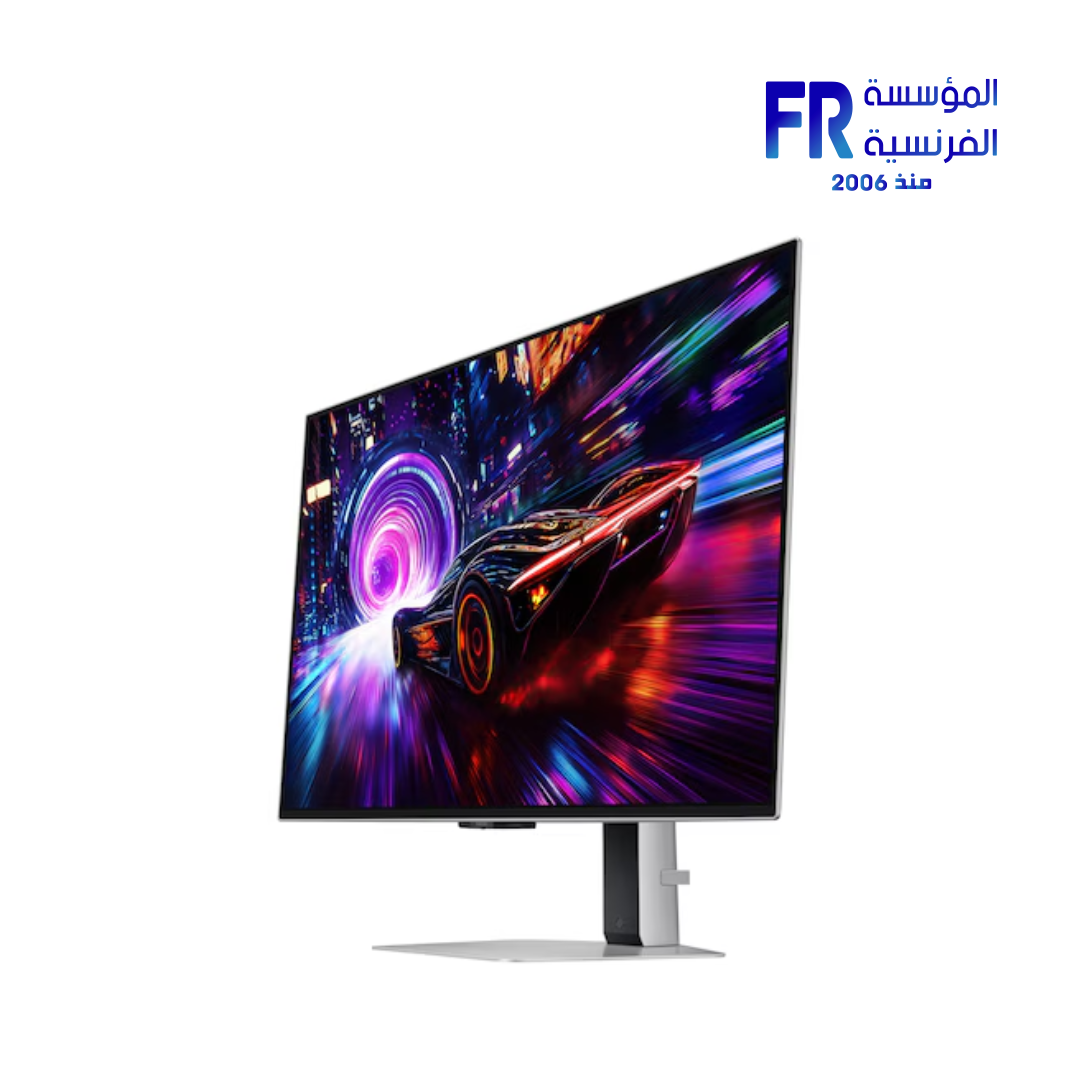
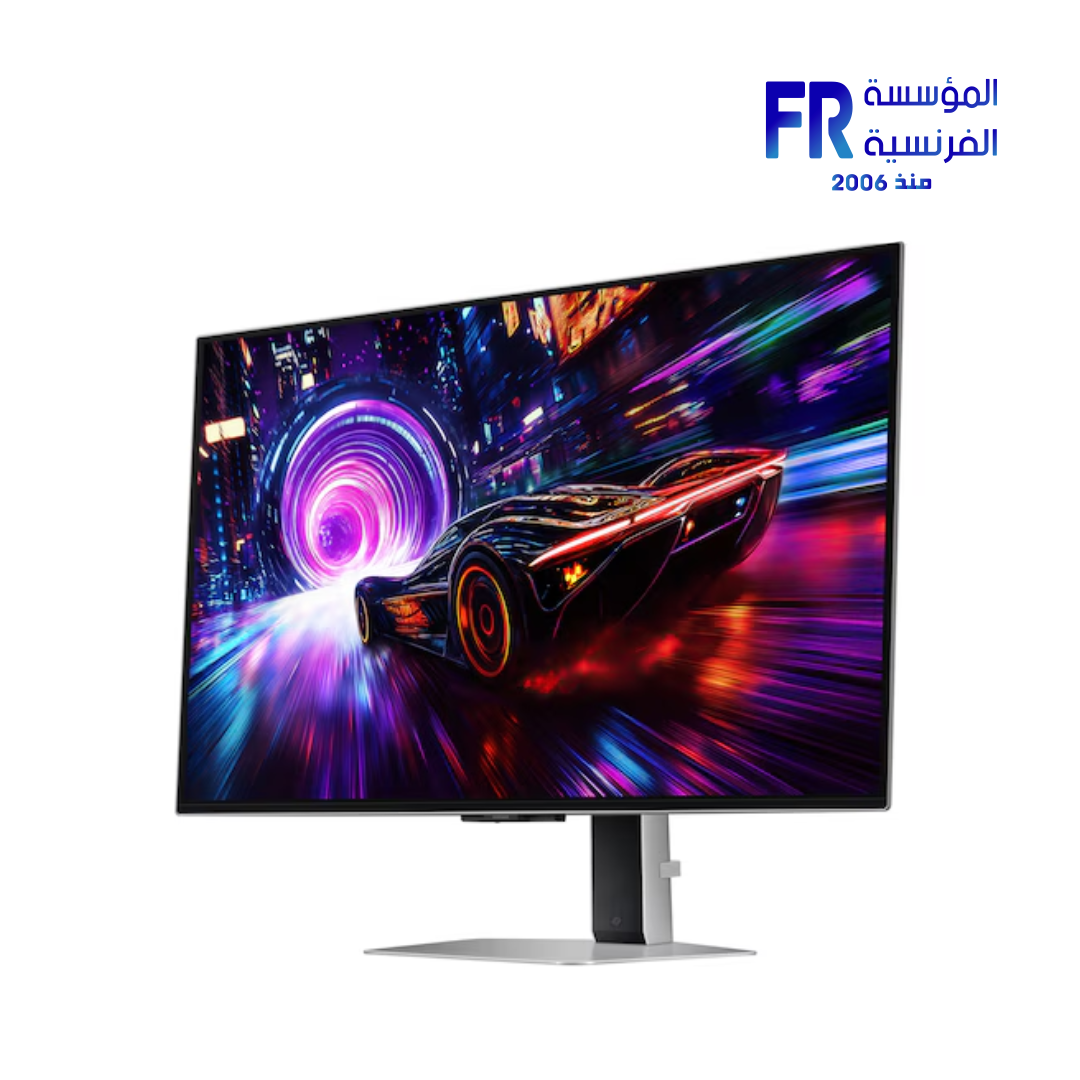
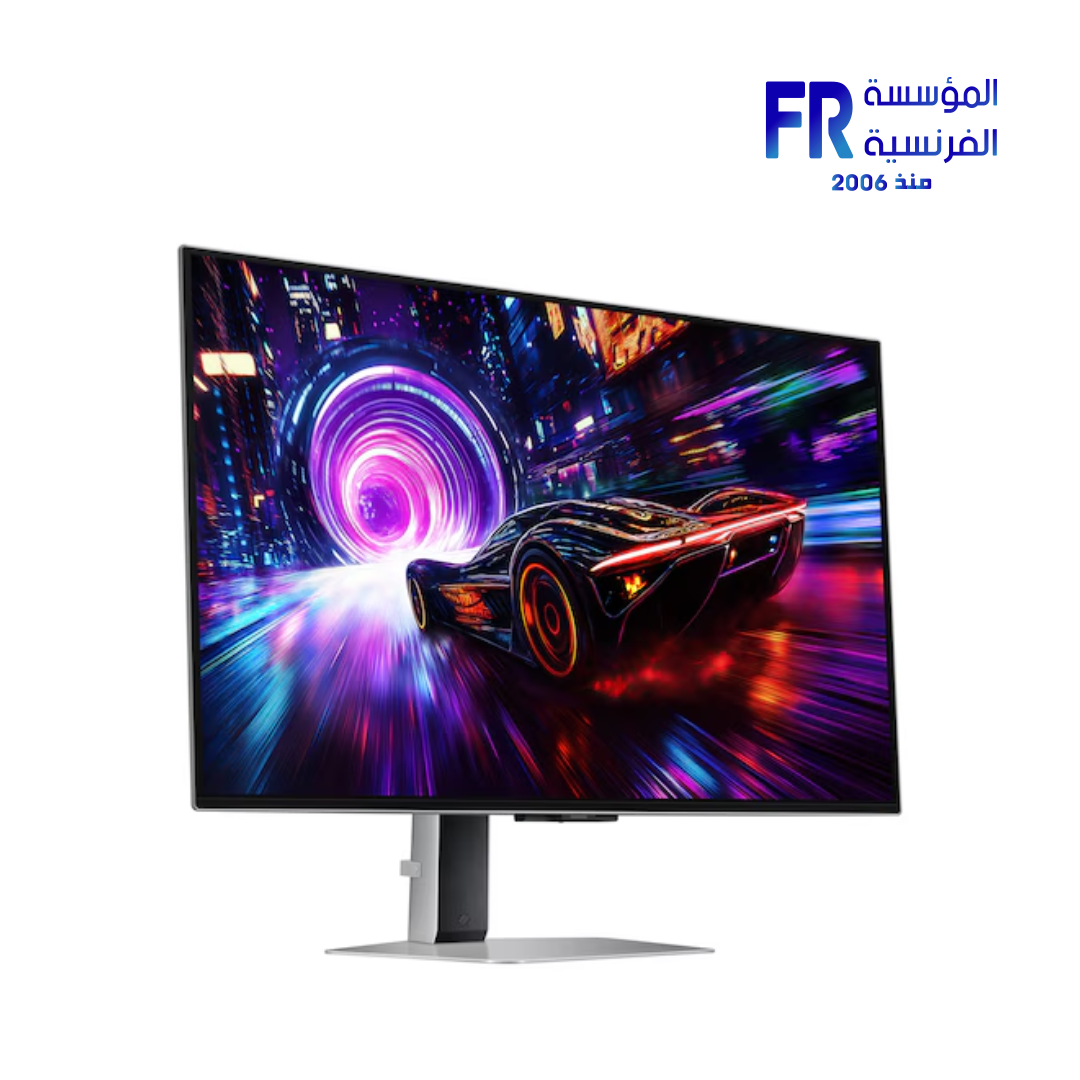
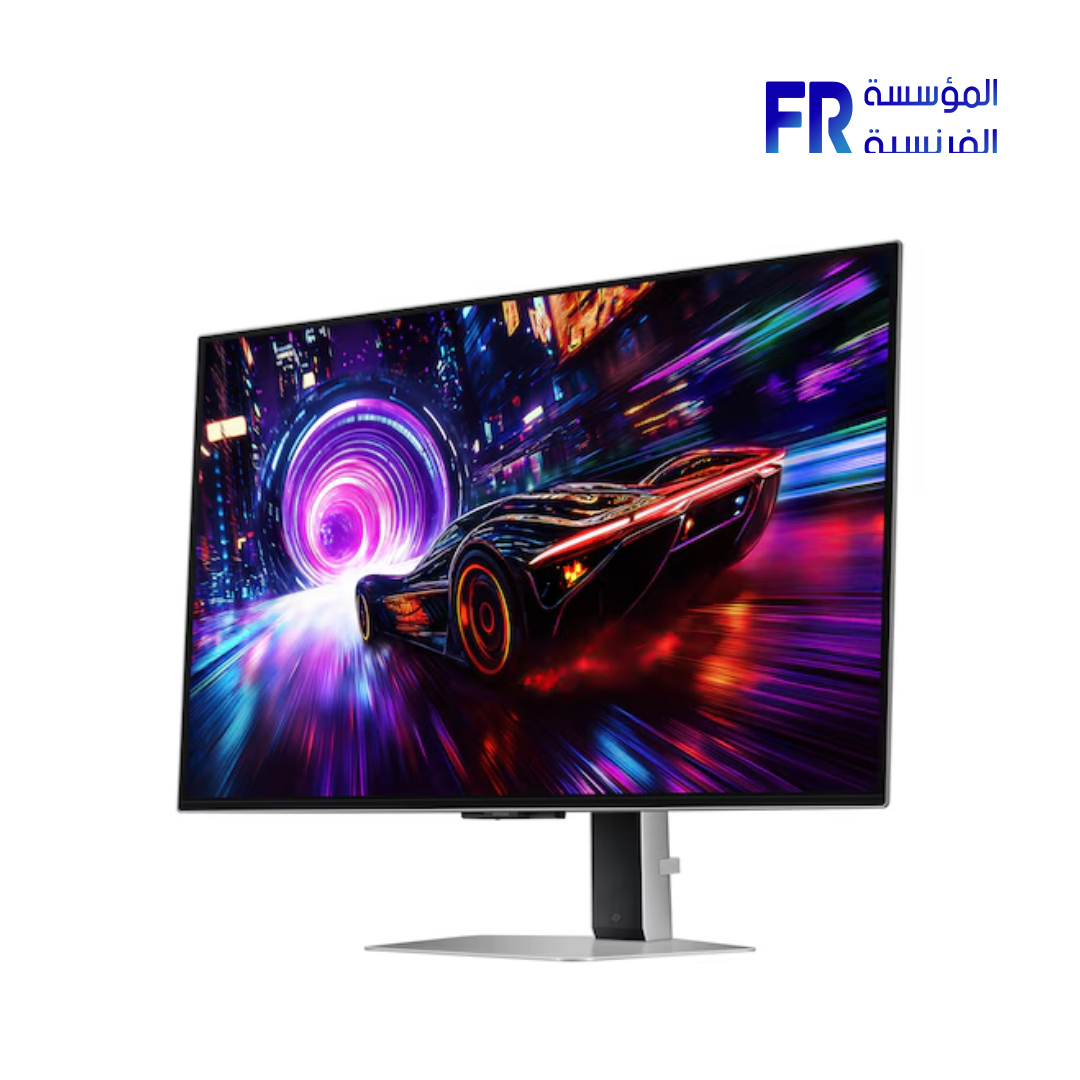
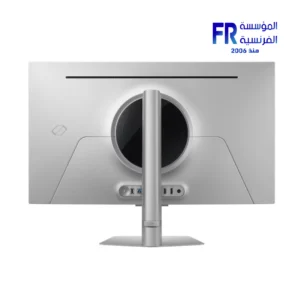
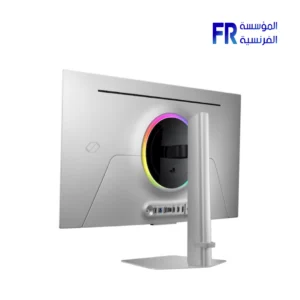
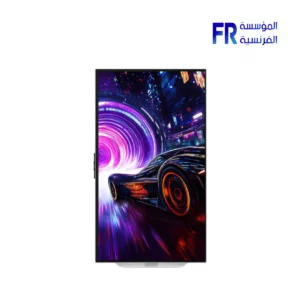
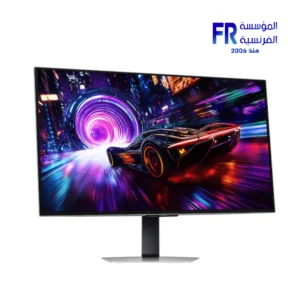
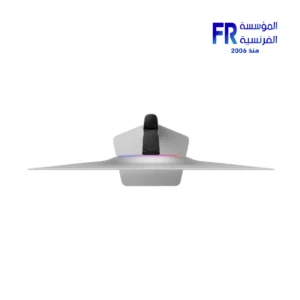
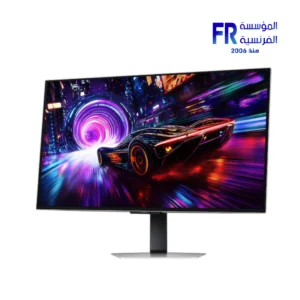
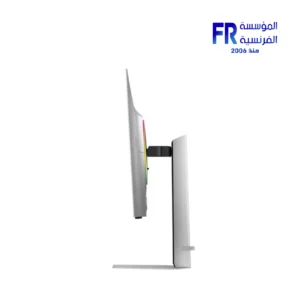
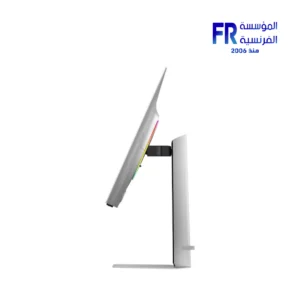
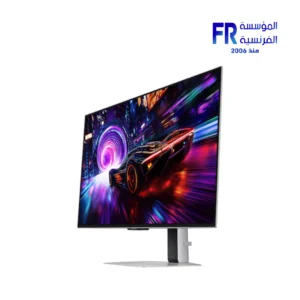
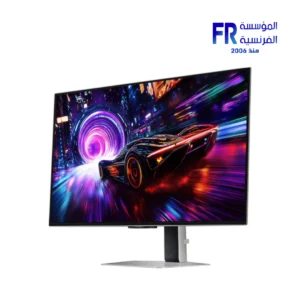
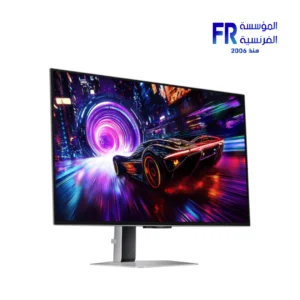
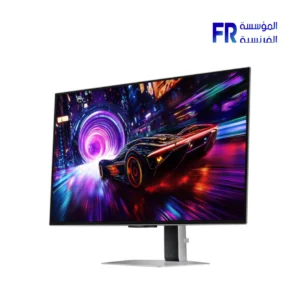
Samsung Odyssey OLED G8S32FG810SU 32 Inch 240Hz 0.03Ms 4K UHD QD OLED Glare Free FreeSync Premium Pro Silver Gaming Monitor
48999 EGP
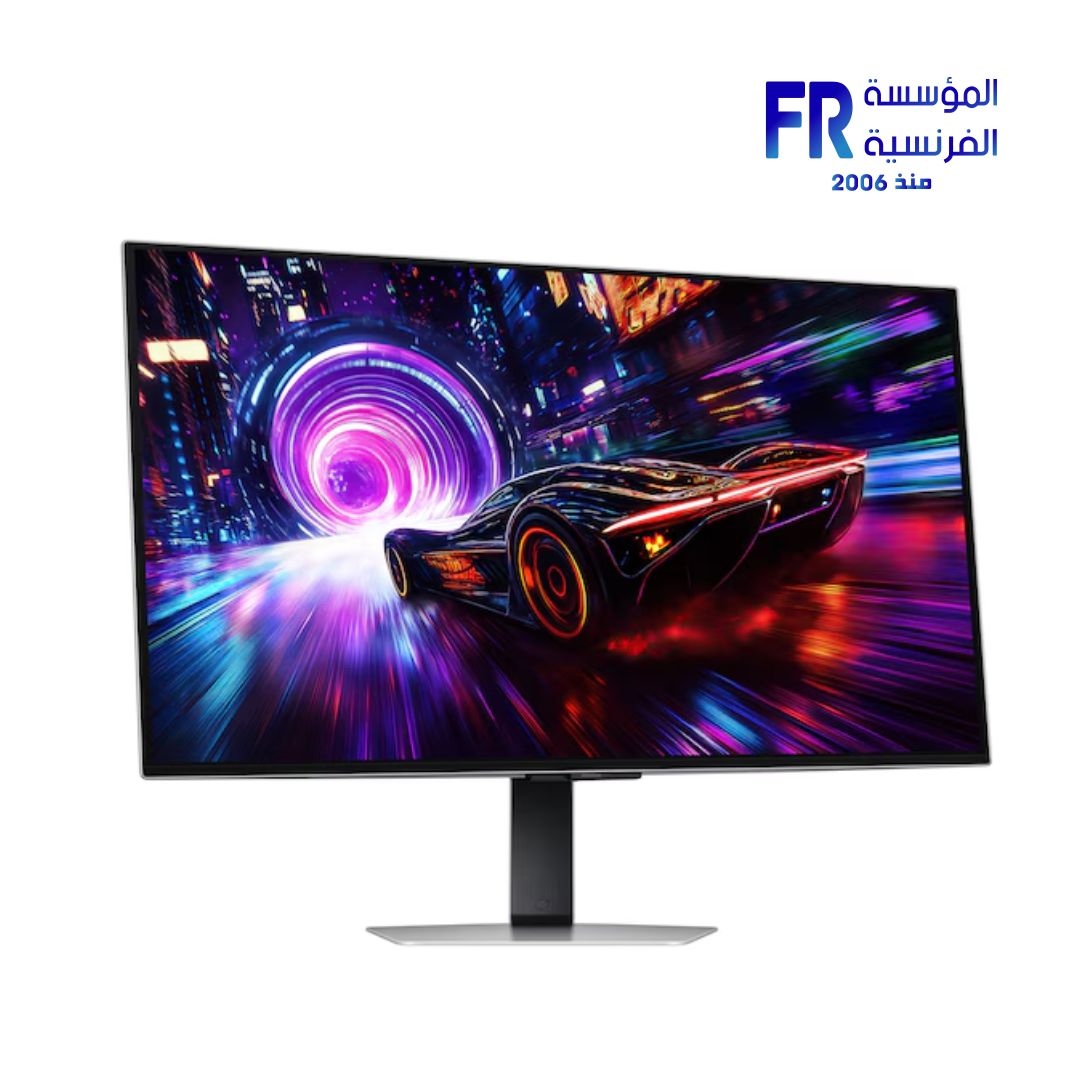
- Panel: 32″ QD-OLED 4K UHD (3840×2160), 16:9 aspect ratio
- Speed: 240 Hz refresh rate with 0.03 ms (GtG) response time
- Glare Free: UL-verified low-reflection coating with OLED Safeguard+
- HDR & Sync: VESA DisplayHDR True Black 400 + HDR10+ Gaming; FreeSync Premium Pro
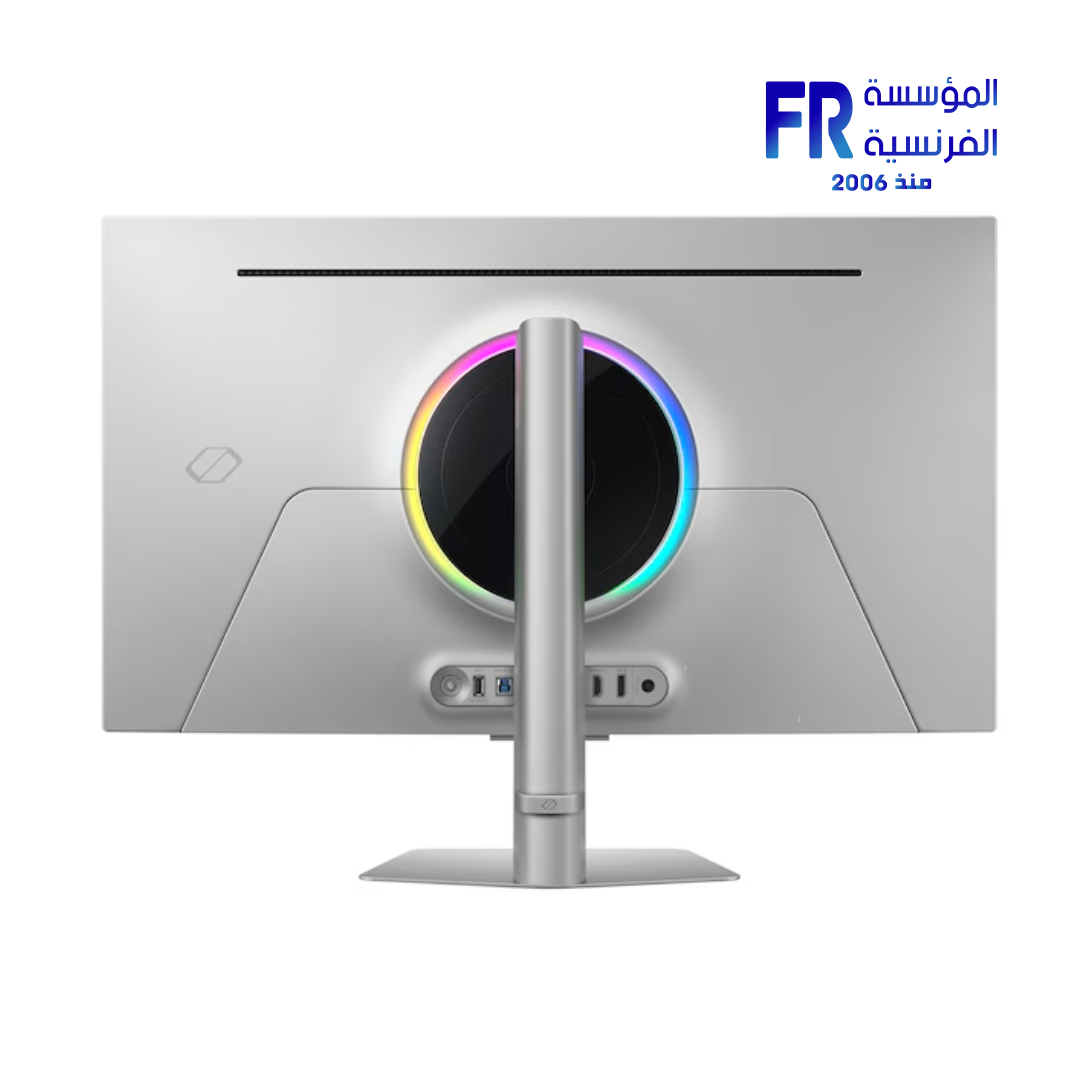
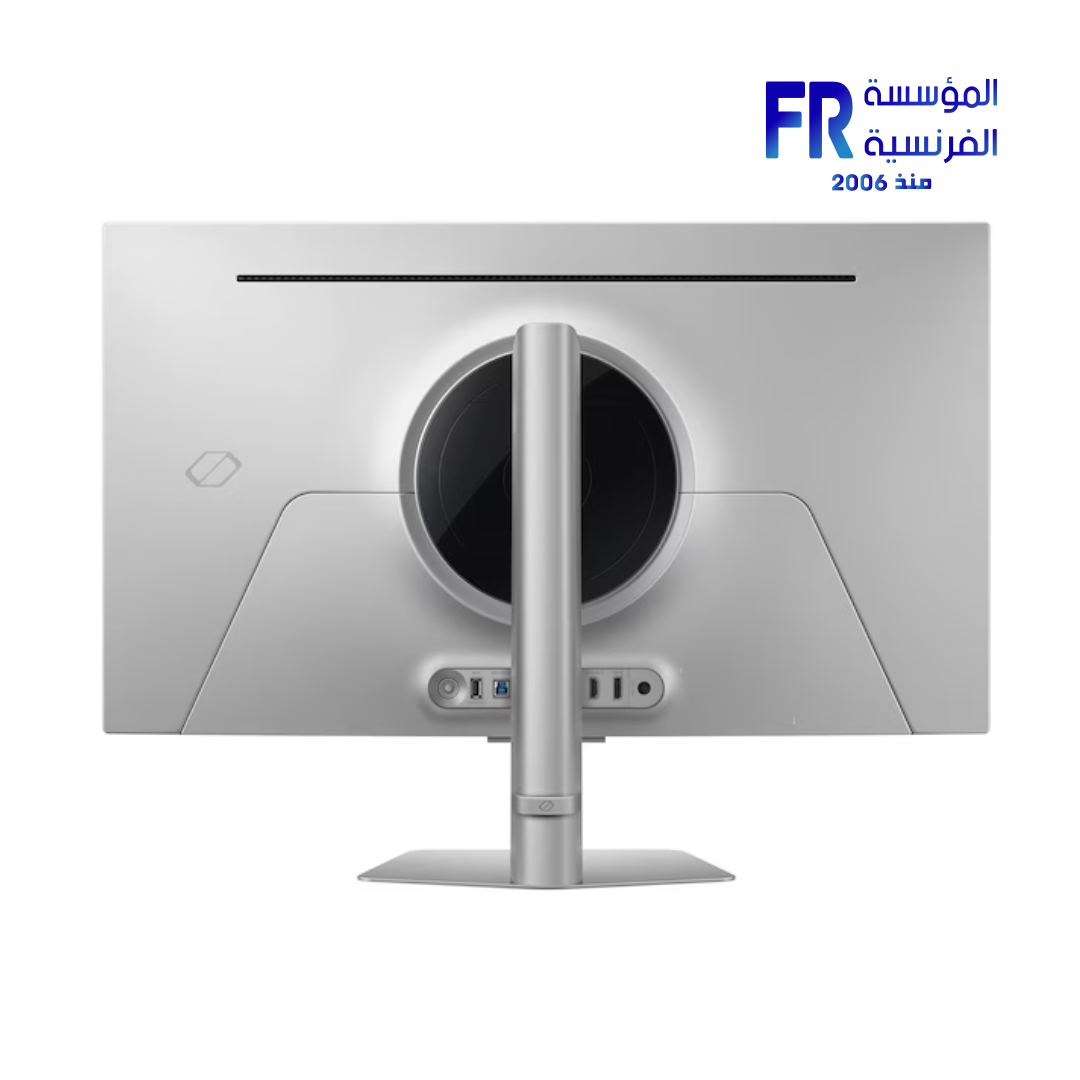
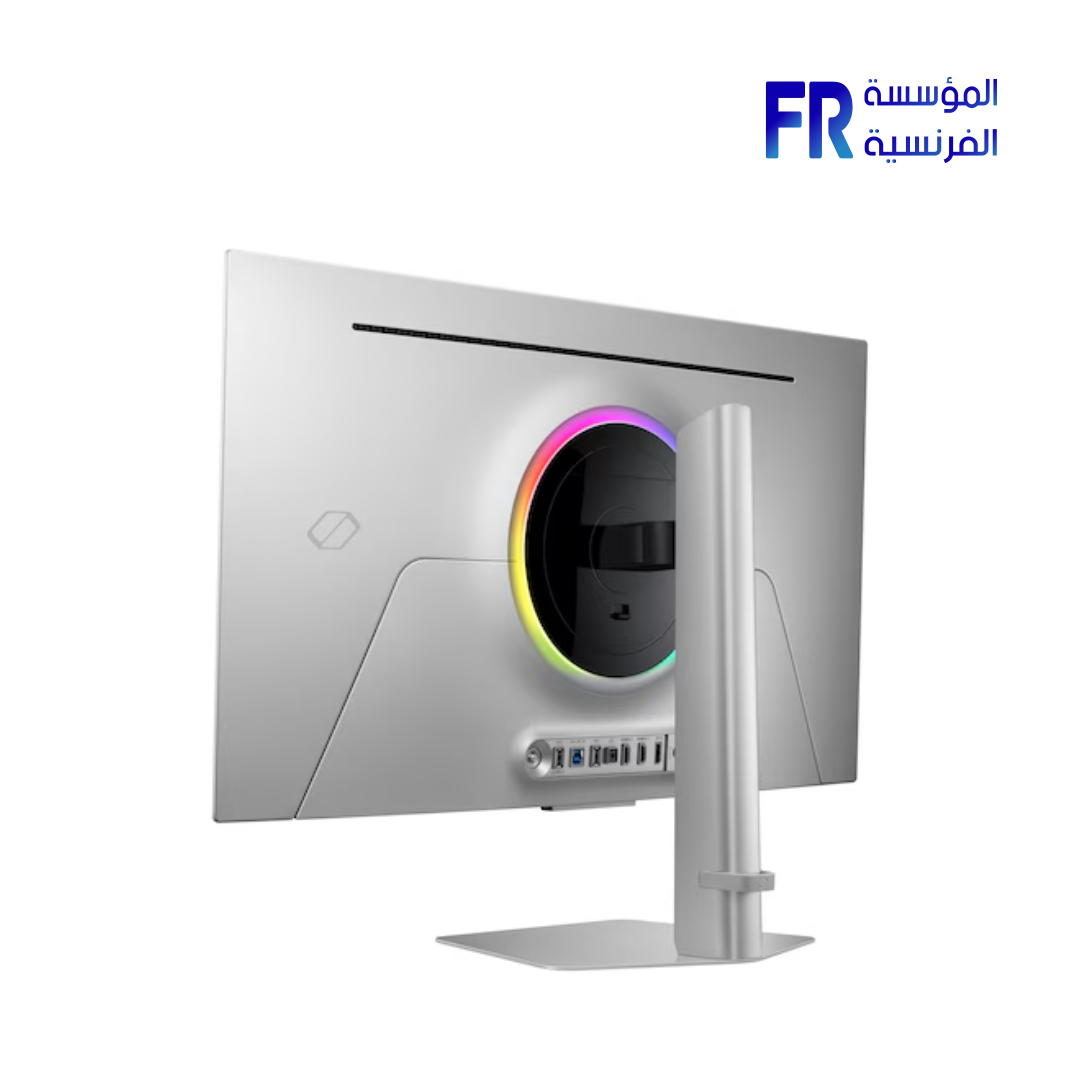
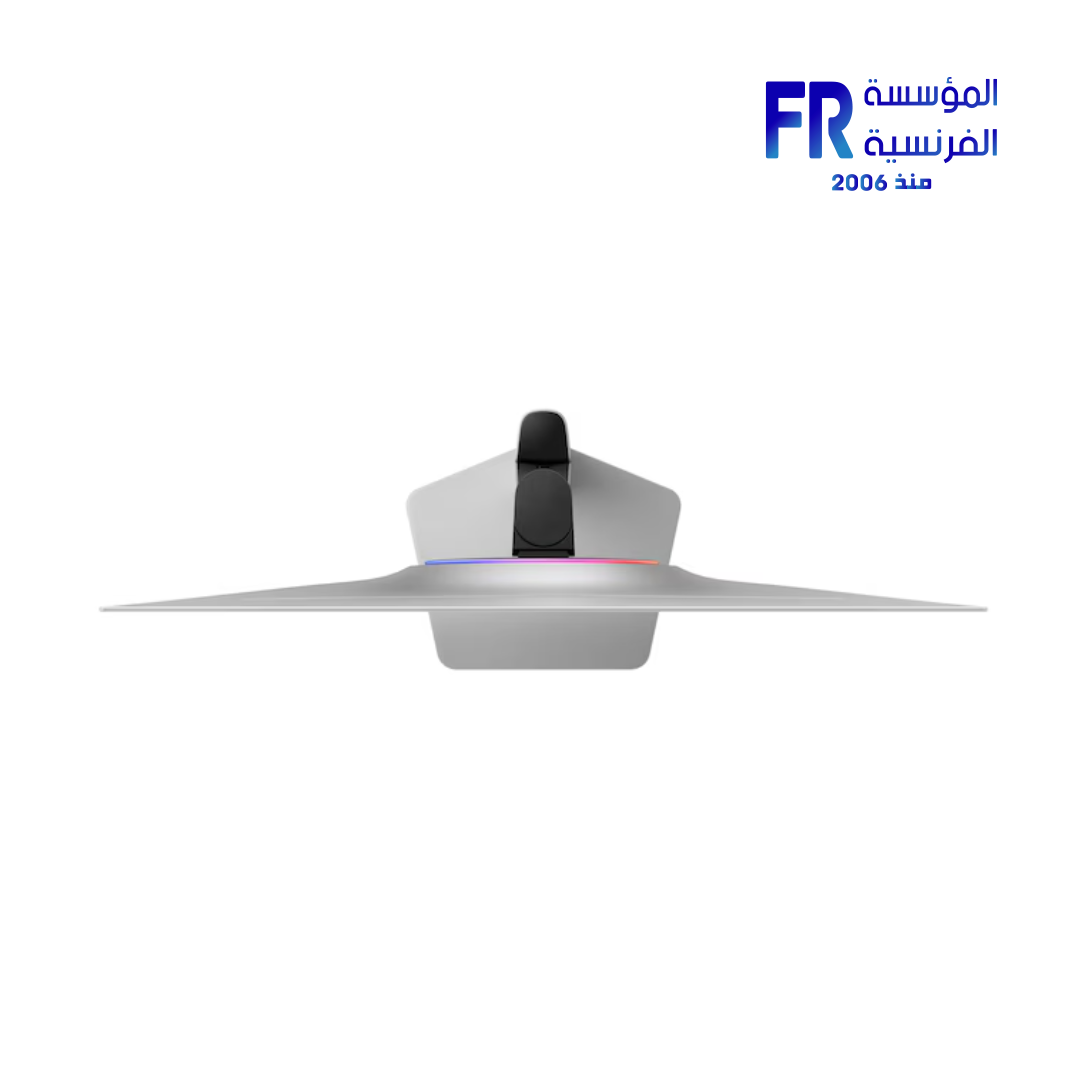
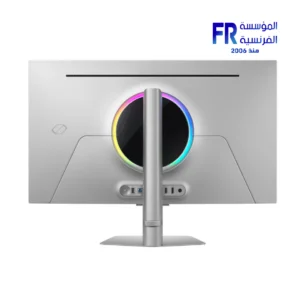
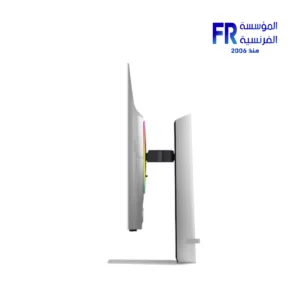
- Design & I/O: Slim silver metal, CoreSync lighting, HDMI 2.1 ×2, DP 1.4, USB hub, ergonomic stand
Samsung Odyssey OLED G8 G81SF 32 Inch 240Hz 0.03Ms 4K UHD QD OLED Glare Free FreeSync Premium Pro Silver Gaming Monitor
Focus keyphrase: Samsung Odyssey OLED G8
SEO title (≤65c): Samsung Odyssey OLED G8 – 32″ 4K 240Hz QD-OLED Monitor
Meta description (≤156c): 32″ QD-OLED 4K at 240 Hz with 0.03 ms, Glare Free, FreeSync Premium Pro, silver design, ergonomic stand and rich I/O for elite gaming.
The Samsung Odyssey OLED G8 (G81SF) pairs a 32-inch 4K QD-OLED panel with up to 240 Hz and 0.03 ms (GtG) response. Enjoy UL-verified Glare Free coating, AMD FreeSync™ Premium Pro, and a slim silver metal design with a fully adjustable stand.
Key Features at a Glance
Panel & Resolution: 32″ QD-OLED, 4K UHD (3840×2160), 16:9
Speed: Up to 240 Hz refresh, 0.03 ms (GtG) response
Glare Free: UL-verified low-reflection coating
HDR: VESA DisplayHDR™ True Black 400 & HDR10+ Gaming
Sync: AMD FreeSync™ Premium Pro
4K QD-OLED Speed & Clarity at 240 Hz
Experience razor-sharp motion and deep blacks. QD-OLED delivers 1,000,000:1 static contrast, a wide color gamut (max 1B), and lifelike detail, while 240 Hz and 0.03 ms (GtG) keep fast-paced titles ultra-smooth.
Glare-Free Panel & Samsung OLED Safeguard+
The UL-verified coating reduces reflections without sacrificing sharpness. Safeguard+ combines a pulsating heat-pipe cooling system, thermal modulation, logo/taskbar dimming, and an auto-dimming screensaver to help prevent burn-in during normal use.
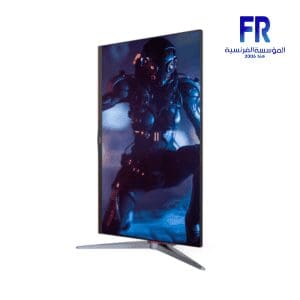
Slim Metal Design, CoreSync Lighting & Flexible Stand
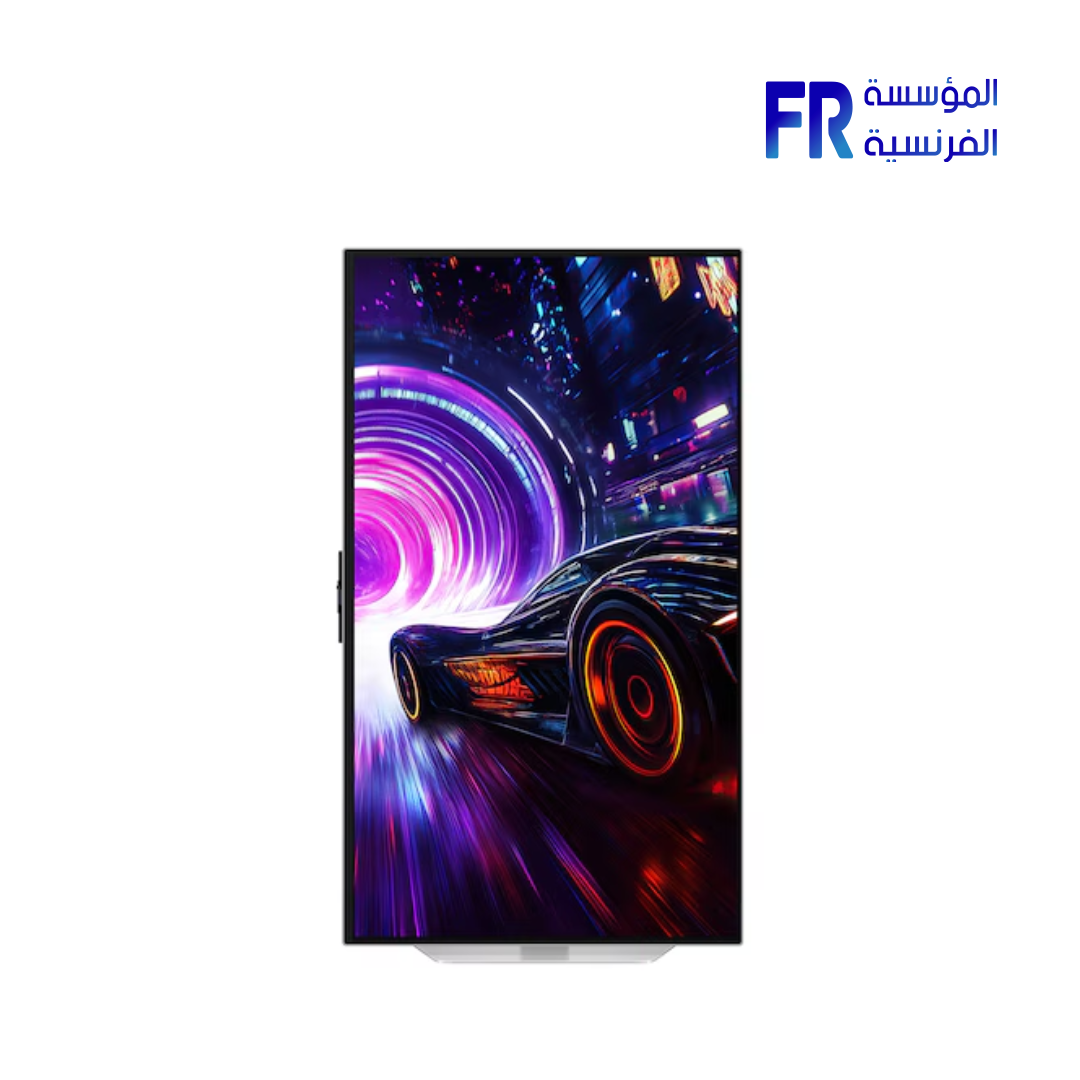
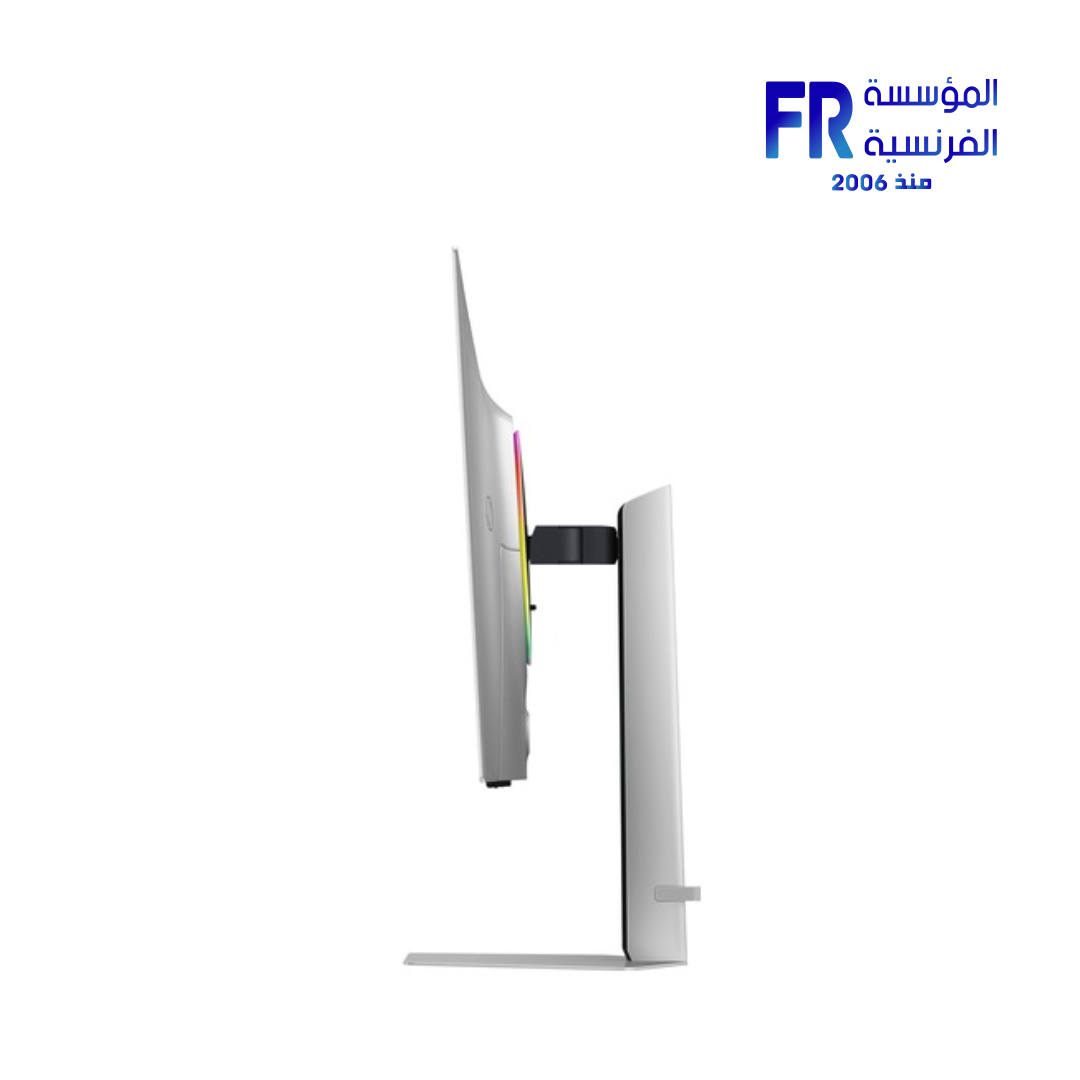
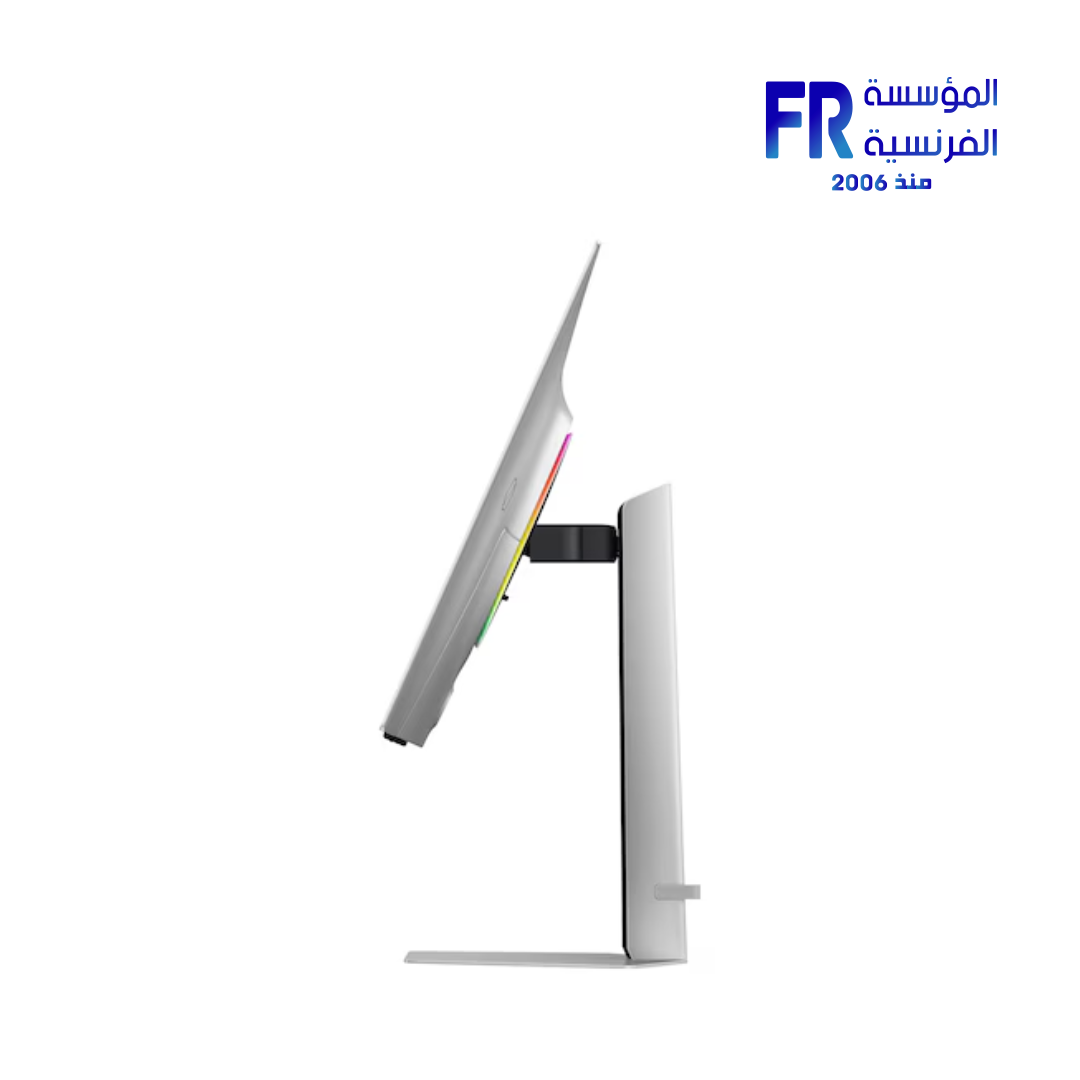
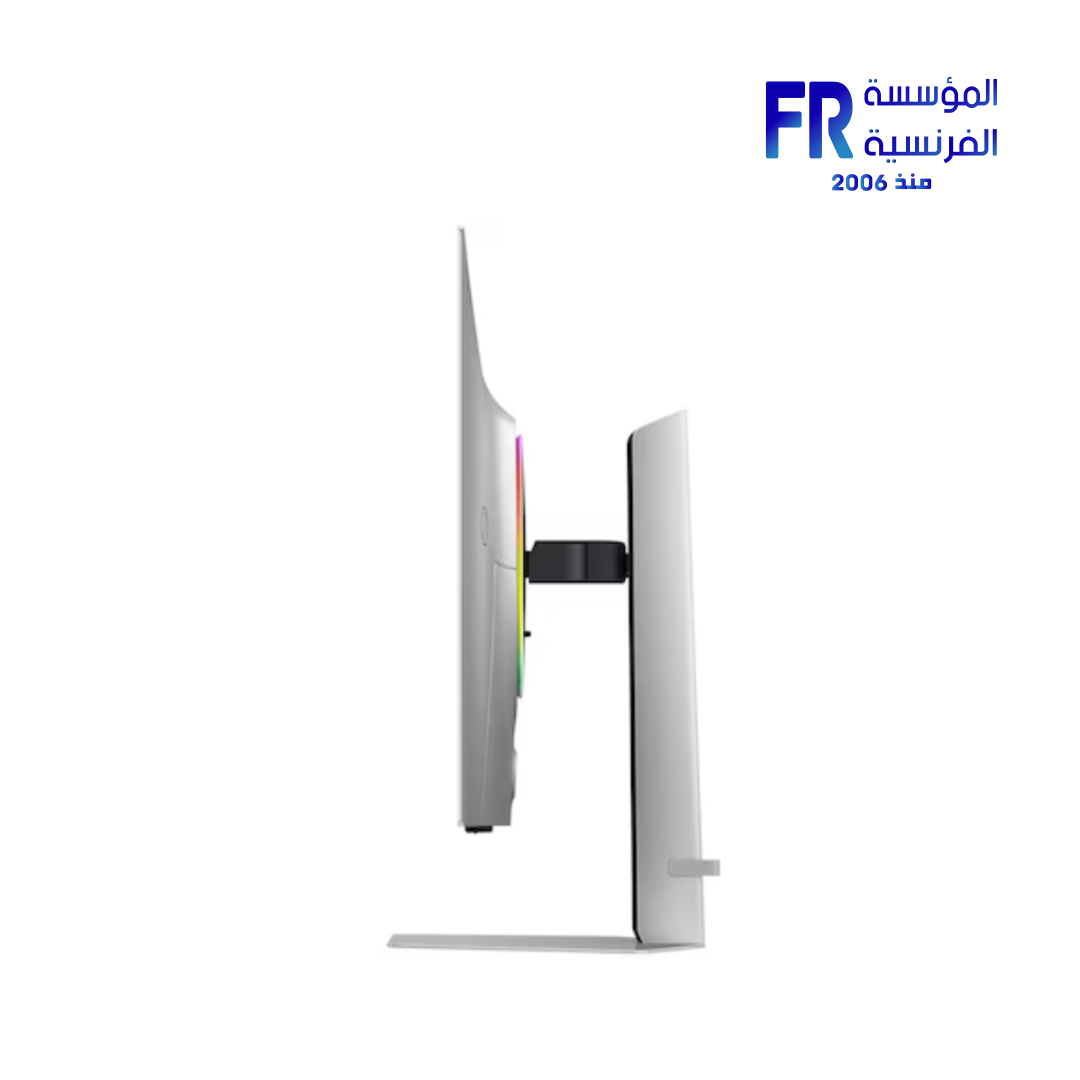
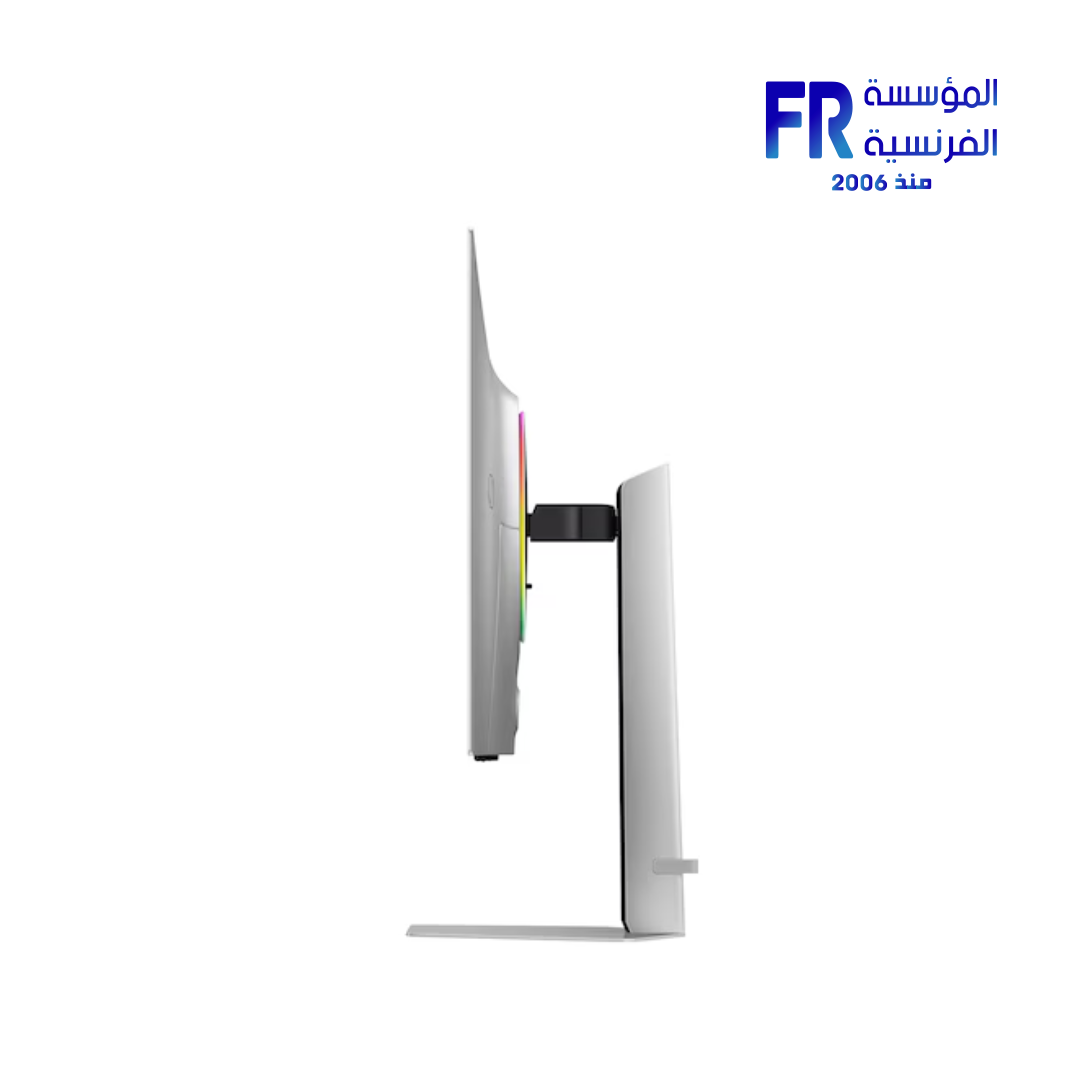
Premium silver finish with CoreSync/CoreLighting+ ambience. Height adjustment (120 mm), tilt −2°~25°, swivel ±30°, pivot ±92°. VESA 100×100 compatible.
Technical Specifications
Frequently Asked Questions
Is this the 32″ Samsung Odyssey OLED G8 with 240 Hz?
Yes—G81SF combines a 32″ 4K QD-OLED panel with up to 240 Hz and 0.03 ms (GtG) response.
Does it support console gaming?
HDMI 2.1 ports support current-gen consoles; FreeSync Premium Pro enhances VRR gameplay.
How effective is the anti-glare?
The UL-verified Glare Free coating reduces reflections while preserving sharpness and color fidelity.
How is OLED longevity managed?
Samsung OLED Safeguard+ uses active cooling, thermal control, logo/taskbar dimming, and a screensaver to help prevent burn-in.
💡 Pro Tip:
Enable 240 Hz in your GPU control panel and in-game settings, then use the monitor’s gaming mode for best motion clarity.
| MODEL | |
|---|---|
| Monitor Type | |
| SCREEN SIZE | |
| Panel Type | |
| RESOLUTION | |
| RESPONSE TIME | |
| REFRESH RATE | |
| ADAPTIVE SYNC | |
| Backlight Technology | |
| Brightness | |
| Flicker Free | |
| sRGB | |
| I/O Ports | Headphone, DisplayPort 1.4, HDMI 2.1, 2x USB Type-A Downstream |
| Included Speaker | |
| Color | |
| Part Number | |
| Warranty |
Only logged in customers who have purchased this product may leave a review.
Related products


Reviews
There are no reviews yet.