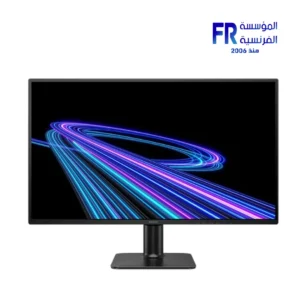
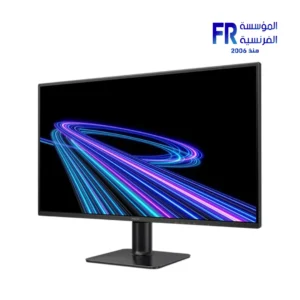
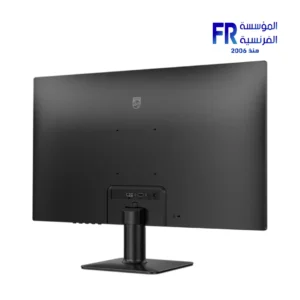
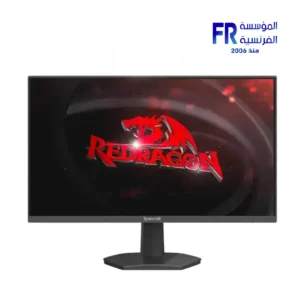
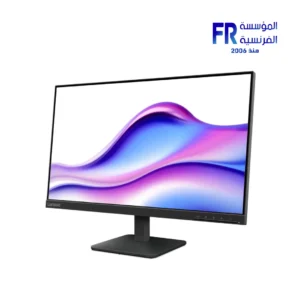
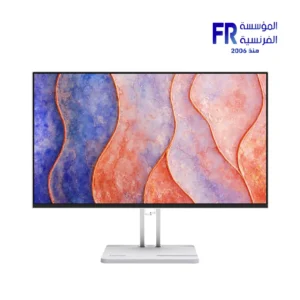
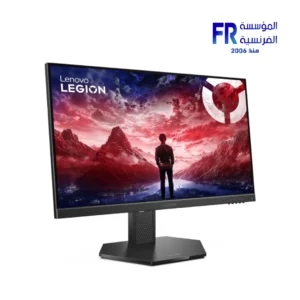
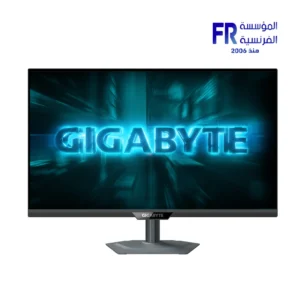
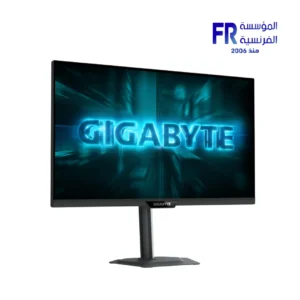
IPS stands for In-Plane Switching, a type of liquid crystal display (LCD) panel technology that offers superior image quality compared to traditional TN (Twisted Nematic) and VA (Vertical Alignment) panels. IPS panels are known for their wide viewing angles, accurate colors, and fast response times.

Advantages of IPS Panels

Wide viewing angles: IPS panels offer consistently accurate colors and brightness even when viewed from extreme angles, making them ideal for multi-user applications and large-screen displays.

Accurate colors: IPS panels produce a wide color gamut, resulting in more vibrant and realistic colors compared to TN and VA panels. This makes them well-suited for professional applications like graphic design and photo editing.

Fast response times: IPS panels have improved response times in recent years, reducing ghosting and blurring in fast-paced action scenes. While still slightly behind TN panels in this regard, IPS panels are now suitable for most gaming needs.

Disadvantages of IPS Panels

Higher cost: IPS panels are generally more expensive than TN and VA panels due to their more complex manufacturing process.

Slightly higher power consumption: IPS panels consume slightly more power than TN panels, but the difference is minimal in most cases.

Potential for backlight bleeding: Some panels may experience backlight bleeding, where light leaks from the corners or edges of the screen. This is more common in lower-quality panels and can vary from unit to unit.

Applications of Panelspanels are widely used in various applications due to their superior image quality and wide viewing angles. They are commonly found in:

High-end monitors: panels are the preferred choice for high-end monitors used by professionals and enthusiasts alike.

Laptops:

are becoming increasingly common in laptops, especially those aimed at creative professionals.

Tablets and smartphones: panels offer a significant improvement in image quality compared to TN panels, making them a popular choice for premium tablets and smartphones.

Televisions:

panels are used in some high-end televisions, particularly those marketed for their color accuracy and wide viewing angles.

Overall, panels offer a superior visual experience compared to TN and VA panels, making them a worthwhile investment for those who demand the best image quality. While slightly more expensive, panels provide a wide range of benefits that justify their cost.

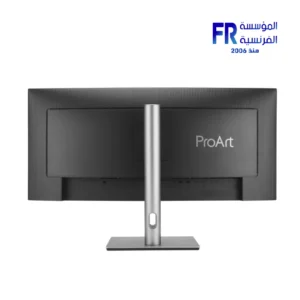
ASUS ProArt Display PA34VCNV 34.1 Inch 60Hz 5ms WQHD IPS Curved USB-C Black Professional Monitor to Pinterest (opens in a new window)
Compare
Philips 27E2G2200 27 Inch 144Hz 0.5ms FHD IPS Adaptive Sync HDR10 Black Gaming Monitor to Pinterest (opens in a new window)
Compare
Philips 24E2G2200 24 Inch 144Hz 0.5ms FHD IPS Adaptive Sync HDR10 Black Gaming Monitor to Pinterest (opens in a new window)
Compare
Redragon Azur III GM24X5IPS 24 Inch 200Hz 1ms FHD IPS Adaptive Sync Gaming Monitor to Pinterest (opens in a new window)
Compare
Gigabyte GS24F14 24 Inch 144Hz 1ms FHD IPS Gaming Monitor to Pinterest (opens in a new window)
Compare
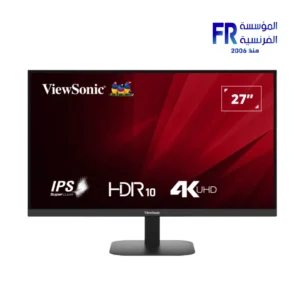
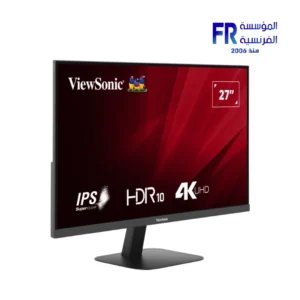
ViewSonic VA2708-4K-MHD 27 Inch 60Hz 4K UHD IPS HDR10 Business Monitor to Pinterest (opens in a new window)
Compare
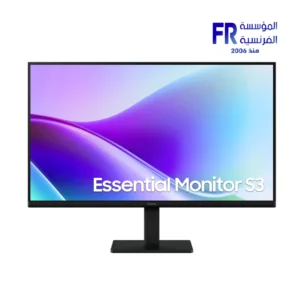
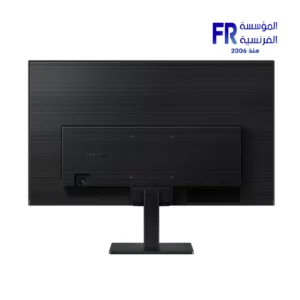
Samsung Essential S3 S32GF LS27F320GAUXEG 27 Inch 120Hz 5ms FHD IPS Flat Eye Saver Black Monitor to Pinterest (opens in a new window)
Compare
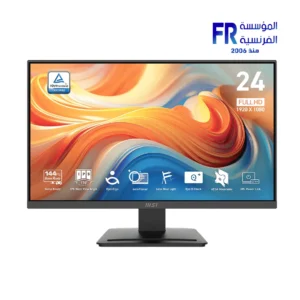
MSI PRO MP243L E14 23.8 Inch FHD 144Hz IPS FreeSync Business Monitor to Pinterest (opens in a new window)
Compare
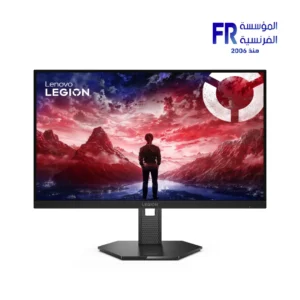
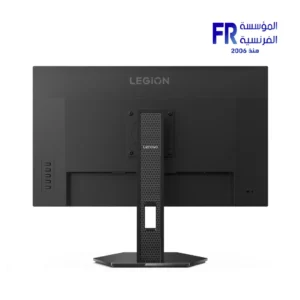
Lenovo Legion 27Q-11 27 Inch QHD 300Hz IPS G-SYNC Compatible Raven Black Gaming Monitor to Pinterest (opens in a new window)
Compare
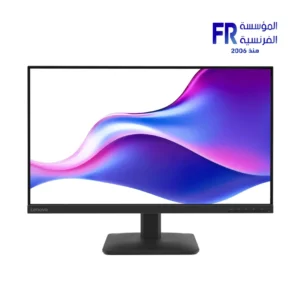
Lenovo L27-4E 27 Inch FHD 100Hz IPS Raven Black Monitor to Pinterest (opens in a new window)
Compare
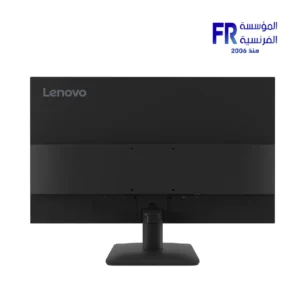
Lenovo L24-4E 23.8 Inch FHD 100Hz IPS Raven Black Monitor to Pinterest (opens in a new window)
Compare
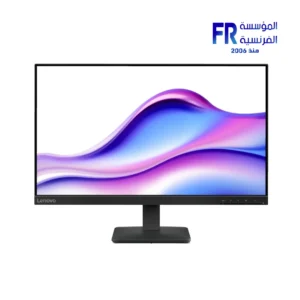
Lenovo L24-4C 23.8 Inch FHD 144Hz IPS FreeSync Cloud Grey Gaming Monitor to Pinterest (opens in a new window)
Compare
MSI PRO MP165 E6 15.6 Inch FHD 60Hz IPS USB-C Portable Monitor to Pinterest (opens in a new window)
Compare
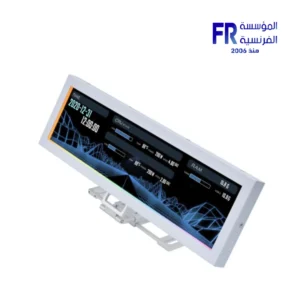
Lian Li 8.8 Inch 1920 x 480 Pix IPS 60Hz refresh rate 500 nits Usb White Universal Screen to Pinterest (opens in a new window)
Compare
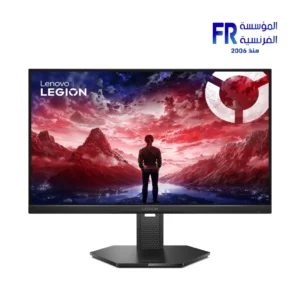
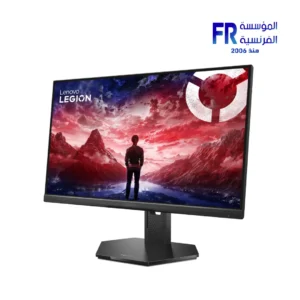
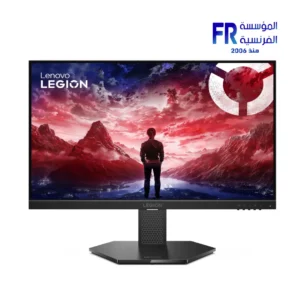
Lenovo Legion 25-10 24.5 Inch FHD 320Hz 0.5ms IPS G-SYNC Compatible Eclipse Black Gaming Monitor to Pinterest (opens in a new window)
Compare
Lenovo Legion 24-10 23.8 Inch FHD 240Hz 0.5ms IPS FreeSync Premium Raven Black Gaming Monitor to Pinterest (opens in a new window)
Compare
Lenovo Legion 27-10 27 Inch FHD 240Hz 0.5ms IPS G-SYNC Compatible Raven Black Gaming Monitor to Pinterest (opens in a new window)
Compare
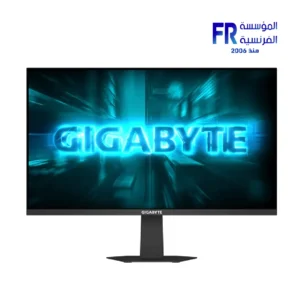
Gigabyte G27Q20 27 Inch 200Hz 0.5ms QHD SS IPS HDR10 Black Monitor to Pinterest (opens in a new window)
Compare
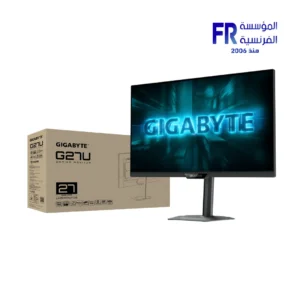
Gigabyte G27U 27 Inch 160Hz 1ms UHD SS IPS HDR400 Black Monitor to Pinterest (opens in a new window)
Compare
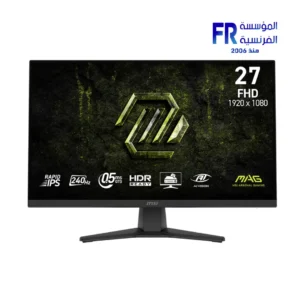
Msi Mag 272f X24 27 Inch 240Hz 0.5ms Fhd Rapid Ips Flat Freesync Premium Black Monitor to Pinterest (opens in a new window)
Compare
Select an available coupon below
we use cookies to ensure you get the best experience on our website