


Updated: 29 October 2026. Current gaming-hardware coverage reports that Phantom Blade Zero has arrived on PC with NVIDIA DLSS 4.5 support and ray-tracing/path-tracing options for supported GeForce RTX systems. Treat specific feature availability as dependent on the game’s current build, GPU and driver; confirm the final details in the official game and graphics-driver notes.
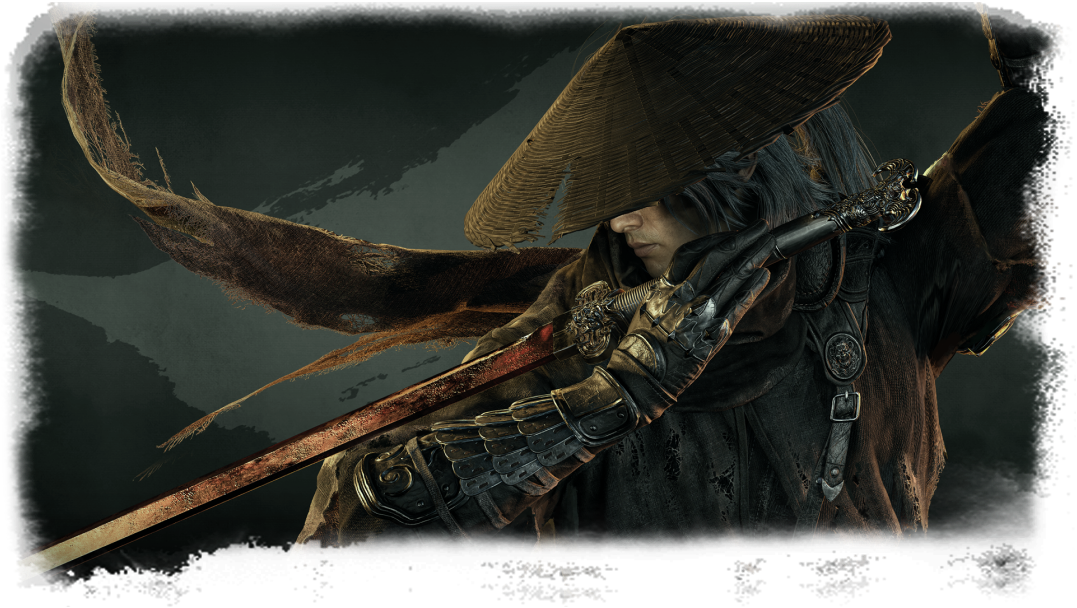
Before changing hardware, use this checklist to separate verified requirements from marketing headlines and to set up a stable gaming experience.
Start with official system requirements
Use the official requirements below as the baseline. The high-end column reflects S-GAME’s published path-tracing target; it is not a separately published CPU-and-memory build specification.
| Component | Minimum | Recommended | High-end target |
|---|---|---|---|
| Performance target | 1080p / 30 FPS, upscaling enabled | 1440p / 60 FPS, upscaling enabled | 2160p (4K) / 60 FPS with path tracing and upscaling |
| CPU | Intel Core i7-8700K / AMD Ryzen 5 3600 | Intel Core i5-10600K / AMD Ryzen 5 5600X | No separate CPU specified for the path-tracing target |
| Graphics card | NVIDIA GTX 1660 6GB / AMD RX 5500 XT 8GB | NVIDIA RTX 3060 Ti 8GB / AMD RX 6700 XT 12GB | NVIDIA RTX 5080 16GB (official path-tracing target) |
| الرامات | 16GB | 16GB | No separate high-end RAM figure published |
| OS / DirectX | Windows 10/11 64-bit, DirectX 12 | Windows 10/11 64-bit, DirectX 12 | Windows 10/11 64-bit, DirectX 12 listed in general requirements |
| وحدات التخزين | SSD required | SSD required | SSD required; check the current store listing for free-space needs |
Also published by S-GAME: the ray-tracing target lists an NVIDIA RTX 5060 8GB for 1080p / 60 FPS with upscaling. Official targets are not a guarantee of identical performance on every PC. Sources: S-GAME’s official PC requirements and Phantom Blade Zero on Steam.
Record your exact CPU, graphics card, system RAM, Windows version and free SSD capacity. Compare them against the current requirements before deciding whether an upgrade is necessary.
Understand DLSS, ray tracing and path tracing
Upscaling renders a game at a lower internal resolution and reconstructs an output image; frame generation creates additional displayed frames in supported configurations. Ray tracing and path tracing are rendering techniques that can increase visual realism but also raise GPU workload.
These features are not interchangeable and may not be available on every GPU. The best configuration depends on the game’s implementation, image-quality preference, display and performance target. Compare native rendering and supported reconstruction modes where possible, and assess responsiveness as well as the displayed FPS counter.
Storage and installation planning
PC Gamer reported that the game requires about 145GB once installed and recommends at least 300GB of free space for the preload/install process. Treat these figures as the reported launch guidance and verify the current store listing before downloading, because requirements can change. The gap between installed size and temporary free-space needs matters: a drive may have enough room for the final game but not enough room to complete the initial installation. Check the current store page before downloading; avoid relying on older reported storage figures if the listing changes.
For a new build, an SSD with enough capacity for the operating system, applications and game library is often more useful than choosing a tiny drive based on peak sequential speed alone. See our guide to choosing SSD capacity.
A sensible first-launch checklist
- Install the game’s latest stable update and a compatible graphics driver.
- Start with a preset that matches your GPU and target resolution.
- Test a repeatable section of gameplay before changing multiple settings.
- Adjust ray tracing, upscaling and frame generation one at a time.
- Watch for stutter, unusual temperatures, crashes or driver errors rather than judging only average FPS.
If performance is unexpectedly poor, use our PC bottleneck guide to determine whether the CPU, GPU, memory, temperatures or software is limiting the experience. For a new build, our three gaming PC builds guide explains how to compare configurations by budget.
Alfrensia Recommended High-End Gaming PC
A flagship AM5 build designed for demanding gaming, content creation and a strong 4K path-tracing target. The component list below is a suggested configuration; stock and prices can change before checkout.
| Component | Selected in-stock product | Why it fits this build | Price (EGP) |
|---|---|---|---|
| CPU | AMD Ryzen 9 9950X3D | 16-core / 32-thread AM5 processor for high-end gaming and creator workloads. | 37,138 |
| GPU | ASUS GeForce RTX 5080 Prime OC 16GB GDDR7 | 16GB graphics card; S-GAME lists an RTX 5080 16GB as its 4K / 60 FPS path-tracing target with upscaling enabled. | 99,448 |
| اللوحات الأم | ASUS ROG Crosshair X870E Dark Hero | AM5 / X870E ATX board with DDR5 support for Ryzen 9000-series processors. | 38,728 |
| Memory | Corsair Vengeance 64GB (2×32GB) DDR5-6000 CL40 | Dual-channel 64GB kit with AMD EXPO support; enable the memory profile in BIOS only after confirming system stability. | 55,098 |
| Primary SSD | Samsung 9100 PRO 2TB PCIe 5.0 NVMe (with heatsink) | Fast 2TB primary drive for Windows, applications and games. Install according to the motherboard M.2/heatsink instructions. | 23,348 |
| CPU cooling | NZXT Kraken Core 360 RGB AIO | 360mm liquid cooler with AM5 socket support. | 7,139 |
| Power supply | Seasonic Vertex GX-1200 1200W 80+ Gold ATX 3.1 | 1200W fully modular unit with an ATX 3.1 / PCIe 5.1 GPU power connection. | 12,993 |
| Case | ASUS ProArt PA602 Wood Edition (Metal Panel) | Supports ATX / E-ATX, 360mm top radiator mounting and GPUs up to 440mm; the selected RTX 5080 is 304mm long. | 13,798 |
This total excludes Windows licensing, monitor, keyboard, mouse, shipping and assembly unless separately quoted.
Add the complete build & review checkout →
This link adds one of each of the eight listed components and opens checkout for review. It does not place an order; please confirm live stock, final prices, shipping and compatibility before payment.
Compatibility notes: The CPU and motherboard share the AM5 platform; the board and kit use DDR5; the case supports the selected motherboard size, 360mm radiator and the GPU’s 304mm length; and the 1200W PSU exceeds ASUS’s 850W recommended PSU figure for this RTX 5080 model. Confirm exact stock, final price, BIOS revision, cooler clearance and power cabling with Alfrensia before purchase.
Official references: AMD Ryzen 9 9950X3D specifications · ASUS motherboard specifications · ASUS RTX 5080 specifications · ASUS ProArt PA602 case · NZXT Kraken Core socket support · Seasonic Vertex GX specifications · Phantom Blade Zero official PC requirements.
What should buyers verify before upgrading?
Do not replace a GPU just because a game supports a new graphics feature. Check official requirements, independent benchmarks for your resolution, the card’s memory capacity, PSU suitability and the total cost of a compatible upgrade. Performance results from one system may not transfer directly to another.
Sources and update policy
Current launch-feature reporting is available in the NVIDIA’s Game Ready driver announcement and Steam’s official system-requirements listing. Check the official game store page and NVIDIA’s driver/game notes for final requirements and supported features. Performance varies by hardware, resolution and settings; check the official requirements and test your own configuration.
Phantom Blade Zero
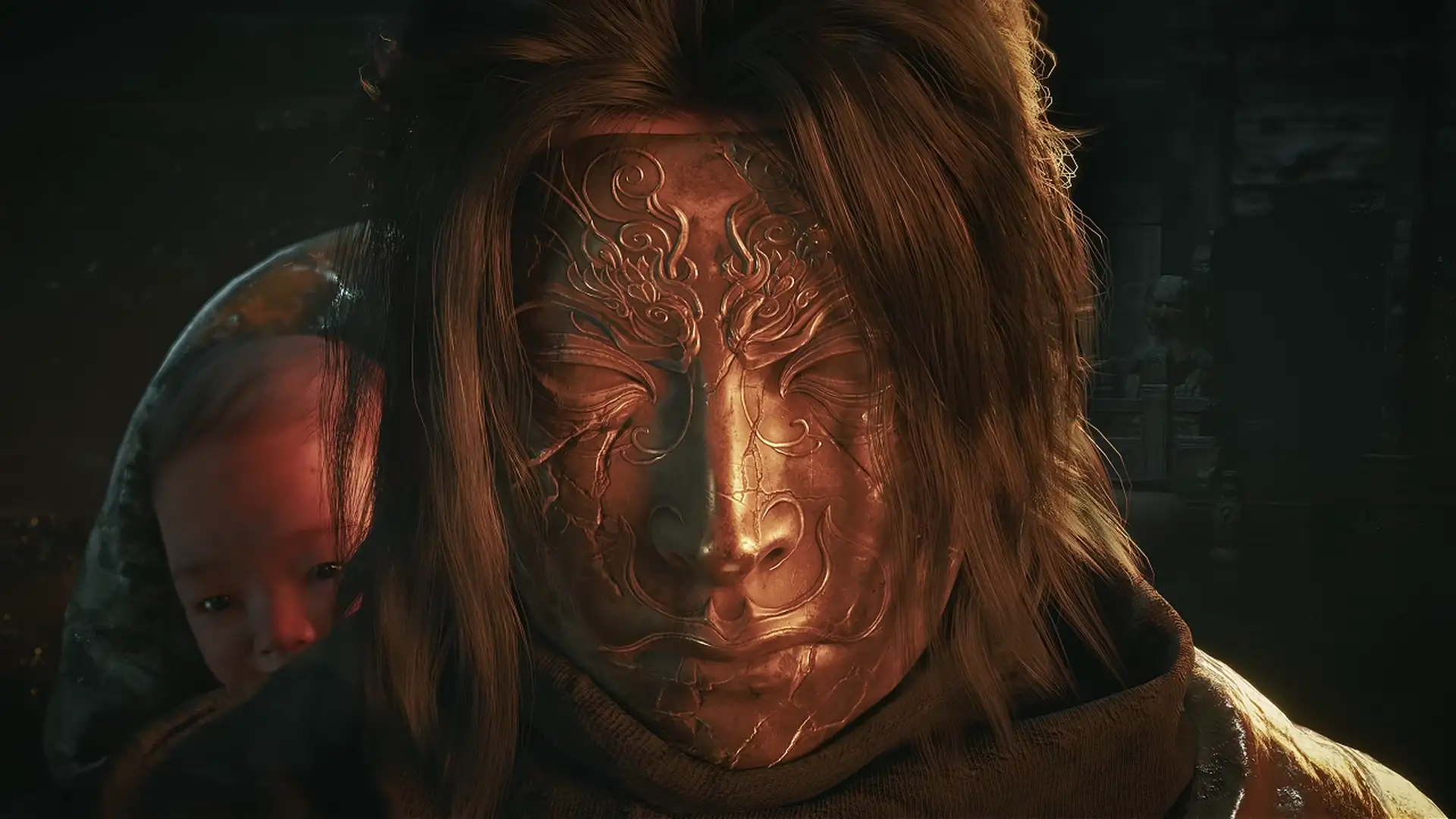
Sources: Official game visuals from S-GAME; PC requirements from the official requirements announcement and Steam.
آخر تحديث: 29 أكتوبر 2026. تشير تغطيات أخبار عتاد الألعاب إلى صدور Phantom Blade Zero على الكمبيوتر مع دعم NVIDIA DLSS 4.5 وخيارات تتبع الأشعة وPath Tracing على أنظمة GeForce RTX المدعومة. توافر كل ميزة بيتوقف على إصدار اللعبة الحالي وكارت الشاشة والتعريف المستخدم؛ لذلك راجع ملاحظات اللعبة وتعريف كارت الشاشة الرسمية للتأكد من التفاصيل النهائية.
قبل ما تغيّر أي قطعة في جهازك، استخدم القائمة دي عشان تفرّق بين المتطلبات المؤكدة والعناوين التسويقية، وتجهّز تجربة لعب مستقرة.
ابدأ بمتطلبات التشغيل الرسمية
الجدول التالي يجمع المتطلبات الرسمية المنشورة. عمود الفئة العليا يوضح هدف Path Tracing المعلن من S-GAME، وليس تجميعة كاملة بمواصفات معالج وذاكرة منفصلة لم تنشرها الشركة.
| المكوّن | الحد الأدنى | الموصى به | الفئة العليا |
|---|---|---|---|
| هدف الأداء | 1080p / 30 FPS مع رفع الدقة | 1440p / 60 FPS مع رفع الدقة | 2160p (4K) / 60 FPS مع Path Tracing ورفع الدقة |
| المعالج | Intel Core i7-8700K / AMD Ryzen 5 3600 | Intel Core i5-10600K / AMD Ryzen 5 5600X | لم تُحدّد الشركة معالجًا منفصلًا لهدف Path Tracing |
| كارت الشاشة | NVIDIA GTX 1660 6GB / AMD RX 5500 XT 8GB | NVIDIA RTX 3060 Ti 8GB / AMD RX 6700 XT 12GB | NVIDIA RTX 5080 16GB (هدف Path Tracing الرسمي) |
| الذاكرة RAM | 16GB | 16GB | لا توجد سعة منفصلة منشورة للفئة العليا |
| نظام التشغيل / DirectX | Windows 10/11 64-bit وDirectX 12 | Windows 10/11 64-bit وDirectX 12 | Windows 10/11 64-bit وDirectX 12 ضمن المتطلبات العامة |
| التخزين | قرص SSD مطلوب | قرص SSD مطلوب | قرص SSD مطلوب؛ راجع صفحة المتجر لمعرفة المساحة الفارغة المطلوبة حاليًا |
متطلب رسمي إضافي: هدف تتبع الأشعة يذكر NVIDIA RTX 5060 8GB لتشغيل اللعبة بدقة 1080p / 60 FPS مع رفع الدقة. الأهداف الرسمية لا تضمن نفس الأداء على كل جهاز. المصادر: متطلبات الكمبيوتر الرسمية من S-GAME وصفحة Phantom Blade Zero على Steam.
سجّل موديل المعالج وكارت الشاشة وذاكرة RAM وإصدار Windows والمساحة الفاضية على SSD، وقارنها بالمتطلبات الحالية قبل ما تقرر إنك محتاج ترقية.
افهم DLSS وتتبع الأشعة وPath Tracing
تقنيات رفع الدقة بتصيّر اللعبة داخليًا بدقة أقل ثم تعيد بناء الصورة النهائية، بينما توليد الإطارات يضيف إطارات معروضة في الأنظمة المدعومة. أما تتبع الأشعة وPath Tracing فهما تقنيتان لتحسين واقعية الإضاءة والانعكاسات، لكنهما ممكن يزودا الحمل على كارت الشاشة.
المميزات دي مش بدائل متطابقة ومش متاحة بالضرورة على كل كارت. أفضل إعداد بيعتمد على تطبيق اللعبة والتفضيل البصري والشاشة ومعدل الأداء المستهدف. قارن العرض بالدقة الأصلية مع أوضاع إعادة البناء المدعومة، وقيّم سرعة الاستجابة بجانب رقم FPS الظاهر.
التخزين وتجهيز التثبيت
ذكرت PC Gamer أن حجم اللعبة بعد التثبيت يقارب 145GB، مع توصية بتوفير 300GB على الأقل لعملية التحميل المسبق أو التثبيت. اعتبر دي أرقامًا منشورة وقت الإطلاق، وتأكد من صفحة المتجر الحالية قبل التحميل لأن المتطلبات قد تتغير. الفرق بين الحجم النهائي والمساحة المؤقتة مهم: ممكن يكون القرص فيه مساحة تكفي اللعبة بعد التثبيت، لكنها لا تكفي لإكمال عملية التثبيت نفسها. راجع صفحة المتجر الحالية بدل الاعتماد على أرقام قديمة لو حصل تحديث.
في التجميعة الجديدة، اختيار SSD بسعة مناسبة لنظام التشغيل والتطبيقات ومكتبة الألعاب غالبًا أهم من شراء قرص صغير لمجرد رقم سرعة قراءة متسلسلة مرتفع. شوف دليل اختيار سعة SSD المناسبة.
قائمة عملية لأول تشغيل
- ثبّت آخر تحديث مستقر للعبة وتعريفًا متوافقًا لكارت الشاشة.
- ابدأ بإعدادات رسومية تناسب كارت الشاشة والدقة المستهدفة.
- اختبر جزءًا ثابتًا من اللعب قبل تغيير أكثر من إعداد.
- عدّل تتبع الأشعة ورفع الدقة وتوليد الإطارات كل ميزة على حدة.
- راقب التقطيع ودرجات الحرارة غير المعتادة والأعطال وأخطاء التعريف، مش متوسط FPS بس.
لو الأداء أقل من المتوقع، استخدم دليل تشخيص اختناقات الكمبيوتر لمعرفة هل المعالج أو كارت الشاشة أو الذاكرة أو الحرارة أو البرامج هي السبب. ولو بتجهز جهازًا جديدًا، دليل ثلاث تجميعات ألعاب بميزانيات مختلفة بيساعدك تقارن الخيارات حسب الميزانية.
تجميعة ألعاب High-End بترشيح المؤسسة الفرنسية للكمبيوتر
تجميعة AM5 من الفئة العليا للألعاب الثقيلة وصناعة المحتوى، ومناسبة لاستهداف 4K مع Path Tracing. القائمة التالية تجميعة مقترحة؛ الأسعار والتوفر ممكن يتغيروا قبل إتمام الطلب.
| المكوّن | المنتج المختار والمتوفر | سبب الاختيار | السعر (جنيه) |
|---|---|---|---|
| المعالج | AMD Ryzen 9 9950X3D | معالج AM5 بـ16 نواة و32 خيط معالجة للألعاب المتقدمة وأعمال صناعة المحتوى. | 37,138 |
| كارت الشاشة | ASUS GeForce RTX 5080 Prime OC 16GB GDDR7 | ذاكرة رسومية 16GB؛ ومتطلبات S-GAME الرسمية تذكر RTX 5080 16GB كهدف لتشغيل اللعبة على 4K / 60 FPS مع رفع الدقة وPath Tracing. | 99,448 |
| اللوحة الأم | ASUS ROG Crosshair X870E Dark Hero | لوحة ATX بمنصة AM5 وشريحة X870E ودعم DDR5 ومعالجات Ryzen 9000. | 38,728 |
| الذاكرة RAM | Corsair Vengeance 64GB (2×32GB) DDR5-6000 CL40 | طقم Dual-Channel بسعة 64GB مع دعم AMD EXPO؛ فعّل بروفايل الذاكرة من BIOS بعد التأكد من استقرار الجهاز. | 55,098 |
| SSD أساسي | Samsung 9100 PRO 2TB PCIe 5.0 NVMe بمشتت | قرص أساسي سريع بسعة 2TB لويندوز والبرامج والألعاب. اتبع تعليمات اللوحة الأم عند تركيب قرص بمشتت مدمج. | 23,348 |
| تبريد المعالج | NZXT Kraken Core 360 RGB AIO | تبريد مائي بمقاس 360mm ودعم مقبس AM5. | 7,139 |
| مزود الطاقة | Seasonic Vertex GX-1200 1200W 80+ Gold ATX 3.1 | مزود طاقة 1200W كامل الوحدات، بمعيار ATX 3.1 / PCIe 5.1 وتوصيلة طاقة حديثة لكارت الشاشة. | 12,993 |
| الكيسة | ASUS ProArt PA602 Wood Edition (Metal Panel) | تدعم ATX وE-ATX وتركيب ردياتير 360mm بالأعلى وكروت شاشة حتى 440mm؛ طول كارت RTX 5080 المختار 304mm. | 13,798 |
الإجمالي لا يشمل ترخيص Windows أو الشاشة أو الكيبورد أو الماوس أو الشحن أو التجميع إلا لو تم تسعيرها بشكل منفصل.
أضف التجميعة كاملة وراجع الطلب ←
الرابط بيضيف قطعة واحدة من كل منتج من المكونات الثمانية ويفتح صفحة إتمام الطلب للمراجعة فقط، من غير ما ينفّذ شراء. راجع المخزون والسعر النهائي والشحن والتوافق قبل الدفع.
ملاحظات التوافق: المعالج واللوحة الأم على منصة AM5؛ اللوحة والرام يدعمان DDR5؛ الكيسة تستوعب مقاس اللوحة والردياتير 360mm وكارت الشاشة بطول 304mm؛ ومزود الطاقة 1200W أعلى من توصية ASUS البالغة 850W لهذا الموديل من RTX 5080. راجع المخزون والسعر النهائي وإصدار BIOS وخلوص التبريد وتوصيلات الطاقة مع المؤسسة الفرنسية للكمبيوتر قبل الشراء.
مراجع رسمية: مواصفات AMD Ryzen 9 9950X3D · مواصفات لوحة ASUS · مواصفات ASUS RTX 5080 · مواصفات كيسة ASUS ProArt PA602 · دعم مقبس AM5 في مبرد NZXT · مواصفات Seasonic Vertex GX · متطلبات Phantom Blade Zero الرسمية.
إيه اللي لازم تتأكد منه قبل الترقية؟
ما تغيّرش كارت الشاشة لمجرد إن اللعبة بتدعم ميزة رسومية جديدة. راجع المتطلبات الرسمية واختبارات مستقلة على دقتك، وسعة ذاكرة الكارت وقدرة مزوّد الطاقة وتكلفة الترقية المتوافقة بالكامل. نتائج جهاز واحد مش بالضرورة تتكرر على جهاز تاني.
المصادر وسياسة التحديث
تغطية ميزات الإطلاق متاحة في إعلان NVIDIA عن تعريف Game Ready وقائمة متطلبات التشغيل الرسمية على Steam. راجع صفحة اللعبة الرسمية وملاحظات NVIDIA الخاصة بالتعريف واللعبة لمعرفة المتطلبات والميزات المدعومة النهائية. الأداء الفعلي بيختلف حسب العتاد والدقة والإعدادات؛ راجع المتطلبات الرسمية واختبر إعدادات جهازك.
معرض اللعبة الرسمي: Phantom Blade Zero
المصادر: الصور الرسمية من S-GAME، ومتطلبات الكمبيوتر من الإعلان الرسمي للمتطلبات وصفحة اللعبة على Steam.
Explore more with Alfrensia
Ready to compare components for your next upgrade? Browse the Alfrensia store and check the live product page for current pricing and availability.
Keep learning: gaming PC builds for different budgets · GPU VRAM buying guide.
Follow us for more PC hardware explainers, buying guides and store updates: official Alfrensia social channels.
Need a PC build for Phantom Blade Zero? Tell our sales team your budget, target resolution and preferred performance level.
اكتشف المزيد مع المؤسسة الفرنسية للكمبيوتر
بتجهّز لترقية جهازك؟ تصفّح متجر المؤسسة الفرنسية للكمبيوتر وراجع صفحة المنتج للتأكد من السعر والتوافر الحاليين.
كمّل القراءة: تجميعات Gaming بميزانيات مختلفة · دليل ذاكرة VRAM لكروت الشاشة.
تابعنا لمزيد من شروحات الهاردوير وأدلة الشراء وآخر تحديثات المتجر: حسابات المؤسسة الفرنسية الرسمية على السوشيال ميديا.
عايز تجميعة PC تشغّل Phantom Blade Zero؟ ابعت لفريق المبيعات ميزانيتك ودقة الشاشة والأداء اللي مستهدفه، ونساعدك تختار التجميعة المناسبة.