

-
×
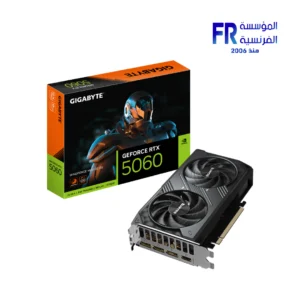 Gigabyte GeForce RTX 5060 Windforce Max 8GB GDDR7 OC Graphic Card
2 × 17500 EGP
Gigabyte GeForce RTX 5060 Windforce Max 8GB GDDR7 OC Graphic Card
2 × 17500 EGP -
×
 Xigmatek Pano II Air Arctic Type C 8 Fan ARGB Pwm Curved TG EATX Super Tower Case
1 × 5399 EGP
Xigmatek Pano II Air Arctic Type C 8 Fan ARGB Pwm Curved TG EATX Super Tower Case
1 × 5399 EGP -
×
Xigmatek Aqua Compact Air 4 Fan ARGB PWM Mid Tower Case
2 × 2899 EGP
-
×
WD Purple 2TB WD23PURZ Internal Desktop Hard Drive
1 × 3650 EGP
-
×
Seasonic Focus GX-1000 ATX3 1000W Atx 3.1 80 Plus Gold Fully Modular Hybrid Fan Power Supply
1 × 10000 EGP
-
×
Msi GeForce RTX 5070 TI Ventus 3X 16GB GDDR7 OC Graphic Card
1 × 46999 EGP
-
×
MSI MAG 273QP QD-OLED X24 27 Inch 240Hz 0.03ms WQHD QD-OLED Flat Adaptive Sync DisplayHDR True Black 400 Black Monitor
1 × 32999 EGP
-
×
MSI MAG 32C6X 31.5 Inch 250Hz OC 1ms MPRT FHD VA Curve 1500R Adaptive-Sync HDR Ready Black Monitor
1 × 10999 EGP
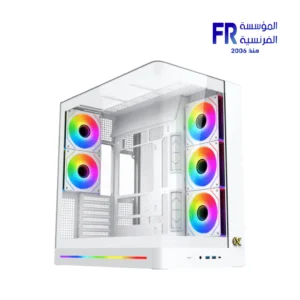 Xigmatek Pano II Air Arctic Type C 8 Fan ARGB Pwm Curved TG EATX Super Tower Case
 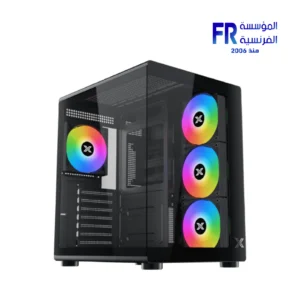 Xigmatek Aqua Compact Air 4 Fan ARGB PWM Mid Tower Case
 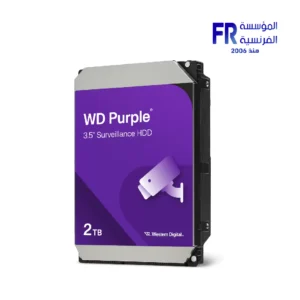 WD Purple 2TB WD23PURZ Internal Desktop Hard Drive
  Seasonic Focus GX-1000 ATX3 1000W Atx 3.1 80 Plus Gold Fully Modular Hybrid Fan Power Supply
 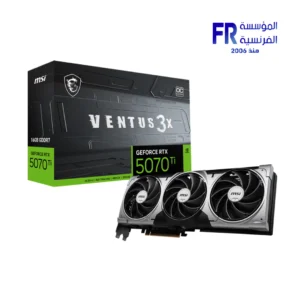 Msi GeForce RTX 5070 TI Ventus 3X 16GB GDDR7 OC Graphic Card
 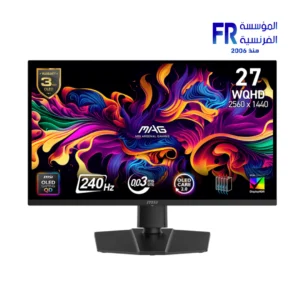 MSI MAG 273QP QD-OLED X24 27 Inch 240Hz 0.03ms WQHD QD-OLED Flat Adaptive Sync DisplayHDR True Black 400 Black Monitor
 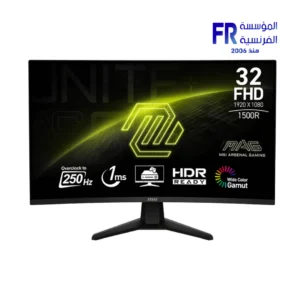 MSI MAG 32C6X 31.5 Inch 250Hz OC 1ms MPRT FHD VA Curve 1500R Adaptive-Sync HDR Ready Black Monitor
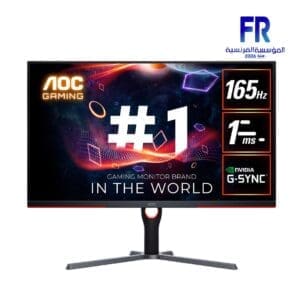
**NVIDIA G-SYNC** is an advanced technology from NVIDIA that aims to improve the gaming experience by synchronizing the display refresh rate with the frame rate produced by the graphics card (GPU). G-SYNC eliminates tearing and stuttering in the image, providing a smoother and faster gaming experience.
### **NVIDIA G-SYNC** Features:
1. **Tearing Reduction**: G-SYNC technology prevents tearing that may occur when the frame rate produced by the graphics card is faster or slower than the display refresh rate, enhancing image smoothness.
2. **Stuttering Reduction**: Reduces sudden image stoppages when there are gaps in the frame rate, helping to improve game responsiveness and increase motion stability.
3. **Dynamic Refresh Rate Support**: G-SYNC allows the display refresh rate to be dynamically adjusted to match the frame rate produced by the graphics card, contributing to improved display smoothness.
4. **Smooth and Fast Performance**: With G-SYNC, performance remains smooth even when the frame rate drops to low levels, making games more responsive without stuttering or lag.
5. **Advanced Gaming Experience**: Gamers can enjoy a more immersive gaming experience when using G-SYNC, as the technology provides high performance in fast-moving games and complex graphics.
### How does G-SYNC work?
G-SYNC technology works by synchronizing the display’s refresh rate with the frame rate produced by the NVIDIA graphics card. On traditional monitors, gamers experience tearing when the refresh rate does not match the frame rate, but with G-SYNC, the display refreshes at the same moment the graphics card produces the frames, ensuring a smooth display.
### **NVIDIA G-SYNC** Requirements:
– **G-SYNC Compatible Monitor**: You need a G-SYNC-capable monitor, which is usually an LCD monitor with G-SYNC Built-in or G-SYNC Ultimate.
– **NVIDIA graphics card**: The graphics card must be from NVIDIA that supports G-SYNC, usually from the GTX 10 series and later, as well as modern cards from the RTX series.
### The difference between G-SYNC and FreeSync:
– **G-SYNC** requires special components inside the monitor (such as the integrated G-SYNC module), which increases the cost compared to **AMD FreeSync** which relies more on software support.
– **FreeSync** can be a more economical option because it does not require special components in the monitor, while **G-SYNC** offers superior performance in most cases.
Overall, **NVIDIA G-SYNC** is an ideal technology for gamers looking to enhance their gaming experience professionally, with smooth, graphical movement free of stuttering or lag.
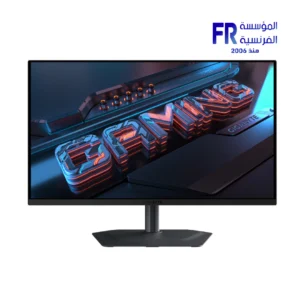
-5%
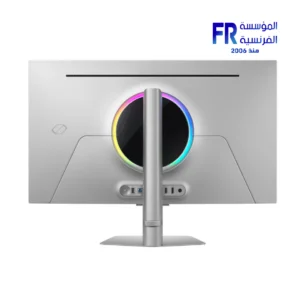
Original price was: 48999 EGP.46666 EGPCurrent price is: 46666 EGP.
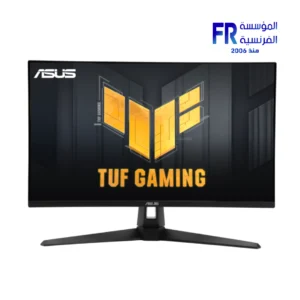
Out of stock

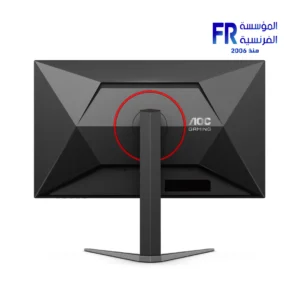
Out of stock
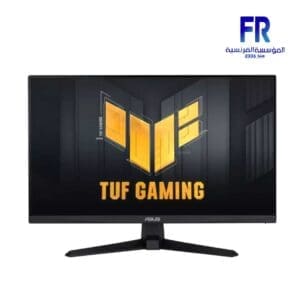
Out of stock

Out of stock
Out of stock

Out of stock
Out of stock


Out of stock


Out of stock

Out of stock
Out of stock
Out of stock
Out of stock

Out of stock

Out of stock


Out of stock
Out of stock
Out of stock

Out of stock

Out of stock

Out of stock
Out of stock
Out of stock
Out of stock


Out of stock
Out of stock
Out of stock
Out of stock