


DDR4 and DDR5 are different generations of desktop memory. DDR5 offers newer memory architecture and higher available data rates, but it is not a drop-in upgrade for a DDR4 system. If you are building or upgrading a PC, the motherboard and CPU platform decide which memory type you can use.
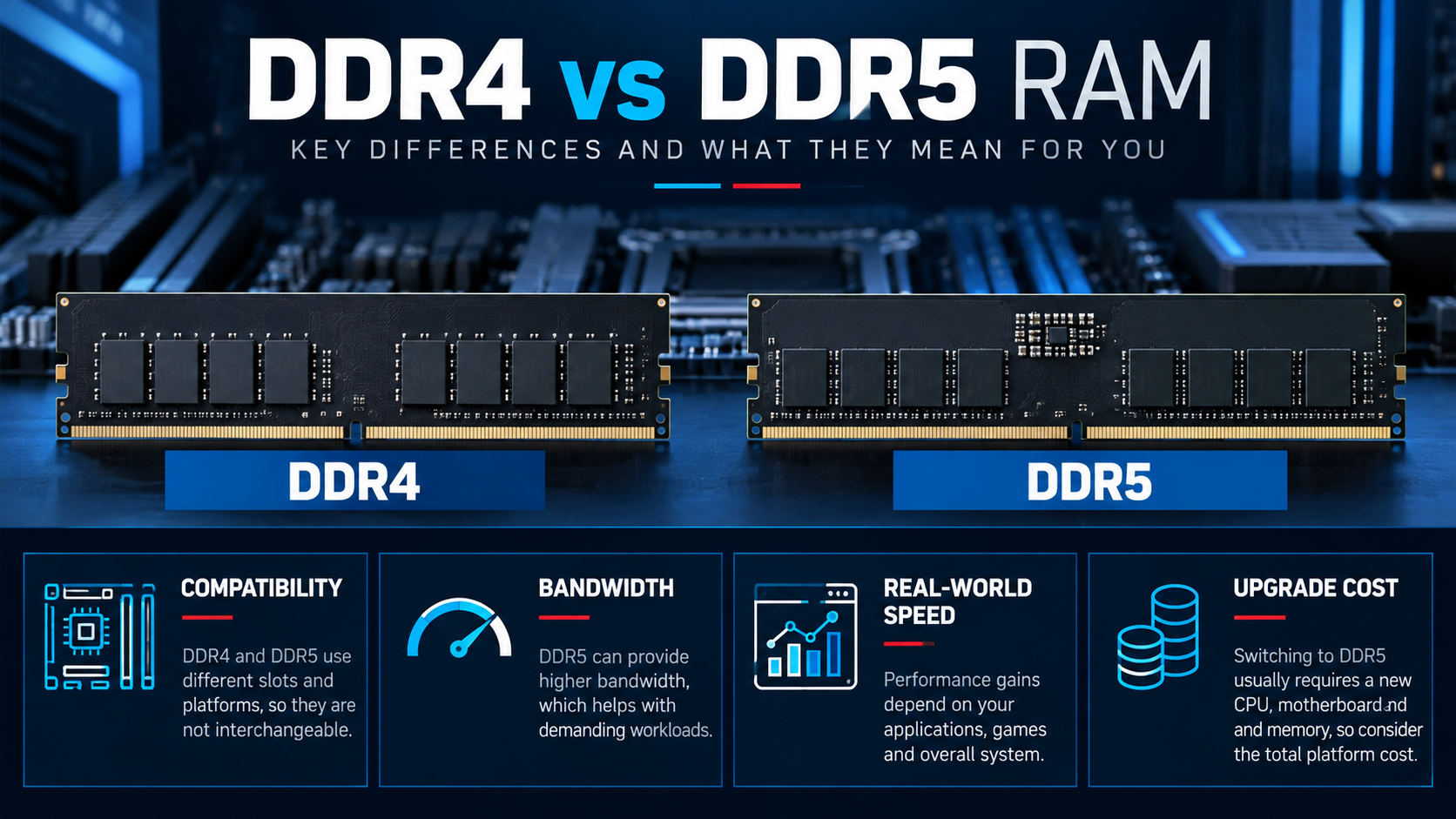
The core difference between DDR4 and DDR5
DDR5 is the newer memory standard and supports higher data rates and changes to module power management compared with DDR4. These architectural differences affect bandwidth and platform design, but do not translate into the same performance gain in every application.
| Decision factor | DDR4 | DDR5 |
|---|---|---|
| Compatibility | Requires a DDR4-compatible board and CPU memory controller | Requires a DDR5-compatible board and CPU memory controller |
| Module fit | Different notch and electrical design | Not physically or electrically interchangeable with DDR4 |
| Available data rates | Depends on the module and platform | Generally supports higher data rates across product ranges |
| Upgrade path | Useful when retaining a compatible DDR4 platform | Relevant for platforms designed for DDR5 |
Compatibility comes first
Before purchasing memory, check the motherboard specifications and the processor’s supported memory information. Some CPU families have different platform requirements across generations; do not infer support from the brand or model family alone. The board’s QVL or memory compatibility list can also help when selecting a specific kit.
DDR4 and DDR5 modules have different key positions and electrical requirements. Do not attempt to install one generation into a slot designed for the other. A motherboard supports the generation it was designed for.
Bandwidth does not equal the same real-world speedup
Higher memory bandwidth can help workloads that move or process large amounts of data, but application performance also depends on CPU architecture, cache, memory timings, capacity, GPU and software. Some games and everyday applications may show only modest differences when other components are the limiting factor.
Compare independent tests using the same processor, graphics card, capacity, timings where practical, and workload. Avoid applying a benchmark result from one system to every PC build.
Compare the whole platform cost
If your current PC already has a compatible motherboard and sufficient DDR4 memory, retaining that platform may be less expensive than replacing the motherboard and RAM simply to move to DDR5. For a new build, compare the cost and features of the available CPU and motherboard platforms alongside the memory kit price.
Capacity and configuration still matter. A suitable dual-module kit can be preferable to buying memory based only on a headline speed. Check the motherboard’s supported DIMM population and the CPU’s memory specifications before selecting the kit.
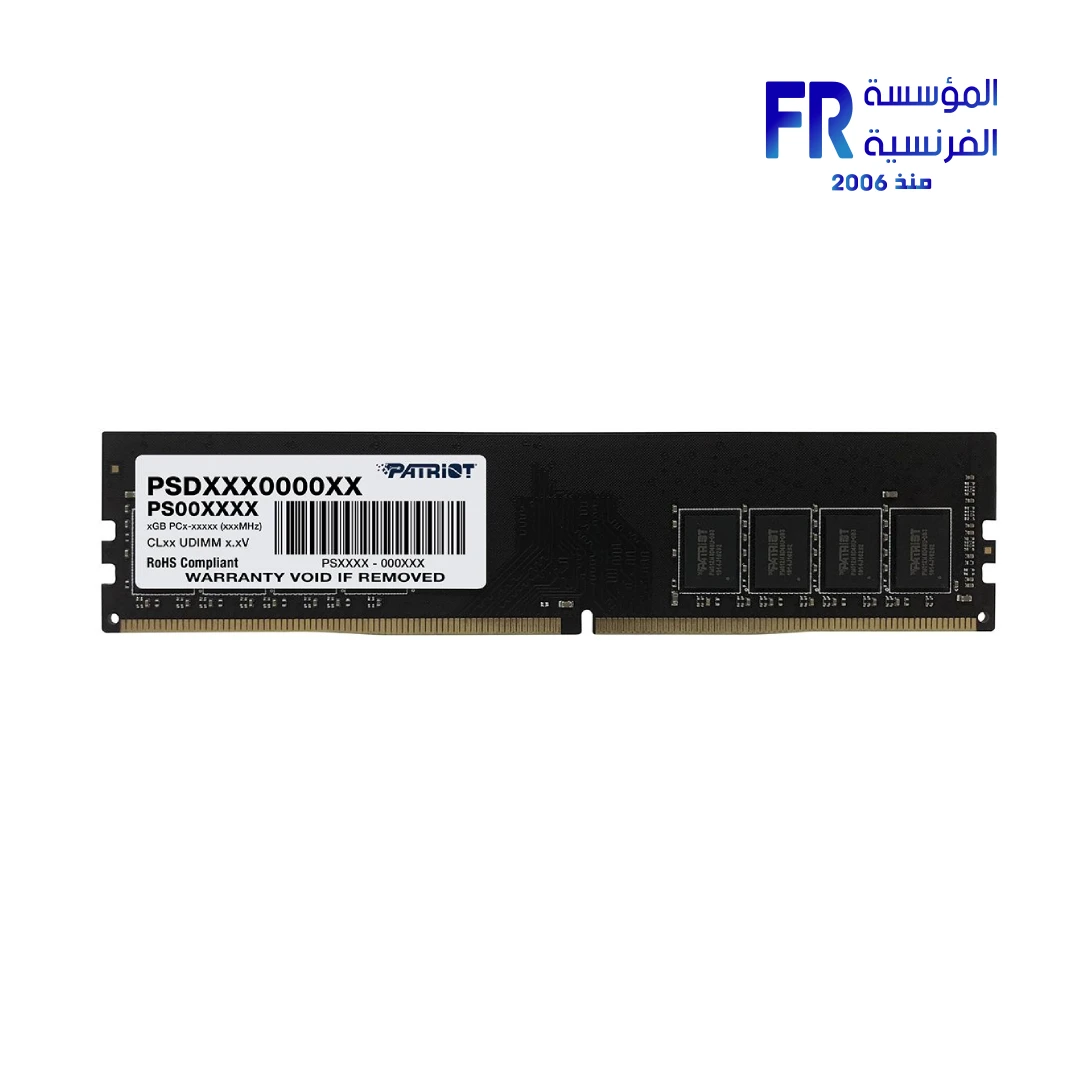
For product examples, compare a Patriot Signature DDR4 memory module with a KLEVV FIT V 32GB DDR5 kit. These are examples from different capacities and specifications, not a controlled performance comparison.
DDR4 vs DDR5 buying checklist
- Confirm the exact motherboard supports the memory generation.
- Check the CPU’s supported memory specification and motherboard compatibility list.
- Compare total capacity and module configuration, not just frequency.
- Review supported memory profiles and whether setup in BIOS may be needed.
- Compare the total cost of a platform upgrade against retaining compatible hardware.
Frequently asked questions
Can DDR5 work in a DDR4 motherboard?
No. The memory generations are not interchangeable; the motherboard must be designed for the selected RAM type.
Is DDR5 always faster in games?
No. Results depend on the CPU, game, settings, memory configuration and the rest of the system.
Should I replace working DDR4 just to get DDR5?
Not automatically. Upgrade when the complete platform change provides a meaningful benefit for your workload or future plans.
Sources
Next step: Check the motherboard model first, then choose a compatible kit with appropriate capacity and configuration.
Compare options before you buy
Check the exact model, compatibility, current availability and warranty terms.
alfrensia.com — Alfrensia, French Establishment for Computers
DDR4 ولا DDR5؟
DDR4 وDDR5 أجيال مختلفة من ذاكرة النظام، ومش قابلة للتبديل في نفس الشق. الاختيار بيتحدد بدعم المعالج واللوحة الأم، والسعة والتردد والتوقيتات والسعر والاستخدام.
قبل ما تشتري RAM
- راجع نوع الذاكرة اللي بتدعمه اللوحة والمعالج.
- حدد السعة المطلوبة حسب الألعاب والبرامج وتعدد المهام.
- قارن التردد والتوقيتات مع السعر واختبارات الأداء.
- راجع عدد الشقوق المتاحة وتوافق أطقم الذاكرة.
- تحقق من قائمة QVL لو محتاج تأكيداً إضافياً لتوافق طقم محدد.
هل DDR5 أسرع دائماً في الاستخدام؟
DDR5 بتوفر نطاق نقل أعلى في كثير من التكوينات، لكن المكسب العملي بيختلف حسب المعالج والبرنامج والسعة والتوقيتات. ما تعتمدش على التردد وحده.
هل أغيّر المنصة عشان DDR5؟
احسب تكلفة اللوحة والمعالج والذاكرة معاً، وقارن المكسب الفعلي. لو جهازك الحالي بيحقق احتياجك، ممكن تكون ترقية أخرى أكثر تأثيراً حسب الاختناق الحقيقي.
الأسئلة الشائعة
هل أقدر أركب DDR5 في لوحة DDR4؟
لأ؛ الشقوق والتوافق مختلفان.
هل تركيب قطعتين أفضل من قطعة واحدة؟
غالباً التكوين ثنائي القناة بيوفر نطاقاً أعلى من قطعة واحدة متساوية السعة الإجمالية، لكن اتبع توصيات اللوحة واختبر الاستقرار.
هل أي RAM بتردد معلن مرتفع هتشتغل بنفس السرعة؟
مش مضمون؛ يعتمد على المعالج واللوحة وإعدادات BIOS وملف الذاكرة والتوافق.
قارن قبل الترقية
مصادر رسمية للمواصفات
- Intel Support للتحقق من دعم الذاكرة حسب المعالج.
- AMD Support لمواصفات المعالج والمنصة.
- Kingston: DDR4 vs DDR5 لشرح الفروق العامة بين الجيلين.
راجع دعم المنصة والسعة والتردد والضمان والسعر الحالي. تواصل مع المبيعات عبر واتساب أو راجع موقع المؤسسة الفرنسية للكمبيوتر للاستفسار عن التوافق والتوفر.