

-
×
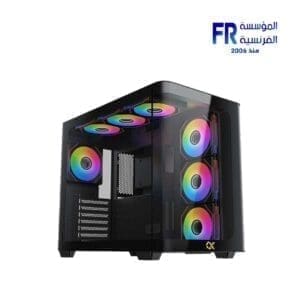
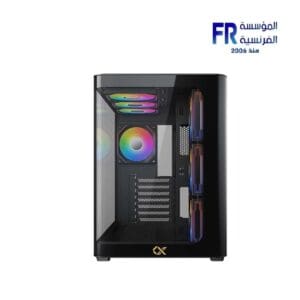
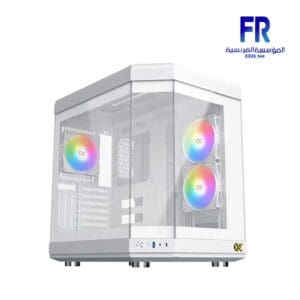
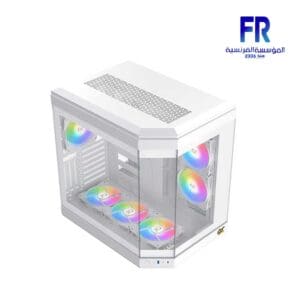
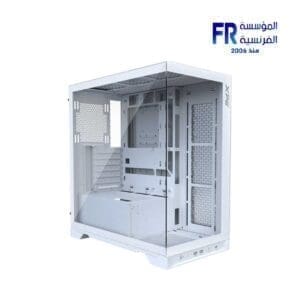 Xpg Invader X White Mid Tower Case
1 × 6875 EGP
Xpg Invader X White Mid Tower Case
1 × 6875 EGP -
×
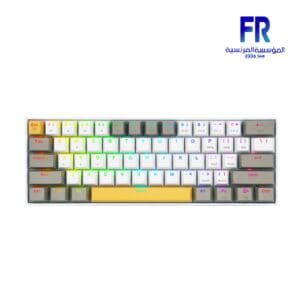 REDRAGON K530 Draconic Pro RGB Brown Switch Wireless Mechanical Gaming Keyboard
1 × 2799 EGP
REDRAGON K530 Draconic Pro RGB Brown Switch Wireless Mechanical Gaming Keyboard
1 × 2799 EGP -
×
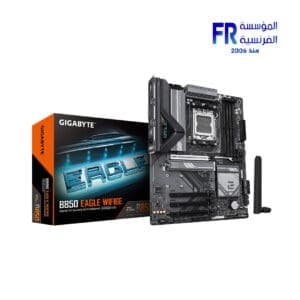 Gigabyte B850 Eagle WIFI6E AM5 Gaming Motherboard
1 × 9600 EGP
Gigabyte B850 Eagle WIFI6E AM5 Gaming Motherboard
1 × 9600 EGP -
×
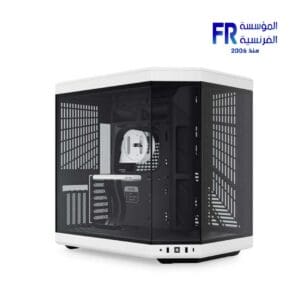
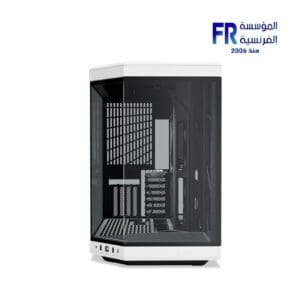
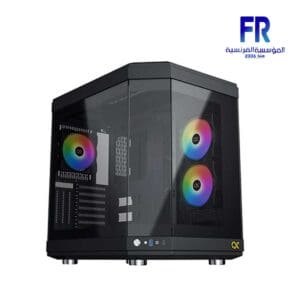
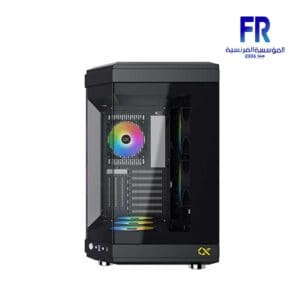
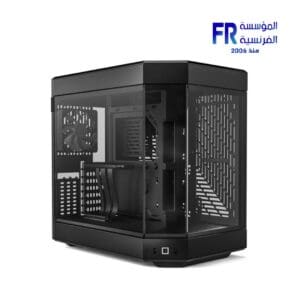 HYTE Y60 Modern Aesthetic 3 FE12 Fans Included PCIE 4.0 Riser Cable Black Mid Tower Case
1 × 8499 EGP
HYTE Y60 Modern Aesthetic 3 FE12 Fans Included PCIE 4.0 Riser Cable Black Mid Tower Case
1 × 8499 EGP -
×
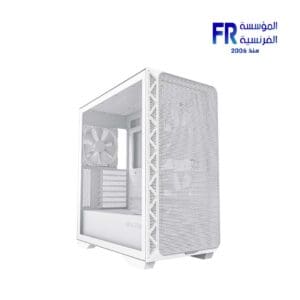 Montech Air 903 Base White Mid Tower Case
1 × 3500 EGP
Montech Air 903 Base White Mid Tower Case
1 × 3500 EGP -
×
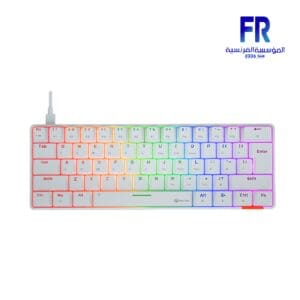 Meetion MK005 60% Blue switch Arabic White Wired Mechanical Keyboard
1 × 875 EGP
Meetion MK005 60% Blue switch Arabic White Wired Mechanical Keyboard
1 × 875 EGP -
×
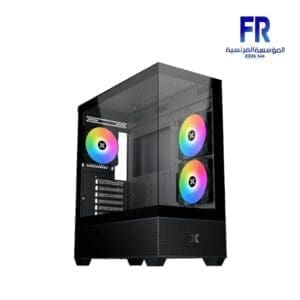
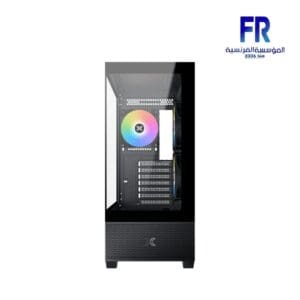
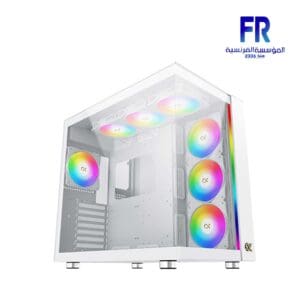
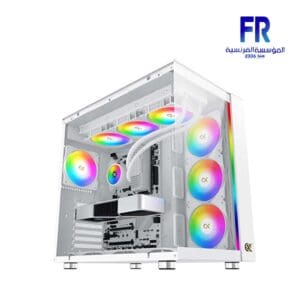
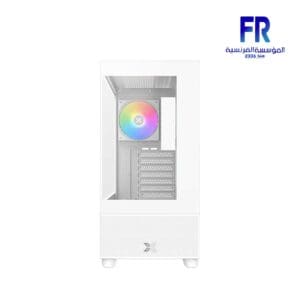
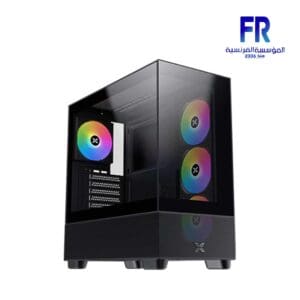
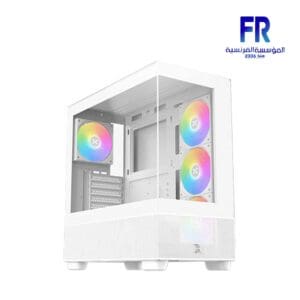 Xigmatek Endorphin Air V2 Arctic Argb Mid Tower Case
1 × 3499 EGP
Xigmatek Endorphin Air V2 Arctic Argb Mid Tower Case
1 × 3499 EGP

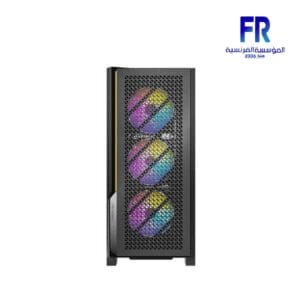
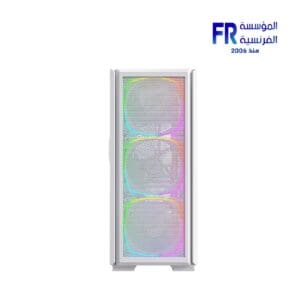
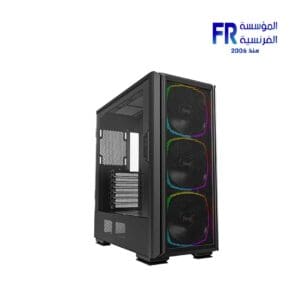
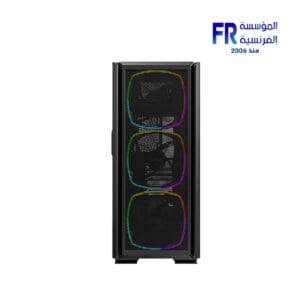
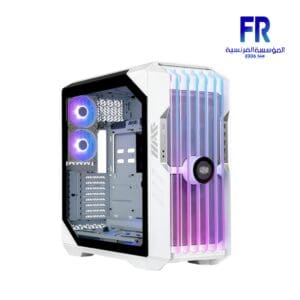
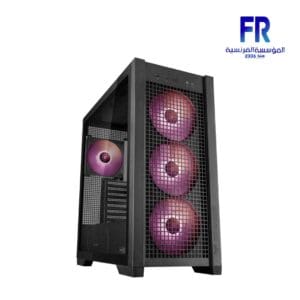
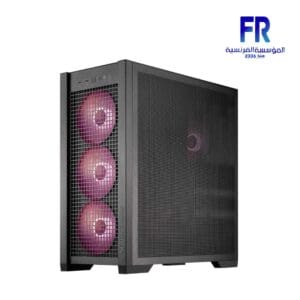
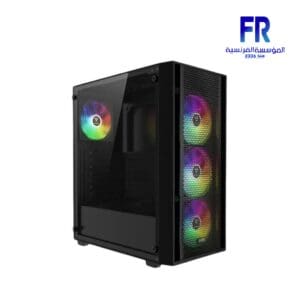
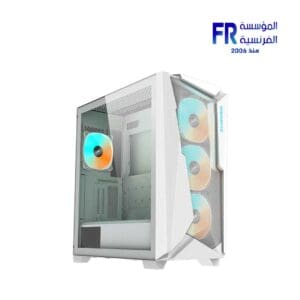
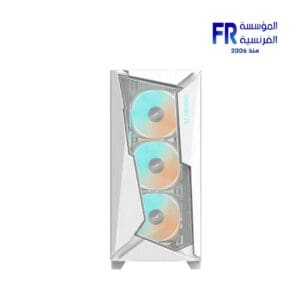
Case airflow is the movement of air through a computer case, and it is essential for keeping your computer cool. When your computer components heat up, they can overheat and damage themselves. Airflow helps to dissipate this heat and keep your computer running smoothly.
There are three main factors that affect case airflow:
-
Case design:
The design of your computer case can have a big impact on airflow. Cases with large vents and open mesh panels will allow more air to flow through them, while cases with solid panels will restrict airflow.
-
Fan placement:
The placement of your fans can also affect airflow. Fans should be positioned to draw in cool air from the outside of the case and exhaust hot air out the back or top.
-
Fan speed:
The speed of your fans will also affect airflow. Fans that run at higher speeds will move more air, but they will also be louder.
Here are some tips for optimizing case a irflow:
-
Choose a case with good a irflow:
When choosing a case, look for one with large vents and open mesh panels.
-
Install your fans correctly:
Make sure your fans are positioned to draw in cool air from the outside of the case and exhaust hot air out the back or top.
-
Use the right fan speed:
Adjust your fan speeds to find a balance between a irflow and noise.
-
Keep your case clean:
Dust and dirt can clog up your fans and vents, so it is important to keep your case clean.
By following these tips, you can ensure that your computer has adequate a irflow and that your components stay

Out of stock


Out of stock


Out of stock



Out of stock

-7%
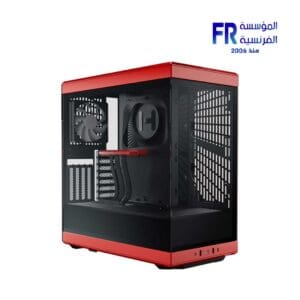
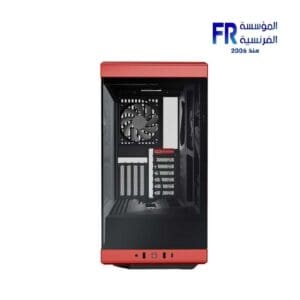
Original price was: 6999 EGP.6499 EGPCurrent price is: 6499 EGP.
-4%
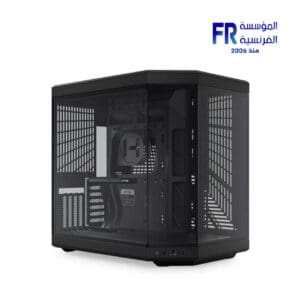
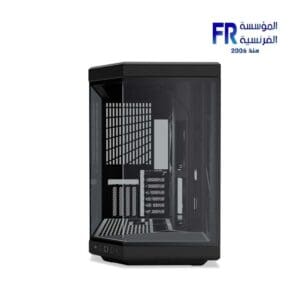
Out of stock
Original price was: 13000 EGP.12500 EGPCurrent price is: 12500 EGP.
Out of stock
SALE
Out of stock
SALE
Out of stock

Out of stock
Out of stock

Out of stock

Out of stock

Out of stock


SALE
Out of stock
SALE
Out of stock
Out of stock
Out of stock