


PC Upgrade or Full Rebuild? A Practical Decision Framework for Gamers and Creators in Egypt
A practical way to decide whether to upgrade one component or rebuild your PC. Start with repeatable performance checks and compatibility.
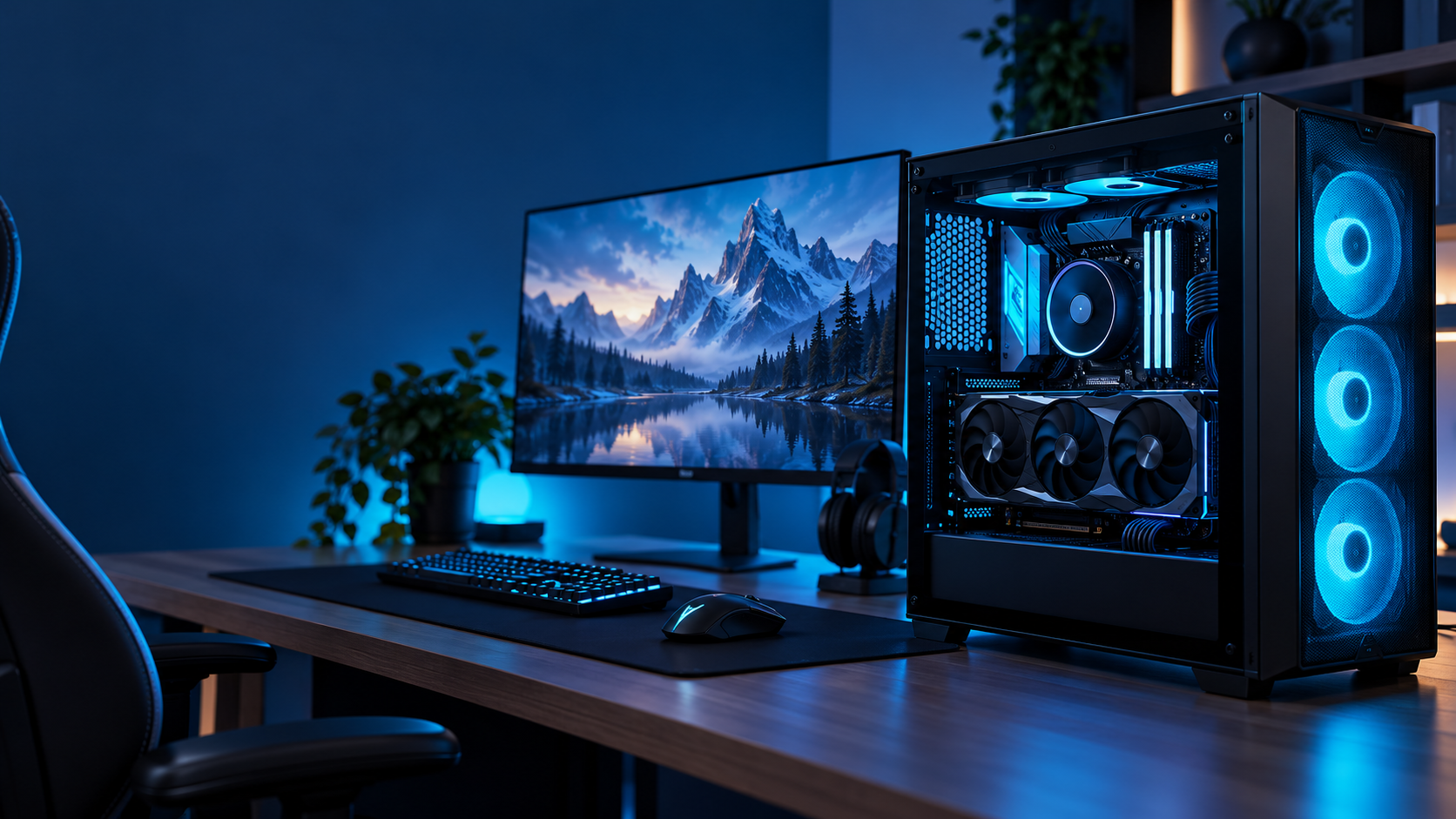
A PC that feels slower does not always need a new graphics card—or a complete rebuild. The right decision starts by identifying what limits the workload, checking compatible upgrades and comparing the full upgrade cost with the cost of changing platforms.
Step 1: identify the actual limitation
Repeat the same task under the same settings and observe CPU and GPU utilisation, memory use, temperatures, clock behaviour and storage activity. One percentage is not enough: the CPU may limit one game scene while the GPU limits another. Background apps, drivers, thermal limits and settings can also change results. See our PC bottleneck diagnosis guide.
Step 2: check the platform
CPU and motherboard
Confirm socket, chipset, BIOS support, memory generation and board power limits.
GPU and PSU
Check card length, slot thickness, power connectors, PSU capacity and case airflow.
RAM and storage
Check DDR generation, slots, supported capacity, M.2 slots and supported interfaces.
Cooling and case
Confirm cooler compatibility, radiator clearance, fan positions and component dimensions.
Step 3: compare total cost
Build two lists: the proposed upgrade including every supporting change, and a balanced new platform. Include parts you can safely reuse, warranty, installation and testing. If the upgrade forces several connected changes, a rebuild may be simpler. If one component is clearly limiting performance and the rest of the platform is sound, a focused upgrade can be better value.
Step 4: match the PC to the work
- Competitive gaming: target games, resolution, frame-rate goals, CPU/GPU balance and monitor refresh rate.
- Single-player gaming: graphics quality, resolution, GPU capability, VRAM and storage space.
- Content creation: software, project size, GPU acceleration, memory, storage and display requirements.
- AI and development: accelerator support, VRAM, system RAM and local-versus-cloud needs.
When a rebuild makes more sense
Consider a new platform when the motherboard limits the CPU path, memory generation is holding back the system, power and cooling need multiple changes or the target requires several upgrades at once. A rebuild should still be designed around a real workload and a clear budget.
Compare our three gaming PC builds. For compatibility help, contact the Alfrensia team with your current specifications and intended use.
Alfrensia — practical hardware insight for gamers, creators and PC builders in Egypt. Contact our team.
ترقية الكمبيوتر أم تجميعة جديدة؟
دليل عملي لتحديد هل الأفضل ترقية قطعة واحدة أم بناء جهاز جديد، مع مراجعة التوافق والطاقة والتبريد والتكلفة.
الكمبيوتر اللي بقى أبطأ مش شرط يحتاج كارت شاشة جديد أو تجميعة كاملة. القرار الصح بيبدأ بتحديد الجزء اللي فعلاً بيحد الأداء، ومراجعة القطع المتوافقة، ومقارنة تكلفة الترقية بتكلفة تغيير المنصة بالكامل.
الخطوة الأولى: حدد سبب المشكلة
كرر نفس المهمة بنفس الإعدادات وراقب استخدام المعالج والكارت والرام والحرارة والترددات ونشاط التخزين. نسبة واحدة مش كفاية: المعالج ممكن يكون المحدد في مشهد لعبة والكارت في مشهد تاني. البرامج الخلفية والتعريفات والحرارة والإعدادات بتأثر كمان. راجع دليل تشخيص اختناقات الكمبيوتر.
الخطوة الثانية: راجع المنصة
المعالج واللوحة
اتأكد من Socket وChipset ودعم BIOS وجيل الرام وحدود طاقة اللوحة.
الكارت والباور
راجع طول الكارت وعدد الـSlots وموصلات الطاقة وقدرة الباور وتهوية الكيسة.
الرام والتخزين
راجع جيل DDR وعدد المنافذ والسعة المدعومة ومنافذ M.2 والواجهات.
التبريد والكيسة
اتأكد من توافق المشتت ومساحة الرادياتير ومواقع المراوح وأبعاد القطع.
الخطوة الثالثة: قارن التكلفة الكاملة
اعمل قائمتين: تكلفة الترقية بكل القطع المساعدة، وتكلفة منصة جديدة متوازنة. احسب القطع اللي تقدر تعيد استخدامها بأمان والضمان والتركيب والاختبار. لو الترقية هتجبرك تغير أجزاء كتير مرتبطة، التجميعة الجديدة ممكن تكون أبسط. ولو قطعة واحدة واضحة بتحد الأداء وباقي المنصة مناسبة، الترقية المحددة ممكن تكون أوفر.
الخطوة الرابعة: اختار حسب الاستخدام
- الألعاب التنافسية: الألعاب المستهدفة والدقة ومعدل الإطارات وتوازن المعالج والكارت ومعدل تحديث الشاشة.
- ألعاب القصة: جودة الرسوميات والدقة وقدرة الكارت وVRAM ومساحة التخزين.
- صناعة المحتوى: البرنامج وحجم المشاريع وتسريع GPU والذاكرة والتخزين والشاشة.
- AI والتطوير: دعم المسرّعات وVRAM ورام الجهاز وهل الأنسب Local أو Cloud.
إمتى التجميعة الجديدة تكون أفضل؟
فكر في منصة جديدة لما اللوحة تحد من اختيار المعالج أو جيل الذاكرة بقى عائق أو الطاقة والتبريد محتاجين تغييرات متعددة أو هدف الأداء محتاج ترقيات كتير. التجميعة الجديدة لازم تتبني على استخدام حقيقي وميزانية واضحة.
قارن ثلاث تجميعات Gaming PC. ولو محتاج مراجعة توافق القطع، تواصل مع فريق المؤسسة الفرنسية للكمبيوتر وابعث مواصفاتك واستخدامك.
المؤسسة الفرنسية للكمبيوتر — محتوى تقني عملي للاعبين وصناع المحتوى ومهتمي تجميعات الكمبيوتر في مصر. تواصل مع فريقنا.