-
×
 HyperX Pulsefire Fuse Rgb 3 Mode Wireless Gaming Mouse
1 × 2299 EGP
HyperX Pulsefire Fuse Rgb 3 Mode Wireless Gaming Mouse
1 × 2299 EGP -
×
 Thermal Grizzly Duronaut 2g Thermal Paste
2 × 501 EGP
Thermal Grizzly Duronaut 2g Thermal Paste
2 × 501 EGP -
×
Thermal Grizzly Kryonaut 1g Thermal Paste
2 × 376 EGP
-
×
Gigabyte X870 Aorus Elite X3D Ice Gaming Motherboard
1 × 15499 EGP
-
×
Lexar NQ100 512GB 550MB/s 2.5 Inch SATA 6GB/s Internal Solid State Drive SSD
1 × 3188 EGP
-
×
Gigabyte Gaming A16 CVH - Intel Core i7-13620H - 16GB DDR5 - 1TB NVMe Gen4 SSD - NVIDIA RTX 5060 8GB - 16 Inch WUXGA (1920x1200) 165Hz IPS Display - MUX Switch with WIFI 6E - RGB Keyboard - Windows 11 Home - Black Steel Gaming Laptop
1 × 56500 EGP
-
×
Msi GeForce RTX 5070 TI Ventus 3X 16GB GDDR7 OC Graphic Card
1 × 46999 EGP
-
×
Lexar NM610 Pro 500GB 3300MB/s M.2 2280 PCIe Gen 3 NVMe Internal Solid State Drive SSD
1 × 3254 EGP
-
×
Asus VA VA34VCPSR 34 Inch 100Hz 4ms UWQHD VA Curve 1500R Adaptive Sync HDR10 With Speakers Monitor
1 × 21500 EGP
-
×
Meetion BTM100 Wireless And Bluetooth Dual Mode Mouse
3 × 375 EGP
-
×
Sandisk Extreme PRO 2TB With USB4 External Solid State Drive SSD
1 × 19924 EGP
-
×
Gigabyte B860M A Pro Wifi 7 Motherboard
1 × 11300 EGP
-
×
MSI Modern MD272XPW 27 Inch 100Hz 1ms MPRT FHD IPS Flat Adaptive-Sync HDR Ready With Speakers 65W PD White Monitor
1 × 7500 EGP
-
×
Philips 27E1N1800A 01 27 Inch 60Hz 4Ms 4K UHD IPS Adaptive Sync HDR10 Monitor
1 × 12600 EGP
-
×
Thermal Grizzly Putty Basic 30g Thermal Paste
1 × 750 EGP
-
×
Gigabyte GeForce RTX 5050 Gaming OC 8GB GDDR6 Graphic Card
1 × 15100 EGP
-
×
Thermal Grizzly Aeronaut 3.9g 1.5ml Thermal Paste
1 × 375 EGP
-
×
Gigabyte B760M Gaming AC D4 Gen5 Gaming Motherboard
1 × 6599 EGP
-
×
Logitech MX Master 4 Graphite Wireless Bluetooth Mouse
1 × 6999 EGP
-
×
Thermal Grizzly PhaseSheet PTM 50x40 Thermal Pad
1 × 450 EGP
-
×
Redragon Perdition M901 RGB 18 Buttons White Wired MMO Gaming Mouse
1 × 1199 EGP
-
×
Meetion M100 Silent Optical Wired Mouse
1 × 150 EGP
-
×
Polartherm X10 10g Thermal Paste
1 × 551 EGP
-
×
AMD Ryzen 3 4100 Processor
1 × 2400 EGP
-
×
Meetion Air GW39 Lightweight Pixart PAW3395 With Charging Base 3 Mode Rechargeable Wireless And Bluetooth Gaming Mouse
1 × 2200 EGP
-
×
Xigmatek Pano II LCD Type C 8 Fan ARGB Pwm 9Inch Multi Display LCD Panel Curved TG EATX Super Tower Case
1 × 7199 EGP
-
×
Pc Cooler DS360 Argb Display Aio Liquid Cpu Cooler
1 × 7500 EGP
-
×
Hp Victus 16-R1021Nia Core I7-14700HX 16Gb Ram 1TB SSD RTX 4070 8GB-Backlite keyboard - 16.1 FHD IPS 144Hz Blue Gaming Laptop
1 × 70500 EGP
-
×
Microsoft All In One Wireless Keyboard
1 × 1799 EGP
-
×
Mercusys AX3000 MA80XE Wi-Fi 6 Bluetooth 5.3 PCIe Adapter
1 × 1400 EGP
-
×
Msi Geforce RTX 5070 Shadow 3X 12Gb OC Graphic Card
1 × 32500 EGP
-
×
Gigabyte GeForce RTX 5060 Ti Windforce OC 16GB GDDR7 Graphic Card
1 × 25700 EGP
-
×
Meetion Air GW40 Lightweight Pixart PAW3311 3 Mode Rechargeable Wireless And Bluetooth Gaming White Mouse
1 × 999 EGP
-
×
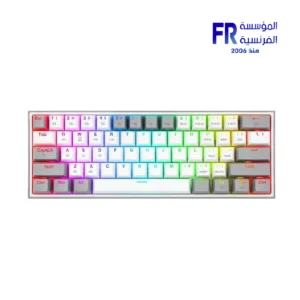
Redragon Fizz Pro K616-RGB Red Switch RGB 60 Percent Compact Gray And White 3 Modes Wireless Bluetooth Mechanical Gaming Keyboard
1 × 2450 EGP
-
×
Lenovo LOQ 15IAX9 – Core i5 – 12450HX – 8GB – 512GB SSD – RTX 3050 6 GB – 15.6 FHD 144Hz – Gaming Laptop
1 × 33300 EGP
-
×
Polartherm X10 2g Thermal Paste
1 × 201 EGP
-
×
Antec Vortex Lum 360mm ARGB AIO Liquid Cpu Cooler
1 × 4349 EGP
-
×
Meetion R546 Wireless White Mouse
2 × 249 EGP
-
×
Meetion R546 Wireless Mouse
1 × 249 EGP
-
×
Thermal Grizzly Aeronaut 7.8g 3ml Thermal Paste
1 × 501 EGP
-
×
Amd Ryzen 5 9600x Tray Processor
1 × 10700 EGP
-
×
WD Purple 2TB WD23PURZ Internal Desktop Hard Drive
2 × 3650 EGP
-
×
Gigabyte B760M DS3H WIFI 6E Gen 5 Micro ATX Socket LGA1700 Motherboard
1 × 7400 EGP
-
×
Gigabyte Aorus C601 Glass Mid Tower Case with 4x 140mm ARGB PWM Fans USB 3.1 Gen 2 Type-C Black
1 × 13999 EGP
-
×
Thermalright Frozen Warframe Pro 360mm ARGB Black AIO Liquid CPU Cooler
1 × 7000 EGP
-
×
Gigabyte Aorus Elite P1000W 80+ Platinum ICE Pcie 5.0 Fully Modular Power Supply
1 × 8900 EGP
 Thermal Grizzly Duronaut 2g Thermal Paste
 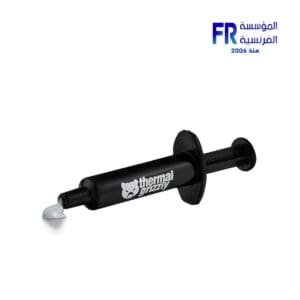 Thermal Grizzly Kryonaut 1g Thermal Paste
 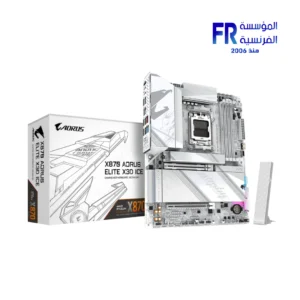 Gigabyte X870 Aorus Elite X3D Ice Gaming Motherboard
 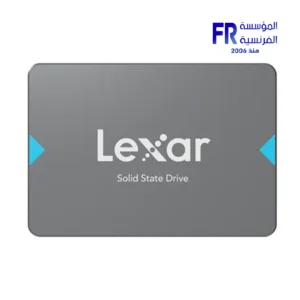 Lexar NQ100 512GB 550MB/s 2.5 Inch SATA 6GB/s Internal Solid State Drive SSD
 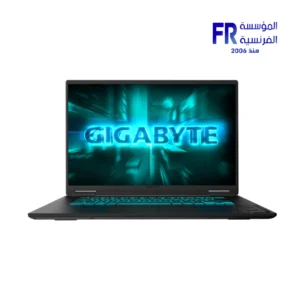 Gigabyte Gaming A16 CVH - Intel Core i7-13620H - 16GB DDR5 - 1TB NVMe Gen4 SSD - NVIDIA RTX 5060 8GB - 16 Inch WUXGA (1920x1200) 165Hz IPS Display - MUX Switch with WIFI 6E - RGB Keyboard - Windows 11 Home - Black Steel Gaming Laptop
 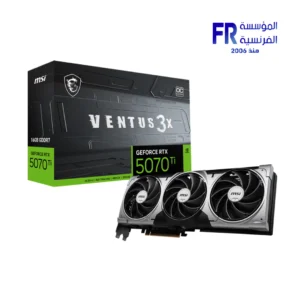 Msi GeForce RTX 5070 TI Ventus 3X 16GB GDDR7 OC Graphic Card
 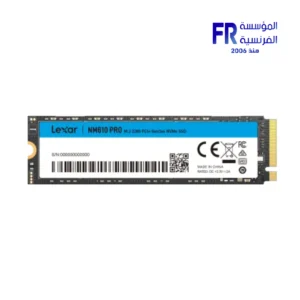 Lexar NM610 Pro 500GB 3300MB/s M.2 2280 PCIe Gen 3 NVMe Internal Solid State Drive SSD
 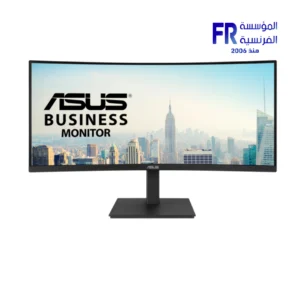 Asus VA VA34VCPSR 34 Inch 100Hz 4ms UWQHD VA Curve 1500R Adaptive Sync HDR10 With Speakers Monitor
  Meetion BTM100 Wireless And Bluetooth Dual Mode Mouse
 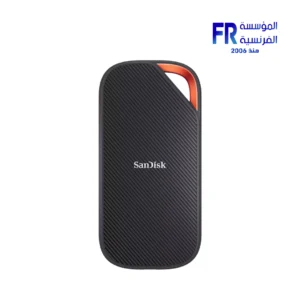 Sandisk Extreme PRO 2TB With USB4 External Solid State Drive SSD
  Gigabyte B860M A Pro Wifi 7 Motherboard
 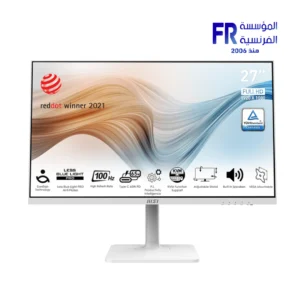 MSI Modern MD272XPW 27 Inch 100Hz 1ms MPRT FHD IPS Flat Adaptive-Sync HDR Ready With Speakers 65W PD White Monitor
 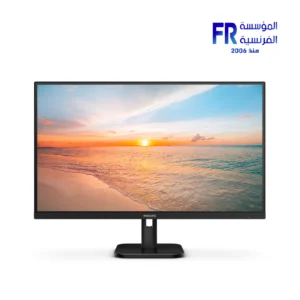 Philips 27E1N1800A 01 27 Inch 60Hz 4Ms 4K UHD IPS Adaptive Sync HDR10 Monitor
  Thermal Grizzly Putty Basic 30g Thermal Paste
 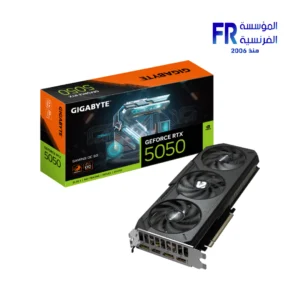 Gigabyte GeForce RTX 5050 Gaming OC 8GB GDDR6 Graphic Card
  Thermal Grizzly Aeronaut 3.9g 1.5ml Thermal Paste
  Gigabyte B760M Gaming AC D4 Gen5 Gaming Motherboard
  Logitech MX Master 4 Graphite Wireless Bluetooth Mouse
  Thermal Grizzly PhaseSheet PTM 50x40 Thermal Pad
  Redragon Perdition M901 RGB 18 Buttons White Wired MMO Gaming Mouse
 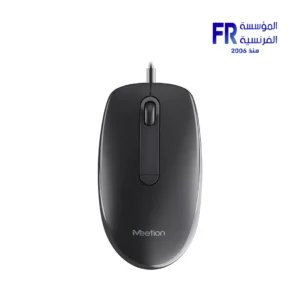 Meetion M100 Silent Optical Wired Mouse
  Polartherm X10 10g Thermal Paste
 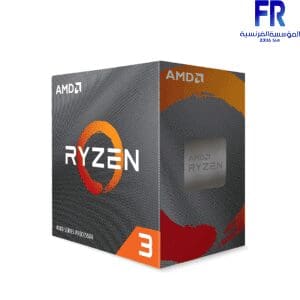 AMD Ryzen 3 4100 Processor
 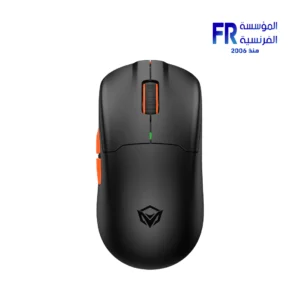 Meetion Air GW39 Lightweight Pixart PAW3395 With Charging Base 3 Mode Rechargeable Wireless And Bluetooth Gaming Mouse
 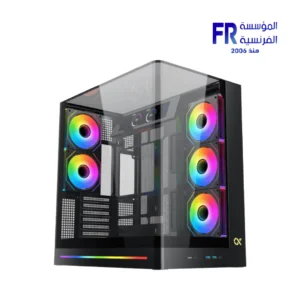 Xigmatek Pano II LCD Type C 8 Fan ARGB Pwm 9Inch Multi Display LCD Panel Curved TG EATX Super Tower Case
  Pc Cooler DS360 Argb Display Aio Liquid Cpu Cooler
  Hp Victus 16-R1021Nia Core I7-14700HX 16Gb Ram 1TB SSD RTX 4070 8GB-Backlite keyboard - 16.1 FHD IPS 144Hz Blue Gaming Laptop
 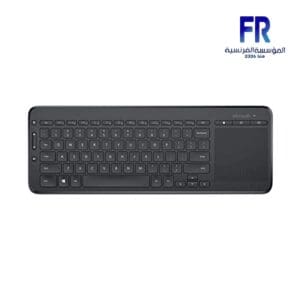 Microsoft All In One Wireless Keyboard
 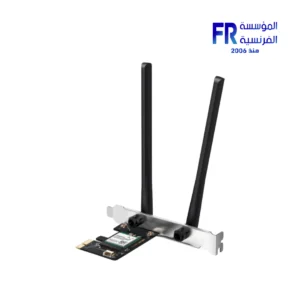 Mercusys AX3000 MA80XE Wi-Fi 6 Bluetooth 5.3 PCIe Adapter
 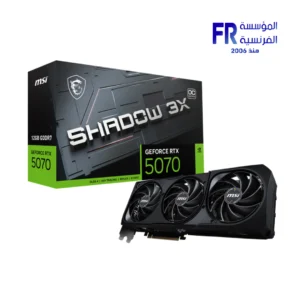 Msi Geforce RTX 5070 Shadow 3X 12Gb OC Graphic Card
 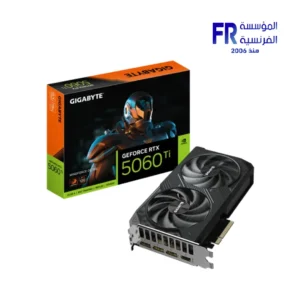 Gigabyte GeForce RTX 5060 Ti Windforce OC 16GB GDDR7 Graphic Card
 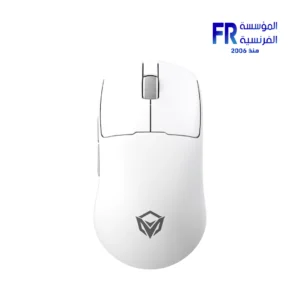 Meetion Air GW40 Lightweight Pixart PAW3311 3 Mode Rechargeable Wireless And Bluetooth Gaming White Mouse
 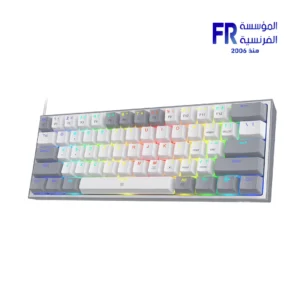 Redragon Fizz Pro K616-RGB Red Switch RGB 60 Percent Compact Gray And White 3 Modes Wireless Bluetooth Mechanical Gaming Keyboard
 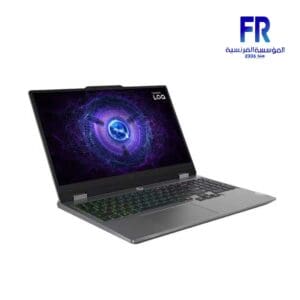 Lenovo LOQ 15IAX9 – Core i5 – 12450HX – 8GB – 512GB SSD – RTX 3050 6 GB – 15.6 FHD 144Hz – Gaming Laptop
  Polartherm X10 2g Thermal Paste
 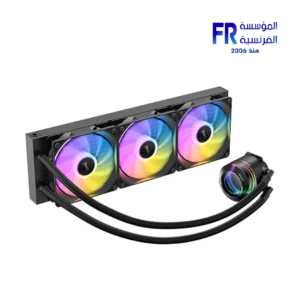 Antec Vortex Lum 360mm ARGB AIO Liquid Cpu Cooler
 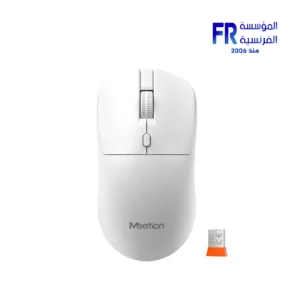 Meetion R546 Wireless White Mouse
 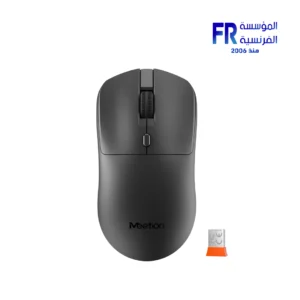 Meetion R546 Wireless Mouse
  Thermal Grizzly Aeronaut 7.8g 3ml Thermal Paste
 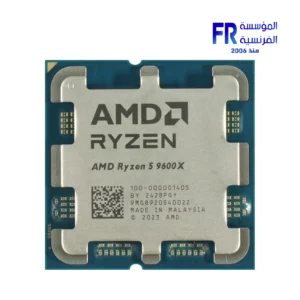 Amd Ryzen 5 9600x Tray Processor
 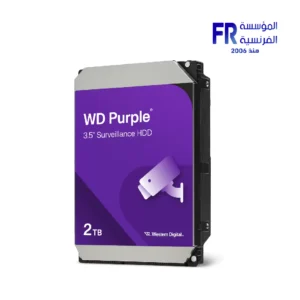 WD Purple 2TB WD23PURZ Internal Desktop Hard Drive
 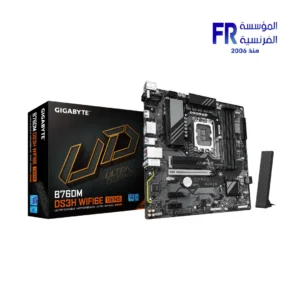 Gigabyte B760M DS3H WIFI 6E Gen 5 Micro ATX Socket LGA1700 Motherboard
  Gigabyte Aorus C601 Glass Mid Tower Case with 4x 140mm ARGB PWM Fans USB 3.1 Gen 2 Type-C Black
  Thermalright Frozen Warframe Pro 360mm ARGB Black AIO Liquid CPU Cooler
 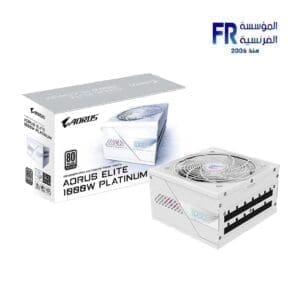 Gigabyte Aorus Elite P1000W 80+ Platinum ICE Pcie 5.0 Fully Modular Power Supply
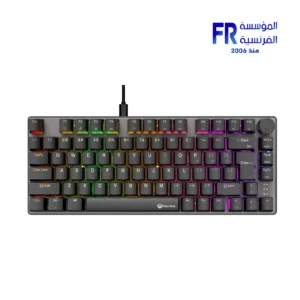
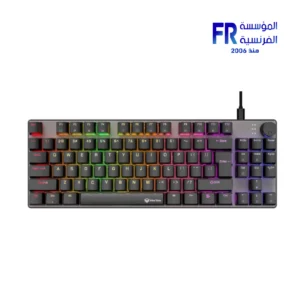
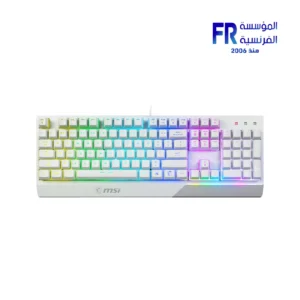
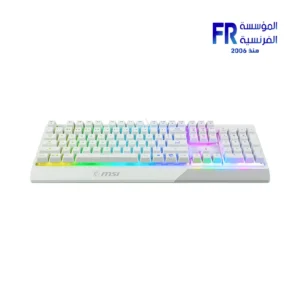
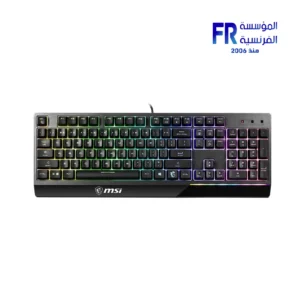
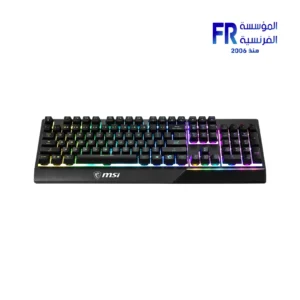
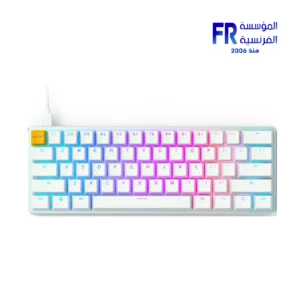
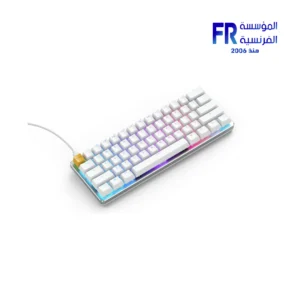
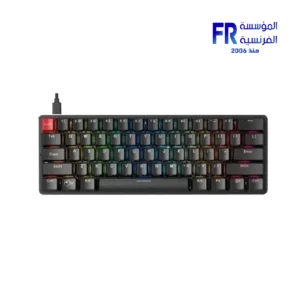
A keyboard is an input device used to enter text and commands into a computer. It is typically made up of a grid of keys, each of which represents a different character or command. When a key is pressed, the keyboard sends a signal to the computer, which then interprets the signal and performs the corresponding action.
standard keyboardOpens in a new window
There are many different types of keyboards available, each with its own unique features and benefits. Some of the most common types of keyboards include:
Standard keyboards: Standard keyboards are the most common type of keyboard. They typically have a full-size layout with all of the standard keys.
Ergonomic keyboards: Ergonomic keyboards are designed to reduce the risk of repetitive strain injuries (RSIs). They typically have a split layout with angled keys to help keep your hands and wrists in a more natural position.
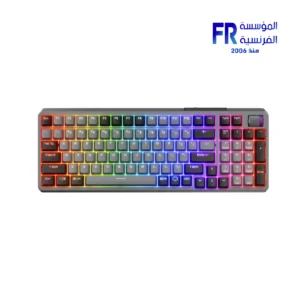
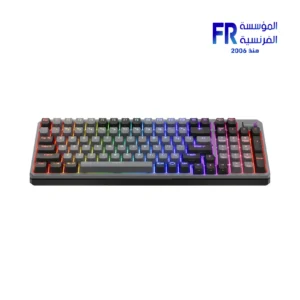
Mechanical keyboards: Mechanical keyboards use individual mechanical switches for each key. This makes them more durable and responsive than standard keyboards.
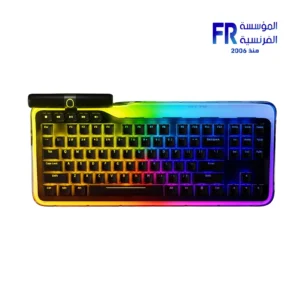
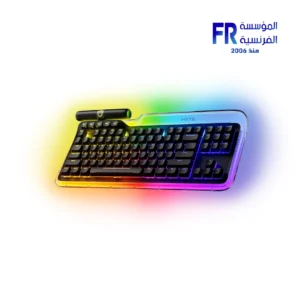
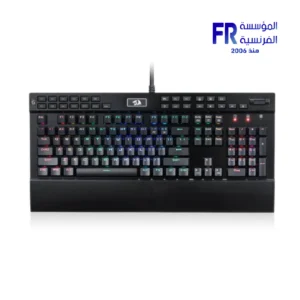
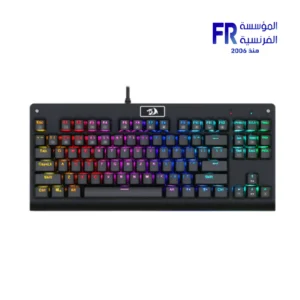
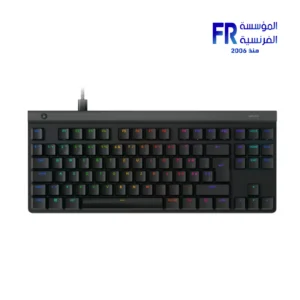
Gaming keyboards: Gaming keyboards are designed for gamers and typically have additional features such as programmable macros and RGB backlighting.
When choosing a keyboard, it is important to consider your needs and budget. If you are looking for a basic keyboard for everyday use, a standard keyboard is a good option. If you are looking for a keyboard that is more comfortable to use for long periods of time, an ergonomic keyboard is a good option. If you are a gamer, a gaming keyboard is a good option.
Here are some tips for choosing a keyboard:
Consider your needs. What will you be using the keyboard for? If you are looking for a keyboard for everyday use, a standard keyboard is a good option. If you are looking for a keyboard for gaming or programming, you may want to consider a mechanical keyboard.
Consider your budget. Keyboards can range in price from around $20 to $200. Choose a keyboard that fits your budget and needs.
Try out different keyboards. If possible, try out different keyboards before you buy one. This will help you to find a keyboard that is comfortable for you to use.
Conclusion
A keyboard is an essential input device for any computer. By choosing the right keyboard, you can improve your productivity and comfort.
لوحة المفاتيح هي جهاز إدخال يستخدم لإدخال النصوص والأوامر إلى جهاز الكمبيوتر. وتتكون عادةً من شبكة من المفاتيح، يمثل كل منها حرفًا أو أمرًا مختلفًا. عند الضغط على أحد المفاتيح، ترسل لوحة المفاتيح إشارة إلى الكمبيوتر، الذي يقوم بعد ذلك بتفسير الإشارة وتنفيذ الإجراء المقابل.
لوحة المفاتيح القياسية تفتح في نافذة جديدة
هناك العديد من الأنواع المختلفة من لوحات المفاتيح المتوفرة، ولكل منها ميزات وفوائد فريدة خاصة به. تتضمن بعض أنواع لوحات المفاتيح الأكثر شيوعًا ما يلي:
لوحات المفاتيح القياسية: لوحات المفاتيح القياسية هي أكثر أنواع لوحات المفاتيح شيوعًا. عادةً ما يكون لديهم تخطيط بالحجم الكامل مع كافة المفاتيح القياسية.
لوحات المفاتيح المريحة: تم تصميم لوحات المفاتيح المريحة لتقليل مخاطر إصابات الإجهاد المتكررة (RSIs). عادةً ما يكون لها تصميم منقسم بمفاتيح بزاوية للمساعدة في الحفاظ على يديك ومعصميك في وضع أكثر طبيعية.
لوحات المفاتيح الميكانيكية: تستخدم لوحات المفاتيح الميكانيكية مفاتيح ميكانيكية فردية لكل مفتاح. وهذا يجعلها أكثر متانة واستجابة من لوحات المفاتيح القياسية.
لوحات مفاتيح الألعاب: تم تصميم لوحات مفاتيح الألعاب للاعبين وعادةً ما تحتوي على ميزات إضافية مثل وحدات الماكرو القابلة للبرمجة والإضاءة الخلفية RGB.
عند اختيار لوحة المفاتيح، من المهم أن تأخذ في الاعتبار احتياجاتك وميزانيتك. إذا كنت تبحث عن لوحة مفاتيح أساسية للاستخدام اليومي، فإن لوحة المفاتيح القياسية تعد خيارًا جيدًا. إذا كنت تبحث عن لوحة مفاتيح أكثر راحة في الاستخدام لفترات طويلة من الوقت، فإن لوحة المفاتيح المريحة تعد خيارًا جيدًا. إذا كنت لاعبًا، فإن لوحة مفاتيح الألعاب تعد خيارًا جيدًا.
فيما يلي بعض النصائح لاختيار لوحة المفاتيح:
النظر في احتياجاتك. في ماذا ستستخدم لوحة المفاتيح؟ إذا كنت تبحث عن لوحة مفاتيح للاستخدام اليومي، فإن لوحة المفاتيح القياسية تعد خيارًا جيدًا. إذا كنت تبحث عن لوحة مفاتيح للألعاب أو البرمجة، فقد ترغب في التفكير في لوحة مفاتيح ميكانيكية.
النظر في ميزانيتك. يمكن أن يتراوح سعر لوحات المفاتيح من حوالي 20 دولارًا إلى 200 دولار. اختر لوحة المفاتيح التي تناسب ميزانيتك واحتياجاتك.
جرب لوحات المفاتيح المختلفة. إذا أمكن، جرب لوحات مفاتيح مختلفة قبل شراء واحدة. سيساعدك هذا في العثور على لوحة مفاتيح مريحة للاستخدام.
خاتمة
لوحة المفاتيح هي جهاز إدخال أساسي لأي جهاز كمبيوتر. من خلال اختيار لوحة المفاتيح المناسبة، يمكنك تحسين إنتاجيتك وراحتك.
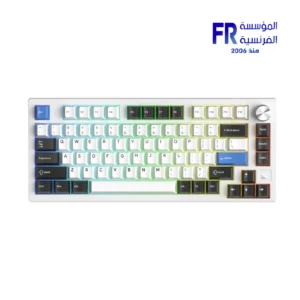
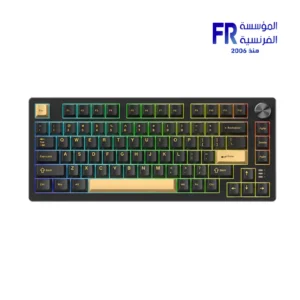
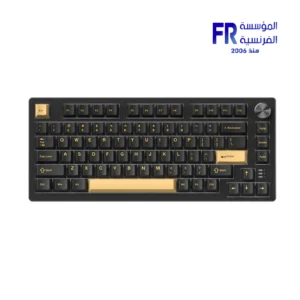
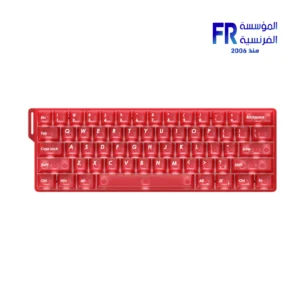
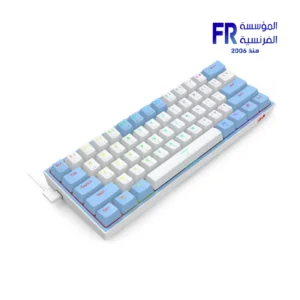
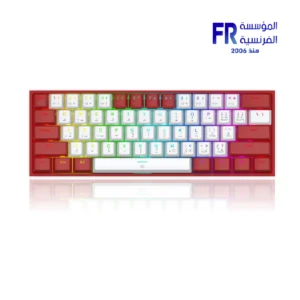
-5%
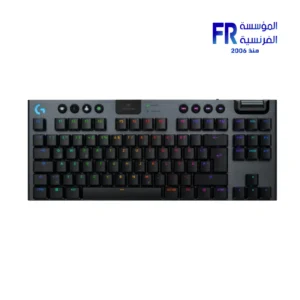
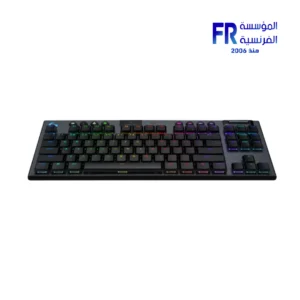
Original price was: 11000 EGP.10499 EGPCurrent price is: 10499 EGP.
-9%
Original price was: 5499 EGP.4999 EGPCurrent price is: 4999 EGP.