


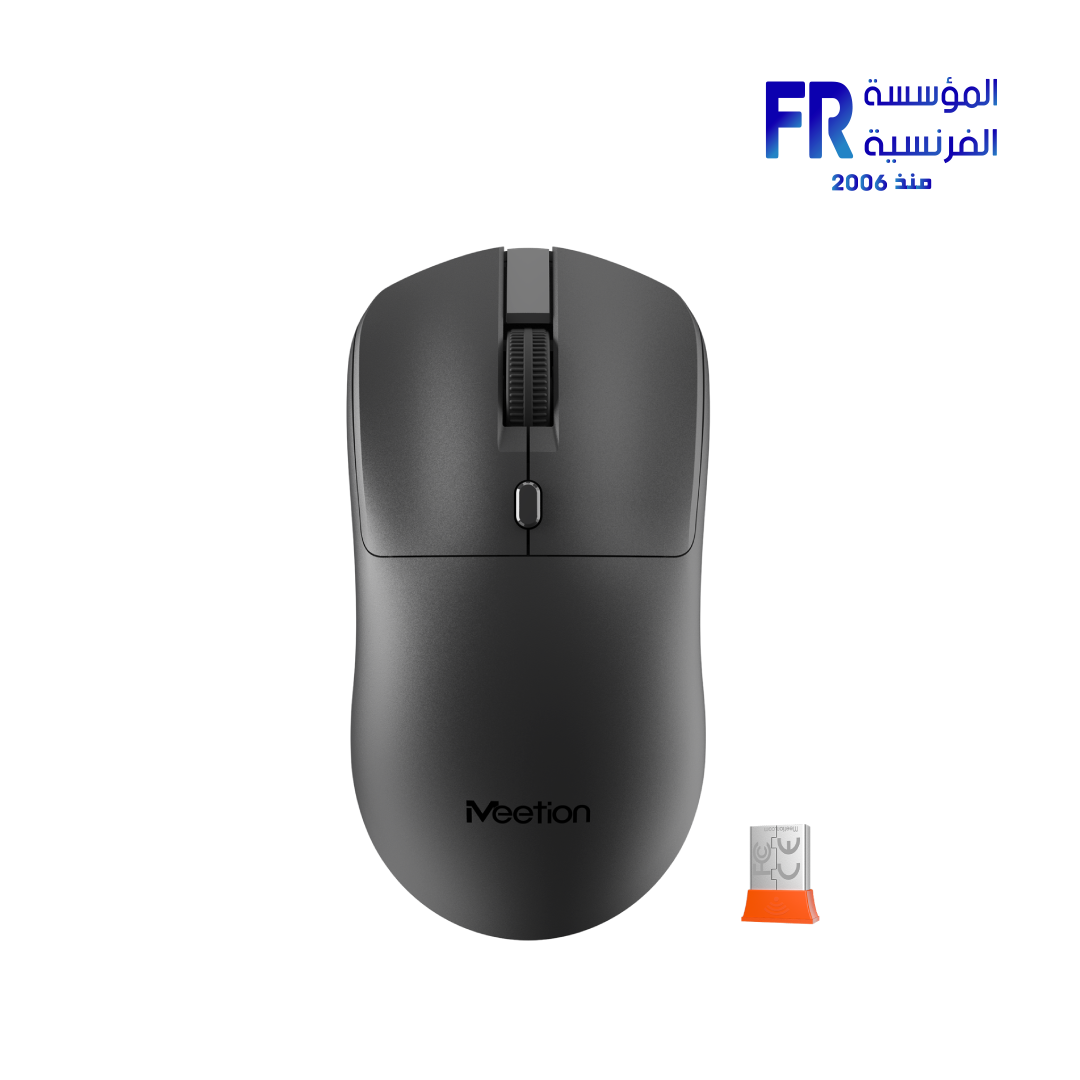

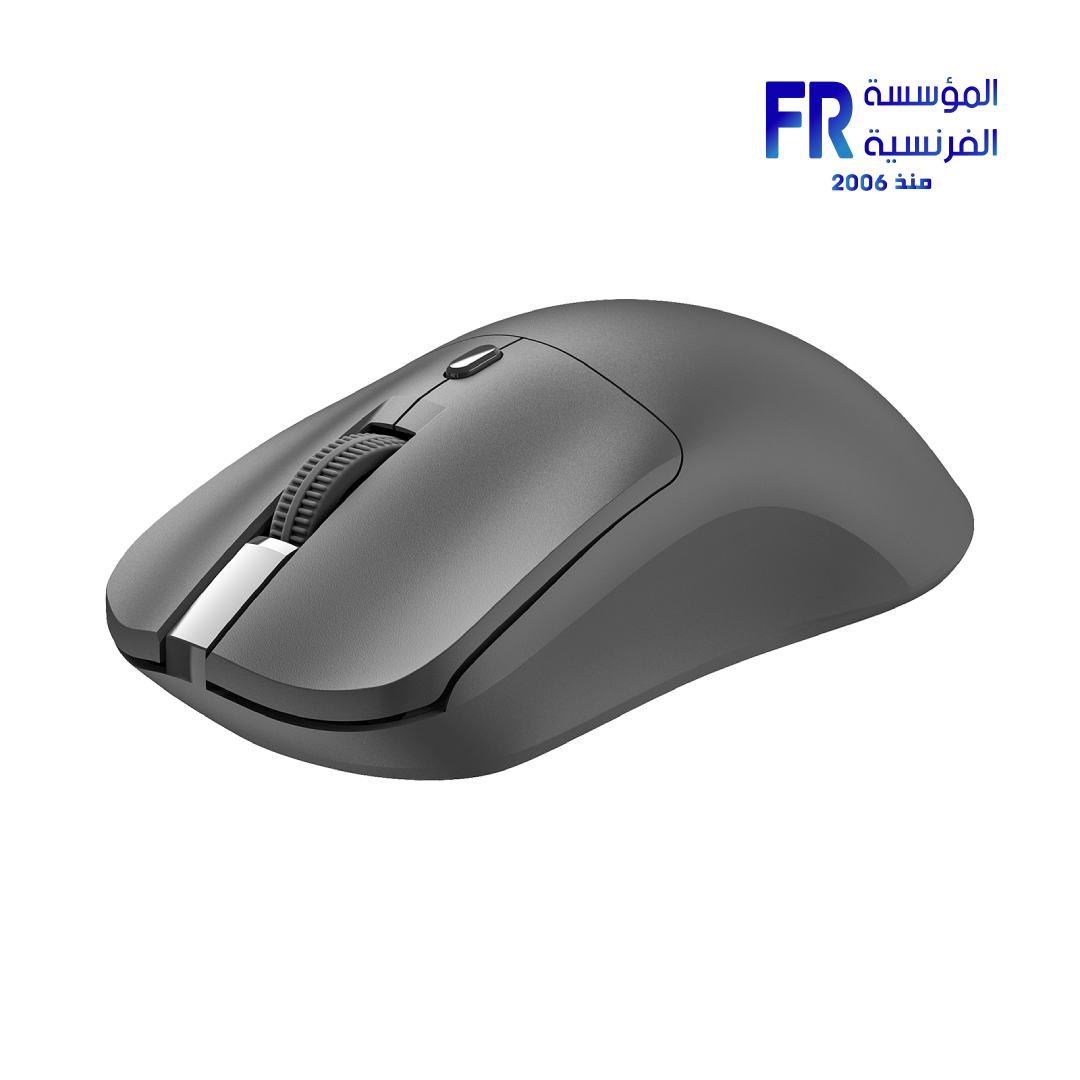
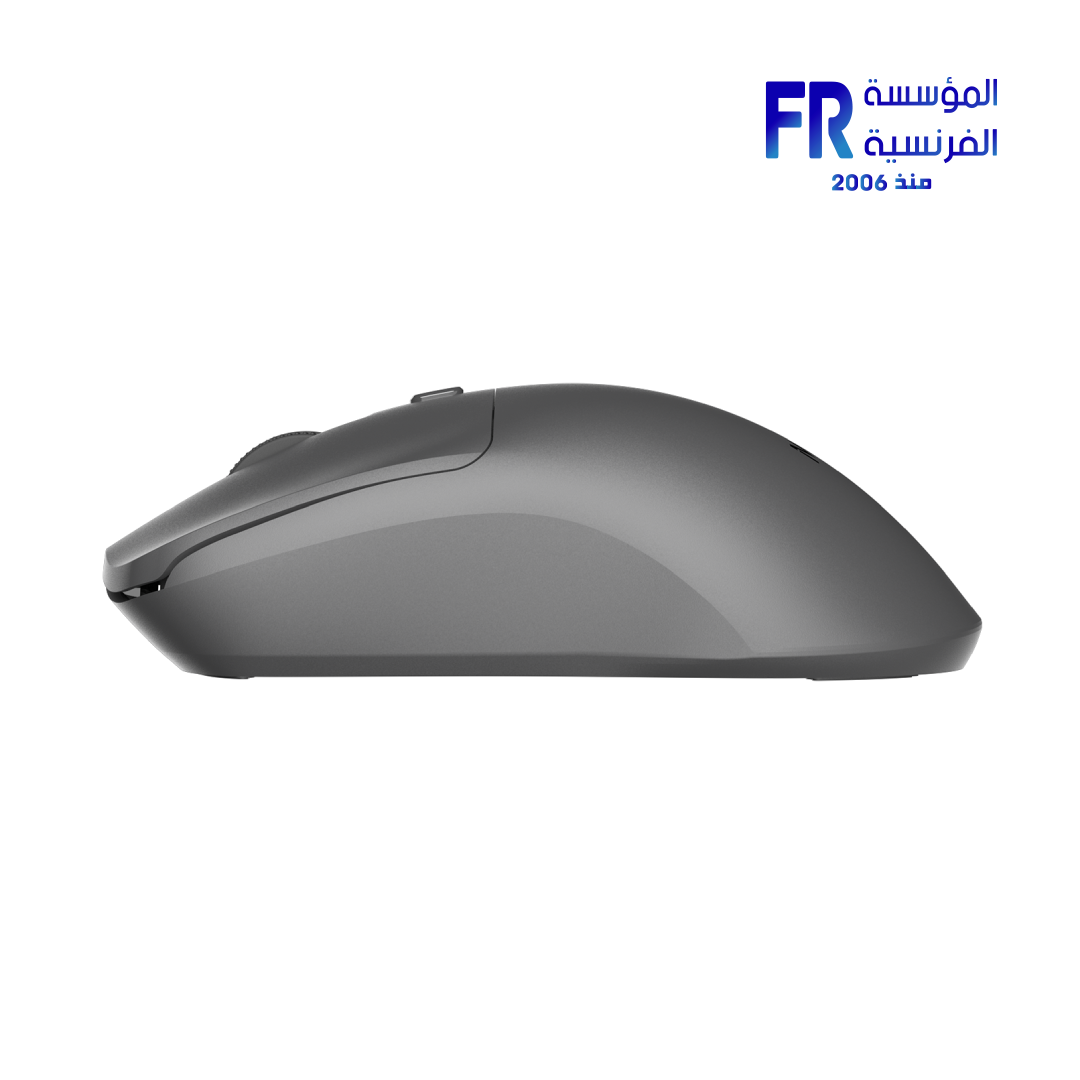
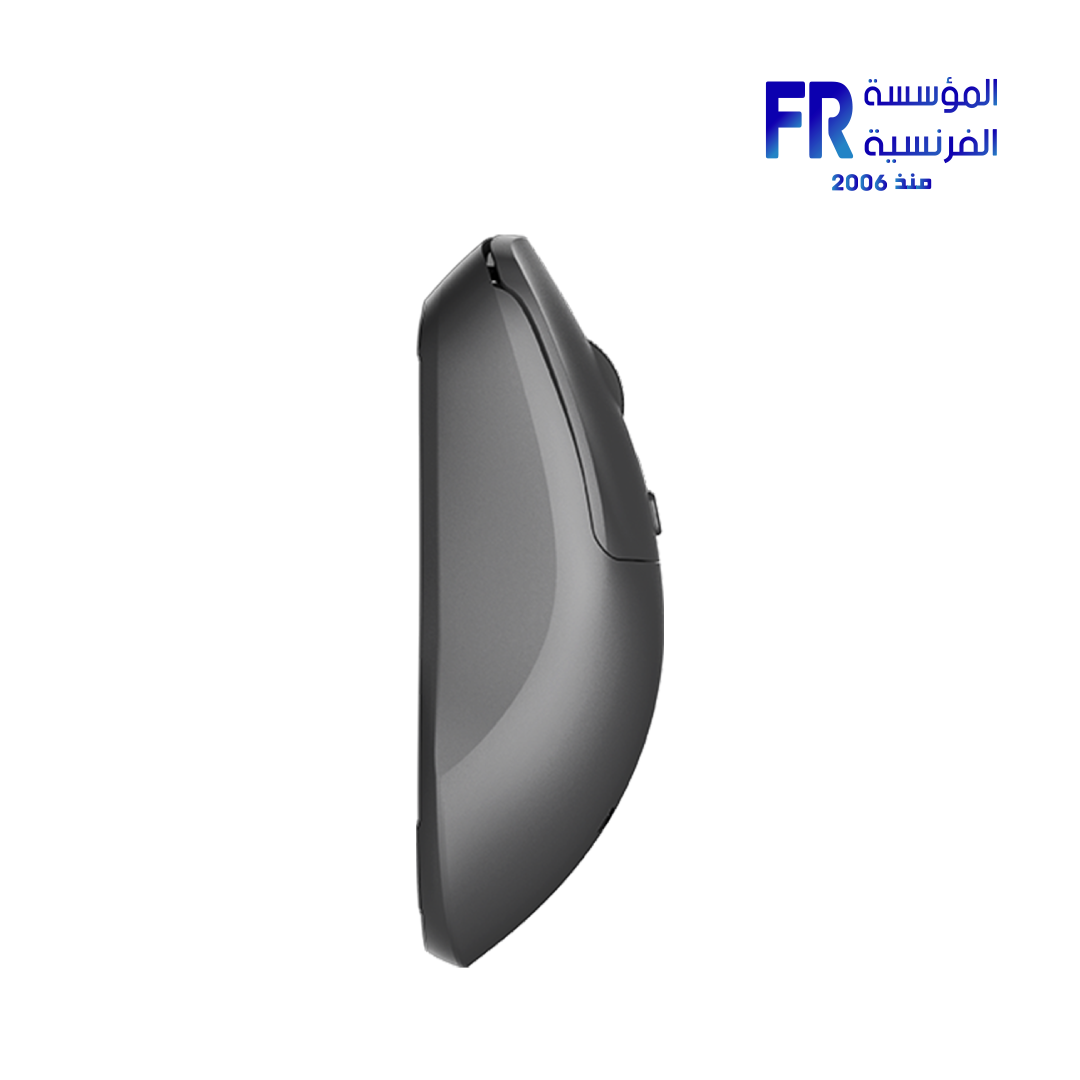

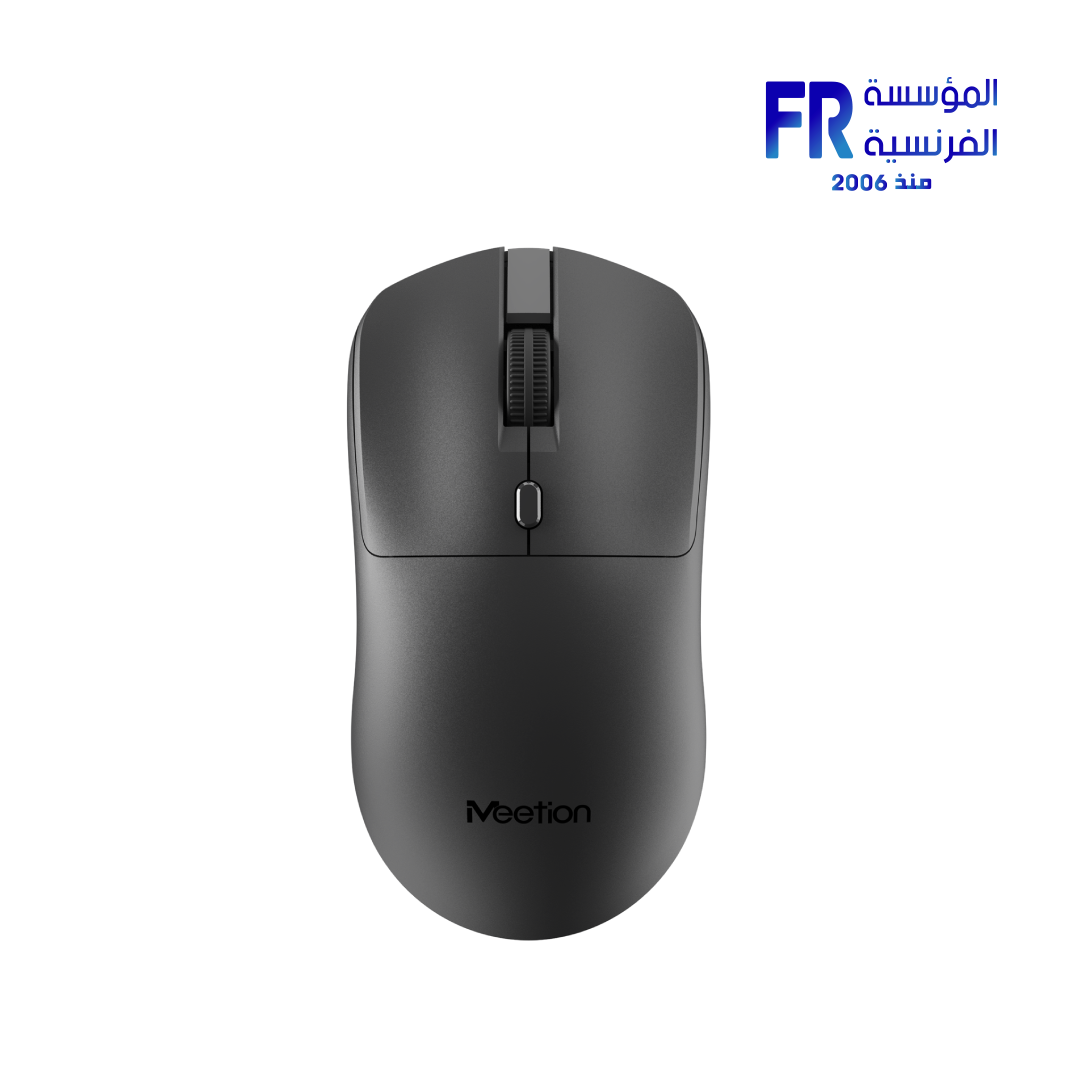
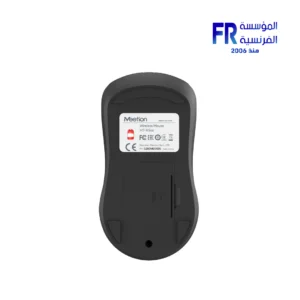






Meetion R546 Dark Gray Wireless Mouse
258 EGP Original price was: 258 EGP.208 EGPCurrent price is: 208 EGP.
- Part Number: R546
- Connectivity & Sensor: 2.4GHz Wireless | Optical Tracking | 10m Range | 125Hz Polling Rate
- DPI & Buttons: 3-Level DPI (800 / 1200 / 1600) | 4 Buttons | Silent Microswitch (3M Clicks)
- Design & Battery: Symmetrical Lightweight 55g | 118.8 x 61.8 x 38.9mm | Dark Gray | 2x AAA Battery | Up to 360-Day Standby
- Compatibility: Windows XP / Vista / 7 / 8 / 10 | Mac OS | Plug & Play
- Warranty: 2 Years
In stock
Price Match Guarantee✅ Authorized Meetion Partner in Egypt | Official Warranty Coverage | Expert PC Building Consultation Available
Meetion R546 Dark Gray Wireless Mouse
Meetion R546 is a 2.4GHz wireless office mouse with silent buttons rated for 3 million clicks, 3-level adjustable DPI, and a symmetrical lightweight design at 55g. Because it connects through a 2.4GHz USB receiver, it avoids Bluetooth and Wi-Fi interference for a stable connection up to 10 meters. In addition, it runs on 2x AAA batteries with up to 360 days of standby time and works as plug-and-play with both Windows and Mac systems. Available at Alfrensia for 249 EGP.
⚡ Engineering Highlights at a Glance:
- 2.4GHz Wireless Connection: Stable transmission up to 10 meters without Bluetooth or Wi-Fi interference.
- Silent Microswitch Buttons: Quieter clicks create a distraction-free environment for office work or late-night study. Rated for 3 million clicks .
- 3-Level Adjustable DPI: Switch between 800, 1200, and 1600 DPI with a single button for precise control across different tasks.
- Symmetrical Lightweight Design: At 55g, the mouse fits comfortably in the palm for both left-handed and right-handed users, reducing fatigue during prolonged use.
- Smart Power Saving: The mouse enters sleep mode after 10 minutes of inactivity and wakes with a click. Up to 360 days of standby time from 2x AAA batteries.
- Plug and Play: No drivers required. Works with Windows and Mac systems, desktops, laptops, and all-in-one PCs.
- High-Precision Optical Tracking: Smooth operation on a variety of surfaces, including desks, fabric, and leather.
Stable 2.4GHz Connectivity
The R546 uses advanced 2.4GHz wireless technology, which transmits through the included USB receiver. Because the connection uses a dedicated 2.4GHz band, it avoids the interference that can affect Bluetooth or Wi-Fi devices in busy environments. The wireless range reaches up to 10 meters, which is enough for typical desktop and meeting-room use. Plug the receiver into any available USB port, and the mouse works immediately without pairing or driver installation.
Silent Clicks and Adjustable DPI
The R546 features silent microswitch buttons that reduce the audible click to a soft tap. Because the buttons are quiet, the mouse suits open offices, shared workspaces, and late-night use where clicking noise would disturb others. The switches are rated for 3 million clicks, which supports daily use over several years. The mouse also offers three DPI levels: 800, 1200, and 1600. Because you can switch between them with a single button on top of the mouse, you can match sensitivity to the task without opening software. Lower DPI works well for precision tasks, while higher DPI speeds up cursor movement on large displays .
Comfort, Battery Life, and Portability
The R546 uses a symmetrical shape that fits both left-handed and right-handed users. At 55 ± 2g and measuring 118.8 x 61.8 x 38.9 mm, it is lightweight enough for extended use without causing hand fatigue, and its compact footprint makes it easy to carry in a laptop bag . The mouse runs on 2x AAA batteries and automatically enters sleep mode after 10 minutes of inactivity, which extends standby time to as much as 360 days. Because the batteries are removable and replaceable, you do not need to worry about a built-in battery degrading over time. Compatibility covers Windows XP through Windows 10, as well as Mac OS .
Who is the Meetion R546 For?
Expert Advice & Setup Considerations
Receiver and Battery Setup
Insert the two AAA batteries into the mouse, then plug the USB receiver into an available port on your PC or laptop. The mouse should connect automatically within a few seconds. If the cursor does not move, try a different USB port or reinsert the receiver. For best wireless performance, keep the receiver away from large metal objects and other 2.4GHz devices such as Wi-Fi routers and wireless keyboards.
Battery Care
The R546 runs on 2x AAA batteries. Battery life depends on usage and whether the smart sleep mode is triggered regularly. Turn the mouse off using the bottom switch when not in use for extended periods to extend battery life. Replace both batteries at the same time with fresh cells of the same type, and do not mix old and new batteries.
📐 Surface and DPI Setup
The mouse works on most surfaces, including desks, fabric, and leather. For consistent tracking, use a mouse pad or a surface that is not highly reflective. Start with 1200 DPI for everyday tasks and switch up or down depending on screen size and personal preference. Clean the optical sensor opening periodically with a dry cloth or compressed air to maintain tracking accuracy.
Technical Specifications
| Model | Meetion R546 |
| Brand | Meetion |
| SKU / MPN | R546 |
| EAN | 6970344735200 |
| Connectivity | 2.4GHz Wireless via USB Receiver |
| Wireless Range | Up to 10 m |
| Max DPI | 1600 DPI |
| DPI Levels | 800 / 1200 / 1600 |
| Number of Buttons | 4 |
| Switch Type | Silent Microswitch |
| Switch Life | 3 Million Clicks |
| Polling Rate | 125 Hz |
| Battery | 2x AAA |
| Battery Life | Up to 360 Days Standby, 200 Hours Working |
| Working Current | ≤14 mA |
| Weight | 55 ± 2 g |
| Dimensions | 118.8 x 61.8 x 38.9 mm |
| Backlight | None |
| Compatibility | Windows XP / Vista / 7 / 8 / 10, Mac OS |
Expert Recommendation: Getting the Most from Your R546
The Meetion R546 is a straightforward choice for users who want a quiet wireless mouse for office work, study, or travel. Because it uses a 2.4GHz USB receiver rather than Bluetooth, setup is plug-and-play and does not require pairing. The silent switches reduce noise in shared spaces, and the three DPI levels let you adjust sensitivity for different tasks. Use 1200 DPI for general desktop use and 1600 DPI for large displays or fast navigation. When not using the mouse for extended periods, switch it off with the bottom power switch to preserve battery life. The mouse works on most surfaces, but a mouse pad provides the most consistent tracking. Clean the sensor opening periodically with a dry cloth or compressed air to maintain accuracy.
Frequently Asked Questions
Does the Meetion R546 require software to work?
No. The R546 is plug-and-play. Insert the batteries, plug the USB receiver into a free USB port, and the mouse works immediately. There is no driver or app required.
How do I change the DPI on the R546?
Press the DPI button on top of the mouse to cycle through the three levels: 800, 1200, and 1600 DPI. The current setting changes the cursor speed, so choose lower DPI for precision and higher DPI for fast navigation.
What type of batteries does the R546 use?
The R546 uses 2x AAA batteries. It is not rechargeable. Replace both batteries at the same time and avoid mixing old and new cells. The mouse automatically enters sleep mode after 10 minutes of inactivity to extend battery life.
Is the R546 compatible with Mac?
Yes. The R546 is compatible with Mac OS and Windows systems (XP through 10). Because it uses a standard USB receiver, no additional drivers are required on either platform.
Can the R546 be used by left-handed users?
Yes. The R546 uses a symmetrical shape that fits both left-handed and right-handed users. The main buttons and the scroll wheel are centered, so the mouse works comfortably regardless of which hand you use.
Only logged in customers who have purchased this product may leave a review.

Reviews
There are no reviews yet.