-
×
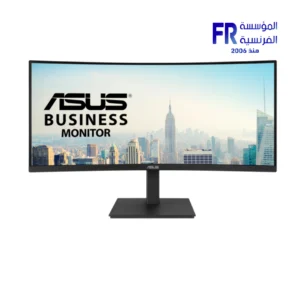 Asus VA VA34VCPSR 34 Inch 100Hz 4ms UWQHD VA Curve 1500R Adaptive Sync HDR10 With Speakers Monitor
1 × 21500 EGP
Asus VA VA34VCPSR 34 Inch 100Hz 4ms UWQHD VA Curve 1500R Adaptive Sync HDR10 With Speakers Monitor
1 × 21500 EGP -
×
 Samsung Odyssey Neo G9 G95NC S57CG952NU 57 Inch 240Hz 1ms GTG Dual UHD VA Curve 1000R Quantum Matrix FreeSync Premium Pro White Monitor
1 × 129999 EGP
Samsung Odyssey Neo G9 G95NC S57CG952NU 57 Inch 240Hz 1ms GTG Dual UHD VA Curve 1000R Quantum Matrix FreeSync Premium Pro White Monitor
1 × 129999 EGP -
×
Xpg Probe 600w 80 Plus Bronze Power Supply
1 × 2350 EGP
-
×
Thermalright Wonder Vision UB 360mm ARGB White AIO Liquid CPU Cooler
1 × 15000 EGP
-
×
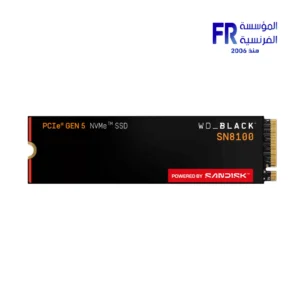
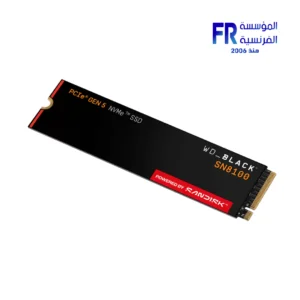
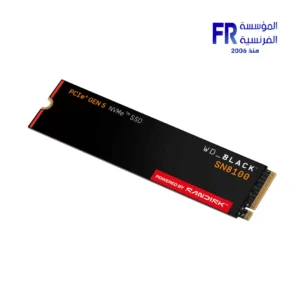
Western Digital Black SN8100 1TB M2 2280 PCIe Gen 5 Nvme Without Heatsink Internal Solid State Drive SSD
1 × 11400 EGP
-
×
Asus Rog Thor 1000W 80 Plus Platinum II Gaming Power Supply
1 × 14500 EGP
-
×
Thermal Grizzly Kryonaut Extreme 2g Thermal Paste
1 × 775 EGP
-
×
Noctua NA-FK1 redux 120mm Fan
1 × 999 EGP
-
×
Antec GSK 850W 80 Plus Gold ATX 3.1 Pcie 5.1 Full Modular Power Supply
1 × 5299 EGP
-
×
Cooler Master Hyper 212 Black X Duo Dual Fan 4 Heatpipe Direct Contact Air CPU Cooler
1 × 2050 EGP
-
×
Corsair MP700 PRO 1Tb M.2 Pcie Gen5 Nvme Internal Solid State Drive SSD
1 × 11400 EGP
 Samsung Odyssey Neo G9 G95NC S57CG952NU 57 Inch 240Hz 1ms GTG Dual UHD VA Curve 1000R Quantum Matrix FreeSync Premium Pro White Monitor
  Xpg Probe 600w 80 Plus Bronze Power Supply
 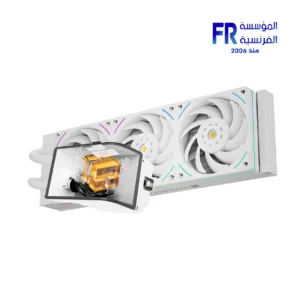 Thermalright Wonder Vision UB 360mm ARGB White AIO Liquid CPU Cooler
 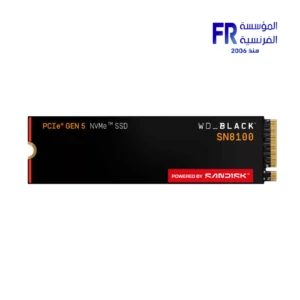 Western Digital Black SN8100 1TB M2 2280 PCIe Gen 5 Nvme Without Heatsink Internal Solid State Drive SSD
 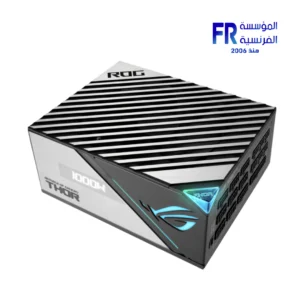 Asus Rog Thor 1000W 80 Plus Platinum II Gaming Power Supply
  Thermal Grizzly Kryonaut Extreme 2g Thermal Paste
 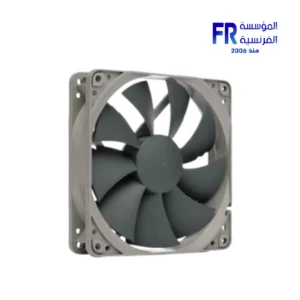 Noctua NA-FK1 redux 120mm Fan
 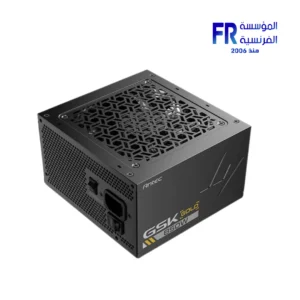 Antec GSK 850W 80 Plus Gold ATX 3.1 Pcie 5.1 Full Modular Power Supply
 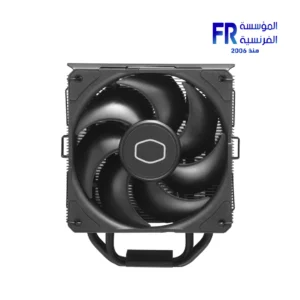 Cooler Master Hyper 212 Black X Duo Dual Fan 4 Heatpipe Direct Contact Air CPU Cooler
  Corsair MP700 PRO 1Tb M.2 Pcie Gen5 Nvme Internal Solid State Drive SSD
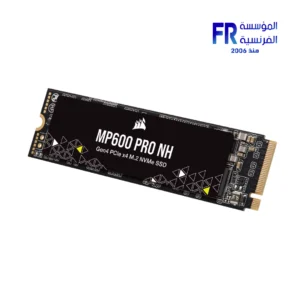
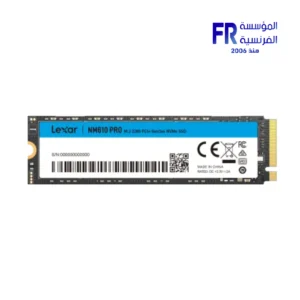
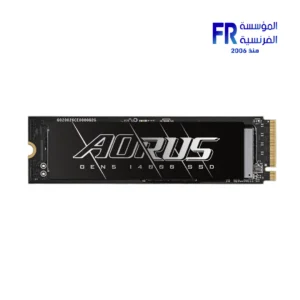
Storage is the space where data is kept on a computer. There are two main types of storage: primary storage and secondary storage.
Primary
is the memory that the computer uses to store data that it is actively using. It is a volatile memory, meaning that it loses its data when the computer is turned off. Primary includes RAM and ROM.
Secondary
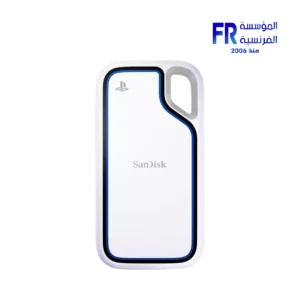
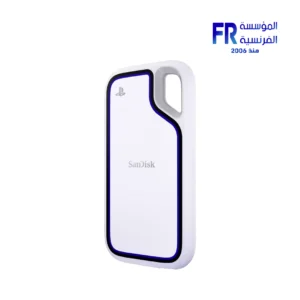
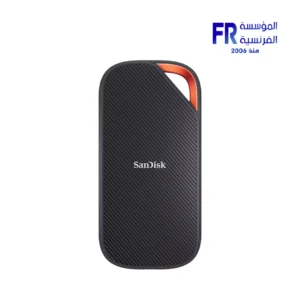
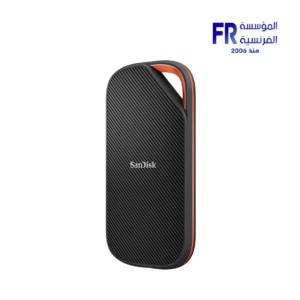
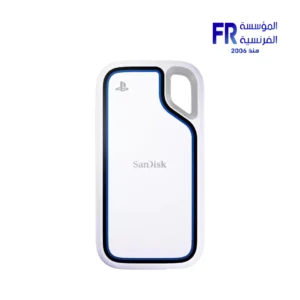
is the memory that the computer uses to store data that it is not actively using. It is a non-volatile memory, meaning that it retains its data even when the computer is turned off. Secondary includes hard disk drives (HDDs), solid state drives (SSDs), optical discs, and cloud .
HDDs
are the most traditional type of secondary . They use spinning platters coated with magnetic material to store data. HDDs are relatively inexpensive and have a large capacity, but they are also slower and less reliable than SSDs.
SSDs
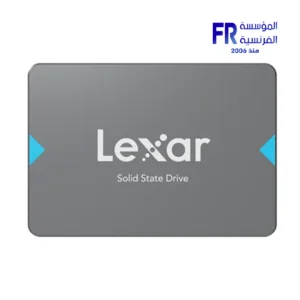
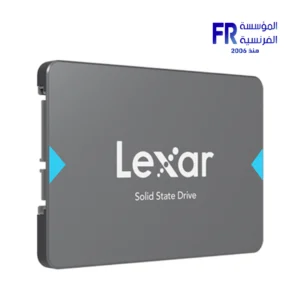
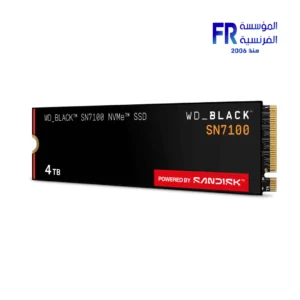
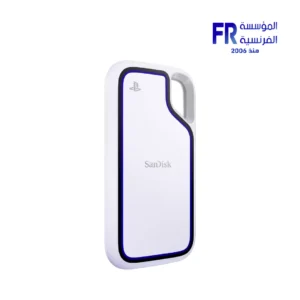
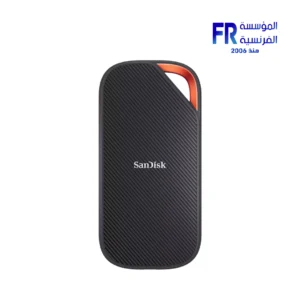
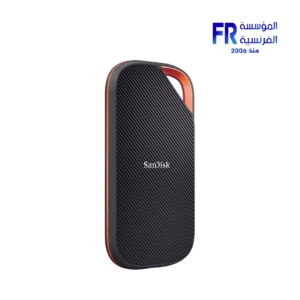
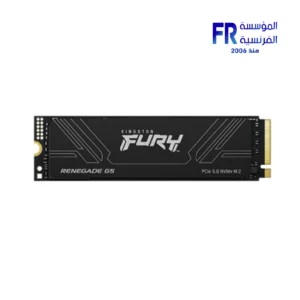
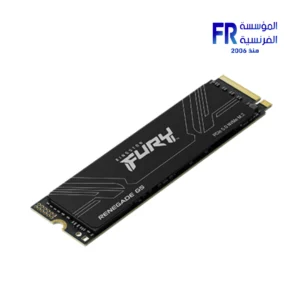
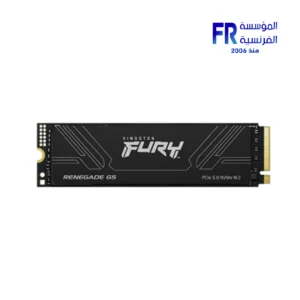
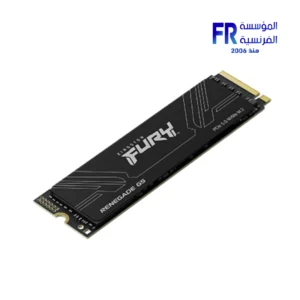
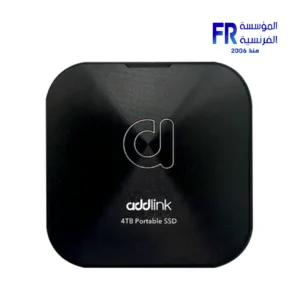
are a newer type of secondary that uses flash memory to store data. SSDs are much faster and more reliable than HDDs, but they are also more expensive.
Optical discs
are removable devices that use light to read and write data. Optical discs include CDs, DVDs, and Blu-ray discs. Optical discs are a good option for backing up data or storing data that you need to access infrequently.
Cloud
is a type of secondary that stores data on remote servers. Cloud storage is convenient and accessible from anywhere with an internet connection. However, cloud can be expensive and there are security concerns associated with storing data on remote servers.
When choosing for your computer, there are a few factors to consider:
-
Capacity:
How much data do you need to store?
-
Speed:
How fast do you need to be able to access your data?
-
Reliability:
How important is it that your data be reliable?
-
Price:
How much are you willing to spend on storage?
Once you have considered these factors, you can choose the type of storage that is right for you.
Here are some recommendations for storage for different types of users:
-
Casual users:
Casual users who only use their computer for basic tasks such as browsing the web, checking email, and word processing may be able to get by with a small SSD (128GB-256GB).
-
Power users:
Power users who run multiple programs at the same time or work with large datasets may want to consider a larger SSD (512GB-1TB) or a hybrid drive (HDD with a small SSD cache).
-
Enthusiasts and professionals:
Enthusiasts and professionals who need the fastest possible performance and/or need to store a large amount of data may want to consider a large SSD (1TB or more) or a RAID array (multiple storage devices combined into a single logical unit).
If you are unsure how much storage you need or what type of storage is right for you, it is always best to consult with a computer technician.