



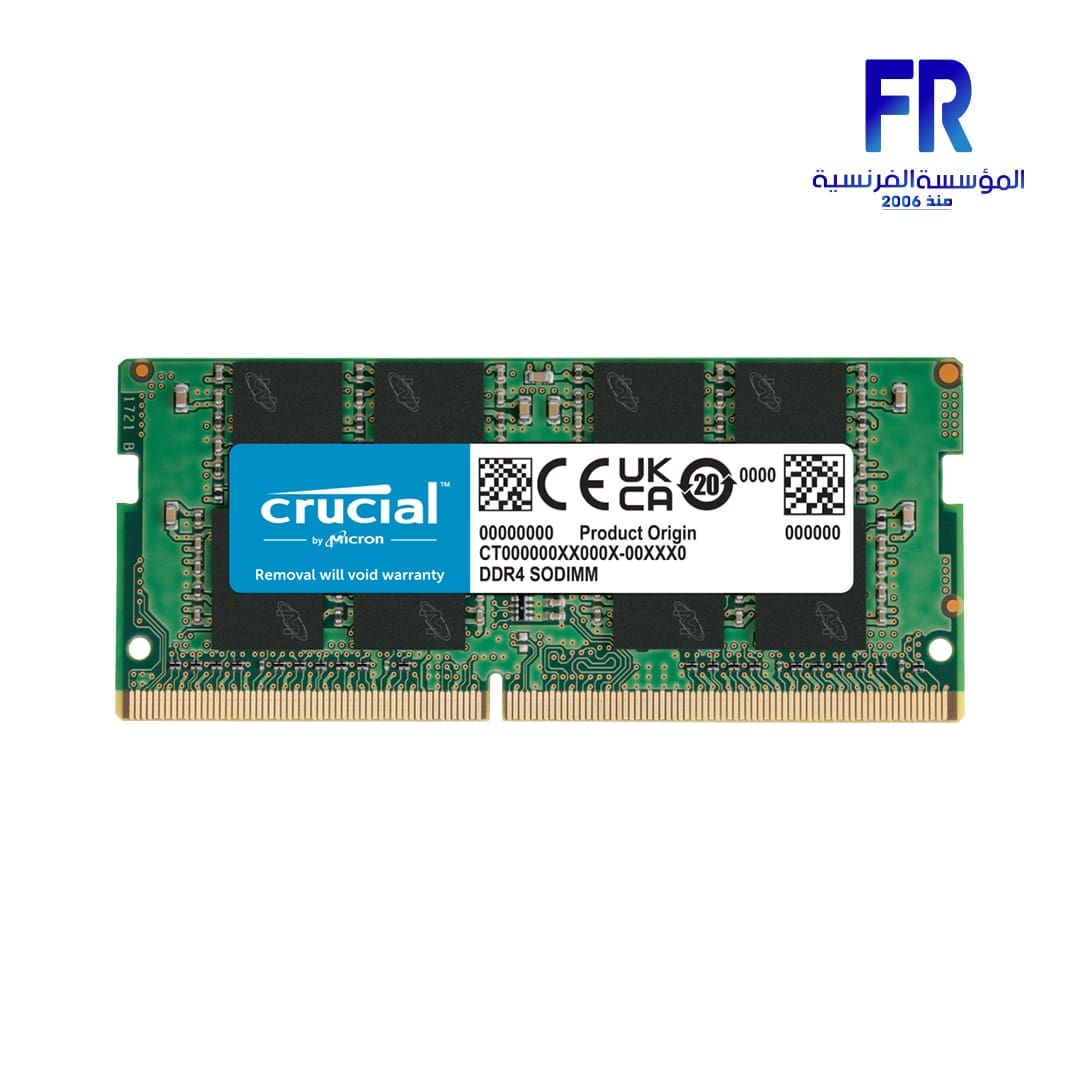



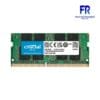
Crucial Basics SODIMM 16GB 3200Mhz DDR4 CL22 Laptop Memory
2721 EGP
- Technology: DDR4
- Module Type: SODIMM
- Density: 16GB
- Kit Quantity: 1
- Voltage: 1.2V
- DIMM Type: Unbuffered
- Die Density:16Gb
Want to be notified when this product is back in stock?
Crucial Basics SODIMM 16GB 3200Mhz DDR4 CL22 Laptop Memory
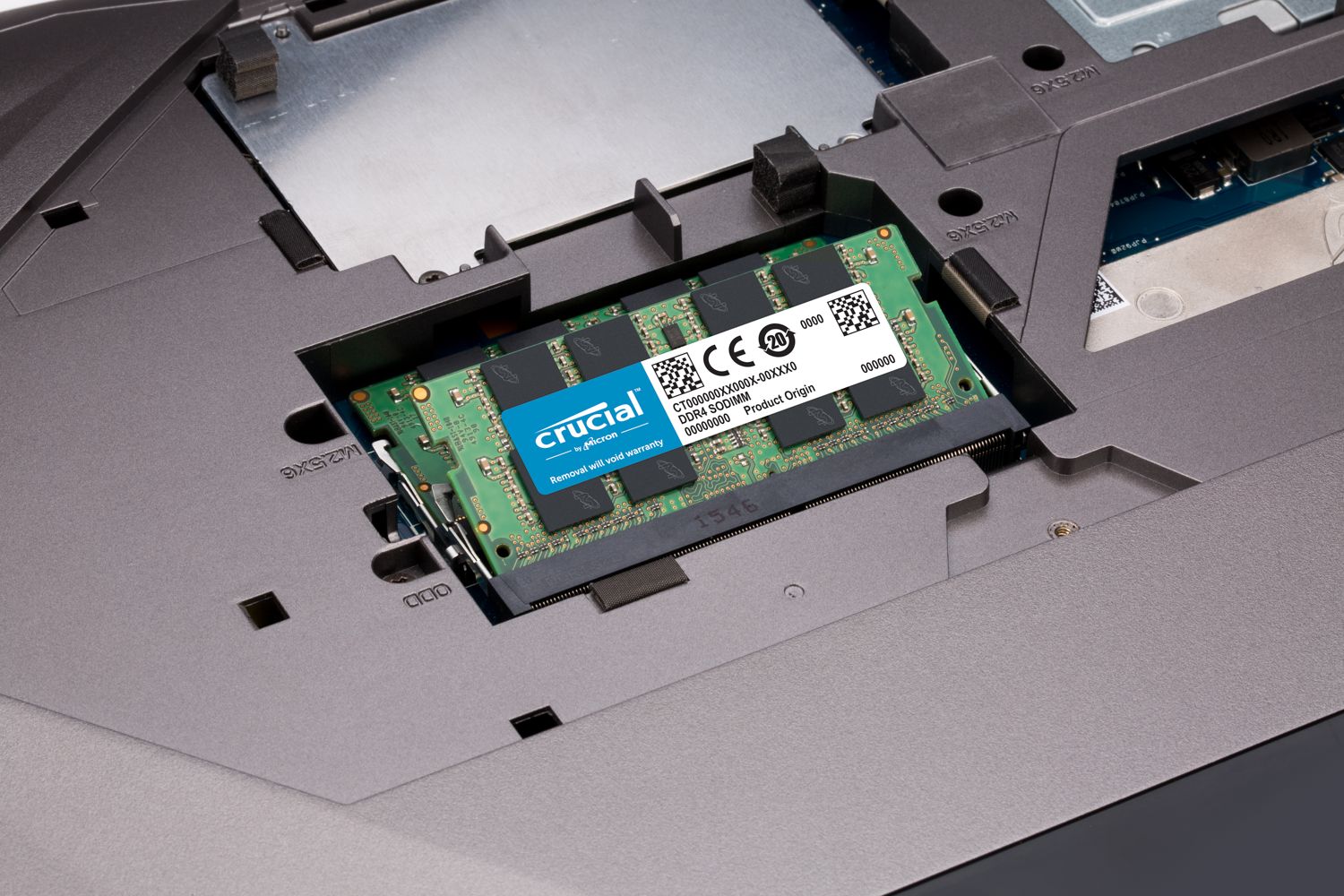
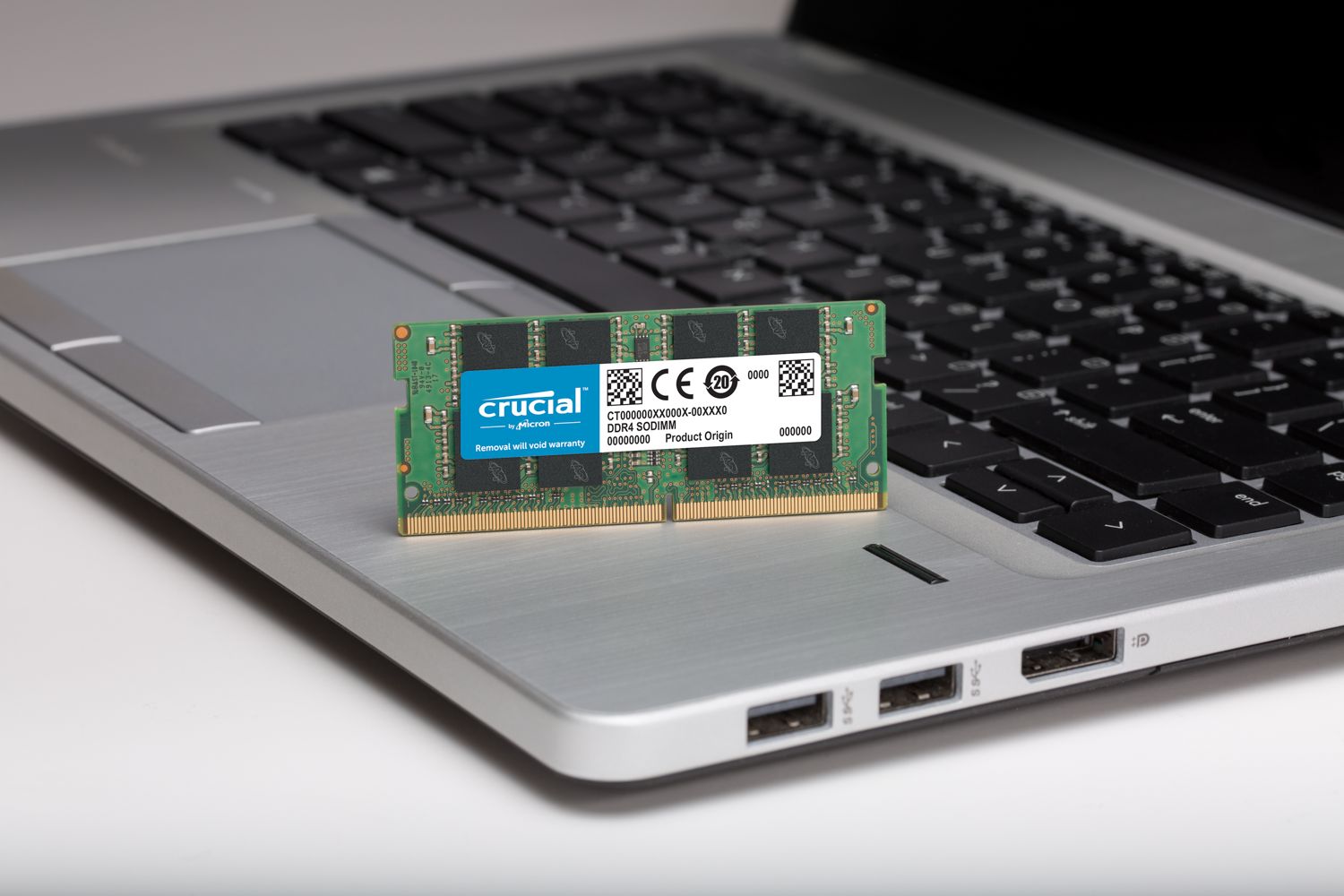
Crucial Basics SODIMM 16GB 3200Mhz DDR4 CL22 Laptop Memory SPECIFICATIONS:
- Technology: DDR4
- Module Type: SODIMM
- Density: 16GB
- Kit Quantity: 1
- Voltage: 1.2V
- DIMM Type: Unbuffered
- Die Density:16Gb
Default and Performance Recovery Profiles
- Default (JEDEC): 22-22-22
Speed & Timing
- Speed: DDR4-3200
- CAS Latency: 22
- Extended Timings: 22-22-22
Warranty & Returns
- Warranty Description: Crucial offers different warranty levels for different products.
Key Features
- High-Speed DDR4 Memory: Operates at DDR4-3200 for improved performance in laptops and compact systems.
- Energy Efficient: Runs at a low voltage of 1.2V, reducing power consumption while maintaining stability.
- Plug-and-Play Compatibility: Default JEDEC timings (22-22-22) ensure seamless operation without manual configuration.
- Compact SODIMM Design: Ideal for laptops, mini PCs, and other small form-factor devices.
- Reliable Performance: Unbuffered design ensures consistent data transfer for everyday computing tasks.
- Warranty Support: Backed by Crucial’s warranty policies, offering peace of mind for long-term use.
-
Make everything on your computer faster
Memory is a component in your computer that allows for short-term data access. Since your system’s moment-to-moment operations rely on short-term data access – loading applications, browsing the Web or editing a spreadsheet – the speed and amount of memory in your system plays a critical role. Load apps in seconds by increasing the speed of your memory and installing more of it.
-
Multitask with ease
If you’re like us, you use your computer to do a lot of things at once. You might be editing a document, while also looking at pictures and browsing the internet. This naturally leads to a performance problem: every app you’re running requires memory and competes for a limited pool of resources. Overcome this by installing high-density modules in each memory slot for seamless multitasking.
-
Install with ease – no computer skills required
With just a screwdriver, your owner’s manual, and a few minutes of time, you can install memory – no computer skills necessary. Just watch one of our three-minute install videos, and we’ll walk you step-by-step through the process. Don’t pay a computer shop to do something you can do in minutes!
-
Maximize the value of your system
At a fraction of the cost of a new system, a memory upgrade is one of the most affordable ways to increase performance. Get more out of your laptop by giving it the resources it needs to perform.
| MODEL | |
|---|---|
| RAM TYPE | |
| Technology | |
| RAM CAPACITY | |
| Memory Speed | |
| Latency | |
| Voltage | |
| Performance Profile | |
| Heat Spreader | |
| RAM RGB | |
| Part Number | |
| Warranty |
1 review for Crucial Basics SODIMM 16GB 3200Mhz DDR4 CL22 Laptop Memory
Only logged in customers who have purchased this product may leave a review.

Abanoub Noah –
انتظرت خمس ايام وفي الاخر لم يتم شحن المنتج بحجة النفاذ رغم أنه نزل على الموقع بعدها بسعر اعلي