


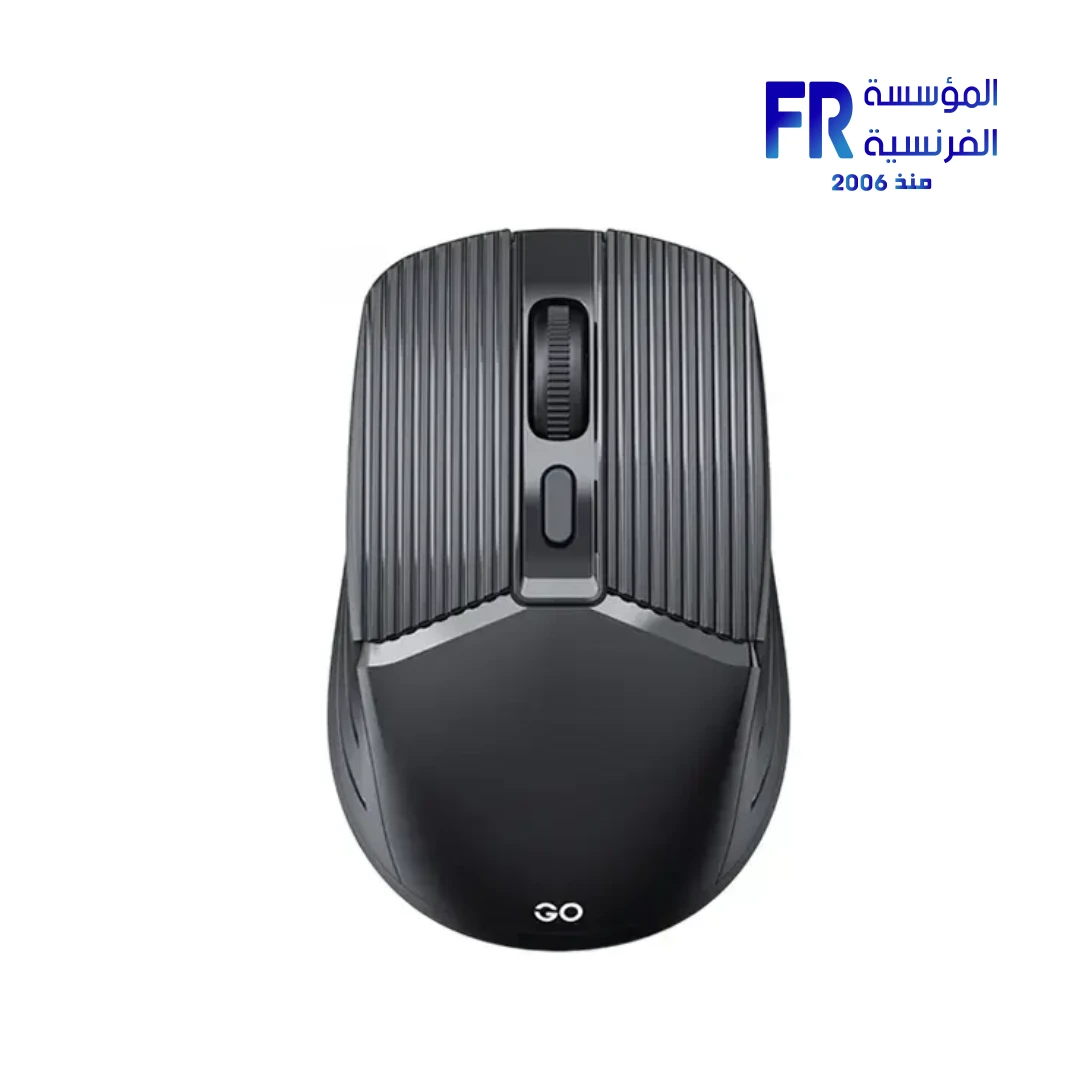
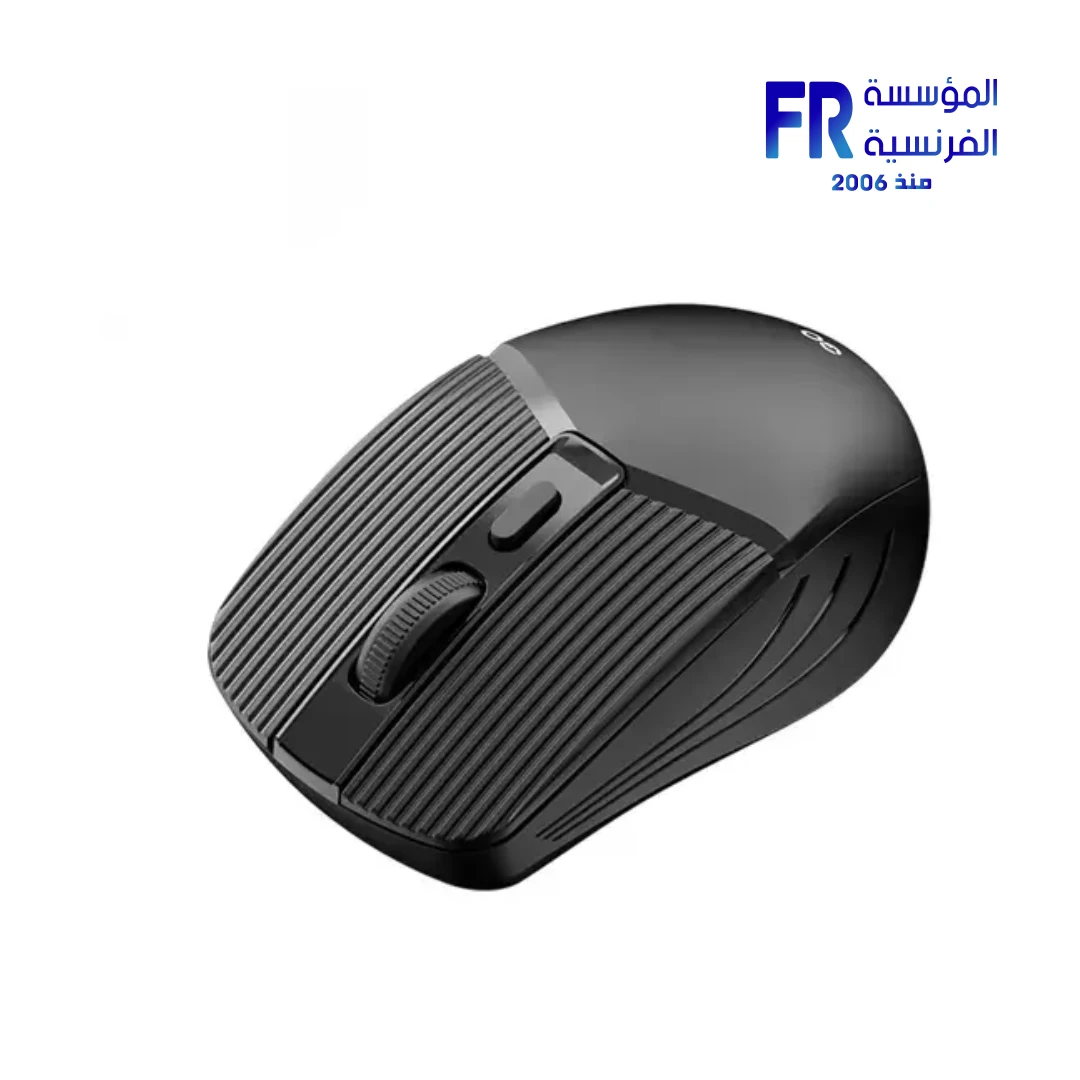
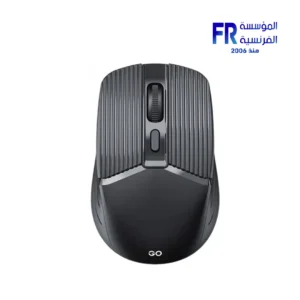
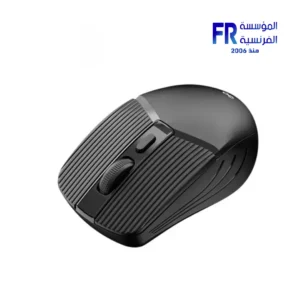


Fantech Go W605 1600 DPI Optical 4 Button Black 2.4GHz Wireless Mouse
182 EGP
- Model: Fantech Go W605 Wireless Mouse (Black)
- Connectivity: 2.4GHz Wireless via USB Receiver | Up to 10 meters range | Plug-and-Play setup
- Sensor & Performance: Optical Tracking | Adjustable DPI: 1000 / 1200 / 1600
- Controls: 4 Buttons total
- Design: Ergonomic shape designed for comfortable daily use and proper hand support
- Power: Requires 2x AA batteries (Note: Batteries typically not included unless specified by retailer)
- Warranty: 1 Year
Only 2 left in stock
Price Match Guarantee✅ Authorized Fantech Partner in Egypt | Official Warranty Coverage | Expert PC Building Consultation Available
Fantech Go W605 1600 DPI Optical 4 Button Black 2.4GHz Wireless Mouse
Fantech Go W605 Black is a wireless mouse featuring a 2.4GHz USB receiver, optical tracking with adjustable 1000/1200/1600 DPI, 4 buttons, ergonomic grip design, plug-and-play setup, and up to 10 meters of wireless range powered by 2x AA batteries. It is designed for everyday office tasks, browsing, and general home computing.
⚡ Engineering Highlights at a Glance:
- 2.4GHz Wireless Connection: Reliable wireless performance via USB receiver with up to 10 meters of range.
- Adjustable DPI: Selectable sensitivity levels of 1000, 1200, and 1600 DPI for precise cursor control.
- Optical Tracking: Accurate movement detection on most surfaces without requiring a specialized mousepad.
- 4 Buttons: Standard left/right click, scroll wheel, and DPI adjustment button.
- Ergonomic Grip: Contoured shape designed for comfortable extended use.
- Plug-and-Play Setup: Simply insert the USB receiver and batteries, then start using the mouse immediately.
- 2x AA Battery Powered: Standard batteries for easy replacement, with energy-efficient design for extended use.
Who is the Fantech Go W605 For?
Expert Advice & Setup Considerations
Wireless Setup and Connectivity
The W605 connects via a 2.4GHz USB nano receiver. Insert the batteries (2x AA), plug the receiver into an available USB port, and the mouse should connect automatically. The wireless range extends up to 10 meters in unobstructed environments. For best signal stability, keep the receiver in a USB port with clear line-of-sight to the mouse.
🔋 Battery Life and Power Management
The W605 is powered by 2x AA batteries. The mouse features energy-efficient design with sleep mode that activates during inactivity to extend battery life. To maximize battery longevity, switch off the mouse when not in use for extended periods and use quality alkaline batteries.
🖱️ DPI Settings and Comfort
The W605 mouse supports three DPI levels: 1000, 1200, and 1600 DPI. Use the DPI button on the mouse to cycle between levels. Lower DPI settings are better for precision tasks, while higher settings suit large displays or fast navigation. The ergonomic grip design provides comfortable support for extended use, reducing hand fatigue during long work sessions.
Technical Specifications
| Model Name | Fantech Go W605 |
| Brand | Fantech |
| SKU / MPN | W605 |
| EAN / UPC | 6972661285932 |
| Color | Black |
| Type | Wireless Mouse |
| Interface | 2.4GHz Wireless USB Receiver |
| Tracking Method | Optical |
| DPI | 1000 / 1200 / 1600 DPI (Adjustable) |
| Number of Buttons | 4 Buttons |
| Wireless Range | Up to 10 Meters |
| Battery | 2x AA Batteries |
| Grip Style | Ergonomic |
| Features | Ergonomic Grip, Plug & Play, Optical Tracking |
Expert Recommendation: Getting the Most from Your Go W605
Insert the included batteries (2x AA) and plug the USB nano receiver into an available port. The mouse should connect automatically. For best battery life, switch off the mouse when not in use for extended periods, and use quality alkaline batteries. Use the DPI button to cycle between 1000, 1200, and 1600 DPI settings—lower values suit precision tasks, higher values suit large displays. The ergonomic grip design provides comfortable support for extended use. Clean the mouse surface periodically with a soft, dry cloth to maintain tracking accuracy. The 2.4GHz wireless connection provides reliable performance with up to 10 meters of range, suitable for both desktop and laptop use.
Frequently Asked Questions
What type of connectivity does the Fantech Go W605 use?
The W605 uses a 2.4GHz wireless connection via a USB nano receiver. The wireless range extends up to 10 meters.
What batteries does the W605 require?
The W605 requires 2x AA batteries. The mouse features energy-efficient design with sleep mode to extend battery life.
What are the DPI levels of the W605 mouse?
The W605 mouse supports three DPI levels: 1000, 1200, and 1600 DPI. Use the DPI button on the mouse to cycle between levels.
How many buttons does the W605 have?
The W605 has 4 buttons: standard left/right click, scroll wheel, and a DPI adjustment button.
What is the tracking method of the W605?
The W605 uses optical tracking, which records movement accurately on most surfaces without requiring a specialized mousepad.
| MODEL | |
|---|---|
| Connection | |
| SENSOR TYPE | |
| DPI | |
| lifecycle | |
| Cable Length | |
| BATTERY LIFE | |
| Wireless Range | |
| Acceleration | |
| Buttons | |
| Color | |
| Part Number | |
| Warranty |
Only logged in customers who have purchased this product may leave a review.

Reviews
There are no reviews yet.