


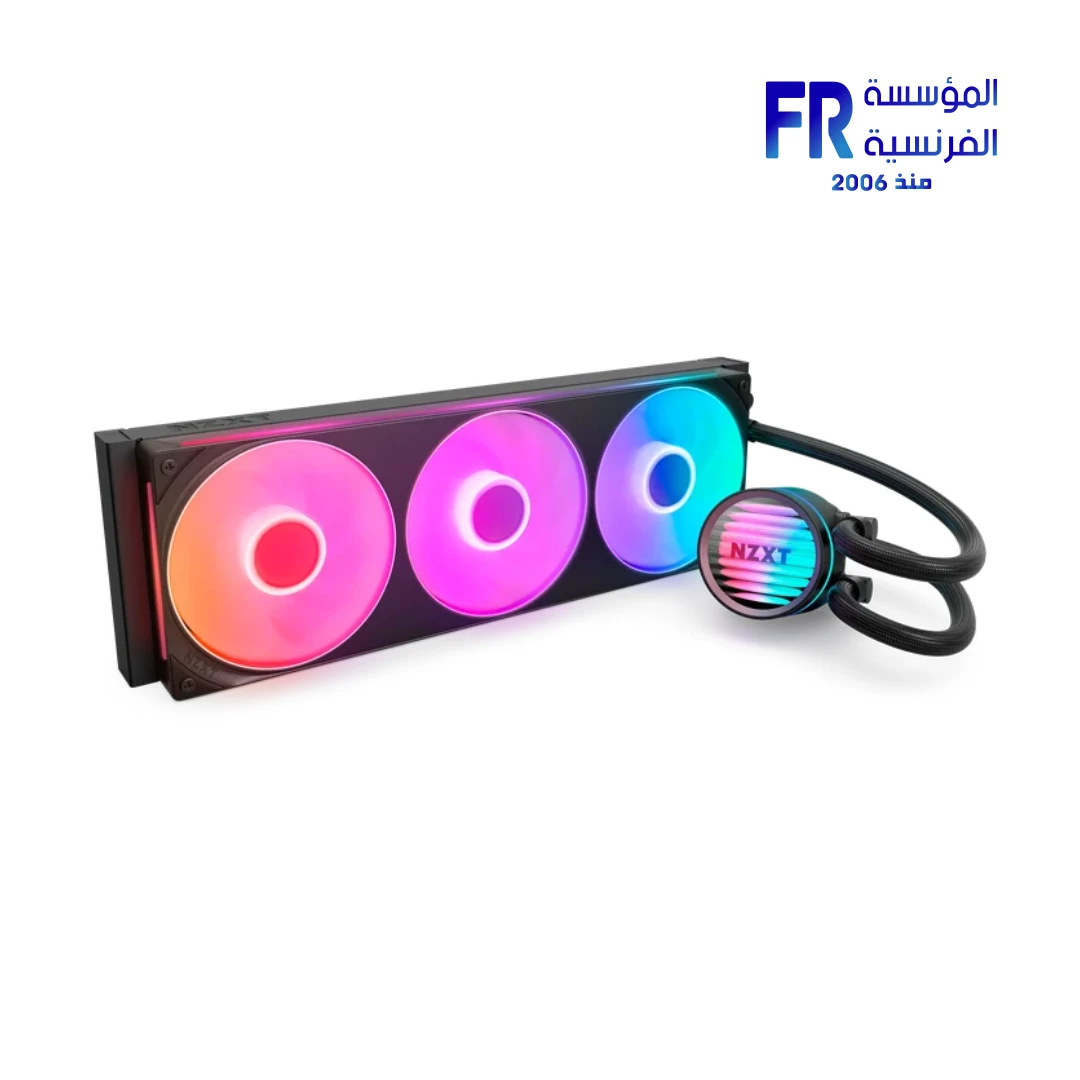
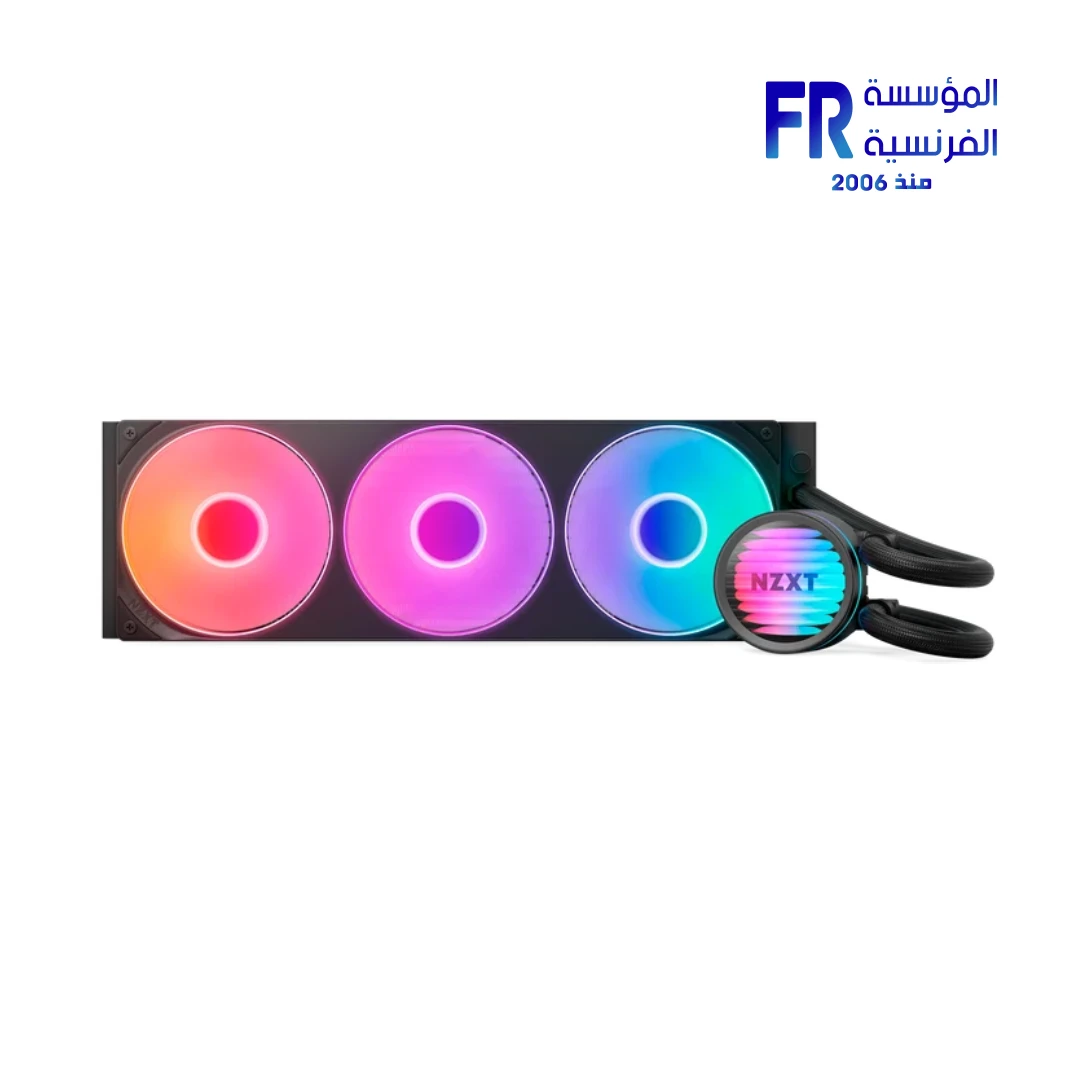
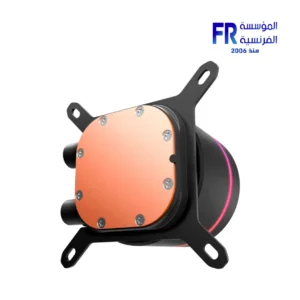


NZXT Kraken Core 360 RGB 360mm 3100 RPM ARGB AIO Liquid CPU Cooler
7139 EGP
- Model Name: NZXT Kraken Core 360 RGB 360mm ARGB AIO Liquid CPU Cooler
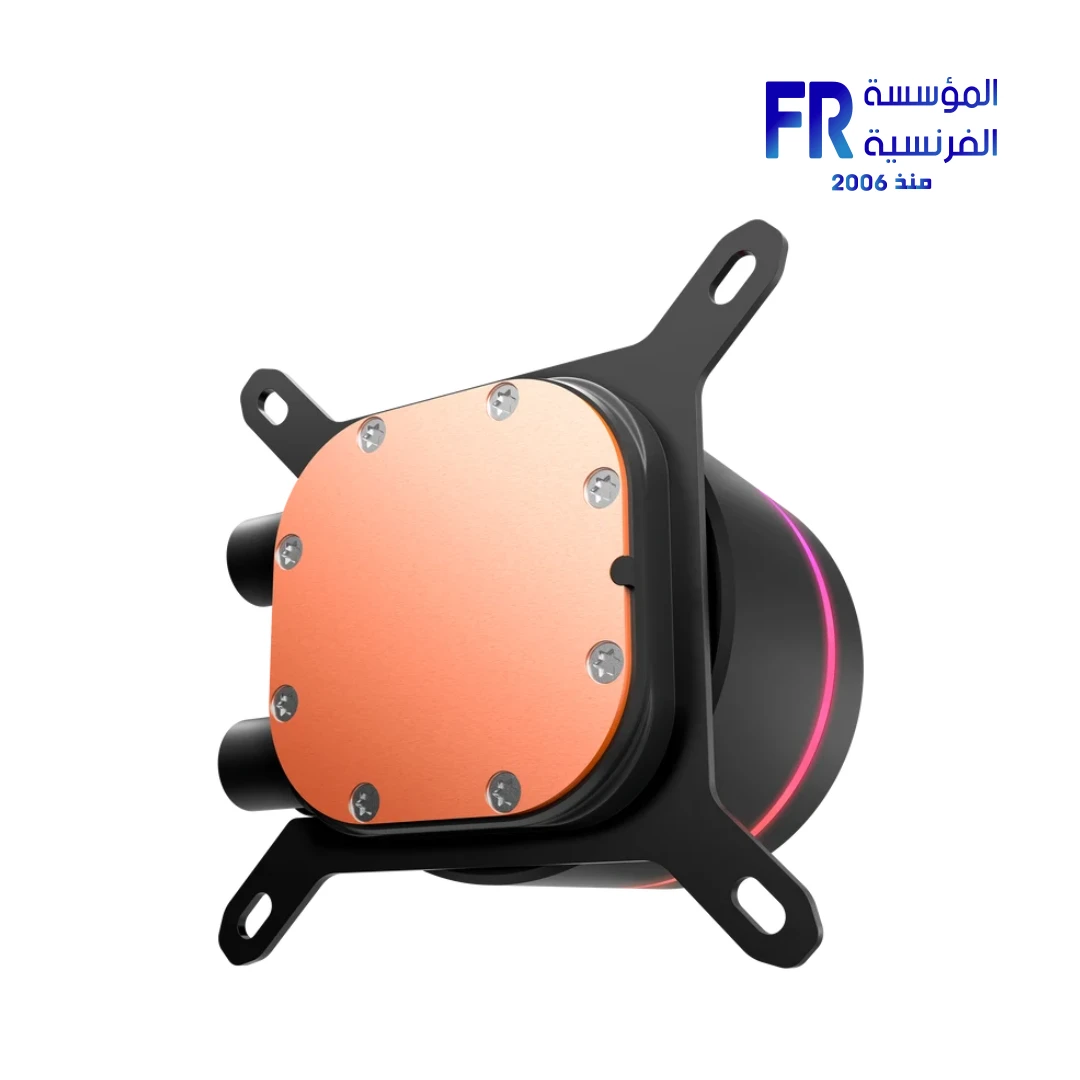
- Radiator & Pump: 397 x 120 x 27mm Aluminum Radiator | 3,100 ± 310 RPM Pump | 420mm Braided Tubing | Copper Cold Plate
- Fans: F360 RGB Core Single-Frame Array (3x 120mm) | 500-2,400 ± 250 RPM | 75.05 CFM Airflow | 3.07 mmH₂O Static Pressure | 31.9 dBA
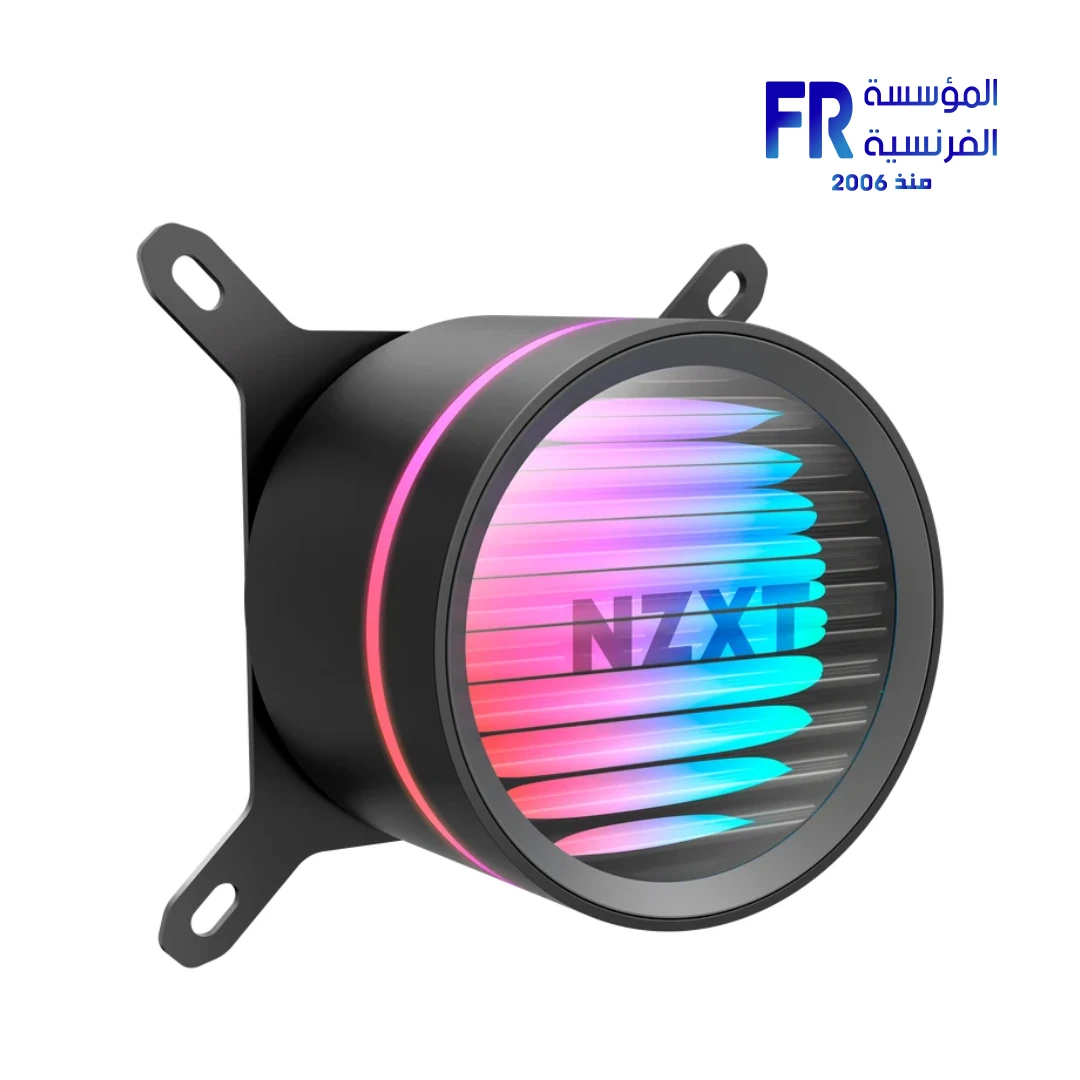
- Lighting & Control: 19 RGB LEDs (Pump) | 8 LEDs per Fan | 5V ARGB Motherboard Sync | PWM Fan Control
- Compatibility: Intel LGA 1851/1700/1200/115X | AMD AM5/AM4 | Pre-Applied Thermal Paste | Tool-Free Brackets
- Warranty: 5 Years
In stock
Price Match Guarantee✅ Authorized NZXT Partner in Egypt | Official 5-Year Warranty | Expert PC Building Consultation Available
NZXT Kraken Core 360 RGB 360mm 3100 RPM ARGB AIO Liquid CPU Cooler
NZXT Kraken Core 360 RGB is a 360mm AIO liquid CPU cooler with a 3,100 RPM pump and a pre-installed F360 RGB Core single-frame fan array. It uses a copper cold plate, nylon-braided CIIR+EPDM tubing, and 19 RGB LEDs in the pump cap. It supports Intel LGA 1851/1700/1200/115X and AMD AM5/AM4 sockets. Available at Alfrensia for 6,999 EGP.
⚡ Engineering Highlights at a Glance:
- 3,100 RPM Pump: Delivers strong coolant flow for heavy gaming and multitasking while keeping noise low.
- F360 RGB Core Single-Frame Array: Three fans in one frame with fewer screws and cables, plus 8 RGB LEDs per fan.
- High Static Pressure Blades: Each fan delivers 75.05 CFM and 3.07 mmH₂O at 500–2,400 RPM, tuned for radiator fins.
- Copper Cold Plate: Solid copper base for efficient heat transfer from the CPU to the coolant.
- Motherboard ARGB Control: Connects to a 5V ARGB header, so you can sync lighting through your motherboard’s software without extra controllers.
- Tool-Free Installation: Brackets and pre-applied thermal paste simplify mounting on Intel and AMD sockets.
- Wide Socket Support: Works with Intel LGA 1851/1700/1200/115X and AMD AM5/AM4 out of the box.
Who is the Kraken Core 360 RGB For?
Expert Advice & Build Considerations
Case Clearance and Mounting
The radiator measures 397 x 120 x 27mm, so your case needs a 360mm radiator mount on the top, front, or side. Check that the fan array’s 26mm thickness plus the 27mm radiator total is within your case clearance. The 420mm tubing gives you room to route, but plan the pump orientation before mounting so the tubes align without strain. For best results, mount the radiator with the tubes at the bottom when the pump is at the front of the case, or follow the manual for the recommended orientation.
Connecting Fans and RGB
The Kraken Core 360 RGB connects directly to your motherboard, so you do not need an NZXT controller. The single-frame fan array uses one 4-pin PWM connector and one 5V RGB connector. Plug the pump into the AIO_PUMP header if available, or the CPU_FAN header if not. Connect the fan PWM cable to CPU_FAN and the RGB cable to your motherboard’s 5V ARGB header. If your motherboard lacks a 5V ARGB header, you will not be able to control the pump or fan lighting through motherboard software.
Pump Speed and Fan Curves
The pump runs at 3,100 RPM, which is not designed for variable speed control; leave the pump header at 100% in the BIOS. Set the fan curve separately using the CPU_FAN header. At full speed, each fan reaches 31.9 dBA, which is quiet for a 140mm-class fan. A curve that ramps to about 70% under sustained load keeps noise down while still pushing enough air through the radiator. Verify pump RPM in the BIOS or your monitoring software after installation to confirm the pump is running.
Technical Specifications
| Model Name | Kraken Core 360 RGB (Black) |
| Brand | NZXT |
| SKU / MPN | RL-KRC360-B1 |
| EAN / UPC | 810074846295 |
| Cooler Type | Liquid AIO, 360mm radiator |
| Pump Motor Speed | 3,100 ± 310 RPM |
| Pump Power | 12V DC 0.3A / 5V DC 1A |
| Pump RGB LEDs | 19 LEDs |
| Cap Diameter / Height | 70.56 mm / 64.24 mm (with cold plate) |
| Cold Plate Material | Copper |
| Radiator Dimensions | 397 x 120 x 27 mm |
| Radiator Material | Aluminum |
| Tubing | 420 mm, CIIR+EPDM rubber with nylon braided sleeve |
| Included Fans | 1 x F360 RGB Core single-frame array (3 x 120mm fans) |
| Fan Dimensions | 360 x 120 x 26 mm |
| Fan Speed | 500 – 2,400 ± 250 RPM |
| Fan Airflow | 75.05 CFM |
| Fan Static Pressure | 3.07 mmH₂O |
| Fan Noise Level | 31.9 dBA |
| Fan Bearing | Fluid Dynamic Bearing |
| Fan Lifespan | 60,000 hours |
| Fan Connectors | 1 x 4-pin PWM / 1 x 5V RGB |
| Fan Power Consumption | 12V DC 1.01A / 5V DC 0.81A |
| Fan LED Quantity | 8 LEDs |
| Socket Support (Intel) | LGA 1851 / 1700 / 1200 / 115X |
| Socket Support (AMD) | AM5 / AM4 |
| Included Accessories | Kraken Core 360 RGB | F360 RGB Core fan array | Installation accessories (Intel and AMD brackets, pre-applied thermal paste) |
| Warranty | 5 Years Local Alfrensia Warranty |
Expert Recommendation: Building with the Kraken Core 360 RGB
Plan the radiator orientation before you mount it. For front-mounted builds, route the tubes downward to reduce the chance of air pockets reaching the pump. For top-mounted builds, mount the pump block first and check that the 420mm tubing reaches the pump without strain. Follow the manual’s recommended orientation for your case layout.
Plug the pump into the AIO_PUMP header if your motherboard has one, and set that header to 100% in the BIOS. The pump runs at 3,100 RPM and is not designed for variable speed control. Connect the fan array’s PWM cable to CPU_FAN so you can set a fan curve separately from the pump.
Connect the RGB cable to your motherboard’s 5V ARGB header and control lighting through your motherboard’s software. The Kraken Core 360 RGB does not require an NZXT controller; if you prefer NZXT CAM for lighting, that would require a different NZXT cooler with a controller included.
Set a fan curve that ramps to about 70% under sustained load for a balance of noise and cooling; at full speed each fan reaches 31.9 dBA. After installation, check the pump RPM in BIOS or monitoring software to confirm the pump is running, and monitor CPU temperatures during a stress test to confirm the cooler is seated correctly.
Frequently Asked Questions
Which CPU sockets does the Kraken Core 360 RGB support?
It supports Intel LGA 1851, 1700, 1200, and 115X, plus AMD AM5 and AM4. Mounting hardware for both platforms is included in the box, along with pre-applied thermal paste. Verify your specific CPU against the socket list before purchase.
Do I need NZXT CAM to control the pump and lighting?
No. The Kraken Core 360 RGB connects directly to your motherboard, and RGB effects are controlled through your motherboard’s 5V ARGB software. The pump runs at a fixed 3,100 RPM speed and is not designed for variable speed control, so pump tuning through software is not applicable. Fan speed is controlled through your motherboard’s fan curve.
Can I mount the radiator at the front of my case?
Yes, as long as your case supports a 360mm radiator mount at the front. For front-mounted builds, route the tubes downward to reduce the chance of air pockets reaching the pump. The 420mm tubing gives you room to route, but plan the orientation before mounting so the tubes align without strain.
Can I adjust the pump speed on the Kraken Core?
No. The pump runs at a fixed 3,100 RPM and is not designed for variable speed control. Set the AIO_PUMP header to 100% in the BIOS so the pump receives constant power. Adjust fan speed separately using the CPU_FAN header and a fan curve that ramps up under load.
What is included in the box?
The package includes the Kraken Core 360 RGB pump and radiator, the pre-installed F360 RGB Core fan array, Intel and AMD mounting brackets, and installation accessories with pre-applied thermal paste. No NZXT controller is included. The cooler carries a 5-year warranty.
| MODEL | |
|---|---|
| Cooling Type | |
| Radiator Size | |
| Tubing Length | |
| Fan Size (mm) | |
| TUBE Material | |
| Fan Quantity | |
| Fan Speed | |
| Fan Profiles | |
| Fan Noise Level | |
| Fan Airflow | |
| Fan Voltage | |
| Bearing Type | |
| CPU Socket | |
| Radiator Support | |
| Software | |
| Color | |
| Part Number | |
| Warranty |
Only logged in customers who have purchased this product may leave a review.

Reviews
There are no reviews yet.