

-
×
 Samsung Odyssey G5 G55C S32CG552EM 32Inch 165Hz 1Ms 2K VA Curved Gaming Monitor
1 × 9999 EGP
Samsung Odyssey G5 G55C S32CG552EM 32Inch 165Hz 1Ms 2K VA Curved Gaming Monitor
1 × 9999 EGP -
×
 Sandisk Extreme PRO 2TB With USB4 External Solid State Drive SSD
1 × 15000 EGP
Sandisk Extreme PRO 2TB With USB4 External Solid State Drive SSD
1 × 15000 EGP -
×
Corsair MP600 PRO NH 8TB 7000MB/s M.2 2280 PCIe Gen 4 NVMe Internal Solid State Drive SSD
1 × 47000 EGP
-
×
MSI MAG B860M Mortar WIFI Motherboard
1 × 11200 EGP
-
×
Logitech G G915 X TKL Tactile Switch Low Profile Black Wireless Gaming Keyboard
1 × 11000 EGP
-
×
Corsair AIR 5400 RS-R Triple Chamber Curved Glass Reverse Connector Support ARGB With 3x 120mm RS-R Fans Black Full Tower Case
1 × 12500 EGP
-
×
MSI B860M Gaming Plus WIFI Motherboard
1 × 10300 EGP
-
×
Dareu EK75 RT Magnetic Switch 75% Compact Gasket Mount With Volume Knob RGB White Wired Mechanical Gaming Keyboard
1 × 3950 EGP
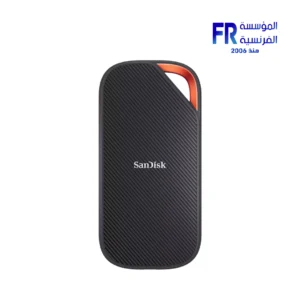 Sandisk Extreme PRO 2TB With USB4 External Solid State Drive SSD
 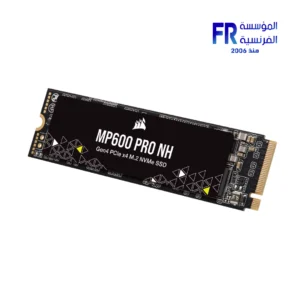 Corsair MP600 PRO NH 8TB 7000MB/s M.2 2280 PCIe Gen 4 NVMe Internal Solid State Drive SSD
 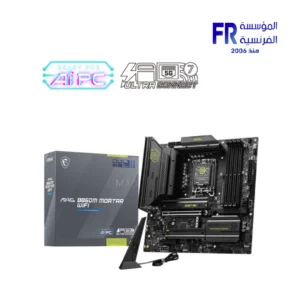 MSI MAG B860M Mortar WIFI Motherboard
 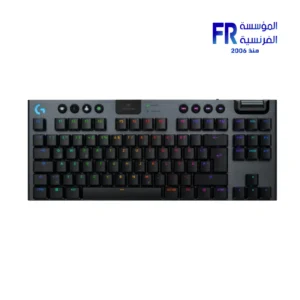 Logitech G G915 X TKL Tactile Switch Low Profile Black Wireless Gaming Keyboard
 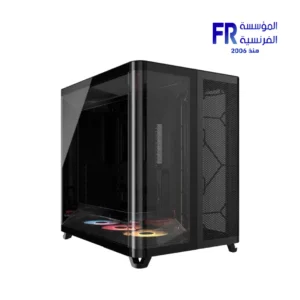 Corsair AIR 5400 RS-R Triple Chamber Curved Glass Reverse Connector Support ARGB With 3x 120mm RS-R Fans Black Full Tower Case
 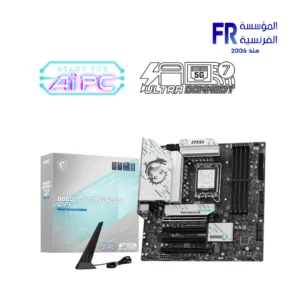 MSI B860M Gaming Plus WIFI Motherboard
 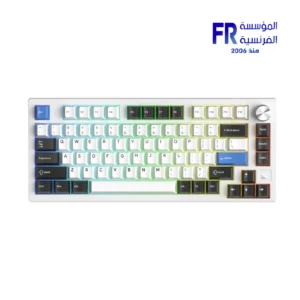 Dareu EK75 RT Magnetic Switch 75% Compact Gasket Mount With Volume Knob RGB White Wired Mechanical Gaming Keyboard

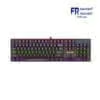
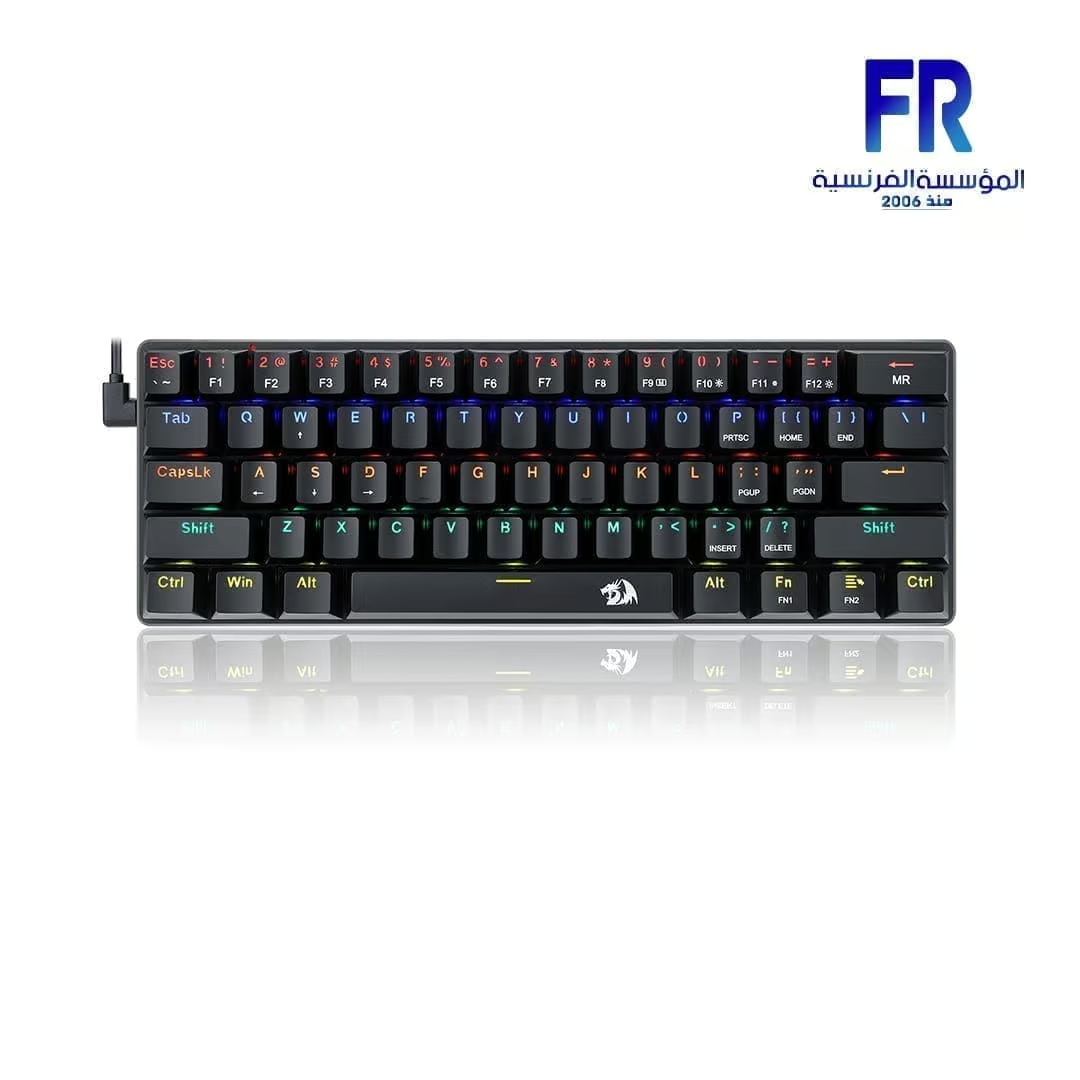
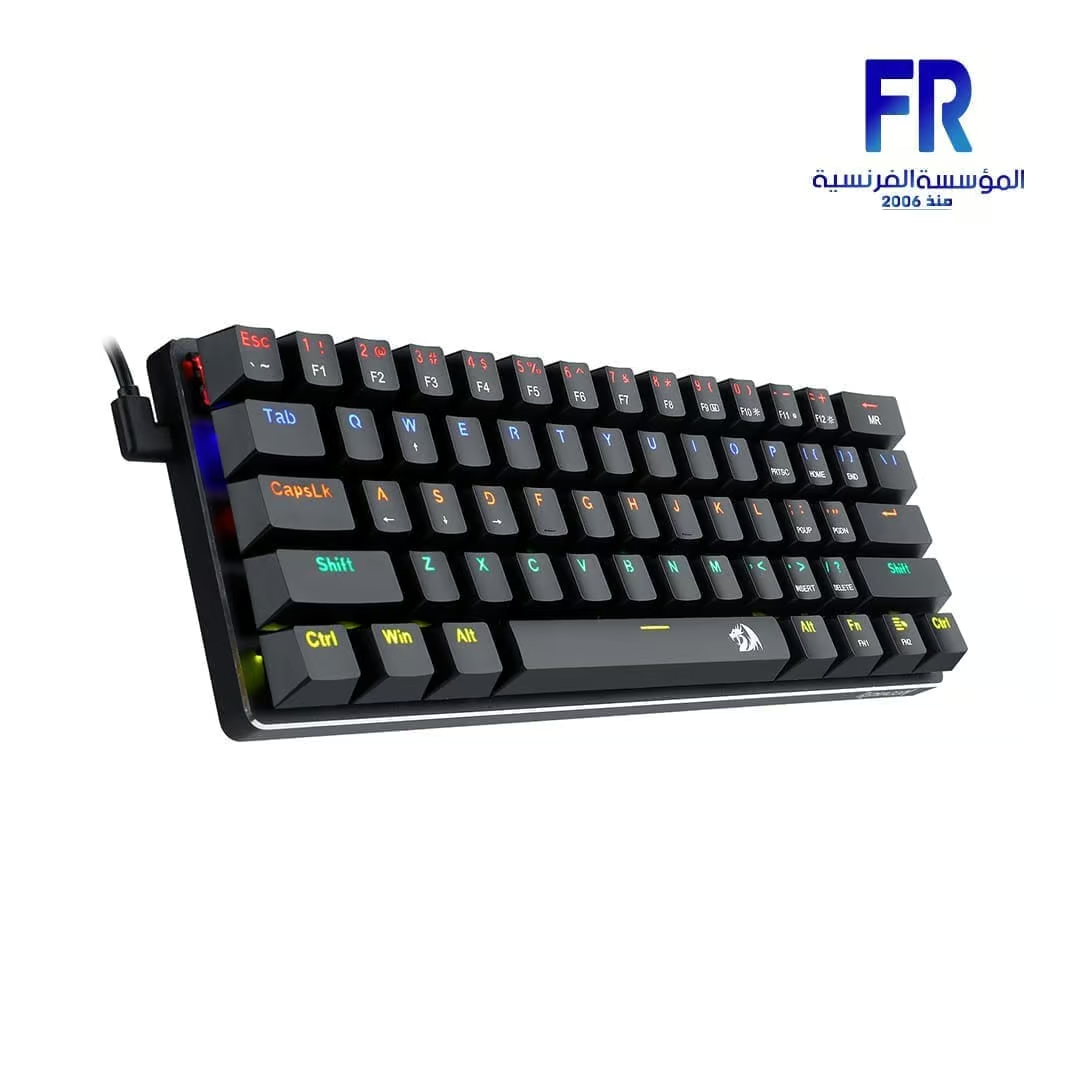
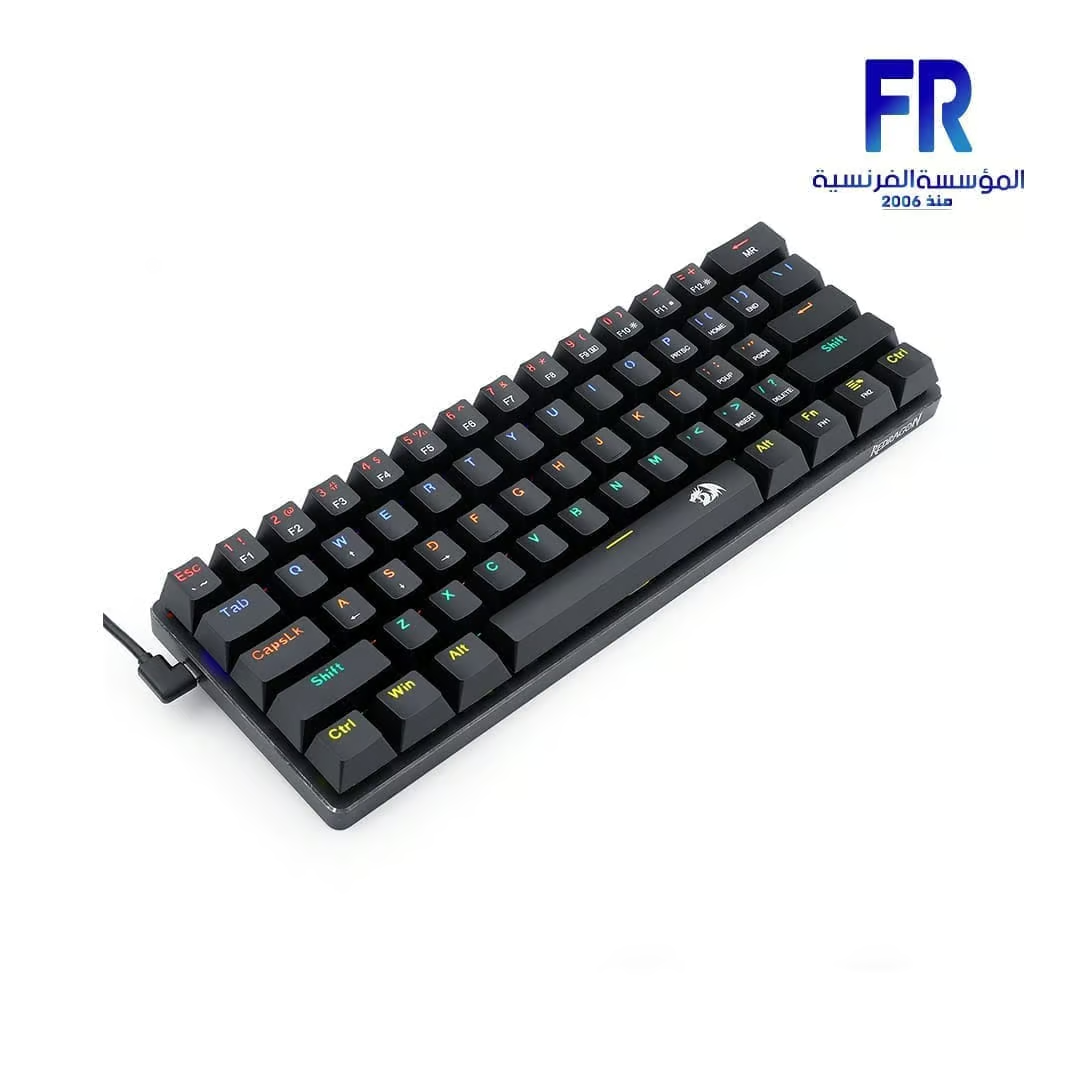
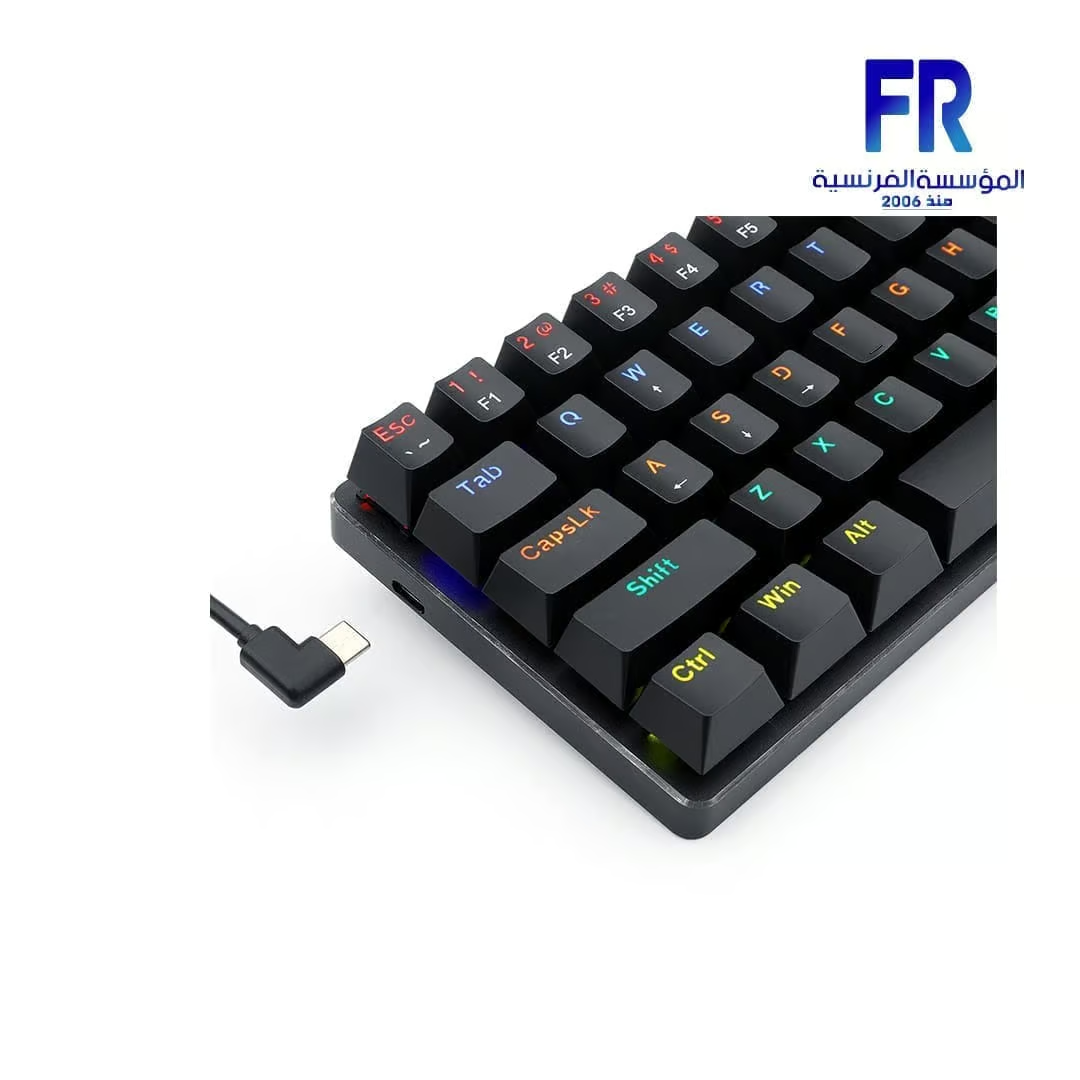
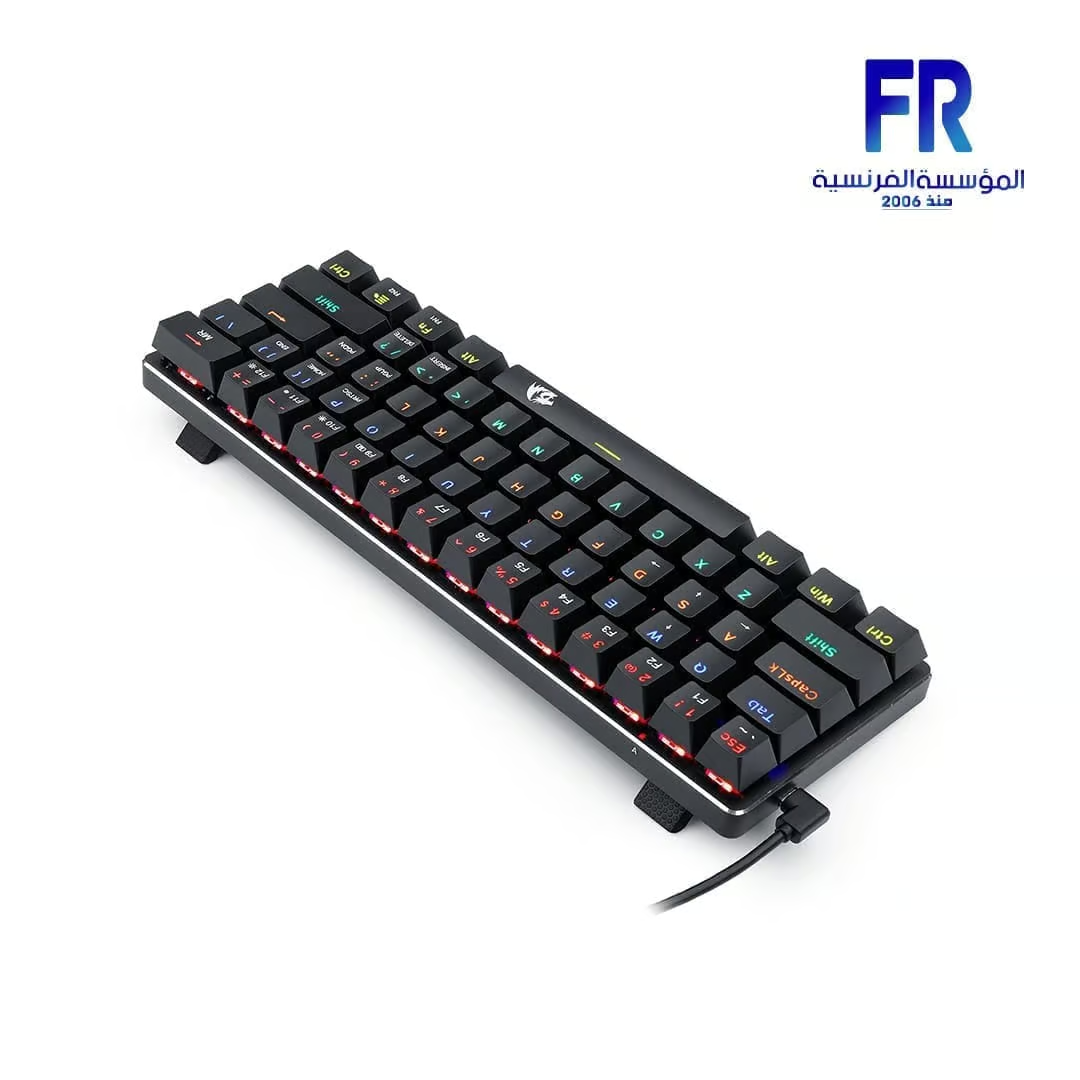
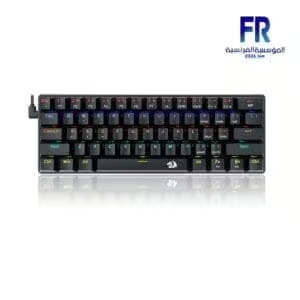
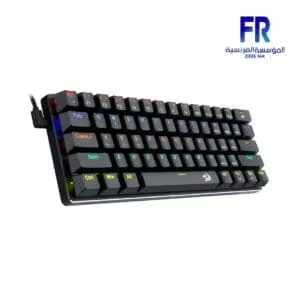
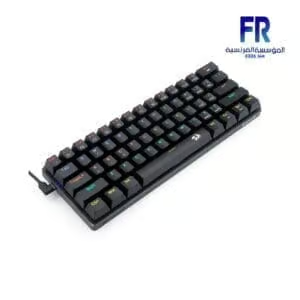
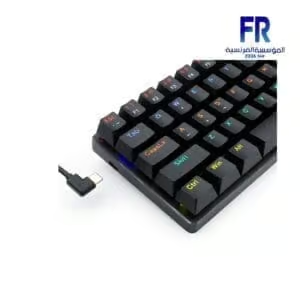
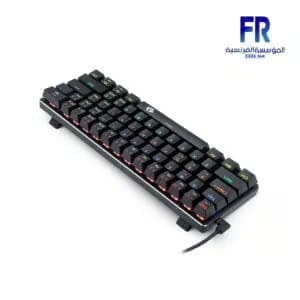
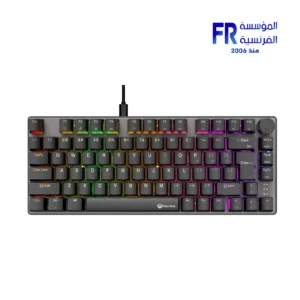
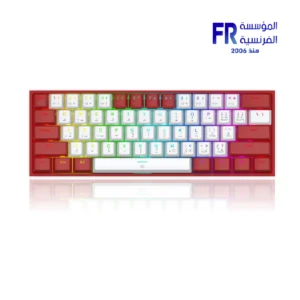
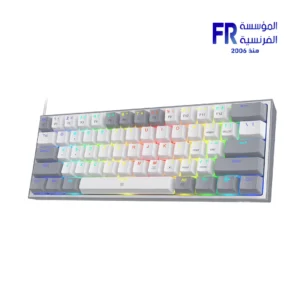
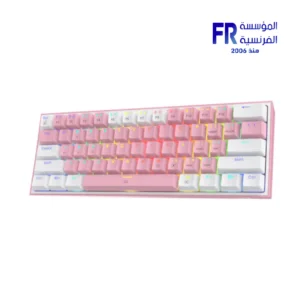
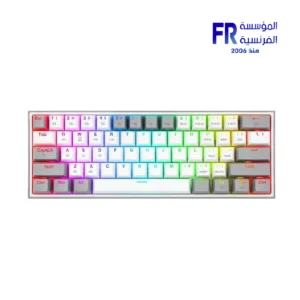
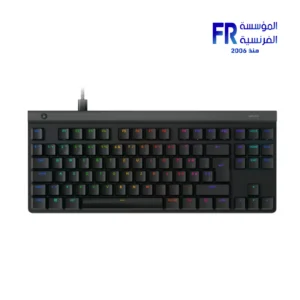
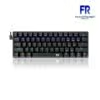
Redragon Jax K613 Rainbow Red Switch Arabic Wired Mechanical Gaming Keyboard
1500 EGP
- Compact 61-Key Design – Space-saving, perfect for gaming and portability.
- Mechanical Switches – Outemu switches for precise and responsive keystrokes.
- USB Wired Connection – Ensures stable and lag-free performance.
- Ergonomic & Waterproof – Designed for comfort and durability.
- Multi-Functionality – Ideal for gaming, multimedia, and everyday use.
Out Of Stock.
Redragon Jax K613 Rainbow Red Switch Arabic Wired Mechanical Gaming Keyboard
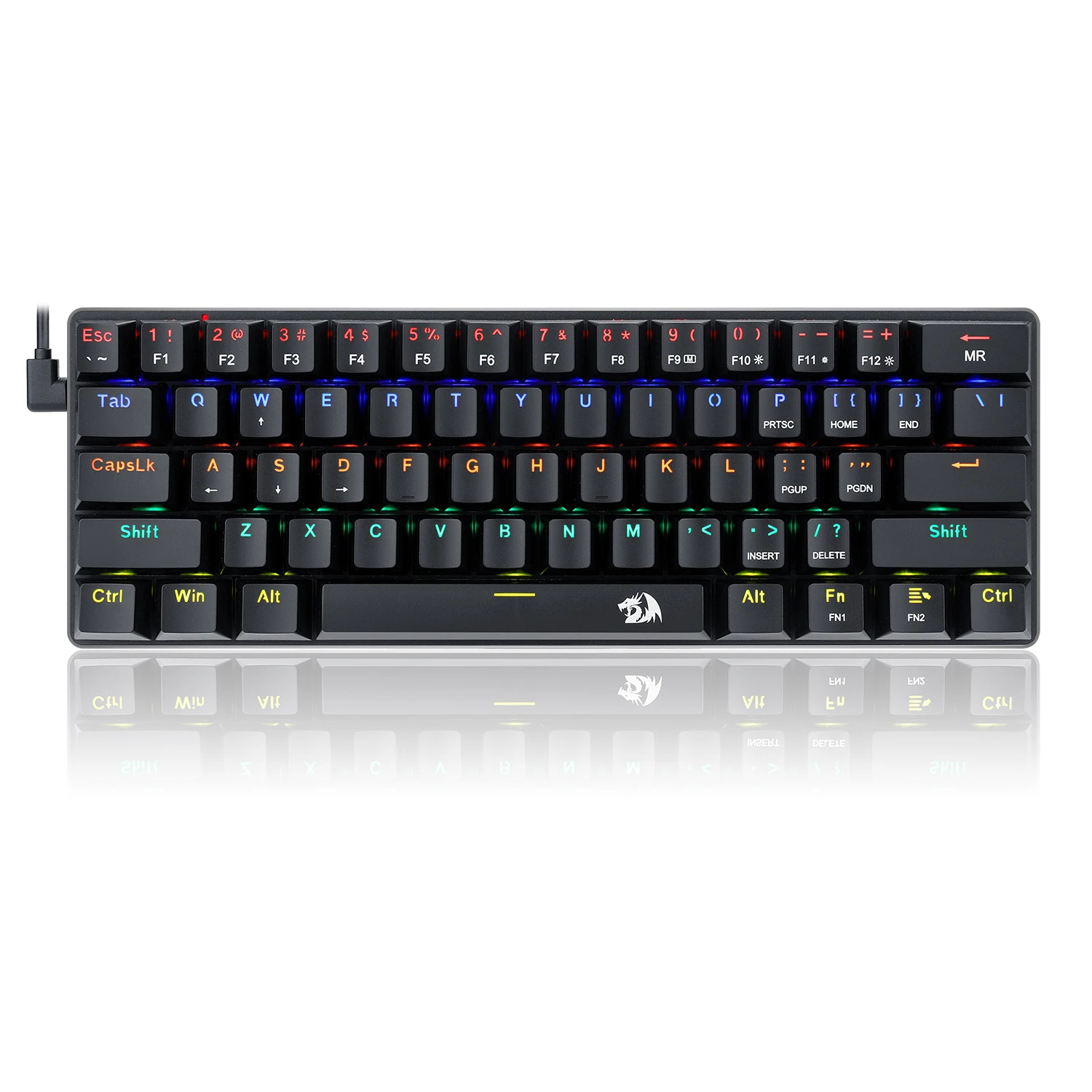
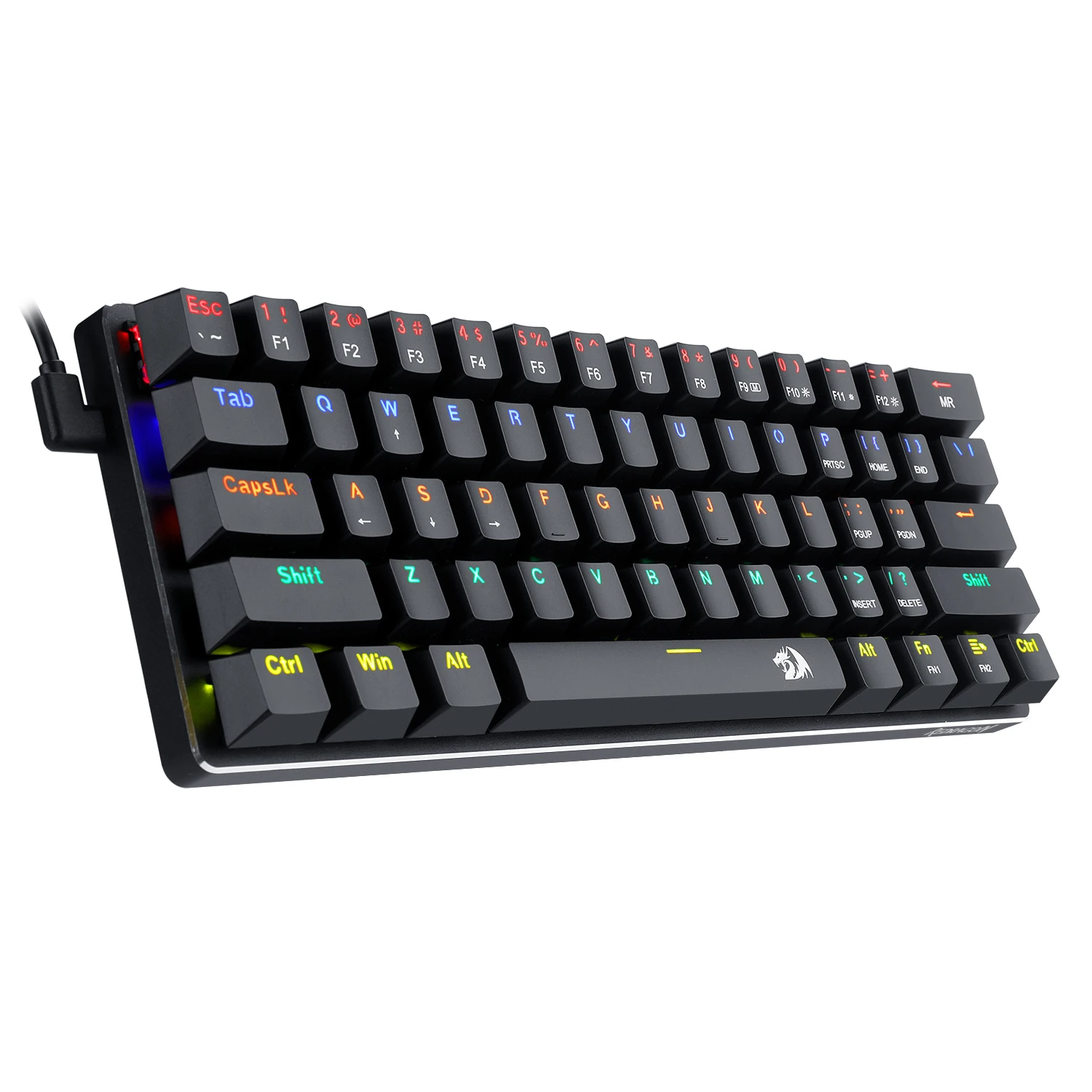
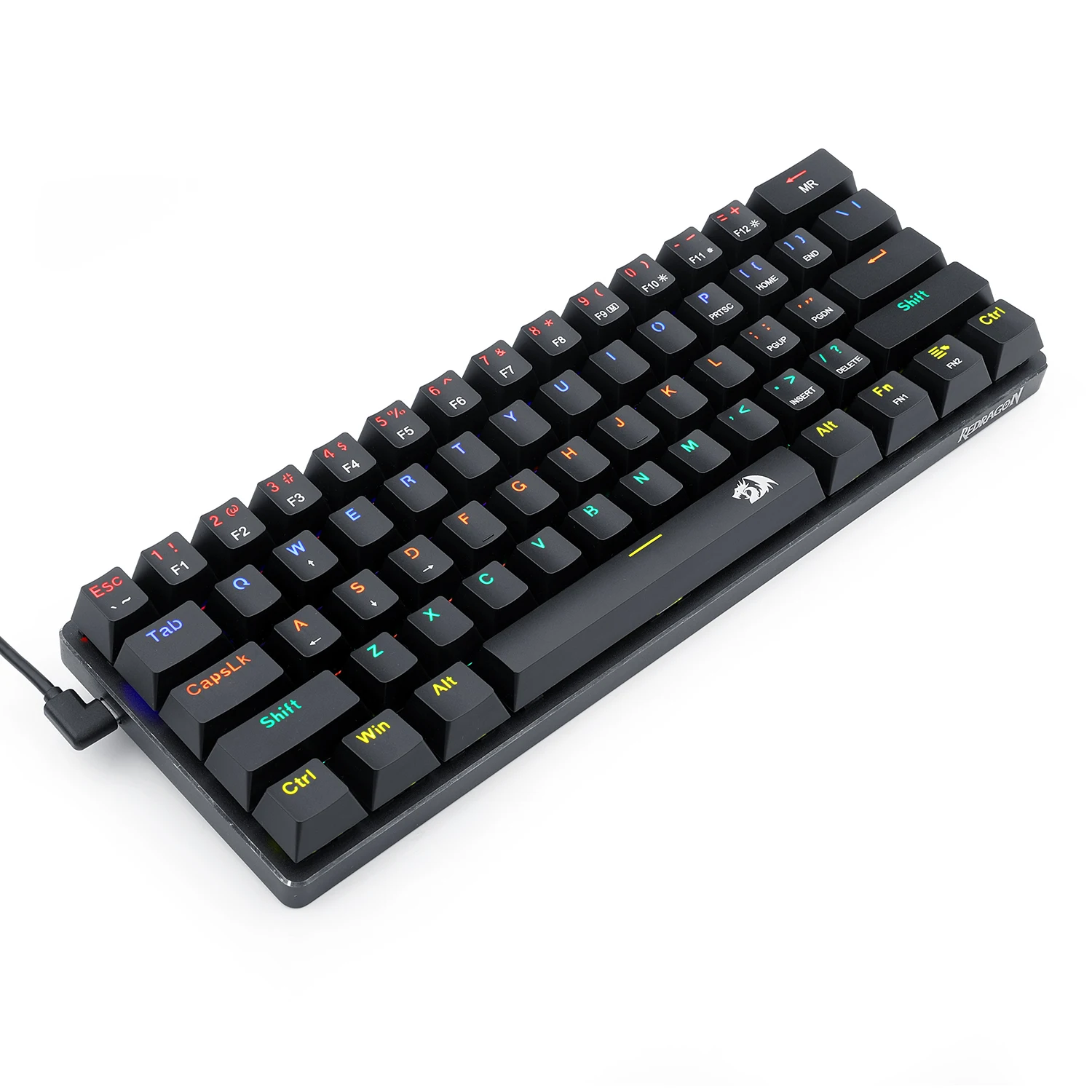
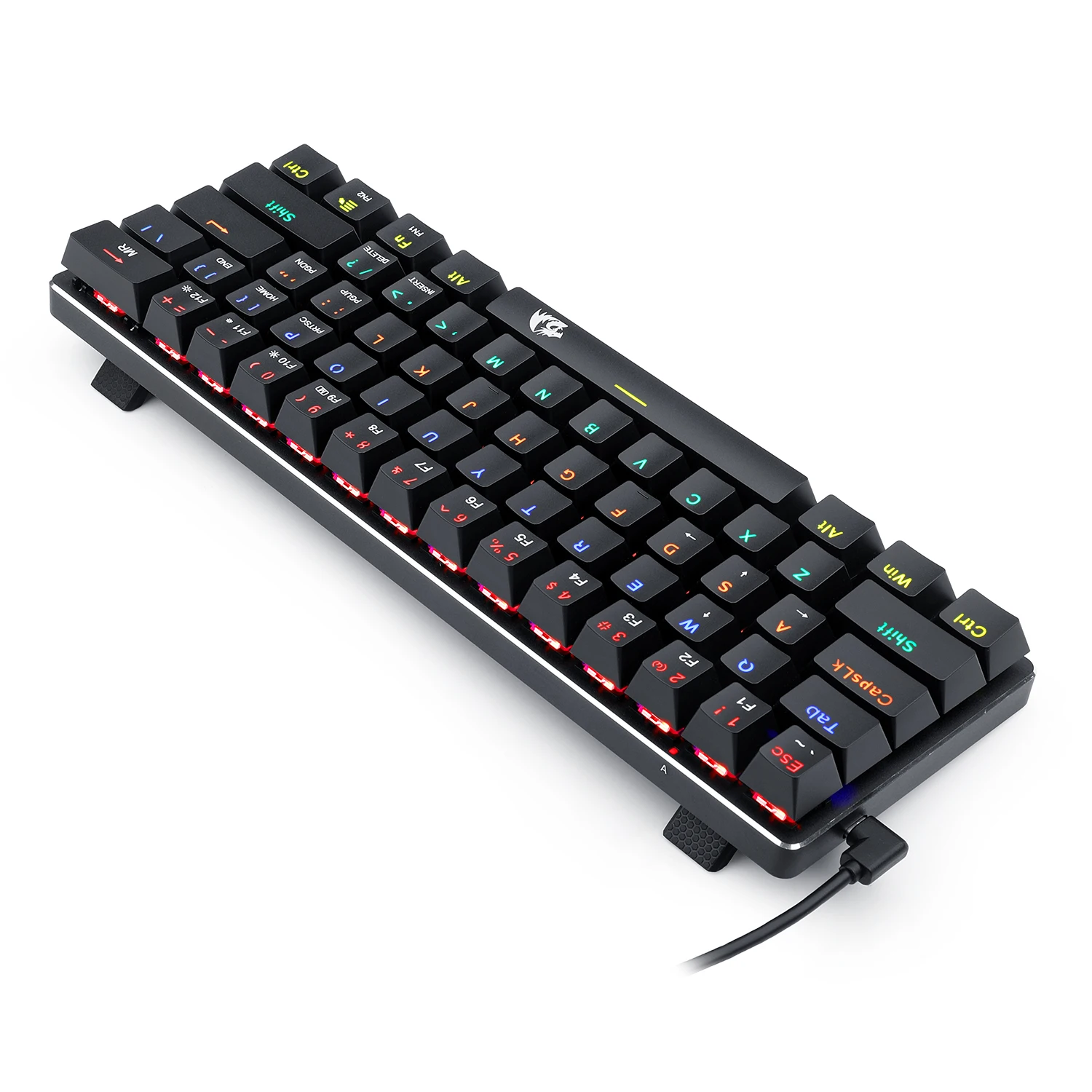
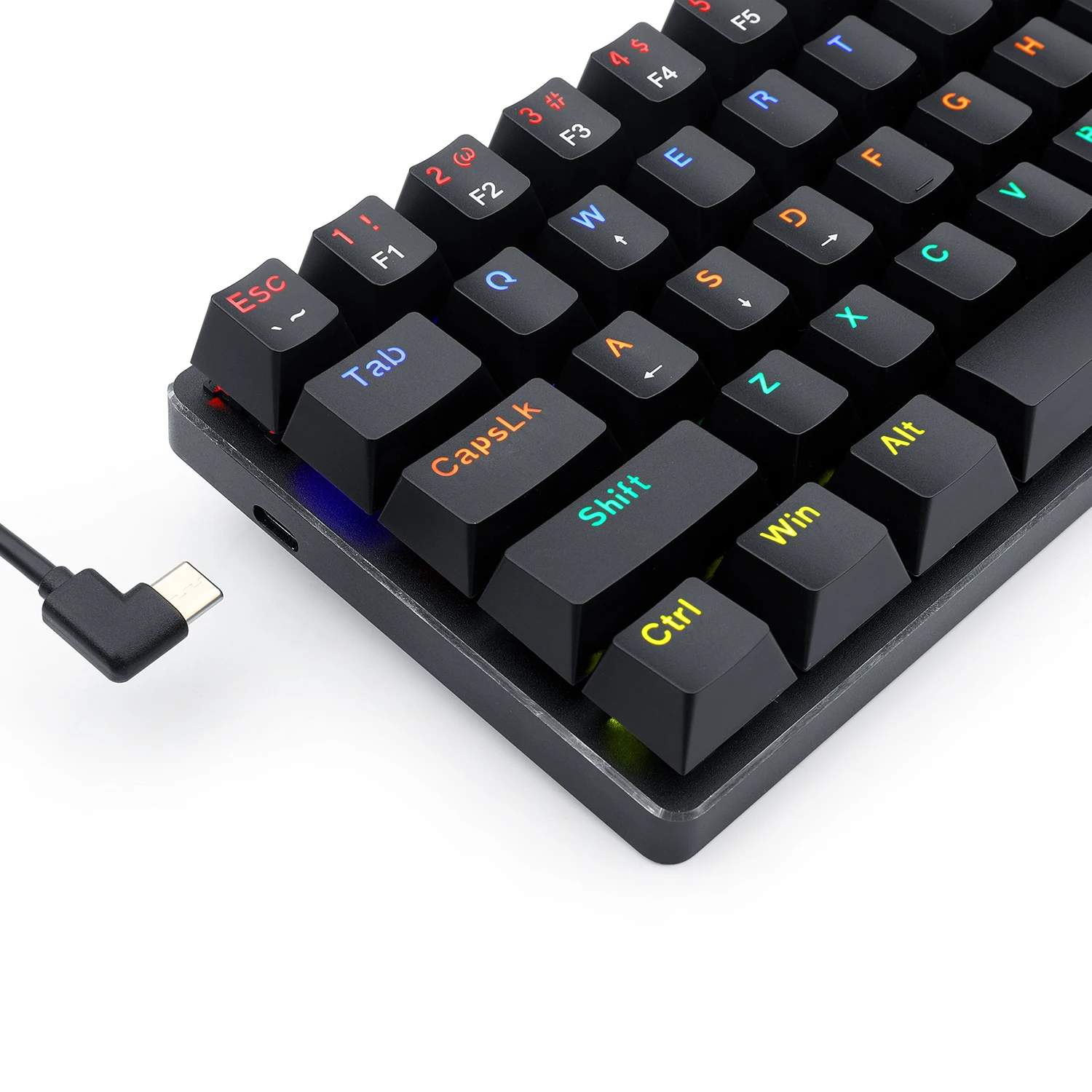



Redragon Jax K613 Rainbow Red Switch Arabic Wired Mechanical Gaming Keyboard SPECIFICATIONS:
- Axis Body Brand: Outemu
- Full Size Keyboard: No
- Package Included: No
- Wrist Support: No
- Style: Ergonomics, Multimedia, Waterproof, Gaming, Mini
- Interface Type: USB
- Operation Style: Mechanical
- Language: UK
- Keyboard Standard: Mini Keyboard
- Application: Desktop, Laptop
- Type: Wired
- Brand Name: REDRAGON
- Certification: CE, FCC
- Origin: Mainland China
- Model Number: K613-KB Red AR/EN
- Number of Keys: 61
- Mini 60% Mechanical Gaming Keyboard with detachable USB A to USB C cable, small, ultra-portable, space saving design built for esports professionals.
- Compact Tenkeyless TKL with Custom Dustproof Switches (Cherry Blue equivalent) Clicky, medium resistance, audible loud click sound, crisp precise tactile feedback, good for typing and gaming.
- LED Rainbow Backlit Mechanical Gaming Keyboard 18 different preset lighting modes plus 1 user programmable mode 5 different colors, 6 brightness levels, breathing speed Precision engineered keycaps offer crystal clear uniform backlighting.
- Anti-Ghosting, N-Key Rollover, Non-Slip Ergonomic Design with adjustable typing angle, WIN Key can be turned off, ALL 87 keys are conflict free.
- PC Gaming Keyboard Compatibility Windows 10, 8, 7, Vista, XP, Limited Mac OS keyboard support. Works well with all major Computers Brands and Gaming PCs, Xbox, PS4 and others.
- Product description With its 60% ultra-compact and portable tenkeyless design, the Redragon K613-KB LED Rainbow Backlit Mechanical Keyboard is ideal for small desk spaces and mobile esports players, easy to pack up and transport Features.
High quality LED backlit mechanical gaming keyboard
61 key ,detachable cable , portable for travel
N-Key rollover
Rainbow backlighting
High-precision machinery manufacture
Double iniection keycaps
WIN keys can be disable in gaming
OS support
Windows XP/Vista/Win//Win8/Win10
Customized backlight for different game
1. Press FN2+”Backspace”key: active backlight record mode
2. Press again FN2+”Backspace”key: to start record, CAPS key twinkle quickly.press the desired key to light up. Press FN2+”Backspace”to save and quit.
3. Display customized backlight by press FN2+”Backspace”key
4. Delete all customized backlight: press and hold FN1+”Backspace”key for 5 seconds to delete all customized backlight
1. Press FN2+”Backspace”key: active backlight record mode
2. Press again FN2+”Backspace”key: to start record, CAPS key twinkle quickly.press the desired key to light up. Press FN2+”Backspace”to save and quit.
3. Display customized backlight by press FN2+”Backspace”key
4. Delete all customized backlight: press and hold FN1+”Backspace”key for 5 seconds to delete all customized backlight
KEYBOARD
| MODEL | |
|---|---|
| Connection | |
| Switch Type | |
| Mechanical Switch Type | |
| Lighting | |
| Wrist rest | |
| Cable Length | |
| Keyboard Size | |
| Software | |
| Color | |
| Part Number | |
| Warranty |
Only logged in customers who have purchased this product may leave a review.
Reviews
There are no reviews yet.