

-
×
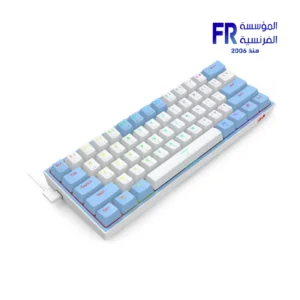 Redragon Fizz K617 Red Switch RGB 60 Percent Compact White and Blue Wired Mechanical Gaming Keyboard
1 × 1675 EGP
Redragon Fizz K617 Red Switch RGB 60 Percent Compact White and Blue Wired Mechanical Gaming Keyboard
1 × 1675 EGP -
×
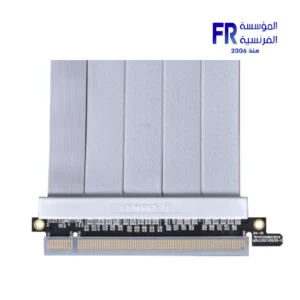
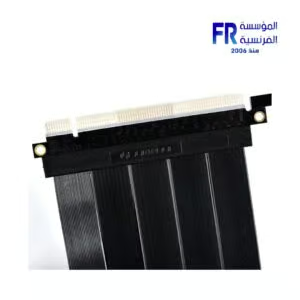
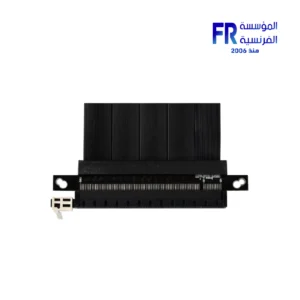
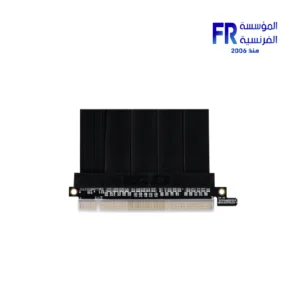
 Lian Li PCI e 4.0 X16 200mm Riser cable
1 × 3000 EGP
Lian Li PCI e 4.0 X16 200mm Riser cable
1 × 3000 EGP -
×
MSI Vigor GK30 Plunger Switch RGB Arabic Wired Mechanical Feel Gaming Keyboard
1 × 1499 EGP
-
×
Samsung 870 Evo 4Tb Internal Solid State Drive SSD
2 × 18600 EGP
-
×
Gigabyte Radeon RX 9070 XT Gaming OC 16GB GDDR6 Graphic Card
1 × 39900 EGP
-
×
Western Digital Black SN8100 1TB M2 2280 PCIe Gen 5 Nvme Without Heatsink Internal Solid State Drive SSD
1 × 11400 EGP
-
×
Sandisk Extreme PRO 4TB With USB4 External Solid State Drive SSD
1 × 23039 EGP
-
×
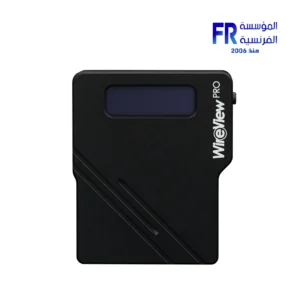
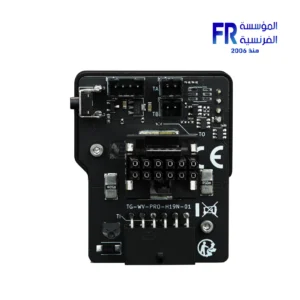
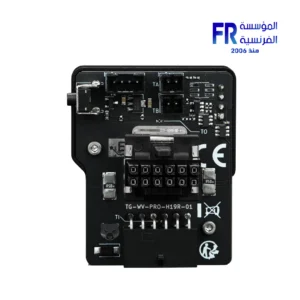
Thermal Grizzly WireView 90 Pro GPU 1x12VHPWR Normal advanced and monitoring for Graphics Cards
1 × 3400 EGP
-
×
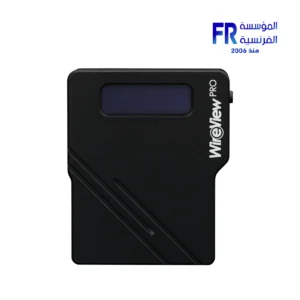
Thermal Grizzly WireView 90 Pro GPU 1x12VHPWR Reverse advanced and monitoring for Graphics Cards
1 × 3400 EGP
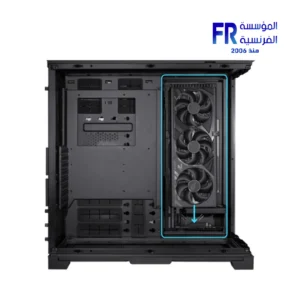
 Lian Li PCI e 4.0 X16 200mm Riser cable
 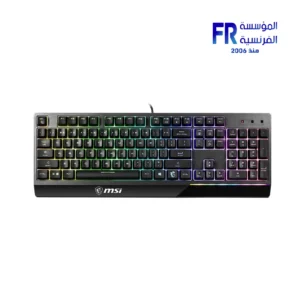 MSI Vigor GK30 Plunger Switch RGB Arabic Wired Mechanical Feel Gaming Keyboard
  Samsung 870 Evo 4Tb Internal Solid State Drive SSD
 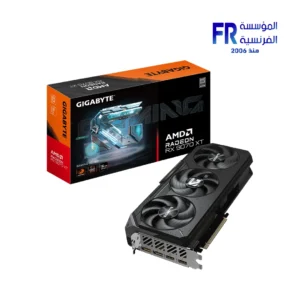 Gigabyte Radeon RX 9070 XT Gaming OC 16GB GDDR6 Graphic Card
 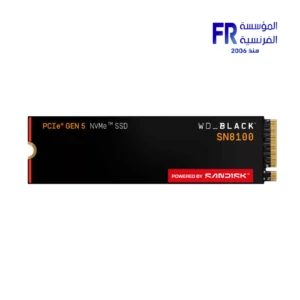 Western Digital Black SN8100 1TB M2 2280 PCIe Gen 5 Nvme Without Heatsink Internal Solid State Drive SSD
 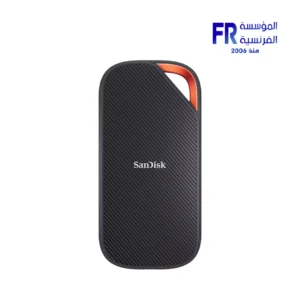 Sandisk Extreme PRO 4TB With USB4 External Solid State Drive SSD


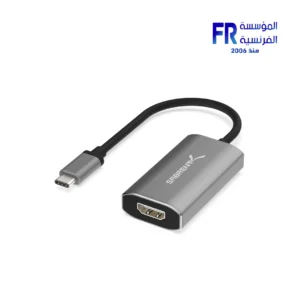
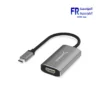
sabrent DA UCH8 USB Type C to HDMI 2.1 Adapter
2065 EGP
- Max Resolution: 8K @ 60Hz with Display Stream Compression (DSC).
- Interface: USB-C to HDMI 2.1.
- Compatibility: Works with Thunderbolt 3 and DisplayPort Alt Mode.
- Material: Durable aluminum construction.
- Ideal for: Connecting a USB-C device to an 8K monitor or TV.
Out Of Stock.
Sabrent USB-C to HDMI 2.1 Adapter
Upgrade your display with the **Sabrent USB-C to HDMI 2.1 Adapter**. This device is a perfect solution for connecting your laptop or mobile device to a high-resolution display, supporting up to **8K** at 60Hz or **4K** at 120Hz for an immersive visual experience.
Key Features at a Glance:
8K Resolution: Supports up to **8K** @ 60Hz and **4K** @ 120Hz with DSC.
Durable Build: Made with a lightweight aluminum alloy for heat dissipation and durability.
Plug and Play: No drivers are required for easy setup with a variety of systems.
Wide Compatibility: Works with **Thunderbolt 3** and USB-C ports with DP Alt Mode.
Versatile Use: Ideal for gaming, video editing, and streaming.
Experience High-Resolution Displays:
This adapter provides a seamless connection between your USB-C device and an HDMI display. It supports resolutions of up to **8K** at 60Hz and **4K** at 120Hz with DSC (Display Stream Compression). These resolutions are great for high-definition **gaming**, professional video editing, and immersive media consumption. The adapter also works with a variety of systems, including Windows, Mac OS, iPad OS, and Android devices that support DisplayPort Alternate Mode. The aluminum enclosure ensures durability and helps dissipate heat efficiently, which is a common concern with high-resolution adapters. This product also is compatible with **Thunderbolt 3**, but be sure to use a cable with the correct specifications to get the most out of your setup. To browse more options, you can check out other **Sabrent** hubs and adapters.
Easy Setup and Reliable Performance:
The **DA-UCH8 adapter** features a simple plug-and-play design, requiring no additional driver installation. Therefore, it is an ideal solution for users who want to avoid the hassle of complex setups. This adapter is also backward compatible with older **4K** resolutions, both with and without DSC. It fully supports **HDCP 1.4/2.3** for protected content and outputs stereo and 5.1 surround audio. This ensures compatibility with streaming services like **Netflix** and **Amazon Prime Video**. However, a user noted that it did get hot after prolonged use. To ensure the best performance, confirm that your device’s USB-C port supports **DisplayPort Alternate Mode**, as this is essential for video output. For more insights on **Sabrent** and other **cables** and **accessories**, you can check out the cables section on your website.
Technical Specifications:
💡 Pro Tip:
To achieve **8K** @ 60Hz or **4K** @ 120Hz, make sure your laptop, GPU, and external display all support the required specifications, including **HDMI 2.1** and Display Stream Compression (DSC). Using a lower-spec cable or monitor will limit your performance.
Only logged in customers who have purchased this product may leave a review.
Related Products


-13%
Original price was: 3899 EGP.3400 EGPCurrent price is: 3400 EGP.
-13%
Original price was: 3899 EGP.3400 EGPCurrent price is: 3400 EGP.

Reviews
There are no reviews yet.