

-
×
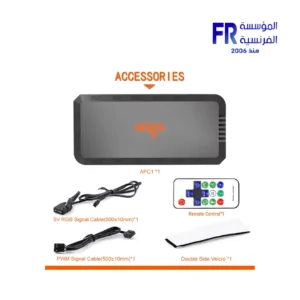 Aigo APC1 6 Port PWM With ARGB Speed Controller With Remote Control Fan Hub
1 × 500 EGP
Aigo APC1 6 Port PWM With ARGB Speed Controller With Remote Control Fan Hub
1 × 500 EGP -
×
 Corsair AIR 5400 RS-R Triple Chamber Curved Glass Reverse Connector Support ARGB With 3x 120mm RS-R Fans Black Full Tower Case
1 × 12500 EGP
Corsair AIR 5400 RS-R Triple Chamber Curved Glass Reverse Connector Support ARGB With 3x 120mm RS-R Fans Black Full Tower Case
1 × 12500 EGP -
×
Lian Li PCI e 4.0 X16 200mm Riser cable
1 × 3000 EGP
-
×
Thermalright Stream Vision 360mm ARGB Black AIO Liquid CPU Cooler
1 × 9000 EGP
-
×
Razer BlackShark V2 Pro White Wireless Gaming Headset
1 × 12899 EGP
-
×
Kingston 128Gb Usb3.2 Flash Drive
1 × 350 EGP
-
×
HyperX Pulsefire Fuse Rgb 3 Mode Wireless Gaming Mouse
1 × 2299 EGP
-
×
Logitech G Pro X Superlight 2 Lightspeed Black Wireless Gaming Mouse
1 × 6999 EGP
-
×
Gigabyte B760M Aorus Elite WIFI6E Gen5 LGA1700 Gaming Motherboard
1 × 9200 EGP
-
×
MSI MAG 276CXF 27 Inch 280Hz 0.5ms FHD Rapid VA Curve 1500R Adaptive Sync HDR Ready Black Monitor
1 × 10400 EGP
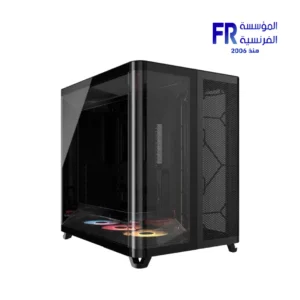 Corsair AIR 5400 RS-R Triple Chamber Curved Glass Reverse Connector Support ARGB With 3x 120mm RS-R Fans Black Full Tower Case
  Lian Li PCI e 4.0 X16 200mm Riser cable
 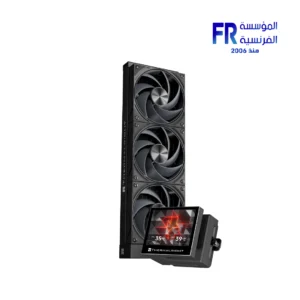 Thermalright Stream Vision 360mm ARGB Black AIO Liquid CPU Cooler
  Razer BlackShark V2 Pro White Wireless Gaming Headset
 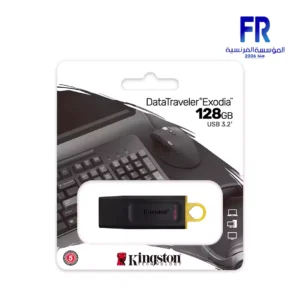 Kingston 128Gb Usb3.2 Flash Drive
  HyperX Pulsefire Fuse Rgb 3 Mode Wireless Gaming Mouse
 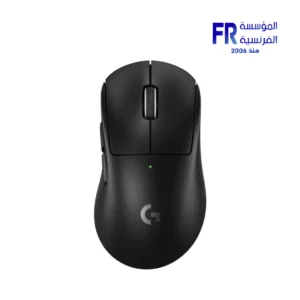 Logitech G Pro X Superlight 2 Lightspeed Black Wireless Gaming Mouse
 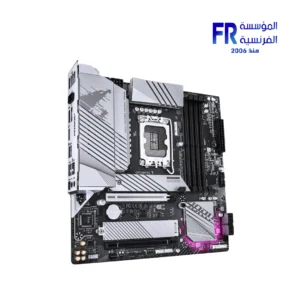 Gigabyte B760M Aorus Elite WIFI6E Gen5 LGA1700 Gaming Motherboard
 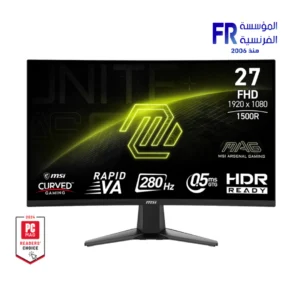 MSI MAG 276CXF 27 Inch 280Hz 0.5ms FHD Rapid VA Curve 1500R Adaptive Sync HDR Ready Black Monitor
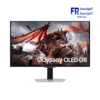
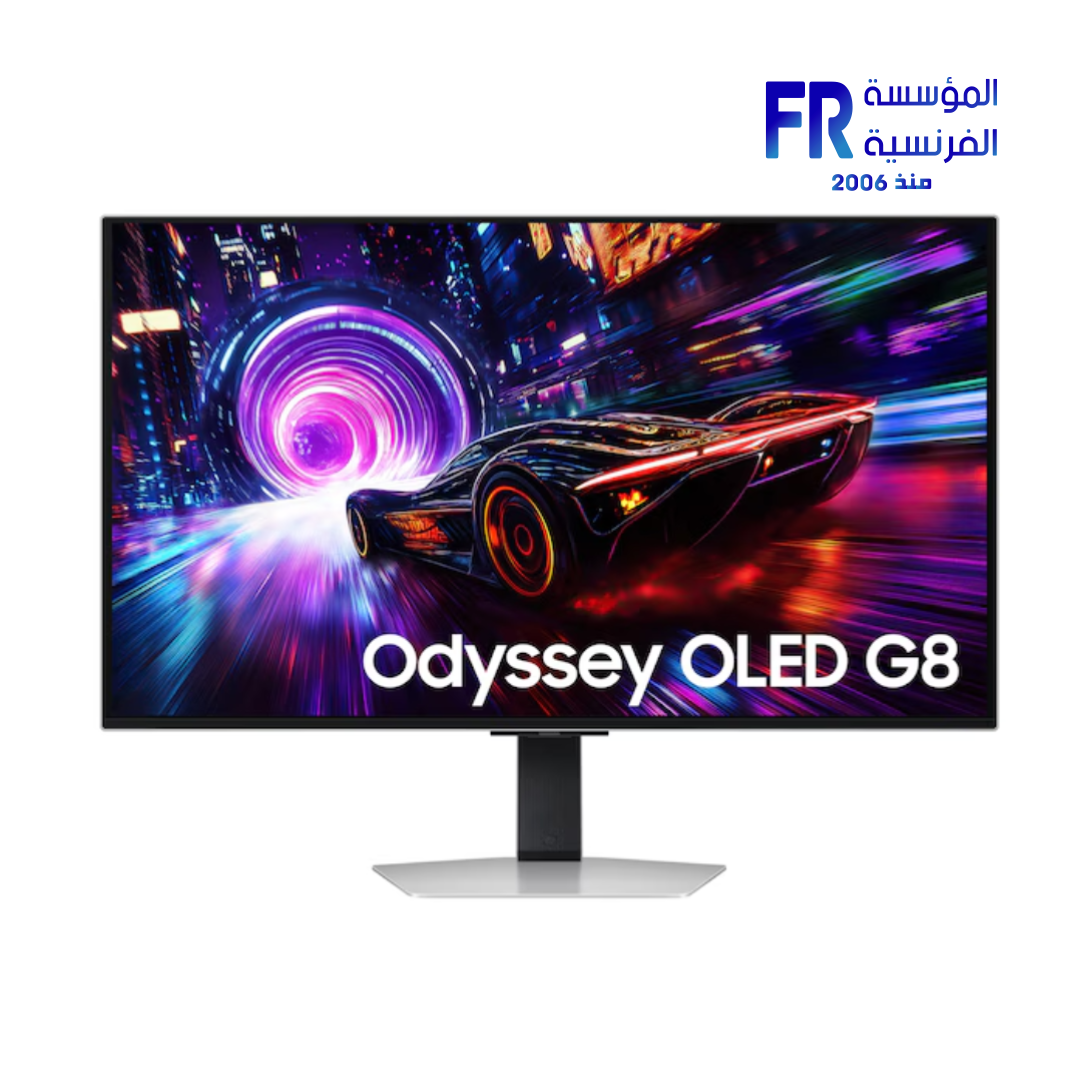
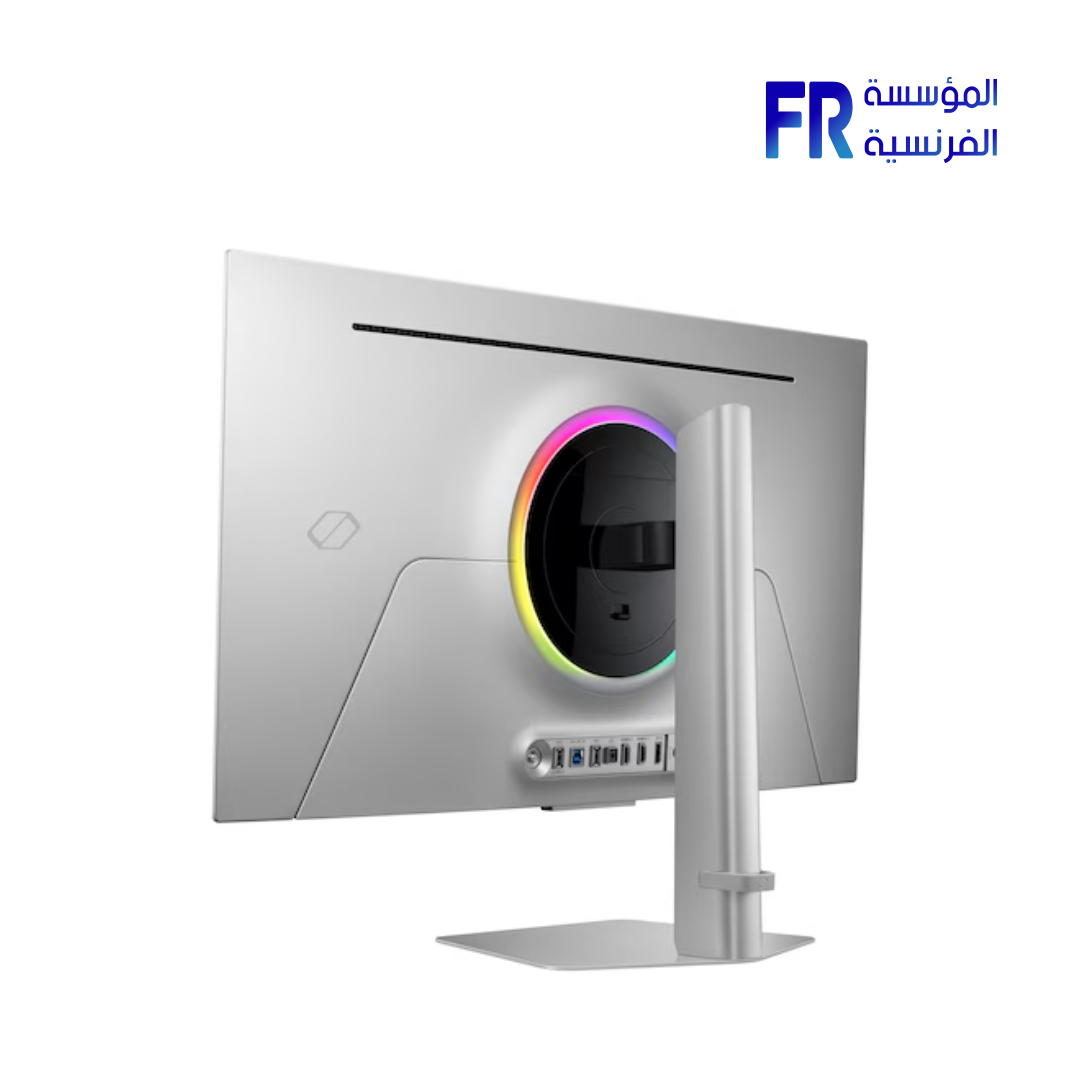
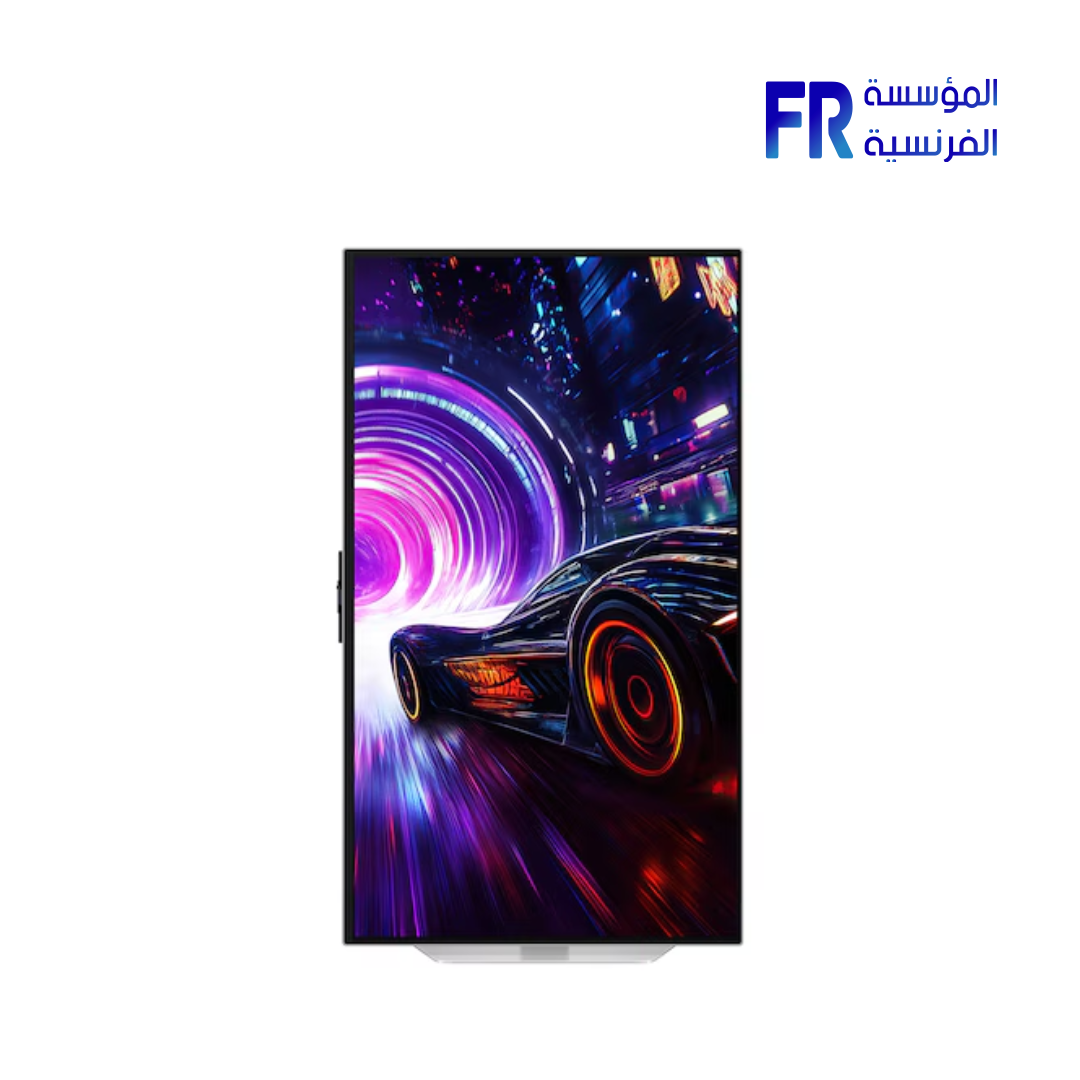
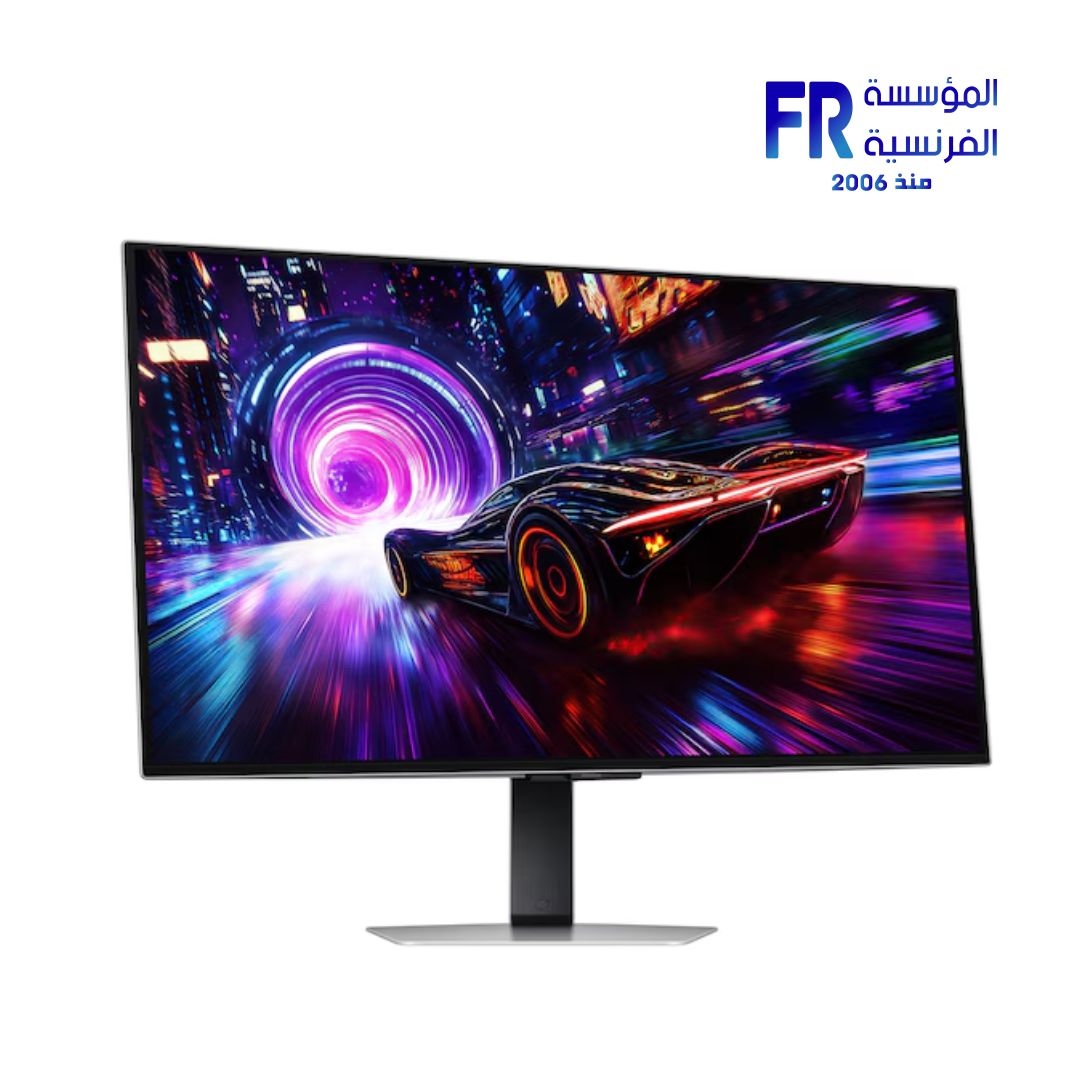
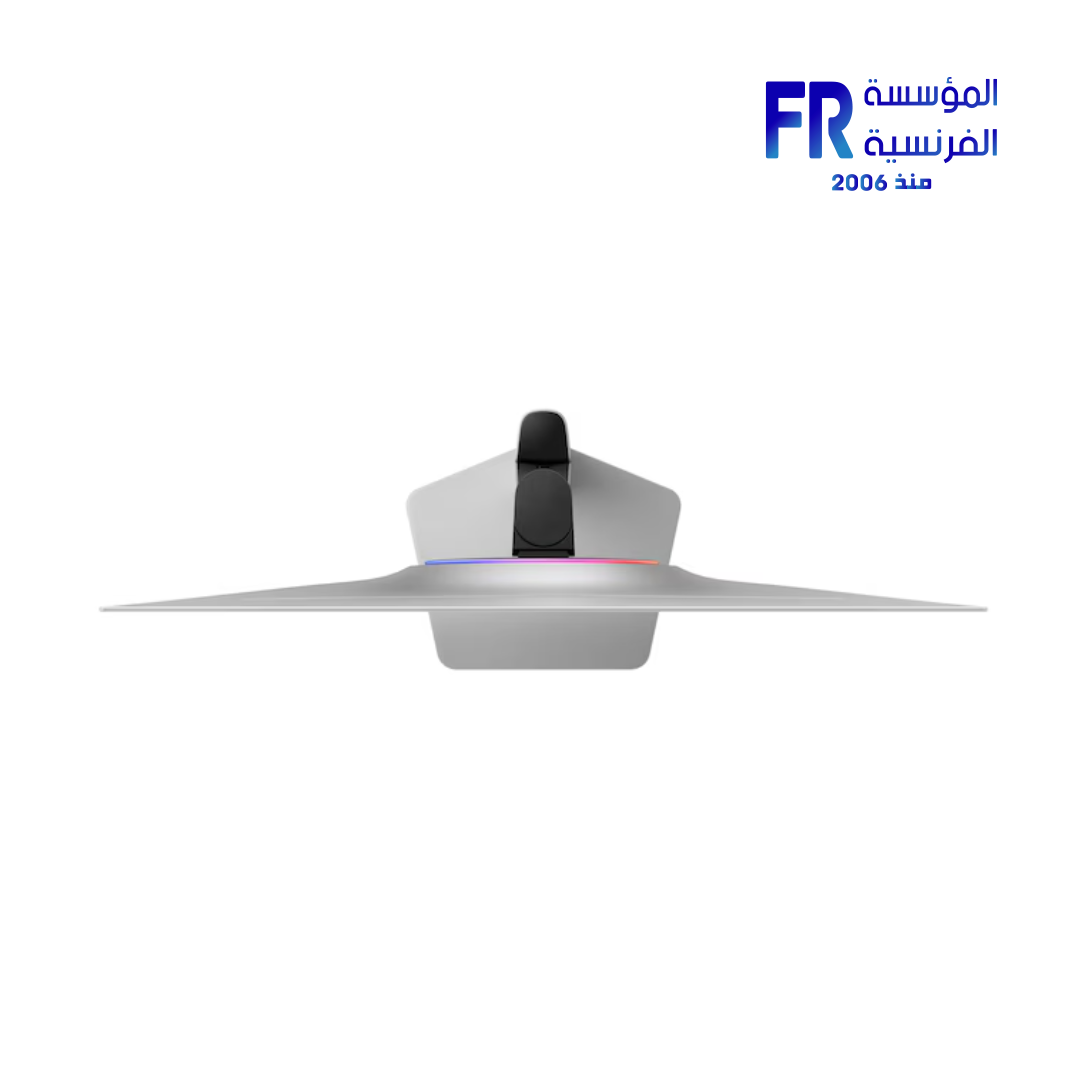
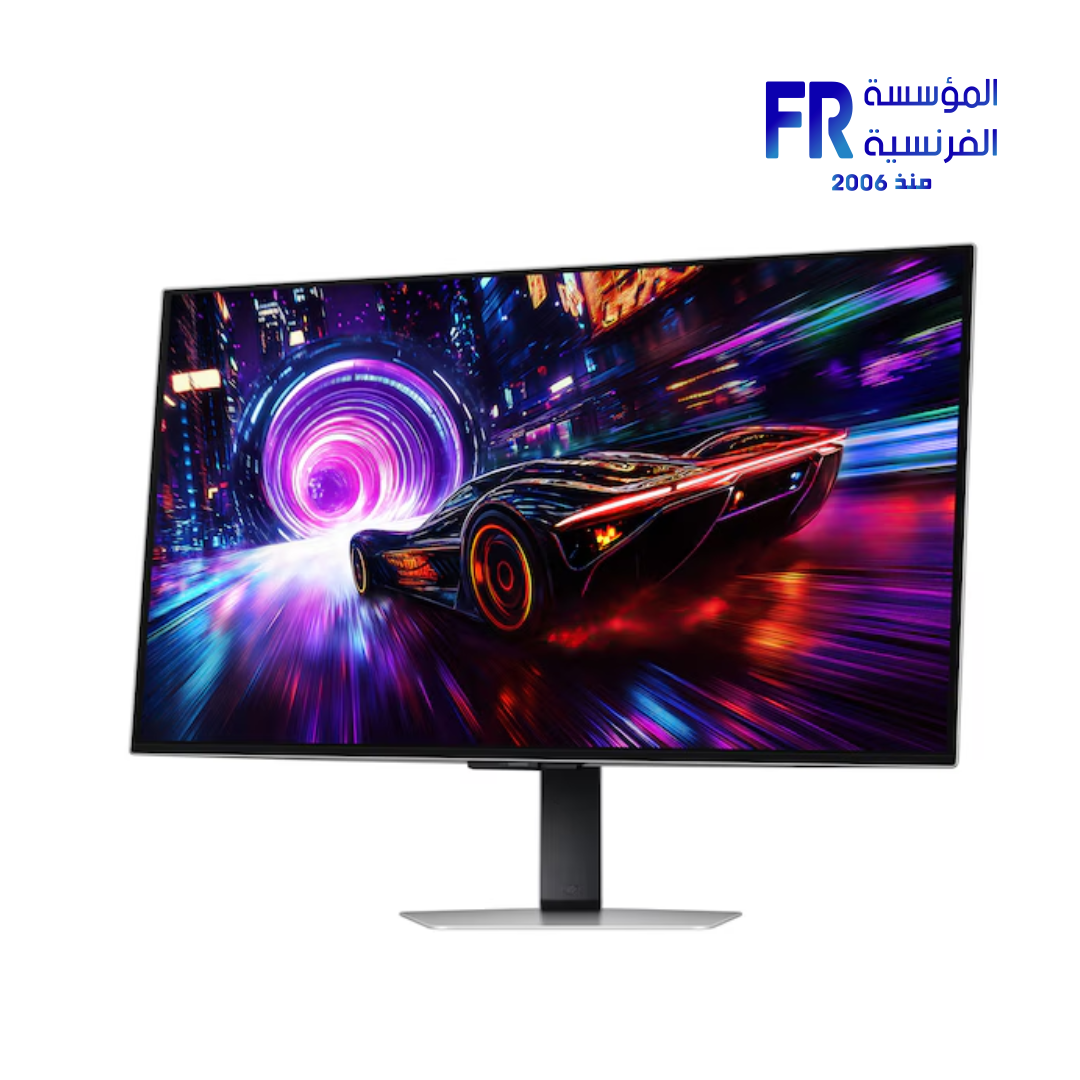
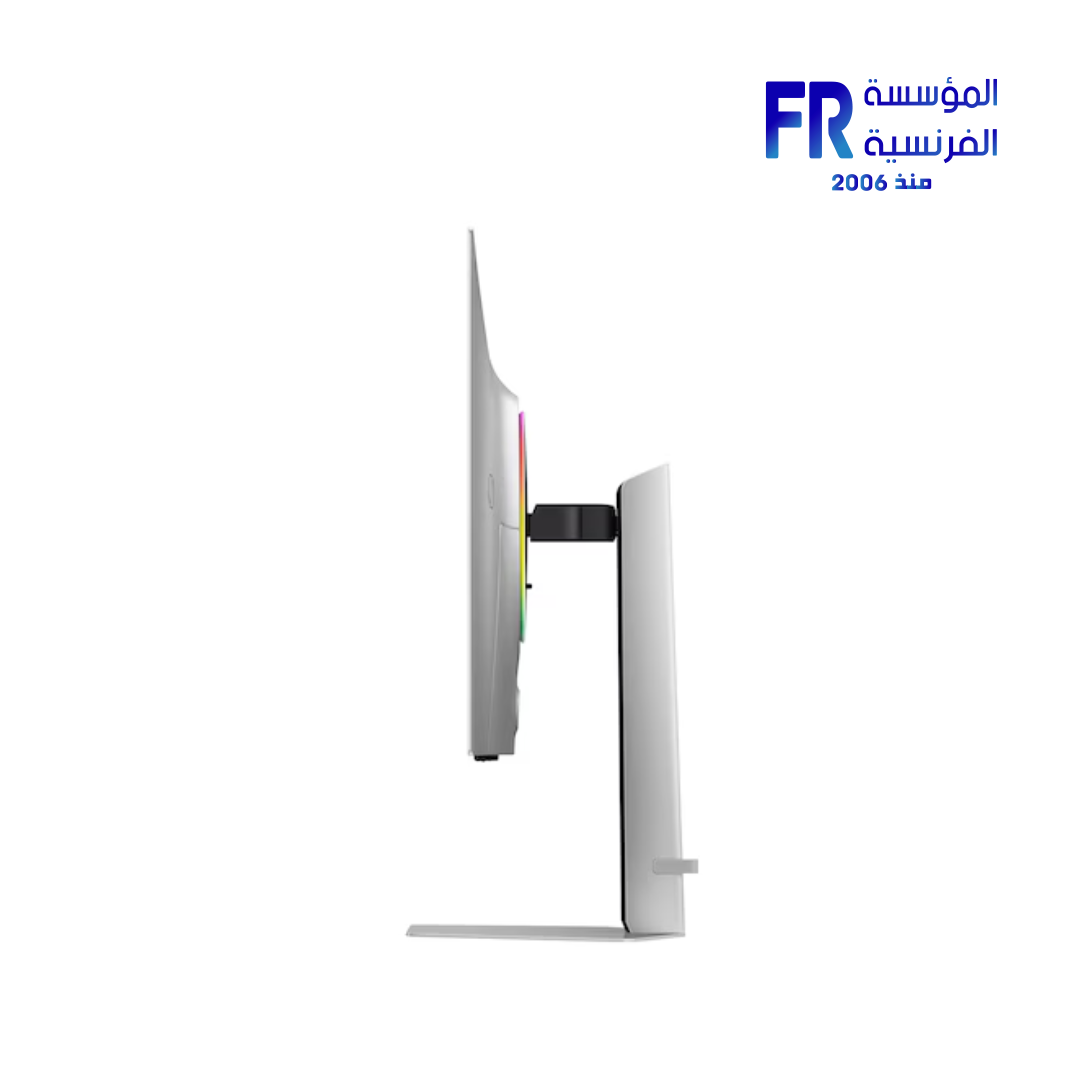
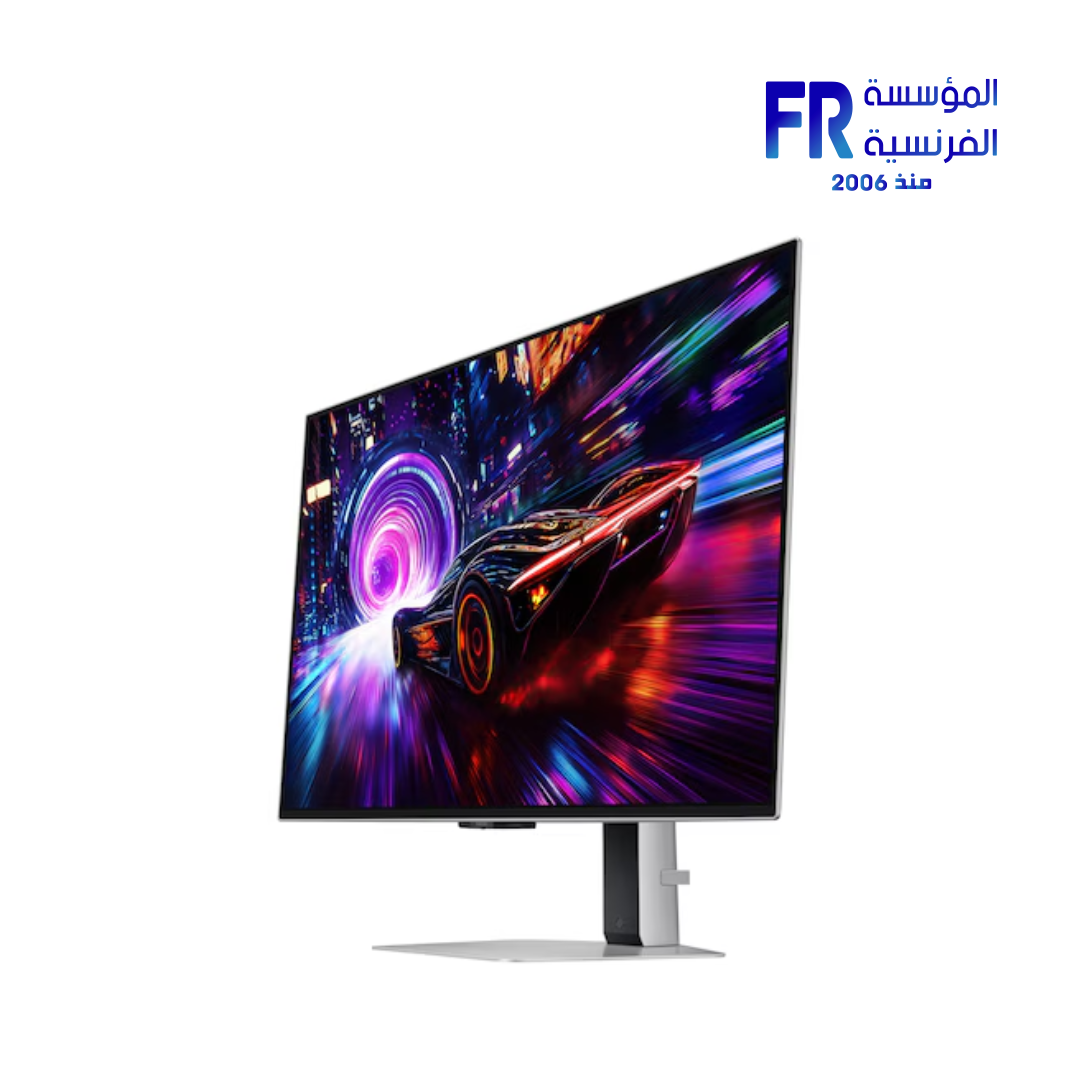
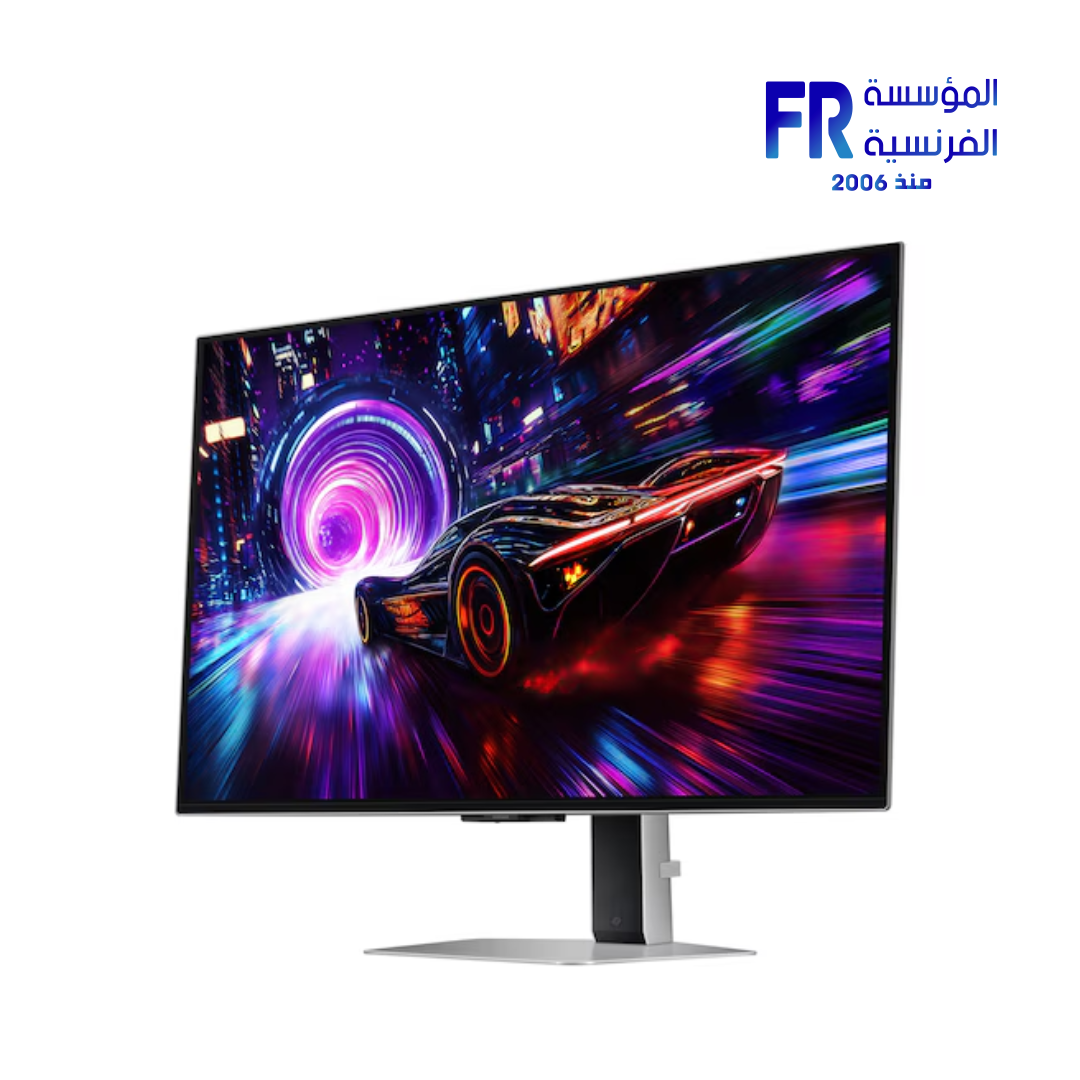
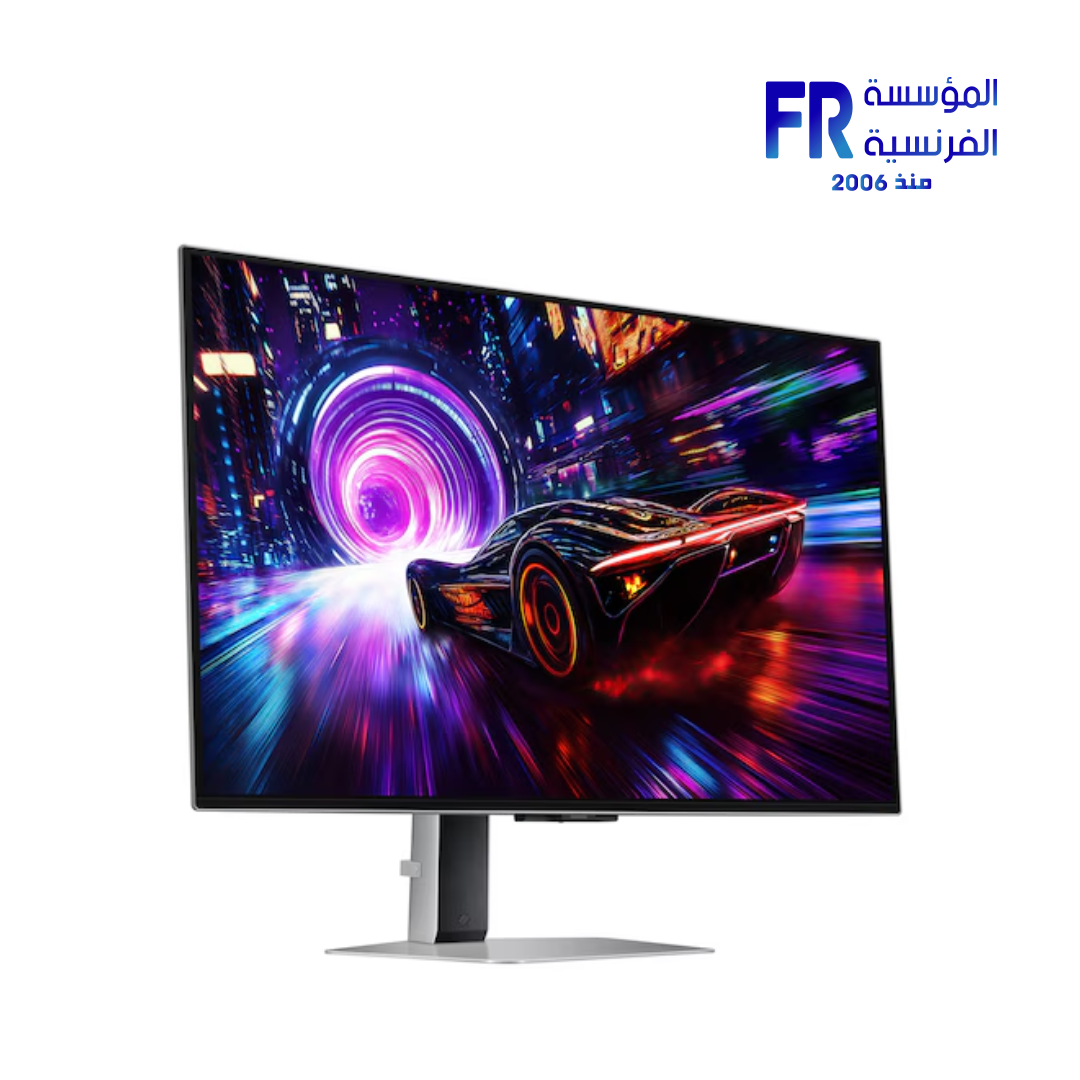
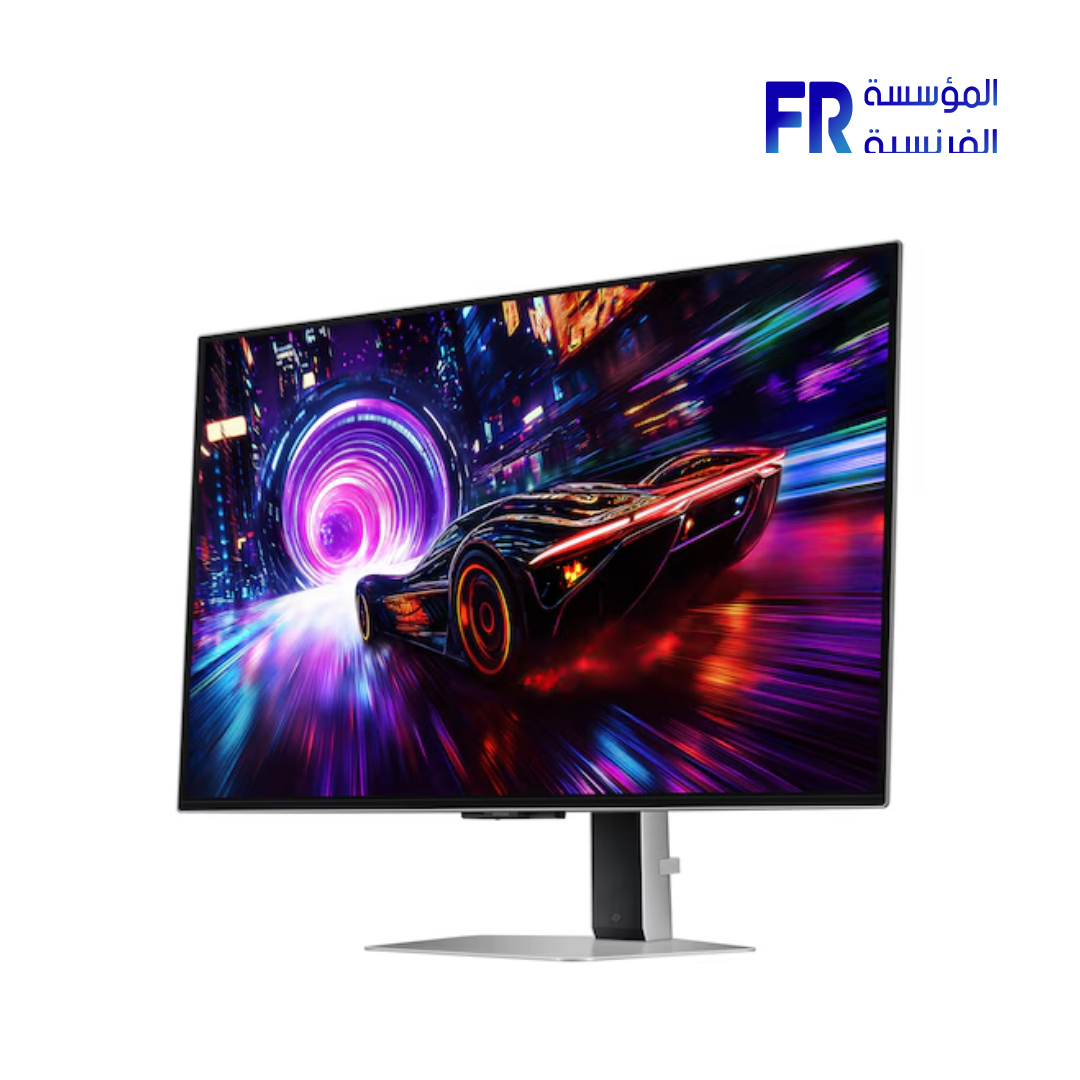
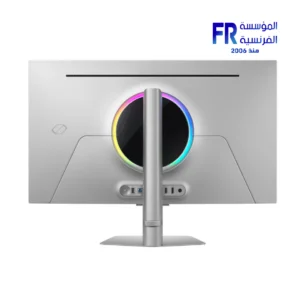
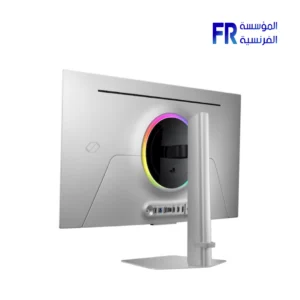
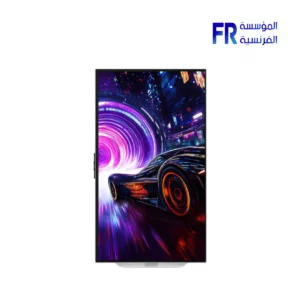
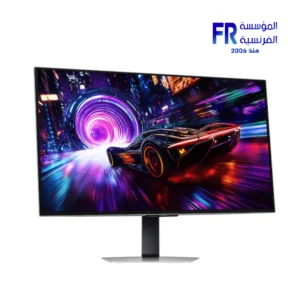
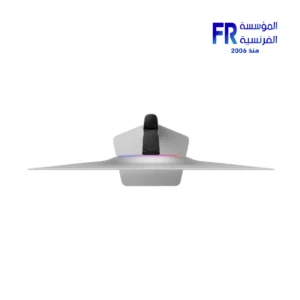
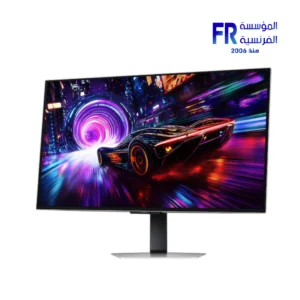
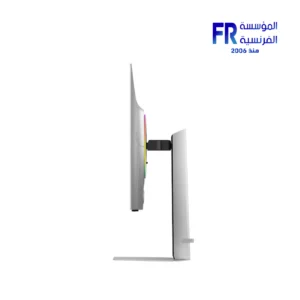
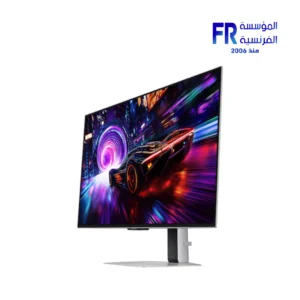
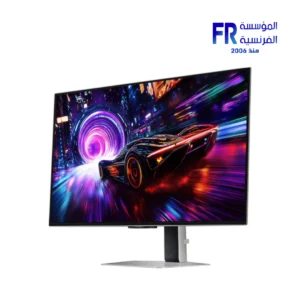
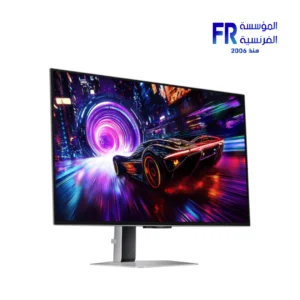
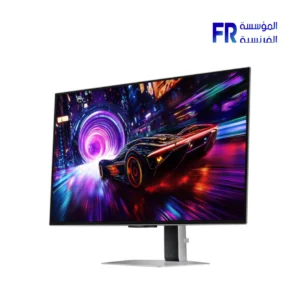
Samsung Odyssey OLED G8 G81SF 32 Inch 240Hz 0.03Ms 4K UHD QD OLED Glare Free FreeSync Premium Pro Silver Gaming Monitor
48999 EGP
- Panel: 32″ QD-OLED 4K UHD (3840×2160), 16:9 aspect ratio
- Speed: 240 Hz refresh rate with 0.03 ms (GtG) response time
- Glare Free: UL-verified low-reflection coating with OLED Safeguard+
- HDR & Sync: VESA DisplayHDR True Black 400 + HDR10+ Gaming; FreeSync Premium Pro
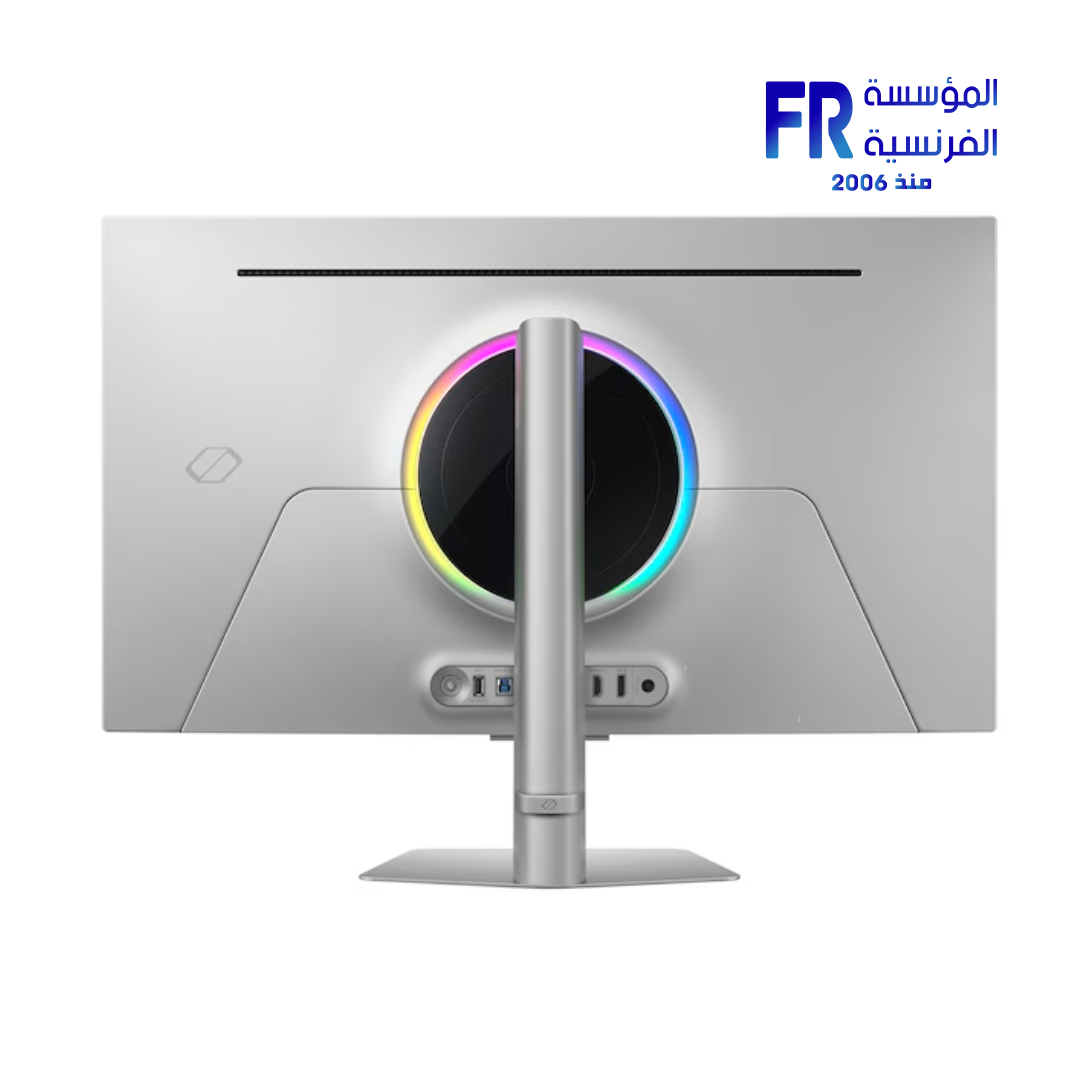
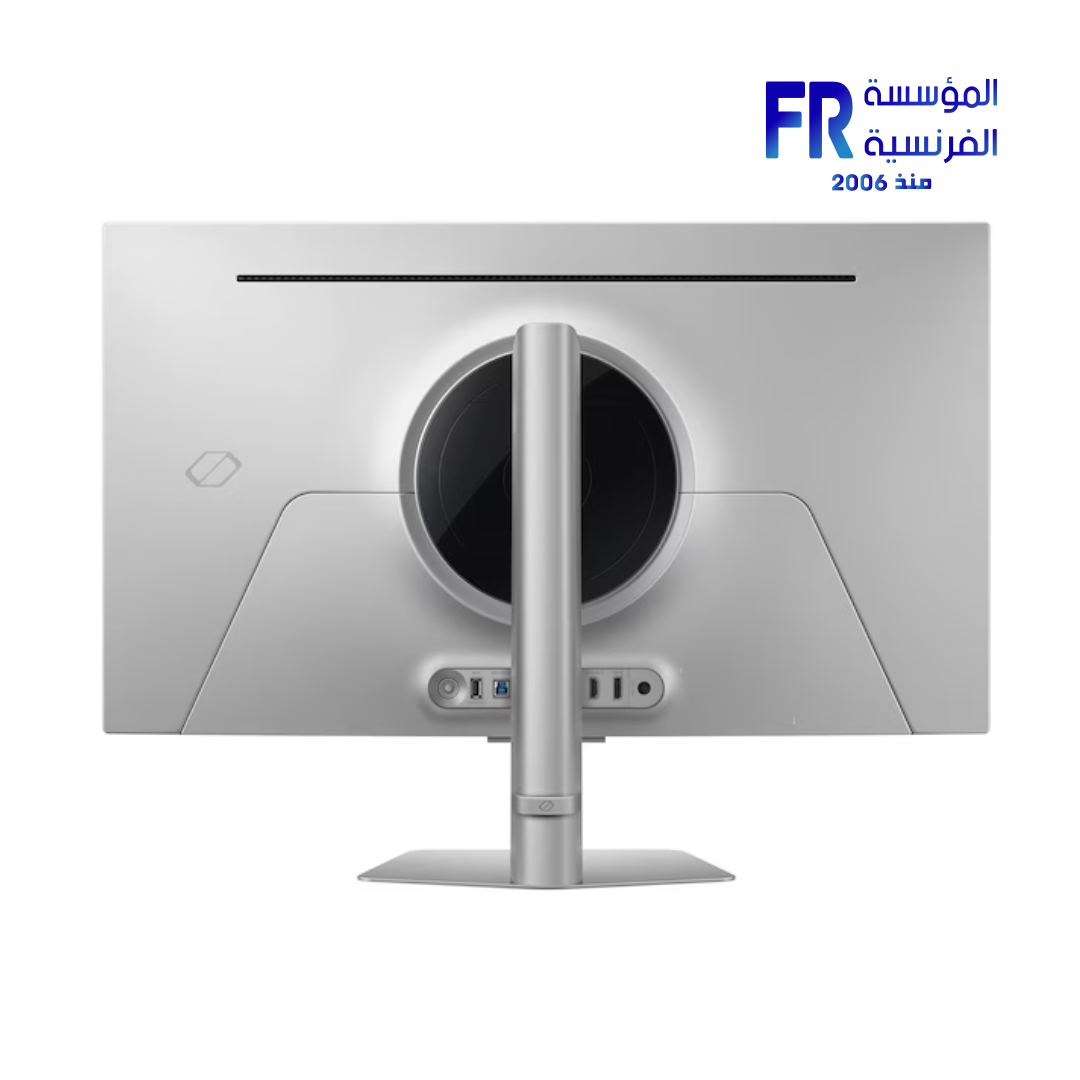
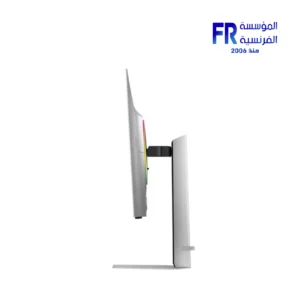
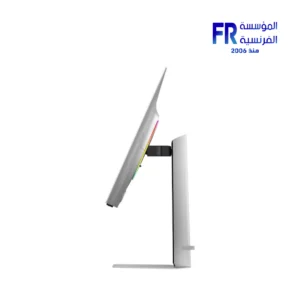
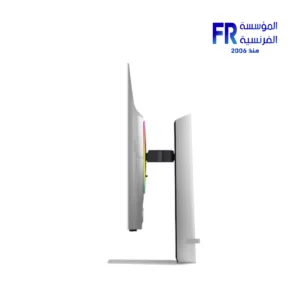
- Design & I/O: Slim silver metal, CoreSync lighting, HDMI 2.1 ×2, DP 1.4, USB hub, ergonomic stand
In stock
Samsung Odyssey OLED G8 G81SF 32 Inch 240Hz 0.03Ms 4K UHD QD OLED Glare Free FreeSync Premium Pro Silver Gaming Monitor
Focus keyphrase: Samsung Odyssey OLED G8
SEO title (≤65c): Samsung Odyssey OLED G8 – 32″ 4K 240Hz QD-OLED Monitor
Meta description (≤156c): 32″ QD-OLED 4K at 240 Hz with 0.03 ms, Glare Free, FreeSync Premium Pro, silver design, ergonomic stand and rich I/O for elite gaming.
The Samsung Odyssey OLED G8 (G81SF) pairs a 32-inch 4K QD-OLED panel with up to 240 Hz and 0.03 ms (GtG) response. Enjoy UL-verified Glare Free coating, AMD FreeSync™ Premium Pro, and a slim silver metal design with a fully adjustable stand.
Key Features at a Glance
Panel & Resolution: 32″ QD-OLED, 4K UHD (3840×2160), 16:9
Speed: Up to 240 Hz refresh, 0.03 ms (GtG) response
Glare Free: UL-verified low-reflection coating
HDR: VESA DisplayHDR™ True Black 400 & HDR10+ Gaming
Sync: AMD FreeSync™ Premium Pro
4K QD-OLED Speed & Clarity at 240 Hz
Experience razor-sharp motion and deep blacks. QD-OLED delivers 1,000,000:1 static contrast, a wide color gamut (max 1B), and lifelike detail, while 240 Hz and 0.03 ms (GtG) keep fast-paced titles ultra-smooth.
Glare-Free Panel & Samsung OLED Safeguard+
The UL-verified coating reduces reflections without sacrificing sharpness. Safeguard+ combines a pulsating heat-pipe cooling system, thermal modulation, logo/taskbar dimming, and an auto-dimming screensaver to help prevent burn-in during normal use.
Slim Metal Design, CoreSync Lighting & Flexible Stand
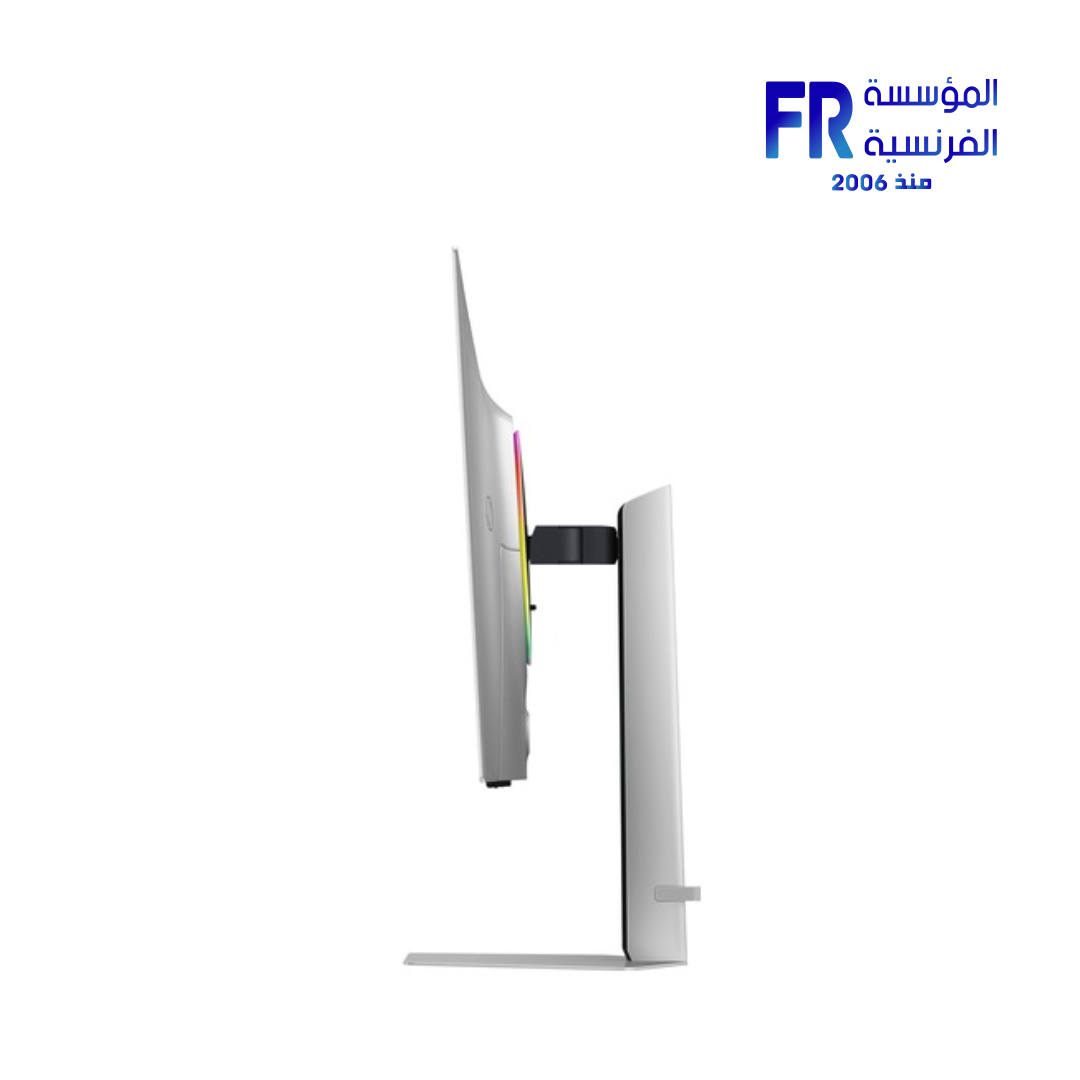
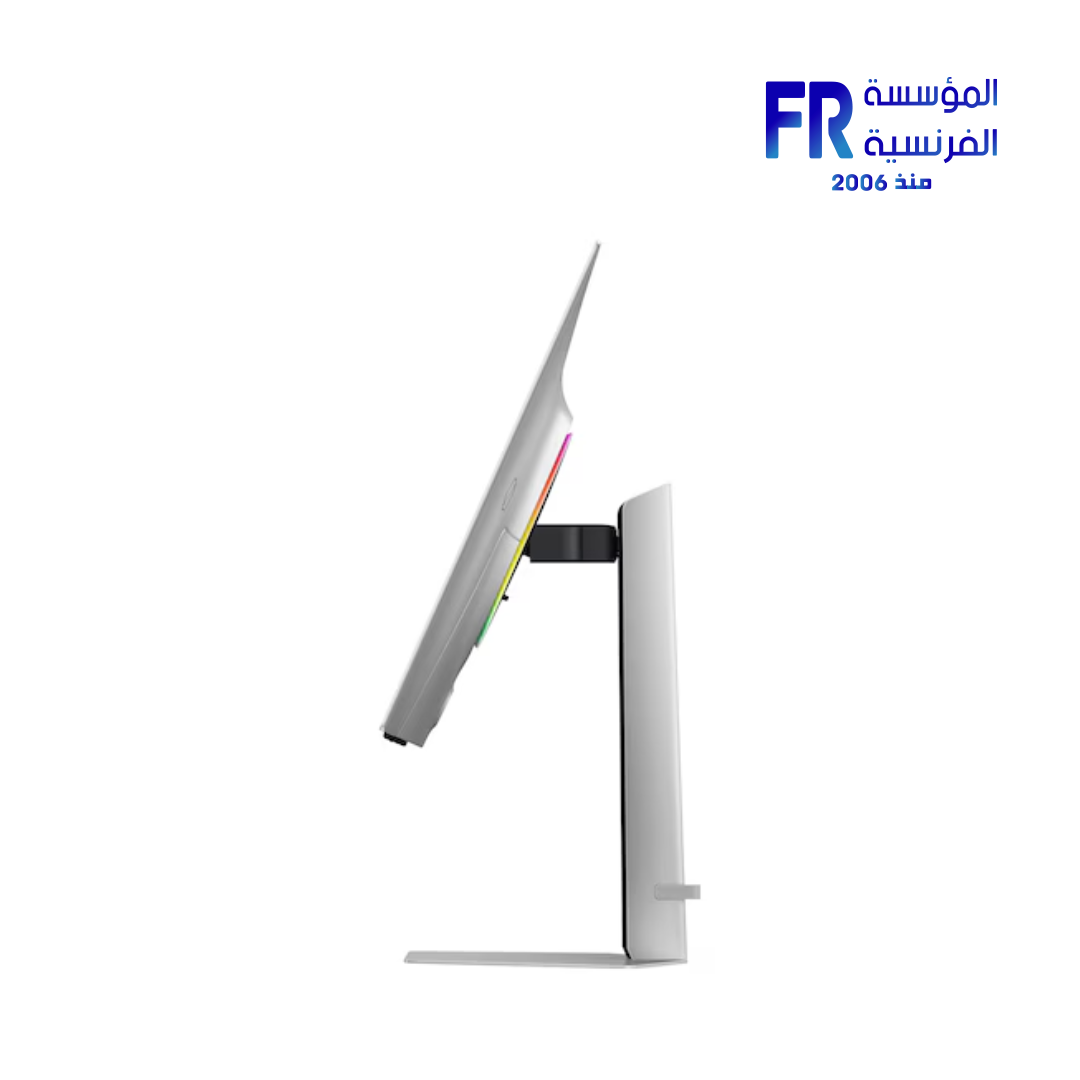
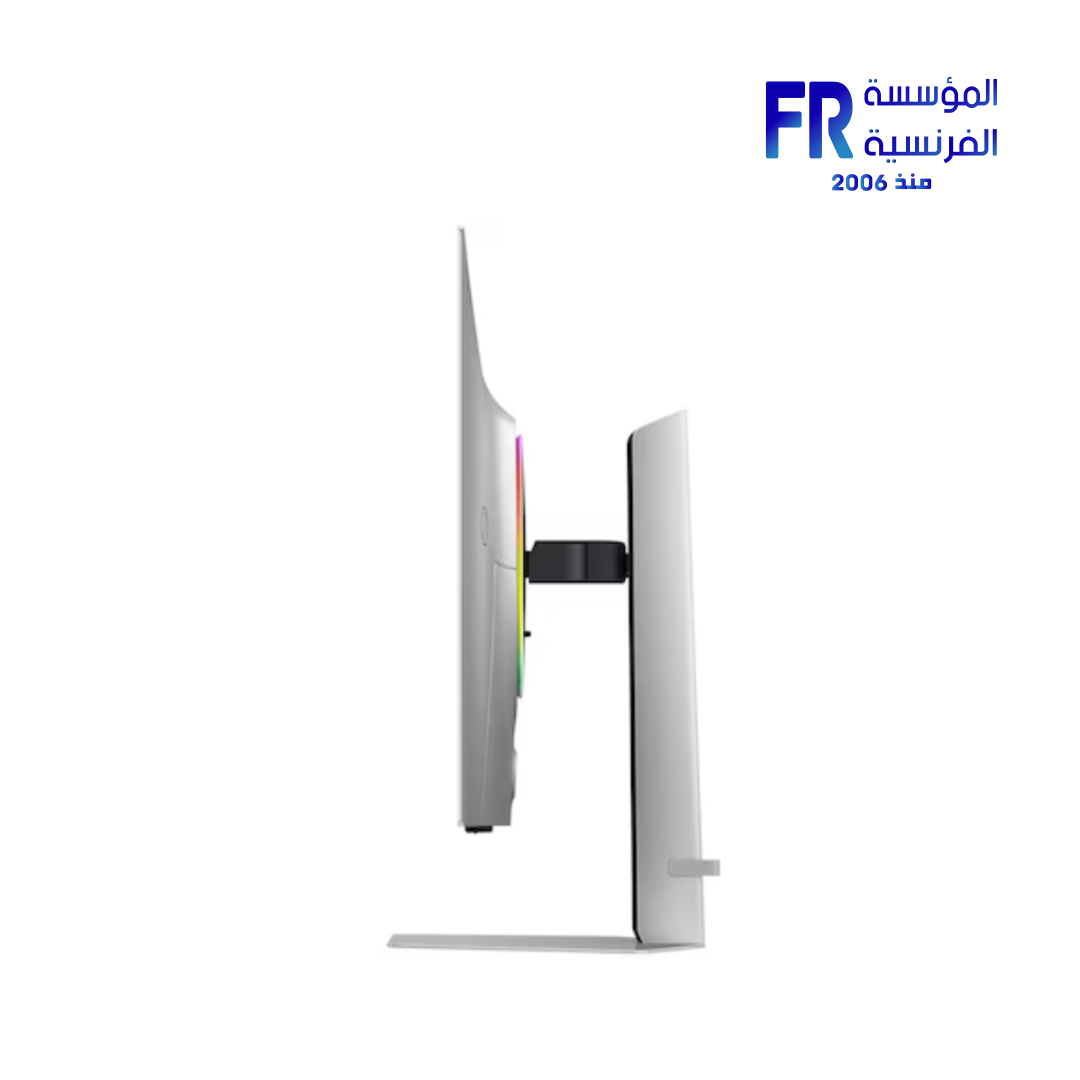
Premium silver finish with CoreSync/CoreLighting+ ambience. Height adjustment (120 mm), tilt −2°~25°, swivel ±30°, pivot ±92°. VESA 100×100 compatible.
Technical Specifications
Frequently Asked Questions
Is this the 32″ Samsung Odyssey OLED G8 with 240 Hz?
Yes—G81SF combines a 32″ 4K QD-OLED panel with up to 240 Hz and 0.03 ms (GtG) response.
Does it support console gaming?
HDMI 2.1 ports support current-gen consoles; FreeSync Premium Pro enhances VRR gameplay.
How effective is the anti-glare?
The UL-verified Glare Free coating reduces reflections while preserving sharpness and color fidelity.
How is OLED longevity managed?
Samsung OLED Safeguard+ uses active cooling, thermal control, logo/taskbar dimming, and a screensaver to help prevent burn-in.
💡 Pro Tip:
Enable 240 Hz in your GPU control panel and in-game settings, then use the monitor’s gaming mode for best motion clarity.
Monitors
| MODEL | |
|---|---|
| Monitor Type | |
| SCREEN SIZE | |
| Panel Type | |
| RESOLUTION | |
| RESPONSE TIME | |
| REFRESH RATE | |
| ADAPTIVE SYNC | |
| Backlight Technology | |
| Brightness | |
| Flicker Free | |
| sRGB | |
| I/O Ports | Headphone, DisplayPort 1.4, HDMI 2.1, 2x USB Type-A Downstream |
| Included Speaker | |
| Color | |
| Part Number | |
| Warranty |
Only logged in customers who have purchased this product may leave a review.
Related Products
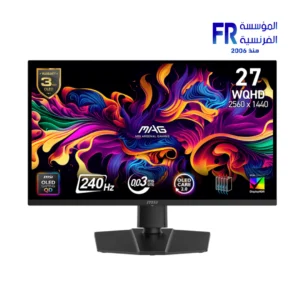

-17%
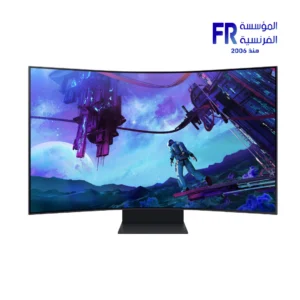
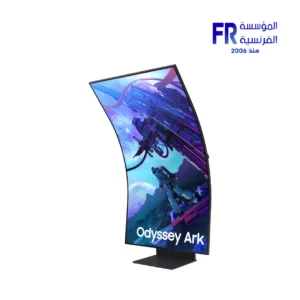
Original price was: 99999 EGP.82700 EGPCurrent price is: 82700 EGP.




Reviews
There are no reviews yet.