

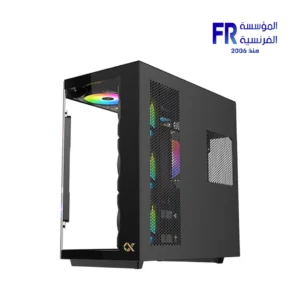


Xigmatek Cubi II LCD 9.18 Inch DGT LCD 7 Fan ARGB Type-C Mid Tower Case
5899 EGP
- Model: Xigmatek Cubi II LCD | SKU:
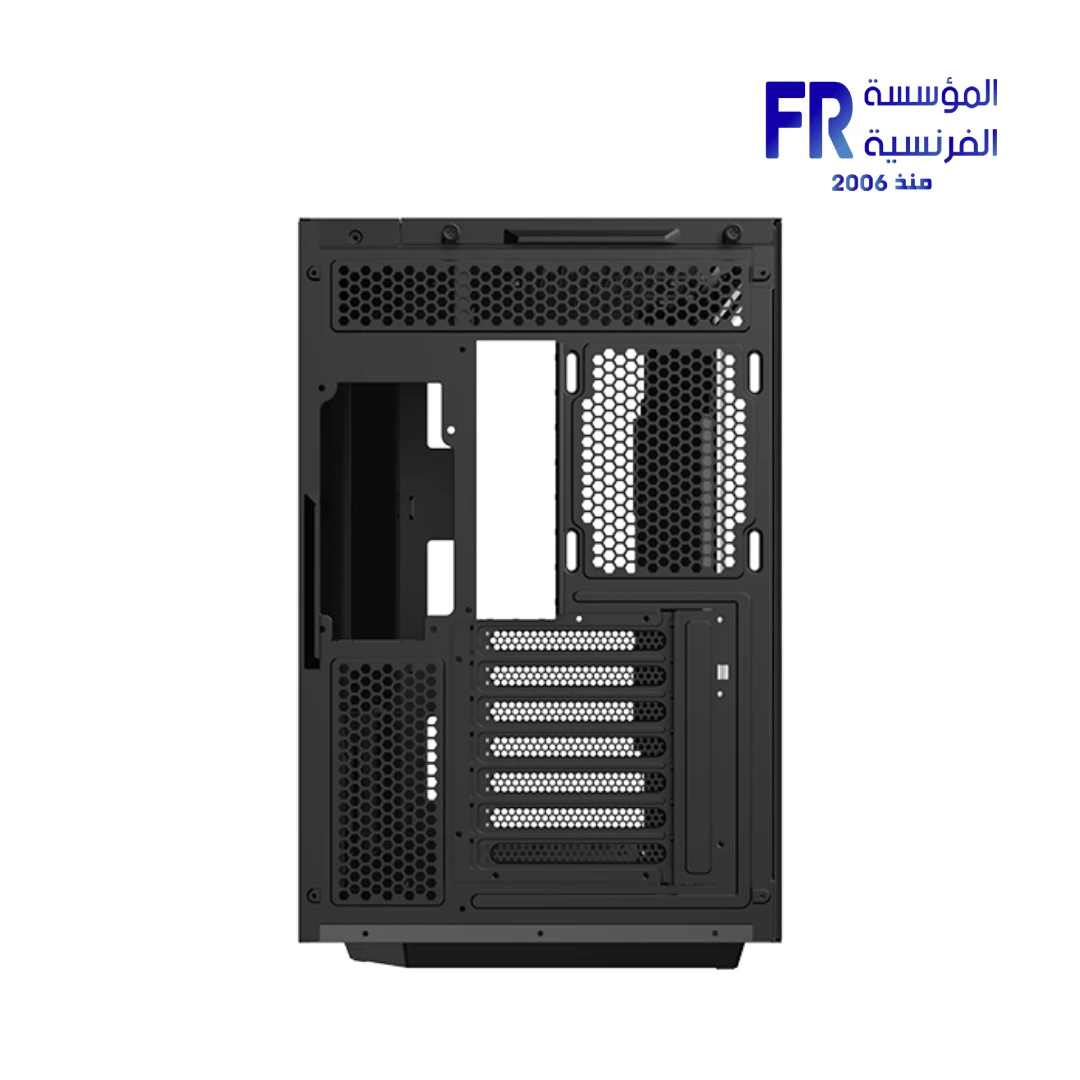
EN90861| EAN:4711726290861 - Form Factor: Mid-Tower Chassis | Supports E-ATX, ATX (including Back-Plug), Micro-ATX, Mini-ITX | 7 Expansion Slots (Supports Vertical GPU Mounting)
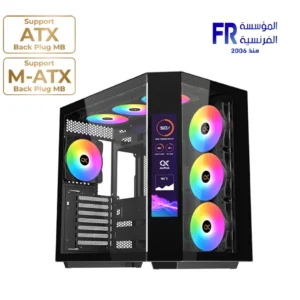
- Display: 9.18-inch Multi-Display LCD Panel | Full HD+ Resolution (1920 x 462) | Supports Windows 10 & 11 Multiple Display Modes
- Cooling: Pre-installed 7x ARGB Fans (Traditional blades on rear, Reverse blades on MB panel & bottom) | Max 10 Fans Total | Radiator Support: Top (280/360mm), MB Panel (360mm), Bottom (360mm, M-ATX only)
- Clearances: CPU Cooler up to 165mm | GPU Length up to 370mm | PSU Length up to 200mm
- Storage: 2x 3.5″ HDD + 3x 2.5″ SSD Drive Bays
- I/O Ports: 1x USB Type-C, 2x USB 3.0, HD Audio, Power & Reset Buttons
- Material & Dimensions: Steel Construction | 431 x 277 x 431 mm (L x W x H)
- Warranty: 1 year
In stock
Price Match Guarantee✅ Authorized Xigmatek Partner in Egypt | Official 1-Year Warranty | Expert PC Building Consultation Available
Xigmatek Cubi II LCD 9.18 Inch DGT LCD 7 Fan ARGB Type-C Mid Tower Case
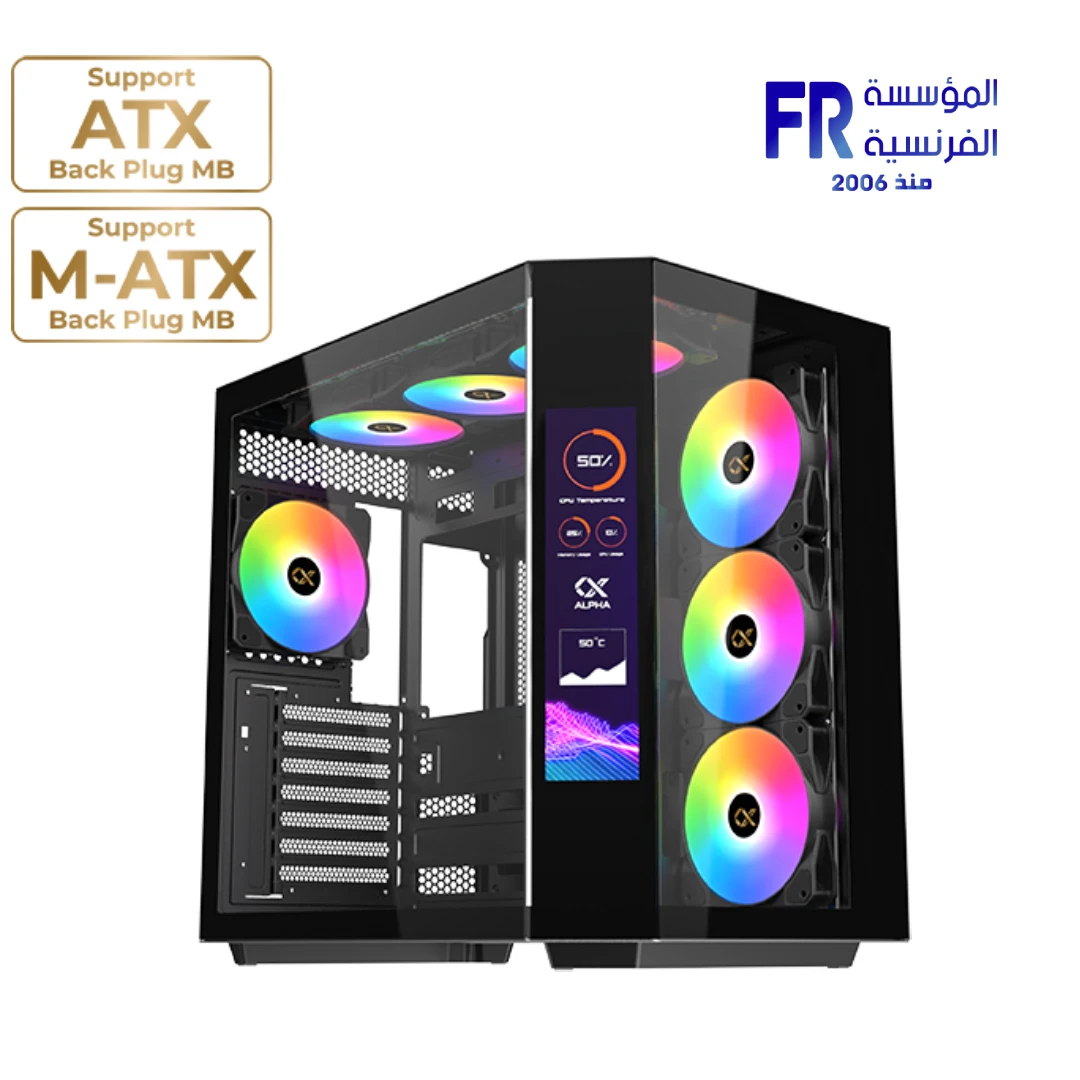
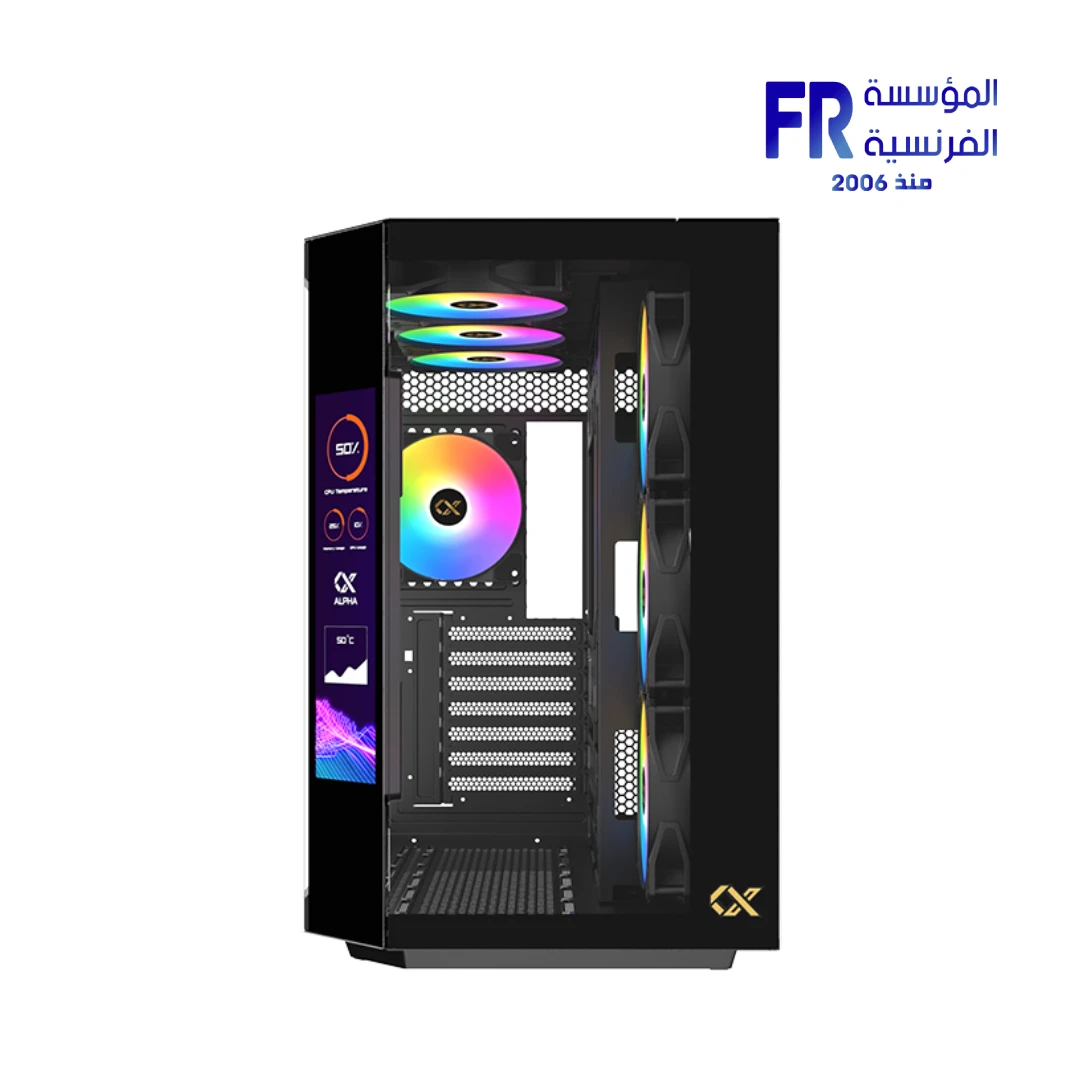
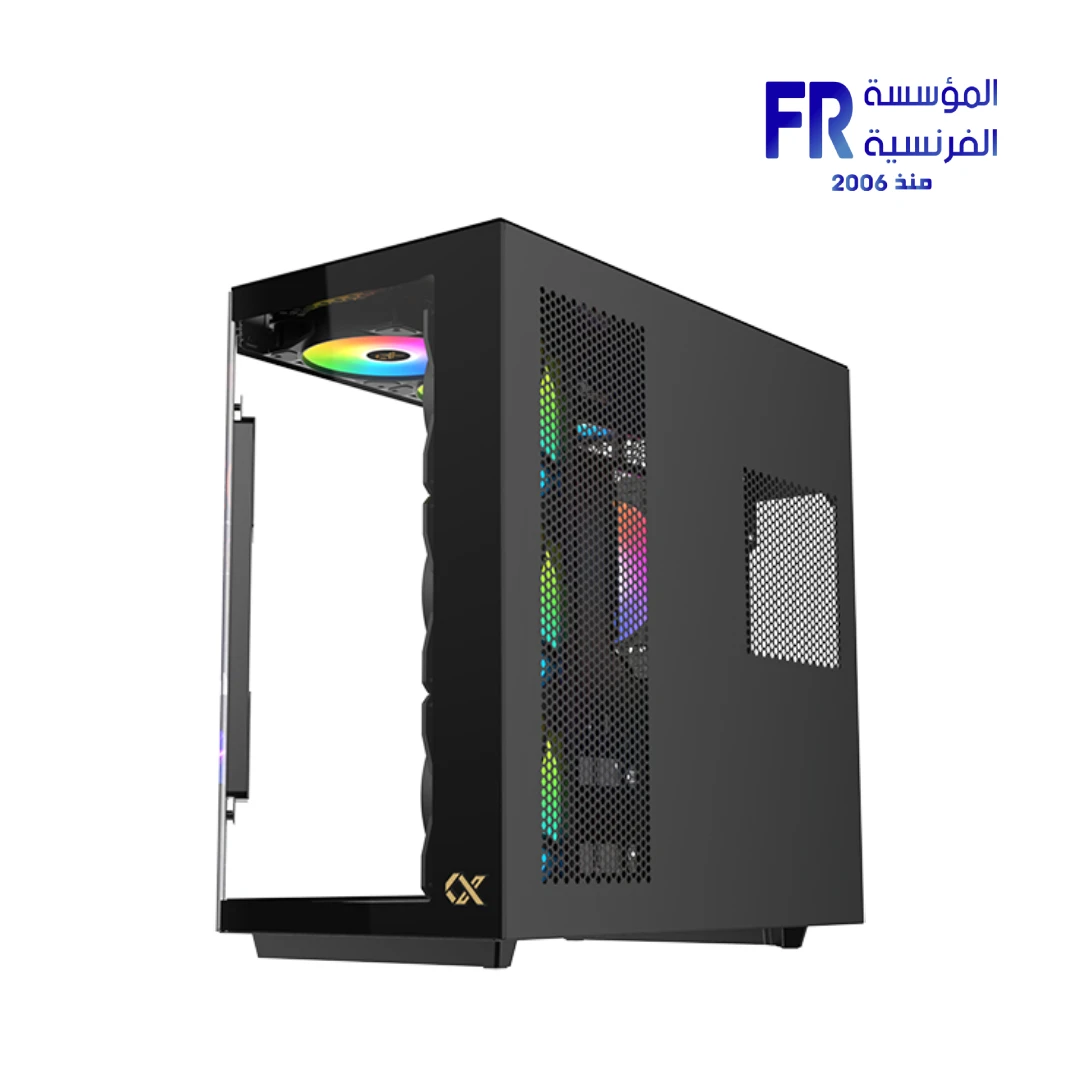
Xigmatek Cubi II LCD is a mid-tower case with a 9.18-inch multi-display LCD panel running at 1920 x 462 resolution. It comes with seven pre-installed ARGB fans, including reverse-blade fans on the motherboard panel and bottom for a clean showcase look. It supports E-ATX motherboards up to 280mm, graphics cards up to 370mm, and up to 360mm radiators on the top, side, and bottom. Available at Alfrensia for 5,899 EGP.
⚡ Engineering Highlights at a Glance:
- 9.18-inch Multi-Display LCD: A 1920 x 462 Full HD+ panel that supports Windows 10 and 11 multi-display setups, useful for system monitoring, custom visuals, or secondary screen content.
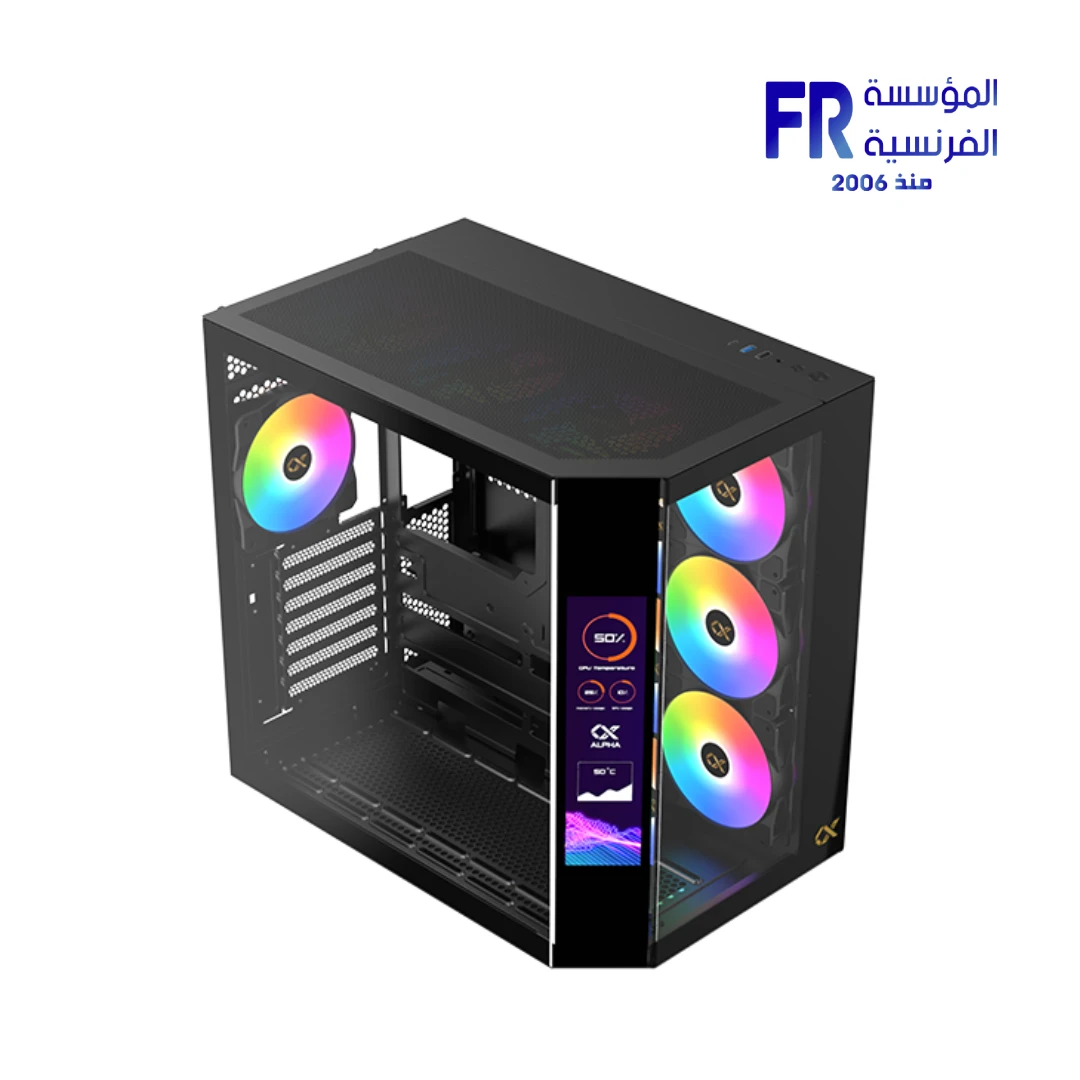
- 7 Pre-installed ARGB Fans: Three reverse-blade fans on the motherboard panel, three reverse-blade fans on the bottom, and one standard fan at the rear, all pre-installed for out-of-the-box airflow and lighting.
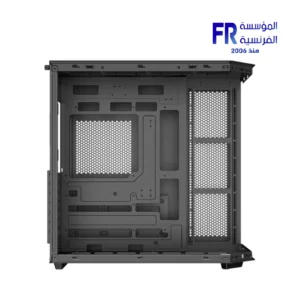
- Panoramic Glass Showcase: The case uses a dual-chamber layout with tempered glass panels on the front and side, giving a clear view of the internal components without a divider column.
- E-ATX Support (up to 280mm): Fits E-ATX boards up to 280mm wide, plus ATX, Micro-ATX, and Mini-ITX, including boards with hidden connectors like ASUS BTF and MSI Project Zero.
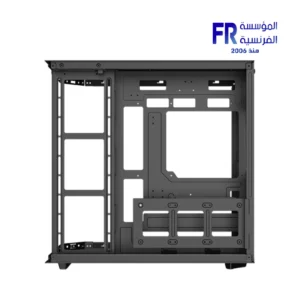
- Flexible Radiator Support: Up to 360mm on the top, 360mm on the motherboard panel, and 360mm on the bottom when using a Micro-ATX board.
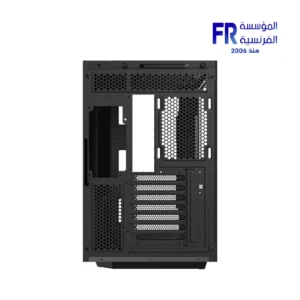
- 370mm GPU Clearance: Accommodates most high-end graphics cards, with support for vertical GPU installation using a riser cable (sold separately).
- USB-C Front I/O: Includes one USB-C port, two USB 3.0 ports, and an HD audio jack on the top panel for modern connectivity.
Who is the Cubi II LCD For?
Expert Advice & Build Considerations
LCD Panel and Software
The 9.18-inch LCD panel runs at 1920 x 462 and supports Windows 10 and 11 multi-display setups. Because it functions as an additional display, you connect it to your GPU or motherboard video output and configure it in Windows Display Settings. Plan for an extra display cable and a free video output on your GPU. The panel is not a touchscreen; it is designed for system monitoring, custom wallpapers, or secondary information.
Motherboard and Clearance
The case supports E-ATX boards up to 280mm wide, plus ATX, Micro-ATX, and Mini-ITX. It also supports back-plug motherboards from ASUS (BTF), MSI (Project Zero), and Gigabyte (Project Stealth). Check your motherboard’s width before purchase if you use a true E-ATX board wider than 280mm. The 165mm CPU cooler height accommodates most tower air coolers and AIO pump blocks. GPU length is limited to 370mm, which covers most flagship cards but not the longest models.
Cooling and Radiator Placement
The case ships with seven ARGB fans, so out-of-the-box airflow is strong. Radiator support is flexible: 280mm or 360mm on the top, 360mm on the motherboard panel, and 360mm on the bottom when using a Micro-ATX board. If you plan a custom loop or a large AIO, decide on the radiator placement before installing the motherboard, because the side-mounted radiator shares space with the motherboard panel. The reverse-blade fans on the side and bottom are oriented to pull air into the case while showing their clean face toward the glass.
Technical Specifications
| Model Name | Cubi II LCD |
| Brand | Xigmatek |
| SKU / MPN | EN90861 |
| EAN / UPC | 4711726290861 |
| Case Form Factor | Mid Tower |
| Motherboard Support | E-ATX (up to 280mm), ATX, Micro-ATX, Mini-ITX |
| Back-Plug Motherboard Support | ATX and Micro-ATX with hidden connectors |
| Display | 9.18-inch LCD, 1920 x 462 (Full HD+) |
| Included Fans | 7 x 120mm ARGB (3 reverse on MB panel, 3 reverse on bottom, 1 rear) |
| Fan Support | Top: 3x120mm or 2x140mm | MB Panel: 3x120mm | Bottom: 3x120mm or 2x140mm | Rear: 1x120mm |
| Radiator Support | Top: 280/360mm | MB Panel: 360mm | Bottom: 360mm (Micro-ATX only) |
| Max GPU Length | 370 mm |
| Max CPU Cooler Height | 165 mm |
| Max PSU Length | 200 mm (Standard PS2 ATX) |
| Expansion Slots | 7 standard slots, supports vertical GPU installation (riser not included) |
| Drive Bays | 2 x 3.5″ HDD | 3 x 2.5″ SSD |
| Front I/O | 1 x USB-C | 2 x USB 3.0 | HD Audio | Power Button | Reset Button |
| Dimensions | 431 x 277 x 431 mm (L x W x H) |
| Materials | Steel, tempered glass (front and side) |
| Color | Black |
| Warranty | 1 Year Local Alfrensia Warranty |
Expert Recommendation: Building in the Cubi II LCD
Plan the LCD connection before you start. The panel acts as an additional display, so you need a free video output on your GPU or motherboard and a cable long enough to reach the case’s top panel. Configure it in Windows Display Settings after the first boot and set it to extend or duplicate your desktop depending on how you plan to use it.
Decide on radiator placement early. If you plan a 360mm AIO on the side (motherboard panel), install the radiator before mounting the motherboard to avoid clearance issues. For a bottom-mounted radiator, use a Micro-ATX board because the bottom 360mm support is limited to M-ATX.
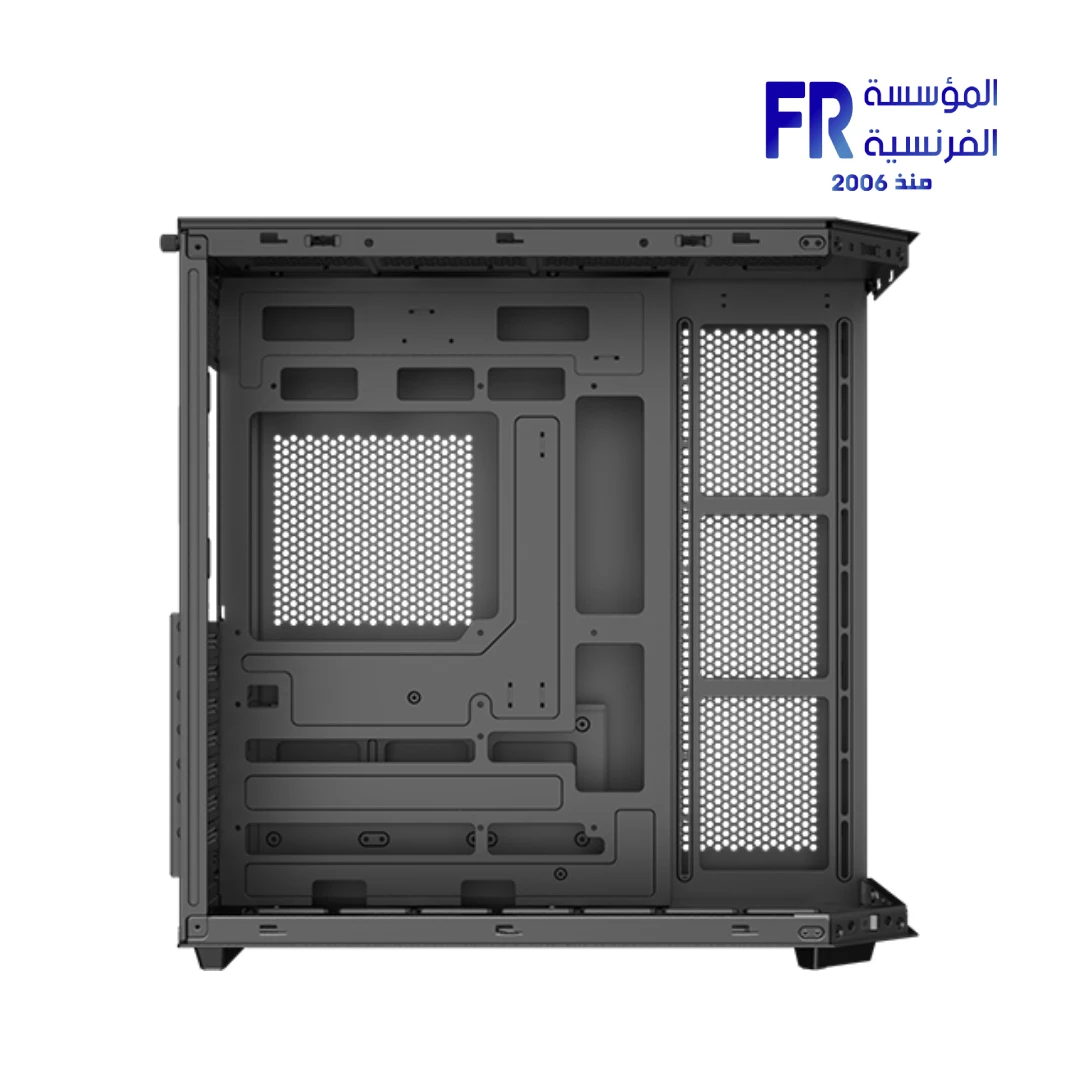
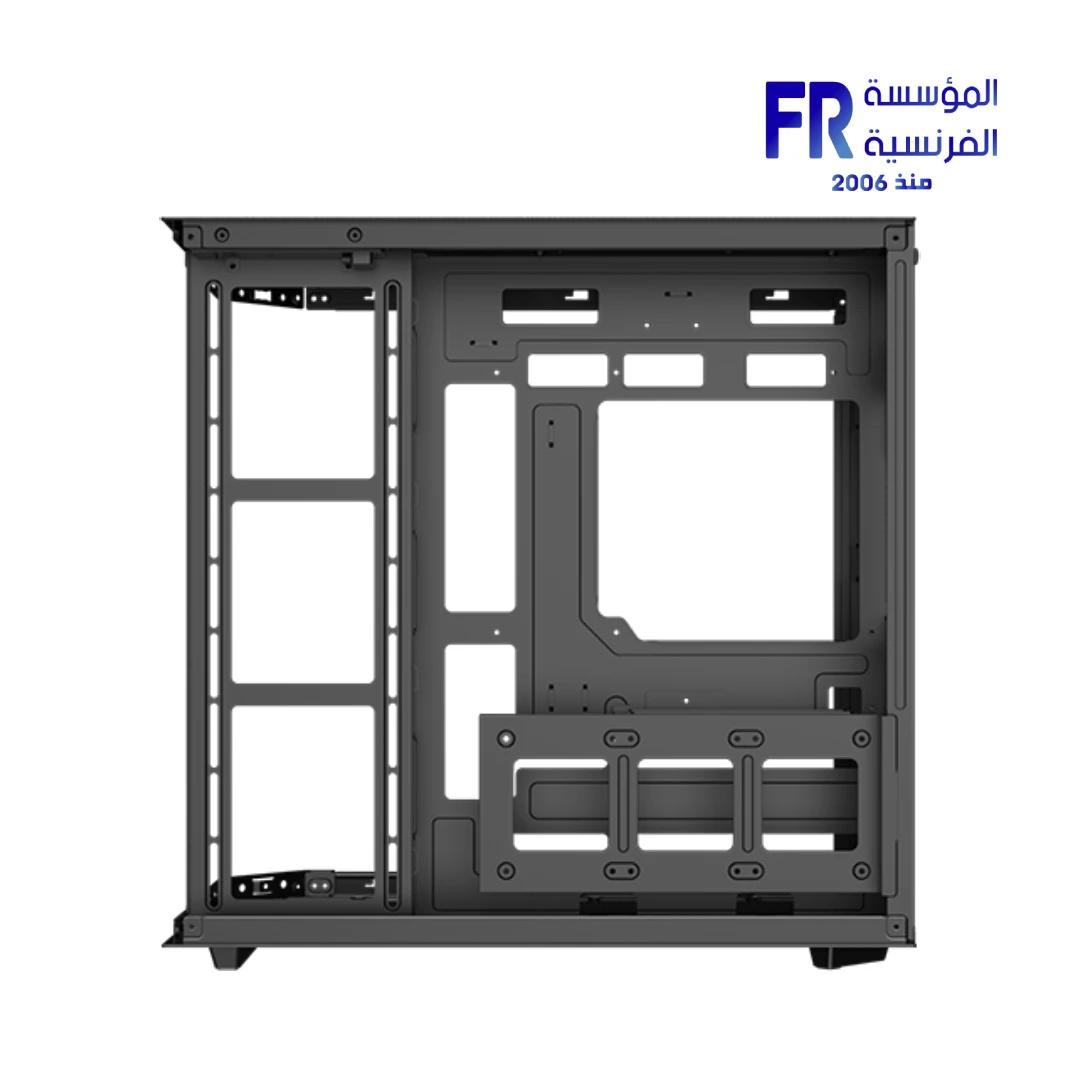
The case supports back-plug motherboards, which can simplify cable management significantly. If you use a standard motherboard, route the 24-pin and CPU cables through the grommets before installing the motherboard, and use the dual-chamber space behind the motherboard tray for excess cable length.
The seven pre-installed ARGB fans handle airflow well, but they use a proprietary connector in some Cubi II models. If you want to sync them with your motherboard’s ARGB software, check whether the included fan controller supports motherboard sync. If not, use the case’s built-in LED control or plan to replace the fans with standard ARGB models for full software control. The 1-year Alfrensia warranty covers manufacturing defects.
Frequently Asked Questions
What is the resolution of the 9.18-inch LCD panel?
The LCD panel runs at 1920 x 462, which Xigmatek describes as Full HD+ for this aspect ratio. It supports Windows 10 and 11 multi-display setups, so it functions as an additional monitor rather than a touchscreen. You connect it to a GPU video output and configure it in Windows Display Settings.
How many fans are pre-installed, and what types are they?
The case ships with seven 120mm ARGB fans: three reverse-blade fans on the motherboard panel, three reverse-blade fans on the bottom, and one standard fan at the rear. The reverse-blade design keeps the clean face of the fan visible through the glass while still moving air into the case.
What is the maximum GPU length and CPU cooler height?
The case supports graphics cards up to 370mm long and CPU coolers up to 165mm tall. It also fits power supplies up to 200mm deep. Check your specific components against these limits before purchase, especially if you use a flagship GPU or a large tower air cooler.
Does the case support E-ATX motherboards?
Yes, it supports E-ATX motherboards up to 280mm wide, plus ATX, Micro-ATX, and Mini-ITX. It also supports back-plug motherboards from ASUS (BTF), MSI (Project Zero), and Gigabyte (Project Stealth). If your E-ATX board is wider than 280mm, verify clearance before purchase.
What radiator sizes fit in the Cubi II LCD?
Radiator support is 280mm or 360mm on the top, 360mm on the motherboard panel, and 360mm on the bottom when using a Micro-ATX motherboard. The bottom 360mm support is not available with ATX or E-ATX boards, so plan your cooling layout based on your motherboard size.
| MODEL | |
|---|---|
| CASE SIZE | |
| PANEL | |
| Motherboard Type | |
| Material | |
| DIMENSIONS | |
| Net Weight | |
| FANS INCLUDED | |
| Expansion Slots | |
| Fan Support | |
| Radiator Support | |
| GPU Length | |
| CPU Height | |
| PSU SUPPORT | |
| Pre-installed PSU | |
| I/O Ports | |
| 3.5“ Drive Bays | |
| 2.5 Drive Bays | |
| Color | |
| Part Number | |
| Warranty |
Only logged in customers who have purchased this product may leave a review.
Warranty & Purchase Terms
- Warranty for this product: 1 Year (official agent warranty). Details
- Immediate replacement: if a manufacturing defect appears at any time during the warranty, the product is replaced with a new one, no repair (except products that need software work). If no replacement is available, you get a full refund with no deductions. Details
- Returns: don't need it? Return it within 30 days of purchase, as long as it is sealed, unopened and complete. Details
- Inspecting the shipment: before you accept, look at the outer packaging. If the box is badly damaged (torn, wet, crushed or the tape is open) and shows signs of damage, refuse the shipment with the courier and call us right away on 01021625421. Don't open the product box before accepting. Details
- After delivery: if you open it and find damage or missing parts inside, call us within 48 hours on 01021625421 and keep the box and photos or an unboxing video. Details
- Not covered: misuse (burning, breaking, scratching, removing the warranty sticker), operating systems, software and generic accessories. Details
- Important: keep the Alfrensia warranty sticker on the product and all box contents to benefit from the agent's warranty. Details
- Payment & delivery: cash on delivery. Cairo, Giza & Alexandria within 2–3 business days, other governorates within 3–5 business days after order confirmation. Details
- Refunds: your money is back within 2 business days of receiving the product, by InstaPay, wallet or bank transfer. Details
- Your legal rights: all your rights under Egypt's Consumer Protection Law No. 181 of 2018 stay in full; the benefits above come on top. Details










Reviews
There are no reviews yet.