

-
×
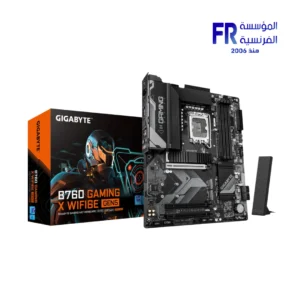
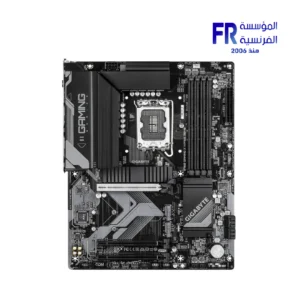
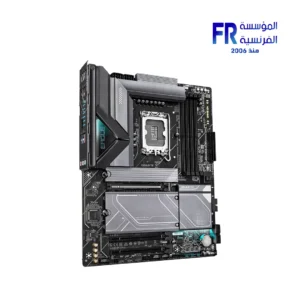
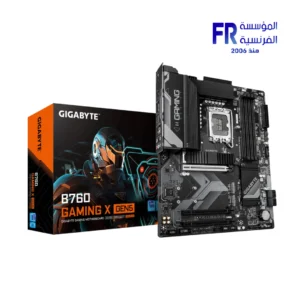 Gigabyte B760 Gaming X Gen5 Motherboard
1 × 7800 EGP
Gigabyte B760 Gaming X Gen5 Motherboard
1 × 7800 EGP -
×
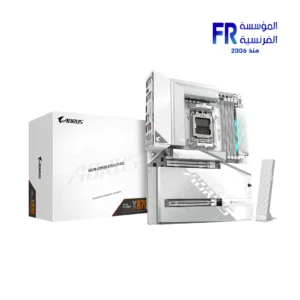
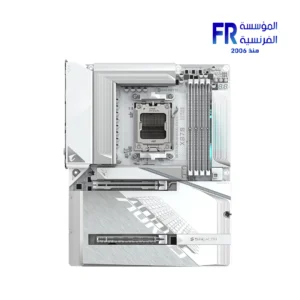
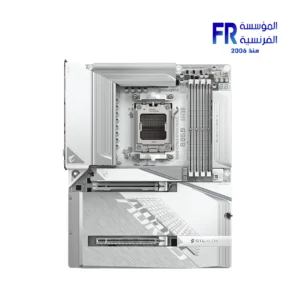
 Gigabyte B850 Aorus Stealth with Wifi 7 Ice Motherboard
1 × 14900 EGP
Gigabyte B850 Aorus Stealth with Wifi 7 Ice Motherboard
1 × 14900 EGP -
×
Msi GeForce RTX 5070 TI Ventus 3X 16GB GDDR7 OC Graphic Card
1 × 46999 EGP
-
×
Meetion M100 Silent Optical Wired Mouse
1 × 150 EGP
-
×
Redragon Fizz K617 Red Switch RGB 60 Percent Compact White and Red Wired Mechanical Gaming Keyboard
1 × 1675 EGP
-
×
Gigabyte GeForce RTX 5060 Windforce Max 8GB GDDR7 OC Graphic Card
2 × 17400 EGP
-
×
DarkFlash A305 Mesh TG With 4 CL6 ARGB Fans With GP650 650W 80 Plus Bronze PSU Black Mid Tower Gaming Case
1 × 3100 EGP
-
×
Gigabyte B760M Aorus Elite WIFI6E Gen5 LGA1700 Gaming Motherboard
1 × 9200 EGP
-
×
Thermalright Stream Vision 360mm ARGB Black AIO Liquid CPU Cooler
2 × 9000 EGP
-
×
Gigabyte B860M A Pro Wifi 7 Motherboard
1 × 11300 EGP
-
×
Crucial E100 1TB Pcie Gen4 Nvme 2280 M.2 SSD
1 × 6640 EGP
-
×
Gigabyte GeForce RTX 5060 Ti Windforce Max 16GB GDDR7 OC Graphic Card
1 × 25899 EGP
-
×
WD Purple 2TB WD23PURZ Internal Desktop Hard Drive
1 × 3650 EGP
-
×
Corsair MP600 PRO NH 8TB 7000MB/s M.2 2280 PCIe Gen 4 NVMe Internal Solid State Drive SSD
1 × 61949 EGP
-
×
Seasonic Vertex PX-1200 1200W Atx 3.1 80 Plus Platinum Fully Modular Hybrid Fan Power Supply
1 × 15000 EGP
-
×
Lexar NQ100 256GB 550MB/s 2.5 Inch SATA 6GB/s Internal Solid State Drive SSD
1 × 2657 EGP
-
×
Lexar NM610 Pro 500GB 3300MB/s M.2 2280 PCIe Gen 3 NVMe Internal Solid State Drive SSD
1 × 3254 EGP
-
×
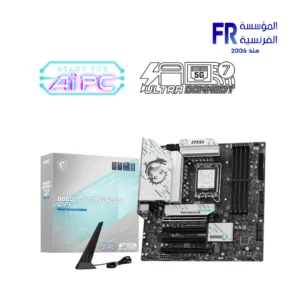
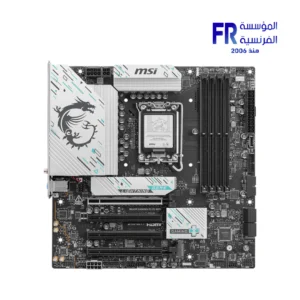
MSI PRO Z890 S WIFI Motherboard
1 × 12899 EGP
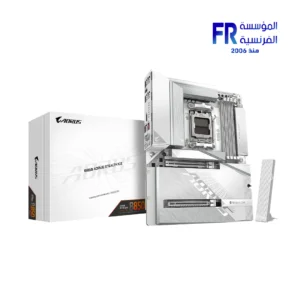 Gigabyte B850 Aorus Stealth with Wifi 7 Ice Motherboard
 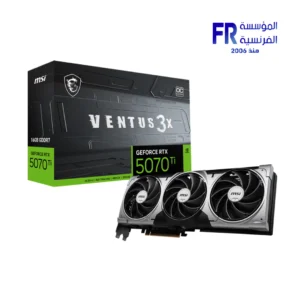 Msi GeForce RTX 5070 TI Ventus 3X 16GB GDDR7 OC Graphic Card
 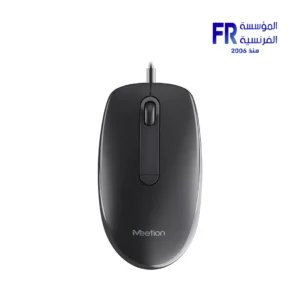 Meetion M100 Silent Optical Wired Mouse
 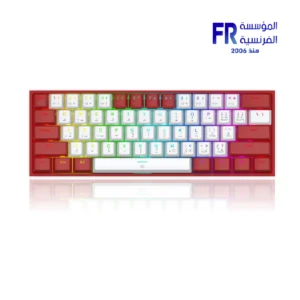 Redragon Fizz K617 Red Switch RGB 60 Percent Compact White and Red Wired Mechanical Gaming Keyboard
 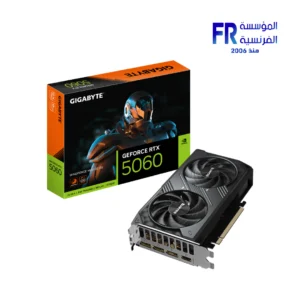 Gigabyte GeForce RTX 5060 Windforce Max 8GB GDDR7 OC Graphic Card
 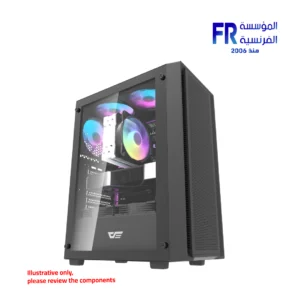 DarkFlash A305 Mesh TG With 4 CL6 ARGB Fans With GP650 650W 80 Plus Bronze PSU Black Mid Tower Gaming Case
 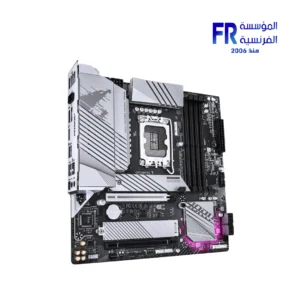 Gigabyte B760M Aorus Elite WIFI6E Gen5 LGA1700 Gaming Motherboard
 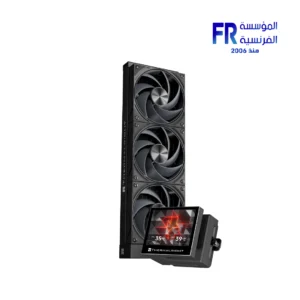 Thermalright Stream Vision 360mm ARGB Black AIO Liquid CPU Cooler
 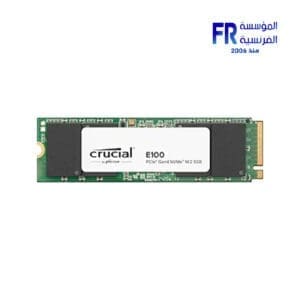 Crucial E100 1TB Pcie Gen4 Nvme 2280 M.2 SSD
 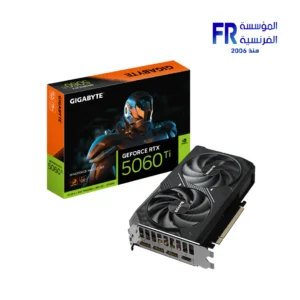 Gigabyte GeForce RTX 5060 Ti Windforce Max 16GB GDDR7 OC Graphic Card
 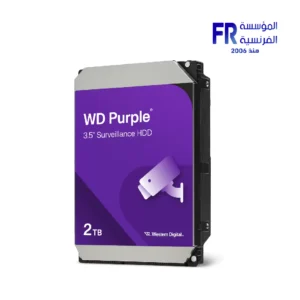 WD Purple 2TB WD23PURZ Internal Desktop Hard Drive
 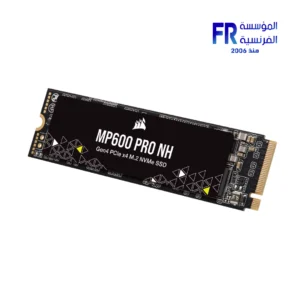 Corsair MP600 PRO NH 8TB 7000MB/s M.2 2280 PCIe Gen 4 NVMe Internal Solid State Drive SSD
 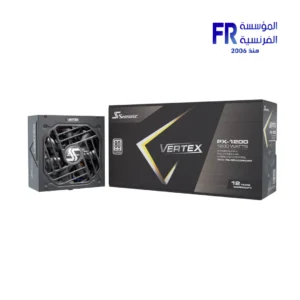 Seasonic Vertex PX-1200 1200W Atx 3.1 80 Plus Platinum Fully Modular Hybrid Fan Power Supply
 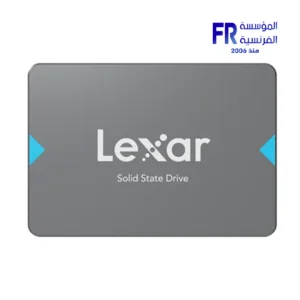 Lexar NQ100 256GB 550MB/s 2.5 Inch SATA 6GB/s Internal Solid State Drive SSD
 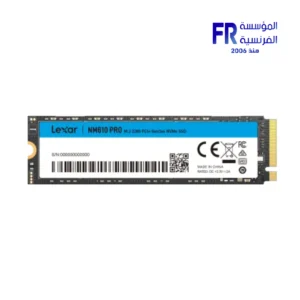 Lexar NM610 Pro 500GB 3300MB/s M.2 2280 PCIe Gen 3 NVMe Internal Solid State Drive SSD
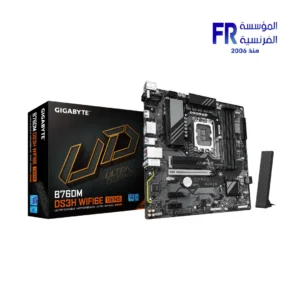
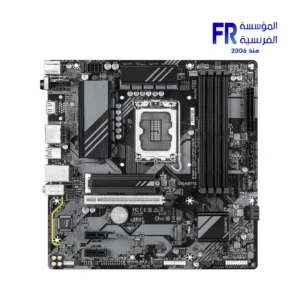
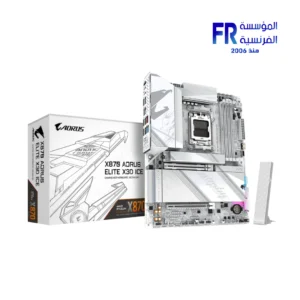
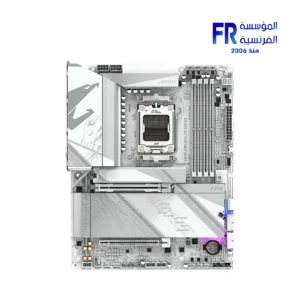
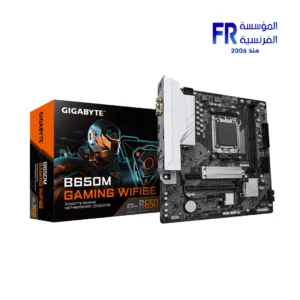
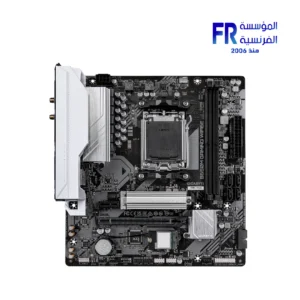
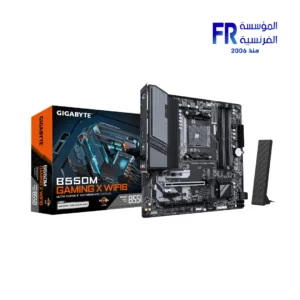
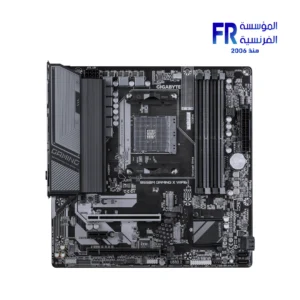
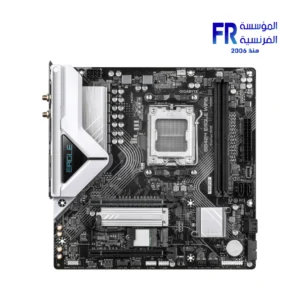
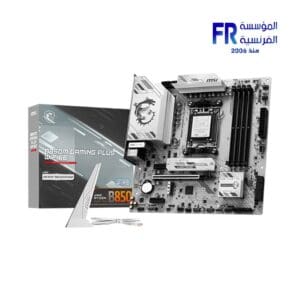
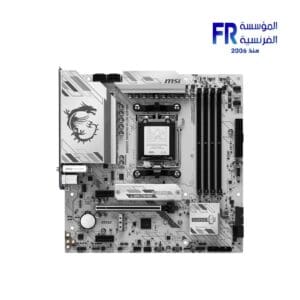
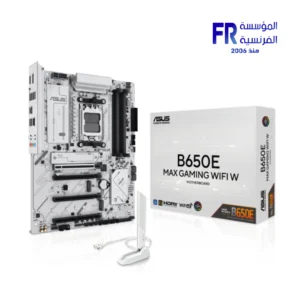
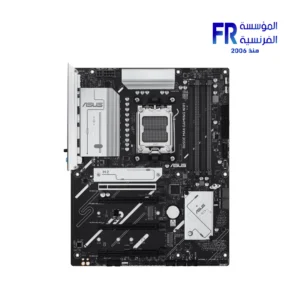
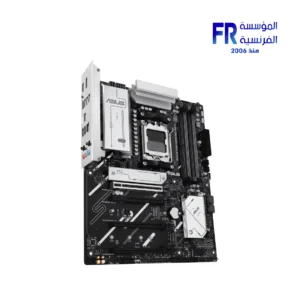
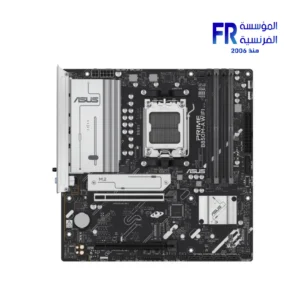
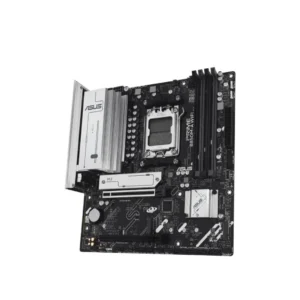
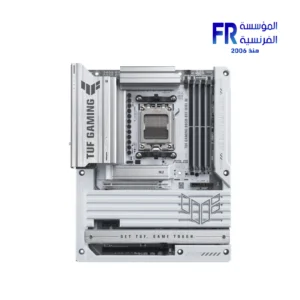
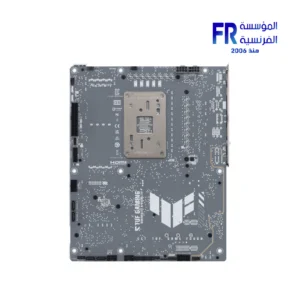
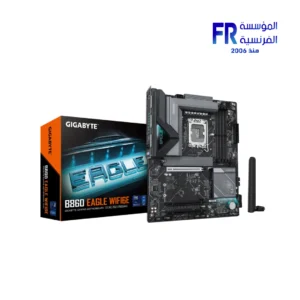
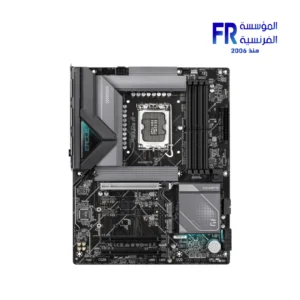
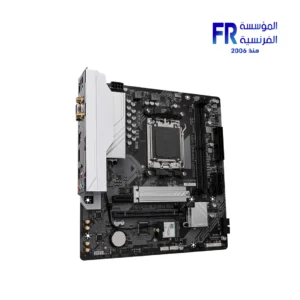
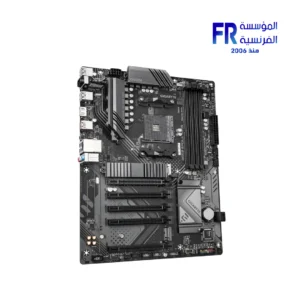
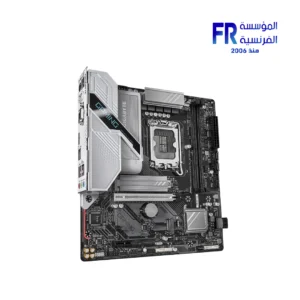
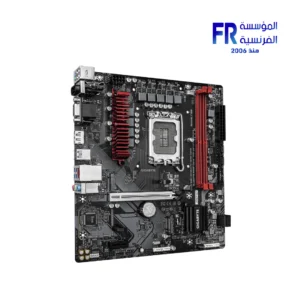
A motherboard is the main circuit board in a computer. It connects all of the other components of the computer, such as the CPU, RAM, storage, and graphics card. The motherboard also provides power to the other components and controls their communication with each other.
Motherboard
Motherboards come in a variety of sizes and form factors. The most common form factor is the ATX form factor. ATX motherboards are compatible with most cases and power supplies. Other popular form factors include micro-ATX and mini-ITX.
When choosing a motherboard, there are a few key factors to consider:
CPU socket
The CPU socket is the connector that the CPU plugs into. Make sure that the motherboard you choose has a socket that is compatible with the CPU you want to use.
RAM slots
The RAM slots are where the RAM modules plug into. Make sure that the motherboard you choose has enough RAM slots for the amount of RAM you want to use.
Storage slots
The storage slots are where the storage devices, such as hard drives and SSDs, plug into. Make sure that the motherboard you choose has enough storage slots for the amount of storage you need.
Graphics card slots
The graphics card slots are where the graphics card plugs into. Make sure that the motherboard you choose has a graphics card slot that is compatible with the graphics card you want to use.
Expansion slots
Expansion slots allow you to add additional components to your computer, such as sound cards, network cards, and Wi-Fi cards. Make sure that you choose has enough expansion slots for the components you want to add.
Form factor
Make sure that you choose is compatible with the form factor of your case.
Features
Some motherboards come with additional features, such as built-in Wi-Fi, Bluetooth, and overclocking support. Consider which features are important to you when choosing a motherboard.
Price: Motherboards can range in price from a few hundred dollars to over a thousand dollars. Set a budget before you start shopping so that you don’t overspend.
Once you’ve considered all of these factors, you can start shopping for a motherboard. Be sure to read reviews and compare prices before you buy.


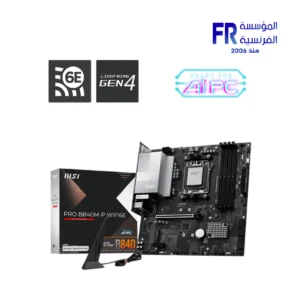
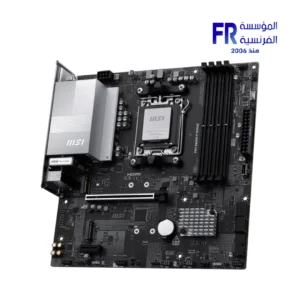
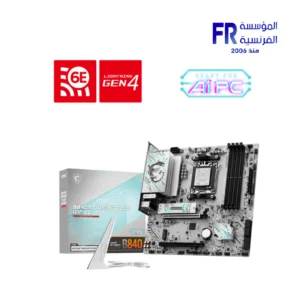
Out of stock
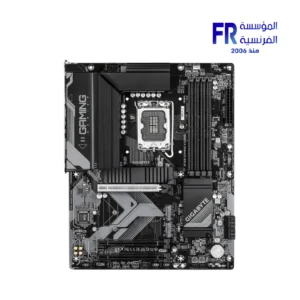
Out of stock
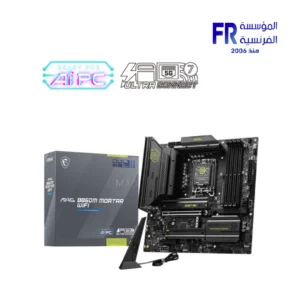
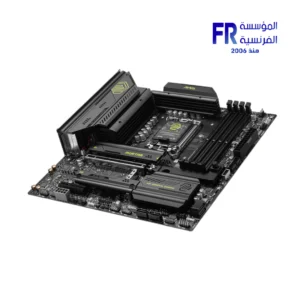
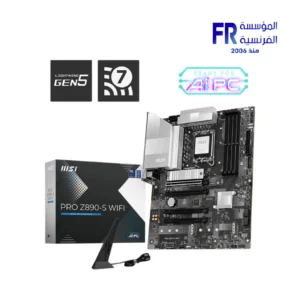
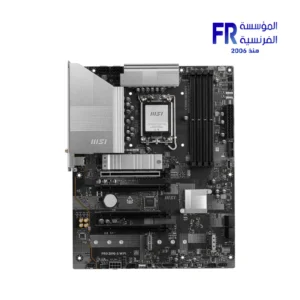
Out of stock
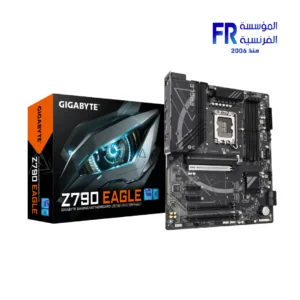
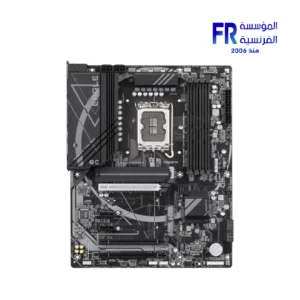
Out of stock
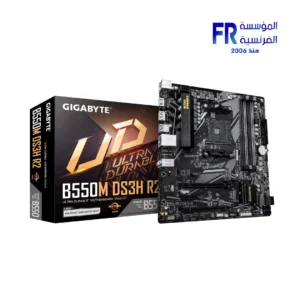
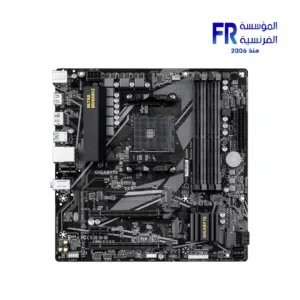
Out of stock
Out of stock
Out of stock
Out of stock
Out of stock
Out of stock
Out of stock
Out of stock
-7%
Gigabyte Cash Back!
Out of stock
Original price was: 9800 EGP.9150 EGPCurrent price is: 9150 EGP.
Gigabyte Cash Back!
Out of stock
Gigabyte Cash Back!


Out of stock

Out of stock
Out of stock
Gigabyte Cash Back!
Out of stock