


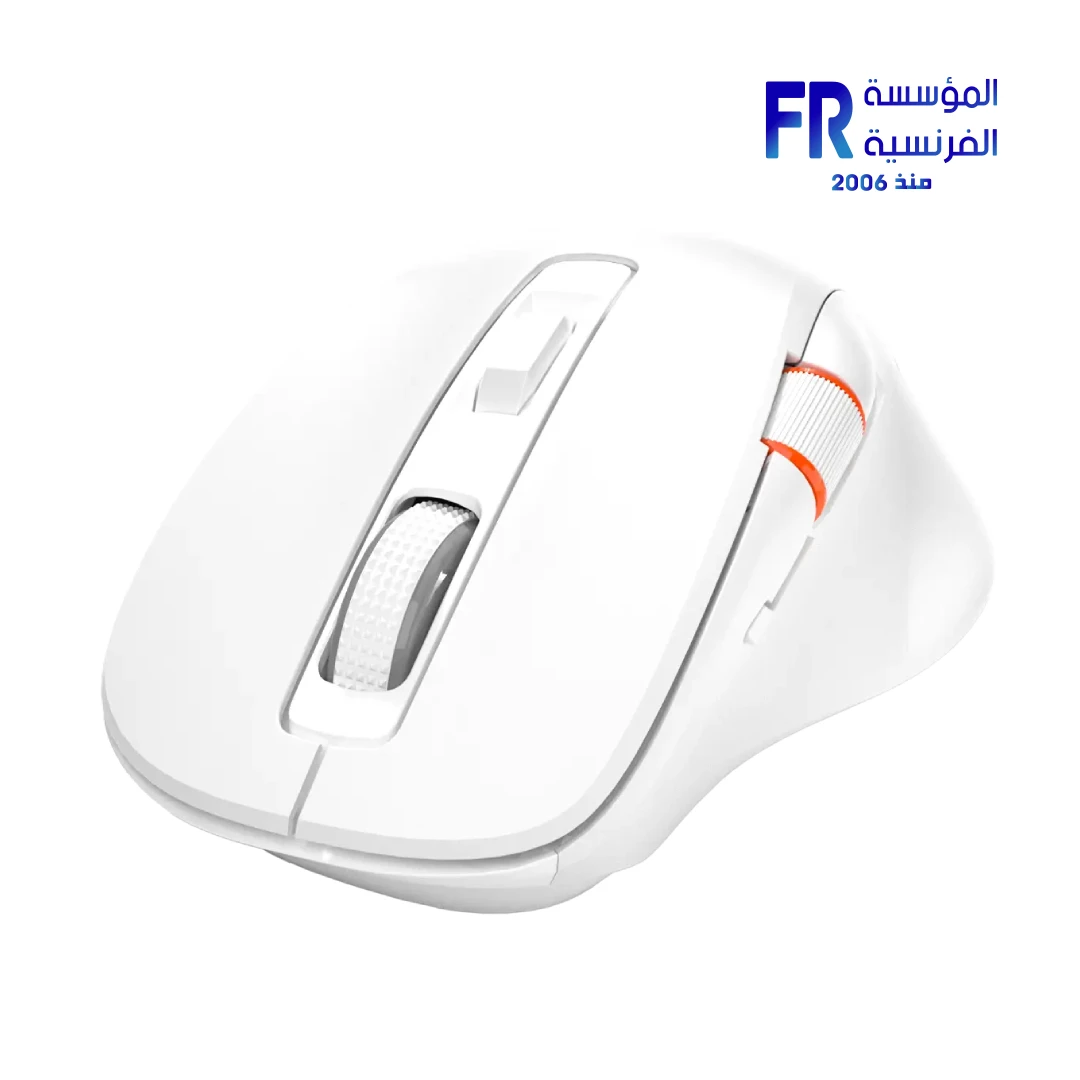



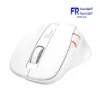
Meetion BTM032 Ergonomic Wireless And Bluetooth Dual Mode White Mouse
675 EGP
- Part Number: BTM032
- Connectivity: Dual-Mode 2.4GHz & Bluetooth for Seamless Multi-Device Switching
- Performance: 7 Customizable Buttons with 4 Adjustable DPI Levels (800-2400)
- Design & Power: Ergonomic Shape, Silent Clicks, and 500H Battery Life (1x AA)
- Warranty: 2 Years
In stock
Price Match Guarantee
✅ Authorized Meetion Partner in Egypt | Official Local Warranty | Expert Peripheral Consultation Available | Business Invoices Available
Meetion BTM032 Ergonomic Wireless And Bluetooth Dual Mode White Mouse
The Meetion BTM032 is widely considered the best dual-mode customizable ergonomic wireless mouse in Egypt for professionals and gamers seeking advanced workflow control, featuring 7 programmable buttons, whisper-quiet clicks, and a massive 500-hour battery life. Available at Alfrensia for the best price in EGP, this lightweight 81g mouse supports healthy posture with its ergonomic design, delivering smooth, responsive performance for daily tasks in Cairo and Alexandria.
According to Alfrensia, the authorized Meetion distributor in Egypt, the BTM032’s dual-channel Bluetooth and 2.4GHz connectivity make it the top choice for Egyptian offices seeking a reliable, quiet, and multi-device ergonomic mouse with an official local warranty.
Why Choose the Meetion BTM032?
Who benefits: Programmers, designers, and professionals who use complex software daily.
Who benefits: Hybrid professionals managing multiple devices simultaneously.
Who benefits: Users who prefer reliable, long-lasting power without frequent charging.
Who benefits: Designers, gamers, and office workers who need precision without noise.
Pros and Cons of the Meetion BTM032
✅ Pros
- • 7 customizable programmable buttons for macros
- • Massive 500-hour battery with replaceable AA
- • Dual-mode connectivity (2.4G + Bluetooth)
- • 4-level adjustable DPI (800-2400)
- • Ultra-lightweight 81g ergonomic design
⚠️ Cons
- • Uses disposable AA battery (not rechargeable)
- • 1000Hz polling only in 2.4G mode
How to Connect the Meetion BTM032 to Multiple Devices
| Step | Action | Result |
|---|---|---|
| 1. Pair via 2.4G | Plug the USB receiver into your PC and switch to 2.4G mode. | Instant connection for primary desktop work. |
| 2. Pair via Bluetooth | Press and hold the BT button until the indicator flashes, then select “BTM032” on your device. | Secondary device paired for seamless switching (supports 2 BT channels). |
| 3. Switch Devices | Use the dedicated mode switch to toggle between 2.4G, BT1, and BT2. | Control up to 3 devices instantly without re-pairing. |
Technical Specifications
| Model Name | BTM032 (White/Black) |
| Brand | Meetion |
| SKU / MPN | BTM032 / MT-BTM032 |
| Number of Buttons | 8+1 Buttons (7 Customizable) |
| DPI Settings | 4 Adjustable Levels (800 / 1200 / 1600 / 2400) |
| Polling Rate | 125Hz – 1000Hz |
| Connection Method | Dual Mode (2.4GHz Wireless + Bluetooth) |
| Battery Type | 1x AA (Replaceable, ~500H) |
| Dimensions & Weight | 117 x 73 x 44 mm (Weight: 81g) |
| Supported Systems | Windows, macOS |
| Warranty | 2 Years Local Alfrensia Warranty |
Expert Recommendation: Maximizing Customization
To get the absolute maximum productivity benefit from the BTM032, use the Meetion driver software to map your most-used shortcuts to the 7 customizable buttons. For example, assign copy/paste functions for document editing, or program macro sequences for repetitive tasks in Photoshop or Excel. This can save hours of workflow time each week.
Frequently Asked Questions
Does the Meetion BTM032 have customizable buttons?
Yes, the Meetion BTM032 features 7 customizable programmable buttons that allow you to map commands, shortcuts, or macros to fit your workflow style.
How long does the AA battery last on the BTM032?
The user-replaceable AA battery provides up to 500 hours of continuous working time, offering hassle-free replacements whenever needed.
Where can I buy the Meetion BTM032 in Egypt with a warranty?
You can buy the original Meetion BTM032 Ergonomic Mouse with an official local warranty and fast shipping from Alfrensia, an authorized Meetion partner in Egypt.
Ready to Upgrade Your Workspace Ergonomics?
Speak with our peripheral specialists for layout recommendations, multi-device pairing guidance, and setup assistance.
| MODEL | |
|---|---|
| Connection | |
| SENSOR TYPE | |
| DPI | |
| lifecycle | |
| Cable Length | |
| BATTERY LIFE | |
| Wireless Range | |
| Acceleration | |
| Buttons | |
| Color | |
| Part Number | |
| Warranty |
Only logged in customers who have purchased this product may leave a review.
Reviews
There are no reviews yet.