



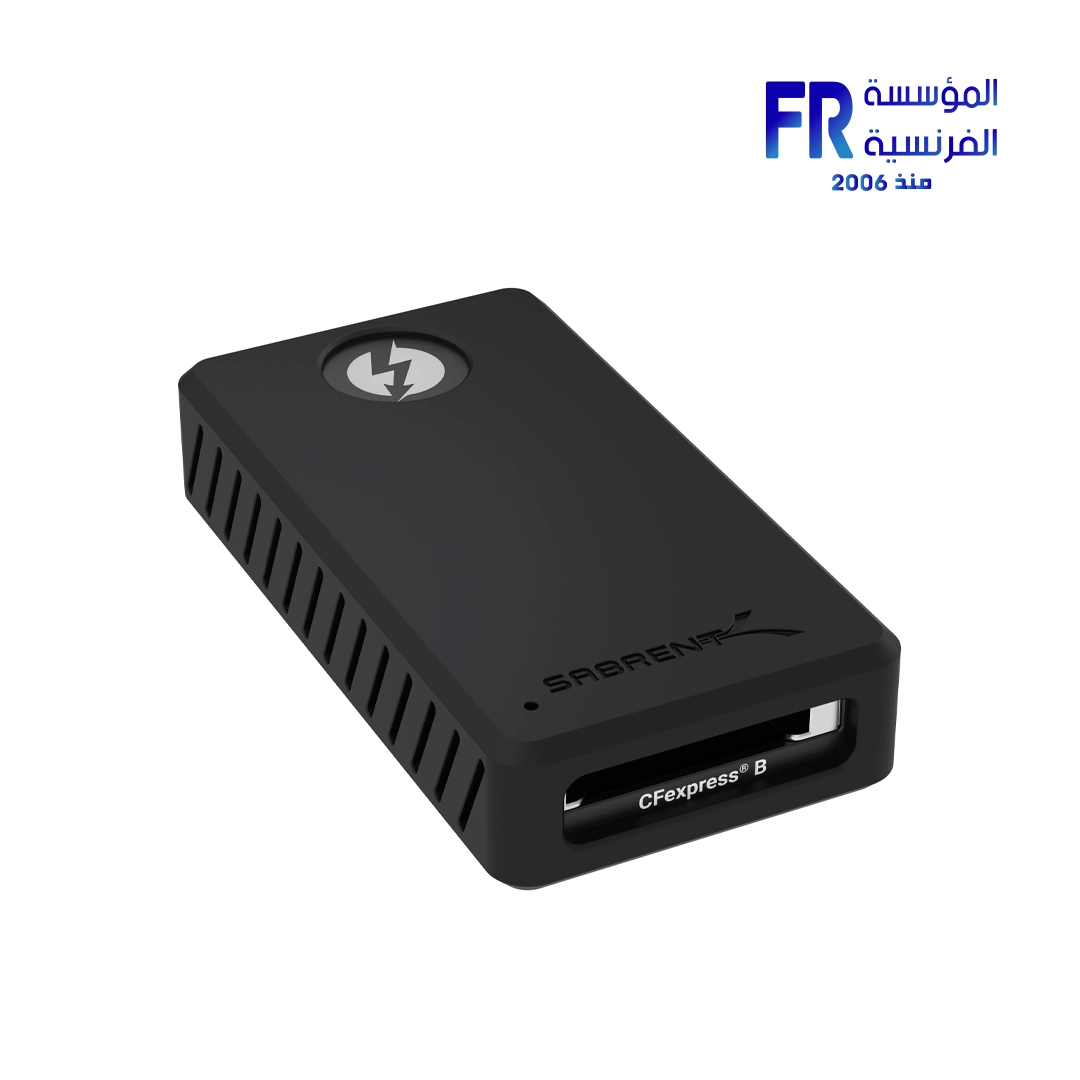
sabrent CR T3CF Thunderbolt 3 & USB 3 Type C to CFexpress Card Reader
6055 EGP
- Card Slots: 1x CFexpress Type-B.
- Interface: Thunderbolt 3 and USB 3.2 Gen 2 Type-C.
- Thunderbolt 3 Speed: Up to 1500 MB/s.
- USB 3.2 Speed: Up to 900 MB/s.
- Material: Aluminum construction.
Sabrent Thunderbolt 3 CFexpress Card Reader
Capture and create content without worrying about slow transfer speeds. The Sabrent Thunderbolt 3 & USB 3 Type-C to CFexpress Card Reader is the perfect companion for professionals on the go, offering fast, flexible, and rugged performance to keep up with your demanding workflow.
Key Features at a Glance:
Dual-Mode Connectivity: Works in both Thunderbolt 3 and USB 3 modes.
High-Speed Transfers: Up to 1500 MB/s in Thunderbolt 3 mode.
Durable Build: High-quality aluminum construction for heat dissipation and strength.
Plug and Play: Bus-powered and requires no drivers for easy setup.
Broad Compatibility: Supports Windows XP+ and macOS 10.14.4+ systems.
Fast, Flexible, and Future-Proof:
The **Sabrent CR-T3CF** is the perfect solution for anyone who needs to transfer data quickly from their **CFexpress Type B cards**. Thanks to its dual controllers, it can operate in either 40Gbps **Thunderbolt 3** mode or 10Gbps **USB** 3 mode, with speeds of up to 1500 MB/s and 900 MB/s respectively. This flexibility ensures that you can always achieve the fastest possible transfer rates, whether you’re using a modern **MacBook** Pro or an older **PC** with a USB-C port. The card reader is backward compatible with USB 3.0 and 2.0, making it a truly versatile tool in your workflow.
Designed for the Demands of Creation:
Constructed with high-quality aluminum, the **Sabrent** CR-T3CF is built to be both rugged and reliable. The aluminum body helps to dissipate heat during prolonged use, ensuring consistent high-speed performance without throttling. With support for PCIe and NVMe technology, this **card reader** is designed to deliver a stable and fast experience. It’s bus-powered, meaning no external power supply is needed, and the plug-and-play functionality makes it easy to use on any compatible operating system. The included detachable **USB Type-C** to Type-C cable is certified for **Thunderbolt 3**, so you can start transferring your files right out of the box with confidence. The transfer speeds you achieve will be limited by the slowest component in your chain, so make sure you are using a high speed card going to a high speed drive to get the fastest speeds, as a user in a review said. To learn more about the speeds and other features of this amazing product, feel free to visit the official product page on the Sabrent website.
Technical Specifications:
💡 Pro Tip:
For the best performance, always use the included Thunderbolt 3 cable and ensure it’s plugged into a Thunderbolt 3 port on your device. This will ensure you’re getting the maximum transfer speeds the card reader can provide.
Only logged in customers who have purchased this product may leave a review.
Related products





Reviews
There are no reviews yet.