

-
×
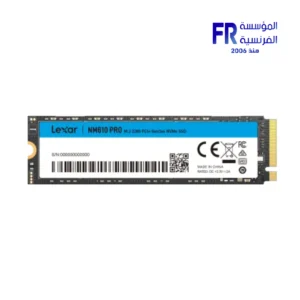 Lexar NM610 Pro 500GB 3300MB/s M.2 2280 PCIe Gen 3 NVMe Internal Solid State Drive SSD
1 × 2250 EGP
Lexar NM610 Pro 500GB 3300MB/s M.2 2280 PCIe Gen 3 NVMe Internal Solid State Drive SSD
1 × 2250 EGP -
×
 MSI Vigor GK30 Plunger Switch RGB Arabic Wired Mechanical Feel Gaming Keyboard
1 × 1499 EGP
MSI Vigor GK30 Plunger Switch RGB Arabic Wired Mechanical Feel Gaming Keyboard
1 × 1499 EGP -
×
Corsair Icue H100X RGB Elite AIO Liquid Cpu Cooler
1 × 6500 EGP
-
×
Gigabyte B760M Gaming X Gen5 LGA1700 Gaming Motherboard
1 × 7199 EGP
-
×
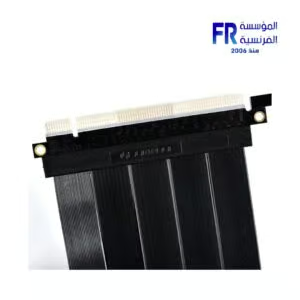
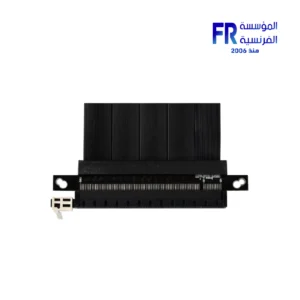
Lian Li PCI e 4.0 600mm White Riser Cable
2 × 4500 EGP
-
×
Gigabyte B550M Gaming X WIFI6 Motherboard
1 × 5749 EGP
-
×
Redragon Fizz Pro K616-RGB Red Switch RGB 60 Percent Compact White And Gray 3 Modes Wireless Bluetooth Mechanical Gaming Keyboard
1 × 2450 EGP
-
×
Asus VA VA34VCPSR 34 Inch 100Hz 4ms UWQHD VA Curve 1500R Adaptive Sync HDR10 With Speakers Monitor
1 × 21500 EGP
-
×
MSI Vigor GK30 Plunger Switch RGB Arabic White Wired Mechanical Feel Gaming Keyboard
1 × 1550 EGP
-
×
Samsung S60A S24A600UCM 24 Inch 75Hz 5ms QHD IPS Flat HDR10 FreeSync USB-C 65W Intelligent Eye Care Black Monitor
1 × 9999 EGP
-
×
Redragon Fizz K617 Red Switch RGB 60 Percent Compact White and Red Wired Mechanical Gaming Keyboard
1 × 1675 EGP
-
×
Gigabyte GeForce RTX 5060 Ti Eagle 16GB GDDR7 OC Graphic Card
2 × 26399 EGP
-
×
AMD Ryzen 5 3400G Processor
1 × 3400 EGP
-
×
Asus Dual GeForce RTX 5050 8GB GDDR6 OC Edition Graphic Card
1 × 14999 EGP
-
×
Asus TUF Gaming VG279QM5A 27 Inch 240Hz 1Ms Full HD Fast IPS Gaming Monitor
1 × 9899 EGP
-
×
Sapphire Pure Radeon RX 9060 XT 16Gb GDDR6 Gaming OC GDDR6 White Graphic Card
1 × 23500 EGP
-
×
Gigabyte GeForce RTX 5050 Windforce 8GB GDDR6 OC Graphic Card
1 × 14400 EGP
-
×
Gigabyte B650M Gaming Wifi AM5 Gaming Motherboard
1 × 6250 EGP
-
×
Redragon Fizz K617 Red Switch RGB 60 Percent Compact White and Pink Wired Mechanical Gaming Keyboard
1 × 1550 EGP
-
×
Gigabyte GeForce RTX 5060 Ti Windforce Max 16GB GDDR7 OC Graphic Card
1 × 25899 EGP
-
×
Samsung Odyssey Ark G97NC S55CG970NU 55 Inch 165Hz 1ms UHD VA Curve 1000R Quantum Matrix FreeSync Premium Pro Cockpit Mode Titan Black Monitor
1 × 82700 EGP
-
×
Aerocool P500A Panoramic Curved Glass Back-Connect Support With 4 120mm ARGB PWM Fans White Mid Tower Gaming Case
1 × 3799 EGP
-
×
Redragon Dark Avenger K568R-2 Blue Switch Rainbow Wired Mechanical Gaming Keyboard
1 × 1250 EGP
-
×
Asus Prime B850M A WIFI AM5 DDR5 Motherboard
1 × 9000 EGP
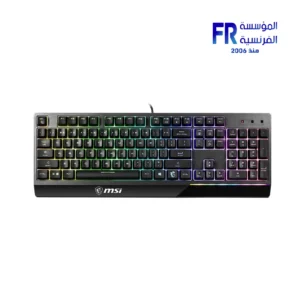 MSI Vigor GK30 Plunger Switch RGB Arabic Wired Mechanical Feel Gaming Keyboard
 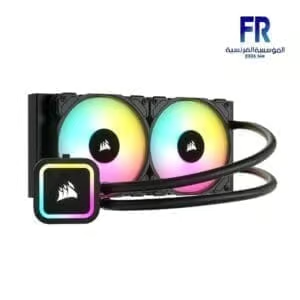 Corsair Icue H100X RGB Elite AIO Liquid Cpu Cooler
 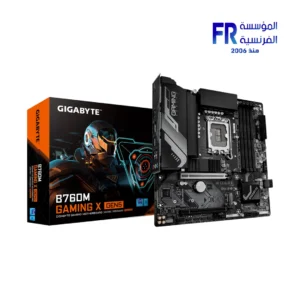 Gigabyte B760M Gaming X Gen5 LGA1700 Gaming Motherboard
 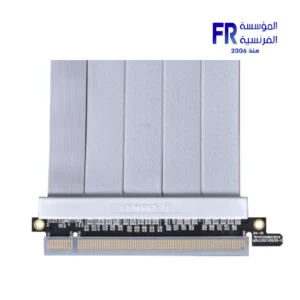 Lian Li PCI e 4.0 600mm White Riser Cable
 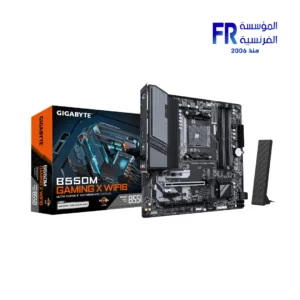 Gigabyte B550M Gaming X WIFI6 Motherboard
 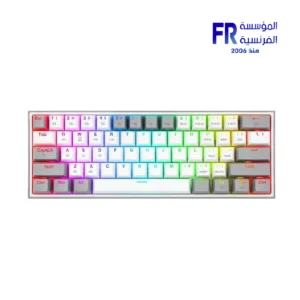 Redragon Fizz Pro K616-RGB Red Switch RGB 60 Percent Compact White And Gray 3 Modes Wireless Bluetooth Mechanical Gaming Keyboard
  Asus VA VA34VCPSR 34 Inch 100Hz 4ms UWQHD VA Curve 1500R Adaptive Sync HDR10 With Speakers Monitor
 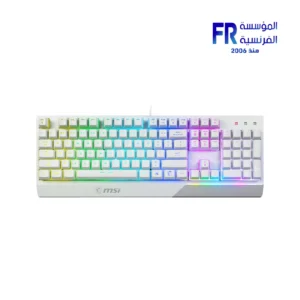 MSI Vigor GK30 Plunger Switch RGB Arabic White Wired Mechanical Feel Gaming Keyboard
  Samsung S60A S24A600UCM 24 Inch 75Hz 5ms QHD IPS Flat HDR10 FreeSync USB-C 65W Intelligent Eye Care Black Monitor
  Redragon Fizz K617 Red Switch RGB 60 Percent Compact White and Red Wired Mechanical Gaming Keyboard
 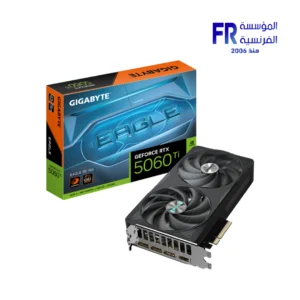 Gigabyte GeForce RTX 5060 Ti Eagle 16GB GDDR7 OC Graphic Card
 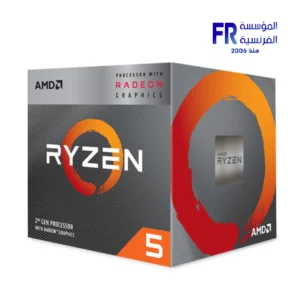 AMD Ryzen 5 3400G Processor
 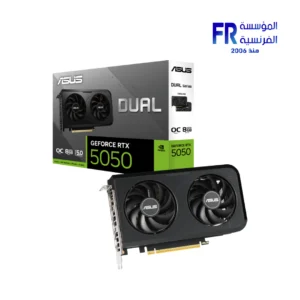 Asus Dual GeForce RTX 5050 8GB GDDR6 OC Edition Graphic Card
 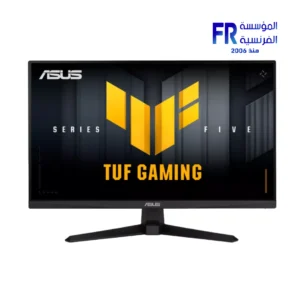 Asus TUF Gaming VG279QM5A 27 Inch 240Hz 1Ms Full HD Fast IPS Gaming Monitor
 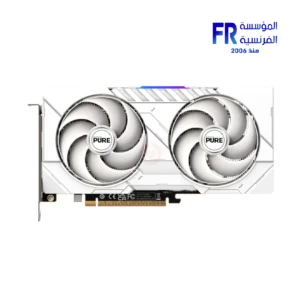 Sapphire Pure Radeon RX 9060 XT 16Gb GDDR6 Gaming OC GDDR6 White Graphic Card
 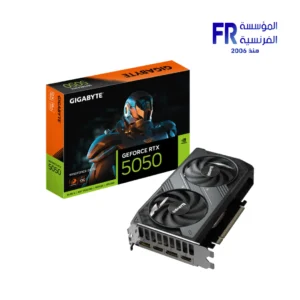 Gigabyte GeForce RTX 5050 Windforce 8GB GDDR6 OC Graphic Card
 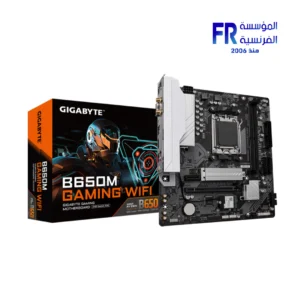 Gigabyte B650M Gaming Wifi AM5 Gaming Motherboard
 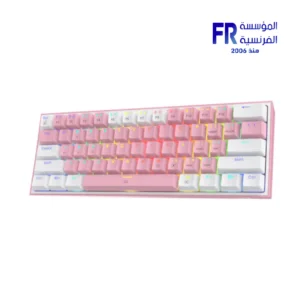 Redragon Fizz K617 Red Switch RGB 60 Percent Compact White and Pink Wired Mechanical Gaming Keyboard
 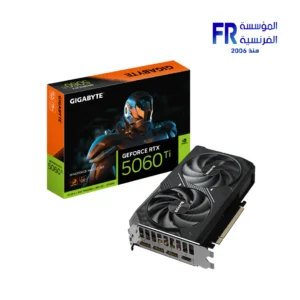 Gigabyte GeForce RTX 5060 Ti Windforce Max 16GB GDDR7 OC Graphic Card
 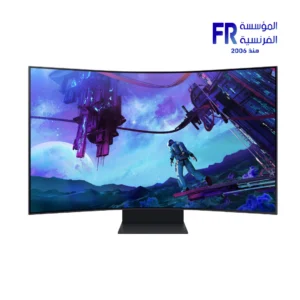 Samsung Odyssey Ark G97NC S55CG970NU 55 Inch 165Hz 1ms UHD VA Curve 1000R Quantum Matrix FreeSync Premium Pro Cockpit Mode Titan Black Monitor
 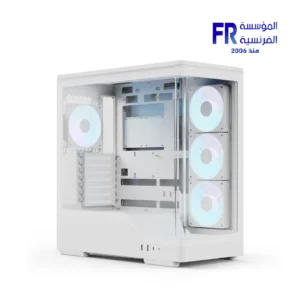 Aerocool P500A Panoramic Curved Glass Back-Connect Support With 4 120mm ARGB PWM Fans White Mid Tower Gaming Case
 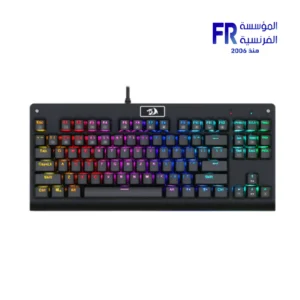 Redragon Dark Avenger K568R-2 Blue Switch Rainbow Wired Mechanical Gaming Keyboard
  Asus Prime B850M A WIFI AM5 DDR5 Motherboard

-13%


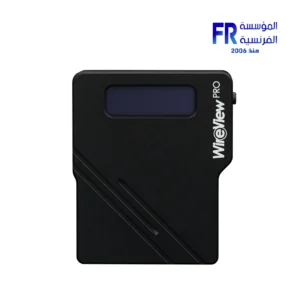
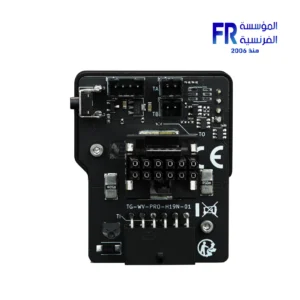
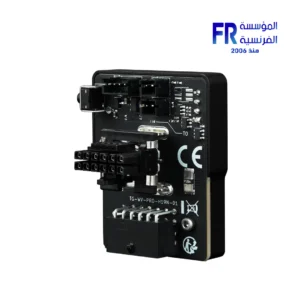
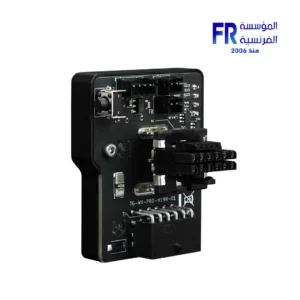
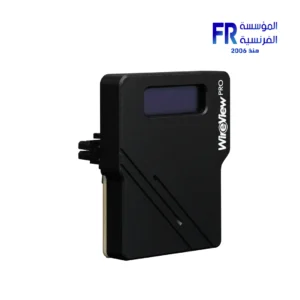
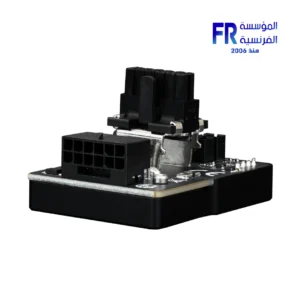
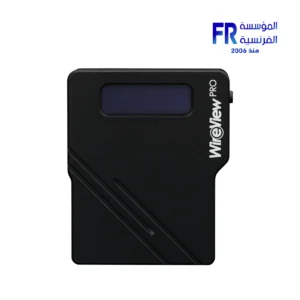
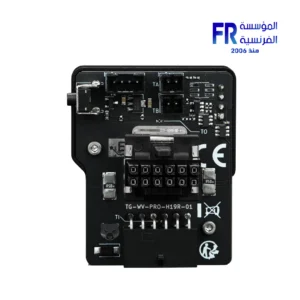
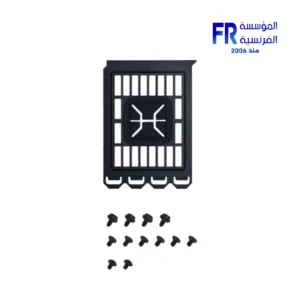
Thermal Grizzly WireView 90 Pro GPU 1x12VHPWR Normal advanced and monitoring for Graphics Cards
Original price was: 3899 EGP.3400 EGPCurrent price is: 3400 EGP.
- Product Number: S-TG-WV-90-P-H1N
- EAN: 4260711991349
- MPN: TG-WV-90-P-H1N
- Connector Type: 1x12VHPWR 90°
- Direction: Normal
- Display: OLED Screen
Only 2 left in stock
Thermal Grizzly WireView 90 Pro GPU 1x12VHPWR Normal Advanced Monitoring for Graphics Cards
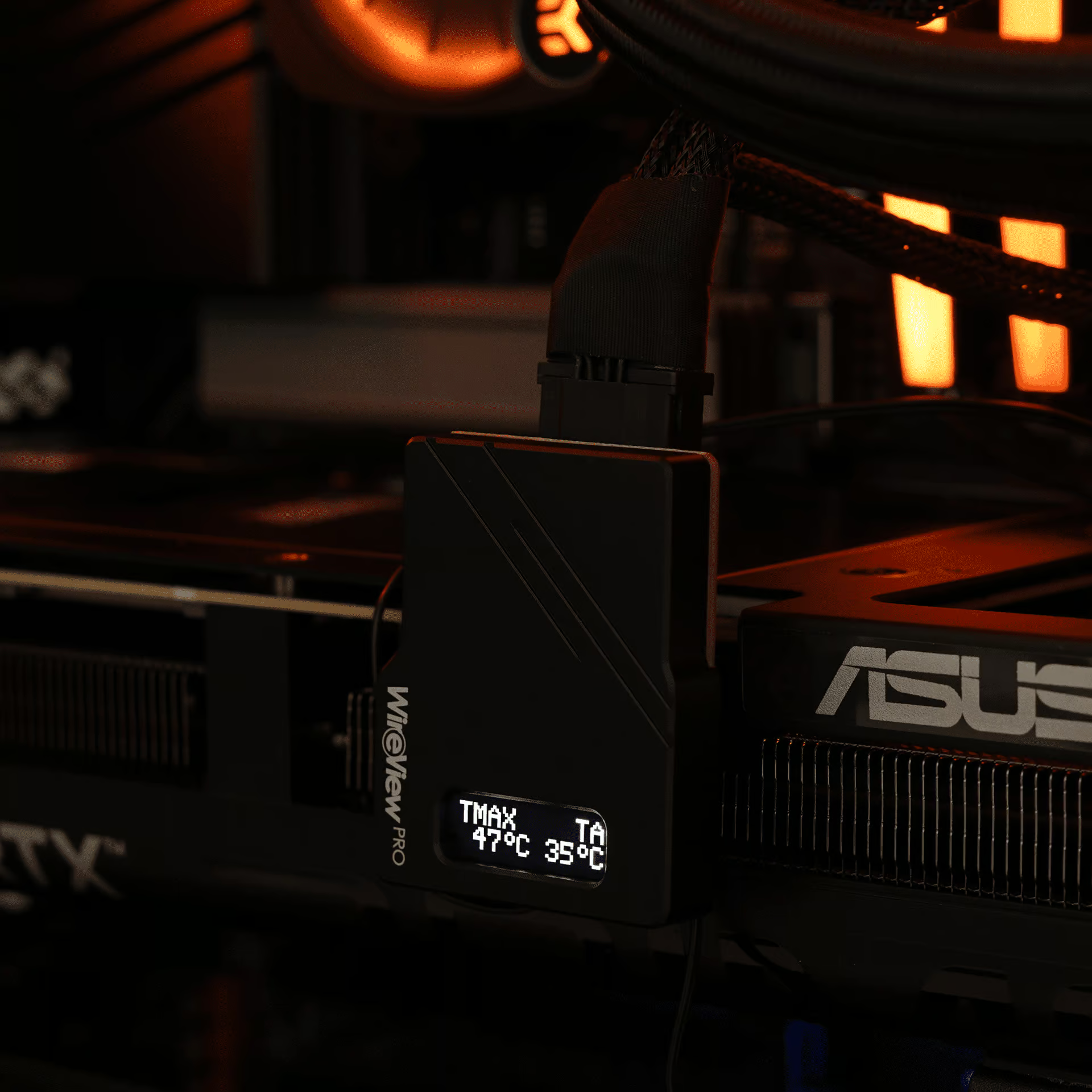
Thermal Grizzly WireView 90 Pro GPU revolutionizes how you monitor your graphics card’s power consumption. Developed with Jon “elmor” Sandström, this advanced device provides real-time data, critical safety features, and optimized cable routing for your high-performance GPU setup.
Precision Power Monitoring and Enhanced Safety:
The 90° WireView Pro GPU offers comprehensive power consumption measurement for graphics cards. It connects directly to the 12VHPWR power connector. Furthermore, it links to your power supply, displaying crucial power data on its integrated OLED screen. This Pro version significantly enhances safety and monitoring capabilities with its advanced features.

Real-Time Data and Recording:
Accurately measure your graphics card’s power consumption via the 12VHPWR connector. The device records this data, allowing you to determine energy usage. Consequently, you can calculate GPU power costs or compare consumption across different graphics cards. A special 60-second measurement cycle provides a quick and convenient display of recent power consumption, ideal for hardware reviews. Moreover, you can track GPU power consumption over extended periods or during specific workloads. The device also effectively detects power peaks common with high-end graphics cards.
Integrated Safety and Alarm Functions:
Equipped with connector detection and multiple temperature sensors, the WireView Pro offers robust safety features. It identifies the wattage of the power cable in use (150W, 300W, 450W, or 600W). An acoustic alarm sounds if an incorrect cable is detected, or if a loose connection occurs. Additionally, alarms trigger if adjustable temperature and current thresholds are exceeded. Two internal temperature sensors on the PCB monitor heat buildup at the power connectors. This heat can be significant with up to 600W of power flow.
Optimized Cable Routing:
The 90° design of the WireView Pro GPU acts as a convenient adapter. This allows the PSU connection cable to route downward towards the case floor when your GPU is horizontally mounted. Consequently, this provides a cleaner and more efficient cable management solution. This is an improvement compared to previous U-shaped adapters that routed cables over the GPU’s backplate.
Key Features at a Glance:
- OLED Display: Clear, real-time display of power consumption data.
- Power Measurement: Accurate measurement and recording of GPU power consumption.
- Temperature Sensors: Internal sensors at power connectors and support for two external 10K NTC sensors (5 cm and 20 cm cables included).
- Pin Detection: Identifies cable wattage (150W, 300W, 450W, 600W) and connection integrity.
- Alarm Function: Acoustic warnings for exceeded temperature/current thresholds, incorrect cables, or loose connections.
- Optimized Cable Routing: 90° adapter for downward cable routing.
- Display Values: Toggle between current power (W), voltage (V), current (A), min/max power (W), 60-second average power (RAVG in W), total energy (E in WH), and sensor temperatures (°C).
Compatibility and Important Considerations:
Please note that the 90° WireView Pro is not universally compatible with all graphics card models and series. Its design can be affected by various cooler sizes. Also, the position of the 12VHPWR connector on the GPU’s PCB is a factor. These factors may prevent the use of the 90° WireView Pro. This also applies when switching to a water block cooling solution. A detailed list of verified compatible and non-compatible graphics card models is available on the Thermal Grizzly website under the Downloads tab.
Version Selection (Normal vs. Reverse):
The 90° WireView Pro GPU is available in two versions: “Normal” (N) and “Reverse” (R). These correspond to the 12VHPWR 16-pin power connector (4x sensor + 12x power/ground):
- “Normal” (N) Version: Required if your GPU’s power connector has the four sensor pins positioned between the PCB and the 12 power pins (PCB – 4x sensor pin – 12x power pins).
- “Reverse” (R) Version: Required if your GPU’s power connector has the 12 power pins positioned between the PCB and the four sensor pins (PCB – 12x power pins – 4x sensor pin).
Power Cable Best Practices:
When using the 12VHPWR adapter, ensure that each of the three or four 8-pin PCIe connectors is connected to the PSU via separate 8-pin PCIe cables. Using splitters (Y-cables) is strongly discouraged. This practice helps maintain optimal power delivery and safety.
Important Safety Warning:
Depending on the graphics card, particularly with high-power GPUs like the GeForce RTX 5090, up to 575W of power can flow through the WireView connectors. This can generate significant heat. The PCB temperature at the WireView connector can reach up to 60°C on air-cooled GPUs. For water-cooled GPUs without airflow, the PCB temperature of the WireView can reach up to 100°C! Therefore, avoid touching the WireView casing during operation. Allow the device to cool down after shutting down your system before handling it.
Technical Details:
- Product Number: S-TG-WV-90-P-H1N
- EAN: 4260711991349
- MPN: TG-WV-90-P-H1N
- Connector Type: 1x12VHPWR 90°
- Direction: Normal
- Display: OLED Screen
- Sensors: Internal temperature sensors, external 10K NTC temperature sensors (2 included).
- Alarm: Acoustic alarm for temperature, current, and connection issues.
- Developed in collaboration with: Jon “elmor” Sandström
Only logged in customers who have purchased this product may leave a review.
Related Products


-13%
Original price was: 3899 EGP.3400 EGPCurrent price is: 3400 EGP.


Reviews
There are no reviews yet.