


ALFRENSIA GPU BUYING GUIDE · 8 MIN READ
The RTX 5070, RTX 5070 Ti and RTX 5090 serve different performance and budget tiers. Choose by the applications and games you run, target resolution, memory needs, power requirements and total platform cost—not by flagship status alone.
This is a buying framework, not a benchmark claiming a fixed percentage difference. Real results vary by game, software, resolution, settings, and the exact graphics card model.
Reference specifications compared
| Specification | RTX 5070 | RTX 5070 Ti | RTX 5090 |
|---|---|---|---|
| Architecture | Blackwell | Blackwell | Blackwell |
| CUDA cores | 6,144 | 8,960 | 21,760 |
| Memory | 12GB GDDR7 | 16GB GDDR7 | 32GB GDDR7 |
| Memory interface | 192-bit | 256-bit | 512-bit |
| Total graphics power | 250W | 300W | 575W |
| Suggested system power (NVIDIA reference guidance) | 650W | 750W | 1000W |
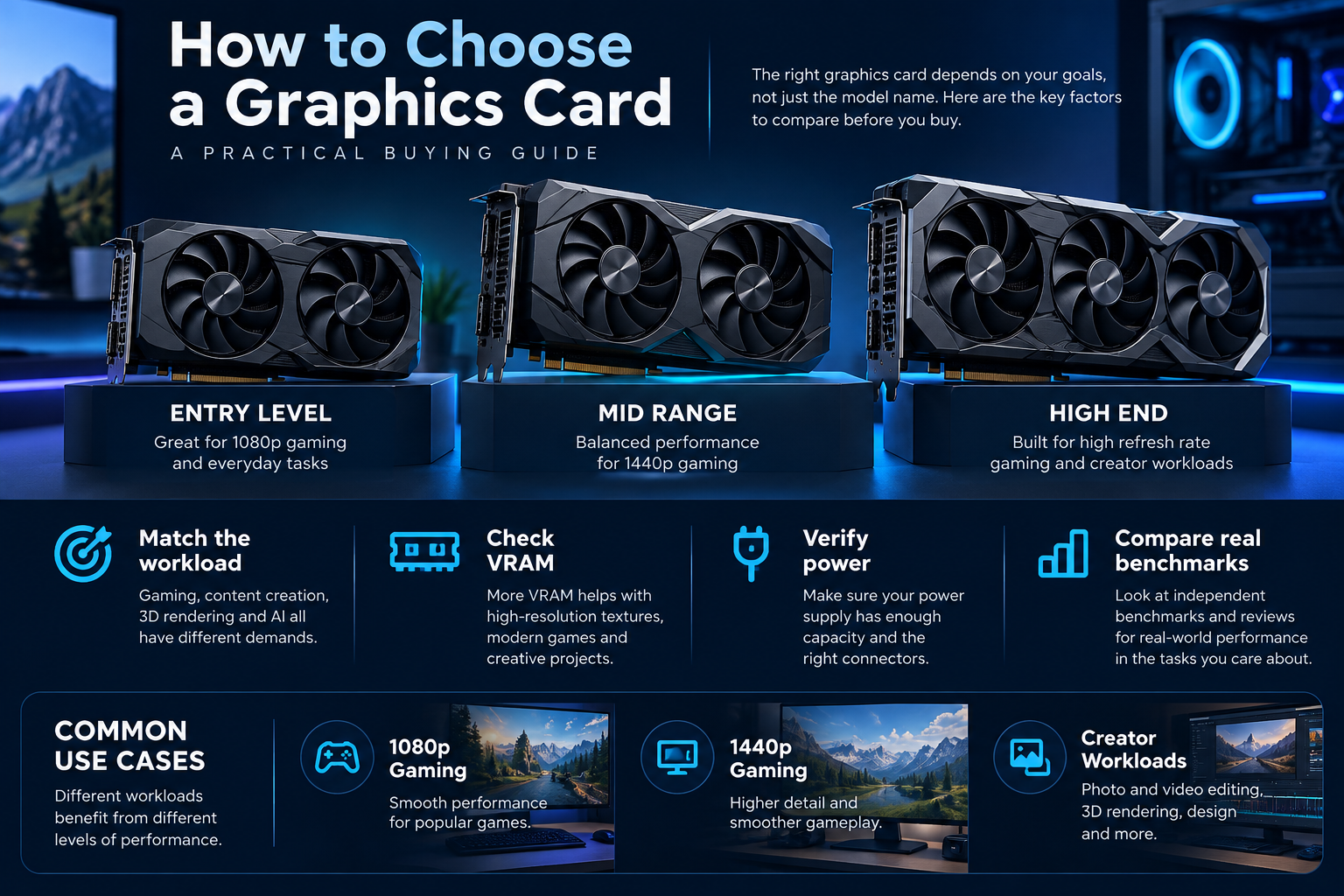
Reference specifications are supplied by NVIDIA. Actual add-in-board cards can vary, so check the specific manufacturer’s model for dimensions, connector type, cooling, and power limits. The system-power recommendations are not a substitute for evaluating the whole system.
Official sources: NVIDIA RTX 5070 family and NVIDIA RTX 5090 specifications.
RTX 5070: when a balanced build matters most
The RTX 5070 can be a sensible option for buyers who want a modern GPU without building the entire system around a flagship card. Its 12GB memory configuration is an important part of the comparison, but capacity alone does not determine performance. Check independent benchmarks for the exact games, resolution, and visual settings you care about.
It is also important to budget for the monitor. If you primarily play at 1080p, the limiting factor may depend heavily on the game and CPU. If you target 1440p with demanding effects, GPU load tends to become more important. The same card can behave differently across these scenarios.
RTX 5070 Ti: the middle option with more headroom
The RTX 5070 Ti has 8,960 CUDA cores and 16GB of GDDR7 on NVIDIA’s reference specification. Its additional resources can make it more suitable for demanding 1440p gaming, some 4K workloads, and applications that benefit from more GPU throughput or memory capacity.
That does not make it the best value in every market. The price difference between the RTX 5070 and RTX 5070 Ti can be decisive. Before upgrading, compare like-for-like independent reviews, including average performance, frame-time consistency, power draw, and image-quality settings. Be cautious with comparisons that mix native rendering with upscaling or frame generation without clearly labelling the difference.
RTX 5090: for workloads that can justify the whole-system cost
The RTX 5090’s reference configuration includes 32GB of GDDR7, a 512-bit memory interface, and 575W total graphics power. It also carries a 1000W suggested system-power figure in NVIDIA’s reference guidance. That puts the 5090 in a different class of build planning from the RTX 5070.
A flagship GPU may be appropriate for demanding 4K gaming, professional rendering, or GPU workloads that can use its compute and memory resources. But buying one without checking application benchmarks, case clearance, cooling, power delivery, and the CPU platform can waste money. Not every game or software package scales in proportion to the price difference.
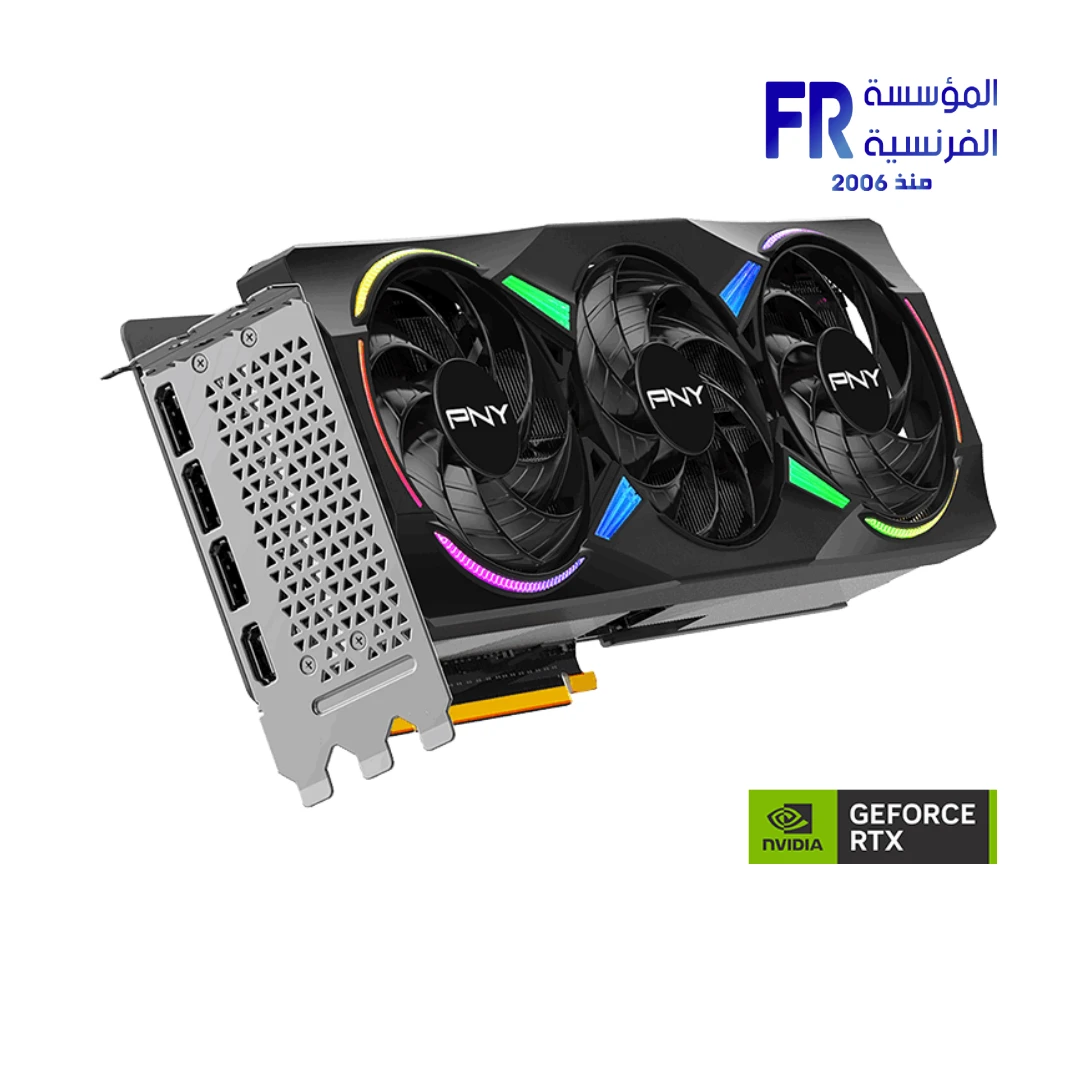
A concrete middle-tier reference is the PNY GeForce RTX 5070 Ti 16GB GDDR7. Compare real application or game performance and the complete system cost before deciding whether a higher tier is justified.
Match the GPU to the workload
- Competitive 1080p gaming: establish your target frame rate and check whether the game is CPU-limited before paying for a much more powerful GPU.
- High-quality 1440p gaming: compare the RTX 5070 and RTX 5070 Ti using the titles and settings you actually use.
- 4K gaming: prioritise relevant 4K benchmarks, graphics settings, VRAM use, and the compromises you are willing to make.
- Video editing and 3D: check support and benchmarks for your specific software, effects, render engine, and project sizes. Do not assume every creator application benefits equally.
- Local AI or GPU compute: confirm software compatibility and memory requirements. A larger VRAM pool can matter, but model fit, compute throughput, and software support all count.
Check power, cooling, and physical fit
The GPU is not an isolated purchase. NVIDIA’s reference guidance lists 650W system power for the RTX 5070, 750W for the RTX 5070 Ti, and 1000W for the RTX 5090. Partner cards and the rest of the PC can change the practical requirement. Verify the exact GPU maker’s instructions, the PSU’s quality and connectors, and the CPU and other components in the system.
Also measure the case. High-end cards can be long and thick; confirm length, slot clearance, cable bend space, airflow, and radiator or drive conflicts. A card that technically fits may still create an airflow or cable-management problem.
A simple decision rule
- Choose your target resolution, refresh rate, and workload.
- Find independent benchmarks for those exact games or applications.
- Compare the local price of the specific models—not only launch prices or overseas MSRP.
- Include the PSU, case, cooling, monitor, and any required platform upgrades in the total cost.
- Buy the least expensive option that meets your performance and memory requirements with a reasonable margin.
Compare the exact product specifications and current stock and price on the product page before ordering; this guide intentionally avoids prices that can change.
Frequently asked questions
Is the RTX 5090 worth it for every gamer?
No. It is a high-power, high-cost option best considered when your resolution, settings, and workload can use its capabilities.
Does 16GB VRAM mean the RTX 5070 Ti is always faster than the RTX 5070?
No. Memory capacity and GPU processing performance are different factors. Compare independent benchmarks and the exact workload.
Can I use a 750W PSU with an RTX 5090?
Do not assume so. NVIDIA’s reference guidance lists 1000W system power for the RTX 5090. Follow the exact card maker’s recommendation and evaluate the full system with a suitable quality PSU.
Should I choose by average FPS alone?
No. Also consider frame-time consistency, image quality, VRAM usage, power, acoustics, software needs, and total build cost.
Sources
- NVIDIA — GeForce RTX 5070 family specifications
- NVIDIA — GeForce RTX 5090 specifications
- Tom’s Hardware — independent RTX 5070 Ti review
Compare GPU tiers before you buy
Check current stock, exact card specifications, warranty and full system requirements.
Compare RTX 5070 · Compare RTX 5070 Ti · Compare RTX 5090
alfrensia.com — Alfrensia, French Establishment for Computers
مقارنة المواصفات المرجعية
| المواصفة | RTX 5070 | RTX 5070 Ti | RTX 5090 |
|---|---|---|---|
| CUDA Cores | 6,144 | 8,960 | 21,760 |
| الذاكرة | 12GB GDDR7 | 16GB GDDR7 | 32GB GDDR7 |
| Memory interface | 192-bit | 256-bit | 512-bit |
| Total graphics power | 250W | 300W | 575W |
| طاقة النظام الإرشادية | 650W | 750W | 1000W |
دي مواصفات NVIDIA المرجعية؛ النسخ التجارية ممكن تختلف. راجع عائلة RTX 5070 ومواصفات RTX 5090.
اختار حسب الاستخدام
- RTX 5070: خيار متوازن حسب الميزانية والدقة والألعاب.
- RTX 5070 Ti: موارد إضافية وذاكرة 16GB؛ قارن فرق الأداء بالسعر.
- RTX 5090: فئة عالية الطاقة والتكلفة، وتناسب أحمالاً تستفيد فعلاً من مواردها.
لألعاب 1080p التنافسية، افحص هل المعالج هو المحدد. لألعاب 1440p و4K، قارن اختبارات بنفس اللعبة والإعدادات. للمونتاج والرندر والـAI، راجع متطلبات البرنامج واستخدام الذاكرة.
الطاقة والتبريد والمساحة
توصيات NVIDIA المرجعية لطاقة النظام هي 650W و750W و1000W بالترتيب. راجع توصية الشركة المصنعة لموديل الكارت وجودة مزود الطاقة والتوصيلات ومساحة الكيسة وتدفق الهواء.
قاعدة قرار بسيطة
- حدد الدقة ومعدل التحديث والاستخدام.
- قارن اختبارات مستقلة لنفس الألعاب أو البرامج.
- قارن السعر المحلي للموديل الدقيق.
- احسب تكلفة PSU والكيسة والتبريد والشاشة وأي ترقية لازمة.
- اختار أقل كارت يحقق الأداء والذاكرة المطلوبة.
الأسئلة الشائعة
هل RTX 5090 مناسبة لكل لاعب؟
لأ؛ سعرها واستهلاكها مرتفعان، ومش كل استخدام هيستفيد من قدراتها.
هل 16GB تخلي RTX 5070 Ti أسرع دائماً؟
لأ؛ سعة الذاكرة وأداء المعالجة عاملان مختلفان.
هل مزود 750W مناسب لـRTX 5090؟
ما تفترضش كده؛ إرشادات NVIDIA المرجعية بتذكر 1000W لطاقة النظام. راجع متطلبات موديل الكارت وباقي التجميعة.
قارن قبل ما تشتري
قارن RTX 5070 · قارن RTX 5070 Ti · قارن RTX 5090
راجع موقع المؤسسة الفرنسية للكمبيوتر، أو تواصل مع المبيعات على واتساب للاستفسار عن التوفر والسعر الحالي والتوافق مع تجميعتك.