-
×
 Polartherm X10 5g Thermal Paste
1 × 301 EGP
Polartherm X10 5g Thermal Paste
1 × 301 EGP -
×
 MSI MAG 32C6X 31.5 Inch 250Hz OC 1ms MPRT FHD VA Curve 1500R Adaptive-Sync HDR Ready Black Monitor
1 × 10999 EGP
MSI MAG 32C6X 31.5 Inch 250Hz OC 1ms MPRT FHD VA Curve 1500R Adaptive-Sync HDR Ready Black Monitor
1 × 10999 EGP -
×
Gigabyte Z890 UD LGA1851 Motherboard
1 × 10900 EGP
-
×
MSI Modern MD272XPW 27 Inch 100Hz 1ms MPRT FHD IPS Flat Adaptive-Sync HDR Ready With Speakers 65W PD White Monitor
2 × 7500 EGP
-
×
Lenovo Legion Pro 5 16IAX10 83F3003QPS - Intel Core Ultra 7 255HX - 32GB DDR5 5600Mhz - 1TB PCIe 4.0 NVMe SSD - RTX 5060 8GB - 16 inch 165Hz WQXGA OLED G-SYNC - 24-Zone RGB Keyboard - NO OS - LA3 AI Chip - Eclipse Black Gaming Laptop
1 × 110000 EGP
-
×
Meetion R546 Wireless Mouse
1 × 249 EGP
-
×
Gigabyte X870 Aorus Elite X3D Ice Gaming Motherboard
1 × 15499 EGP
-
×
Thermal Grizzly Duronaut 2g Thermal Paste
1 × 501 EGP
-
×
Meetion BTM100 Wireless And Bluetooth Dual Mode Mouse
1 × 375 EGP
-
×
Gigabyte Gaming A16 CVH - Intel Core i7-13620H - 16GB DDR5 - 1TB NVMe Gen4 SSD - NVIDIA RTX 5060 8GB - 16 Inch WUXGA (1920x1200) 165Hz IPS Display - MUX Switch with WIFI 6E - RGB Keyboard - Windows 11 Home - Black Steel Gaming Laptop
1 × 56499 EGP
-
×
MSI MAG 276CXF 27 Inch 280Hz 0.5ms FHD Rapid VA Curve 1500R Adaptive Sync HDR Ready Black Monitor
1 × 9999 EGP
-
×
MSI Vigor GK30 Plunger Switch RGB Arabic White Wired Mechanical Feel Gaming Keyboard
1 × 1550 EGP
-
×
Redragon Perdition M901 RGB 18 Buttons White Wired MMO Gaming Mouse
1 × 1199 EGP
-
×
Meetion R546 Wireless White Mouse
1 × 249 EGP
-
×
Asus TUF Gaming VG279QM5A 27 Inch 240Hz 1Ms Full HD Fast IPS Gaming Monitor
1 × 9899 EGP
-
×
Lexar NQ100 256GB 550MB/s 2.5 Inch SATA 6GB/s Internal Solid State Drive SSD
1 × 2530 EGP
-
×
Thermal Grizzly Duronaut 6g Thermal Paste
1 × 950 EGP
-
×
Asus VA VA34VCPSR 34 Inch 100Hz 4ms UWQHD VA Curve 1500R Adaptive Sync HDR10 With Speakers Monitor
1 × 21500 EGP
-
×
Msi GeForce RTX 5070 TI Ventus 3X 16GB GDDR7 OC Graphic Card
1 × 46999 EGP
-
×
Logitech G G915 X TKL Tactile Switch Low Profile Black Wireless Gaming Keyboard
1 × 10499 EGP
-
×
Samsung Essential S3 S32GF S24F320GAU 24 Inch 120Hz 5ms FHD IPS Flat Eye Saver Mode Black Monitor
1 × 4800 EGP
-
×
Thermal Grizzly Aeronaut 1g Thermal Paste
1 × 251 EGP
-
×
MSI MAG 273QP QD-OLED X24 27 Inch 240Hz 0.03ms WQHD QD-OLED Flat Adaptive Sync DisplayHDR True Black 400 Black Monitor
1 × 32999 EGP
-
×
Wd Red Plus WD120EFGX 12Tb Internal Desktop Hard Drive
1 × 17200 EGP
-
×
Gigabyte GeForce RTX 5060 Windforce Max 8GB GDDR7 OC Graphic Card
1 × 17500 EGP
-
×
Gigabyte GeForce RTX 5060 Eagle Max OC 8GB GDDR7 Graphic Card
1 × 17700 EGP
-
×
WD Purple 2TB WD23PURZ Internal Desktop Hard Drive
1 × 3650 EGP
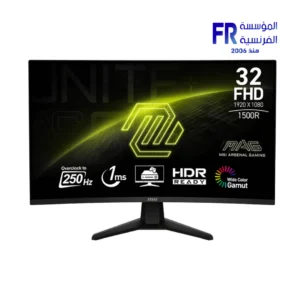 MSI MAG 32C6X 31.5 Inch 250Hz OC 1ms MPRT FHD VA Curve 1500R Adaptive-Sync HDR Ready Black Monitor
 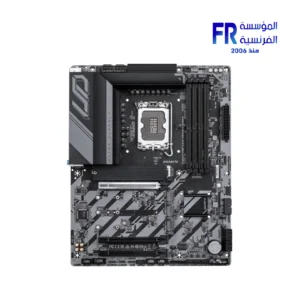 Gigabyte Z890 UD LGA1851 Motherboard
 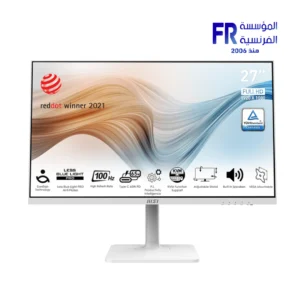 MSI Modern MD272XPW 27 Inch 100Hz 1ms MPRT FHD IPS Flat Adaptive-Sync HDR Ready With Speakers 65W PD White Monitor
  Lenovo Legion Pro 5 16IAX10 83F3003QPS - Intel Core Ultra 7 255HX - 32GB DDR5 5600Mhz - 1TB PCIe 4.0 NVMe SSD - RTX 5060 8GB - 16 inch 165Hz WQXGA OLED G-SYNC - 24-Zone RGB Keyboard - NO OS - LA3 AI Chip - Eclipse Black Gaming Laptop
 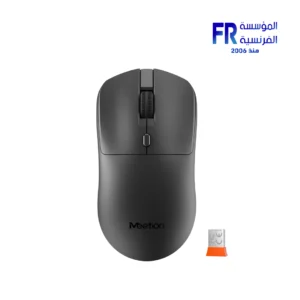 Meetion R546 Wireless Mouse
 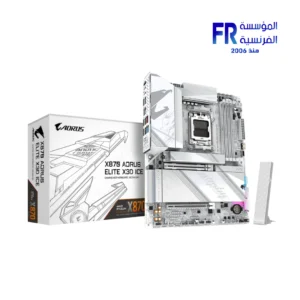 Gigabyte X870 Aorus Elite X3D Ice Gaming Motherboard
  Thermal Grizzly Duronaut 2g Thermal Paste
  Meetion BTM100 Wireless And Bluetooth Dual Mode Mouse
 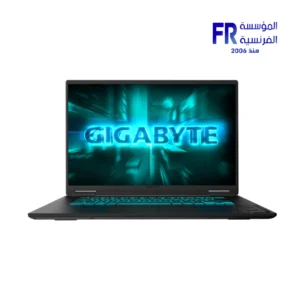 Gigabyte Gaming A16 CVH - Intel Core i7-13620H - 16GB DDR5 - 1TB NVMe Gen4 SSD - NVIDIA RTX 5060 8GB - 16 Inch WUXGA (1920x1200) 165Hz IPS Display - MUX Switch with WIFI 6E - RGB Keyboard - Windows 11 Home - Black Steel Gaming Laptop
 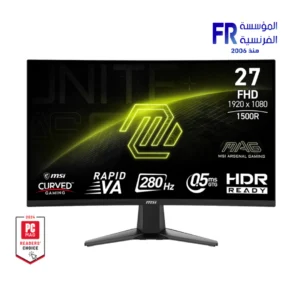 MSI MAG 276CXF 27 Inch 280Hz 0.5ms FHD Rapid VA Curve 1500R Adaptive Sync HDR Ready Black Monitor
 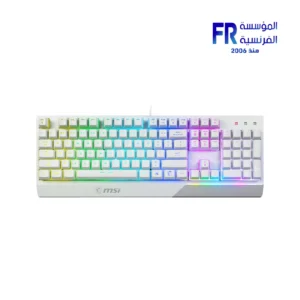 MSI Vigor GK30 Plunger Switch RGB Arabic White Wired Mechanical Feel Gaming Keyboard
  Redragon Perdition M901 RGB 18 Buttons White Wired MMO Gaming Mouse
 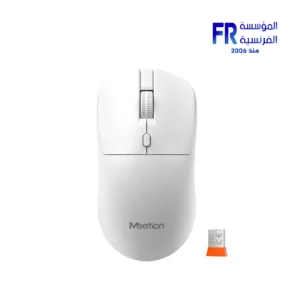 Meetion R546 Wireless White Mouse
 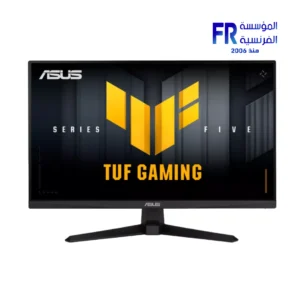 Asus TUF Gaming VG279QM5A 27 Inch 240Hz 1Ms Full HD Fast IPS Gaming Monitor
 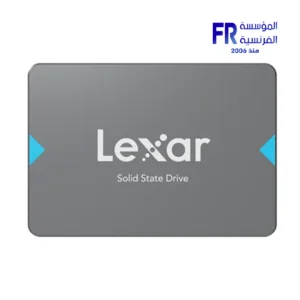 Lexar NQ100 256GB 550MB/s 2.5 Inch SATA 6GB/s Internal Solid State Drive SSD
 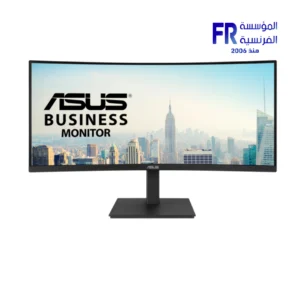 Asus VA VA34VCPSR 34 Inch 100Hz 4ms UWQHD VA Curve 1500R Adaptive Sync HDR10 With Speakers Monitor
 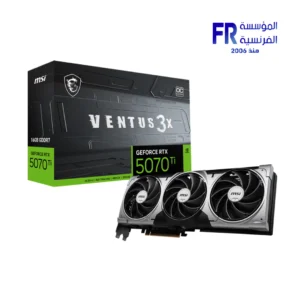 Msi GeForce RTX 5070 TI Ventus 3X 16GB GDDR7 OC Graphic Card
 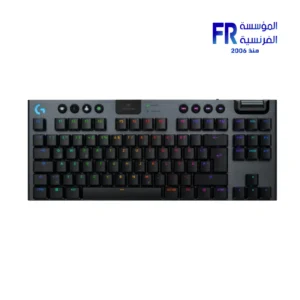 Logitech G G915 X TKL Tactile Switch Low Profile Black Wireless Gaming Keyboard
 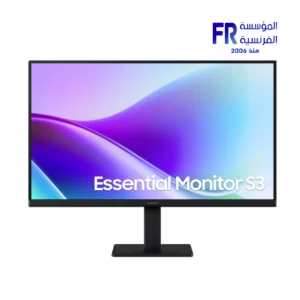 Samsung Essential S3 S32GF S24F320GAU 24 Inch 120Hz 5ms FHD IPS Flat Eye Saver Mode Black Monitor
 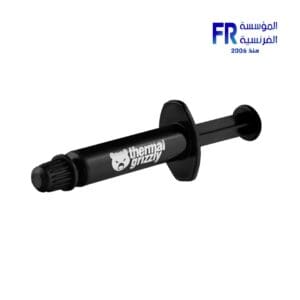 Thermal Grizzly Aeronaut 1g Thermal Paste
 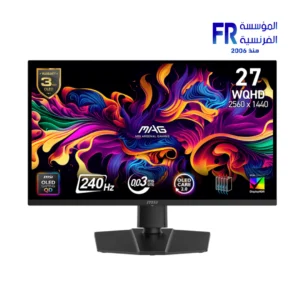 MSI MAG 273QP QD-OLED X24 27 Inch 240Hz 0.03ms WQHD QD-OLED Flat Adaptive Sync DisplayHDR True Black 400 Black Monitor
  Wd Red Plus WD120EFGX 12Tb Internal Desktop Hard Drive
 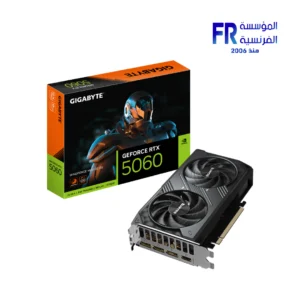 Gigabyte GeForce RTX 5060 Windforce Max 8GB GDDR7 OC Graphic Card
 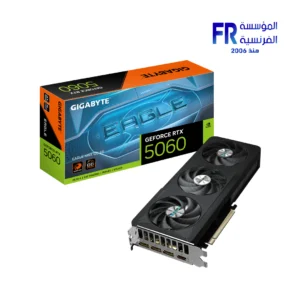 Gigabyte GeForce RTX 5060 Eagle Max OC 8GB GDDR7 Graphic Card
 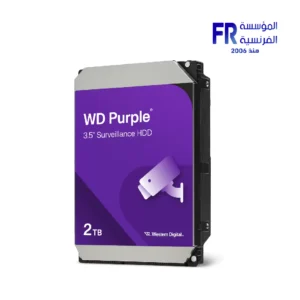 WD Purple 2TB WD23PURZ Internal Desktop Hard Drive
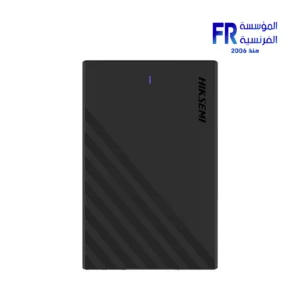
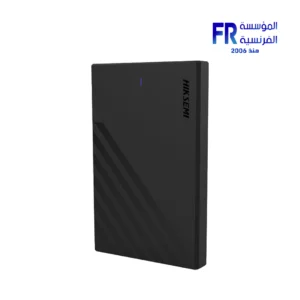
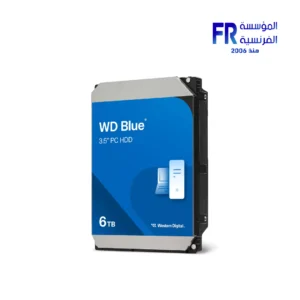
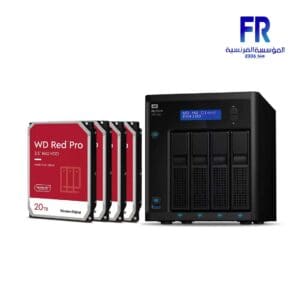
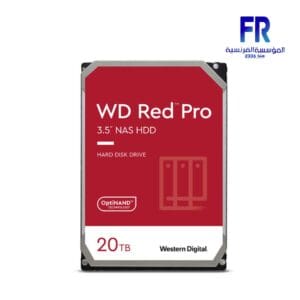
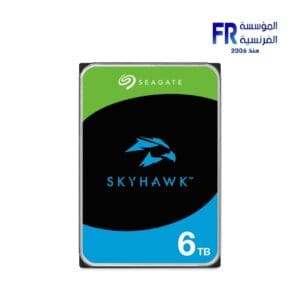
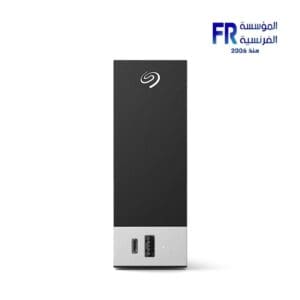
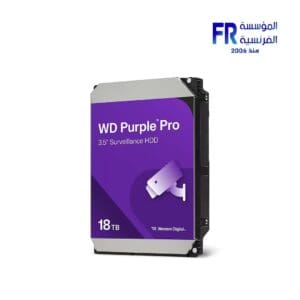
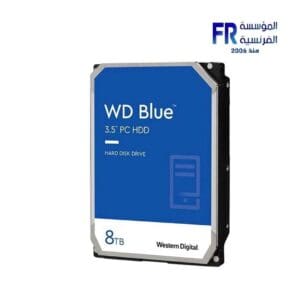
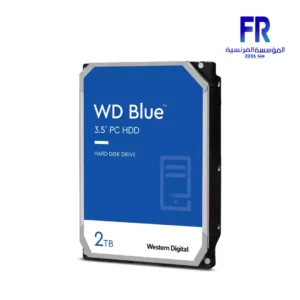
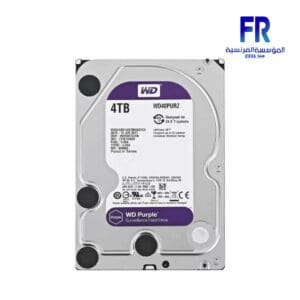
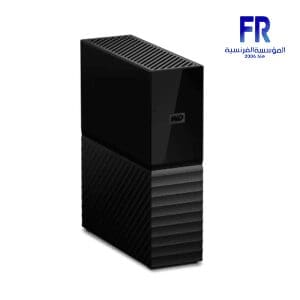
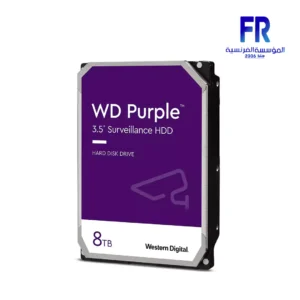
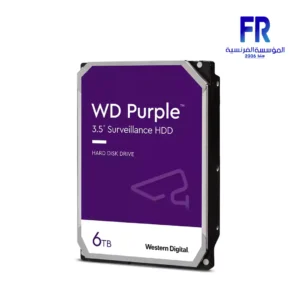
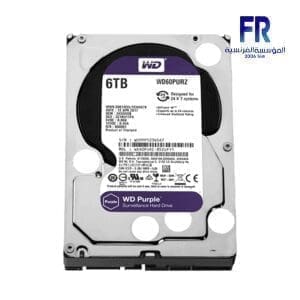
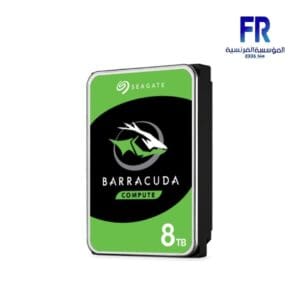
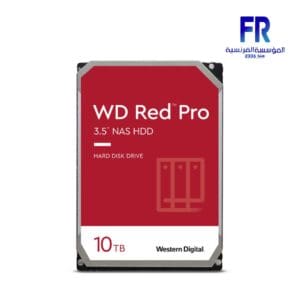
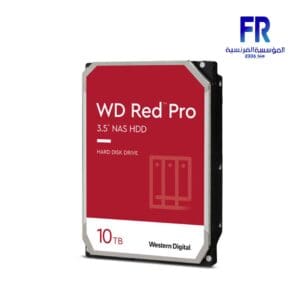
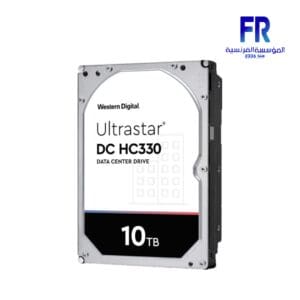
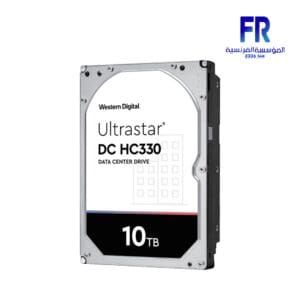
Hard disk drives (HDDs) are the most traditional type of secondary storage. They use spinning platters coated with magnetic material to store data. HDDs are relatively inexpensive and have a large storage capacity, but they are also slower and less reliable than SSDs.
Here are some of the pros and cons of using HDDs:
Pros:
-
Inexpensive:
HDDs are one of the most affordable types of storage available.
-
High capacity:
HDDs can store a large amount of data, making them a good option for storing large files such as movies, music, and photos.
-
Reliable:
HDDs are generally reliable storage devices, but they can be more susceptible to failure than SSDs.
Cons:
-
Slow:
HDDs are slower than SSDs, which can make them feel sluggish when loading programs and files.
-
Noisier:
HDDs can be noisy, especially when they are under heavy load.
-
Less durable:
HDDs are less durable than SSDs and can be damaged by physical shocks or vibrations.
Overall, HDDs are a good option for users who need a lot of storage space at an affordable price. However, if you need the fastest possible performance or need to store data that is critical, you may want to consider using an SSD instead.
Here are some tips for using HDDs:
- Back up your data regularly. HDDs are more susceptible to failure than SSDs, so it is important to back up your data regularly to protect yourself from data loss.
- Defragment your drive regularly. Defragmenting your drive can help to improve performance by organizing your files in a more efficient way.
- Keep your drive cool. HDDs can overheat if they are not properly ventilated, which can lead to failure.
- Avoid physical shocks and vibrations. HDDs are more susceptible to damage from physical shocks and vibrations than SSDs.
If you are using an HDD, it is important to take steps to protect your data and extend the life of your drive.

Out of stock
Out of stock

Out of stock

Out of stock
Out of stock
Out of stock
Out of stock
Out of stock
Out of stock

Out of stock

Out of stock

Out of stock
Out of stock
Out of stock

Out of stock
Out of stock

Out of stock
Out of stock

Out of stock

Out of stock

Out of stock

Out of stock

Out of stock
Out of stock
Out of stock

Out of stock

Out of stock
Out of stock

Out of stock
Out of stock