

-
×
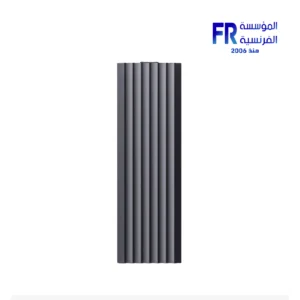 Hiksemi MDC1 USB 3.2 Type-C 10Gbps Aluminum NVME M.2 Enclosure
1 × 699 EGP
Hiksemi MDC1 USB 3.2 Type-C 10Gbps Aluminum NVME M.2 Enclosure
1 × 699 EGP -
×
 Western Digital Black SN8100 2TB M2 2280 PCIe Gen 5 Nvme Without Heatsink Internal Solid State Drive SSD
1 × 17400 EGP
Western Digital Black SN8100 2TB M2 2280 PCIe Gen 5 Nvme Without Heatsink Internal Solid State Drive SSD
1 × 17400 EGP -
×
Thermalright Wonder Vision UB 360mm ARGB Black AIO Liquid CPU Cooler
1 × 15000 EGP
-
×
Redragon Fizz K617 Red Switch RGB 60 Percent Compact White and Blue Wired Mechanical Gaming Keyboard
1 × 1675 EGP
-
×
DarkFlash DS900 Panoramic TG With 4 DM20 ARGB Fans With GP750 750W 80 Plus Bronze With APC1 Controller Black Mid Tower Gaming Case
1 × 4500 EGP
-
×
HYTE Y60 Modern Aesthetic 3 FE12 Fans Included PCIE 4.0 Riser Cable Black Mid Tower Case
1 × 8499 EGP
-
×
Lexar JumpDrive V400 256GB Usb3.0 Flash Drive
1 × 825 EGP
-
×
Meetion Air GW39 Lightweight Pixart PAW3395 With Charging Base 3 Mode Rechargeable Wireless And Bluetooth Gaming Mouse
2 × 2200 EGP
-
×
Gigabyte B760M Gaming AC D4 Gen5 Gaming Motherboard
1 × 6600 EGP
-
×
Thermaltake CT120 EX ARGB Sync Matcha Green PC Cooling 3 Fan
1 × 2599 EGP
-
×
MSI B860M Gaming Plus WIFI Motherboard
1 × 10300 EGP
-
×
Redragon Fizz K617 Red Switch RGB 60 Percent Compact White and Red Wired Mechanical Gaming Keyboard
1 × 1675 EGP
-
×
Gigabyte B760 Gaming X WIFI6E Gen5 Motherboard
1 × 8900 EGP
-
×
DarkFlash A305 Mesh TG With 4 CL6 ARGB Fans With GP650 650W 80 Plus Bronze PSU Black Mid Tower Gaming Case
1 × 3100 EGP
-
×
Asus Tuf Gaming X870 Plus Wifi AM5 DDR5 Motherboard
1 × 17200 EGP
-
×
Thermalright Hyper Vision UB 360mm ARGB Black AIO Liquid CPU Cooler
1 × 11000 EGP
-
×
MSI MAG 276CXF 27 Inch 280Hz 0.5ms FHD Rapid VA Curve 1500R Adaptive Sync HDR Ready Black Monitor
1 × 10400 EGP
-
×
Gigabyte GeForce RTX 5060 Ti Eagle 16GB GDDR7 OC Graphic Card
1 × 26399 EGP
-
×
Cooler Master MWE Gold 1050W V2 EEU 80 Plus Gold Fully Modular Power Supply
1 × 8499 EGP
-
×
Gigabyte GeForce RTX 5070 Windforce OC SFF 12Gb GDDR7 Graphic Card
1 × 34500 EGP
-
×
Aerocool Astro 12 Pro ARGB With Remote And Controller 3 Fan
1 × 1049 EGP
-
×
Polartherm X8 40g Thermal Paste
1 × 875 EGP
-
×
Samsung T9 1Tb External Solid State Drive SSD
1 × 7439 EGP
-
×
Thermalright Peerless Assassin 140mm Digital White Air CPU Cooler
1 × 4050 EGP
-
×
Asus Dual GeForce RTX 5050 8GB GDDR6 OC Edition Graphic Card
1 × 14999 EGP
-
×
Tplink UB500 Bluetooth 5.3 Nano Usb Adapter
1 × 400 EGP
-
×
Addlink G55H 1TB M2 2280 Pcie Gen5 Nvme Internal Solid State Drive SSD
1 × 7199 EGP
-
×
Cooler Master MWE Gold 1250W V2 ATX 3.1 80 Plus Gold Fully Modular Power Supply
1 × 10500 EGP
-
×
Meetion R546 Wireless White Mouse
1 × 249 EGP
-
×
Thermaltake Toughpower GT 1000W 80 Plus Gold ATX 3.1 Fully Modular Power Supply
1 × 7499 EGP
-
×
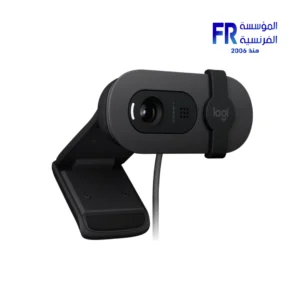
Logitech Brio 300 FHD Graphite Webcam
1 × 4500 EGP
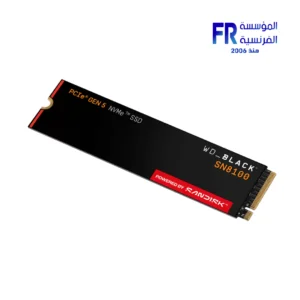 Western Digital Black SN8100 2TB M2 2280 PCIe Gen 5 Nvme Without Heatsink Internal Solid State Drive SSD
 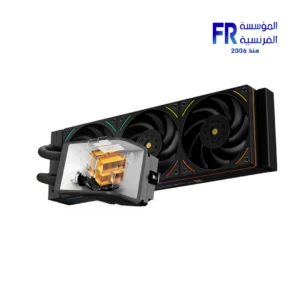 Thermalright Wonder Vision UB 360mm ARGB Black AIO Liquid CPU Cooler
 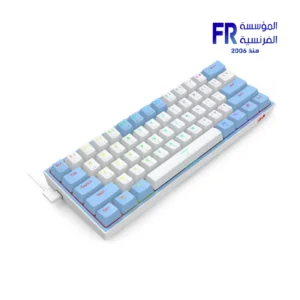 Redragon Fizz K617 Red Switch RGB 60 Percent Compact White and Blue Wired Mechanical Gaming Keyboard
 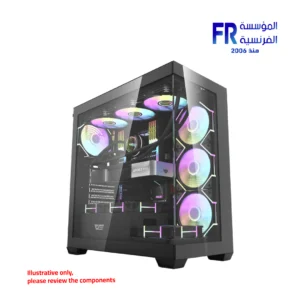 DarkFlash DS900 Panoramic TG With 4 DM20 ARGB Fans With GP750 750W 80 Plus Bronze With APC1 Controller Black Mid Tower Gaming Case
  HYTE Y60 Modern Aesthetic 3 FE12 Fans Included PCIE 4.0 Riser Cable Black Mid Tower Case
  Lexar JumpDrive V400 256GB Usb3.0 Flash Drive
 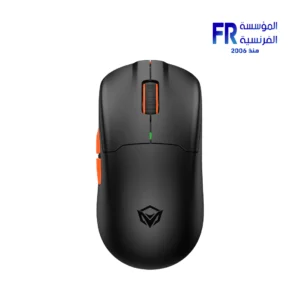 Meetion Air GW39 Lightweight Pixart PAW3395 With Charging Base 3 Mode Rechargeable Wireless And Bluetooth Gaming Mouse
  Gigabyte B760M Gaming AC D4 Gen5 Gaming Motherboard
 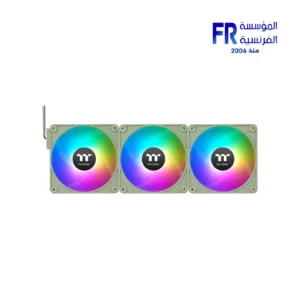 Thermaltake CT120 EX ARGB Sync Matcha Green PC Cooling 3 Fan
 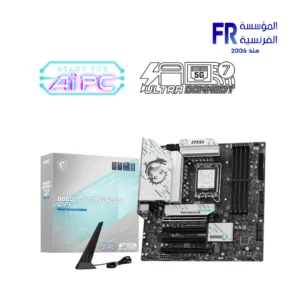 MSI B860M Gaming Plus WIFI Motherboard
 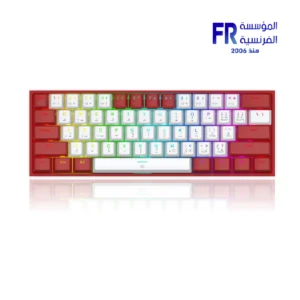 Redragon Fizz K617 Red Switch RGB 60 Percent Compact White and Red Wired Mechanical Gaming Keyboard
 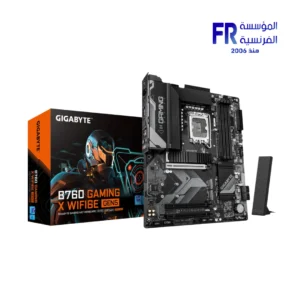 Gigabyte B760 Gaming X WIFI6E Gen5 Motherboard
 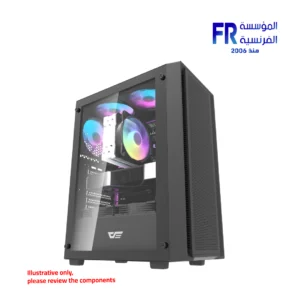 DarkFlash A305 Mesh TG With 4 CL6 ARGB Fans With GP650 650W 80 Plus Bronze PSU Black Mid Tower Gaming Case
  Asus Tuf Gaming X870 Plus Wifi AM5 DDR5 Motherboard
 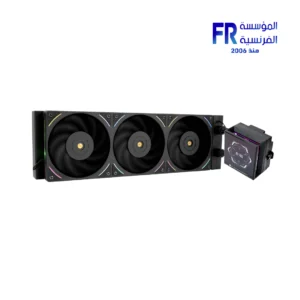 Thermalright Hyper Vision UB 360mm ARGB Black AIO Liquid CPU Cooler
 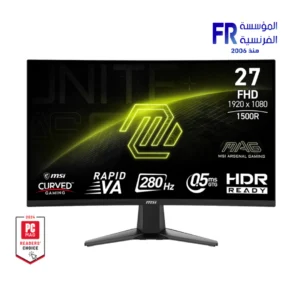 MSI MAG 276CXF 27 Inch 280Hz 0.5ms FHD Rapid VA Curve 1500R Adaptive Sync HDR Ready Black Monitor
 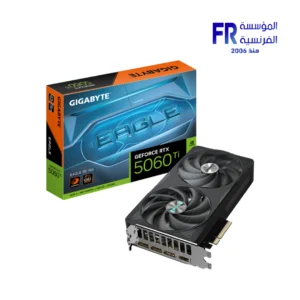 Gigabyte GeForce RTX 5060 Ti Eagle 16GB GDDR7 OC Graphic Card
 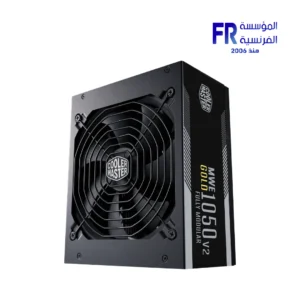 Cooler Master MWE Gold 1050W V2 EEU 80 Plus Gold Fully Modular Power Supply
 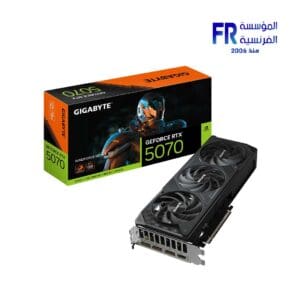 Gigabyte GeForce RTX 5070 Windforce OC SFF 12Gb GDDR7 Graphic Card
 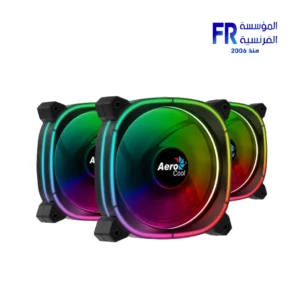 Aerocool Astro 12 Pro ARGB With Remote And Controller 3 Fan
  Polartherm X8 40g Thermal Paste
  Samsung T9 1Tb External Solid State Drive SSD
 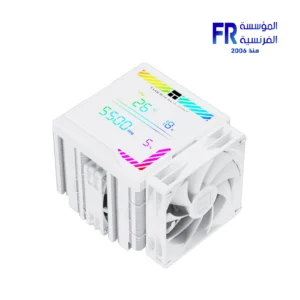 Thermalright Peerless Assassin 140mm Digital White Air CPU Cooler
 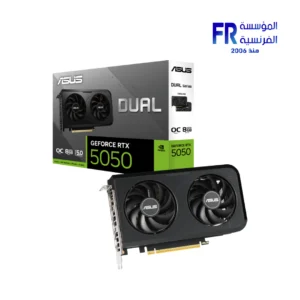 Asus Dual GeForce RTX 5050 8GB GDDR6 OC Edition Graphic Card
  Tplink UB500 Bluetooth 5.3 Nano Usb Adapter
  Addlink G55H 1TB M2 2280 Pcie Gen5 Nvme Internal Solid State Drive SSD
 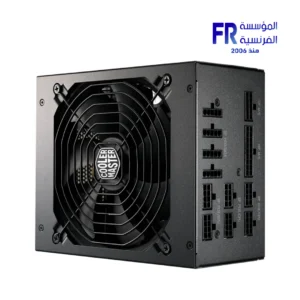 Cooler Master MWE Gold 1250W V2 ATX 3.1 80 Plus Gold Fully Modular Power Supply
 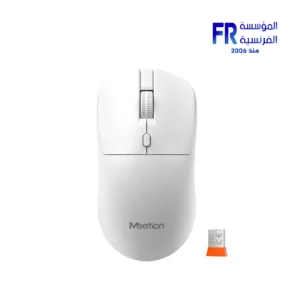 Meetion R546 Wireless White Mouse
 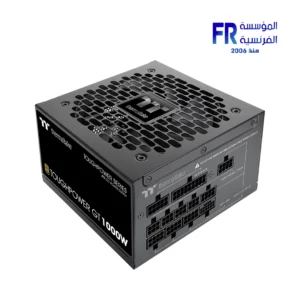 Thermaltake Toughpower GT 1000W 80 Plus Gold ATX 3.1 Fully Modular Power Supply
 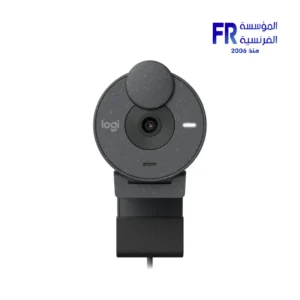 Logitech Brio 300 FHD Graphite Webcam
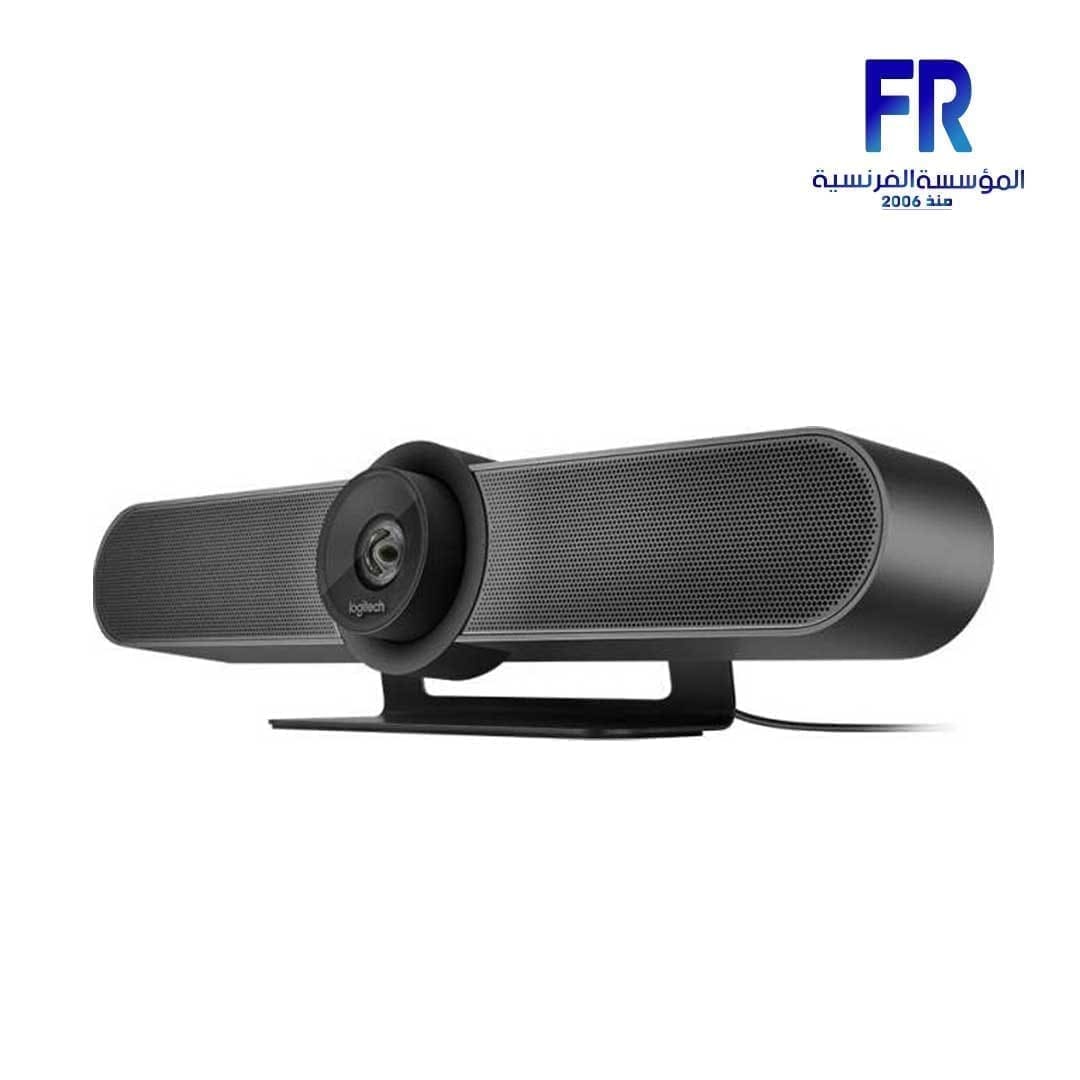
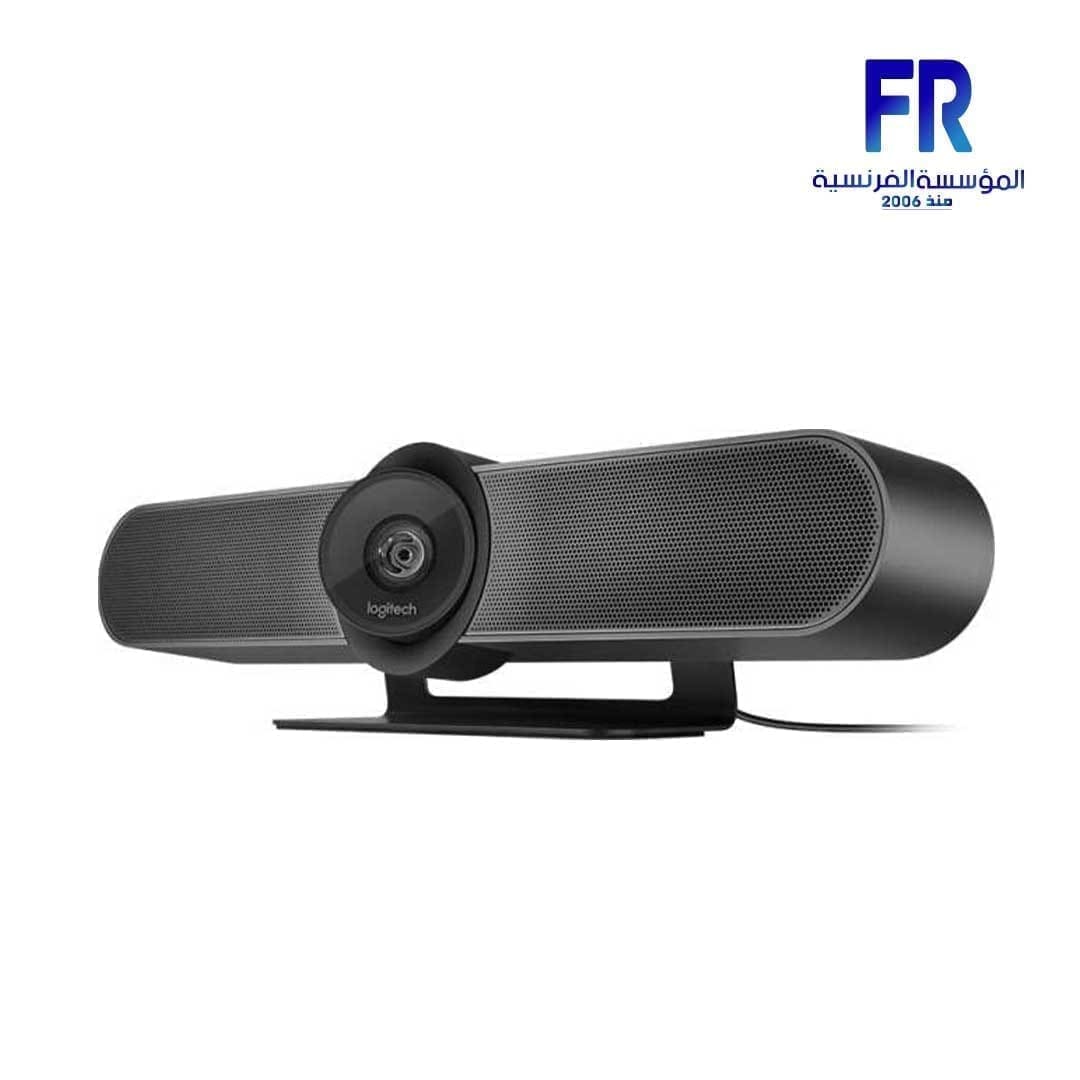
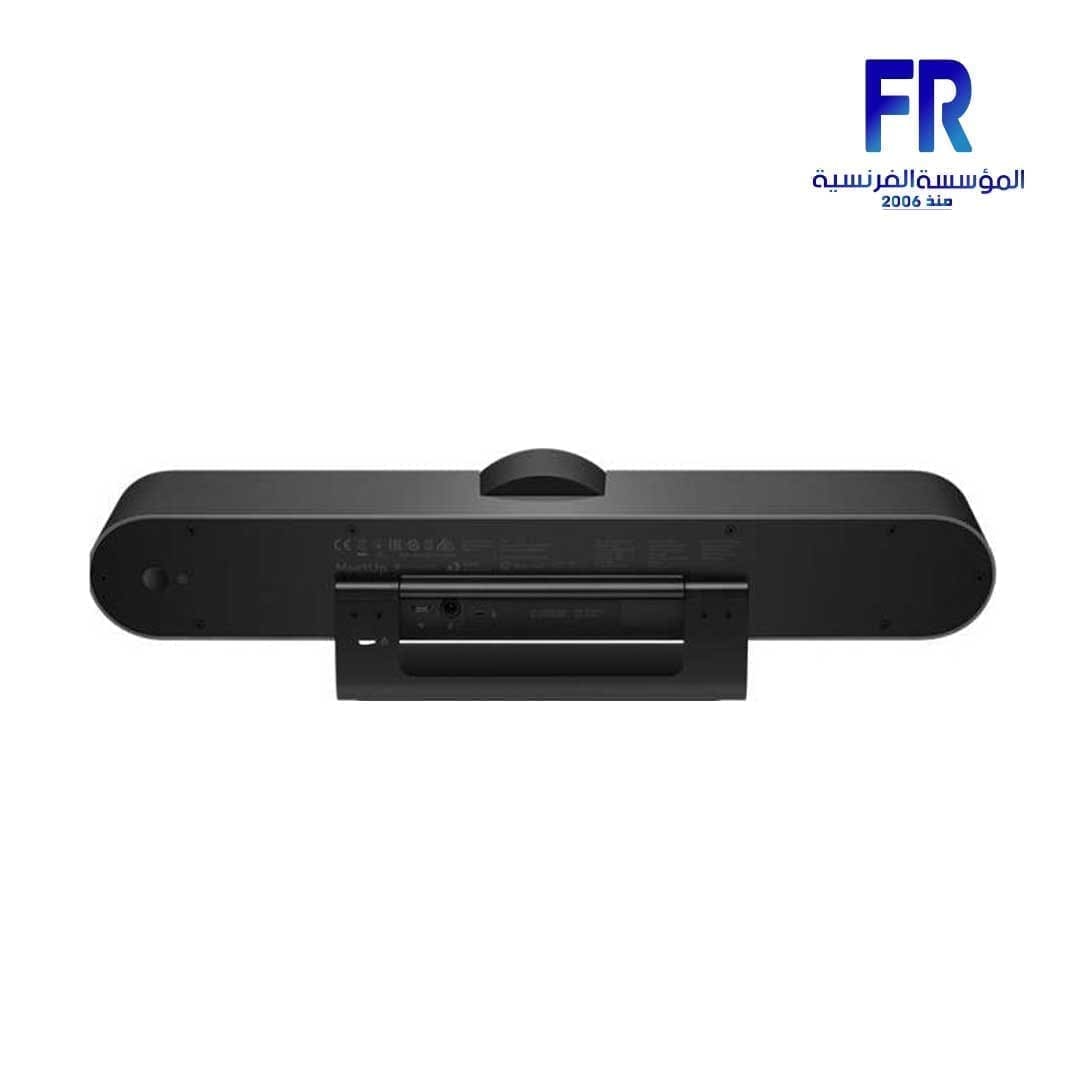
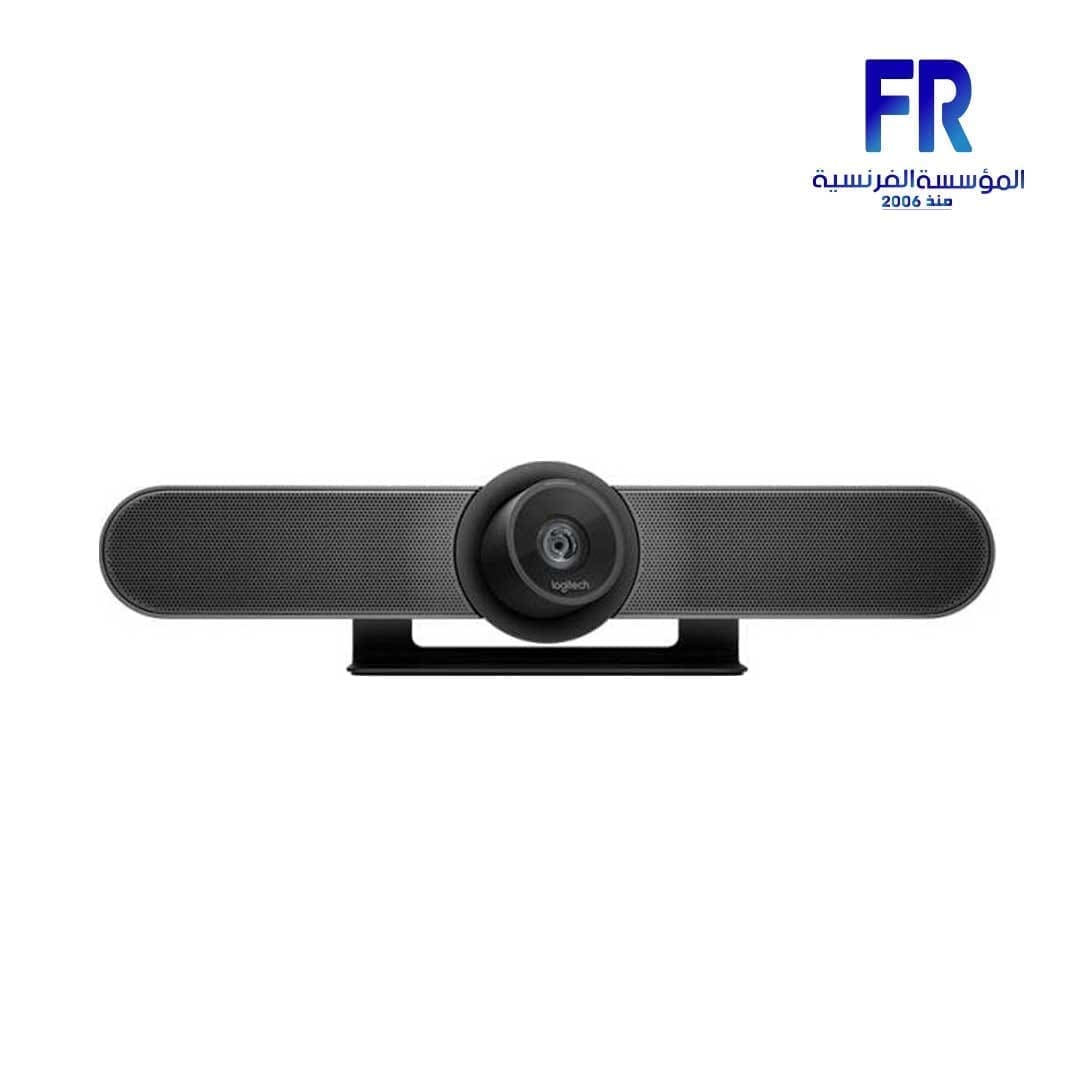
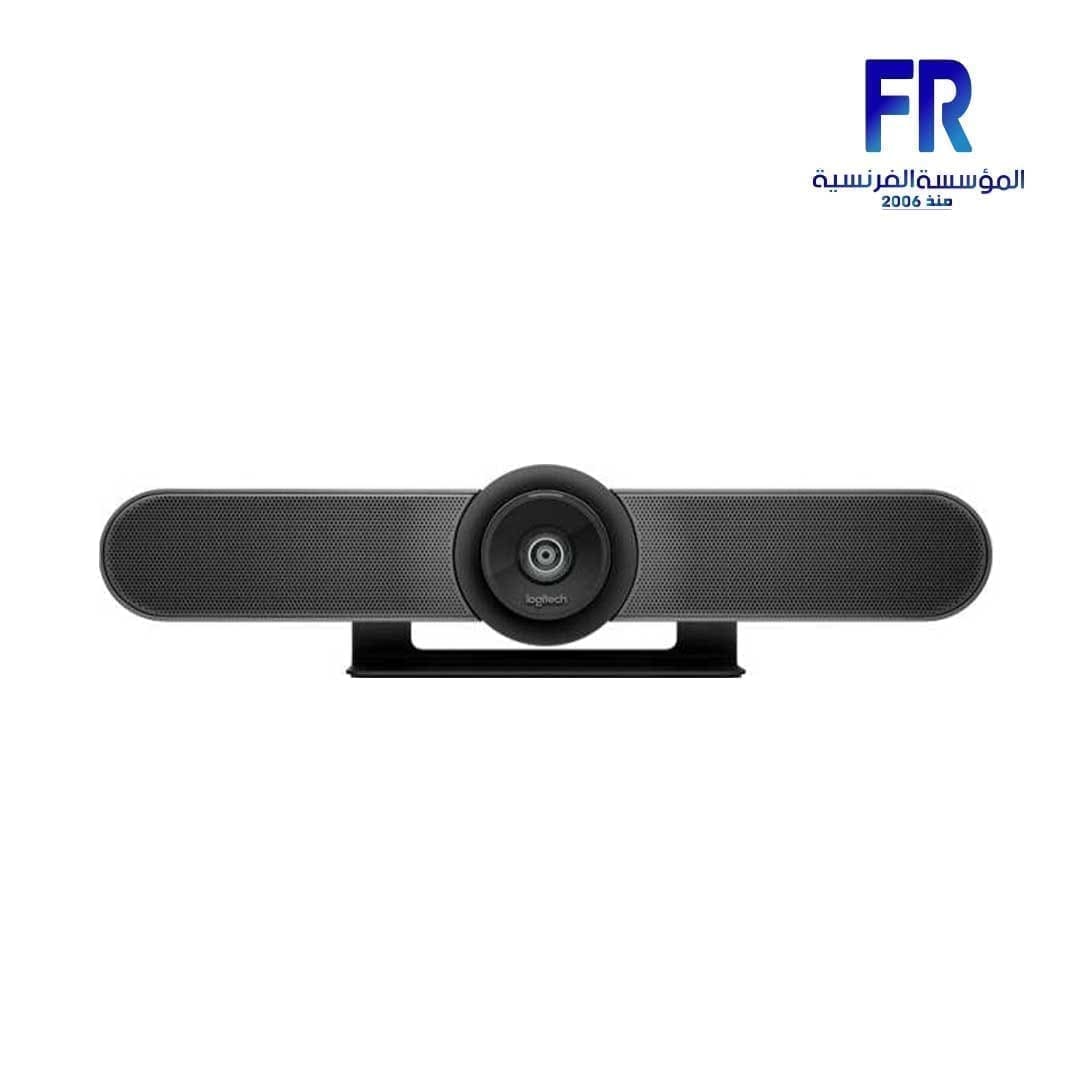
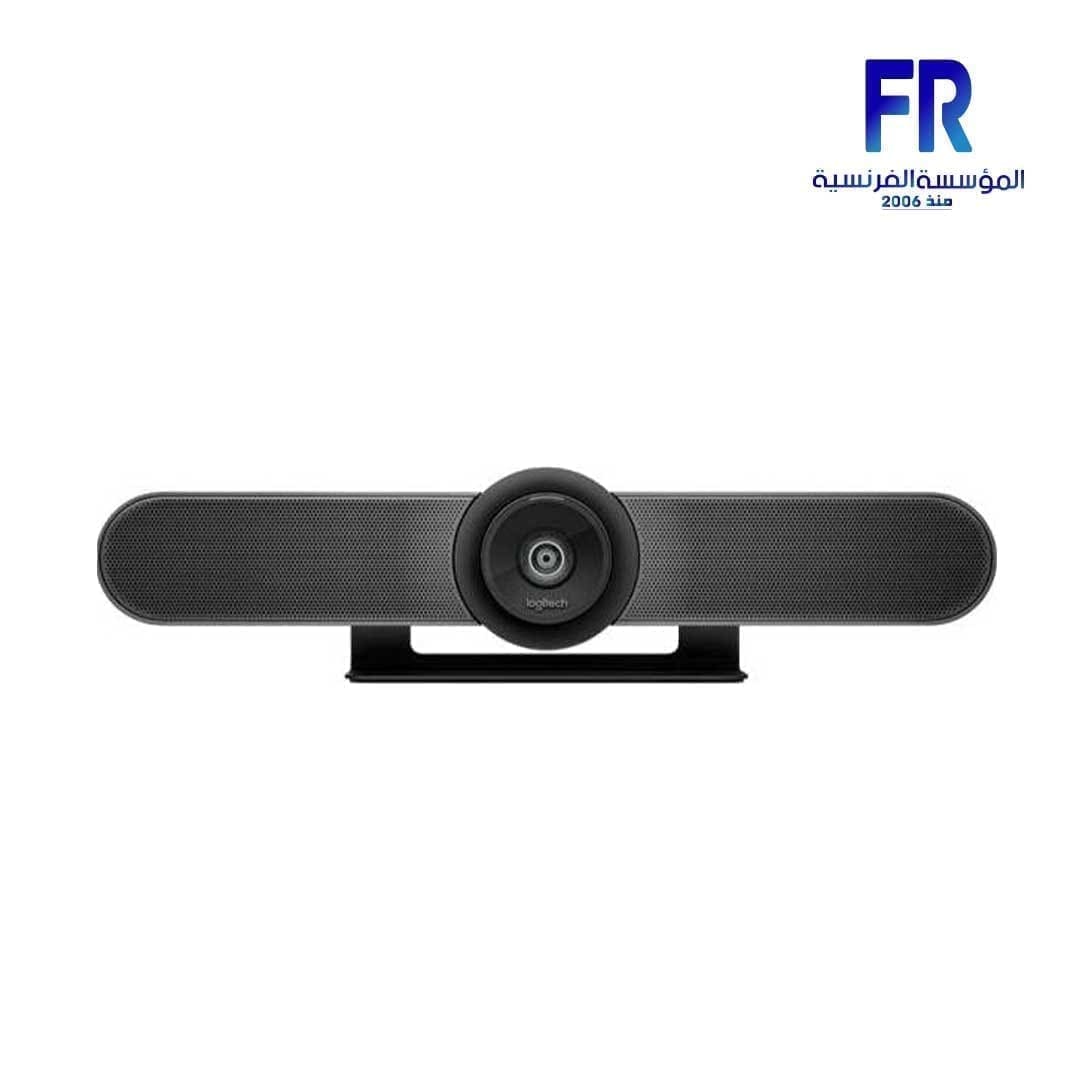
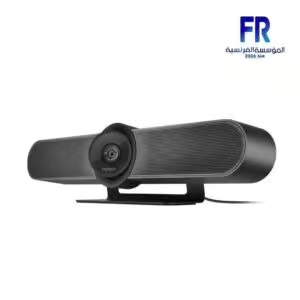
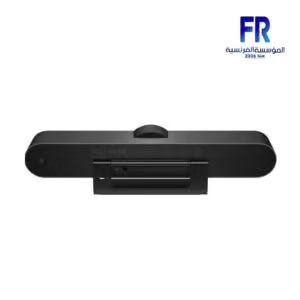
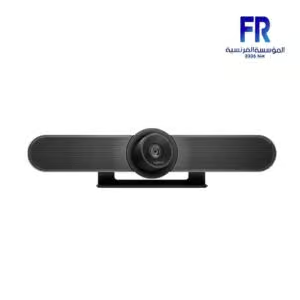

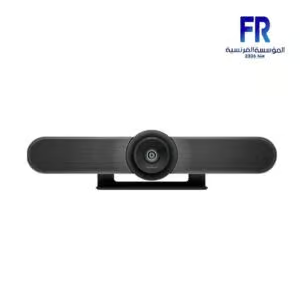
Logitech MeetUp All in one Ultra Wide lens for small Meeting rooms Conference Webcam
58999 EGP
- Logitech’s premier conferencecam specifically designed for business grade video meetings in huddle rooms and small conference rooms
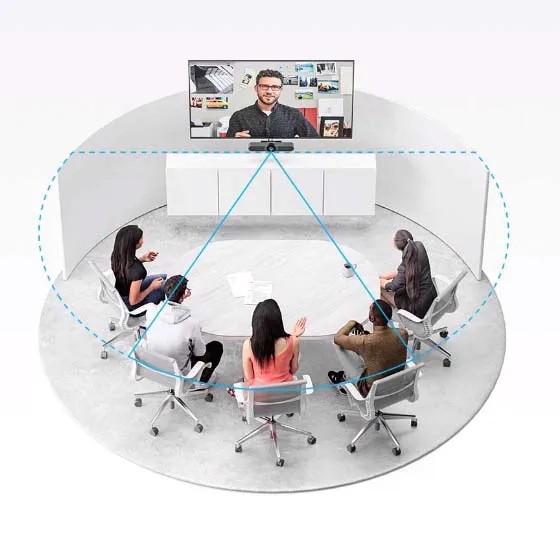
- Super wide 120 degree field of view enables everyone in the room to be seen, even people sitting close to the camera or at the edges of the room; Sensitivity: 27db
- Built in audio system features 3 microphones and a custom tuned speaker specifically optimized for ultra clear conversations in huddle rooms
- Supports the highest HD video quality for your network bandwidth and apps now and in the future with multiple video resolutions, including ultra 4k, 1080p and 720p
- Doubles as a speakerphone with an easy wireless connection to bluetooth mobile devices; Microphone frequency response: 90hz to 16khz for full voice reproduction and high intelligibility without noise
Out Of Stock.
Logitech MeetUp All in one Ultra Wide lens for small Meeting rooms Conference Webcam
-
SPEAK EASY with Full Duplex & Advanced Beamforming:
- Front-of-room alignment of voice and video is just the first step to natural conversations, Logitech PTZ Pro 2 also comes equipped with RightSound™ technologies, which include a beamforming mic array that captures speech.
- The beamforming mic array uses multiple microphones to focus on the speakers voice, while suppressing background noise, which results in a clearer and more natural-sounding audio.
- Additionally, the camera of Logitech also has an auto-leveling feature for louder and software voices, which ensures that all participants are heard at the same volume level, regardless of how far away they are from the microphone.
- This feature makes it easy for everyone to hear and understand what is being said, even in large or noisy environments.
- RightSound™ technologies also include noise suppression, which filters out background noise, such as air conditioning, traffic or other ambient noise.
- This feature ensures that the audio is clear and easy to understand, which makes for a more natural and engaging conversation.
- This feature makes PTZ Pro 2 an ideal solution for organizations that need to conduct video conferences in noisy or challenging environments.
-
RIGHTSIGHT Computer Vision:
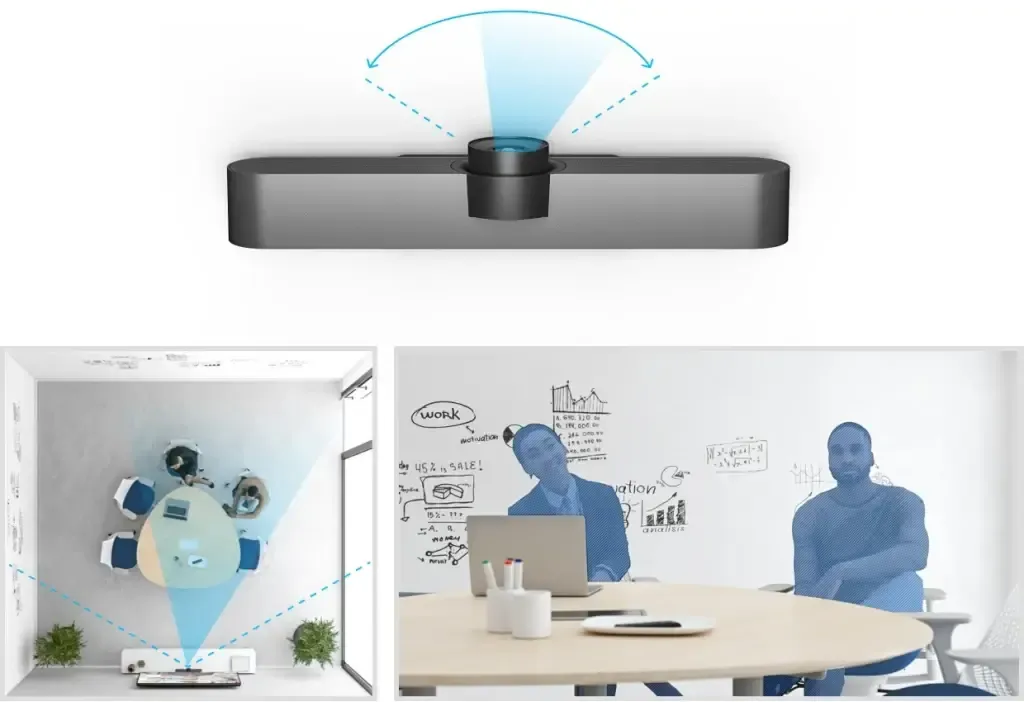
- MeetUp is equipped with RightSight™ computer vision technology, which automatically adjusts the camera position and zoom to find and frame people in the room.
- This feature makes it easy to capture the best video of the meeting or presentation, without the need for manual adjustments.
- Unlike voice tracking systems that jump from person to person, RightSight frames everyone in the conversation, which provides a more comfortable and collaborative experience.
- This feature of Logitech in egypt ensures that everyone in the room is visible on the video call, which makes it easy for remote participants to see and hear everyone in the room.
- This makes the video conferencing experience more engaging and interactive, which is especially useful for meetings and presentations where multiple speakers or panelists are involved.
- RightSight™ computer vision technology also includes facial detection, which can distinguish people from other objects in the room, and automatically adjust the camera angle to frame the person.
- This feature makes it easy to capture the best video, even in challenging lighting conditions, or when people are moving around the room.
-
Logitech ROOM SOLUTIONS WITH MEETUP:
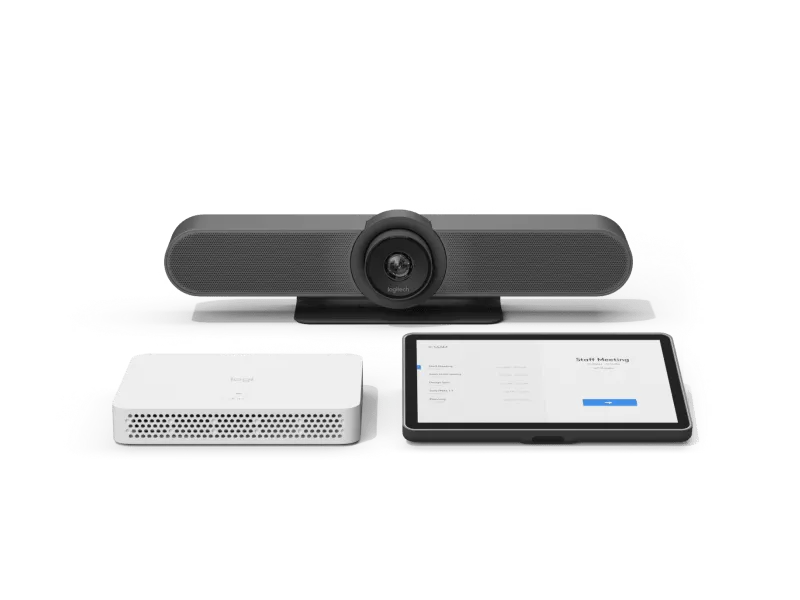
- The MeetUp Video Conferencing Kit is a bundle that includes everything you need to build out small rooms for video meetings.
- It includes the Logitech MeetUp camera, a mini PC or Google Meet compute system, room-optimized software, and the Logitech Tap touch controller.
- The MeetUp camera is designed for small rooms and huddle spaces, it has a wide-angle lens and a built-in speakerphone which allows you to see and hear everyone in the room.
- The mini PC or Google Meet compute system is a small, compact computer that can be mounted behind the display and connects to the internet, providing the necessary processing power for video conferencing.
- The room-optimized software is designed to work seamlessly with the MeetUp camera and mini PC, providing an easy-to-use interface and advanced features such as automatic camera control, speaker tracking, and noise suppression.
- The Logitech in egypt Tap touch controller is a 10-inch touch screen controller that allows you to control the video conferencing software, adjust camera settings, and manage audio and video.
- This bundle makes it easy to set up a small room for video conferencing and provides everything you need to get started, including the camera, computer, software, and controller.
-
MEETUP SCALE UP with Logitech Sync Device Management:
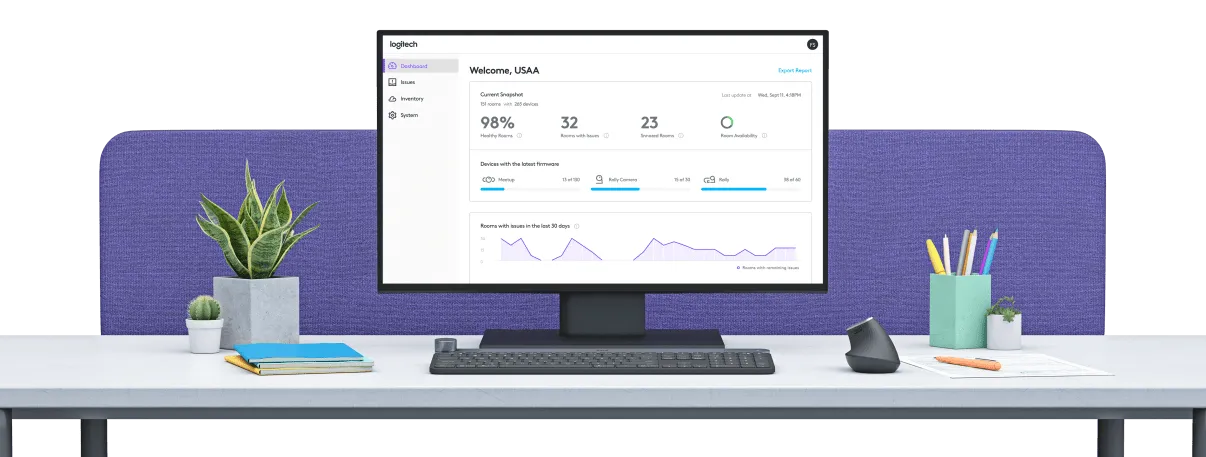
- Logitech Sync is a cloud-based management tool that makes it easy to support and manage Logitech MeetUp in all of your rooms.
- It allows you to control and manage multiple MeetUp cameras and systems remotely, using a simple browser-based interface.
- With Logitech Sync, you can easily monitor the status of your MeetUp systems, update firmware, and troubleshoot issues, all from a single, centralized location.
- This feature makes it easy to support MeetUp in all of your rooms while minimizing site visits and trouble tickets.
- Additionally, Logitech in egypt Sync also provides detailed analytics and usage reports, which can help you understand how your MeetUp systems are being used, and identify any potential issues or areas for improvement.
- This feature allows you to optimize your video conferencing setup and ensure that it is running smoothly.
- Overall Logitech Sync makes it easy to manage and support MeetUp systems, saving your time and effort, and ensuring that your video conferencing setup is running smoothly and efficiently.
-
5X ZOOM:
- Flawlessly body presenters to reduce heritage distractions.
- Zoom in on whiteboards and items so remote contributors can see what you notice.
- Thanks to its advanced 4K image sensor, video stays sharp and clean, even when you zoom in at the info.
-
PREMIUM CAMERA OPTICS:
- Logitech MeetUp features exquisitely engineered, premium camera optics that seize a wide discipline-of-view with out distorting faces and furniture with a “fisheye” effect.
- Faces appearance natural, whiteboard writing stays legible, and instantly strains stay directly.
-
EXTENDED RANGE:
- Logitech expansion Mic for MeetUp offers more flexibility in huddle room configurations.
- MeetUp’s built-in beamforming mics are optimized for as much as four meters.
- To increase that range as much as five meters, add a diffusion Mic.
- So whether or not humans are seated at a desk, sitting against the wall, or taking walks across the room, expansion Mic for MeetUp way everybody will be heard.
-
BLUETOOTH® SPEAKERPHONE:
- Already related to your phone? Dialing into an audio conference? Pair MeetUp along with your smartphone or pill to experience terrific audio clarity, quantity, and variety that handheld devices cannot healthy.
-
TAKE CONTROL:
- While you want to adjust the volume, mute the microphone, or take manual control over digicam position, MeetUp’ s far off manipulate makes use of radio frequency (RF) alerts for reliable and discreet manage from anywhere within the room.
- You can even download the free Logi far off app (to be had on iTunes) to govern MeetUp with an iPhone or iPad.
-
WALL SAVER:
- No drilling? No problem.
- By using attaching to the VESA mounting factors in the back of the display, the optionally available tv Mount for MeetUp helps you to function MeetUp above or under the show without drilling new holes.
-
RIGHTSENSE TECHNOLOGIES:
- Logitech RightSense™ proactive technologies are designed to make video meetings more effective and effortless.
- These technologies include RightSound, RightSight, and RightLight.
- Right Sound optimizes the human voice and enhances conversational clarity.
- It uses advanced audio processing to filter out background noise, ensuring that the speakers voice is clear and easy to understand. Additionally, it also includes an auto-leveling feature that ensures that all participants are heard at the same volume level, regardless of how far away they are from the microphone.
- RightSight automatically moves the camera and adjusts the zoom, so no one gets left out of the picture.
- It uses advanced computer vision technology to track the participants in the room and frame them in the camera’s field of view.
- This feature ensures that everyone is visible on the video call, which makes it easy for remote participants to see and hear everyone in the room.
- RightLight helps everyone look their best on camera, regardless of lighting conditions.
- It automatically adjusts the camera’s brightness, contrast, and color saturation, to ensure that everyone is clearly visible on the video call, even in challenging lighting conditions.
- This feature ensures that the video is clear and easy to see, which makes for a more natural and engaging conversation.
- Overall, RightSense™ technologies make video conferencing more effortless and effective.
- These technologies ensure that the audio and video are of high quality and makes it easy to see and hear everyone in the room.
————————————————————————————————————————————————————————————–
-
DIMENSIONS
Main unit
- Height: 4.09 in (104 mm)
- Width: 15.75 in (400 mm)
- Depth: 3.27 in (85 mm)
- Weight: 2.3 lbs (1.04 kg)
Remote Control
- Height: 3.27 in (83 mm)
- Width: 3.27 in (83 mm)
- Depth: 0.39 in (10 mm)
-
COMPATIBILITY
Windows 10, Windows® 11 or later, macOS (two most recent versions)Chrome OS™ Version 29.0.1547.70 and higherUSB 2.0 port (USB 3.0 Port and cable required for 4K video)RIGHTSENSE TECHNOLOGIES
- Advanced technologies and design innovations that make video collaboration easy and automatic.
RightLight
- Low-light compensation
- Video noise reduction
- Low-light saturation optimization
RightSight
- Human figure detection
- Auto-frame participants at meeting start
- Auto-frame participants on-demand
- Auto-reframe when participants enter, leave, or change positions
RightSound
- AEC (Acoustic Echo Cancellation)
- VAD (Voice Activity Detector)
- Background noise suppression
- Auto-level loud and soft voices
- Peak-limiting algorithm eliminates even momentary speaker clipping to prevent distortion
- Anti-vibration enclosure
COMPATIBILITY AND INTEGRATIONS
- Plug-and-play USB connectivity
- Certifications
- Certified for Skype® for Business and Microsoft® Teams
- Zoom™ Certified
- Tencent Certified
- Certified for Google Hangouts Meet Hardware
- Compatibility
- RingCentral
- Microsoft Cortana
- Cisco Jabber®
- BlueJeans
- BroadSoft™
- Vidyo™
- and other video conferencing, recording, and broadcasting applications that support USB cameras TAA compliant. For applicable part numbers, visit www.logitech.com/support/meetup-taa-compliance
-
TECHNICAL SPECIFICATIONS
Camera
- Custom Logitech lens with 5x HD zoom and motorized pan (+/- 25°) and tilt (+/- 15°)
- Field of View: Diagonal: 120°, Horizontal: 113°, Vertical: 80.7°
- Total Room Coverage (field of view + pan and tilt): 163° wide x 110° tall
- 3 camera position presets
- RightSight auto-framing: Requires Windows 10 64-bit or macOS 10.14 or higher
Video Performance
- 4K Ultra HD video calling (up to 3840 x 2160 pixels @ 30 fps with customer-supplied USB 3.0 cable)
- 1080p Full HD video calling (up to 1920 x 1080 pixels @ 30 fps)
- 720p HD video calling (up to 1280 x 720 pixels @ 30 fps)
Microphone
- Integrated microphone with 3 beamforming elements
- Pickup Range
- MeetUp: 4 m (13.1 ft)
- With optional Expansion Mic: 5 m (16.4 ft)
- Sensitivity: -27 dB
- Microphone frequency response: 90Hz-16KHz for full voice reproduction and high intelligibility without noise
- Beamforming performance: Factory-paired, very low distortion broadside beamforming algorithm steers the microphones directly at the talker for the best voice pickup and noise reduction
- AEC (Acoustic Echo Cancellation)
- VAD (Voice Activity Detector)
- Microphone background noise suppression
- Microphone date rate: 32KHz sampling rate
- Recommended # of participants: 6
- Recommended # of participants with expansion mic: 8
Speaker
- Volume adjustable to 95 dB SPL at 1/2 meter peak
- Speaker sensitivity 86.5+/-3dB SPL at 1/2 meter
- Distortion: 200-300Hz < 3%, 3000 Hz -10KHz < 1%
- Patent-pending anti-vibration enclosure improves voice clarity while limiting sound transmission to adjacent spaces
General
- Bluetooth wireless technology
- RF remote control
- Integrated table/wall mount; optional TV mount available
- Kensington security slot
-
PACKAGE CONTENTS
- MeetUp ConferenceCam
- Remote control
- USB cable: 16 ft (5 m)
- Power supply
- Wall mount and hardware
- User documentation
WEBCAM
| MODEL | |
|---|---|
| RESOLUTION | |
| FOCUS RANGE | |
| FOCAL LENGTH | |
| FIELD OF VIEW | |
| SENSOR | |
| Connection | |
| CABLE TYPE | |
| Color | |
| Part Number | |
| Warranty |
Only logged in customers who have purchased this product may leave a review.
Related Products




Reviews
There are no reviews yet.