

-
×
 Noctua NH U9S U-Type Tower Air Cpu Cooler
1 × 3199 EGP
Noctua NH U9S U-Type Tower Air Cpu Cooler
1 × 3199 EGP -
×
 Intel Core I5 14600K Processor
1 × 11250 EGP
Intel Core I5 14600K Processor
1 × 11250 EGP -
×
Fantech WK899 Multi Device Wireless Keyboard And Mouse Combo
1 × 850 EGP
-
×
Thermal Grizzly WireView 90 Pro GPU 1x12VHPWR Normal advanced and monitoring for Graphics Cards
1 × 3400 EGP
-
×
DarkFlash A305 Mesh TG With 4 CL6 ARGB Fans With GP650 650W 80 Plus Bronze PSU Black Mid Tower Gaming Case
2 × 3100 EGP
-
×
Cooler Master MWE Gold 1050W V2 EEU 80 Plus Gold Fully Modular Power Supply
1 × 8499 EGP
-
×
Gigabyte GeForce RTX 5060 Ti Windforce Max 16GB GDDR7 OC Graphic Card
1 × 25899 EGP
-
×
MSI B860M Gaming Plus WIFI Motherboard
1 × 10300 EGP
-
×
MSI Vigor GK30 Plunger Switch RGB Arabic White Wired Mechanical Feel Gaming Keyboard
1 × 1550 EGP
-
×
Lian Li Galahad II Trinity 240MM Black AIO Liquid Cpu Cooler
1 × 6000 EGP
-
×
HyperX Pulsefire Fuse Rgb 3 Mode Wireless Gaming Mouse
1 × 2299 EGP
-
×
Intel Core Ultra 5 225F Processor
1 × 11900 EGP
-
×
Lexar NM610 Pro 500GB 3300MB/s M.2 2280 PCIe Gen 3 NVMe Internal Solid State Drive SSD
1 × 2250 EGP
-
×
Xigmatek Pano M Nano 5 FAN ARGB Micro Tower Case
1 × 1799 EGP
-
×
AeroCool Phantom M 3 Argb White Fan
1 × 399 EGP
-
×
Asus TUF Gaming VG279QM5A 27 Inch 240Hz 1Ms Full HD Fast IPS Gaming Monitor
1 × 9899 EGP
-
×
Thermalright Wonder Vision UB 360mm ARGB Black AIO Liquid CPU Cooler
1 × 15000 EGP
-
×
Redragon Fizz Pro K616-RGB Red Switch RGB 60 Percent Compact White And Gray 3 Modes Wireless Bluetooth Mechanical Gaming Keyboard
1 × 2450 EGP
-
×
Lian Li PCI e 4.0 600mm White Riser Cable
1 × 4500 EGP
-
×
Samsung Essential S3 S32GF S24F320GAU 24 Inch 120Hz 5ms FHD IPS Flat Eye Saver Mode Black Monitor
1 × 4800 EGP
-
×
Corsair HXi Series HX1500i 1500W 80 Plus Platinum Fully Modular ATX 3.1 PCIe 5.1 iCUE Power Supply
1 × 20500 EGP
-
×
Gigabyte B760M Aorus Elite WIFI6E Gen5 LGA1700 Gaming Motherboard
1 × 9200 EGP
-
×
Msi Clutch GM30 Wired Gaming Mouse
1 × 2450 EGP
-
×
Cooler Master MasterLiquid Core II 360 ARGB White AIO Liquid CPU Cooler
1 × 5100 EGP
-
×
ASUS VA27UQSB 27 Inch 60Hz 5ms 4K UHD IPS HDR-10 Business Monitor
1 × 17500 EGP
-
×
Meetion HP003 3.5MM Wired Headset
1 × 375 EGP
-
×
Redragon Trident Lite M613-RGB 8000 DPI RGB Wired Gaming Mouse
1 × 835 EGP
-
×
Thermalright Hyper Vision UB 360mm ARGB Black AIO Liquid CPU Cooler
1 × 11000 EGP
-
×
Aorus Master 16 BYH - Intel Core Ultra 9 275HX - 32GB DDR5 - 1TB NVMe Gen5 SSD - RTX 5080 16GB - 16 Inch OLED WQXGA 240Hz 1Ms Display - Thunderbolt 5 - WIFI 7 - Advanced Optimus - RGB Keyboard - Windows 11 Pro - Dark Tide Gaming Laptop
1 × 134999 EGP
-
×
Lenovo LOQ 15IRX10 83JE004QAX - Intel Core i7-13650HX - 24GB DDR5 4800Mhz - 512GB PCIe 4.0 NVMe SSD - RTX 5060 8GB - 15.6 inch 144Hz FHD IPS G-SYNC - White Backlit Arabic Keyboard - NO OS - LA1 AI Chip - Luna Grey Gaming Laptop
1 × 68280 EGP
-
×
Dareu EK75 RT Magnetic Switch 75% Compact Gasket Mount With Volume Knob RGB White Wired Mechanical Gaming Keyboard
1 × 3950 EGP
-
×
Western Digital Black SN7100 4TB M2 2280 PCIe Gen 4 Nvme Internal Solid State Drive SSD
1 × 18600 EGP
-
×
DarkFlash DS900 Panoramic TG With 4 DM20 ARGB Fans With GP750 750W 80 Plus Bronze With APC1 Controller Black Mid Tower Gaming Case
1 × 4500 EGP
-
×
MSI Vigor GK30 Plunger RGB Arabic Wired Keyboard and Mouse Gaming Combo
1 × 2200 EGP
 Intel Core I5 14600K Processor
 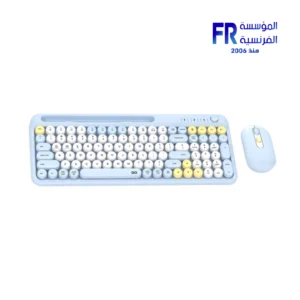 Fantech WK899 Multi Device Wireless Keyboard And Mouse Combo
 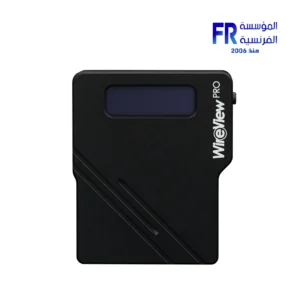 Thermal Grizzly WireView 90 Pro GPU 1x12VHPWR Normal advanced and monitoring for Graphics Cards
 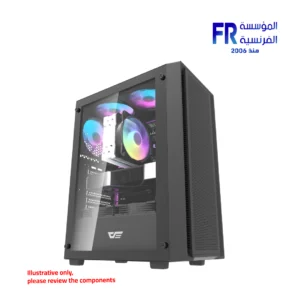 DarkFlash A305 Mesh TG With 4 CL6 ARGB Fans With GP650 650W 80 Plus Bronze PSU Black Mid Tower Gaming Case
 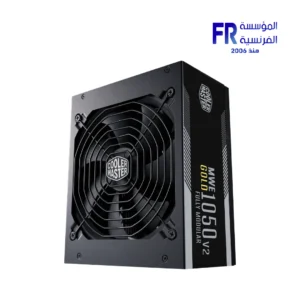 Cooler Master MWE Gold 1050W V2 EEU 80 Plus Gold Fully Modular Power Supply
 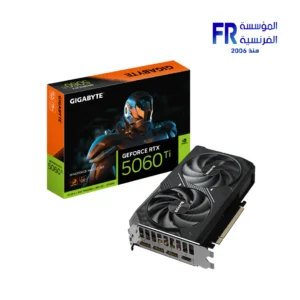 Gigabyte GeForce RTX 5060 Ti Windforce Max 16GB GDDR7 OC Graphic Card
 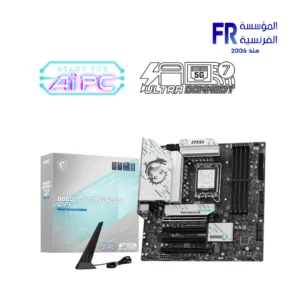 MSI B860M Gaming Plus WIFI Motherboard
 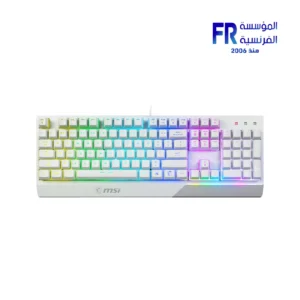 MSI Vigor GK30 Plunger Switch RGB Arabic White Wired Mechanical Feel Gaming Keyboard
  Lian Li Galahad II Trinity 240MM Black AIO Liquid Cpu Cooler
  HyperX Pulsefire Fuse Rgb 3 Mode Wireless Gaming Mouse
 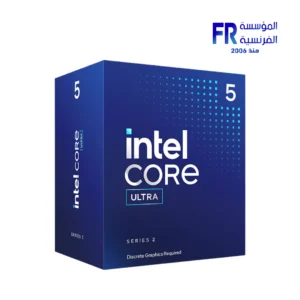 Intel Core Ultra 5 225F Processor
 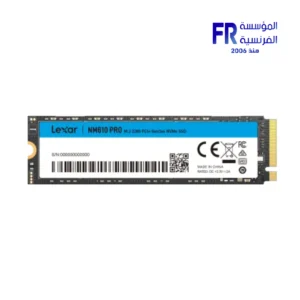 Lexar NM610 Pro 500GB 3300MB/s M.2 2280 PCIe Gen 3 NVMe Internal Solid State Drive SSD
 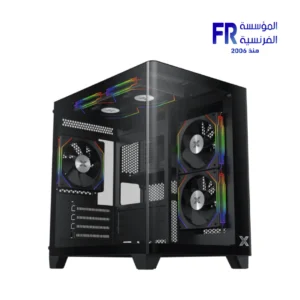 Xigmatek Pano M Nano 5 FAN ARGB Micro Tower Case
  AeroCool Phantom M 3 Argb White Fan
 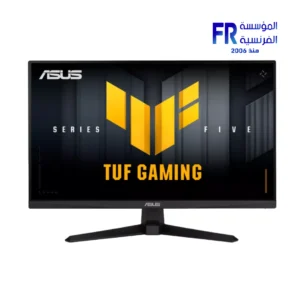 Asus TUF Gaming VG279QM5A 27 Inch 240Hz 1Ms Full HD Fast IPS Gaming Monitor
 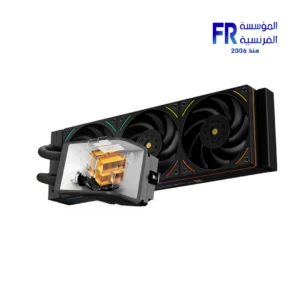 Thermalright Wonder Vision UB 360mm ARGB Black AIO Liquid CPU Cooler
 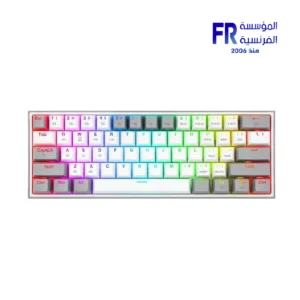 Redragon Fizz Pro K616-RGB Red Switch RGB 60 Percent Compact White And Gray 3 Modes Wireless Bluetooth Mechanical Gaming Keyboard
 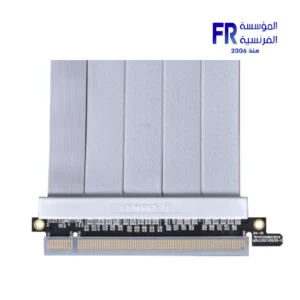 Lian Li PCI e 4.0 600mm White Riser Cable
 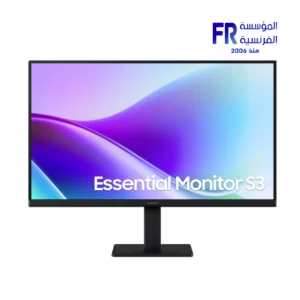 Samsung Essential S3 S32GF S24F320GAU 24 Inch 120Hz 5ms FHD IPS Flat Eye Saver Mode Black Monitor
 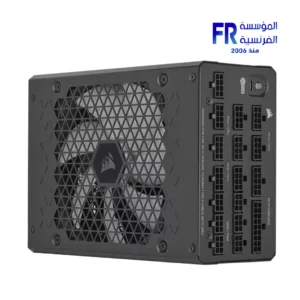 Corsair HXi Series HX1500i 1500W 80 Plus Platinum Fully Modular ATX 3.1 PCIe 5.1 iCUE Power Supply
 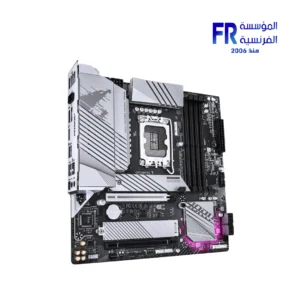 Gigabyte B760M Aorus Elite WIFI6E Gen5 LGA1700 Gaming Motherboard
  Msi Clutch GM30 Wired Gaming Mouse
 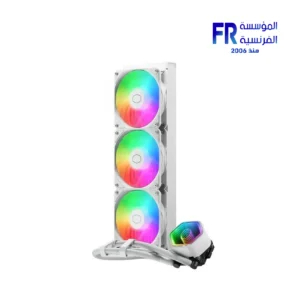 Cooler Master MasterLiquid Core II 360 ARGB White AIO Liquid CPU Cooler
 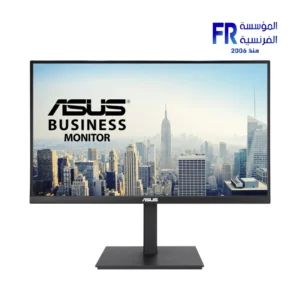 ASUS VA27UQSB 27 Inch 60Hz 5ms 4K UHD IPS HDR-10 Business Monitor
 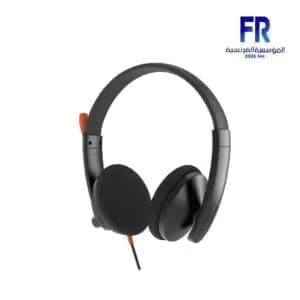 Meetion HP003 3.5MM Wired Headset
 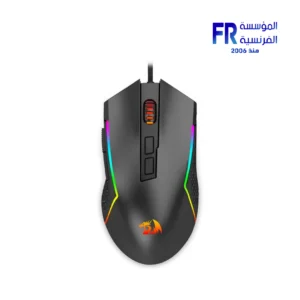 Redragon Trident Lite M613-RGB 8000 DPI RGB Wired Gaming Mouse
 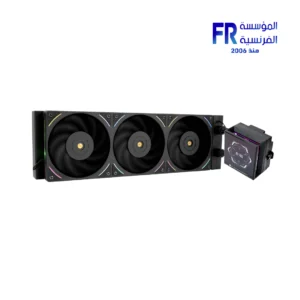 Thermalright Hyper Vision UB 360mm ARGB Black AIO Liquid CPU Cooler
  Aorus Master 16 BYH - Intel Core Ultra 9 275HX - 32GB DDR5 - 1TB NVMe Gen5 SSD - RTX 5080 16GB - 16 Inch OLED WQXGA 240Hz 1Ms Display - Thunderbolt 5 - WIFI 7 - Advanced Optimus - RGB Keyboard - Windows 11 Pro - Dark Tide Gaming Laptop
 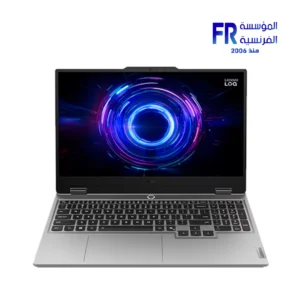 Lenovo LOQ 15IRX10 83JE004QAX - Intel Core i7-13650HX - 24GB DDR5 4800Mhz - 512GB PCIe 4.0 NVMe SSD - RTX 5060 8GB - 15.6 inch 144Hz FHD IPS G-SYNC - White Backlit Arabic Keyboard - NO OS - LA1 AI Chip - Luna Grey Gaming Laptop
 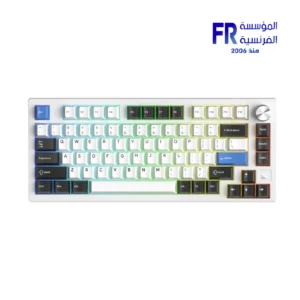 Dareu EK75 RT Magnetic Switch 75% Compact Gasket Mount With Volume Knob RGB White Wired Mechanical Gaming Keyboard
 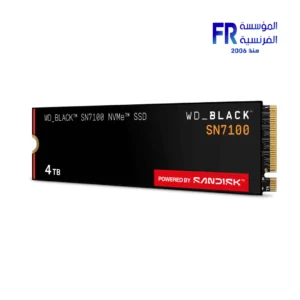 Western Digital Black SN7100 4TB M2 2280 PCIe Gen 4 Nvme Internal Solid State Drive SSD
 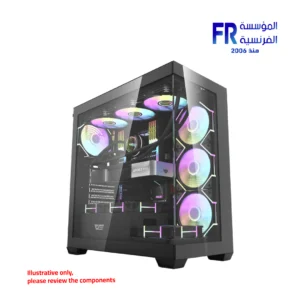 DarkFlash DS900 Panoramic TG With 4 DM20 ARGB Fans With GP750 750W 80 Plus Bronze With APC1 Controller Black Mid Tower Gaming Case
 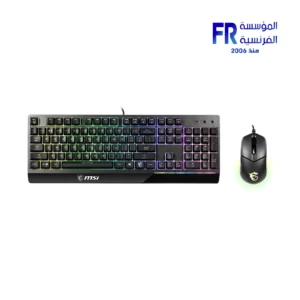 MSI Vigor GK30 Plunger RGB Arabic Wired Keyboard and Mouse Gaming Combo
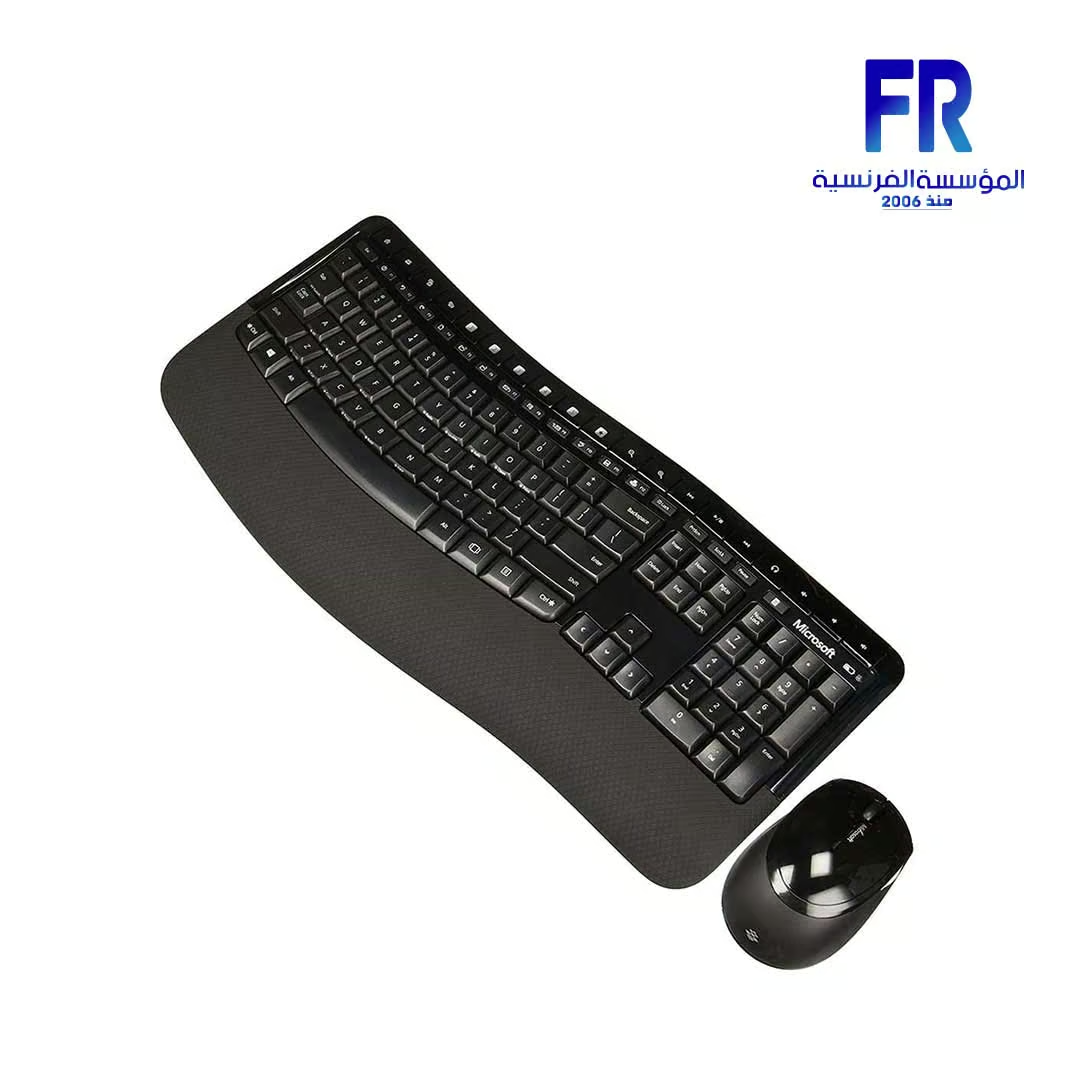
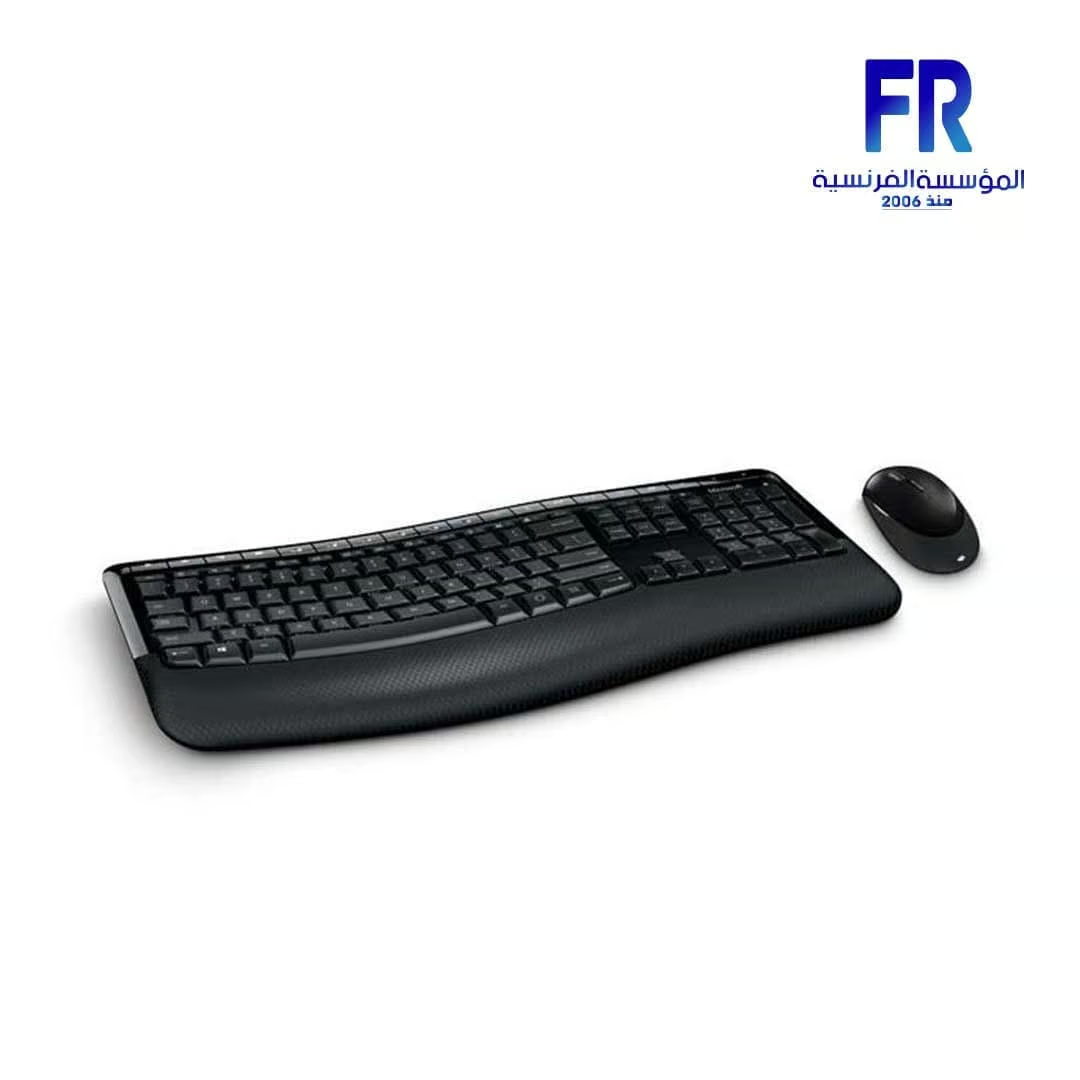
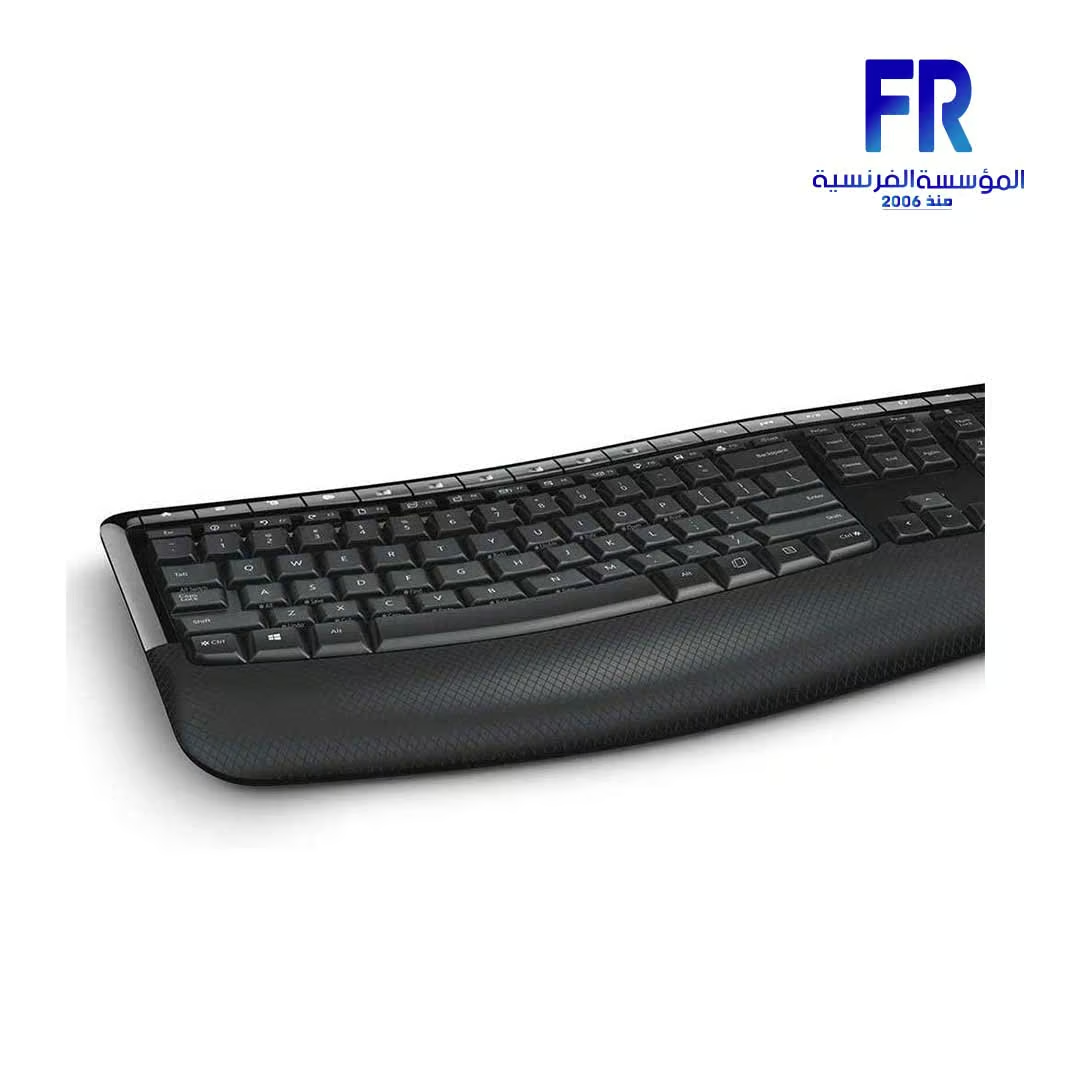
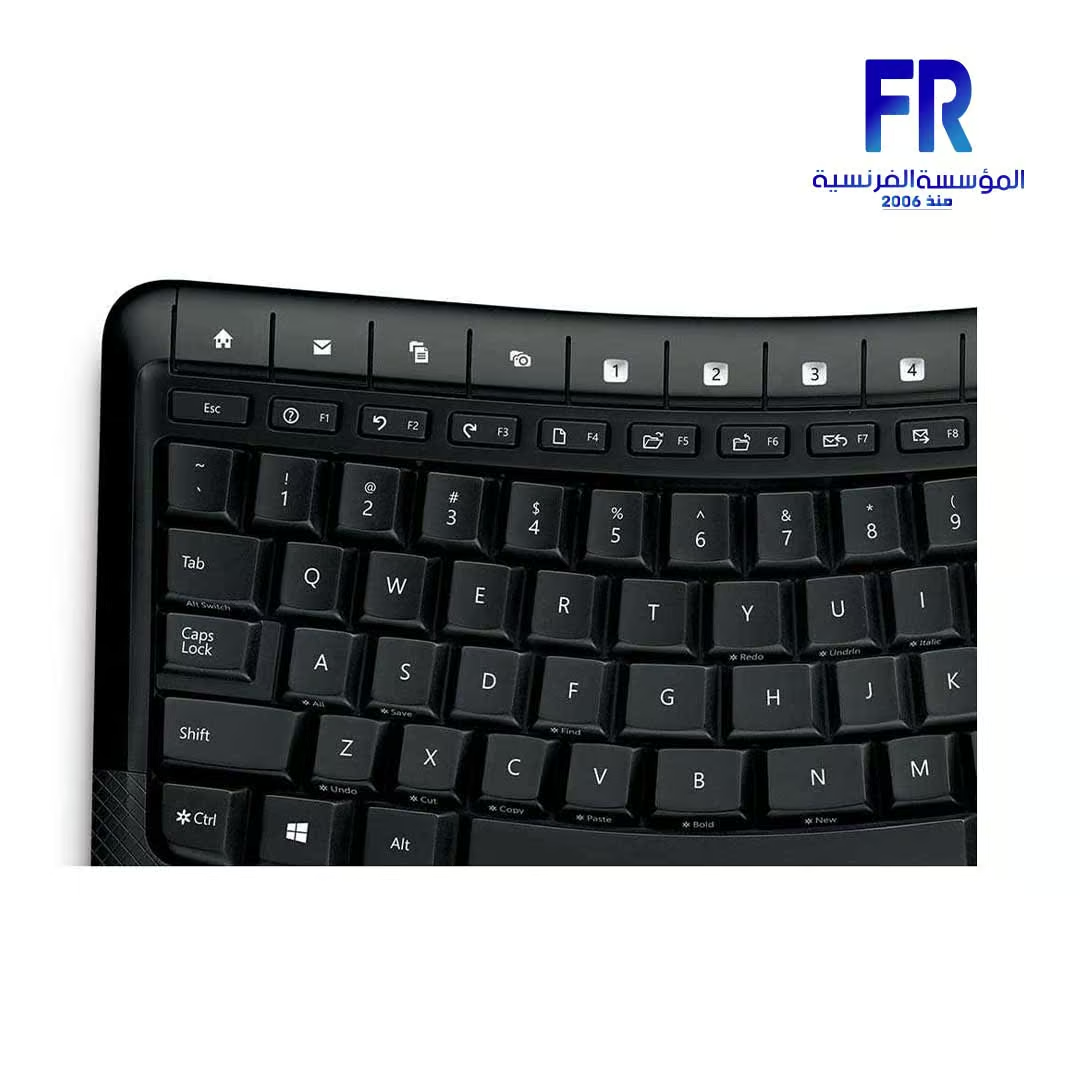
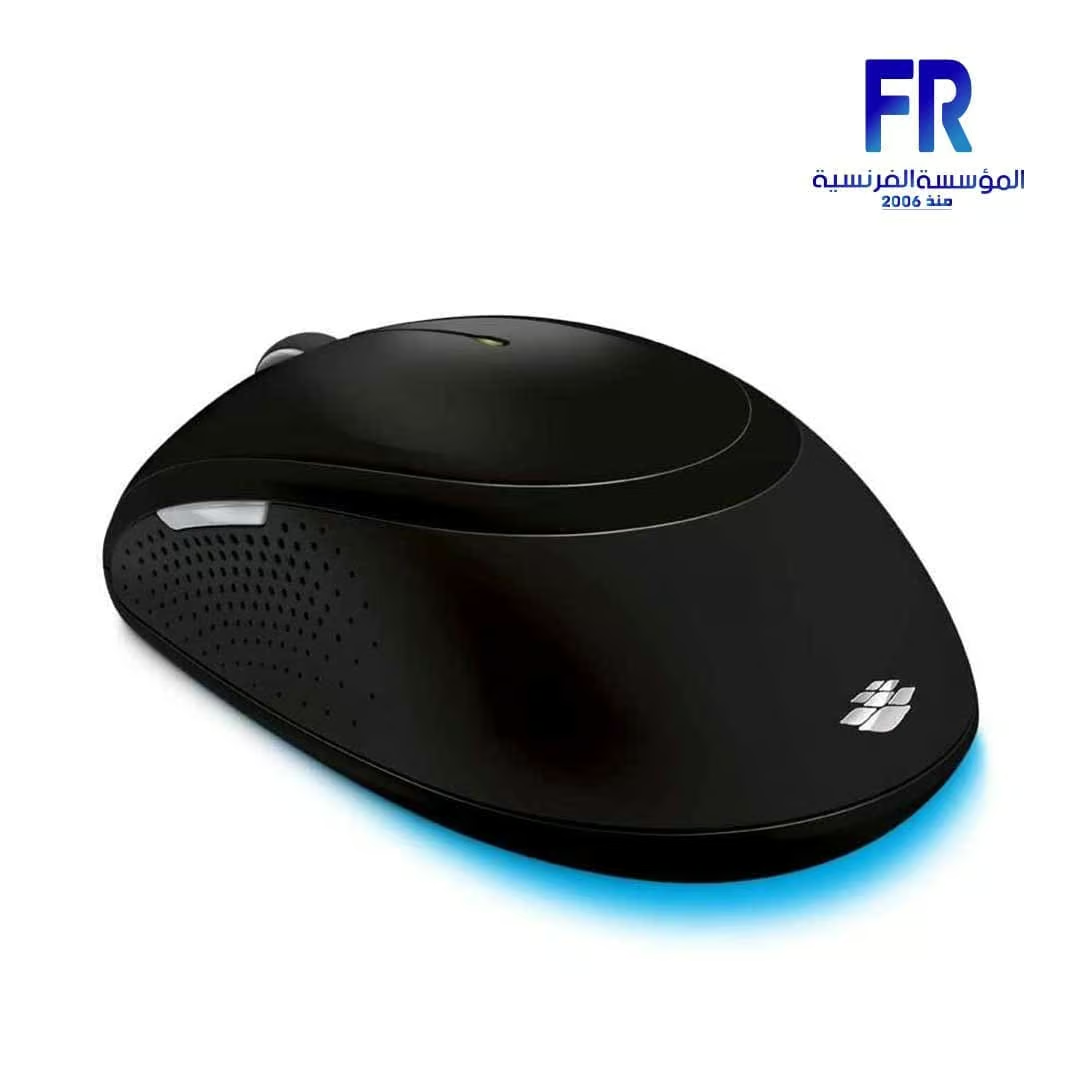

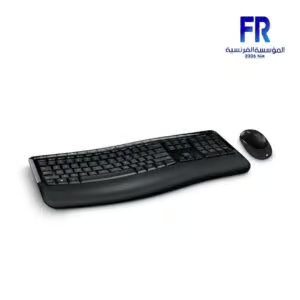
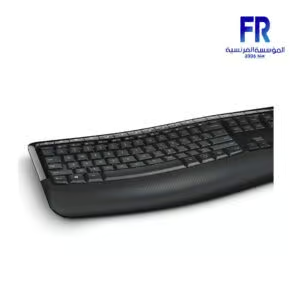

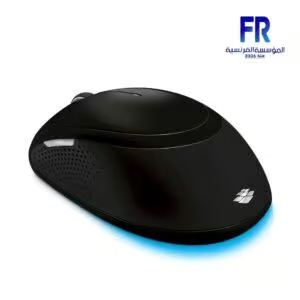
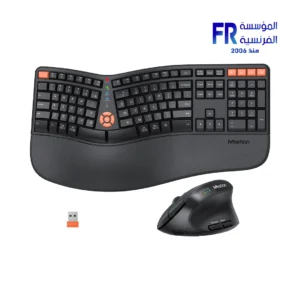
Microsoft Comfort 5050 Wireless Keyboard And Mouse Combo
1045 EGP
- MODEL: Comfort 5050 Wireless
- CONNECTIVITY: WIRELESS
- DESIGN: Ergonomic
- KEYBOARD LAYOUT: Comfort Curve
- KEYBOARD SIZE: FULL
- KEYBOARD FEATURES: Customizable Keys
- MOUSE BUTTONS: 3
- OPTIMIZED FOR: Windows
- COLOR: Black
- PART NUMBER: pp4-00018
- WARRANTY: 1 Year
Out Of Stock.
Microsoft Comfort 5050 Wireless Keyboard and Mouse Combo
Experience enhanced comfort during your workday with the Microsoft Comfort 5050 Combo (Link opens official Microsoft product page). This wireless keyboard and mouse set is ergonomically designed to promote a more natural posture for your hands and wrists. Specifically, it aims to reduce strain during extended computer use. Furthermore, it offers the convenience of wireless connectivity and potentially customizable features for a personalized workflow.
Discover the Microsoft Comfort 5050 Combo
The keyboard in the Microsoft Comfort 5050 Combo likely features an ergonomic, curved design (sometimes called a Comfort Curve layout). This encourages a more relaxed wrist and hand position compared to traditional keyboards. Additionally, you may be able to customize shortcut keys or other features using the Microsoft Mouse and Keyboard Center software* (download required), helping you work more efficiently.
Moreover, the included wireless mouse is also crafted for comfort. Its shape is likely designed to fit naturally in your hand, reducing fatigue. It connects wirelessly alongside the keyboard via a single USB transceiver, minimizing cable clutter. This focus on ergonomics makes the Microsoft Comfort 5050 Combo particularly suitable for users who spend many hours at their computer seeking ergonomic peripherals.
Technical Specifications
- Product Name: Microsoft Comfort 5050 Wireless Keyboard and Mouse Combo
- Keyphrase Focus: Microsoft Comfort 5050 Combo
- Connectivity: Wireless (Requires USB port for transceiver)
- Compatibility (Requires PC meeting OS requirements):
- Fully Compatible: Windows 11/10/8.1/8/7 (32/64 bit)
- Limited Functionality: Mac OS X v10.7 – v10.10; Win RT 8/8.1; Android 3.2-5.0
- Not Compatible: iOS
- Software: Microsoft Mouse and Keyboard Center required for customizable features (150 MB download, needs latest Windows update)
- Required Batteries: 4 x AA alkaline batteries (included)
- Keyboard Dimensions (L x W x D): 18.1″ x 8.29″ x 0.98″ (459.2mm x 210.7mm x 25mm)
- Mouse Dimensions (L x W): 4.59″ x 2.77″ (117mm x 70.3mm)
Questions About the Microsoft Comfort 5050 Combo?
Who is the Microsoft Comfort 5050 Combo for?
The Microsoft Comfort 5050 Combo is primarily designed for individuals seeking improved ergonomic comfort during long hours of computer use. This includes office professionals, students, writers, and home users who experience wrist or hand strain with standard keyboards. Specifically, it suits those prioritizing a more natural posture and reliable wireless performance over advanced gaming features.
Why choose the Microsoft Comfort 5050 Combo?
You should choose the Microsoft Comfort 5050 Combo mainly for its ergonomic design. Both the keyboard and mouse are likely shaped to promote better posture and reduce strain. Furthermore, it offers the convenience of wireless connectivity and potential customization via the Microsoft Mouse and Keyboard Center software. It’s a practical choice for prioritizing comfort in daily computing tasks.
What are the Pros?
- Ergonomic Design: Aims to improve wrist and hand posture for greater comfort.
- Wireless Convenience: Reduces desk clutter with a wireless connection via USB transceiver.
- Potentially Customizable: Features may be customized using Microsoft software*.
- Comfort for Extended Use: Designed to minimize strain during long sessions.
- Full Compatibility with Windows: Works seamlessly with Windows 11/10/8/7.
What are the Cons?
- Ergonomic Learning Curve: The curved keyboard design may require some adaptation time.
- Software Required: Full customization depends on downloading and installing software.
- Larger Keyboard Footprint: Ergonomic keyboards can take up more desk space.
- Battery Requirement: Requires 4 AA batteries (though life expectancy is usually good).
- Limited Mac/Android Functionality: Some features may not work outside of Windows.
Our Verdict on the Microsoft Comfort 5050 Combo
Overall, the Microsoft Comfort 5050 Combo stands out as an excellent choice for users prioritizing ergonomic well-being. Its design focuses on providing a more comfortable and natural typing and navigation experience, potentially reducing strain during extended use. While it requires software for customization and has limited functionality on non-Windows systems, its core benefit lies in its ergonomic shape combined with reliable wireless performance. Therefore, if comfort is your main concern in a keyboard and mouse set, the Microsoft Comfort 5050 Combo is a strong contender worth serious consideration.
Only logged in customers who have purchased this product may leave a review.


Reviews
There are no reviews yet.