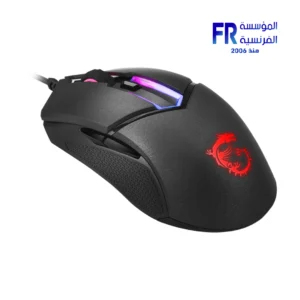
-
×
 Thermalright Assassin X 120 Refined SE ARGB Single Tower Cpu Air Cooler
1 × 1000 EGP
Thermalright Assassin X 120 Refined SE ARGB Single Tower Cpu Air Cooler
1 × 1000 EGP -
×
 Redragon P035 Meteor S Wrist Rest Pad
1 × 390 EGP
Redragon P035 Meteor S Wrist Rest Pad
1 × 390 EGP -
×
Logitech Brio 100 FHD Rose USB C Webcam
1 × 2200 EGP
-
×
Cooler Master TD500 MAX ARGB TG With ML360 Atmos AIO and GX II Gold 850W PSU Gun Metal Mid Tower Gaming Case
1 × 19777 EGP
-
×
ViewSonic GAMING VX24G1 HD 24 Inch 180Hz 1Ms FHD IPS HDR10 G Sync Gaming Monitor
1 × 5499 EGP
-
×
Tplink UB500 Bluetooth 5.3 Nano Usb Adapter
1 × 400 EGP
-
×
FSP VITA GM 850W 80 PLUS Gold Certified ATX 3.1 PCIe 5.1 Fully Modular Power Supply
1 × 5900 EGP
-
×
Zotac Gaming GeForce RTX 5070 Solid 12GB GDDR7 Graphic Card
1 × 33999 EGP
-
×
Thermalright LGA 1851-BCF Black ILM Bending Correct Frame Cpu Bracket
1 × 450 EGP
-
×
ViewSonic GAMING XG2737 27 Inch 520Hz 1Ms FHD Fast IPS G Sync HDR10 Gaming Monitor
1 × 24999 EGP
-
×
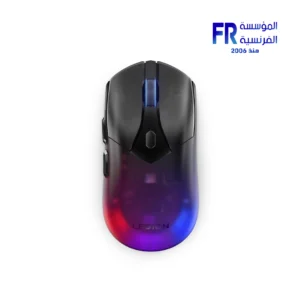
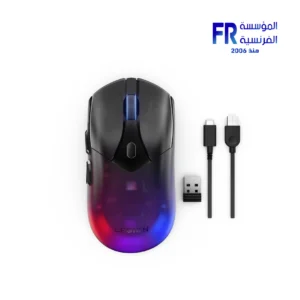
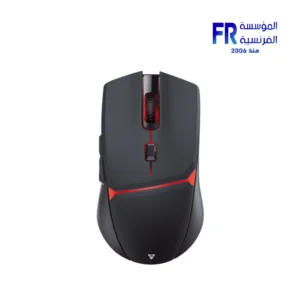
Fantech WG9S Kanata S Wireless Gaming Mouse
1 × 1800 EGP
 Redragon P035 Meteor S Wrist Rest Pad
  Logitech Brio 100 FHD Rose USB C Webcam
 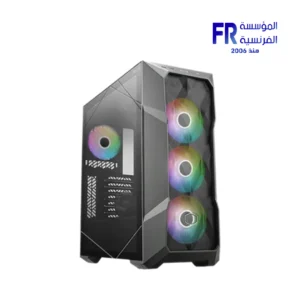 Cooler Master TD500 MAX ARGB TG With ML360 Atmos AIO and GX II Gold 850W PSU Gun Metal Mid Tower Gaming Case
 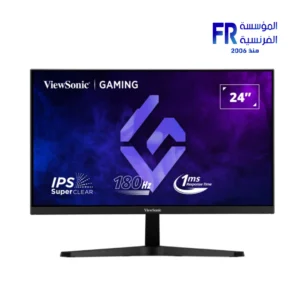 ViewSonic GAMING VX24G1 HD 24 Inch 180Hz 1Ms FHD IPS HDR10 G Sync Gaming Monitor
  Tplink UB500 Bluetooth 5.3 Nano Usb Adapter
 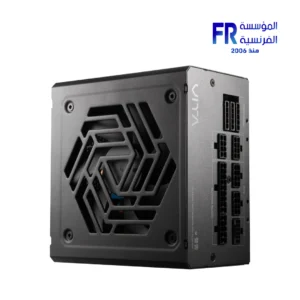 FSP VITA GM 850W 80 PLUS Gold Certified ATX 3.1 PCIe 5.1 Fully Modular Power Supply
 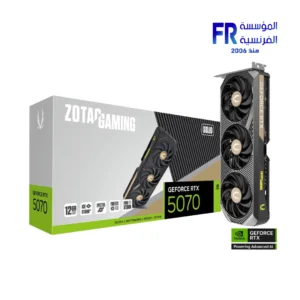 Zotac Gaming GeForce RTX 5070 Solid 12GB GDDR7 Graphic Card
 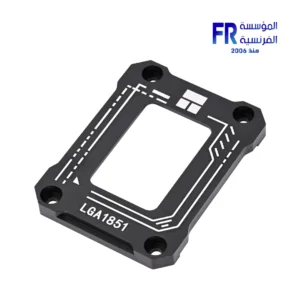 Thermalright LGA 1851-BCF Black ILM Bending Correct Frame Cpu Bracket
 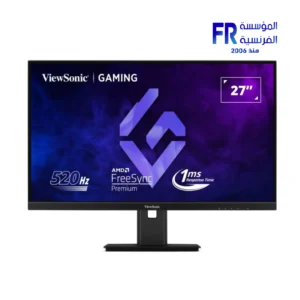 ViewSonic GAMING XG2737 27 Inch 520Hz 1Ms FHD Fast IPS G Sync HDR10 Gaming Monitor
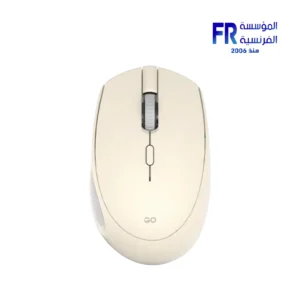
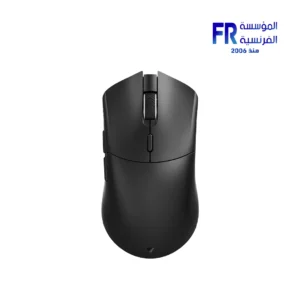
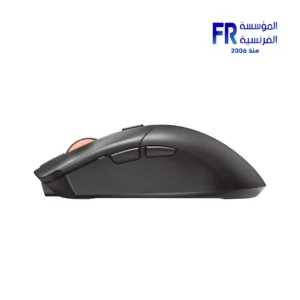
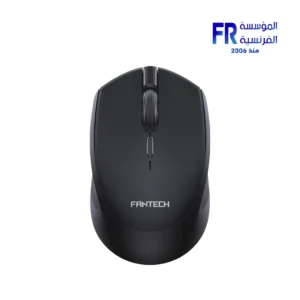
 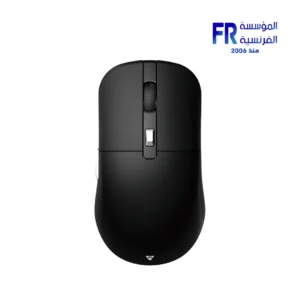 Fantech WG9S Kanata S Wireless Gaming Mouse
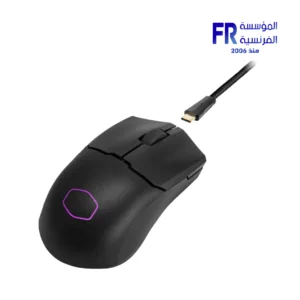
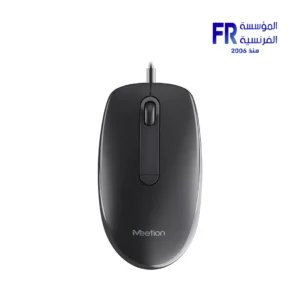
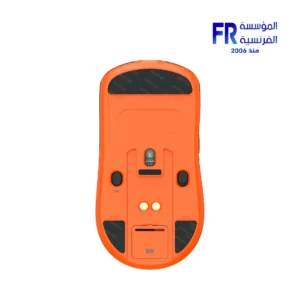
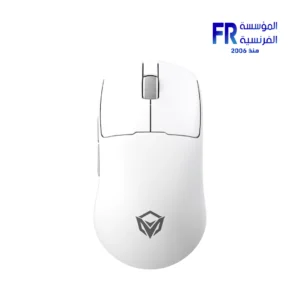
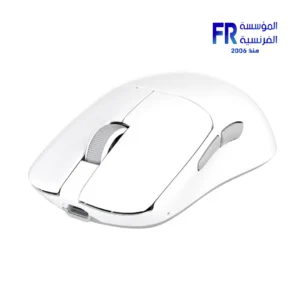
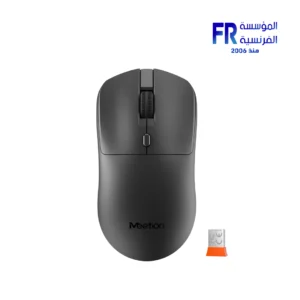
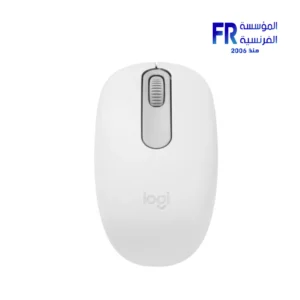
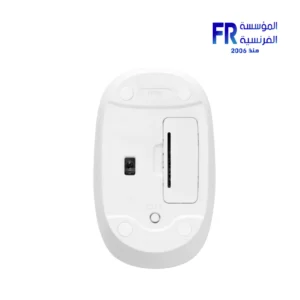
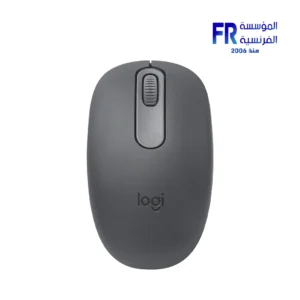
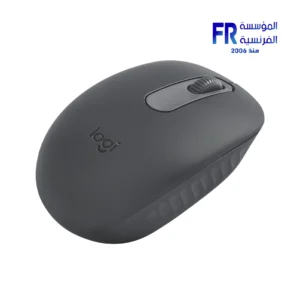
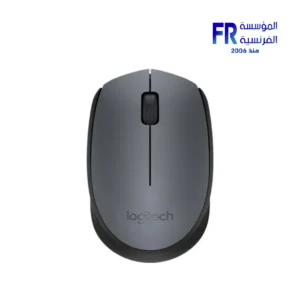
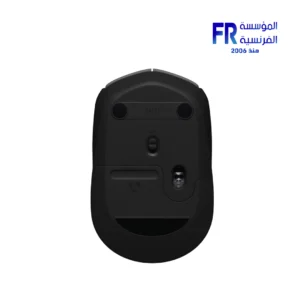
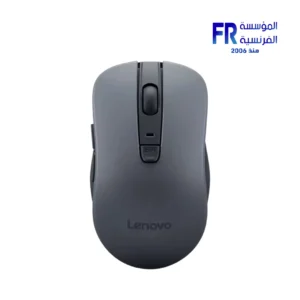
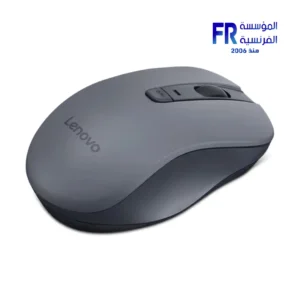
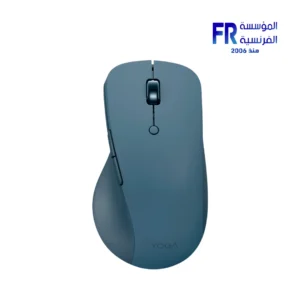
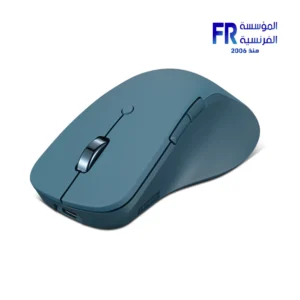
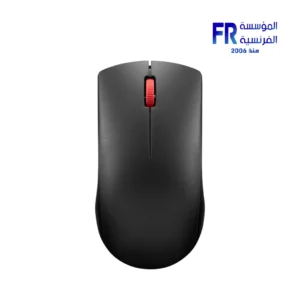
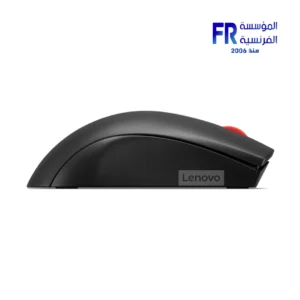
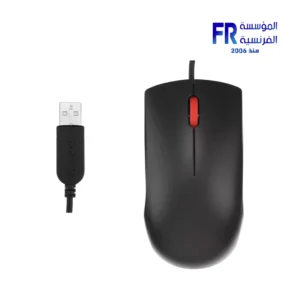
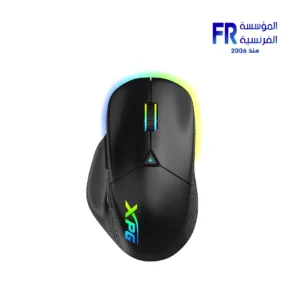
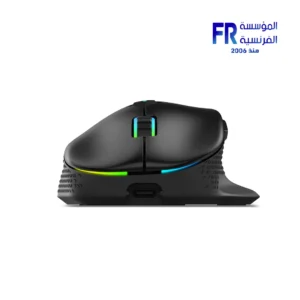
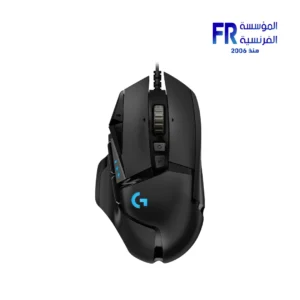
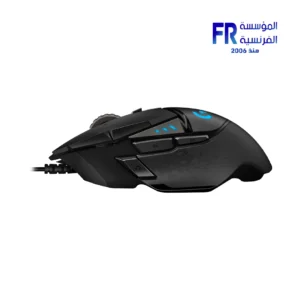
A mouse is a pointing device used to control the cursor on a computer screen. It is typically held in the dominant hand and moved across a flat surface, such as a mousepad. The cursor moves on the screen in response to the movement of the mouse.
Mice have two buttons, which are typically used to click and right-click on objects on the screen. Some mice also have a scroll wheel, which can be used to scroll up and down pages or documents.
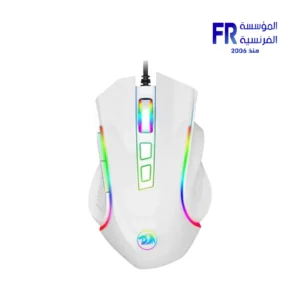
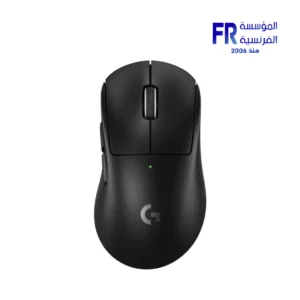
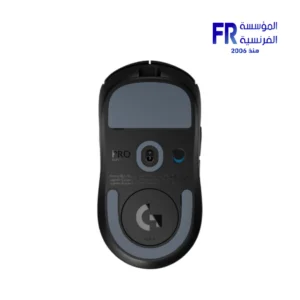
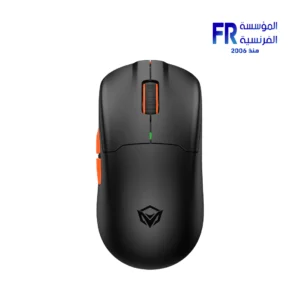
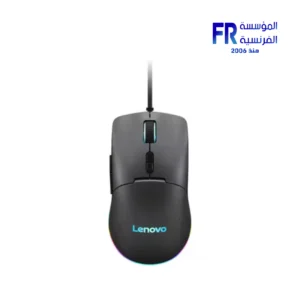
Gaming mice are specially designed for use in video games. They often have more features than standard mice, such as additional buttons, programmable macros, and high DPI sensors.
Here are some of the most popular gaming mice on the market:
Razer DeathAdder V3 Pro
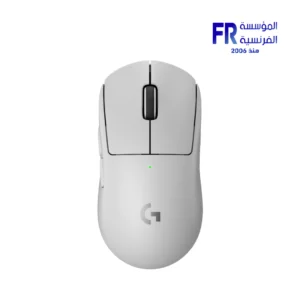
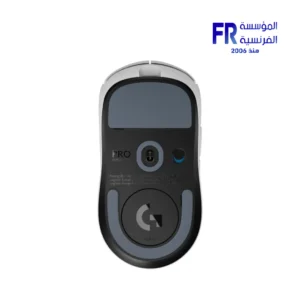
Logitech G Pro X Superlight
SteelSeries Aerox 3 Wireless
Corsair Ironclaw RGB Wireless
Roccat Kone XP Air
ASUS ROG Gladius III Wireless
When choosing a gaming mouse, it is important to consider the following factors:
Grip style: Do you use a palm grip, claw grip, or fingertip grip? Choose a mouse with a shape that is comfortable for your grip style.
Hand size: Choose a mouse that is the right size for your hand. Too small of a mouse can lead to cramps, while too large of a mouse can be difficult to control.
Weight: Choose a mouse that is the right weight for you. Some gamers prefer a lighter mouse, while others prefer a heavier mouse.
Features: Consider what features are important to you, such as additional buttons, programmable macros, and highDPI sensors.
Price: Gaming mice can range in price from around $20 to $200. Choose a mouse that fits your budget and needs.
Once you have considered all of these factors, you will be able to choose the best gaming mouse for you.
الفأرة عبارة عن جهاز تأشير يستخدم للتحكم في المؤشر الموجود على شاشة الكمبيوتر. يتم حملها عادة باليد المسيطرة وتحريكها على سطح مستو، مثل لوحة الماوس. يتحرك المؤشر على الشاشة استجابة لحركة الماوس.
تحتوي الفئران على زرين، يُستخدمان عادةً للنقر والنقر بزر الماوس الأيمن على الكائنات الموجودة على الشاشة. تحتوي بعض أجهزة الماوس أيضًا على عجلة تمرير، والتي يمكن استخدامها لتمرير الصفحات أو المستندات لأعلى ولأسفل.
تم تصميم ماوس الألعاب خصيصًا للاستخدام في ألعاب الفيديو. غالبًا ما تحتوي على ميزات أكثر من الفئران القياسية، مثل الأزرار الإضافية ووحدات الماكرو القابلة للبرمجة وأجهزة استشعار عالية الدقة لكل بوصة.
فيما يلي بعض من أكثر أجهزة ماوس الألعاب شيوعًا في السوق:
الماسح DeathAdder V3 برو
لوجيتك جي برو اكس سوبر لايت
ستيل سيريز ايروكس 3 لاسلكي
قرصان أيرونكلو RGB اللاسلكية
روكات كوني إكس بي إير
ASUS ROG Gladius III اللاسلكي
عند اختيار ماوس الألعاب، من المهم مراعاة العوامل التالية:
أسلوب القبضة: هل تستخدم قبضة الكف، أو قبضة المخلب، أو قبضة أطراف الأصابع؟ اختر ماوسًا ذو شكل مريح يناسب أسلوب قبضتك.
حجم اليد: اختر ماوسًا بالحجم المناسب ليدك. يمكن أن يؤدي حجم الفأر الصغير جدًا إلى حدوث تشنجات، بينما قد يكون من الصعب التحكم في حجم الفأر الكبير جدًا.
الوزن: اختر ماوسًا ذا الوزن المناسب لك. يفضل بعض اللاعبين الفأرة الأخف، بينما يفضل البعض الآخر الفأرة الأثقل.
الميزات: ضع في اعتبارك الميزات المهمة بالنسبة لك، مثل الأزرار الإضافية ووحدات الماكرو القابلة للبرمجة وأجهزة الاستشعار ذات DPI العالية.
السعر: يمكن أن يتراوح سعر ماوس الألعاب من حوالي 20 دولارًا إلى 200 دولار. اختر الماوس الذي يناسب ميزانيتك واحتياجاتك.
بمجرد أن تأخذ في الاعتبار كل هذه العوامل، ستتمكن من اختيار أفضل ماوس ألعاب لك.
Out of stock

Out of stock
Out of stock



Out of stock
Out of stock
Out of stock
Out of stock
Out of stock

Out of stock
Out of stock

Out of stock
Out of stock
Out of stock